
Personal AI is moving beyond the idea of asking a chatbot a question and waiting for an answer. In 2026, major AI platforms are increasingly trying to understand information scattered across your apps, files, messages, photos, calendars and devices so they can provide answers based on your actual digital life.
Google's Gemini now offers Personal Intelligence that can connect services such as Gmail, Google Photos, YouTube and Search. Microsoft Copilot can connect to services including OneDrive, Outlook, Google Drive and Gmail. Apple is taking a more integrated device-level approach with Apple Intelligence, which can use personal context, on-screen information and app actions across iPhone, iPad, Mac, Apple Watch and Vision Pro.
The next step is even more significant: AI assistants are beginning to act across those connected services, turning them from conversational tools into interfaces for your digital life.
What is personal AI?
Personal AI is an assistant that can use information from your own digital ecosystem to provide more relevant answers and, increasingly, complete tasks.
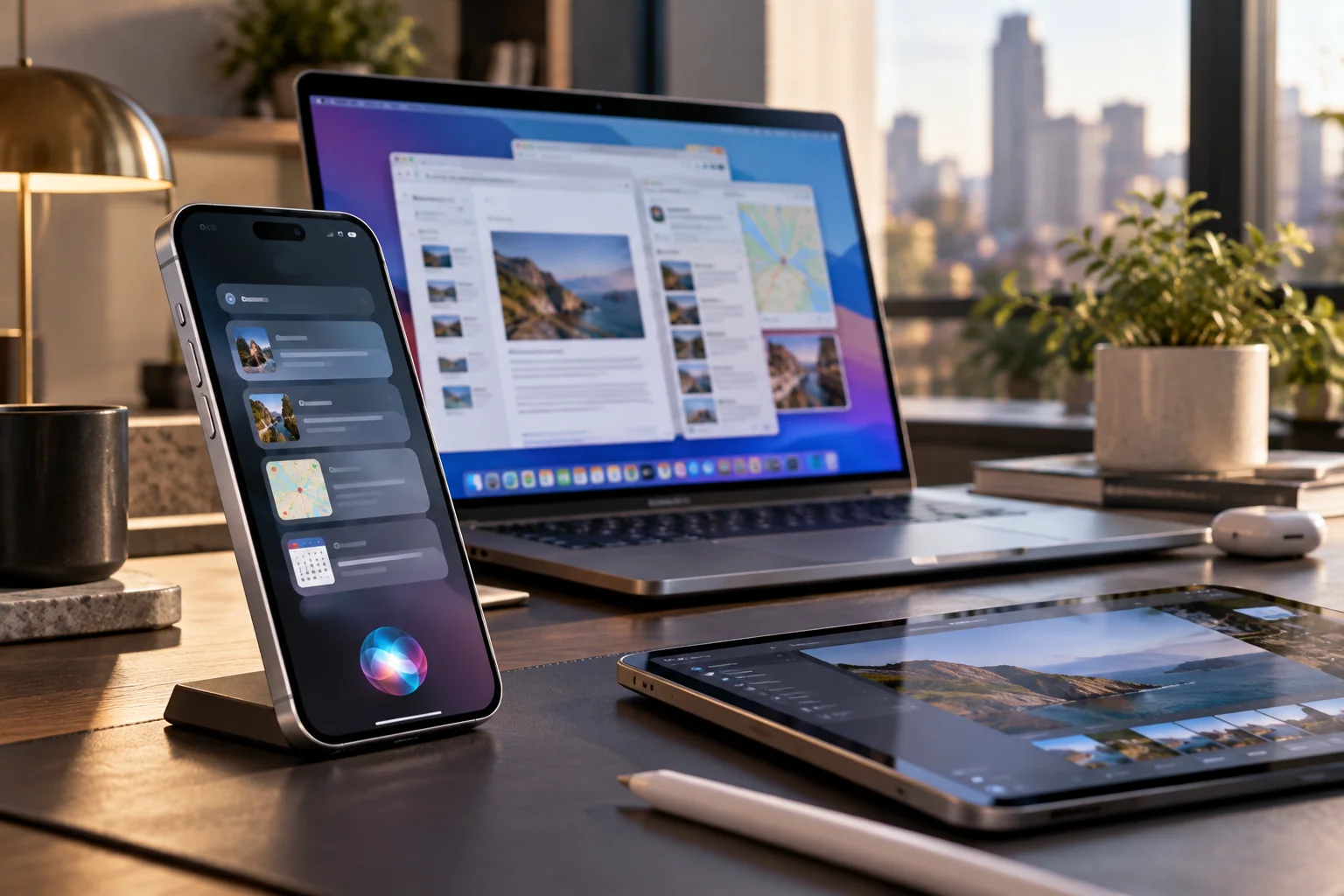
A traditional chatbot might answer, "What should I pack for my trip?"
A personal AI could potentially look at your calendar, find a hotel confirmation in Gmail, check information from previous trips and use your preferences to create a more useful answer.
Google describes Personal Intelligence in almost exactly this way. It can connect information across Google services to answer questions without requiring users to manually provide all the surrounding context.
That context is what makes personal AI different.
How are AI assistants connecting to apps?
Connected-app systems allow an AI assistant to retrieve information from other services and, in some cases, perform actions through them.
Google has been expanding Gemini's Connected Apps throughout 2026. Recent additions include productivity tools such as Airtable, Linear, monday.com and Zoho, as well as creative services including Adobe, Picsart, Squarespace and Webflow.
Gemini can therefore become a single interface for tasks that previously required moving between several applications.
Instead of opening multiple tabs, a user might ask the assistant to find information, organize it and then use a connected application to continue the workflow.
The important shift is that the app becomes the tool, while the AI becomes the interface.
How is Google Gemini becoming more personal?
Google is combining connected apps with personal information and agentic capabilities.

Personal Intelligence can connect Gmail, Google Photos, YouTube and Search, allowing Gemini to reason across information stored in different Google services.
Google has also introduced Gemini Spark, described as a personal AI agent capable of working across Google Workspace tools such as Gmail, Docs and Sheets. Google says Spark can operate in the background and complete certain tasks even when the user's laptop is closed or phone is locked.
That represents a significant change in the assistant model.
Instead of asking an AI to help you perform a task step by step, you can increasingly describe the desired outcome and allow the system to handle parts of the workflow.
How is Apple approaching personal AI?
Apple is building personal intelligence directly into its operating systems and devices.
Apple Intelligence now provides personal-context understanding, app actions and onscreen awareness across Apple's major platforms. Developers can expose app capabilities to Siri AI through Apple's App Intents system.
Apple's newer Siri AI can search across information such as messages, emails and photos, understand what's currently displayed on the screen and perform more systemwide actions across apps.
This is a different philosophy from simply connecting a collection of third-party services.
Apple wants the assistant to understand the device and operating system itself, making Siri more like a system-level interface.
Privacy is also central to Apple's approach. Apple says complex requests can use Private Cloud Compute without storing the user's personal data, while certain processing happens directly on the device.
What is Microsoft doing with personal AI?
Microsoft is turning Copilot into a central interface for Microsoft 365 content while also supporting connections to external services.
Microsoft's Copilot connectors can link services such as OneDrive, Outlook, Google Drive and Gmail. Users can ask Copilot to locate files, find emails, check calendars and retrieve other information from connected accounts.
The Microsoft Copilot app also connects directly with Word, Excel, PowerPoint, Outlook and other Microsoft 365 content, giving users a way to move between AI assistance and their existing work.
For businesses, this is particularly significant because an assistant can potentially work with information that already exists inside an organization's productivity environment rather than requiring employees to copy information into an AI chatbot.
Why do files matter so much to personal AI?
Files contain the accumulated information that makes an assistant genuinely useful over time.

Your cloud storage may contain tax documents, presentations, research, photos, contracts, receipts and years of personal projects.
Previously, finding something often meant remembering which folder or service contained it.
A connected AI can potentially understand the contents rather than relying entirely on filenames.
Microsoft, for example, gives users prompts such as asking Copilot to find a budget spreadsheet, locate recent PDFs or retrieve a flight confirmation from email.
The long-term idea is straightforward: your files become a knowledge base that you can query conversationally.
Does personal AI mean AI will control your devices?
Increasingly, AI is gaining the ability to perform actions, but the level of control varies considerably between platforms and tasks.
Google's Gemini ecosystem is moving toward agentic experiences that can take actions across connected applications. Apple is exposing app actions through Siri and App Intents. Microsoft is combining Copilot with Microsoft 365 applications and connected services.
This could eventually mean asking an assistant to organize files, prepare a document, schedule something or update information across multiple applications.
But access needs boundaries.
The more services an AI can reach, the more important permissions, confirmation controls and privacy settings become.
What are the privacy risks of personal AI?
The central privacy issue is that a more useful assistant generally needs access to more personal information.
An assistant that can search your Gmail, photos, files and calendar has a much richer understanding of your life than a standalone chatbot.
That can be extremely useful, but it also creates a larger privacy surface.
Google says users control which apps are connected to Personal Intelligence. Apple emphasizes on-device processing and Private Cloud Compute for its personal intelligence architecture.
Users should therefore pay attention to which accounts are connected, what permissions have been granted and whether an AI system can merely read information or also take actions.
Will personal AI replace individual apps?
Probably not immediately, but it could change how people interact with them.
You will still need Photoshop to perform advanced image editing and Excel for complex spreadsheet work. But you may increasingly start those applications indirectly through an AI assistant.
The assistant could find the relevant file, understand what you want changed and then invoke the appropriate application or tool.
That makes AI less like another application competing for attention and more like a control layer sitting above your existing software.
What does the future of personal AI look like?
The long-term direction is toward assistants that understand your context, remember relevant information and coordinate multiple apps to accomplish an outcome.

The pieces are already appearing in 2026.
Gemini connects personal information and third-party services. Apple Intelligence connects personal context with systemwide app actions. Microsoft Copilot connects AI with files, email, calendars and productivity applications.
The real test will be whether these systems can do that reliably without becoming intrusive.
Personal AI becomes genuinely useful when it can answer, "What do I need to know?" without requiring you to explain your entire digital history first.
The bigger challenge is making sure that convenience doesn't come at the cost of control.
Personal AI FAQs
What is personal AI?
Personal AI refers to AI assistants that can use information from a user's own apps, files, devices and services to provide more personalized answers and perform tasks.
Can Gemini access my Gmail and Photos?
Yes. Google's Personal Intelligence can connect Gemini with services including Gmail and Google Photos when users enable the relevant connections.
Can Apple Intelligence access information across apps?
Yes. Apple's newer Siri AI can use personal context from areas such as messages, emails and photos and perform systemwide app actions on supported devices.
Can Microsoft Copilot search Google Drive?
Yes. Microsoft lists Google Drive, Gmail, Google Calendar and Google Contacts among the services that can be connected to Copilot.
Is personal AI safe?
Safety depends on the platform, permissions and how connected services are configured. Users should review which accounts are linked and what an assistant is permitted to access or change.
Will AI assistants eventually control multiple apps at once?
That is already becoming possible in limited workflows. Google's connected-app and agentic features, Apple's App Intents and Microsoft's Copilot integrations all point toward assistants coordinating actions across multiple applications.