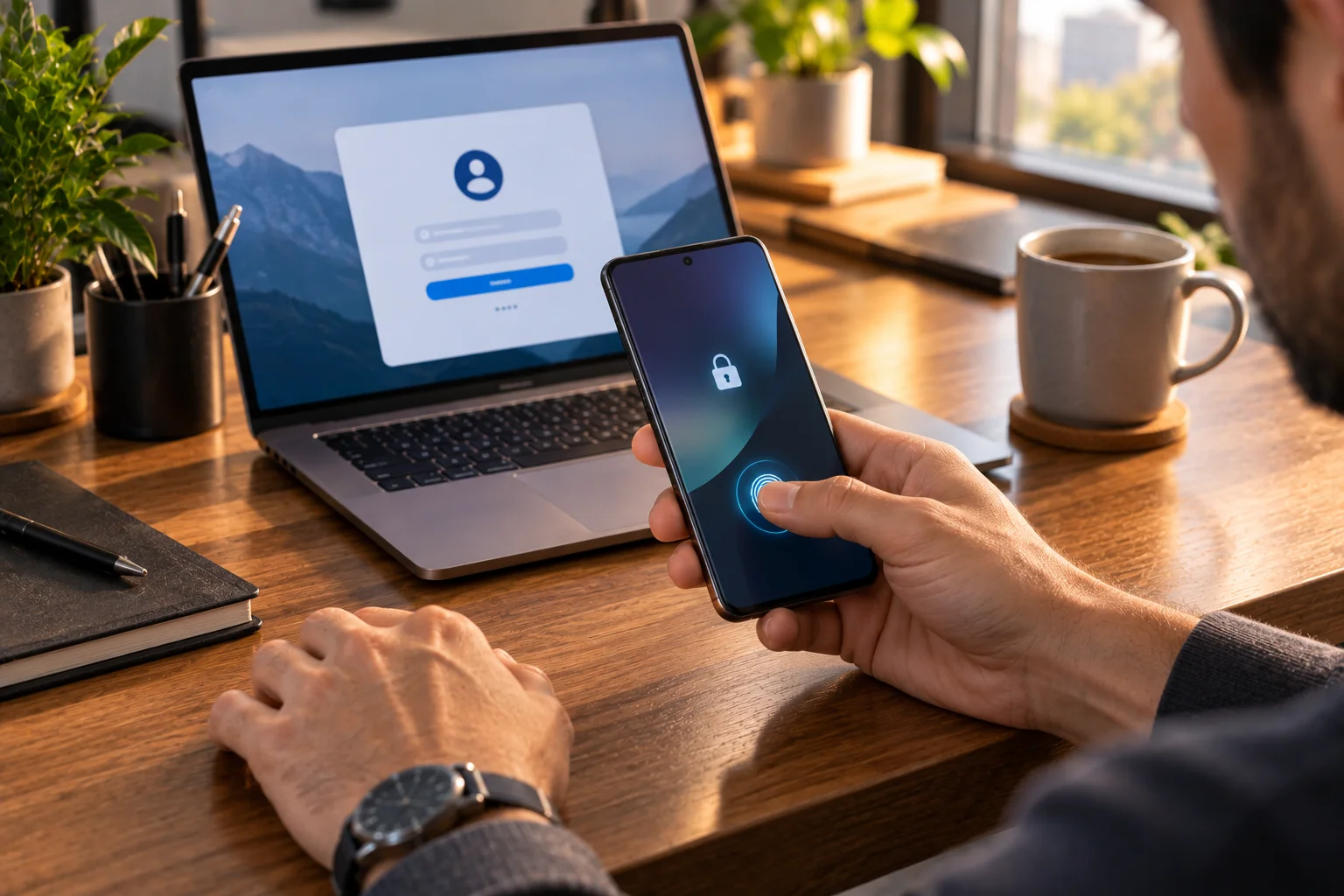
Passkeys replace the traditional password with a cryptographic credential stored on a device or passkey manager. Instead of typing a secret into a website, you unlock your phone with your fingerprint, face, PIN or screen lock, and the device proves that you own the account.
That sounds like a small change.
It isn't.
With a password, your login depends on something you know.
With a passkey, authentication is tied to something you have and can unlock.
Your phone can effectively become the key to your Google account, banking account, shopping account or other supported services.
Apple already lets users create and store passkeys in iCloud Keychain, while Android can save and sync passkeys through its password manager. Google supports passkey sign-in using a fingerprint, face scan or device screen lock.
The security benefit is significant because a passkey doesn't work like a password that can simply be copied and entered into a fake website.
But there is a new responsibility:
You need to protect the devices and accounts that protect your passkeys.
That is where the transition becomes interesting.
What Exactly Is a Passkey?
A passkey is a cryptographic credential based on FIDO2 standards that allows a website or app to authenticate you without receiving a reusable password.
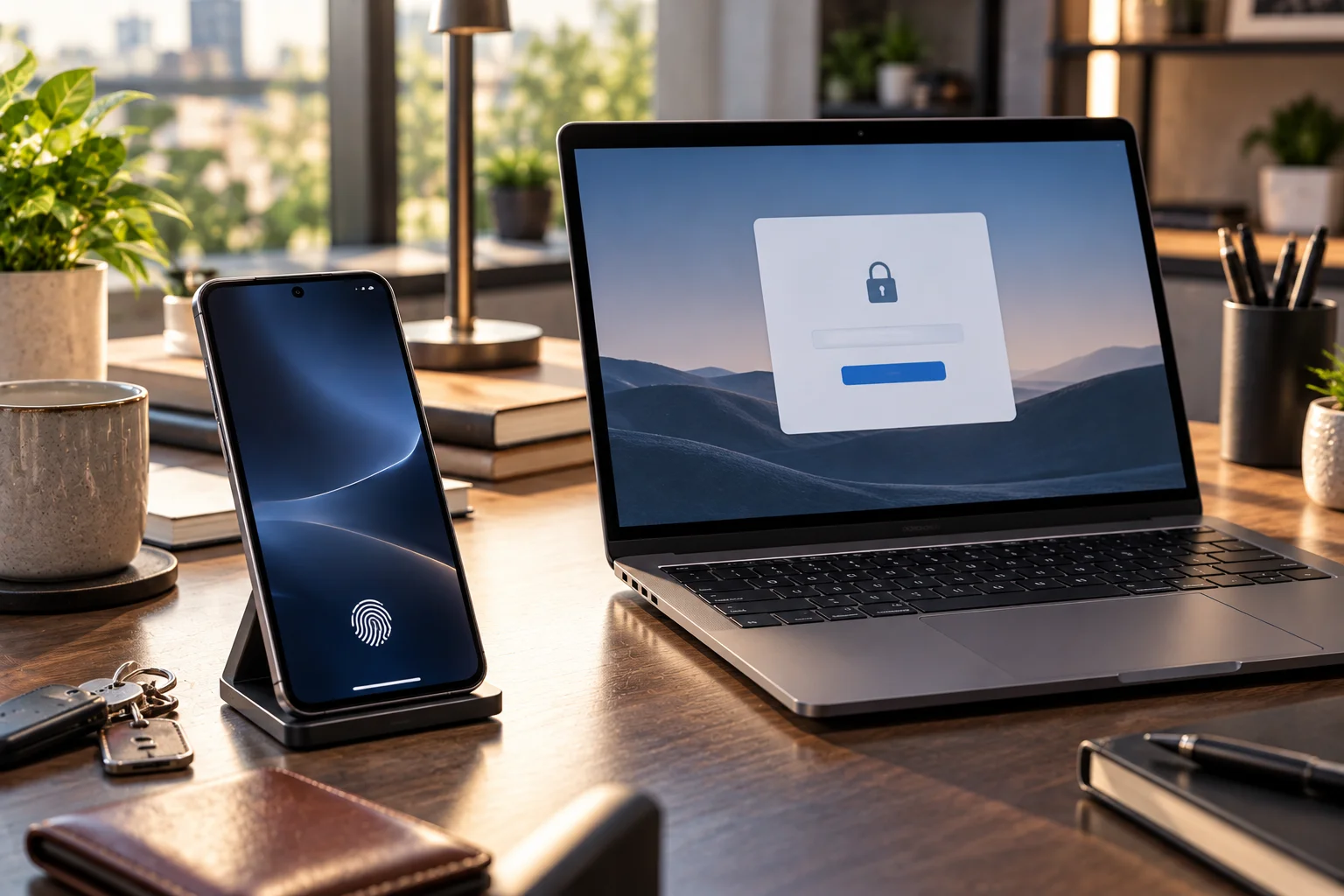
When you create a passkey, a public-private key pair is generated.
The website receives the public key.
The private key stays protected by your device or passkey provider.
When you log in, your device uses the private key to prove that you possess the correct credential.
The website doesn't receive your private key.
Apple explains that its passkeys use a public key that can be stored by the service while the private key is required for authentication and remains protected on the user's device.
FIDO describes passkeys as credentials that can either be synced across devices or bound to a particular device.
That's fundamentally different from a conventional password database.
What Happens When You Sign In With a Passkey?
Instead of entering a password, you normally select the passkey and unlock your device to approve the login.
The experience can look almost too simple.
You visit a website.
You enter your username or email if required.
The site asks for your passkey.
Your phone displays a prompt.
You use:
Face recognition
Fingerprint
PIN
Device passcode
Another supported screen-lock method
The authentication completes.
Google currently supports passkeys on Android 9 and later and iOS 16 and later for Google Account sign-in, with supported browsers and devices.
The important detail is that your face or fingerprint isn't sent to the website.
The biometric check happens locally on your device.
Does Your Face or Fingerprint Become the Password?
No. Your biometric data is used to unlock or authorize the passkey locally; the website doesn't receive your fingerprint or face data.
This is one of the most common misconceptions about passkeys.
When you use Face ID or a fingerprint sensor, the biometric system verifies you on the device.
The website receives the cryptographic authentication result, not your biometric template.
Google explicitly says biometric data used for passkeys remains on the device and isn't shared with Google.
FIDO similarly explains that biometric information stays on the user's device and isn't sent to a remote server.
So the architecture is closer to:
Biometric → unlock device credential → cryptographic authentication
rather than:
Biometric → send fingerprint to website
Why Are Passkeys Harder to Phish?
The biggest security advantage of passkeys is that they are designed to resist phishing because the credential is cryptographically tied to the legitimate website or service.
Consider a traditional password.
You receive an email:
"Your account needs verification."
You click a convincing fake login page.
You type your username and password.
The attacker gets them.
The same trick doesn't work in the same way with a passkey.
The passkey is associated with the legitimate website's identity. A fake website can't simply ask you to type your passkey into a text field.
FIDO identifies passkeys as phishing-resistant credentials, while the UK's National Cyber Security Centre announced in April 2026 that it would begin recommending passkeys wherever services support them.
That doesn't mean every attack disappears.
It means one particularly important class of credential theft becomes much harder.
What Changes When Your Phone Becomes Your Login Key?
Your phone stops being merely a device you use to access accounts and becomes part of the authentication infrastructure protecting those accounts.
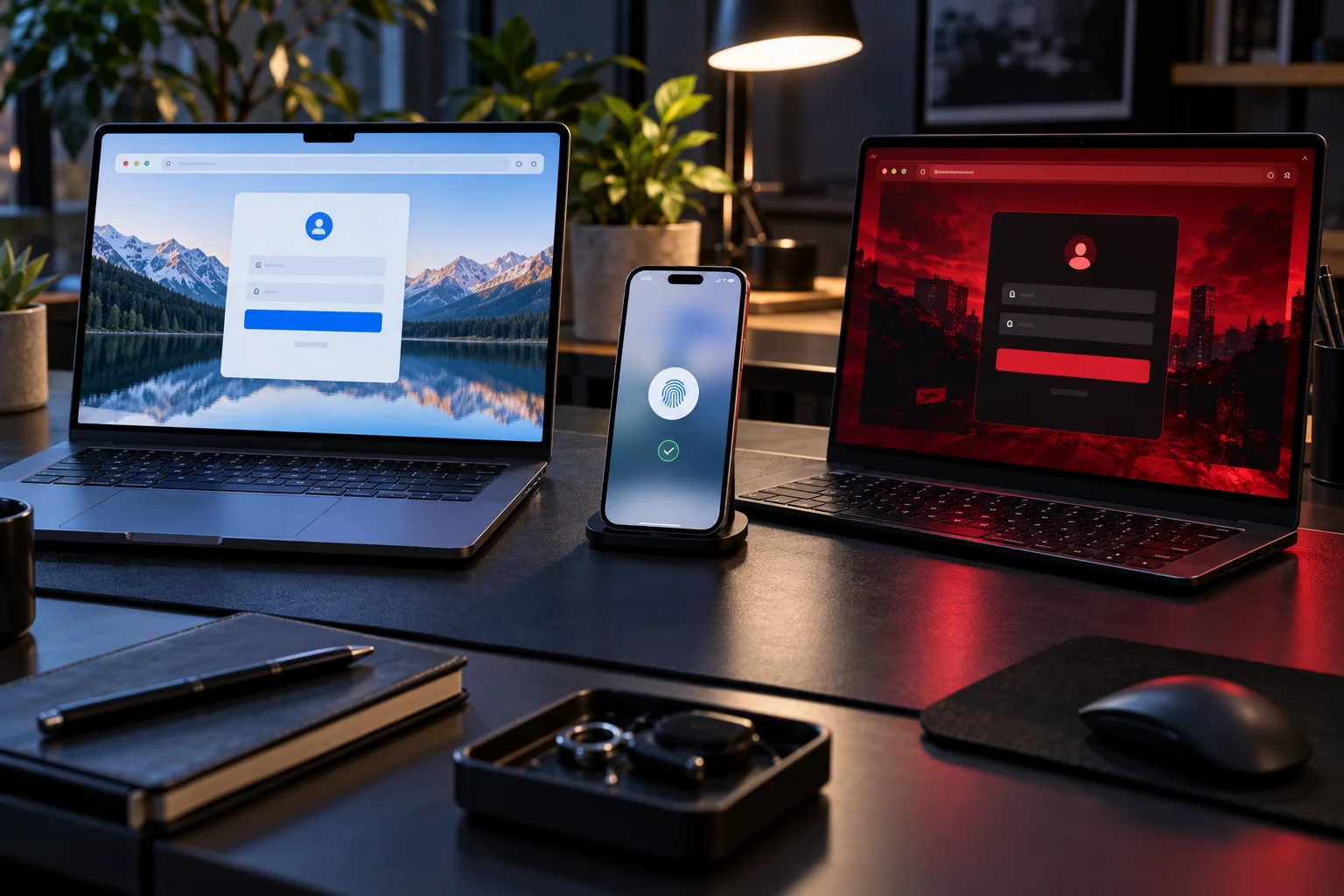
This changes your relationship with the phone.
Losing your phone used to mean:
"I need to replace my phone."
With passkeys, it can also mean:
"I need to make sure I can still authenticate to my important accounts."
That's why device security suddenly matters even more.
You should use:
A strong device passcode
Face or fingerprint authentication
Automatic updates
Account recovery options
A secure passkey provider
More than one trusted authentication path for critical accounts where appropriate
Google specifically warns users to create passkeys only on devices they personally own and regularly use because anyone who can unlock such a device may be able to access the associated account.
What Happens If You Lose Your Phone?
Losing your phone doesn't necessarily mean losing your passkeys, because many passkey systems can securely synchronize credentials across your devices.
This is where synced passkeys matter.
Apple's iCloud Keychain can sync passkeys between supported Apple devices, while Google Password Manager can sync passkeys across supported devices.
Imagine you lose your iPhone.
If your passkeys are securely synchronized to your other trusted Apple devices, you may still have access to them.
Similarly, an Android user with synchronized passkeys can restore access through supported devices and account recovery mechanisms.
This is one reason passkeys aren't simply equivalent to putting a physical key inside your phone.
The credential can belong to a secure ecosystem, not necessarily one physical handset.
But What If Your Phone Is the Only Device You Own?
This is where passkey recovery becomes important.
A user with one phone and no secondary device has a different risk profile from someone with:
Phone
Laptop
Tablet
Hardware security key
Recovery credentials
If the phone is lost, broken or stolen, you need a way to regain access.
That could involve:
A synchronized passkey provider
Another trusted device
Account recovery
A hardware security key
Another supported authentication method
The exact recovery process depends on the service.
Google, for example, maintains additional authentication and recovery factors even after a passkey is added to an account.
That means adopting passkeys doesn't necessarily mean immediately deleting every other recovery mechanism.
Are Synced Passkeys Less Secure Than Device-Bound Passkeys?
Synced passkeys trade some of the strict isolation of device-bound credentials for easier recovery and multi-device access.
FIDO distinguishes between:
Synced passkeys
The credential can securely synchronize across a user's devices through a passkey provider.
Device-bound passkeys
The credential remains tied to a particular authenticator or device and isn't synced in the same way.
Synced passkeys are convenient because replacing a device doesn't necessarily mean rebuilding every credential from scratch.
Device-bound credentials can be attractive for higher-security scenarios where keeping the credential tied to a specific authenticator is desirable.
Neither concept should simply be labeled "safe" or "unsafe."
They represent different trade-offs between:
portability, recovery and control.
FIDO says passkey syncing is designed to be end-to-end encrypted and that passkey providers use additional account security protections.
Does a Passkey Mean Passwords Are Completely Gone?
No. Passkeys and passwords currently coexist across much of the internet.
This is one of the biggest misconceptions surrounding the technology.
A website can support passkeys without removing passwords.
You might therefore see:
Passkey
alongside:
Password
Sign in with Google
One-time code
Security key
and other methods.
The FIDO Alliance's 2026 research makes this particularly clear: although passkey adoption has reached billions of credentials, passwords remain widely used, and many organizations are still operating mixed authentication environments.
The transition is gradual.
Why Are Websites Taking So Long to Eliminate Passwords?
Replacing passwords isn't simply a matter of adding a new button because websites also need account recovery, legacy login support, customer service processes and cross-device authentication.
A major service may have millions or billions of existing accounts.
It needs to answer questions such as:
What happens to existing passwords?
What if a user loses every device?
How does account recovery work?
What happens when a user switches ecosystems?
Can users authenticate on Windows?
Can an iPhone authenticate to a PC?
What happens on older browsers?
How should customer support handle lost credentials?
How should corporate administrators manage passkeys?
The technical standard is mature enough to support broad deployment.
In August 2026, WebAuthn Level 3 became a full W3C Recommendation, marking the latest major version of the web authentication API as a stable standard.
The remaining challenge is increasingly about deployment, recovery and user experience rather than simply inventing the authentication technology.
Can You Use Your Phone to Log In on a Computer?
Yes. A phone can act as a passkey authenticator for a computer, including through a QR-code-based cross-device flow.
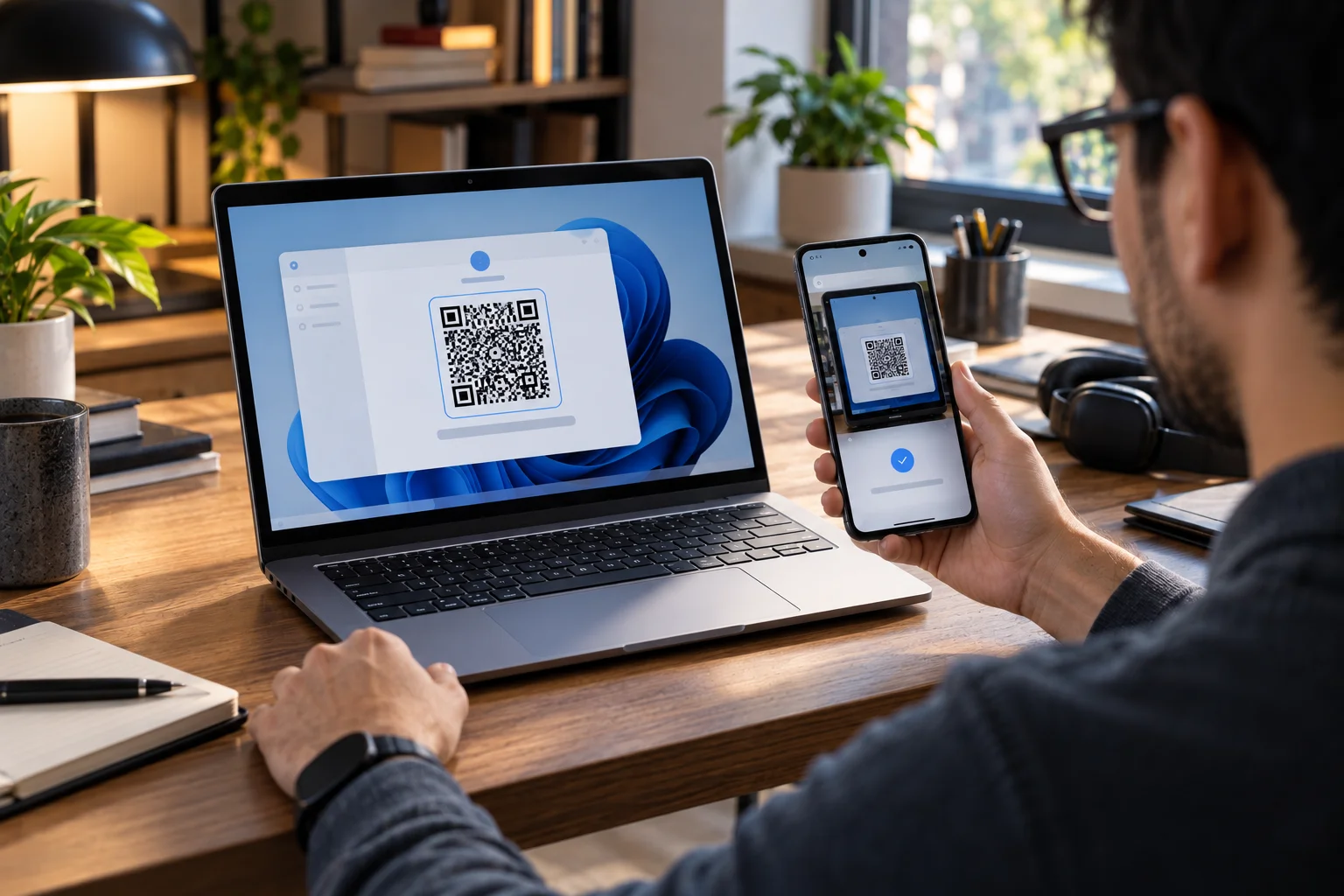
Google currently supports signing into a computer using a passkey stored on an Android device, iPhone, iPad or hardware security key.
The computer displays a QR code.
You scan it with your phone.
The phone establishes the cross-device authentication flow.
You approve the login with your fingerprint, face unlock or PIN.
Google says Bluetooth needs to be enabled for this phone-based cross-device flow.
This is an important development because your phone doesn't have to physically be the device you're using to access the website.
It can act as the authentication key.
What If You Switch From iPhone to Android?
Cross-platform passkey support is designed to make switching possible, but the exact experience depends on the passkey provider and service.
Passkeys are based on FIDO standards rather than being an Apple-only or Google-only technology.
FIDO explicitly describes passkeys as a cross-platform concept, with support across phones, computers and hardware security keys.
But synchronization is another matter.
A passkey stored in Apple's ecosystem and one managed through Google's ecosystem don't necessarily behave like one universal password vault.
When switching platforms, you may need to use cross-device authentication, transfer mechanisms supported by your credential provider or the account's recovery options.
That's why account recovery remains important during the transition.
What Happens If Someone Steals Your Unlocked Phone?
An unlocked phone can become extremely valuable to an attacker because it may provide access to passkeys, email, password managers and recovery systems.
This is one of the trade-offs created by passwordless authentication.
A password can be attacked remotely.
A passkey protected by your device usually requires access to the device and its unlock mechanism.
But if someone obtains an already-unlocked device, the security picture changes.
That's why:
strong device authentication is now part of account security.
A short, easily guessed PIN is a weaker foundation than a strong passcode combined with biometric authentication.
For highly sensitive accounts, hardware security keys and additional recovery controls can also be appropriate.
Can Passkeys Be Stolen?
The private cryptographic credential isn't exposed to a website in the way a password is, but attackers can still target the device, passkey provider account, recovery process or user.
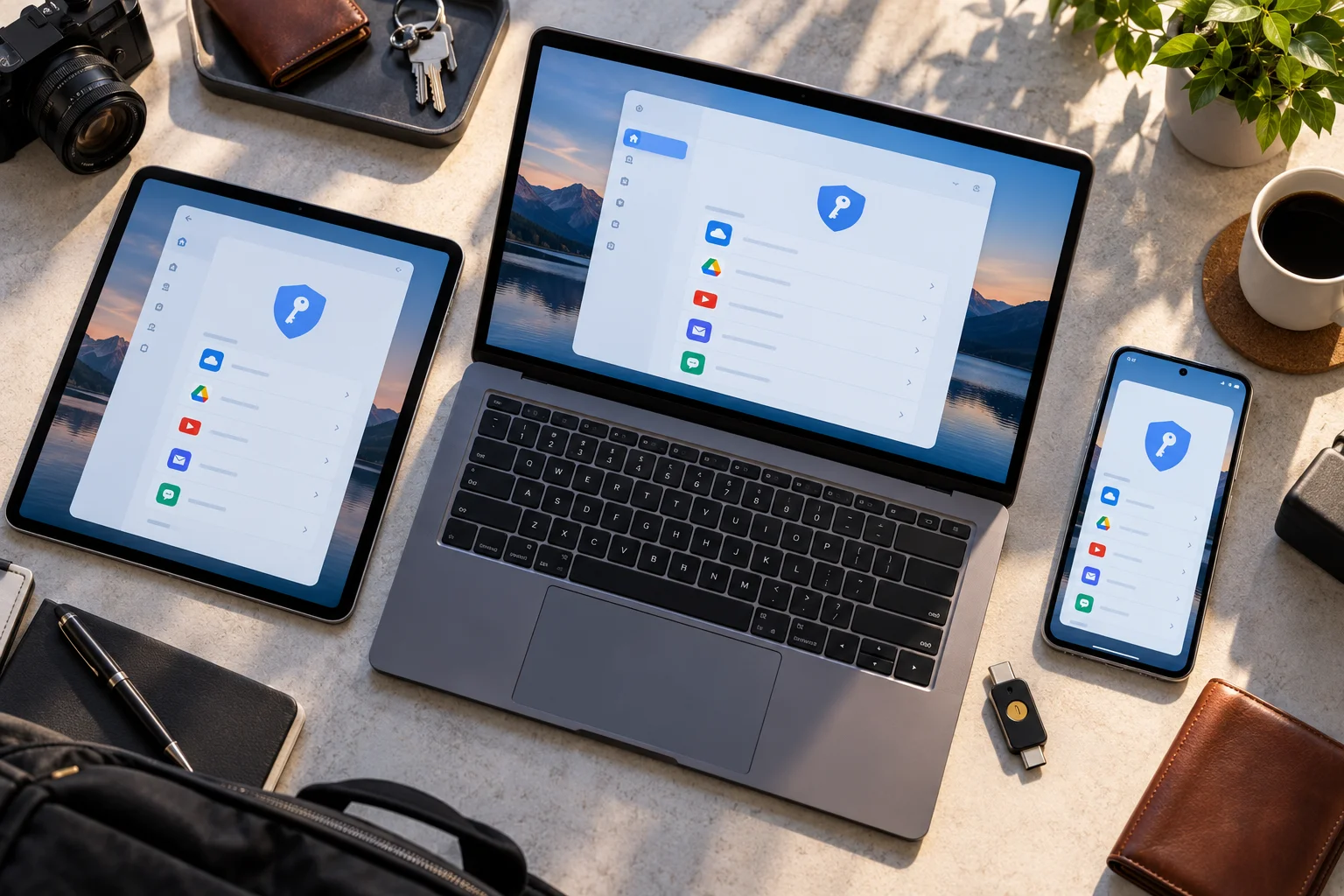
Passkeys significantly change the attack surface.
Instead of trying to steal:
username + password
an attacker may attempt:
Device theft
Device-unlock attacks
Account recovery fraud
Social engineering
Malware
Passkey-provider account compromise
Session theft
SIM or email account attacks
Manipulation of users into approving actions
So passkeys don't eliminate cybersecurity.
They change which parts of the system need protection.
Are Passkeys Safer Than Passwords Plus SMS Codes?
Passkeys are designed to provide phishing-resistant authentication without relying on a reusable password and a separately entered SMS code.
SMS codes can be intercepted or socially engineered in some circumstances.
Passwords can be reused, leaked or phished.
Passkeys use public-key cryptography and are tied to the authentication context.
FIDO says passkeys can replace password-plus-OTP authentication flows and are designed to be phishing-resistant.
The UK's NCSC is also moving toward recommending passkeys where supported, with 2-step verification recommended where passkeys aren't available.
That doesn't mean every existing MFA implementation is weak.
It means passkeys provide a different security model that removes several common weaknesses of passwords.
What Happens to Password Managers?
Password managers aren't becoming irrelevant because they can also become passkey managers.
This is an important distinction.
A password manager used to store:
username + password
Increasingly, it can also store:
passkeys
FIDO identifies built-in platform credential managers such as iCloud Keychain and Google Password Manager, as well as third-party providers such as 1Password and Dashlane, as possible passkey providers.
So the future isn't necessarily:
password manager disappears
It may instead be:
password manager evolves into credential manager.
Passwords can remain available for older websites while passkeys become the preferred method on supported services.
What Happens to Two-Factor Authentication?
Passkeys can sometimes replace both the password and a separate second-factor step because the passkey authentication itself proves possession of the authenticator.
Google gives a useful example.
When a passkey is added to a Google Account, Google says it doesn't remove existing authentication or recovery factors. But for some sign-ins, the passkey can bypass the additional 2-Step Verification step because possession of the device is part of the authentication.
That can make sign-in dramatically simpler:
Password + SMS code
becomes:
Unlock device → authenticated
For high-security environments, organizations may still use hardware security keys, additional controls or specific authentication policies.
Are Passkeys Ready for Banking and Sensitive Accounts?
Passkeys are increasingly being deployed for sensitive services, but users should still pay attention to the recovery and authentication options provided by each institution.
The technology is no longer limited to technology-company demos.
The FIDO Alliance reports growing passkey adoption across workforce environments, including financial services.
Singapore's Singpass, for example, began rolling out passkey login to Android users in September 2026 after an earlier iPhone rollout. The system uses FIDO standards and complements other authentication methods during the transition.
That illustrates the broader direction:
passkeys are moving into identity systems where account security matters significantly.
But implementation quality still matters.
What Should You Do Before Switching to Passkeys?
The safest approach is to adopt passkeys gradually rather than deleting every existing recovery method immediately.
Start with accounts that support passkeys and have reliable recovery options.
Then:
Secure your phone.
Use a strong device passcode and biometric authentication where appropriate.Enable account recovery.
Make sure you understand how you'll regain access if the phone is lost.Add a second trusted device where practical.
This can make device replacement much easier.Use passkeys on your most important supported accounts.
Keep track of which accounts have passkeys.
Review your passkey provider's security.
Don't create passkeys on shared devices.
Google explicitly advises against this.Keep software updated.
The goal isn't to make your phone the single point of failure.
It's to make your authentication system stronger and easier to recover.
The Biggest New Risk: Your Phone Becomes More Important
The biggest behavioral change isn't that passwords disappear. It's that the security of your phone becomes increasingly connected to the security of your online identity.
Your phone already contains:
Email
Banking apps
Password managers
Authentication apps
Photos
Messages
Payment systems
Personal information
Passkeys add another layer.
Your phone can now hold the cryptographic keys that authenticate you to major online services.
That makes device security more important than ever.
Fortunately, the same technologies that protect your phone, such as secure hardware, biometric authentication and encrypted credential storage, are also what make the passkey model practical.
Are We Actually Ready for a Passwordless Internet?
Technically, the ecosystem is much closer to ready than it was a few years ago; socially and operationally, the transition is still incomplete.
The numbers show how quickly things have changed.
FIDO's 2026 research estimates:
5 billion passkeys in active use
90% consumer awareness
75% of surveyed consumers having enabled at least one passkey
49% using passkeys whenever possible or most of the time
68% of surveyed organizations deploying, piloting or rolling out passkeys
Yet the same research shows that passwords remain widely used and many organizations still rely on phishable authentication methods.
So we're in an awkward middle stage.
The infrastructure is increasingly ready.
The users are becoming familiar with it.
The websites are adopting it.
But passwords haven't disappeared.
FAQ: Passkeys and Phone-Based Login
What is a passkey in simple terms?
A passkey is a cryptographic login credential that lets you authenticate using your phone, computer or security key instead of typing a password.
Is a passkey stored on my phone?
It can be. Passkeys may be stored directly on a device or securely synchronized through a passkey provider such as iCloud Keychain or Google Password Manager.
Can someone steal my fingerprint from a passkey?
No. Your biometric authentication is processed locally by the device. The website receives cryptographic proof of authentication rather than your fingerprint or face data.
What happens if I lose my phone?
It depends on how your passkeys are stored and how the service handles recovery. Synced passkeys can remain available on other supported devices, while device-bound credentials require a different recovery strategy.
Can I use a passkey on a Windows PC?
Yes. Passkeys work across supported operating systems and browsers. A phone can also authenticate a computer through a cross-device QR-code flow.
Are passkeys completely passwordless?
Not necessarily. Many websites currently support passkeys alongside passwords and other authentication methods.
Do passkeys work on iPhone and Android?
Yes. Current iPhones and Android devices support passkeys, provided the operating system, browser and service support the required functionality.
Are passkeys safer than passwords?
Passkeys are designed to be phishing-resistant and eliminate many weaknesses associated with reusable passwords. The security of the overall system still depends on device protection, account recovery and implementation.
Do I still need a password manager?
A password manager can still be useful for passwords on websites that haven't adopted passkeys. Many password managers can also store passkeys.
Can passkeys replace two-factor authentication?
In some authentication flows, yes. A passkey can provide phishing-resistant authentication without requiring a separate OTP. Individual services can still require additional controls for certain situations.
Can I have multiple passkeys for one account?
Yes. Many services allow passkeys to be created on multiple devices or through different passkey providers. This can also improve recovery and device flexibility.
The Bottom Line: Your Phone Is Becoming a Key, Not Just a Screen
The most important thing to understand about passkeys is that they aren't simply passwords with a fingerprint attached.
They're a different authentication architecture.
Instead of asking:
"What secret do you know?"
the system increasingly asks:
"Can your trusted device prove that you possess the correct cryptographic credential?"
Your fingerprint, face or PIN then unlocks the credential locally.
That removes the reusable password from the most vulnerable part of the login process.
The technology has already reached significant scale. FIDO estimates that billions of passkeys are now in active use, while WebAuthn Level 3 reached full W3C Recommendation status in August 2026.
But passwordless authentication doesn't mean responsibility-free authentication.
Your phone needs a strong lock.
Your passkey provider needs good security.
Your recovery options need to work.
And you need to understand what happens if your primary device disappears.
That's the real transition we're entering.
The password is becoming less important, while the security of the devices and accounts that hold your digital keys becomes more important.
Your phone isn't literally becoming your password.
It's becoming one of the places where your digital keys live.
And that may ultimately be a much more useful way to think about the passwordless future.