Adobe's latest AI updates are changing Creative Cloud from a collection of professional applications with AI features into something closer to an AI-assisted creative production environment.
In 2026, Adobe has expanded Firefly beyond image generation, introduced creative AI assistants across Photoshop, Premiere, Illustrator and InDesign, added generative video and audio capabilities, brought Adobe tools into Gemini and expanded its integration with Claude. Adobe has also completed its acquisition of Topaz Labs, bringing advanced image and video enhancement technology further into its creative ecosystem.
The biggest change is how users interact with the software.
Instead of manually completing every step, creators can increasingly describe an outcome and let AI handle parts of the workflow, while retaining control over the editable result.
That distinction matters for professional designers, photographers, video editors and marketers. Adobe isn't simply asking AI to replace creative software. It is using AI to remove repetitive production work while keeping established creative tools at the center.
What are Adobe's biggest AI updates in 2026?
Adobe's biggest shift is from individual generative features toward AI assistants that can execute multi-step creative workflows.

In June, Adobe announced the expansion of its creative agent across Firefly and Creative Cloud. AI Assistant capabilities entered public beta in Photoshop, Premiere, Illustrator, InDesign and Frame.io, with After Effects receiving a private beta.
This changes the role of generative AI.
Instead of asking Photoshop to generate a single background, for example, a creator can describe a broader result and have the assistant coordinate multiple operations.
In Premiere, AI Assistant can help sort assets, rename clips, identify interview questions, add markers and assemble a starting sequence. In Illustrator, it can perform production tasks such as creating multiple file variations or checking documents before print.
The software is becoming more conversational, but the underlying professional tools remain important.
How is Adobe Firefly evolving beyond image generation?
Firefly is becoming a broader creative AI workspace for generating, editing, organizing and producing content across multiple formats.
Adobe's September 2026 Firefly updates include video background removal, automatic video reframing, voice recording, AI-generated music, speech generation and a centralized workspace for generation and editing.
Adobe has also added AI Markup, allowing users to identify areas of an image and describe targeted edits, while Precision Flow can explore different visual treatments.
The result is a more complete workflow.
A creator can start with an idea, generate assets, modify them, produce audio or video and continue editing without constantly moving between separate AI services.
That is strategically important for Adobe because creative professionals often need much more than a generated image.
What is Adobe's Creative Agent?
Adobe's Creative Agent is designed to coordinate multiple creative operations based on the outcome a user describes.
The system acts more like an orchestration layer than a conventional one-click AI feature.
Adobe says its Creative Agent can work across Creative Cloud applications and handle repetitive, multi-step tasks while creators retain control over the creative direction and final decisions.
That could change how professionals use applications such as Photoshop and Premiere.
Instead of learning every individual command before beginning a production task, users can increasingly explain what they want to accomplish and let the software handle the procedural work.
The important word is procedural.
Creative judgment still matters when choosing the strongest image, adjusting a composition, refining a cut or deciding whether generated content actually fits a brand.
How is generative AI changing Premiere Pro?
Premiere is using generative AI for both content creation and time-consuming editing tasks.
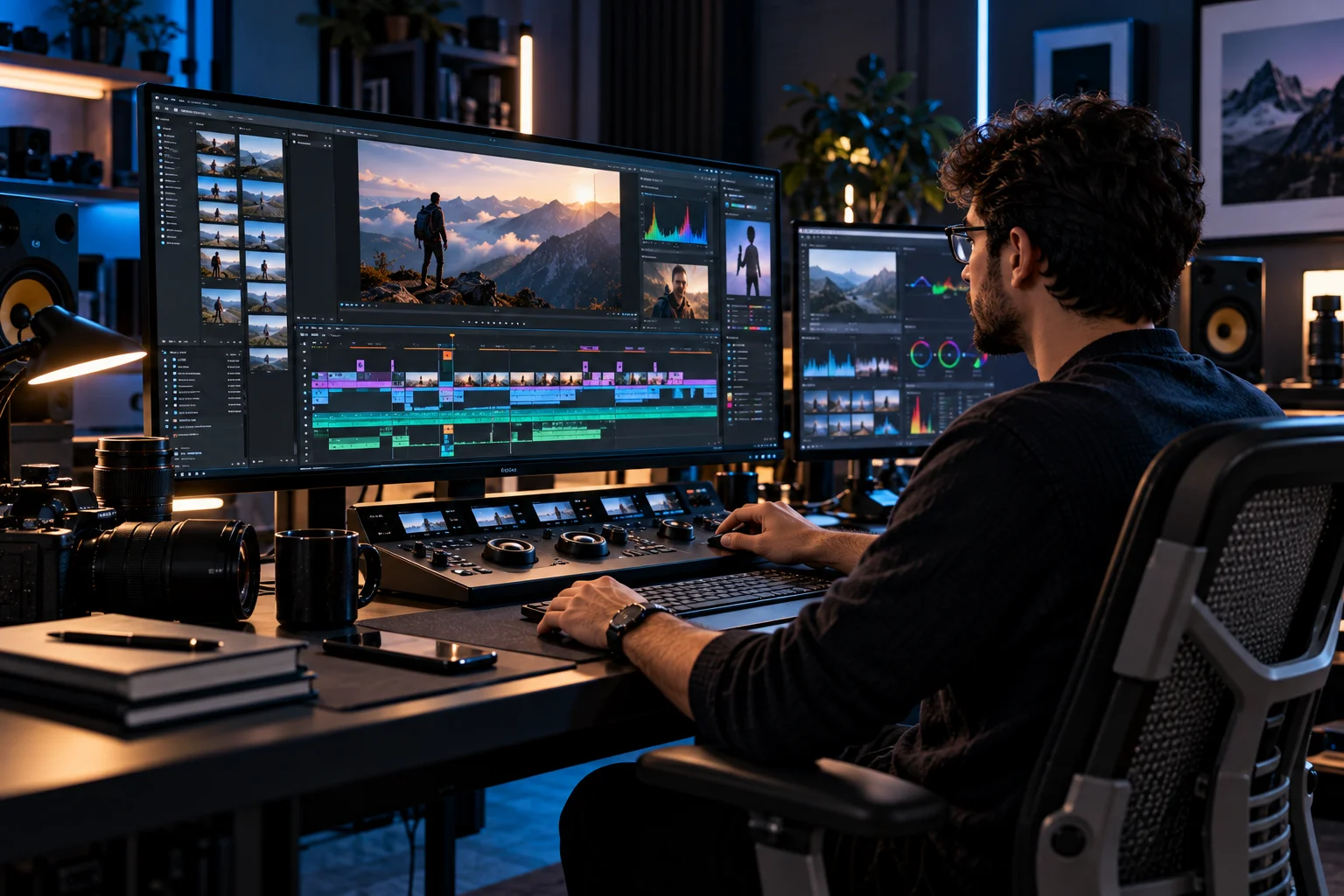
The September 2026 Premiere 26.5 update added a Generative Media Tool that can create video and sound effects from text prompts directly inside the Premiere timeline. The resulting media remains editable as clips in the sequence.
Premiere also introduced Paper Edit, which lets editors create sequences directly from transcripts.
This is an important direction for professional video editing.
AI is not limited to generating footage. It can increasingly help with finding, organizing, assembling and preparing material before the editor makes the final decisions.
For large projects, that reduction in preparation time could be as valuable as generation itself.
What is changing in Photoshop and Illustrator?
Adobe is using AI to automate repetitive editing and production tasks while keeping the results inside familiar professional workflows.
Photoshop's AI Assistant can handle requests such as changing backgrounds, resizing assets for different platforms and organizing layers. Illustrator's assistant can generate multiple versions of files, reorganize layers and perform pre-flight checks.
Adobe has also expanded the number of AI models available across its products.
Its current partner-model ecosystem includes models from companies such as Google and others, with availability varying by application and region.
That means Adobe increasingly functions as an interface to multiple AI models rather than relying exclusively on one generation system.
For users, the practical benefit is choice.
Different models can have different strengths for image generation, editing, video or other tasks, while Adobe provides the professional environment around them.
Why is Adobe bringing its tools into Gemini and Claude?
Adobe increasingly wants creative workflows to begin inside AI assistants rather than requiring users to open Creative Cloud first.
In September, Adobe launched Adobe in Google Gemini, bringing capabilities from Photoshop, Lightroom, Express and Firefly into Gemini conversations. Users can describe an outcome and have Adobe tools help create or modify the result.
Adobe also expanded its Claude integration.
The Adobe plugin for Claude now combines Acrobat with creative tools and provides access to more than 80 tools across applications including Photoshop, Illustrator, Premiere, Lightroom, InDesign and Express. Users can also interactively edit PDFs and Express designs within the workflow.
This reflects a much bigger change in software.
The application is no longer necessarily the starting point.
The AI conversation can become the starting point, with Adobe's professional tools operating behind it.
How is Adobe using AI in Acrobat?
Adobe is extending generative and agentic AI beyond creative production into document understanding and productivity.

In September, Adobe announced new Acrobat capabilities that can turn complex documents into interactive reports, summary slides, audio summaries and personal podcasts. Acrobat can also transform plain documents into presentations and other polished deliverables.
This is significant because Acrobat sits outside the traditional creative workflow.
A business user might begin with a long report, extract its important information, convert it into a visual presentation and then share the result without manually rebuilding the content.
Adobe is effectively treating documents as structured information that AI can understand and transform, rather than simply files that users read and edit.
What does the Topaz Labs acquisition mean for Adobe's AI strategy?
Topaz Labs gives Adobe additional AI capabilities for image and video enhancement, particularly when preserving detail and improving existing media.
Adobe completed its acquisition of Topaz Labs in September 2026. Topaz technology specializes in areas such as image enhancement, video clarity, detail recovery and temporal consistency.
This complements generative AI.
Not every creative task requires creating something new. Professional photographers and filmmakers frequently need to improve existing footage, recover detail, upscale material or modernize older assets.
Adobe can now combine those enhancement capabilities with its existing generation and editing workflows.
That makes the broader AI strategy less dependent on synthetic content alone.
Are Adobe's AI tools replacing creative professionals?
The current direction is better described as workflow automation rather than wholesale replacement of professional creative work.
Adobe itself says its Creative Agent is intended to handle repetitive execution while creators retain control over vision, taste and judgment.
That distinction is important.
AI can generate ten variations quickly. A professional still has to decide which one communicates the intended message.
AI can assemble a preliminary video sequence. An editor still needs to determine whether the pacing, emotion and narrative work.
The more capable these systems become, the more valuable creative direction may become relative to routine production.
What does Adobe's AI strategy mean for creative software?
Adobe is moving toward an AI-native creative ecosystem where generation, editing, automation and professional control exist in the same workflow.
The company's strategy in 2026 is noticeably broader than adding a few generative buttons to Photoshop.
Firefly is becoming an AI production environment. Creative Agent is connecting workflows across applications. Partner models are expanding the available AI capabilities. Gemini and Claude integrations allow Adobe tools to operate inside external AI assistants. Acrobat is applying similar ideas to documents, while Topaz strengthens enhancement capabilities.
The bigger question is therefore no longer whether Adobe will use generative AI.
It already does.
The question is how much of the creative production process AI will eventually coordinate, and how professionals will divide responsibility between automated execution and human judgment.
For Adobe users, the immediate benefit is straightforward: less time spent on repetitive production work and more time available for the decisions that actually shape the finished work.
Adobe AI Updates FAQs
What is Adobe's biggest AI change in 2026?
The move toward AI agents is one of the biggest changes. Adobe is adding Creative Agent-powered assistants to applications including Photoshop, Premiere, Illustrator, InDesign and Frame.io to coordinate multi-step tasks.
What is Adobe Firefly used for in 2026?
Firefly now supports image, video and audio generation alongside editing, workflow automation, semantic asset search, speech generation, music creation and other production capabilities.
Can Adobe AI edit videos?
Yes. Premiere and Firefly now include AI-assisted video editing and generation features. Premiere's Generative Media Tool can create video and sound effects from text prompts, while Firefly offers automated editing and generation capabilities.
Can Adobe AI work with Google Gemini?
Yes. Adobe launched Adobe in Gemini in September 2026, bringing Photoshop, Lightroom, Express and Firefly capabilities into Gemini conversations.
Can Adobe AI work with Claude?
Yes. Adobe expanded its Claude integration to include Acrobat tools alongside its creative applications, with more than 80 Adobe tools available through the plugin.
Is Adobe replacing Photoshop and Premiere with AI?
No. Adobe's current strategy is to embed AI into its existing professional applications and automate parts of the workflow while keeping those applications as the environment where creators refine and control their work.
What is the biggest trend in Adobe's AI strategy?
The shift from generative features to AI-assisted workflows is arguably the most important development. Adobe is moving toward systems that can understand an intended outcome, coordinate several steps and leave creators with editable results to refine.