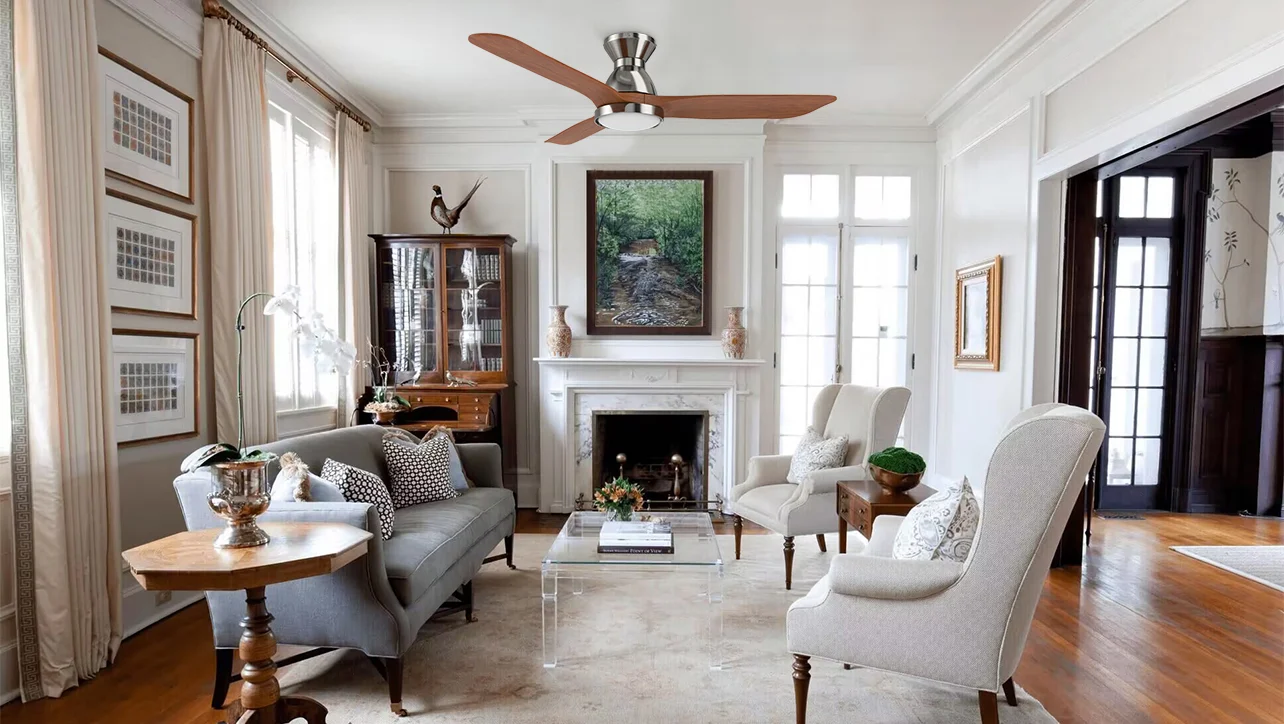
A fan is one of the simplest appliances in a home, but choosing the right one for every room is not always as straightforward as it seems. A bedroom has different cooling needs from a living room, while a kitchen may benefit more from airflow flexibility than from advanced scheduling.
That is where Smart Fans can make a noticeable difference. Instead of simply moving air at different speeds, modern smart fans can combine efficient motors, remote control, app connectivity, timers, schedules, voice commands, and other convenience-focused features.
But smart does not automatically mean better for every room. The right choice depends on room size, ceiling height, daily routines, airflow requirements, energy usage, and how much automation you actually need.
This guide explains how to choose Smart Fans room by room, so you can build a more comfortable and convenient home without paying for features you may never use.
What Makes a Fan “Smart”?
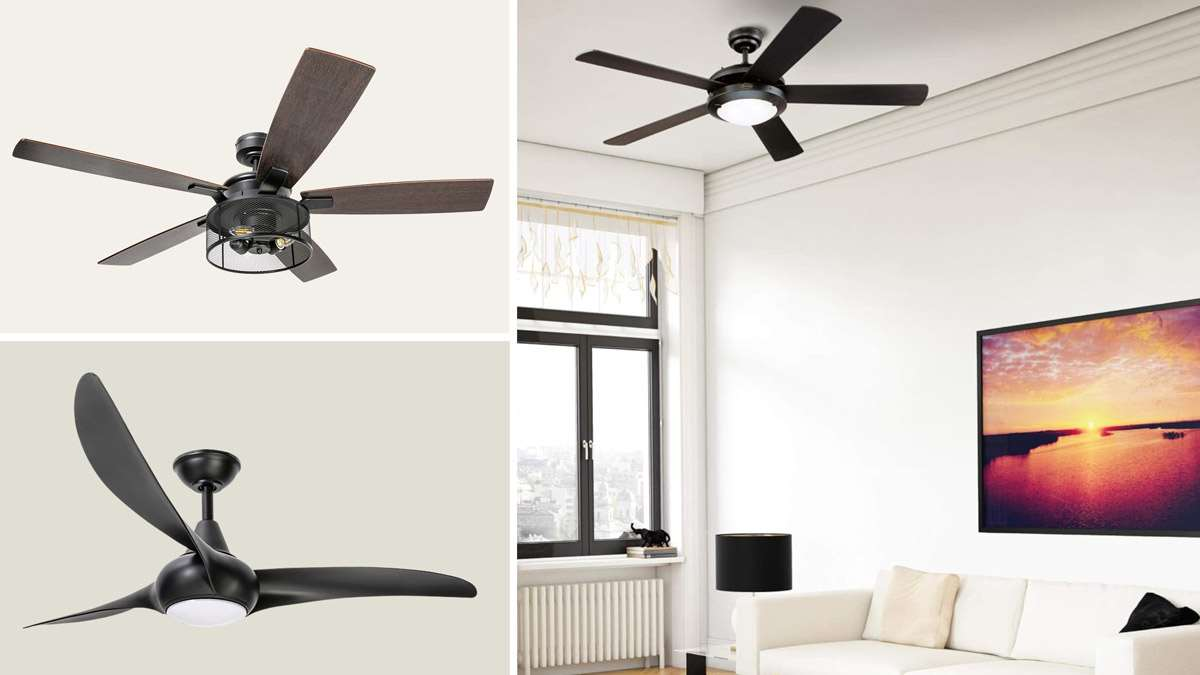
A traditional fan generally gives you manual control over speed and power. A smart model adds digital connectivity and automation to that basic function.
Depending on the model, you may be able to control the fan through:
A smartphone app
A remote control
Voice assistants
Timers
Scheduled routines
Smart-home platforms
Multiple speed settings
Sleep or comfort modes
Some models also provide information about energy consumption or allow users to adjust settings remotely.
The important distinction is that Smart Fans combine airflow with automation. Instead of remembering to turn the fan off before leaving home or waking up to change the speed manually, you can potentially automate those actions.
Smart Fan Feature Guide
Feature | Everyday benefit | Best suited for |
|---|---|---|
App control | Adjust settings from your phone | Most rooms |
Voice control | Hands-free operation | Bedrooms, living rooms |
Timer | Automatically switches off | Bedrooms |
Scheduling | Automates daily routines | Bedrooms, offices |
Multiple speeds | More precise comfort | All rooms |
Sleep mode | Gradual or quieter operation | Bedrooms |
Remote control | Convenient operation without phone | Family spaces |
Energy monitoring | Helps track consumption | Energy-conscious homes |
The best approach is to think about how you use each room, rather than buying the same type of smart fan everywhere.
Smart Fans for the Bedroom
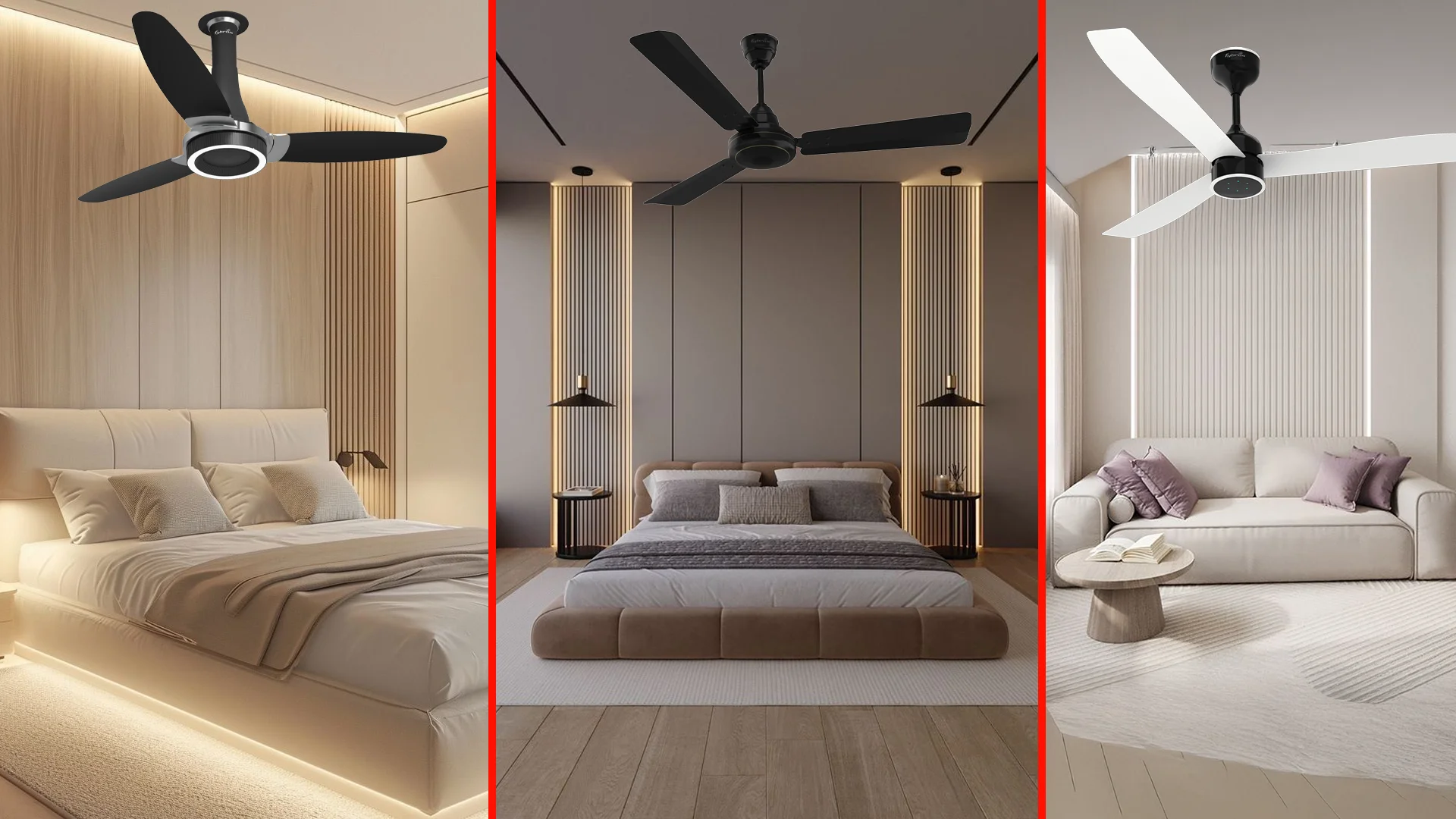
The bedroom is one of the strongest use cases for a smart fan because comfort requirements often change throughout the night.
You may want stronger airflow while falling asleep, a lower setting during the middle of the night, and an automatic shutoff before morning.
A smart fan can simplify this routine.
Features worth prioritizing
1. Sleep settings
A quieter operation or gradual speed adjustment can be useful when you're trying to maintain a comfortable sleeping environment.
2. Timers
Instead of leaving the fan running all night, you can set it to switch off after a selected period.
3. Scheduling
If you typically go to bed around the same time, a schedule can prepare the room before bedtime.
4. Remote or app control
Being able to adjust the fan without getting out of bed is a small convenience that can become surprisingly useful.
Bedroom setup checklist
☐ Quiet operation
☐ Timer function
☐ Multiple speed settings
☐ App or remote control
☐ Sleep mode
☐ Reliable connectivity
For bedrooms, convenience and noise levels can matter just as much as raw airflow.
Smart Fans for the Living Room
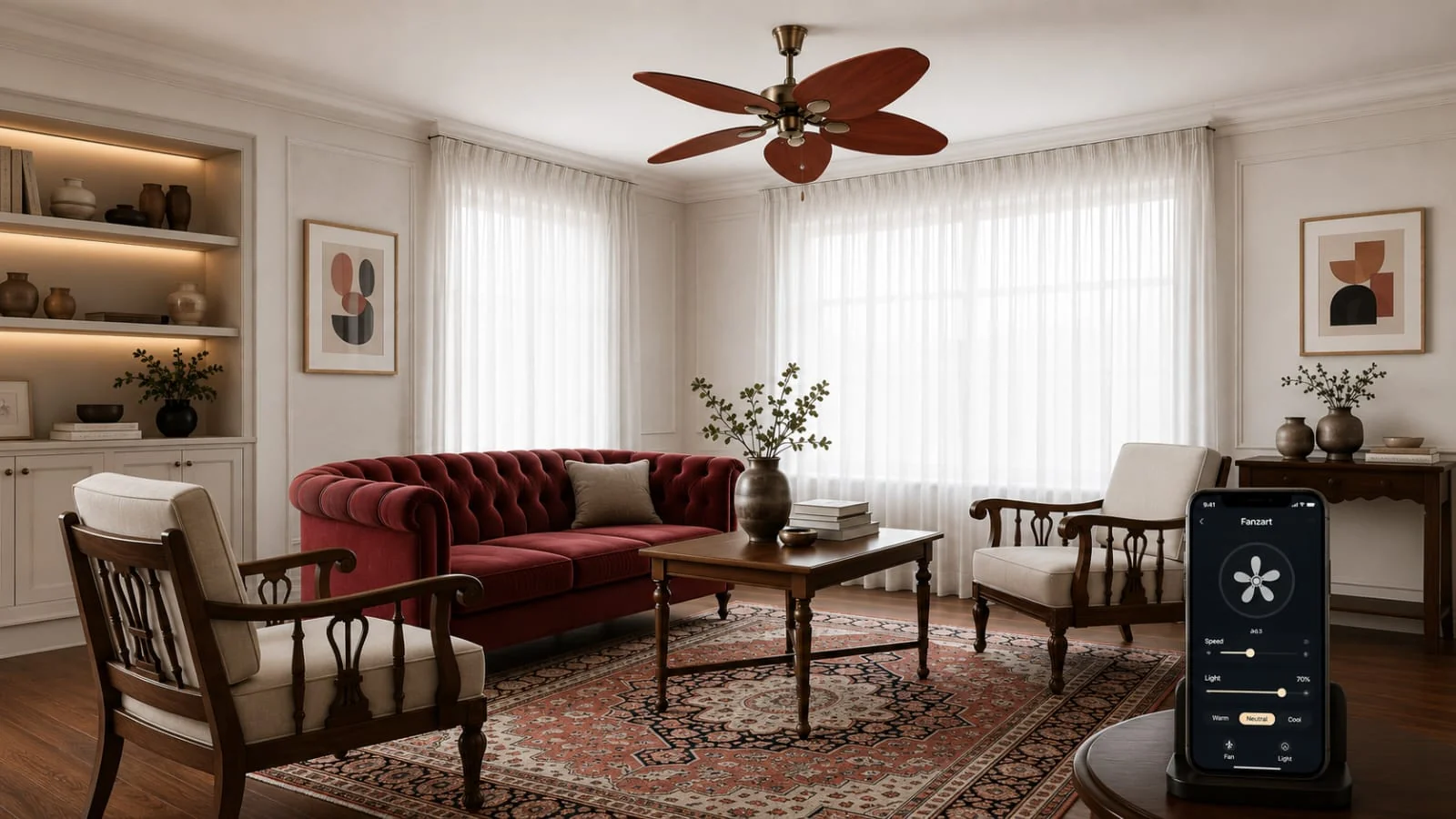
The living room is usually larger and more frequently occupied than a bedroom. It may also have changing requirements throughout the day.
During the afternoon, stronger airflow may be useful. In the evening, you may prefer a gentler setting while watching television or spending time with family.
This makes flexible controls particularly valuable.
What to look for
A living-room smart fan should ideally offer:
Several speed levels
Easy remote control
Voice-control compatibility
Scheduling
Strong, consistent airflow
Integration with your existing smart-home setup
If your living room is large, don't focus only on the word "smart." Physical fan size, blade design, motor performance, and airflow capacity remain important.
A highly connected fan that cannot circulate air effectively in the room is not a particularly useful upgrade.
Smart Fans for the Home Office
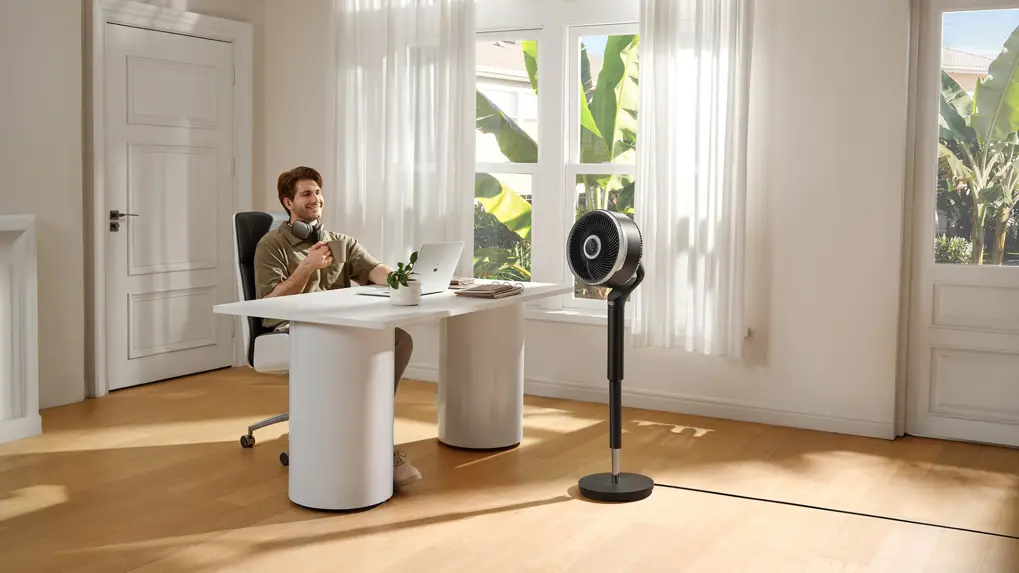
Working from home can make temperature comfort surprisingly important.
A room that feels comfortable in the morning may become warmer later in the day as sunlight and electronics add heat. Constantly adjusting the fan can become distracting.
This is where automation can help.
For example, you could create a simple routine:
9:00 AM → Medium airflow
12:30 PM → Higher airflow
4:00 PM → Medium airflow
6:00 PM → Switch off
The exact settings depend on your room and preferences, but the principle is simple: let the fan follow your routine instead of requiring constant manual adjustments.
Office-friendly features
Feature | Why it matters |
|---|---|
Scheduling | Matches your working hours |
App control | Easy adjustments during calls |
Quiet operation | Reduces distraction |
Multiple speeds | Better temperature control |
Voice control | Useful when your hands are occupied |
For an office, a smart fan should improve your environment without becoming another device that requires constant attention.
Smart Fans for the Kitchen
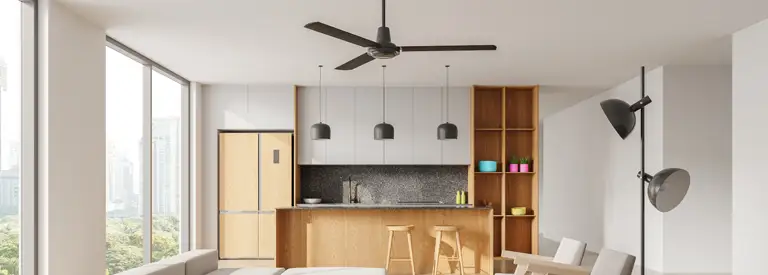
Kitchens present a different challenge.
Cooking can create heat, humidity, and uncomfortable air movement. A ceiling fan can help circulate air, although it should not be considered a replacement for proper ventilation or an exhaust system.
For this room, convenience and flexible speed control can be particularly useful.
Consider these features
Multiple speed levels: Cooking conditions can change quickly, so adjustable airflow is helpful.
Remote control: Useful when your hands are busy.
Easy cleaning: Kitchen environments can expose appliances to more dust and cooking residue.
Scheduling: Helpful if you have regular cooking routines, although this is less important than in a bedroom or office.
The key is to treat the fan as part of the kitchen's overall ventilation strategy rather than relying on it alone.
Smart Fans for Children's Rooms
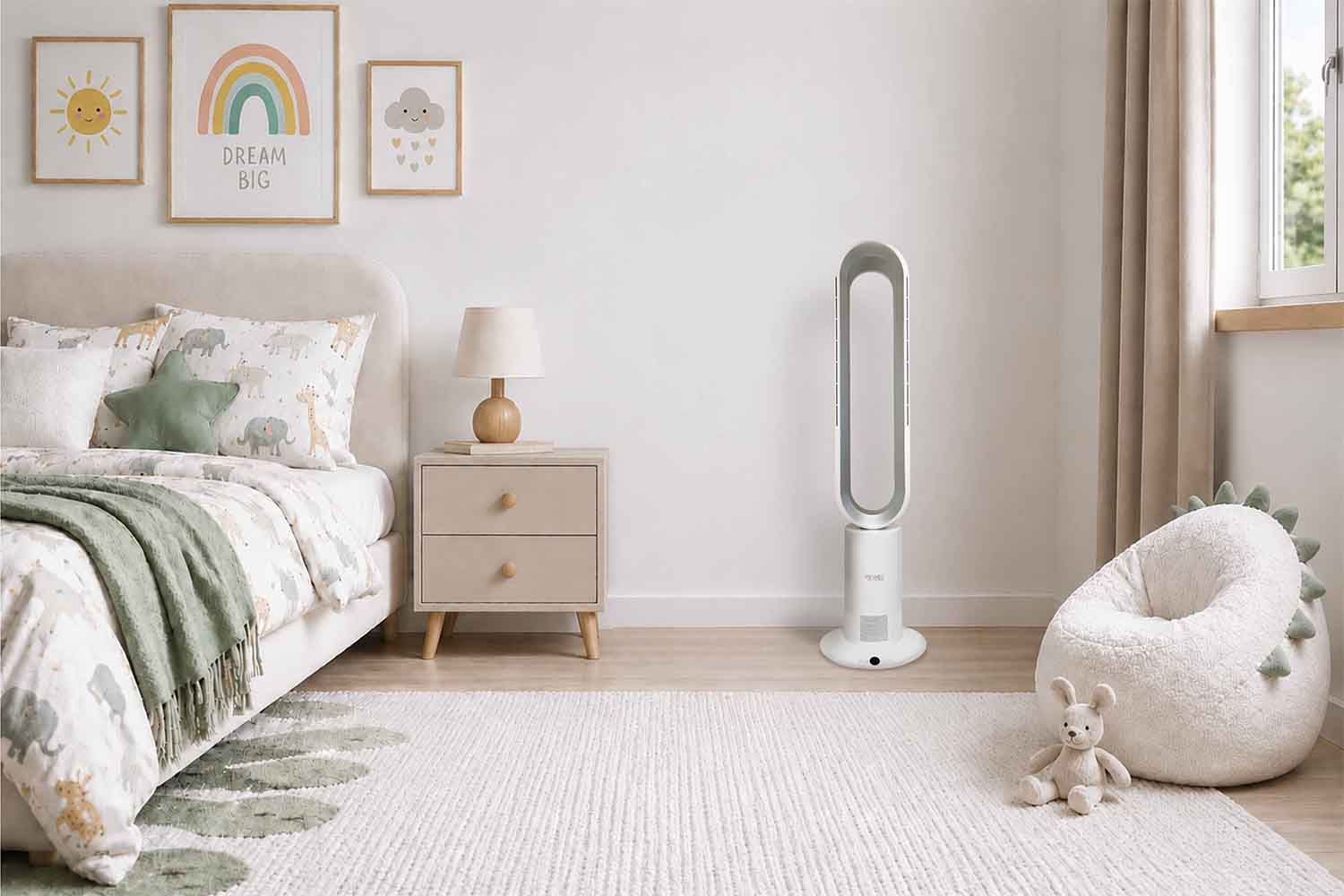
A child's room can benefit from the same convenience features as a bedroom, but simplicity is particularly important.
Parents may want to adjust the fan remotely, establish a bedtime schedule, or use a timer without entering the room.
A straightforward control system can make this easier.
Helpful features include:
Timer settings
Remote operation
Quiet performance
Simple speed controls
Scheduling
Reliable connectivity
If the room is used for both sleeping and studying, several speed settings can provide more flexibility throughout the day.
Smart Fans for Large Rooms
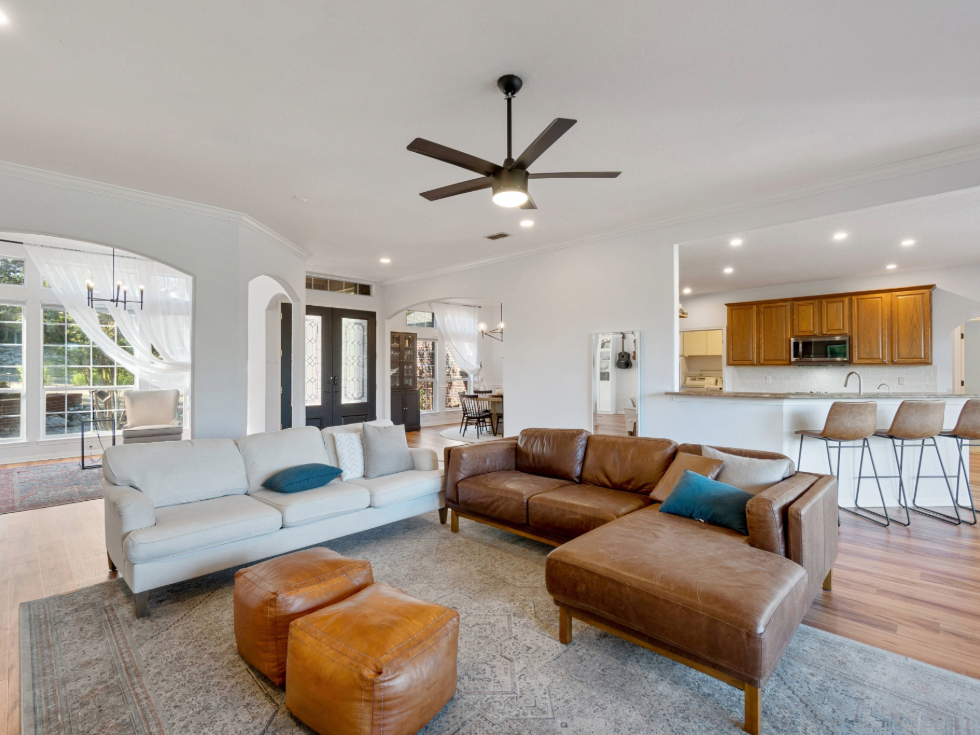
Room size should influence your decision more than smart features alone.
A larger space generally requires an appropriately sized fan and sufficient airflow. Before purchasing, consider:
Room dimensions
Ceiling height
Fan sweep/blade size
Airflow performance
Installation position
Number of occupants
Other sources of heat
Room Planning Table
Room type | Main priority | Smart feature priority |
|---|---|---|
Bedroom | Quiet comfort | High |
Living room | Airflow + flexibility | High |
Home office | Comfort + scheduling | High |
Kitchen | Air circulation | Medium |
Children's room | Quiet + remote control | High |
Large room | Airflow capacity | Medium to high |
This illustrates an important point: smart functionality should complement physical performance, not replace it.
Smart Fans and Energy Efficiency
One of the biggest reasons people consider modern fans is the potential for more efficient operation.
However, efficiency depends on the motor, power consumption, speed setting, usage duration, and electricity rate. Smart controls can also help by preventing unnecessary operation.
For example, imagine a fan that is accidentally left running after you leave a room.
A scheduled shutdown could prevent those hours of unnecessary operation.
Similarly, instead of running a fan at maximum speed continuously, automation may allow you to use a lower setting when full airflow is no longer needed.
Smart controls can help reduce waste by:
Switching the fan off automatically
Creating usage schedules
Adjusting speeds more conveniently
Avoiding unnecessary overnight operation
Making it easier to manage multiple fans
Smart technology does not automatically guarantee lower electricity consumption. The benefit comes from combining efficient hardware with sensible usage.
Should Every Room Have a Smart Fan?
Not necessarily.
For some rooms, advanced connectivity may be genuinely useful. For others, a conventional fan with a remote control may be perfectly adequate.
Think about how frequently the room is used and whether automation solves a real problem.
A simple decision framework
Choose smart functionality when:
You regularly adjust fan settings.
You want scheduled operation.
You use voice assistants.
You want remote control.
You are building a connected home.
You want easier control over multiple fans.
Keep things simple when:
The room is rarely used.
You almost never change settings.
You don't use smart-home technology.
A basic remote already meets your needs.
The goal isn't to make every appliance smart. It's to make your home more convenient without adding unnecessary complexity.
7 Questions to Ask Before Buying a Smart Fan
Before choosing a model, run through this checklist.
1. Is the fan powerful enough for the room?
Check the manufacturer's airflow specifications and recommended room size where available.
2. Does it support the controls you actually use?
If you prefer voice commands, make sure the fan supports your preferred ecosystem.
3. Does it have scheduling?
This can be particularly useful for bedrooms and offices.
4. How many speed levels are available?
More control can make it easier to find a comfortable airflow level.
5. How reliable is the app?
An impressive feature list means little if the software is difficult to use.
6. What happens if the internet connection fails?
Ideally, essential controls should remain available through a remote or another local method.
7. Is installation suitable for your ceiling?
Check mounting requirements, ceiling height compatibility, electrical requirements, and installation guidance before purchase.
Smart Fan Feature Priorities by Room
Here's a quick way to visualize where different features matter most:
Feature | Bedroom | Living Room | Office | Kitchen |
|---|---|---|---|---|
Quiet operation | ★★★★★ | ★★★★ | ★★★★★ | ★★★ |
Scheduling | ★★★★★ | ★★★★ | ★★★★★ | ★★ |
App control | ★★★★ | ★★★★ | ★★★★★ | ★★★ |
Voice control | ★★★★ | ★★★★★ | ★★★★ | ★★★ |
Strong airflow | ★★★★ | ★★★★★ | ★★★★ | ★★★★ |
Easy cleaning | ★★★ | ★★★★ | ★★★ | ★★★★★ |
The stars aren't a quality rating, they simply represent how useful each feature can be for that particular room.
Making Smart Fans Part of a Smart Home
The biggest advantage of connected fans may appear when they become part of a broader home routine.
For example, a simple evening routine could combine several actions:
6:30 PM: Living-room fan turns on.
10:30 PM: Bedroom fan switches to a lower setting.
11:30 PM: Bedroom timer activates.
7:00 AM: Bedroom fan switches off.
This kind of automation can make connected appliances feel less like gadgets and more like background infrastructure.
The best smart-home technology often works quietly in the background. You shouldn't need to think about it every day.
Final Buying Checklist
Before purchasing Smart Fans, consider:
☐ Room size and ceiling height
☐ Required airflow
☐ Motor efficiency
☐ Noise level
☐ Number of speed settings
☐ Remote control
☐ Smartphone app
☐ Voice assistant compatibility
☐ Scheduling and timers
☐ Installation requirements
☐ Manual controls if connectivity is unavailable
☐ Warranty and after-sales support
A smart fan should solve a real problem. If it gives you better control, easier routines, or more comfortable airflow, the technology can be genuinely useful.
Final Thoughts
The right Smart Fans can do more than respond to commands from a phone or voice assistant. They can become part of the way a home operates, adapting to routines and making everyday cooling easier to manage.
The most important thing is to choose based on the room first and the technology second.
Bedrooms may benefit from quiet operation and scheduling. Living rooms may need stronger airflow and flexible controls. Home offices can take advantage of automation, while kitchens may place greater emphasis on airflow and easy maintenance.
When physical performance, energy efficiency, and smart functionality work together, a fan becomes more than a simple cooling appliance. It becomes a practical part of a more comfortable, connected home.
Frequently Asked Questions
1. What are Smart Fans?
Smart Fans are connected fans that can offer features such as app control, timers, scheduling, remote operation, and compatibility with selected voice assistants or smart-home platforms.
2. Are Smart Fans worth buying?
They can be worthwhile if you value automation, remote control, scheduling, or integration with a smart home. If you only need basic speed control, a conventional fan may be sufficient.
3. Can Smart Fans save electricity?
Smart controls can help reduce unnecessary operation by using timers and schedules. Actual electricity consumption depends on the fan's power rating, speed, operating time, and usage habits.
4. Can I control Smart Fans with my phone?
Many connected models provide smartphone apps, although available functions vary between manufacturers and models.
5. Can Smart Fans work with voice assistants?
Some models support voice control through compatible smart-home ecosystems. Always check compatibility before buying.
6. Are Smart Fans suitable for bedrooms?
Yes. Features such as quiet operation, timers, scheduling, and remote control can be particularly useful in bedrooms.
7. Do Smart Fans need Wi-Fi?
Some smart features require Wi-Fi or another wireless connection. However, many models also provide physical or remote controls, depending on the product.
8. Should I install the same Smart Fan in every room?
Not necessarily. Different rooms have different airflow, noise, automation, and installation requirements.
9. Are Smart Fans difficult to install?
Installation requirements vary. Ceiling mounting, electrical connections, ceiling height, and existing wiring can all affect installation. Professional installation may be appropriate depending on the product and local requirements.
10. What is the most important feature in a Smart Fan?
There isn't one universal feature. Start with airflow, room suitability, motor performance, and noise level, then choose smart features that match your daily routine.