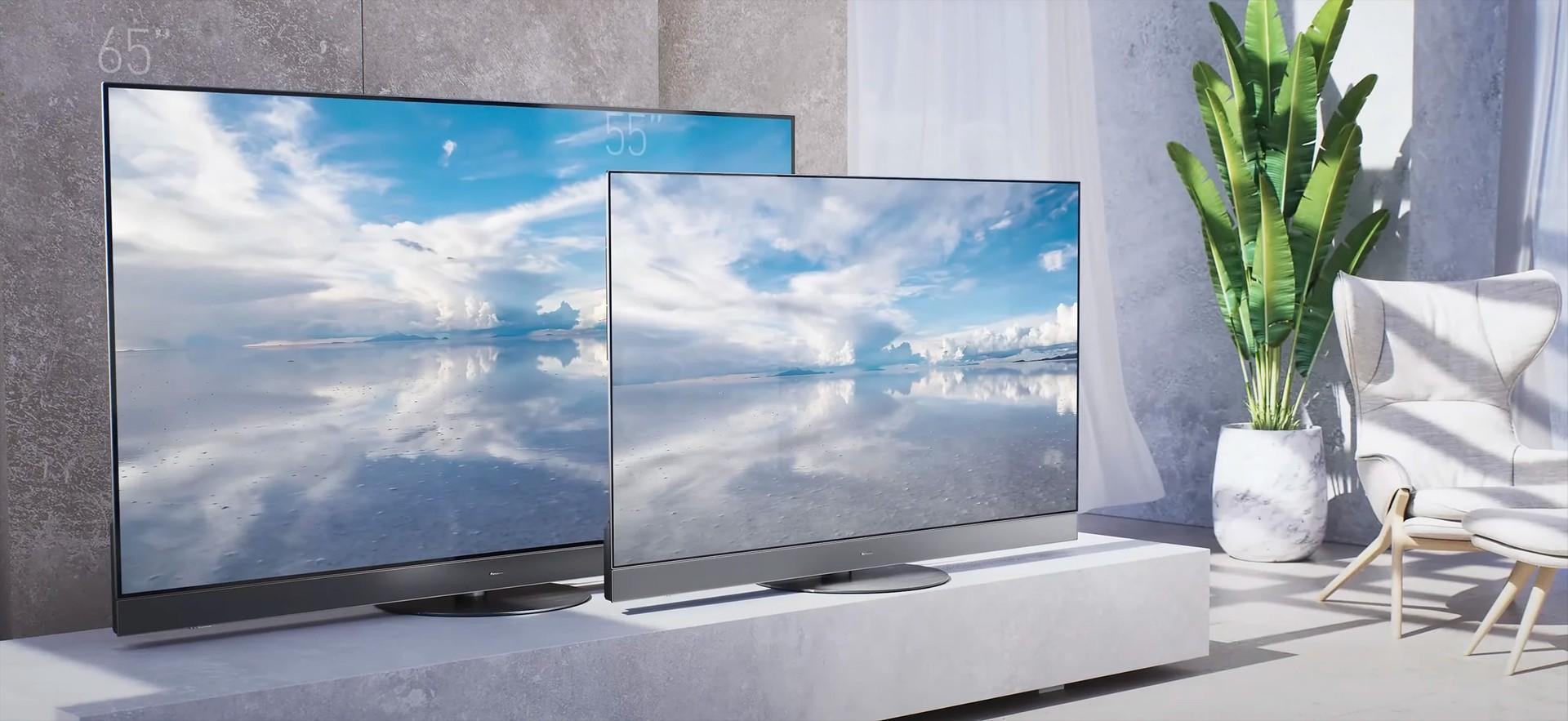
The best Darty TV deals depend on your room size, viewing habits and budget, with 55-inch and 65-inch 4K televisions offering strong options for most home entertainment setups. OLED TVs are especially attractive for films and dark-room viewing, while QLED and Mini-LED models can be better suited to bright living rooms and shoppers looking for a larger screen at a competitive price.
Darty’s official TV range includes 55-inch and 65-inch televisions from brands such as LG, Samsung, TCL and Sony. Its listings feature 4K OLED and QLED televisions, gaming-focused displays and models with different refresh rates. Prices, stock and promotions vary by model and seller, so check the live product listing before ordering.
This guide explains how to compare screen sizes, display technologies, resolution and gaming features to find a television that fits your home.
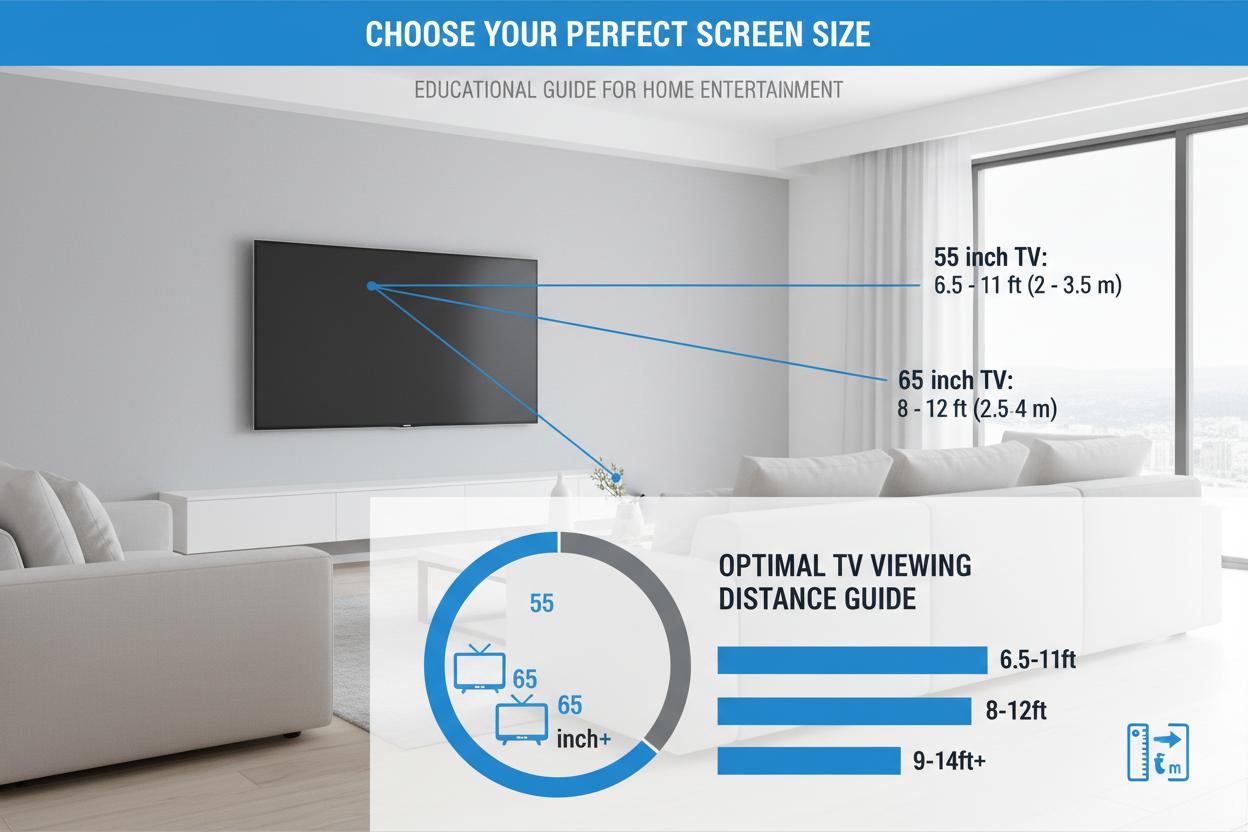
Is a 55-Inch or 65-Inch TV Better for Your Living Room?
Choose a 55-inch TV for a smaller room or moderate viewing distance, and consider a 65-inch model when you want a more immersive experience and have enough space. Both sizes are available in 4K, so the decision is primarily about viewing comfort, room layout and budget.
A 55-inch television measures approximately 140 cm diagonally, while a 65-inch model measures around 165 cm. The larger screen offers roughly 40% more display area, which can make films, live sport and games feel more cinematic.
Feature | 55-inch TV | 65-inch TV |
|---|---|---|
Best for | Small to medium living rooms | Medium to large living rooms |
Main advantage | Easier to fit and often less expensive | More immersive viewing |
Ideal uses | Streaming, everyday TV, gaming | Films, sports, gaming and family viewing |
What to check | Viewing distance and furniture width | Wall space, viewing distance and mounting |
Measure the available space before buying, including the TV stand or wall mount. Also check the actual width of the television, as the screen diagonal does not tell you how much wall or furniture space the complete unit needs.
Explore Darty’s 55-inch and 65-inch television selection to compare sizes and specifications.
OLED vs QLED: Which TV Technology Should You Choose?
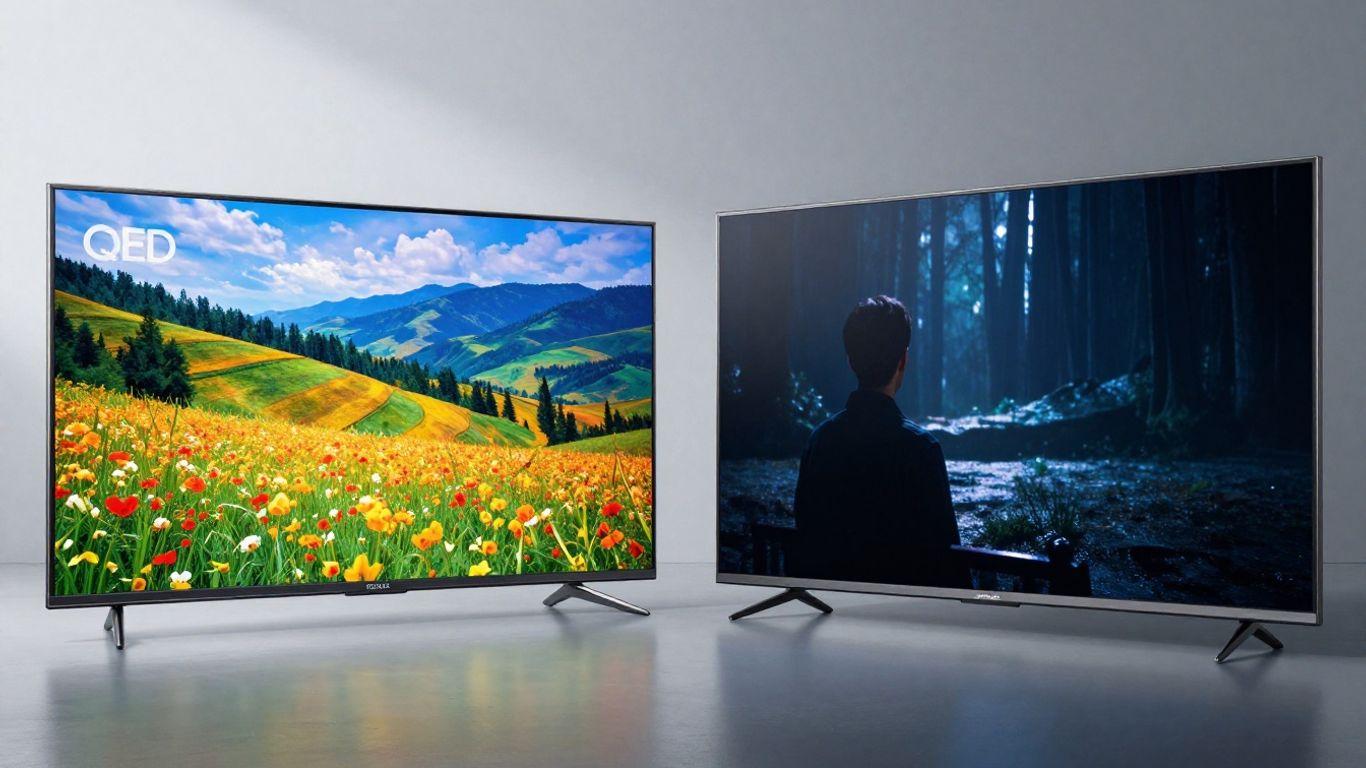
OLED is generally a strong choice for cinematic contrast, while QLED is worth considering for bright rooms, colourful images and a broader range of price points. Neither technology automatically guarantees better picture quality, because brightness, processing, local dimming and panel performance also matter.
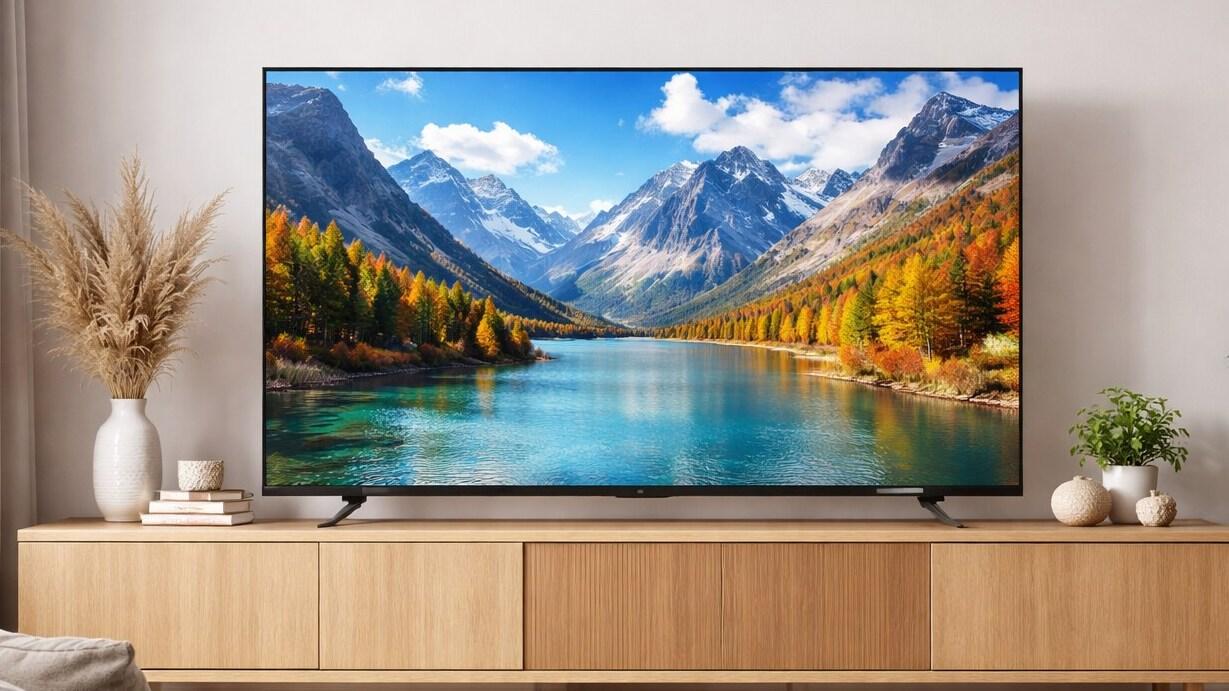
OLED TVs for films and premium viewing
OLED televisions use self-emissive pixels, meaning each pixel can switch off independently. This produces very deep blacks and precise contrast, making OLED appealing for films, prestige TV series and evening viewing.
Consider OLED if you:
Watch a lot of films in a dim room.
Want strong contrast and detailed dark scenes.
Prefer a premium picture for streaming and gaming.
OLED models can cost more than comparable LCD-based televisions. If you watch the same static images for extended periods, also consider the manufacturer’s guidance on image retention and burn-in prevention.
QLED TVs for bright rooms and value
QLED televisions use quantum-dot technology alongside an LCD panel and backlight. Depending on the model, they can deliver vivid colours and high brightness, making them suitable for daytime viewing and rooms with substantial ambient light.
Consider QLED if you:
Watch TV in a bright living room.
Want a large 4K screen without paying for a premium OLED model.
Need a television for a mix of broadcast TV, streaming and gaming.
Some QLED televisions also use Mini-LED backlighting, which can improve brightness control and contrast. Compare the specific model rather than assuming every QLED television performs the same way.
Why 4K Resolution Matters for 55-Inch and 65-Inch TVs
A 4K UHD television is a sensible choice for most shoppers upgrading to a 55-inch or 65-inch screen. It offers a resolution of 3,840 × 2,160 pixels, providing four times as many pixels as Full HD.
A 4K screen can show fine detail in compatible films, streaming content and games. However, the benefit also depends on the source quality, viewing distance and the television’s image processing. Lower-resolution broadcasts may not look as sharp as native 4K content.
When comparing Darty TV deals, check for:
4K UHD resolution: A good baseline for these screen sizes.
HDR support: Look at the supported formats, such as HDR10, HDR10+ and Dolby Vision. Support varies by model.
Image processing: Useful for upscaling lower-resolution content and improving motion.
Smart TV platform: Check that your preferred streaming apps are available.
Avoid paying extra for a feature you will rarely use. For everyday streaming, a well-reviewed 4K television may offer better value than a premium model whose advanced picture features do not match your viewing habits.
Which Refresh Rate Is Best for Movies, Sport and Gaming?
A native 120Hz or higher refresh rate is worth prioritising for fast gaming and smoother motion, while 60Hz can be sufficient for general television and streaming. Always distinguish a panel’s native refresh rate from marketing terms that describe motion processing or simulated refresh performance.
A television with a native 60Hz panel refreshes the image 60 times per second. A 120Hz panel can display up to 120 frames per second when the source and connection support it. Some gaming-focused models advertise even higher rates.
For typical uses:
Everyday TV and streaming: A 60Hz panel is often adequate.
Football and other sports: Look for good motion handling as well as refresh rate.
PlayStation 5 and Xbox Series X|S: A compatible 120Hz panel can help with supported games.
PC gaming: Higher refresh rates may be useful if your graphics card can produce the required frame rates.
A higher refresh rate alone does not guarantee better motion. Panel response time, processing and the quality of the source also affect the result.
What Gaming Features Should You Check Before Buying?
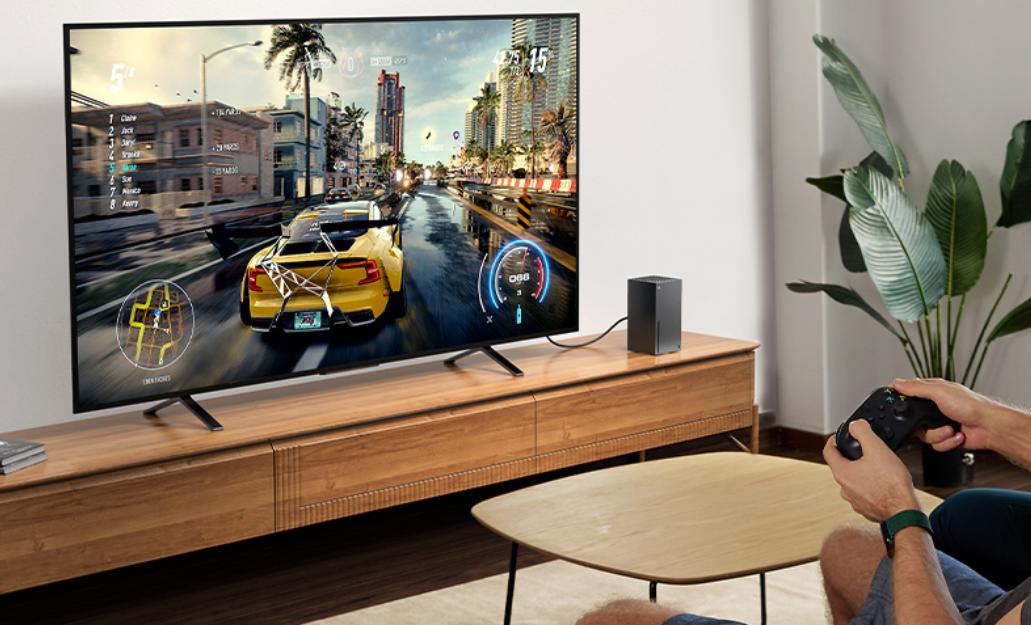
For modern console or PC gaming, prioritise HDMI 2.1 connectivity, 4K at 120Hz support and variable refresh rate if the television and your gaming device support them. These features can matter more to gameplay than small differences in screen size.
Look for the following specifications on the individual Darty product page:
HDMI 2.1: Check the specific port capabilities, since not every HDMI port necessarily supports every feature.
Variable Refresh Rate (VRR): Helps reduce screen tearing when frame rates fluctuate.
Auto Low Latency Mode (ALLM): Can automatically switch the TV into a lower-latency gaming mode.
Low input lag: Important for responsive controls in competitive games.
Game mode: May reduce processing delay while preserving useful display settings.
If you mainly play slower-paced games or use a console for occasional entertainment, a good 4K 60Hz TV may be sufficient. Competitive gamers and PC players are more likely to benefit from a premium high-refresh-rate model.
How to Find the Best Darty TV Deals
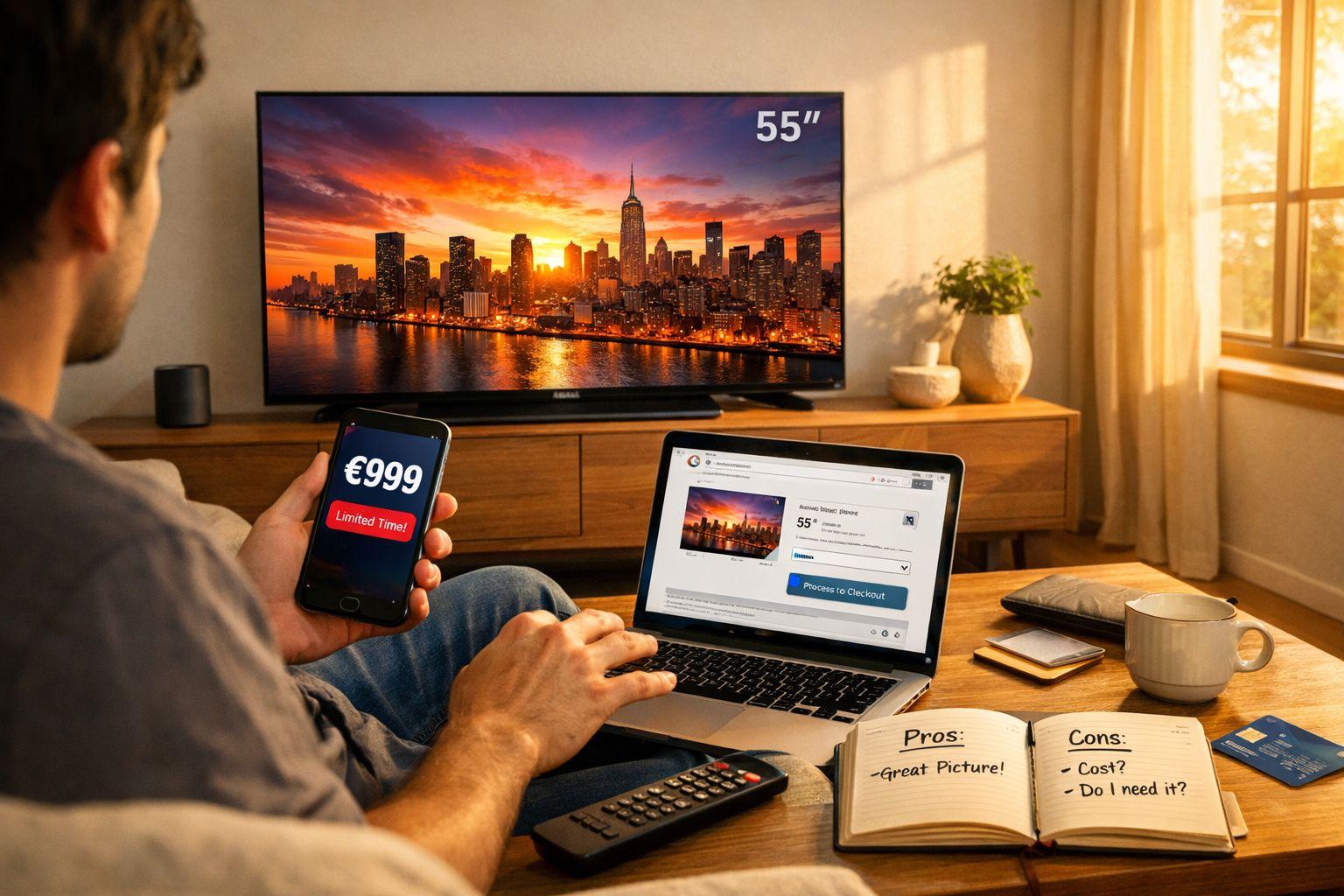
The best deal is the television that meets your requirements at a genuinely competitive price, not necessarily the model with the biggest advertised discount. Darty’s listings include different brands, technologies, screen sizes and seller arrangements, so compare equivalent models carefully.
Use this process before ordering:
Set a budget: Decide how much you can spend before comparing premium features.
Shortlist two or three models: Compare screen size, OLED or QLED technology, HDR support and refresh rate.
Check current promotions: Visit Darty’s official website for its ongoing offers.
Read the product listing: Confirm the model number, seller, delivery terms and stock status.
Compare the reference price: Read how the discount is calculated and avoid relying on the percentage alone.
Check installation options: Confirm whether delivery, wall mounting or old-TV collection is available and whether extra charges apply.
Darty’s online listings may include offers from marketplace sellers as well as products sold directly by Darty. Review the seller details and applicable terms before purchasing. Promotions can change, so treat displayed prices as a snapshot rather than a guaranteed future offer.
Conclusion
For most shoppers, a 55-inch 4K TV is a practical all-round choice, while a 65-inch model is worth considering if you want a more immersive viewing experience. Choose OLED for deep blacks and cinematic contrast, or compare QLED and Mini-LED models if brightness, screen size and value are your priorities.
Before choosing between Darty TV deals, check native refresh rate, HDR support, HDMI features and the exact model number. Browse Darty’s official television range to compare available 55-inch and 65-inch TVs and review current promotions.
FAQs
Are Darty TV deals worth checking for a 55-inch or 65-inch TV?
Yes. Darty lists televisions across different screen sizes, brands and display technologies. Compare the full specifications and current prices to identify the best fit for your budget.
Is OLED better than QLED?
OLED generally excels at black levels and contrast, especially in dark rooms. QLED can be a strong option for bright rooms and shoppers seeking vivid colours at different price points. The better choice depends on the specific model and your viewing environment.
Is a 55-inch or 65-inch TV better for a living room?
A 55-inch TV suits many small and medium-sized living rooms, while a 65-inch TV provides a larger, more immersive picture. Consider viewing distance, room layout and available furniture space before deciding.
Do I need a 120Hz TV for gaming?
Not necessarily. A 60Hz television can work well for casual gaming, but a native 120Hz panel can support smoother gameplay in compatible titles. Check VRR, ALLM, input lag and HDMI port capabilities too.
Is 4K resolution worth it on a 55-inch TV?
Yes, 4K is a sensible baseline for a 55-inch television. It provides more detail than Full HD when watching compatible content, although the visible difference depends on viewing distance and source quality.
Where can I find current Darty TV promotions?
Visit the official Darty website or its television category. Check live listings for available models, seller information, discounts and delivery conditions.