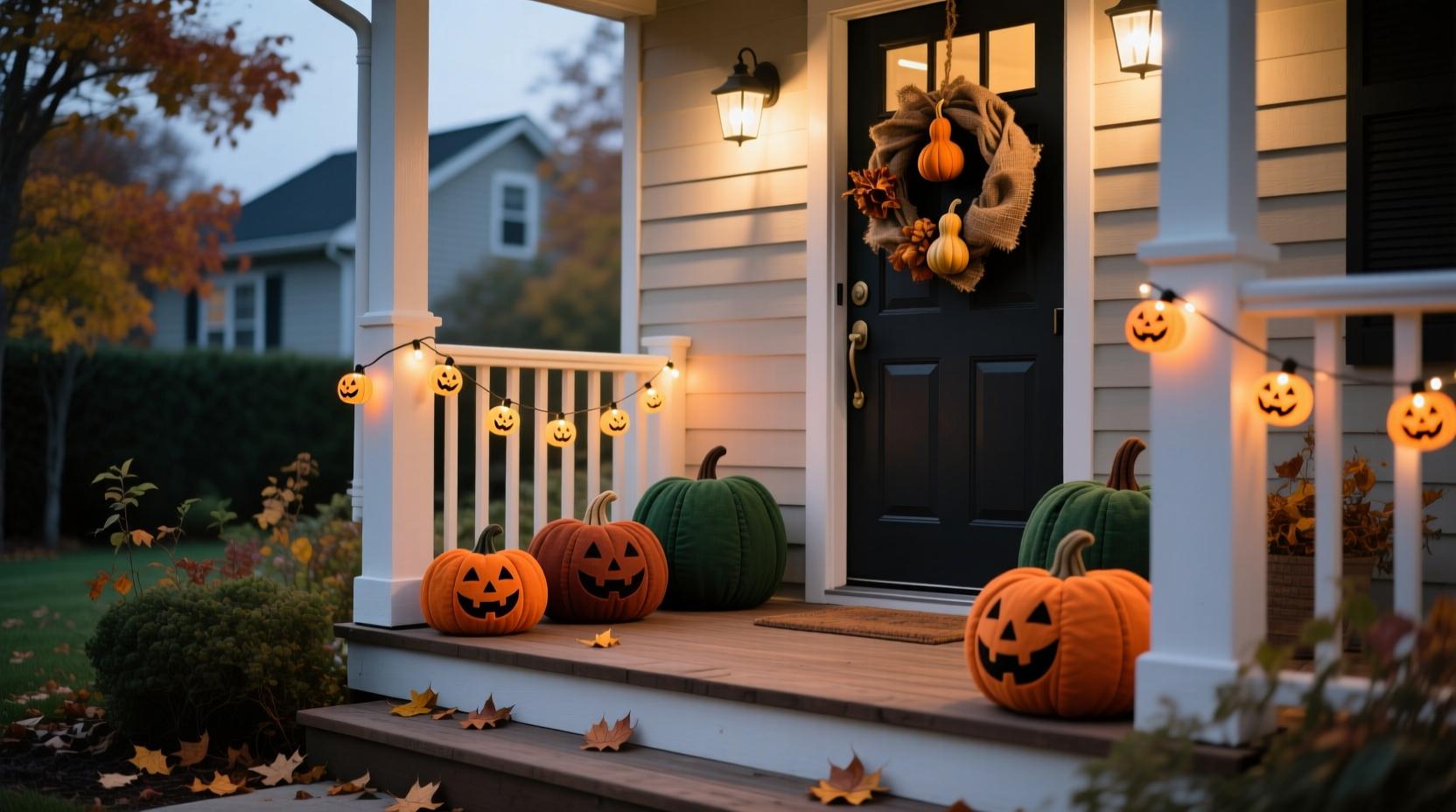
Halloween is a good time to review your home security, particularly if you expect trick-or-treaters, delivery drivers or visitors after dark. A smart video doorbell can help you see who's at the entrance, an outdoor security camera can monitor a driveway or garden, and motion sensors can alert you when movement is detected in a chosen area.
For UK households, the most useful setup is one that suits the property and provides reliable alerts without overwhelming you with notifications. You do not necessarily need a complete security system: a video doorbell may be enough for a front entrance, while a camera and motion sensor can add coverage for a side gate, garage or rear garden.
Currys sells smart doorbells, security cameras and connected-home accessories from brands including Ring, TP-Link Tapo, Eufy, Arlo and Swann. Its smart doorbell range and smart-home buying guide are useful starting points for comparing available features.
This guide explains what to look for in a home security setup before Halloween 2026, including night vision, motion alerts, installation, storage and privacy.
Smart Video Doorbells: See Who Is at Your Door
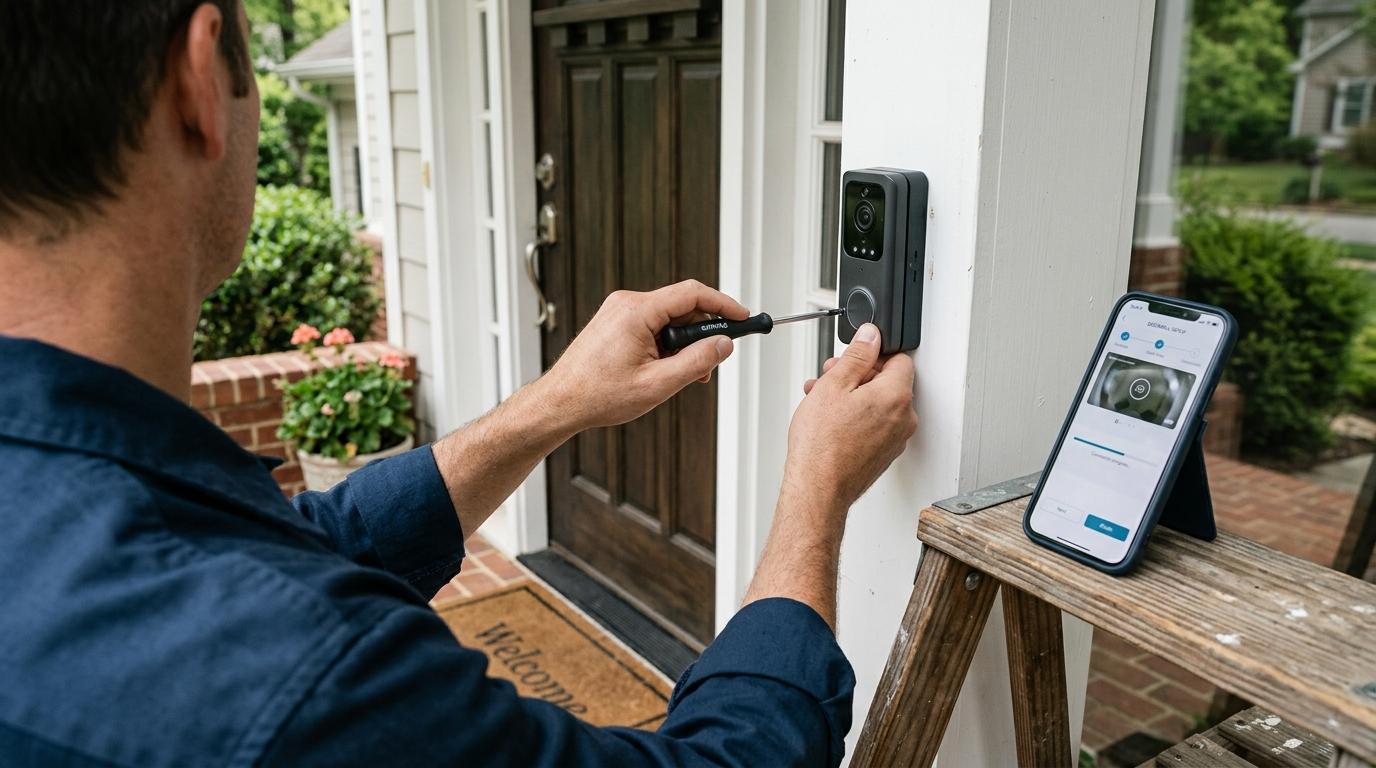
A smart video doorbell is a practical first upgrade if you want to identify visitors without opening the door. It can send a notification to your phone when someone rings or when movement is detected, with compatible models offering live video, two-way audio and recorded footage.

This is particularly useful on Halloween, when children may arrive in groups and the doorbell can ring repeatedly throughout the evening. You can check who's outside, speak to visitors through your phone and avoid missing a delivery while handing out sweets.
When comparing doorbells at Currys, look at these features:
Video resolution: 2K or higher can provide more detail, although lighting, lens quality and network conditions also affect image clarity.
Field of view: A wider view can help you see visitors and parcels, but check whether the camera captures the area immediately below the door.
Two-way audio: Lets you communicate with visitors without opening the door.
Person detection: Can help distinguish people from some other movement, depending on the model.
Power supply: Battery-powered models are useful where existing wiring is unavailable; wired models can reduce the need for battery charging.
Storage: Check whether recordings are saved locally, to a memory card or hub, or through a paid cloud subscription.
Currys currently lists models such as the TP-Link Tapo D210 and newer Ring video doorbells in its smart doorbell category. Features and prices vary by model, so check the live listing before buying.
Outdoor Security Cameras for Driveways, Gardens and Side Entrances
An outdoor security camera is worth considering if your front doorbell cannot cover the areas you want to monitor. A camera positioned to cover a driveway, side gate, garage entrance or rear garden can provide a wider view of activity around your property.

For Halloween, this may help you monitor an entrance away from the main door or check whether movement near a side path needs attention. It can also be useful throughout autumn and winter, when evenings become darker earlier.
Before choosing a camera, consider:
Weather resistance: Select a model designed for outdoor installation and suitable for the location's exposure to rain and cold.
Night vision: Infrared night vision can capture monochrome footage in darkness, while colour night vision may need additional ambient lighting or a built-in spotlight.
Motion detection: Adjustable detection zones can help reduce alerts from passing pedestrians or traffic.
Power: Battery-powered cameras are easier to install in places without nearby sockets, while wired options can reduce charging interruptions.
Recording and storage: Check whether the camera records continuously or only when triggered, how long footage is retained and whether a subscription is required.
Connectivity: Make sure your Wi-Fi signal reaches the intended position, particularly around garages and garden walls.
Currys offers a range of smart security cameras and CCTV equipment, including products from brands such as Arlo, Eufy, Ring, Swann and TP-Link Tapo. Compare the recording options and installation requirements before deciding which system fits your home.
Motion Sensors and Smart Alerts: Reduce Unnecessary Notifications
Motion sensors are useful when you want to know that something has moved in a specific area without constantly watching a live camera feed. Depending on the system, a sensor can trigger a phone notification, activate a light or work with a compatible alarm or camera.
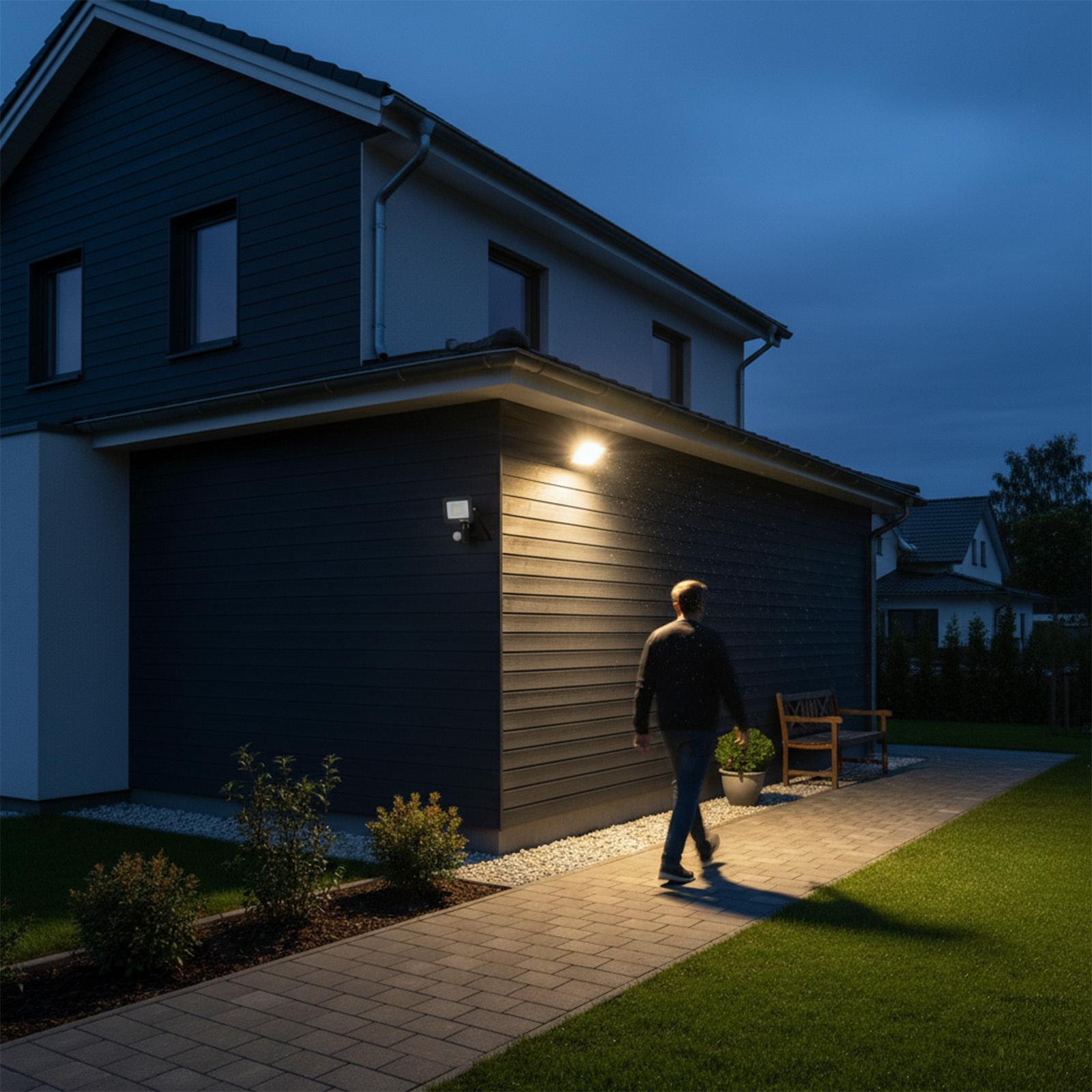
For example, a motion sensor near a side entrance could switch on a smart light when someone approaches. A compatible camera could then provide a view of the area. This combination can be more useful than receiving an alert every time a tree moves in the wind or a car passes the front of your house.
Look for adjustable sensitivity, detection zones and compatibility with your existing smart-home platform. Some cameras have built-in motion detection, so you may not need a separate sensor at all.
Before buying multiple devices, check whether they can communicate with one another. A sensor, camera and smart light from different brands may not support the same automations, even if each product connects to Wi-Fi.
Currys' smart-home buying guide explains how connected devices can work together, including smart cameras and motion-triggered alerts.
Night Vision: What Matters During Dark Autumn Evenings?
Night vision is an important feature for UK home security because Halloween falls in late October, when many areas are already dark during evening trick-or-treating.
Infrared night vision typically produces monochrome footage, while colour night vision may use a spotlight or available ambient light to preserve colour detail. Neither guarantees clear identification in every situation. Distance, camera placement, weather and lighting all affect the results.
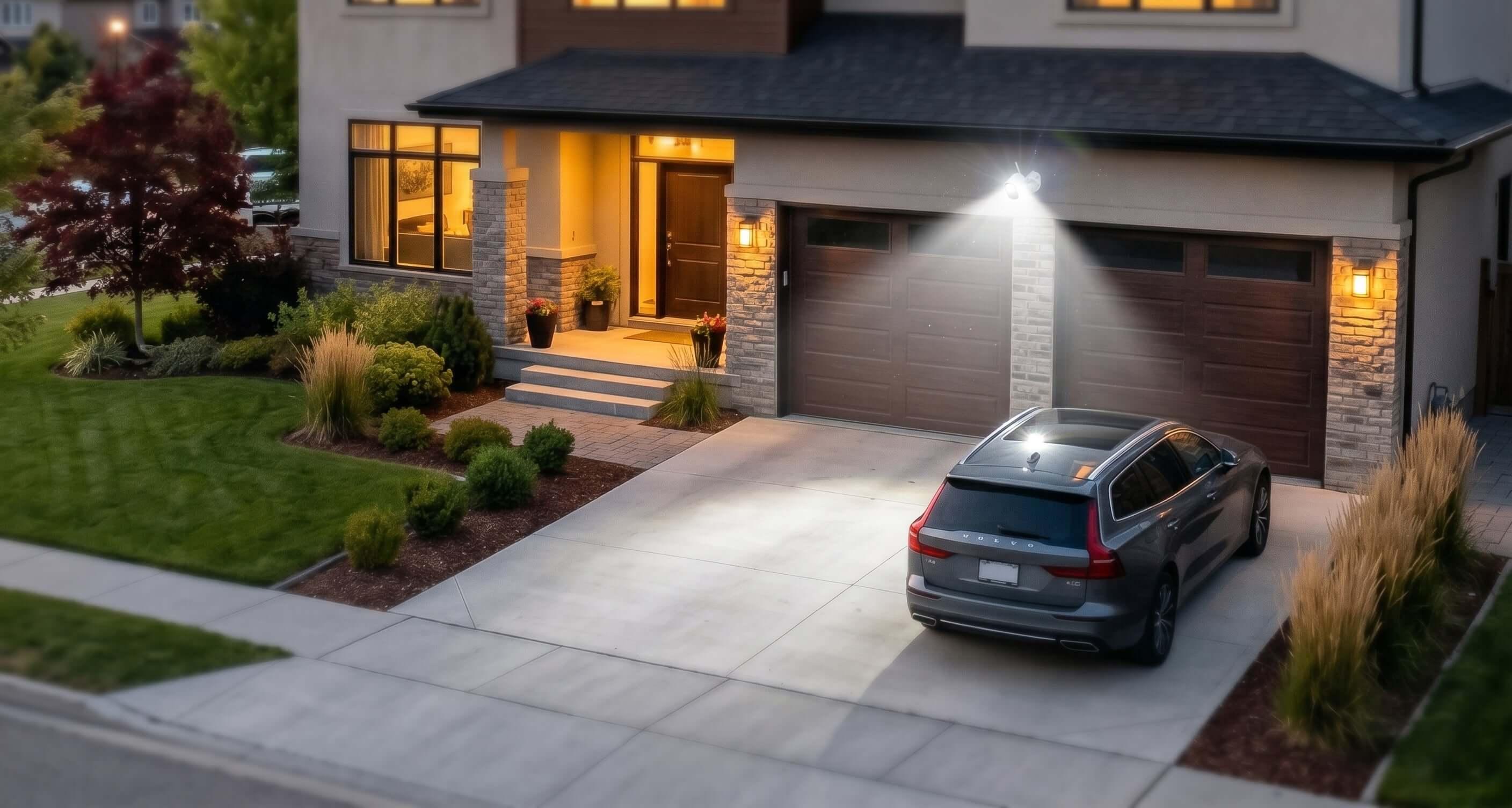
Before buying, consider where the camera will be installed. A front-door camera may benefit from a clear view of faces at close range, while a driveway camera needs enough coverage to capture movement across a larger area. Avoid positioning cameras where bright lamps or reflective surfaces could interfere with the image.
If you want colour footage at night, check whether the camera requires a spotlight to operate in colour mode. This can improve visibility but may be less suitable for a quiet residential area if the light activates frequently.
You can compare night-vision specifications across Currys' smart doorbell range and security camera range.
Battery, Wi-Fi and Installation: Prepare Before Halloween
The best security device is one that works reliably when you need it. Before Halloween, install your equipment early enough to test its alerts, camera angles and network connection.
Battery-powered doorbells and cameras are convenient for rented homes or locations without suitable wiring, but battery life varies with temperature, recording frequency, live viewing and the number of motion events. Frequent activity on Halloween could increase battery use, so fully charge devices beforehand.
Wired equipment can reduce charging interruptions, but installation requirements vary. Check whether your chosen device uses an existing doorbell circuit, a mains adaptor or a dedicated power supply. If electrical work is required, use a suitably qualified professional.
Wi-Fi coverage is equally important. A camera installed at the end of a garden may struggle if your router is on the opposite side of the house. Test the signal at the planned installation point before mounting the device.
Use the days before Halloween to:
Charge batteries and install any required updates.
Set motion zones and notification preferences.
Test night vision after dark.
Confirm that recordings are saved as expected.
Check whether the app requires a subscription for features you intend to use.
Currys' smart-home range is a useful place to compare compatible equipment before building your setup.
Privacy and Responsible Home Monitoring
Home security cameras should protect your property without unnecessarily recording neighbours, public spaces or people passing by. Before installing a camera, consider what it captures and whether you can limit its field of view.
The UK Information Commissioner's Office provides guidance for people using domestic CCTV. If your camera captures beyond your property boundary, data protection obligations may apply. You should also consider how footage is stored, who can access it and how long it is retained.
For a front doorbell, aim the camera towards your entrance rather than directly into a neighbour's windows. Use privacy zones where available, secure your account with a strong password and enable two-factor authentication if supported.
For Halloween specifically, remember that children and visitors may appear in recordings. Keep footage secure and avoid sharing clips publicly unless you have a proper reason and have considered the privacy implications.
Read the ICO's domestic CCTV guidance before installing or changing your camera setup.
Which Home Security Setup Should You Choose?
The best setup depends on the areas you need to monitor, your installation options and how much automation you want.
Your situation | Setup to consider | What to prioritise |
|---|---|---|
You mainly want to identify visitors | Smart video doorbell | Clear video, two-way audio and reliable notifications |
You need to monitor a driveway or garden | Outdoor security camera | Weather resistance, night vision and suitable coverage |
You want lights to activate when someone approaches | Motion sensor with a compatible smart light | Adjustable sensitivity and automation support |
You want coverage around several entrances | Doorbell plus one or more cameras | Wi-Fi coverage, storage and a manageable alert system |
You rent or cannot install wiring | Battery-powered devices | Battery life, mounting options and easy removal |
You do not need to buy everything at once. For many homes, a video doorbell with well-configured motion alerts is a sensible first step. Add cameras or sensors only where they address a specific blind spot or security concern.
Currys Halloween 2026 Home Security Deals: What to Check
Currys' smart doorbell range and security camera category are useful starting points for comparing models from established brands.
Specific Halloween 2026 promotions have not been confirmed here, so check the live listings for current prices, stock and any advertised discounts. Before buying, compare the same model across retailers and check the total cost, including subscriptions, memory cards, hubs or accessories that may be needed.
Pay particular attention to ongoing costs. A cheaper camera may require a paid cloud plan for recorded footage, while another model may offer local storage. Calculate the cost over the period you expect to use the device rather than comparing only the upfront price.
Visit Currys UK to browse available smart-home security products and check delivery or collection options before Halloween.
Frequently Asked Questions
What is the best smart doorbell for Halloween?
Choose a model with clear video, two-way audio, reliable motion alerts and suitable night vision. Battery-powered options are convenient where wiring is unavailable, while wired models can reduce the need for charging.
Do I need a security camera if I already have a video doorbell?
Not necessarily. A video doorbell may cover your front entrance adequately. An additional camera is useful if you need to monitor a driveway, side gate, garage or rear garden outside the doorbell's field of view.
Is colour night vision better than infrared night vision?
Colour night vision can provide additional visual detail when sufficient light is available, but performance varies by camera. Infrared night vision can work in darkness without visible illumination, although footage is generally monochrome.
Do smart security cameras require a subscription?
Some do for particular cloud-recording, extended-history or advanced detection features. Others support local storage or offer basic features without a subscription. Check the exact model's terms before buying.
Can I use a battery-powered video doorbell in a rented property?
Often, yes. Battery-powered models can be easier to install without existing wiring, but check the mounting method and your tenancy agreement before drilling or making changes to the property.
Where can I buy smart home security products in the UK?
Currys sells smart doorbells, security cameras and connected-home devices. Browse its smart doorbell category and smart-home buying guide to compare features.