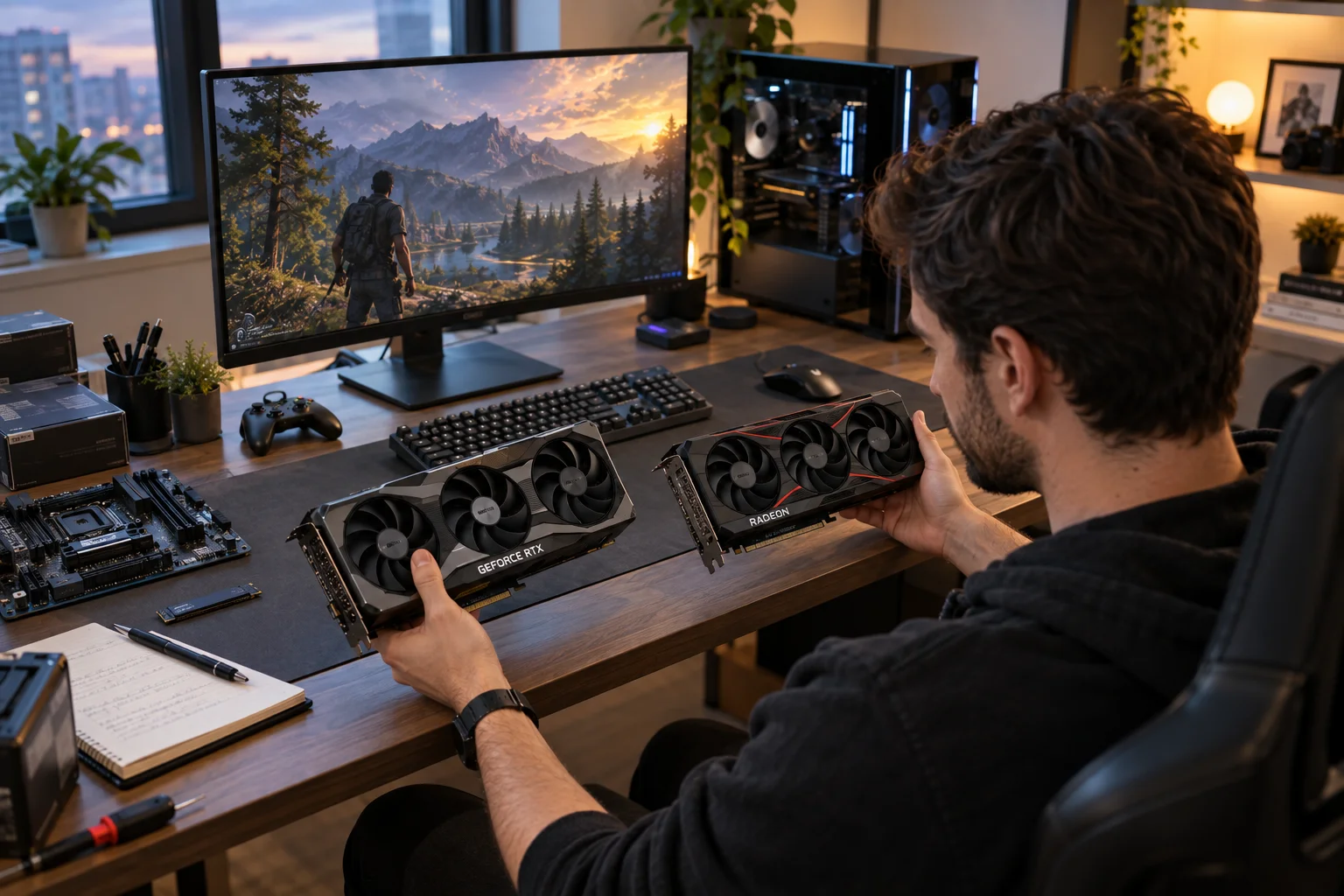
NVIDIA and AMD are the two names you’ll encounter most often when shopping for a dedicated graphics card, but choosing between them isn’t as simple as comparing FPS numbers. The two companies take noticeably different approaches to gaming features, ray tracing, AI-powered rendering, software, VRAM, power efficiency and pricing.
NVIDIA’s current GeForce RTX 50 Series is built around its Blackwell architecture and puts considerable emphasis on ray tracing, AI-powered graphics, DLSS and creator features. AMD’s Radeon RX 9000 Series uses RDNA 4 and focuses on traditional gaming performance, ray tracing improvements, AI acceleration and features such as FSR and HYPR-RX.
For many PC gamers, the better choice depends on what you actually do with your computer. If you care heavily about ray tracing, AI-enhanced graphics, certain creative applications or NVIDIA-specific technologies, GeForce RTX may make more sense. If you primarily want strong gaming performance and generous memory without paying for features you may not use, Radeon deserves serious consideration.
The important question isn’t simply “NVIDIA or AMD?” It’s “Which GPU makes sense for the games, applications, resolution and budget I have?”
NVIDIA vs AMD: What Is the Main Difference?
The biggest difference is the ecosystem around the GPU, not just raw graphics performance. NVIDIA places a major emphasis on AI rendering, ray tracing and technologies such as DLSS, while AMD’s Radeon platform combines traditional rasterized gaming performance with FSR, HYPR-RX and increasingly capable ray tracing and AI hardware.
Area | NVIDIA GeForce RTX | AMD Radeon RX |
|---|---|---|
Main gaming focus | Gaming, ray tracing and AI-enhanced rendering | Gaming performance, efficiency and value |
Current flagship generation | GeForce RTX 50 Series | Radeon RX 9000 Series |
Architecture | Blackwell | RDNA 4 |
Upscaling | DLSS | FSR |
Frame generation | DLSS Frame Generation / Multi Frame Generation | FSR Frame Generation / AMD Fluid Motion Frames |
Ray tracing | Strong emphasis | Major improvement with RDNA 4 |
AI hardware | Tensor Cores | AI Accelerators |
Creator ecosystem | NVIDIA Studio and broad CUDA ecosystem | Radeon software and creator support |
VRAM | Varies by model | Often competitive or generous at comparable tiers |
Software features | DLSS, Reflex, Studio, Broadcast and RTX ecosystem | FSR, HYPR-RX, Anti-Lag and Radeon Software |
AMD's RX 9000 cards, for example, use RDNA 4 with third-generation ray-tracing accelerators and second-generation AI accelerators.
NVIDIA vs AMD for Gaming: Which Is Better?
Both can deliver excellent gaming performance, but the experience can differ significantly once ray tracing and upscaling features enter the picture.
At a basic level, GPU performance comes down to how quickly a graphics card can render a game. But modern games increasingly use technologies that change how that performance is delivered.
NVIDIA has built a particularly large ecosystem around RTX. Its latest GeForce cards combine dedicated RT and Tensor hardware with DLSS technologies designed to improve image quality and increase frame rates.
AMD takes a different route. Its current Radeon RX 9000 generation supports hardware-accelerated ray tracing, AI acceleration and AMD's FSR technologies. AMD also includes features such as Radeon Anti-Lag and HYPR-RX within its software ecosystem.
For ordinary rasterized gaming, however, you shouldn't assume one brand automatically wins every comparison. GPU performance varies by model and game.
That's why comparing a specific RTX card against a specific Radeon card is much more useful than saying NVIDIA is faster or AMD is faster.
NVIDIA DLSS vs AMD FSR: Why Does Upscaling Matter?
DLSS and FSR can increase playable frame rates by rendering internally at a lower resolution and reconstructing the image.
This has become one of the biggest differences between modern GPU platforms.
NVIDIA's DLSS uses AI-powered neural rendering. Current RTX technologies include Super Resolution, Ray Reconstruction and Frame Generation, while RTX 50 Series cards support newer Multi Frame Generation technologies. NVIDIA says its latest DLSS technologies can generate multiple additional frames between traditionally rendered frames.
AMD's FSR ecosystem takes a more open approach and supports a broader range of hardware depending on the specific FSR feature. AMD's latest ML-powered technologies are designed for Radeon RX 9000 Series, while other FSR features support older GPUs.
The practical difference is simple:
NVIDIA: particularly strong AI-based image reconstruction and frame-generation ecosystem.
AMD: increasingly sophisticated upscaling and frame-generation technology with broader compatibility across some FSR features.
Both: can make high-resolution gaming substantially less demanding on the GPU.
If you play games that specifically support advanced DLSS features, NVIDIA's ecosystem can become much more relevant than the basic GPU specifications suggest.
NVIDIA vs AMD for Ray Tracing
NVIDIA has made ray tracing one of the central selling points of its RTX platform, while AMD has significantly improved its ray-tracing hardware with RDNA 4.
Ray tracing simulates how light interacts with objects to create more realistic reflections, shadows and illumination. The problem is that doing this in real time can be extremely demanding.
NVIDIA's RTX 50 Series uses fourth-generation RT Cores alongside fifth-generation Tensor Cores and neural-rendering technologies.
AMD's RDNA 4 architecture introduces third-generation ray-tracing accelerators, with AMD stating that RDNA 4 delivers up to twice the ray-tracing throughput per accelerator compared with the previous generation.
That makes the choice less one-sided than it once was.
If ray tracing and path tracing are central to the games you play, NVIDIA's broader RTX and DLSS ecosystem is worth paying close attention to. If you mostly play games without heavy ray tracing, traditional rendering performance may matter more to you.
NVIDIA vs AMD for VRAM: Does More Memory Matter?
More VRAM can help with high-resolution textures, demanding games and certain creative workloads, but VRAM capacity shouldn't be considered in isolation.
A graphics card with more memory isn't automatically faster.
VRAM becomes particularly relevant when you're gaming at 1440p or 4K, using high-resolution texture packs, working with large creative projects or running applications that consume substantial GPU memory.
AMD's RX 9000 Series includes cards such as the RX 9070 XT and RX 9070 with 16GB of GDDR6 memory.
When comparing two similarly priced GPUs, look at:
VRAM capacity
Memory bandwidth
GPU architecture
Actual gaming performance
Ray-tracing performance
Power consumption
Upscaling and frame-generation support
A larger VRAM number alone doesn't tell you which card is faster.
NVIDIA vs AMD for 1440p and 4K Gaming
For 1440p gaming, both brands offer plenty of capable options; 4K gaming makes GPU features and memory capacity increasingly important.
Your monitor resolution should influence the type of graphics card you buy.
Gaming setup | What to prioritize |
|---|---|
1080p | Value, high FPS and CPU balance |
1440p | GPU performance, VRAM and feature support |
4K | GPU power, VRAM, ray tracing and upscaling |
4K + ray tracing | High-end GPU and strong upscaling/frame generation |
Competitive gaming | High native FPS and low latency |
For competitive games such as esports shooters, you may care more about consistently high frame rates and latency than cinematic ray tracing.
For visually demanding single-player games, however, ray tracing, upscaling and frame generation can become much more important.
NVIDIA vs AMD for Content Creation and AI
NVIDIA generally has a broader software ecosystem for professional GPU computing and AI workloads, while AMD can still be a strong choice for general creative work depending on the application.
This is where the decision can move beyond gaming.
NVIDIA's ecosystem includes CUDA, NVIDIA Studio, dedicated Tensor hardware, RTX acceleration and tools such as NVIDIA Broadcast. Its RTX 50 Series is explicitly positioned for both gamers and creators.
AMD also supports hardware-accelerated AI and modern video technologies. RDNA 4 includes second-generation AI accelerators and an enhanced media engine.
If your PC is primarily a gaming machine, compare gaming performance first.
If you're buying a GPU for Blender, video production, 3D rendering, machine learning or other professional applications, check the software's specific GPU support before choosing. A graphics card that performs well in games isn't necessarily the best option for every professional workload.
NVIDIA vs AMD Power Consumption and Cooling
Power consumption depends on the specific GPU rather than the brand, so compare the actual models you're considering.
Two graphics cards from the same company can have very different power requirements.
AMD's published specifications for the RX 9070 XT list a 304W total board power and recommend a 750W power supply, while the RX 9070 is rated at 220W with a 650W recommended PSU.
Before buying a GPU, check:
Recommended PSU wattage
Required power connectors
Card length and thickness
Case clearance
Cooling requirements
Airflow inside your case
This matters especially when upgrading an existing PC. A graphics card that technically fits may still create problems if your power supply or case airflow isn't adequate.
NVIDIA vs AMD Pricing: Which Offers Better Value?
Value depends on the exact GPU price at the time you buy, not simply on whether the box says NVIDIA or AMD.
GPU prices can change considerably between manufacturers, retailers and sales periods.
AMD's RX 9070 XT launched with a $599 USD suggested price, while the RX 9070 launched at $549.
NVIDIA's current RTX 50 Series spans a much broader range, from mainstream cards such as the RTX 5050 through enthusiast models including the RTX 5090.
For a US buyer, the smarter comparison is therefore:
“What does this specific RTX card cost compared with this specific Radeon card today?”
A small price difference can change the value equation considerably.
Which Graphics Card Should You Buy?
Choose based on your games, resolution, applications and features rather than brand loyalty.
Choose NVIDIA if you:
Care heavily about ray tracing or path tracing
Want access to NVIDIA DLSS technologies
Want advanced AI-powered frame generation
Use software that benefits from CUDA or NVIDIA acceleration
Want NVIDIA Studio and its creator ecosystem
Play games that make particularly good use of RTX features
Choose AMD if you:
Primarily care about traditional gaming performance
Want competitive pricing at your target performance level
Value strong VRAM capacity
Want AMD's FSR and HYPR-RX ecosystem
Don't rely heavily on NVIDIA-specific software
Find a Radeon card offering substantially better value at your budget
Neither list means that every NVIDIA card is better for creators or every AMD card is better value. The individual GPU still matters.
Should You Buy NVIDIA or AMD for a New Gaming PC?
For a new gaming PC, start with your target resolution and budget, then compare specific NVIDIA and AMD cards within that range.
A sensible buying process looks like this:
Choose your resolution: 1080p, 1440p or 4K.
Set your GPU budget: Don't let the graphics card consume the entire PC budget.
Identify the games you actually play: Feature support can vary considerably.
Decide how important ray tracing is: This can change which GPU makes more sense.
Check VRAM: Especially for 1440p and 4K.
Check your PSU and case: Make sure the card physically and electrically fits.
Compare current prices: Retail pricing matters more than launch MSRP.
Check reviews for the exact model: Don't rely solely on brand reputation.
This approach also prevents one of the most common GPU-buying mistakes: choosing a graphics card based on a brand name instead of the actual model.
NVIDIA vs AMD: Which One Do You Need?
You need NVIDIA if its specific features fit your workflow, and you need AMD if its specific performance, memory and pricing fit yours.
For a gaming-focused PC, both NVIDIA GeForce RTX and AMD Radeon RX are capable platforms. NVIDIA has built a particularly extensive ecosystem around AI rendering, ray tracing and DLSS, while AMD's latest Radeon generation has strengthened ray tracing and AI capabilities while continuing to emphasize gaming performance and value.
The right choice ultimately comes down to the experience you're trying to build.
A competitive 1080p gamer doesn't need the same GPU as someone playing 4K games with path tracing. A video editor may have different priorities from a PC gamer. And someone building a machine for AI development should investigate software compatibility before looking at gaming benchmarks.
Don't buy NVIDIA or AMD simply because one brand is considered better. Buy the GPU that gives you the features and performance you will actually use.
NVIDIA vs AMD Graphics Cards: FAQs
Is NVIDIA better than AMD for gaming?
Neither brand is universally better for every game or budget. Compare specific GPUs at the same price and resolution, particularly if ray tracing, upscaling or VRAM capacity matters to you.
Is AMD cheaper than NVIDIA?
AMD often competes aggressively on pricing, but actual value depends on current US retail prices and the specific GPU model. Launch prices are not necessarily the prices you'll pay.
Is NVIDIA better for ray tracing?
NVIDIA has placed a particularly strong emphasis on ray tracing and AI-assisted rendering through its RTX platform. AMD has also made significant ray-tracing improvements with RDNA 4.
Is AMD good for 4K gaming?
Yes. Modern Radeon cards can be used for high-resolution gaming, and AMD's RX 9000 Series includes 16GB models such as the RX 9070 XT and RX 9070.
Does NVIDIA have better AI features?
NVIDIA has a particularly mature consumer GPU ecosystem around AI-powered graphics, including DLSS and dedicated Tensor Cores. AMD is also expanding its AI hardware and ML-powered graphics technologies with RDNA 4.
Should I upgrade my graphics card or CPU first?
If your games are GPU-limited, a graphics card upgrade can make a substantial difference. If your GPU is already delivering the performance you want but your processor is limiting frame rates, particularly at lower resolutions, a CPU upgrade may make more sense.