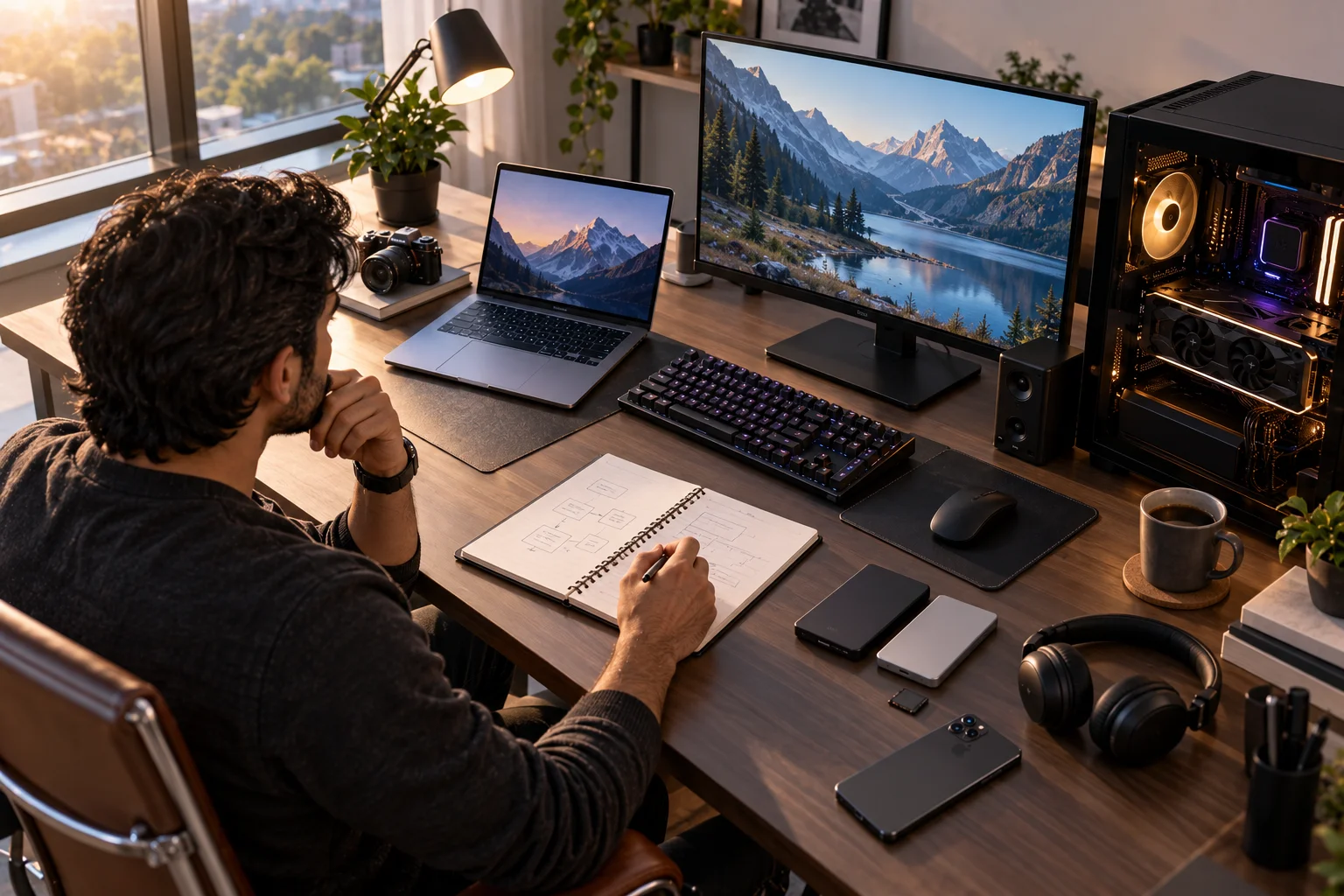
Choosing between a Mac and a PC is no longer simply a question of Apple versus Windows. Both platforms now offer fast processors, excellent displays, long battery life and powerful AI features. The bigger differences are in software compatibility, hardware choice, gaming, ecosystem integration, upgradeability, price and how you actually use your computer.
Apple's current Mac lineup includes MacBook Neo, M5 MacBook Air, M5/M5 Pro/M5 Max MacBook Pro, Mac mini, iMac and the latest Mac Studio models. macOS 27 Golden Gate is also now available, with Apple expanding its AI capabilities through features such as Siri AI.
Windows, meanwhile, remains available across a much wider range of laptops and desktops from manufacturers including Dell, HP, Lenovo, ASUS, Acer and Microsoft. That variety means there isn't one universal answer to the Mac vs PC question.
The better choice depends on what you need your computer to do.
Mac vs PC: What's the Biggest Difference?
The biggest difference is control versus choice: Apple controls both the Mac hardware and macOS, while Windows runs on hardware from many manufacturers.
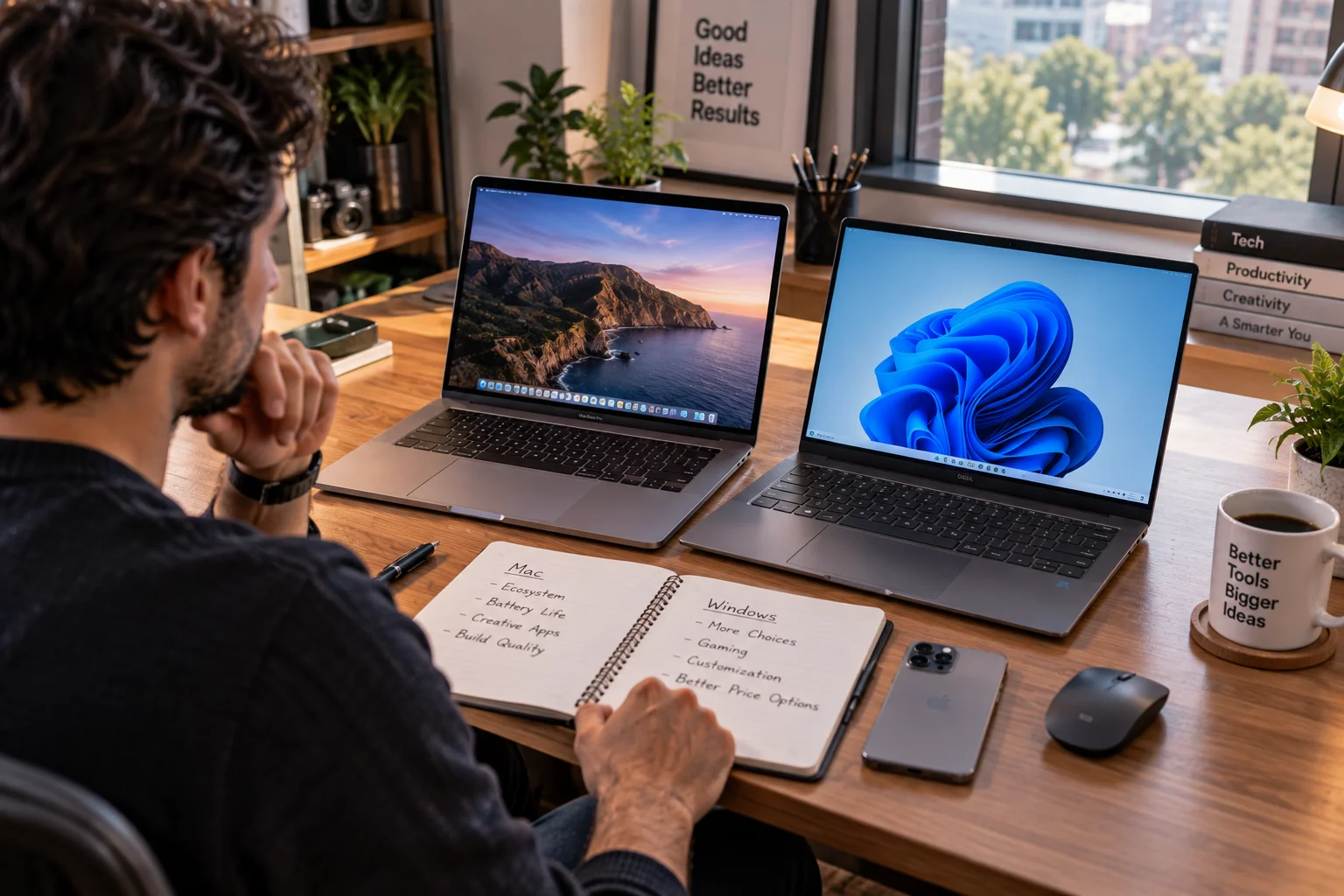
That distinction affects almost everything else.
Category | Mac | PC |
|---|---|---|
Operating system | macOS | Windows |
Hardware choice | Limited to Apple | Very broad |
Gaming | Improving, but limited compared with Windows | Extensive |
Custom desktops | Limited | Extensive |
Apple ecosystem | Excellent | Limited |
Software compatibility | Strong, but some Windows-only apps unavailable | Broad Windows compatibility |
Hardware upgrades | Generally limited | Depends on device |
Touchscreen/2-in-1 choice | Very limited | Extensive |
Price range | Starts higher in many categories | From budget to premium |
Creative workflows | Strong | Strong |
Local AI options | Apple silicon + Neural Engine | CPU, NPU and GPU options |
The important thing is that these are platform differences, not a simple measure of which computer is “better.”
Mac vs PC for Work and Productivity
Both platforms can handle everyday office work, but Windows offers broader hardware and business-software flexibility while Macs offer tight integration between hardware and software.
Microsoft 365 applications such as Word, Excel, PowerPoint and Outlook are available on Mac, so choosing a Mac doesn't mean giving up mainstream office software. Apple also supports Microsoft Office and Windows-to-Mac migration.
Mac becomes particularly convenient if you already use an iPhone. Features such as iPhone Mirroring, calls on Mac and cross-device services are integrated into Apple's ecosystem. Apple also includes Continuity features across its devices.
Windows has an advantage when your workplace depends on specialized Windows applications, enterprise software or hardware designed specifically for Windows.
For general writing, browsing, spreadsheets, meetings and email, both platforms are capable.
Mac vs PC for Gaming
Windows remains the more flexible platform for PC gaming because of its broader hardware, graphics-card and game-support ecosystem.
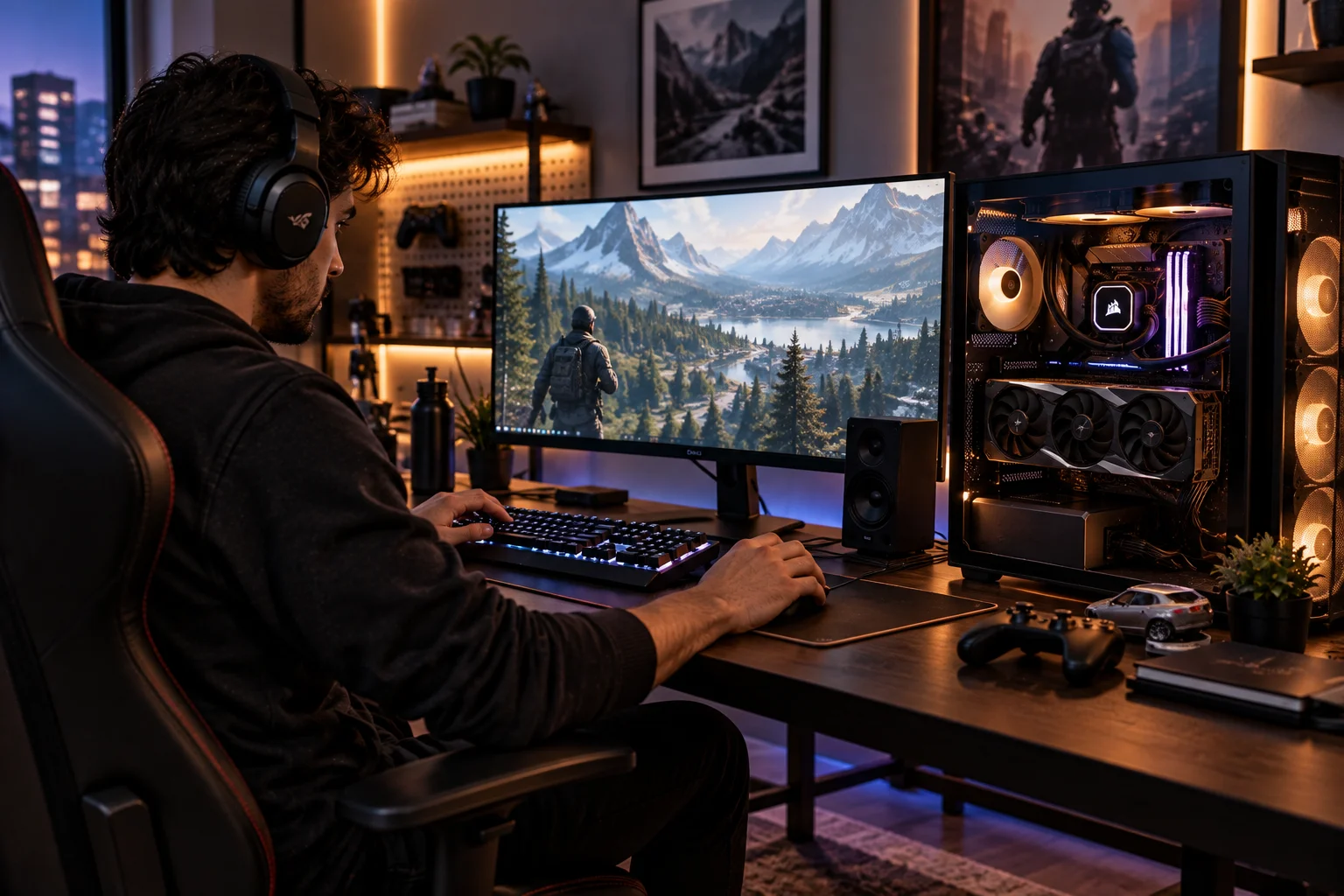
A Windows gaming PC can be configured with discrete GPUs from NVIDIA or AMD, and desktops can be upgraded over time.
You can also choose everything from an inexpensive gaming laptop to a high-end desktop with a powerful GPU.
Mac gaming has improved, particularly with Apple silicon and Apple's graphics technologies, but game availability and hardware flexibility remain narrower.
This matters if gaming is a major reason you're buying a computer.
If your computer is primarily for work and you only occasionally play games, the difference becomes less significant.
Mac vs PC for Creative Work
Both Macs and PCs can be excellent creative machines, but the best choice depends on your software, workflow and hardware requirements.
Macs have become particularly attractive for video editing, photography, music production and other creative workloads because Apple controls the entire silicon and operating-system stack.
The current MacBook Pro lineup uses M5, M5 Pro and M5 Max processors, while the Mac Studio now extends the platform to M5 Max and M5 Ultra for demanding professional workflows. Apple positions the latest Mac Studio toward creative professionals, developers, AI researchers and data scientists.
Windows has an important advantage for users who need powerful discrete GPUs, specialized peripherals or workstation configurations.
For example, someone working with 3D rendering, CUDA-based applications or GPU-heavy AI development may specifically need NVIDIA hardware.
So rather than asking which platform is better for creators, ask which applications and hardware does your workflow require?
Mac vs PC for AI in 2026
Both platforms now offer dedicated hardware for local AI, but they approach it differently.

Apple silicon combines CPU, GPU and Neural Engine capabilities with unified memory. Apple's M5 chips also include Neural Accelerators in each GPU core, while the latest Mac Studio models target demanding on-device AI workloads.
Windows PCs offer more variety. You can choose systems with dedicated NPUs for efficient AI features, or add powerful NVIDIA or AMD GPUs for demanding local AI workloads.
This distinction matters if you're running local language models, image-generation tools or AI development environments.
For everyday AI features, either platform can work well. For specialized AI workloads, software compatibility, GPU memory and accelerator support can matter more than the operating system itself.
Mac vs PC for Price and Value
PCs provide a wider range of prices, while Macs tend to occupy Apple's defined product tiers.
Windows laptops start at relatively low prices and extend into premium workstations and gaming machines.
Apple's current lineup ranges from the MacBook Neo through MacBook Air and MacBook Pro to desktop systems such as the Mac mini and Mac Studio. Apple's current Indian store, for example, lists MacBook Neo below MacBook Air and MacBook Pro, with desktop options ranging from Mac mini to Mac Studio.
But don't compare computers solely by their starting prices.
Look at:
RAM or unified memory
SSD capacity
Processor performance
Display quality
Battery life
Ports
Warranty
Upgradeability
Expected lifespan
A cheaper PC can become expensive after adding RAM, storage or a better display. A more expensive Mac can make more sense if its performance, battery life and software ecosystem match your workload.
Mac vs PC for Portability and Battery Life
Mac laptops are particularly strong when you want a thin computer with long battery life and predictable hardware configurations.

The M5 MacBook Air is available in 13.6-inch and 15.3-inch sizes, with 16GB to 32GB unified memory, 512GB to 4TB storage and Apple's rated battery life of up to 18 hours.
Windows has a much wider range of portable options, including traditional laptops, 2-in-1s and touchscreen devices.
That variety is useful if you want a specific screen size, convertible design, connectivity options or price point.
Mac vs PC for Upgrades and Repairs
Windows PCs generally provide more opportunities for hardware upgrades, especially desktops.
A desktop PC can often be upgraded with:
More RAM
Larger SSDs
A newer GPU
A faster CPU, depending on the platform
Additional storage
Expansion cards
Modern Macs are much more integrated, so memory and storage choices should be made carefully when purchasing.
That doesn't automatically make Macs poor long-term computers. Apple's current macOS 27 supports Apple silicon Macs going back several generations, including MacBook Air and MacBook Pro models from 2020 onward.
It simply means you should choose the configuration you actually expect to need.
Which Is Easier to Use: Mac or PC?
Neither platform is universally easier; the better choice depends on what you're already familiar with.
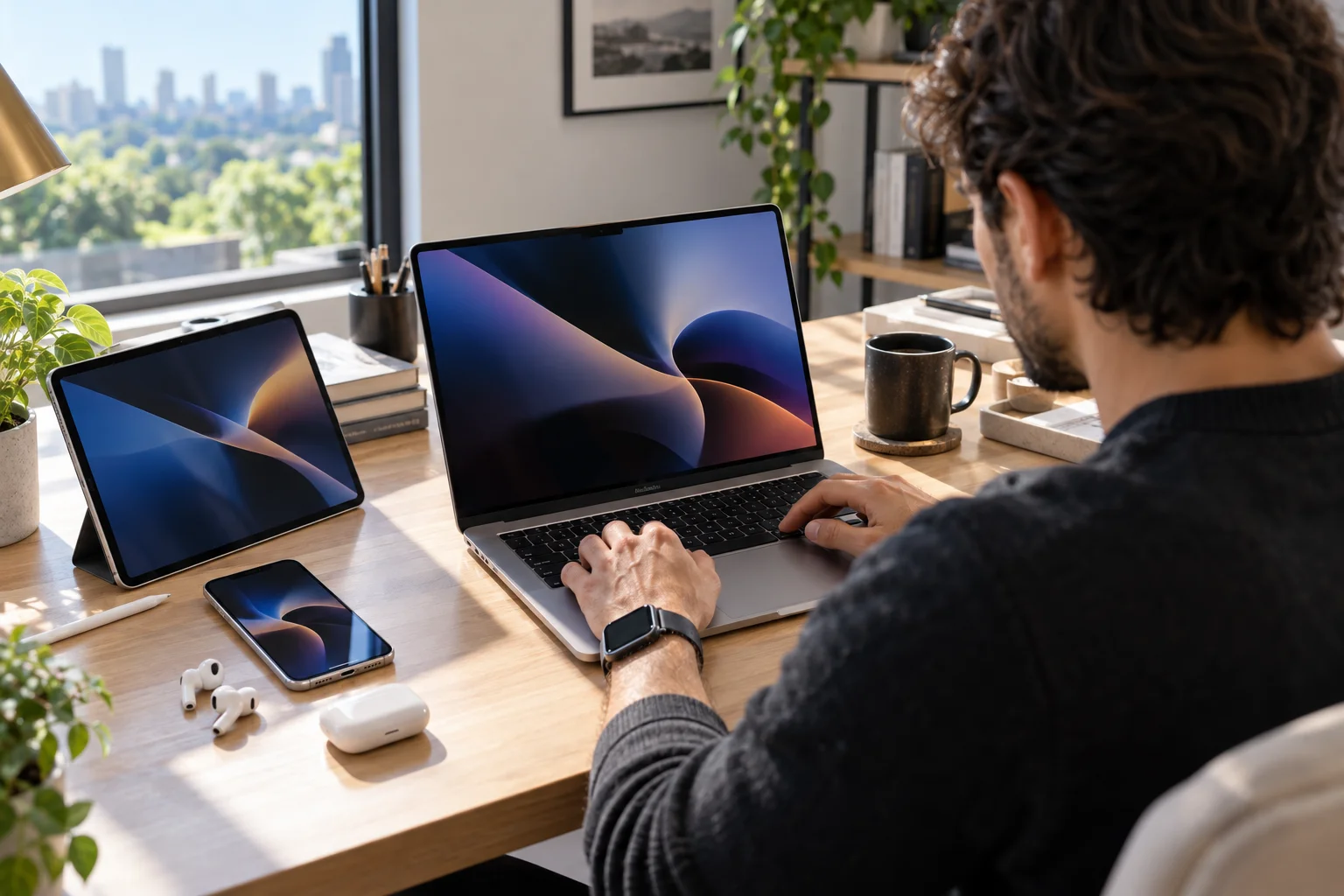
macOS tends to offer a consistent experience because Apple controls the hardware.
Windows offers more customization and hardware variety, but that also means experiences can vary considerably between manufacturers.
If you already use an iPhone, iPad and AirPods, a Mac can feel particularly natural because of Apple's ecosystem features.
If you've spent years using Windows, switching to macOS may require some adjustment to keyboard shortcuts, window management, file organization and system settings.
Should You Buy a Mac or PC in 2026?
Choose based on your software, hardware and ecosystem requirements rather than brand preference.
A Mac makes particular sense if you want:
Strong battery life and portability
Apple ecosystem integration
A controlled hardware/software experience
Creative applications
Apple silicon performance
Long macOS support
A PC makes particular sense if you want:
Gaming
A huge range of hardware
Touchscreens or 2-in-1 designs
Hardware upgrades
Custom desktop builds
Specialized Windows software
NVIDIA GPU options for certain AI and professional workloads
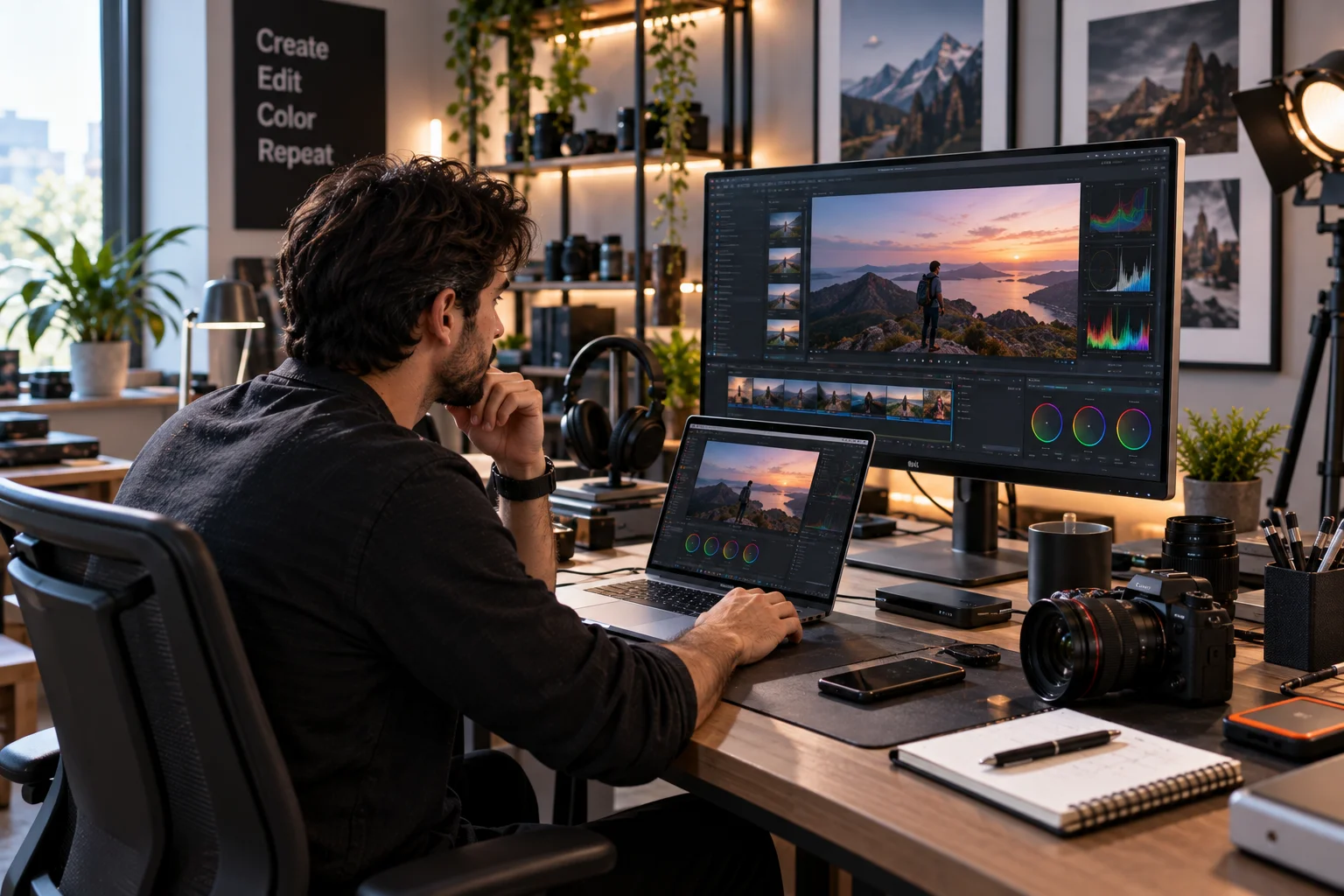
There is also a middle ground. Some users can comfortably work across both platforms, particularly because many major applications are now available on both.
Frequently Asked Questions About Mac vs PC
Is a Mac better than a PC?
Neither is universally better. Macs offer Apple's integrated hardware and software ecosystem, while PCs provide substantially more hardware choice and customization. The right option depends on your workload, software and budget.
Is a PC cheaper than a Mac?
PCs offer a much wider range of prices, including budget computers that cost less than entry-level Macs. However, price should be compared using equivalent RAM, storage, performance, display quality and build quality.
Are Macs good for gaming?
Mac gaming has improved, but Windows remains the broader platform for PC gaming because of its larger game library and wider range of compatible hardware and GPUs.
Are Macs better for content creators?
Macs can be excellent for video editing, photography, music and other creative workloads. However, Windows can be equally suitable when a workflow depends on specific Windows applications, NVIDIA GPUs or specialized hardware.
Can you run Windows on a Mac?
Windows can be accessed on modern Macs through options such as Windows 365 Cloud PCs. Microsoft's current guidance notes that Windows runs best on hardware designed for Windows, while cloud-based Windows 11 can provide a Windows environment on Macs.
Which lasts longer, Mac or PC?
Longevity depends more on the specific computer, workload, maintenance and software support than simply whether it is a Mac or PC. Apple currently supports macOS 27 on several generations of Apple silicon Macs, while Windows support depends on the PC's hardware and Microsoft's requirements.
Is Mac or PC better for students?
Either can work well. A Mac may suit students who value battery life, portability and Apple ecosystem integration. A Windows laptop may be preferable when a course requires Windows-only software, gaming, touchscreen hardware or a particular price range.
The Bottom Line
The Mac vs PC debate makes more sense when you stop treating it as a battle between two brands.
A Mac gives you Apple's tightly integrated hardware, software and ecosystem. A PC gives you choice: more manufacturers, more configurations, more upgrade paths and a broader gaming and hardware ecosystem.
For everyday work, study, browsing and productivity, both can be excellent choices.
The deciding question is simpler:
What do you need your computer to do for the next three to five years?
Start there, then choose the platform that fits the software, hardware and workflow you actually use.