
A tablet can look remarkably close to a laptop these days. Add a keyboard, a trackpad and a decent productivity app, and suddenly the distinction gets blurry.
But if you're buying one primarily for work, the question isn't really laptop vs tablet. It's about the kind of work you do, how much multitasking you need, and whether your workflow depends on desktop software.
A laptop is generally the more versatile work machine, especially for long documents, spreadsheets, browser-heavy research, coding, professional software and multitasking across several applications. A tablet makes more sense when portability, touch input, note-taking, reading, drawing and casual productivity are more important.
The gap has narrowed considerably. Modern tablets can handle email, documents, video calls, presentations and even surprisingly demanding creative tasks. But attaching a keyboard doesn't automatically turn every tablet into a laptop replacement. Operating-system limitations, file management, external-monitor support and professional applications can still matter.
For work that involves... | Laptop | Tablet |
|---|---|---|
Long-form writing | Excellent | Good with keyboard |
Heavy multitasking | Excellent | Good to very good |
Spreadsheets | Excellent | Good |
Video meetings | Excellent | Excellent |
Note-taking | Good | Excellent |
Drawing/design | Good | Excellent with stylus |
Coding | Excellent | Limited to moderate |
Desktop software | Excellent | Depends heavily on OS/apps |
Portability | Good | Excellent |
Touch interaction | Limited | Excellent |
External monitor setup | Excellent | Varies |
All-day professional workflow | Usually better | Depends on workflow |
A laptop is better for most traditional office work
If your typical day involves writing documents, managing spreadsheets, attending meetings, researching online, working with multiple browser tabs and jumping between applications, a laptop remains the safer choice.
The reason isn't necessarily raw processing power.
It's the desktop-style workflow.
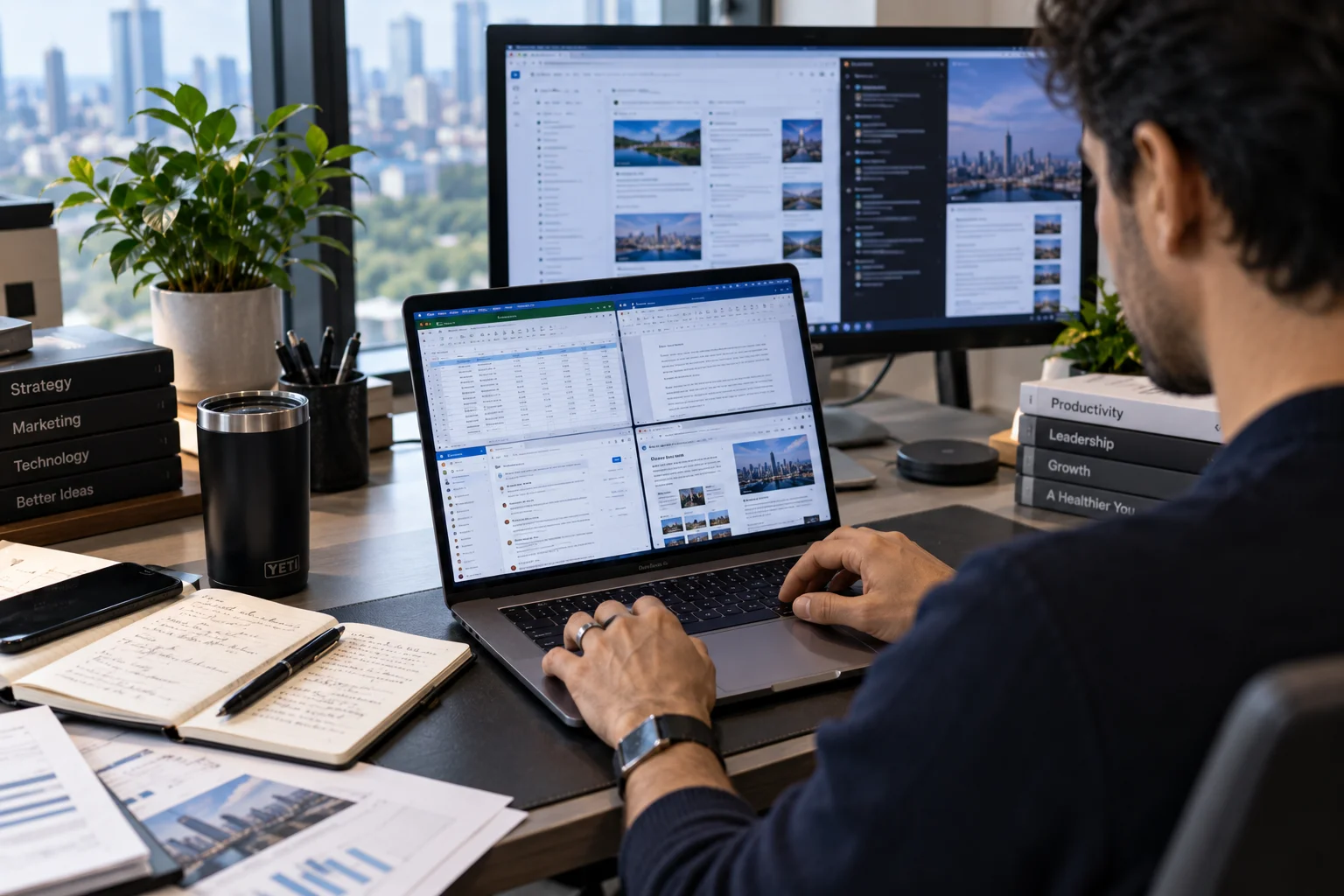
You have a physical keyboard, trackpad, resizable windows and an operating system designed around running several applications simultaneously. You can have a spreadsheet open beside a presentation, keep a browser window running in another workspace and move files between applications without constantly adapting your workflow.
For people working eight hours a day from a computer, those small conveniences add up quickly.
A laptop is particularly useful for:
Content writing and editing
SEO and digital marketing
Accounting and finance
Project management
Research-heavy work
Programming
Large spreadsheets
Website management
Desktop publishing
Video editing
If your work involves a lot of typing and switching between applications, the laptop advantage becomes difficult to ignore.
A tablet wins when portability matters more than complexity
Tablets have a completely different strength: they are easy to pick up and use almost anywhere.

A lightweight tablet can disappear into a small bag where a conventional laptop might feel cumbersome. Touch input also makes certain tasks feel more natural, particularly reading, annotating documents, sketching and taking handwritten notes.
For someone who spends a lot of time in meetings, travelling between offices or working away from a desk, that flexibility can be valuable.
A tablet works particularly well for:
Reading documents
Email
Digital note-taking
Presentations
Video calls
PDF annotation
Handwritten notes
Sketching
Social media management
Light document editing
Content consumption
The key word is light.
Once your work becomes more complicated, the limitations of a mobile operating system can start showing up.
Which is better for multitasking?
For serious multitasking, a laptop generally has the advantage.
You can work with multiple overlapping windows, use keyboard shortcuts extensively, drag files between applications and maintain a large number of browser tabs without restructuring your workflow around the tablet's interface.
Modern tablets have become much better here. iPadOS and Android tablets support multitasking features such as split-screen or multiple windows, while some premium tablets offer desktop-like interfaces.
But there is still a difference between supporting multitasking and being designed around it.
If your job routinely involves five or six applications at once, a laptop is usually less frustrating.
A simple test
Think about your busiest workday.
If you regularly do this:
Browser → spreadsheet → email → document → browser → presentation → file manager → browser
a laptop probably makes more sense.
If your workflow looks more like:
Email → meeting → notes → PDF → presentation
a tablet may be perfectly adequate.
What about typing?
This is where the comparison can become surprisingly personal.
A good laptop keyboard is integrated into the device and ready whenever you need it. A tablet can become much more comfortable for serious writing once you add a quality keyboard case or external keyboard.
But then the tablet becomes heavier, thicker and more expensive.
That's not necessarily a problem. It simply changes the equation.
If you're writing thousands of words every week, editing spreadsheets or responding to long emails all day, a proper laptop keyboard is usually the more practical setup.
If you're writing occasional emails, editing short documents or taking notes during meetings, a tablet keyboard can be more than enough.
Which is better for spreadsheets?
For simple spreadsheets, both can work.
For serious spreadsheet work, I'd choose a laptop.
The difference becomes obvious when you start dealing with:
Large workbooks
Multiple sheets
Complex formulas
Extensive formatting
Pivot tables
Data analysis
External data connections
Keyboard-heavy workflows
Multiple windows
Mobile versions of productivity applications have become powerful, but they don't always provide the same feature depth or interface as their desktop counterparts.
If spreadsheets are central to your job rather than something you occasionally open, that distinction matters.
Is a tablet good enough for remote work?
It can be, particularly if your remote work is communication-heavy rather than software-heavy.

A tablet can handle email, messaging, video meetings, calendars, documents and presentations very comfortably. The larger question is what happens when your employer's workflow depends on software that expects a desktop operating system.
Before choosing a tablet, check the applications you use every day.
Ask:
Does the service have a full-featured tablet app?
Does it require browser extensions?
Do you need desktop-only software?
Can you access your company's file system easily?
Do you need multiple external monitors?
Are keyboard shortcuts important?
Do you regularly download and manipulate files?
If several answers point toward desktop functionality, a laptop becomes the easier choice.
Which is better for video meetings?
Both can be excellent for video calls.
In fact, tablets can have an advantage in certain situations because they're easy to position, move around and use away from a desk.
Modern premium tablets also offer high-quality front cameras, microphones and speakers.
A laptop, however, is more convenient when the meeting is only one part of a larger work session.
You can keep the meeting open while simultaneously referencing documents, spreadsheets or research without completely changing how you're holding the device.
For meeting-only work, a tablet is excellent.
For meetings plus heavy multitasking, a laptop is usually more convenient.
Which is better for creative work?
This depends entirely on the type of creative work.
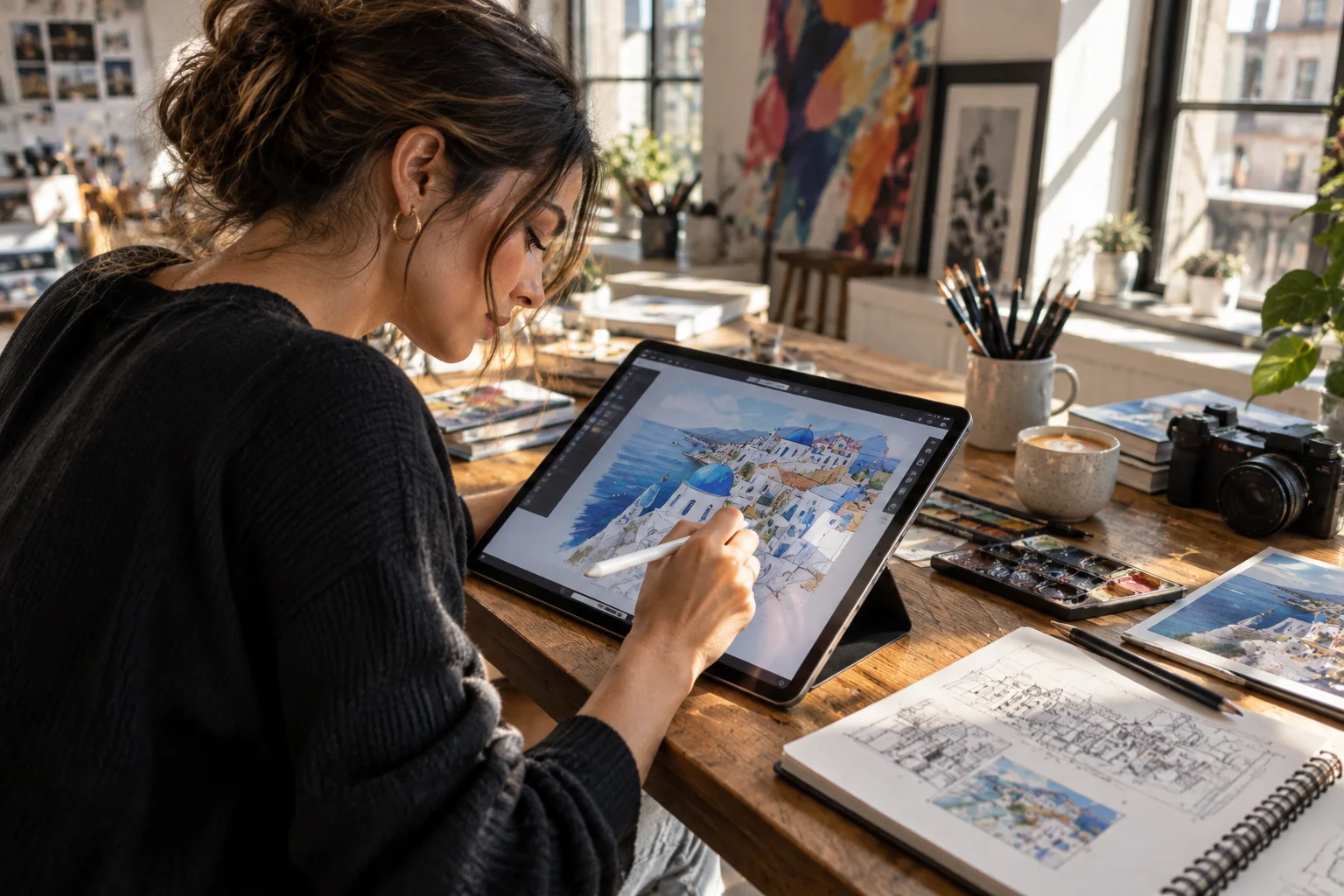
For illustration, handwriting, photo markup and visual brainstorming, tablets can be fantastic. A stylus combined with a high-quality display can make the experience feel much closer to working on paper.
For professional video editing, advanced graphic design, large creative projects and applications that depend on desktop-class software, laptops generally offer greater flexibility.
So the creative-work divide looks something like this:
Creative task | Better fit |
|---|---|
Handwritten notes | Tablet |
Digital illustration | Tablet |
Sketching | Tablet |
PDF markup | Tablet |
Basic photo editing | Either |
Professional photo workflow | Laptop |
Video editing | Laptop |
Complex graphic design | Laptop |
Presentations | Either |
There are exceptions, of course. High-end tablets can handle increasingly sophisticated creative applications, so the exact model and software ecosystem matter.
Does a tablet actually save money?
Not necessarily.
This is one of the easiest assumptions to get wrong.
A tablet may initially cost less than a premium laptop. But if you add a keyboard, trackpad, stylus, protective case and other accessories, the final cost can climb quickly.
Compare the complete setup, not just the tablet or laptop itself.
Cost consideration | Laptop | Tablet |
|---|---|---|
Keyboard | Usually included | Often additional |
Trackpad | Usually included | May be additional |
Stylus | Usually unnecessary | Often additional |
Protective case | Optional | Commonly purchased |
External display | Optional | Depends on workflow |
Accessories | Fewer required | Potentially more |
A tablet can still be excellent value, particularly if you already own the accessories you need or primarily use it for mobile work.
What about battery life?
Tablets often perform very well for light everyday tasks because their operating systems and hardware are designed around mobile efficiency.
A good tablet can be particularly convenient for travel, reading and meetings because you don't have to think about finding a desk every time you want to use it.
Modern laptops have also improved significantly. Many ultraportable models can comfortably handle a full working day depending on the workload and configuration.
The bigger issue is what you're doing while running on battery.
Heavy video editing, gaming, demanding data work and sustained high-performance workloads can drain either type of device considerably faster.
Laptop vs tablet for students

Students have a slightly different calculation.
A tablet can be excellent for lectures because it combines note-taking, reading, annotation and research in one lightweight device. Add a keyboard and it can also handle essays and presentations.
But students studying programming, engineering, architecture, finance, computer science or other software-intensive subjects may need a laptop because of desktop applications and development environments.
For students, the course requirements should come before the device's portability.
Laptop vs tablet for business professionals
For business professionals who spend most of their day creating documents, analysing information, presenting, emailing and attending meetings, a laptop remains the more complete primary device.
A tablet becomes particularly attractive as a second device.
Imagine having a lightweight tablet for flights, client meetings, presentations and reading documents while keeping a laptop at your desk for heavier work.
That's where tablets can shine.
They don't always need to replace your computer to be useful.
What should you actually buy in 2026?
The simplest decision is to look at your workflow rather than the device category.
Choose a laptop if:
You type for several hours a day.
You frequently multitask.
Your work relies on desktop software.
You use large spreadsheets.
You code or manage websites.
You regularly work with files.
You need a serious workstation replacement.
Choose a tablet if:
Portability is your priority.
You spend much of the day reading or taking notes.
You use a stylus regularly.
Your work is mostly email, meetings and documents.
You travel frequently.
Your applications have good tablet versions.
You want a lightweight secondary work device.
The bottom line
For most people buying one device specifically for work, a laptop remains the more versatile option in 2026.
A tablet makes more sense when your work is relatively lightweight, mobile or visual, or when you value touch and stylus input more than desktop-style multitasking.
And there's a third possibility that's often overlooked: you don't have to make the tablet replace the laptop.
If your budget allows it, a laptop can be the primary workstation while a tablet handles travel, meetings, reading and note-taking.
The right question isn't which device is more impressive.
It's which one creates fewer obstacles between you and the work you actually need to get done.