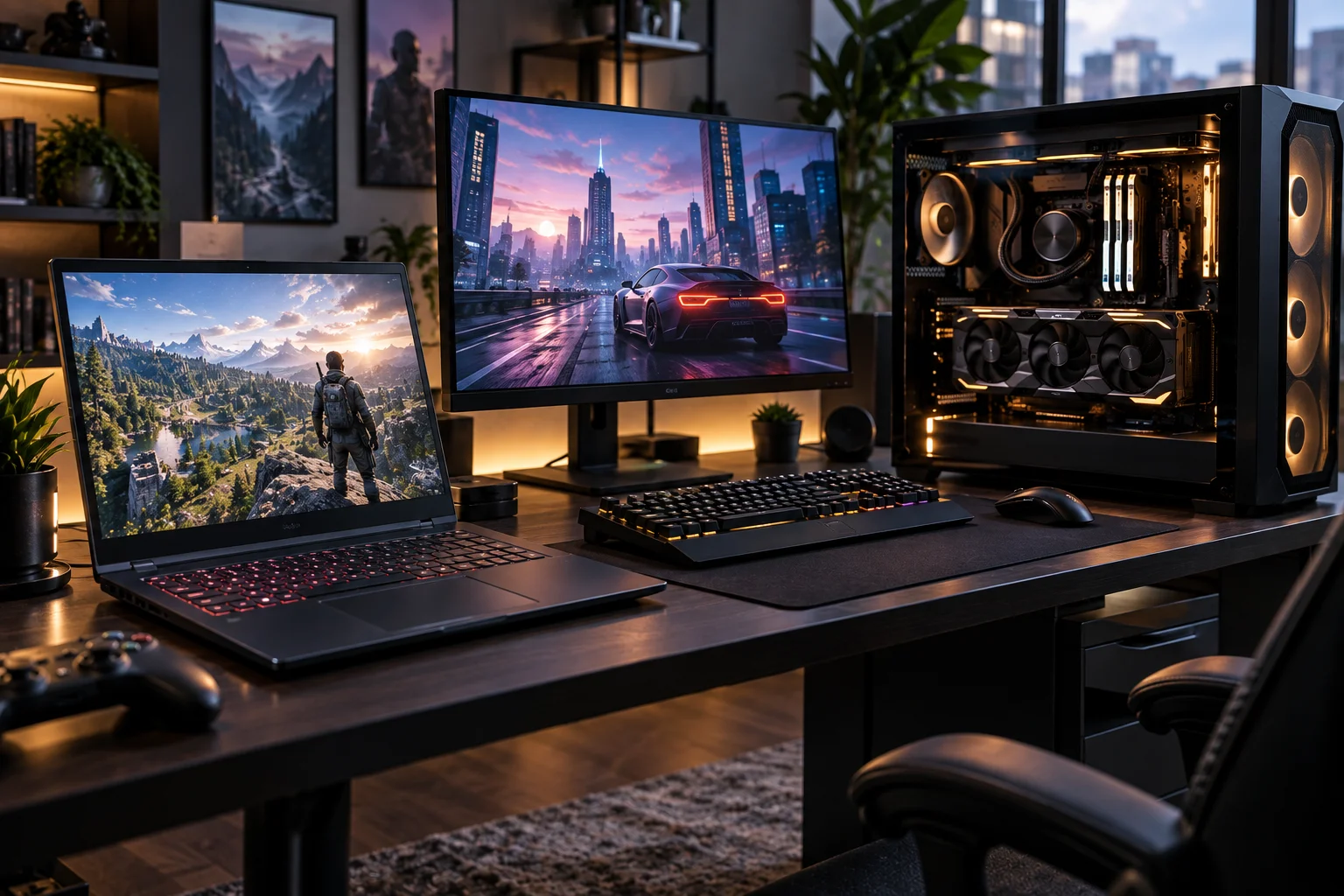
A gaming laptop gives you something a gaming PC cannot: the ability to take your entire setup with you.
A gaming PC gives you something a laptop struggles to match: more performance, better cooling, easier upgrades and more flexibility when you want to build or improve the system over time.
So which one makes more sense?
For most people who always game at one desk, a gaming PC is the better long-term choice. For students, frequent travellers, people with limited space and anyone who genuinely needs their gaming machine to be portable, a gaming laptop can make much more sense.
The important part is understanding what you are actually giving up for that portability.
Gaming Laptop vs Gaming PC: Which Is Better?
A gaming PC wins for performance, upgradeability and long-term value, while a gaming laptop wins for portability, convenience and having an all-in-one setup.
Category | Gaming Laptop | Gaming PC | Winner |
|---|---|---|---|
Performance | Strong | Stronger | Gaming PC |
Portability | Excellent | Poor | Gaming Laptop |
Upgradeability | Limited | Excellent | Gaming PC |
Cooling | More restricted | Better | Gaming PC |
Desk space | Minimal setup | More space required | Gaming Laptop |
Display included | Usually | Usually separate | Gaming Laptop |
Keyboard and trackpad | Included | Separate | Gaming Laptop |
Long-term flexibility | Limited | Excellent | Gaming PC |
Battery | Yes | No | Gaming Laptop |
Gaming value | Good | Usually better | Gaming PC |
Convenience | Excellent | Good | Gaming Laptop |
There is no universal winner.
A powerful desktop is a better gaming machine. A gaming laptop is a better portable computer.
Is a gaming PC more powerful than a gaming laptop?
Yes, when you compare broadly similar hardware, desktop systems generally have the performance advantage because they have more room for power delivery and cooling.
Desktop components can operate with substantially fewer physical constraints than laptop hardware. Larger cases also allow bigger coolers, more airflow and more powerful power supplies.
The distinction is particularly important with graphics cards.
NVIDIA's current RTX 50 Series includes separate laptop GPU implementations ranging from the RTX 5050 Laptop GPU through the RTX 5090 Laptop GPU, with different power ranges and memory configurations. The RTX 5070 Laptop GPU, for example, is specified at 50 to 100W GPU subsystem power, while the RTX 5070 desktop card is a separate desktop product.
That means you should never assume that "RTX 5070" means identical performance in a laptop and desktop.
Power limits, cooling and the exact implementation matter.
Why does cooling matter so much for gaming?
Cooling matters because modern gaming hardware generates substantial heat under sustained loads, and desktops have more physical space to remove it.
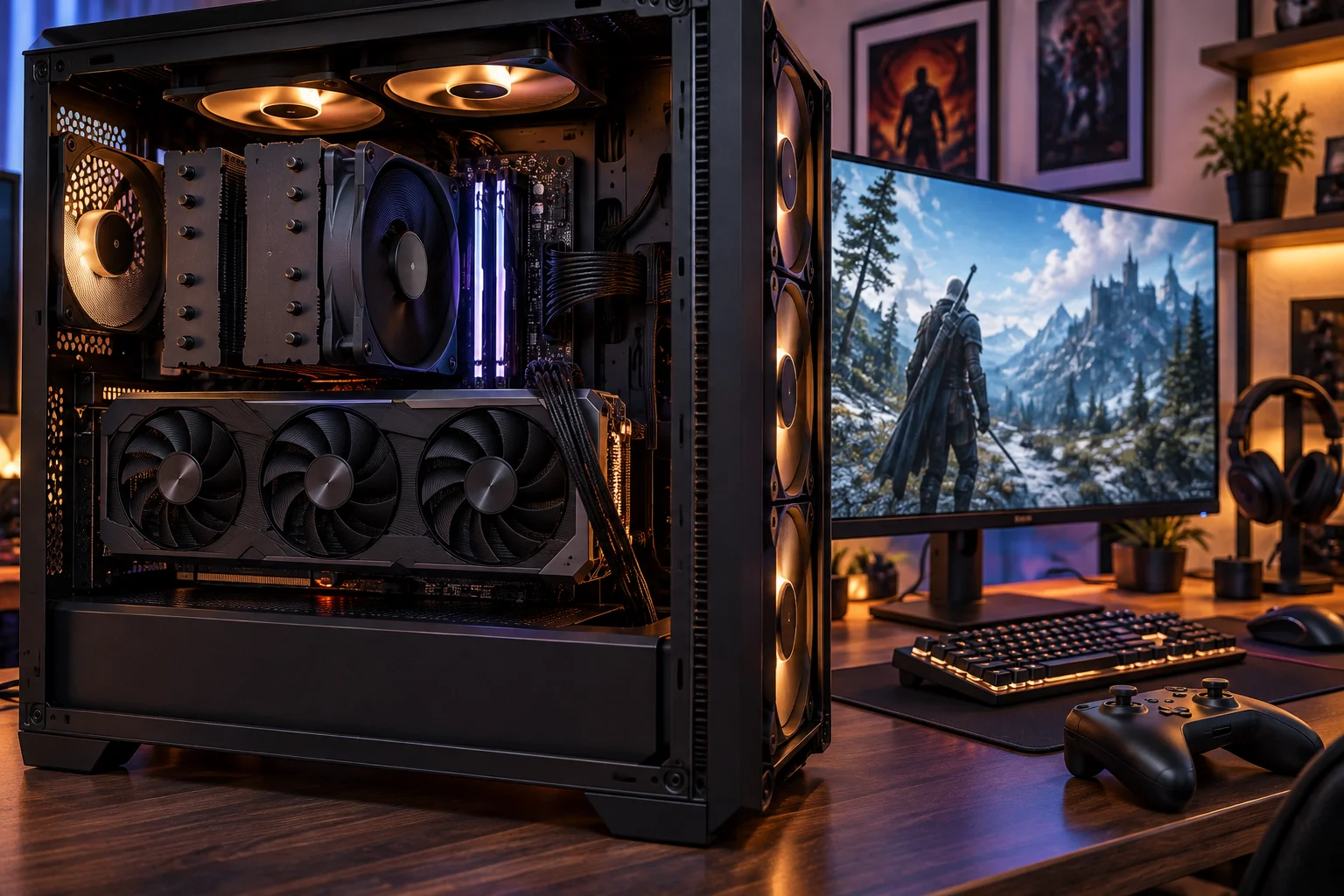
A desktop can use large air coolers, multiple case fans or liquid cooling systems.
A laptop has to fit its CPU, GPU, cooling hardware, display, battery and other components into a relatively thin chassis.
That does not make gaming laptops ineffective. Modern designs are remarkably capable, and NVIDIA's current laptop platform uses technologies such as Max-Q to balance performance and efficiency within portable systems.
But sustained heavy gaming is where a desktop's thermal headroom becomes particularly valuable.
Are gaming laptops easier to set up?
Yes. This is one of their biggest advantages.
With a gaming laptop, the display, keyboard, trackpad, speakers, Wi-Fi and battery are already built in.
Open the lid, install your games and start playing.
A gaming PC usually means buying or choosing a monitor, keyboard, mouse, speakers or headset and other accessories separately.
That is not necessarily a disadvantage.
It actually gives desktop users far more control over the quality of every part of the setup.
But for someone moving into a dorm, apartment or small bedroom, the simplicity of a gaming laptop can be difficult to beat.
Which is better for college students?
A gaming laptop is usually the more practical choice when you need one computer for both gaming and college.
You can carry it to class, take it to a friend's house and use it at home without maintaining two separate systems.
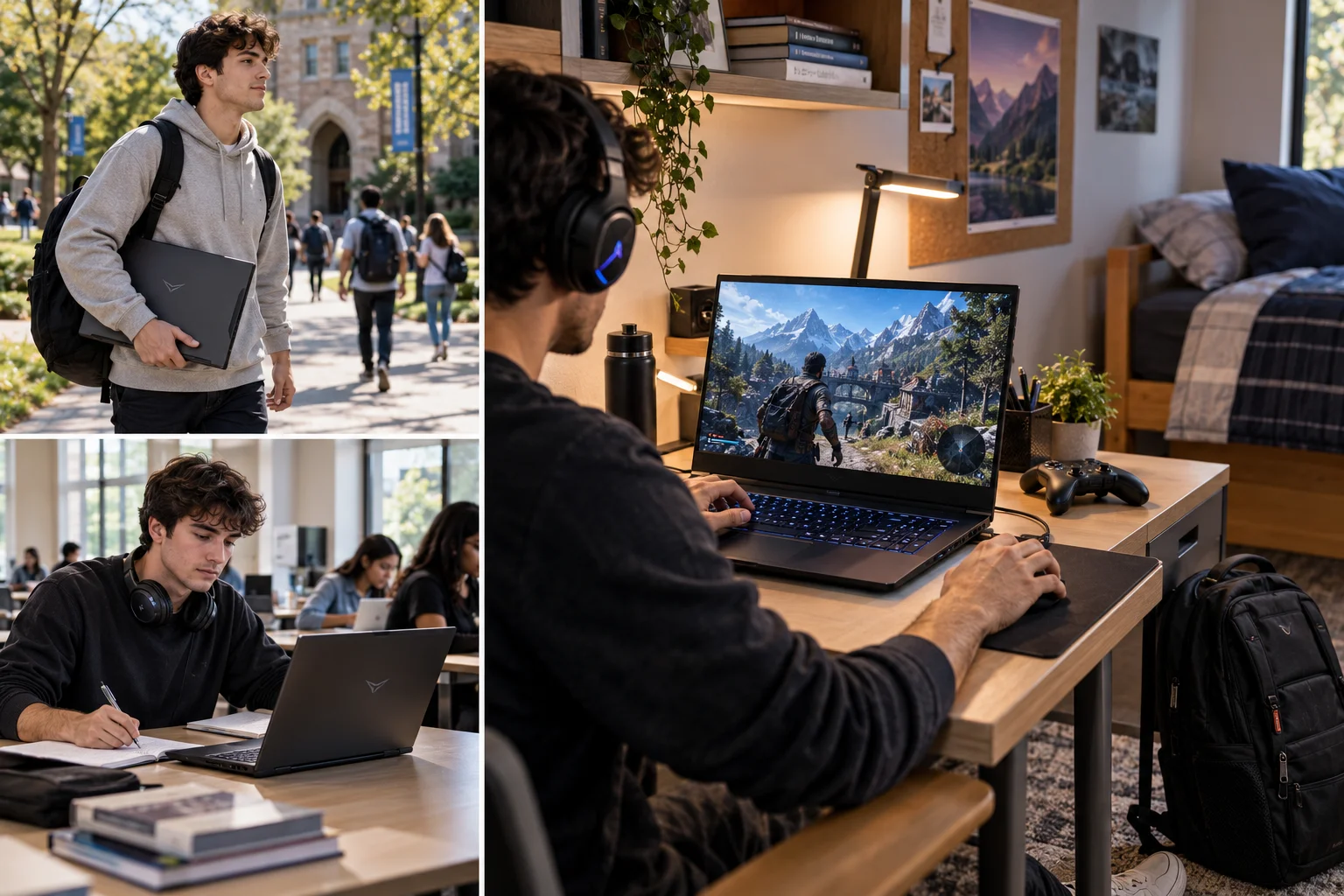
The trade-off is weight.
High-performance gaming laptops can be considerably heavier than ordinary student laptops, and their power adapters can also be large.
A desktop gives you much more gaming performance for the same general class of hardware, but it obviously stays where you put it.
That makes the decision simple for many students:
Need gaming and portability in one machine? Buy a laptop.
Have a permanent gaming desk? A PC usually makes more sense.
Which is easier to upgrade?
Gaming PCs win by a huge margin.
A desktop can generally be upgraded component by component.
You can replace the graphics card, add memory, install additional storage, upgrade the processor on a compatible platform or replace the power supply when necessary.
Gaming laptops are much more restricted.
Depending on the model, you may be able to upgrade RAM or storage, but the CPU and GPU are typically integrated or otherwise not designed for straightforward replacement.
That creates an important long-term difference.
With a desktop, you do not necessarily need to replace the entire machine when one component starts feeling old.
Is a gaming laptop cheaper than a gaming PC?
Not usually when comparing gaming performance alone, but the comparison becomes much closer when you include everything you need.
A desktop may provide better performance for the money, but you need to account for the monitor and peripherals.
A gaming laptop already includes those major components.
That means a laptop can be more expensive per unit of gaming performance while still being competitive as an overall package.
This is why comparing the computer price alone can be misleading.
A desktop with a high-end GPU might look like the better deal until you add a suitable monitor, keyboard and other accessories.
Which has the better display?
A gaming laptop gives you a screen immediately, while a gaming PC gives you more choice.
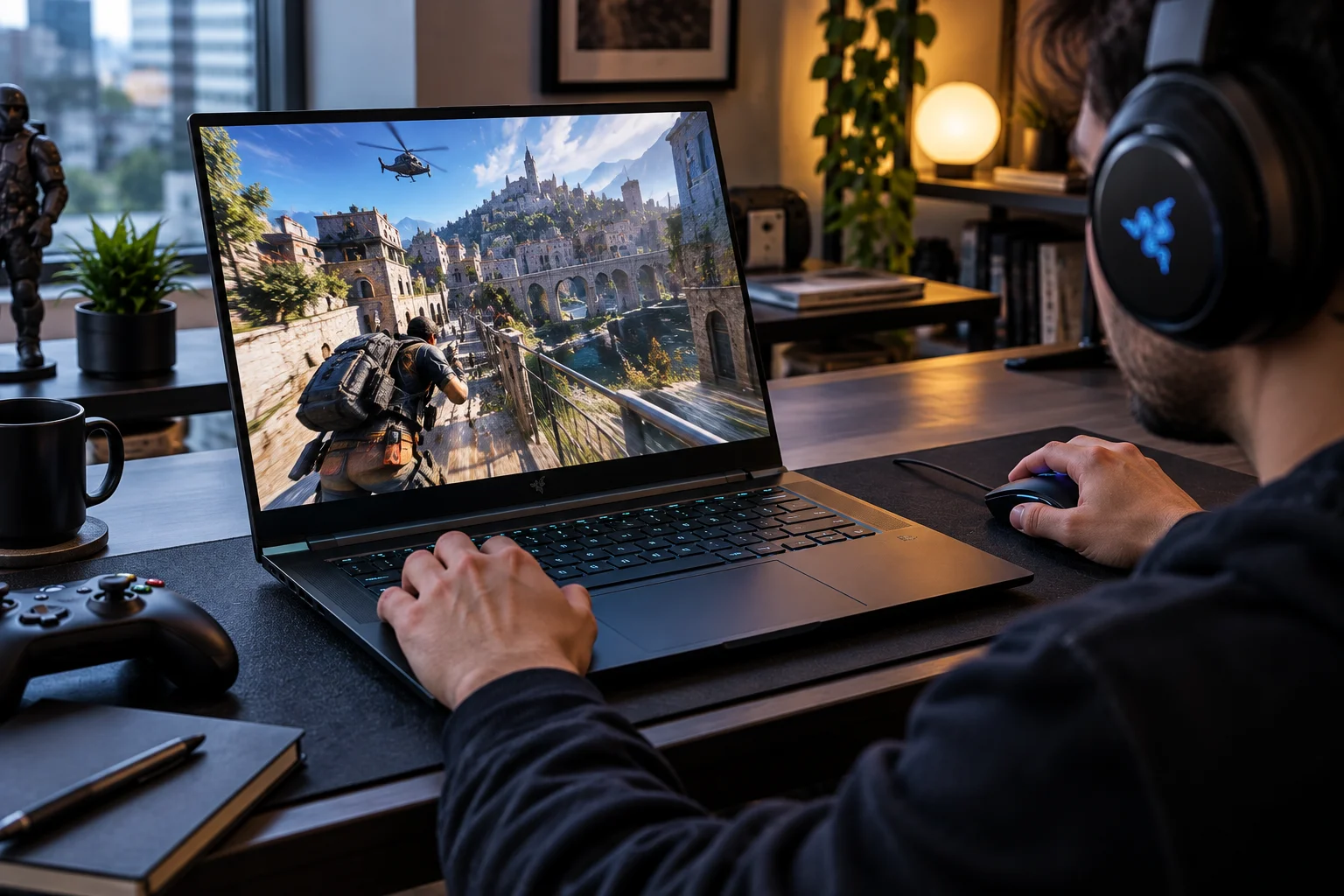
Current gaming laptops can have high-refresh displays with resolutions such as 2560 by 1600, OLED panels and refresh rates of 165Hz, 240Hz or higher.
For example, Lenovo's Legion Pro 5i Gen 10 can be configured with a 16-inch 2560 by 1600 display, 240Hz refresh rate and 100 percent DCI-P3 coverage alongside an RTX 5070 Laptop GPU.
A desktop can go much further.
You can choose a huge 4K OLED monitor, an ultrawide display, a high-refresh 1440p screen or even multiple monitors.
For anyone who cares deeply about the display experience, desktops offer considerably more freedom.
Which is better for competitive gaming?
A desktop is generally the better choice for serious competitive gaming, especially when paired with a high-refresh monitor.
You can choose exactly the monitor, mouse, keyboard and other peripherals you want.
You also avoid the compromises of fitting high-performance components and a display into one portable machine.
That said, a high-end gaming laptop can still deliver excellent competitive performance. NVIDIA's current laptop platform includes Reflex technologies designed to improve responsiveness in supported games.
For casual or serious-but-not-professional players, a good gaming laptop can be more than capable.
Which is better for ray tracing and demanding games?
A desktop has the advantage when you want maximum graphics performance, especially at 1440p or 4K with demanding settings.
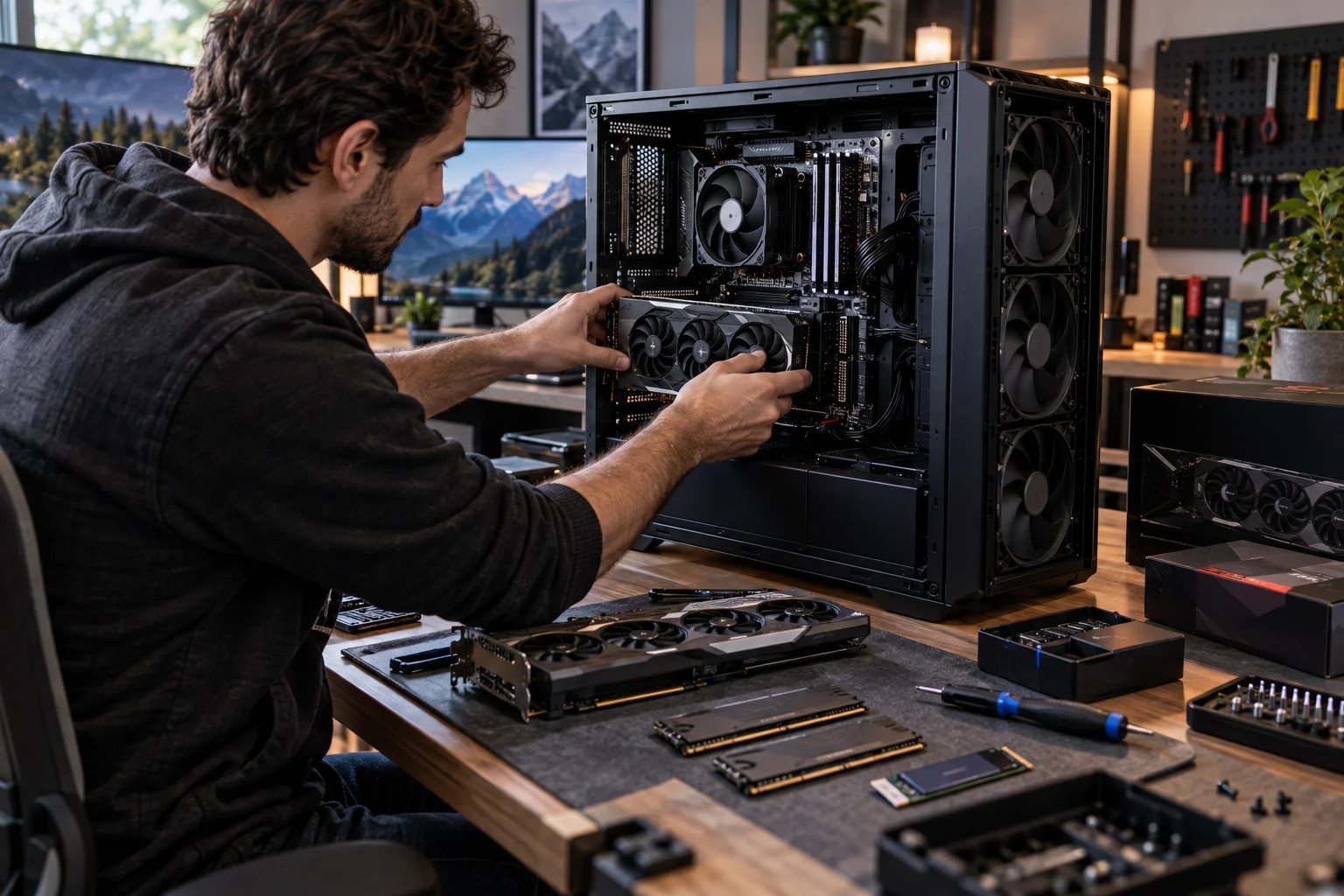
Desktop graphics cards can operate with much higher power budgets than laptop versions.
NVIDIA's current RTX 50 Series desktop range extends through the RTX 5090, while the laptop lineup uses mobile versions designed around much tighter thermal and power constraints.
Both platforms benefit from technologies such as DLSS and ray tracing, but the desktop generally gives you more raw headroom.
That becomes especially important when you want high settings, heavy ray tracing and high-resolution gaming at the same time.
Which is better for working as well as gaming?
It depends on whether you work in one place or several.
A desktop gives you more room to build a serious workstation with multiple monitors, full-size peripherals and additional storage.
A laptop lets you move between locations.
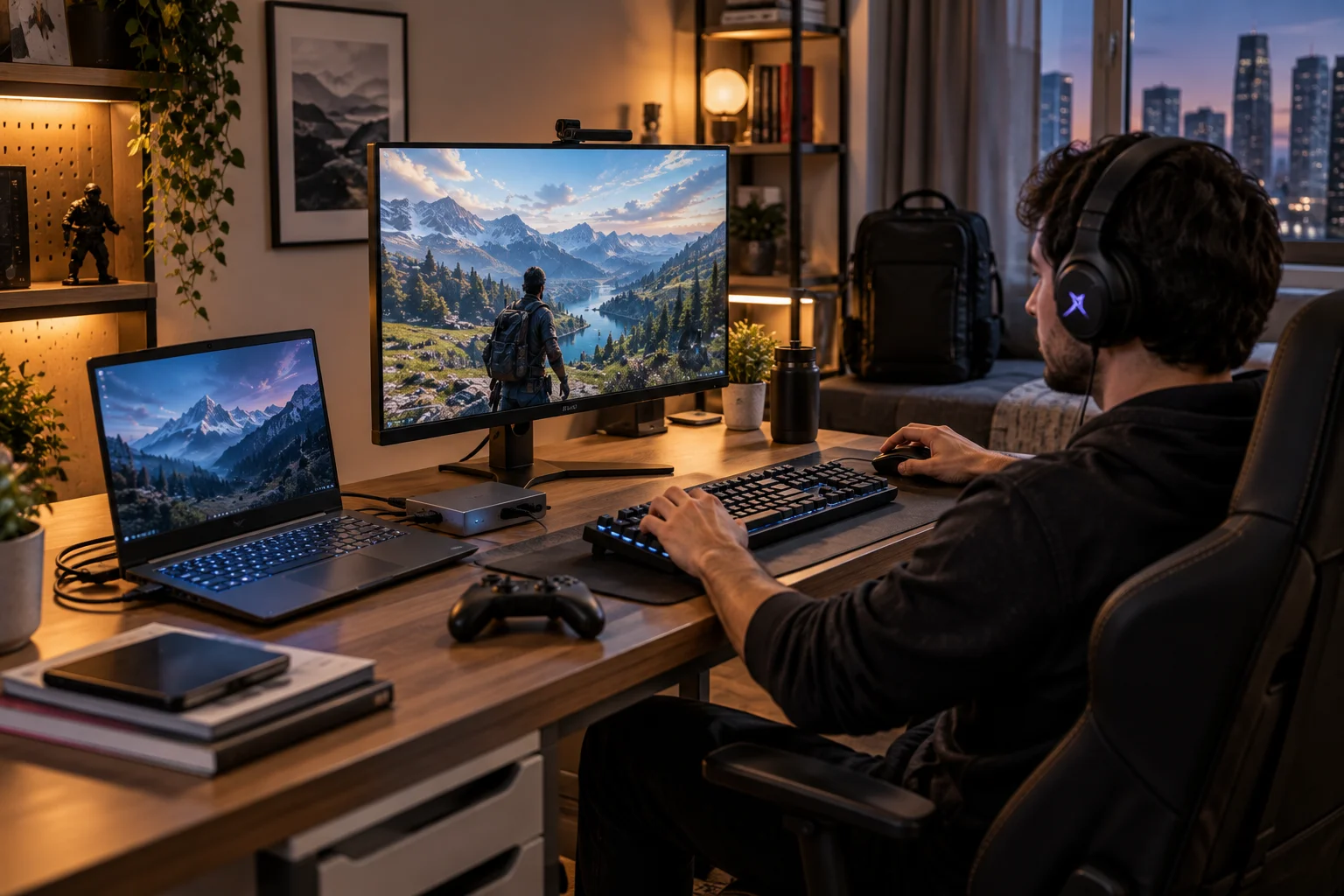
There is also a middle ground. You can use a gaming laptop with a proper external monitor, keyboard, mouse and dock when you are at home, then disconnect it when you need to leave.
For someone who wants one machine to handle work, college and gaming, that flexibility can be extremely valuable.
Are gaming laptops noisy?
They can be, particularly during demanding games.
Small high-performance systems have to move a lot of heat through relatively compact cooling systems, so fans can become noticeable under load.
Desktop gaming systems can also be loud, but the larger chassis gives manufacturers more options for lower-speed fans, larger heatsinks and more sophisticated cooling.
Noise depends heavily on the specific system, however.
A thin gaming laptop and a large desktop with premium cooling can behave very differently from their category stereotypes.
Which lasts longer?
A good desktop generally has the better path to a longer useful life because you can upgrade individual components.
A gaming laptop can still last for years, particularly if you buy enough performance from the start.
But when its graphics hardware becomes outdated, there is usually no straightforward way to replace it.
With a desktop, you might upgrade the graphics card while keeping the case, storage and other components.
That makes desktops especially attractive to gamers who prefer to upgrade gradually rather than replace everything at once.
Should you buy a gaming laptop or build a gaming PC?
Choose a gaming PC when gaming performance and flexibility are your main priorities.
Build or buy a desktop when you:
Game mainly at home
Want the highest performance possible
Want to upgrade components later
Prefer multiple or large monitors
Want more control over cooling
Plan to keep the system for many years
Choose a gaming laptop when you:
Travel regularly
Move between home, college or work
Have limited space
Want one machine for everything
Do not want to buy separate desktop accessories
Value convenience more than maximum performance
The decision becomes especially easy when you think about where you actually play.
What if you want both portability and desktop performance?
A gaming laptop plus a proper desktop setup can give you the best of both worlds, although it costs more.
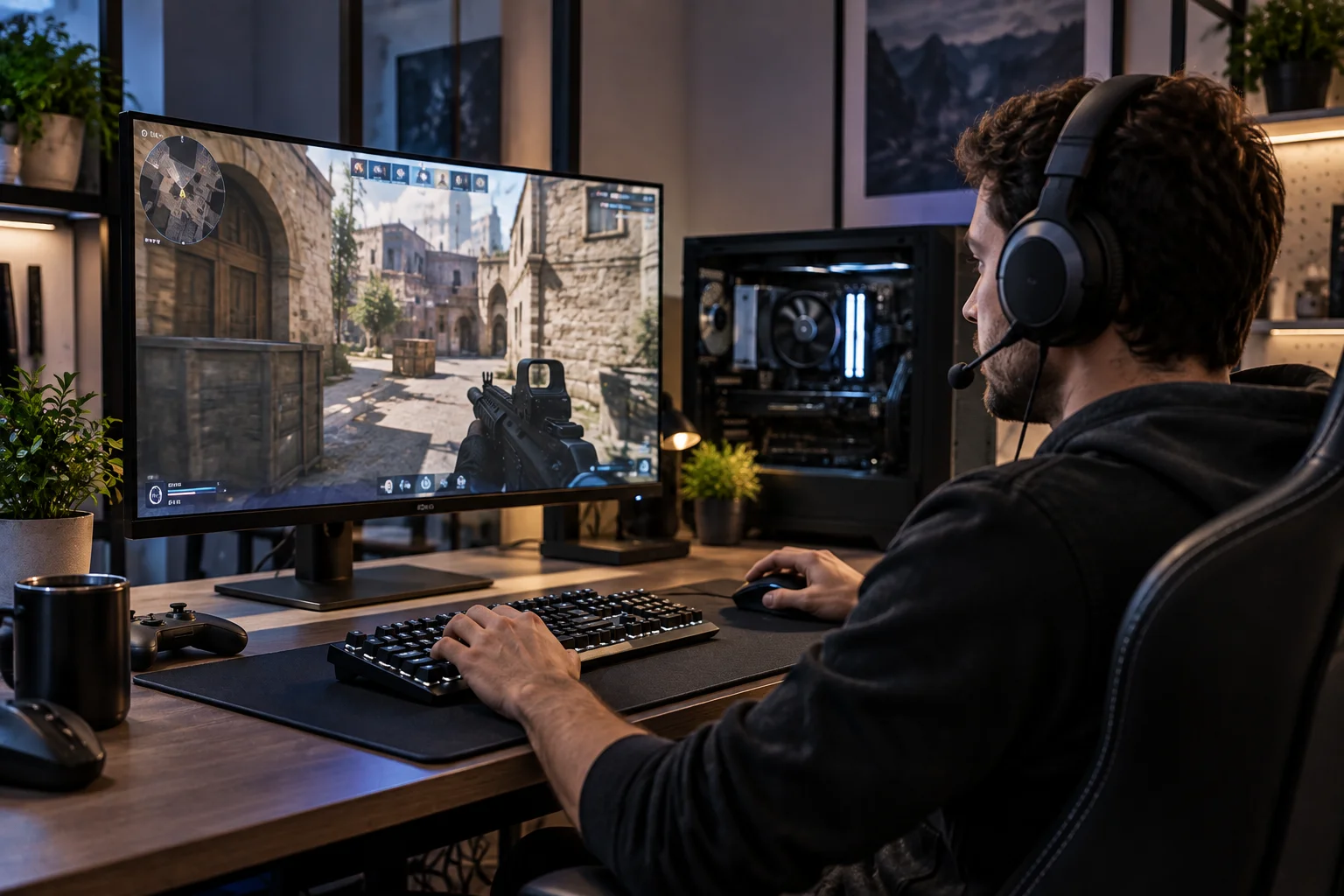
At home, you can connect the laptop to a larger monitor, mechanical keyboard and gaming mouse.
When you travel, disconnect everything and take the laptop with you.
This approach has become more practical as current gaming laptops have become thinner and more powerful. NVIDIA's RTX 50 Series laptop platform includes models from mainstream RTX 5050 systems through RTX 5090 Laptop GPU configurations, giving buyers a wide range of performance levels.
The downside is that you are still paying for portability even when the machine is sitting on your desk.
Which should you buy in 2026?
For a permanent gaming setup, buy a gaming PC. For gaming on the move, buy a gaming laptop.
The desktop is the better technical platform.
The laptop is the better lifestyle product.
Current gaming laptops can deliver extremely high-end performance. Lenovo's Legion Pro 5i Gen 10, for example, can combine an RTX 5070 Laptop GPU with a 240Hz 16-inch display, 32GB of RAM and 1TB of SSD storage.
Desktop systems can go substantially further. Dell's current Alienware Area-51 can be configured with graphics up to the RTX 5090, while the Aurora line offers more compact desktop gaming configurations.
That difference illustrates the broader choice perfectly.
Laptop technology is about fitting more performance into less space.
Desktop technology is about removing those constraints.
Gaming Laptop vs Gaming PC FAQs
Is a gaming PC better than a gaming laptop?
For maximum gaming performance, upgradeability and cooling, generally yes. A gaming laptop is better when portability and convenience are important.
Are gaming laptops worth buying?
Yes, particularly when you need one computer that can travel with you. Modern gaming laptops can deliver high-end gaming performance in a portable format.
Is a gaming desktop cheaper than a gaming laptop?
A desktop generally provides more gaming performance for the money, but remember that a desktop usually requires a separate monitor and peripherals.
Can you upgrade a gaming laptop?
Some gaming laptops allow RAM and SSD upgrades, but CPU and GPU upgrades are generally much more restricted than on desktops.
Do gaming laptops overheat?
They can run hot under heavy workloads, but modern systems are designed around their thermal limits. Cooling quality varies considerably between models.
Is a gaming laptop good for college?
Yes. It can be especially useful when you want one computer for gaming, studying and travel, although heavier models can be inconvenient to carry every day.
Can a gaming laptop replace a desktop?
For many people, yes. For users who want maximum performance, extensive upgrades or multiple large monitors, a desktop remains the stronger option.
Is RTX 5070 the same on a laptop and desktop?
No. The laptop and desktop versions are separate implementations with different power ranges and specifications.
Which is better for 4K gaming?
A desktop is generally the better platform for high-end 4K gaming because it can accommodate more powerful desktop GPUs and stronger cooling.
Which has a longer lifespan?
A desktop usually has the advantage because individual components can be upgraded instead of replacing the entire machine.
Final Thoughts
The gaming laptop vs gaming PC debate is really a choice between freedom to move and freedom to upgrade.
A gaming laptop gives you an entire gaming system in one package. You get the display, keyboard, battery and hardware together, and you can take it almost anywhere.
A gaming PC gives you more performance per component, better cooling and far more room to upgrade over time. Current desktop platforms can also accommodate the highest-end GPUs that simply cannot be replicated with the same power and thermal envelope in a laptop.
So the decision is straightforward.
Buy a gaming laptop when portability is something you will genuinely use.
Buy a gaming PC when you have a permanent gaming space and want the strongest performance and upgrade path.
Do not pay extra for portability and then leave the laptop permanently connected to a desk.
And do not buy a desktop because it offers more performance if what you really need is a computer you can take with you.
The better gaming machine is the one that fits the way you actually play.