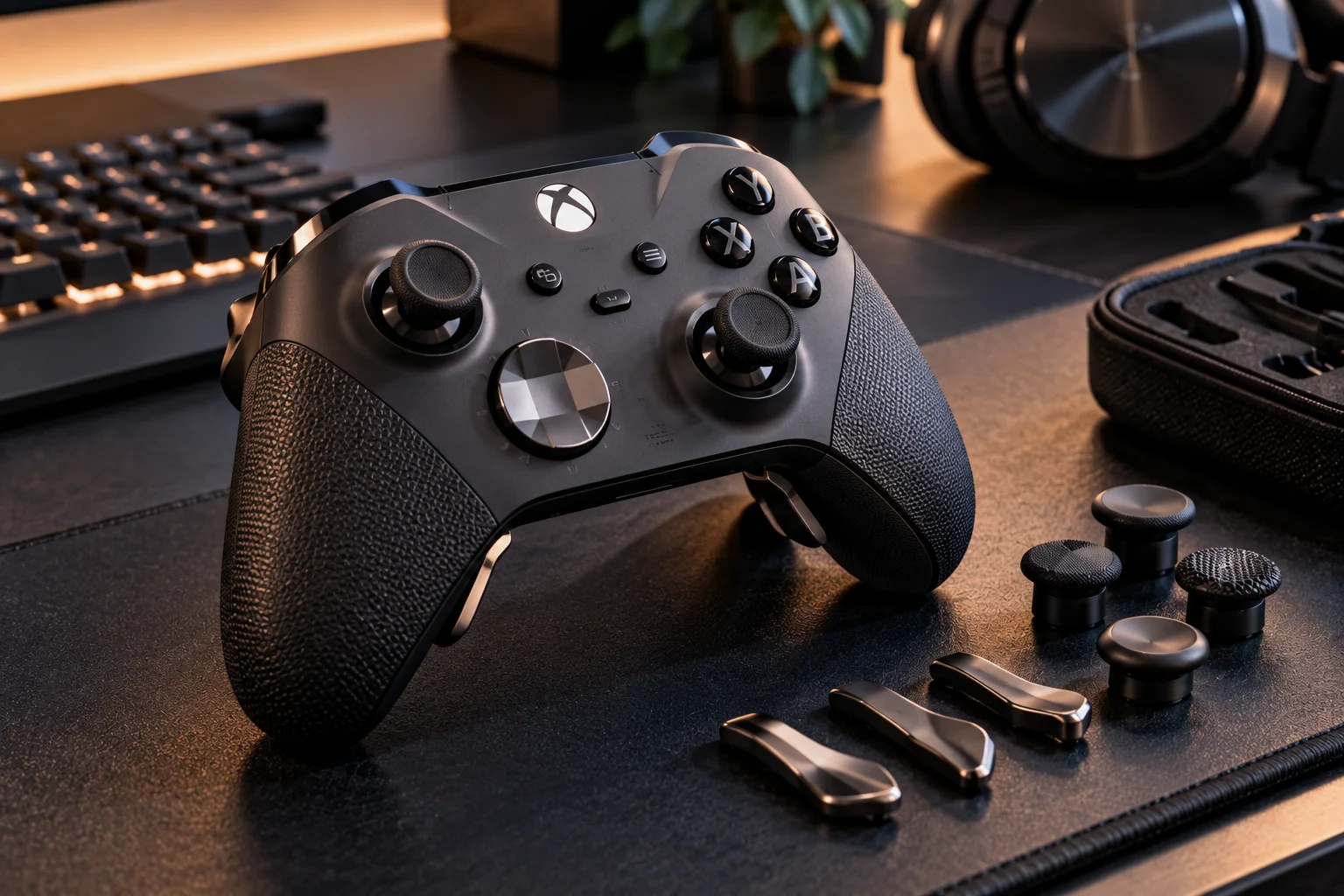
A good gaming controller is not simply one with the most buttons or the highest price.
The important factors are stick accuracy, resistance to drift, input latency, ergonomics, button quality, trigger feel, connectivity and reliability. The right balance depends on the games you play.
Competitive players may care most about precise analog sticks, low latency and consistent triggers. Someone playing single-player games from a sofa may care more about comfort, battery life and wireless reliability.
Stick technology has also become a major part of the conversation. Traditional potentiometer-based sticks can develop drift as their components wear, while Hall-effect and newer contactless technologies measure movement differently and are increasingly used in premium controllers.
Input latency matters too, but it should be viewed as part of the complete controller-to-screen pipeline. Microsoft describes controller latency as one component of the larger path from physical input to what appears on the display.
So what actually makes a controller good?
What makes a gaming controller good?
A good controller translates your movements consistently, feels comfortable in your hands and responds quickly without developing unwanted inputs.
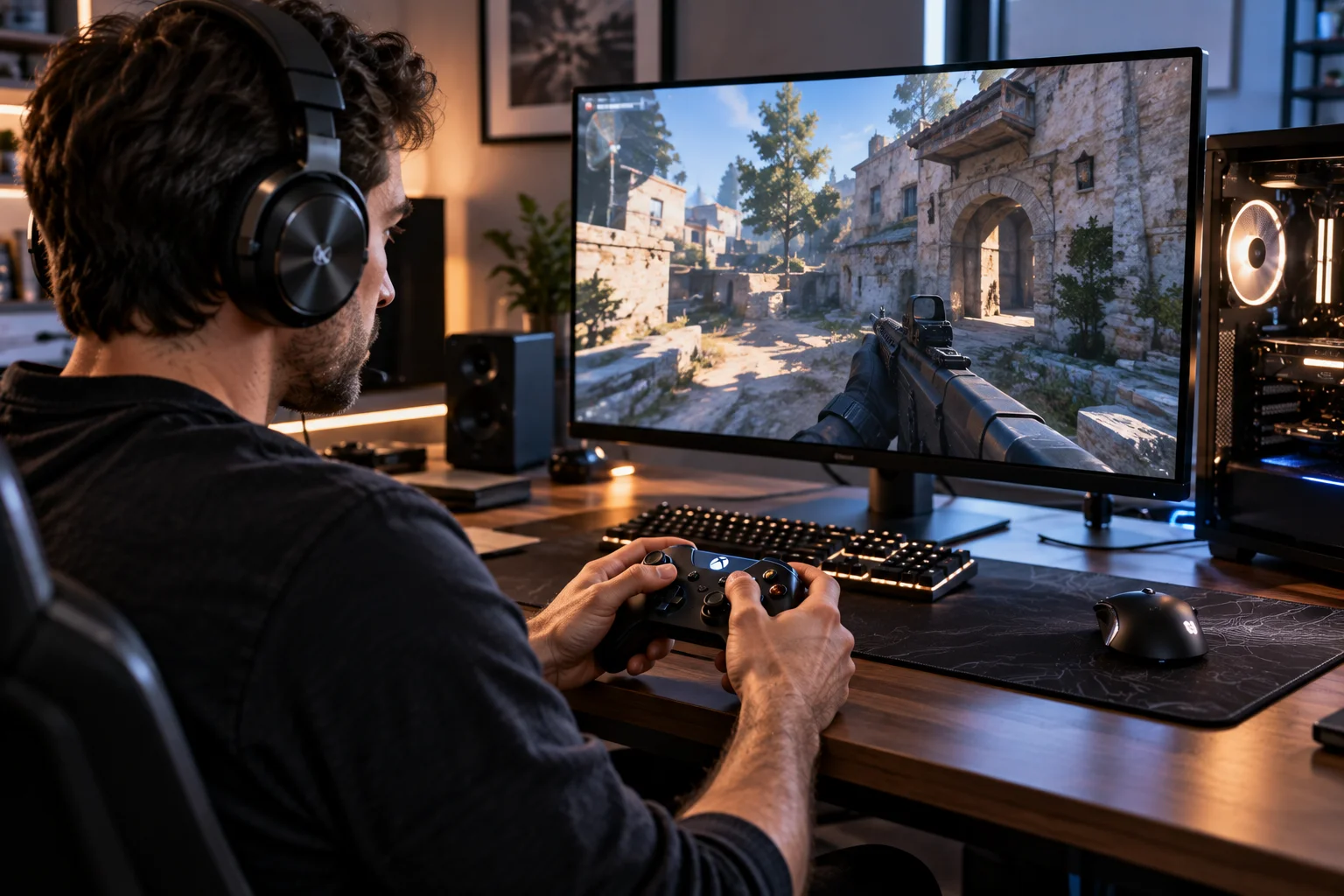
The most important characteristics are:
Accurate analog sticks
Low and consistent input latency
Comfortable ergonomics
Reliable buttons and triggers
Good wireless or wired connectivity
Strong build quality
Useful customization
Appropriate weight
Good battery life for wireless models
No single feature determines quality.
A controller with extremely low latency can still be uncomfortable. A beautifully designed controller can still become frustrating if its sticks develop drift.
The best designs get the fundamentals right first.
What is stick drift?
Stick drift occurs when an analog stick registers movement even though you are not touching it.
You might notice your character slowly walking without touching the left stick.
Or a camera may gradually rotate while your right thumb is completely still.
This happens when the controller reports an unintended stick position.
Traditional analog sticks commonly use potentiometers to measure movement. These components contain physical parts that can wear over time, potentially changing the electrical reading associated with the stick's position.
Drift can also be influenced by contamination, calibration and other hardware issues.
The important point is that stick drift is not simply a software problem.
Are Hall-effect sticks better for avoiding drift?
Hall-effect sticks can reduce some of the wear associated with traditional contact-based sensing because they measure movement using magnetic fields rather than the same type of physical resistive contact.
A Hall-effect sensor detects changes in a magnetic field as the stick moves.
Because the sensing mechanism can operate without the same physical contact used by conventional potentiometers, manufacturers use the technology to target improved durability and reduced drift risk.
That does not mean Hall-effect controllers are physically incapable of developing problems.
Springs, mechanical stick assemblies, calibration and other components can still wear or fail.
So Hall effect is a useful technology, not a guarantee against drift.
Can you fix controller stick drift?
Sometimes calibration or dead-zone adjustments can reduce mild drift, but hardware wear may require repair or replacement.
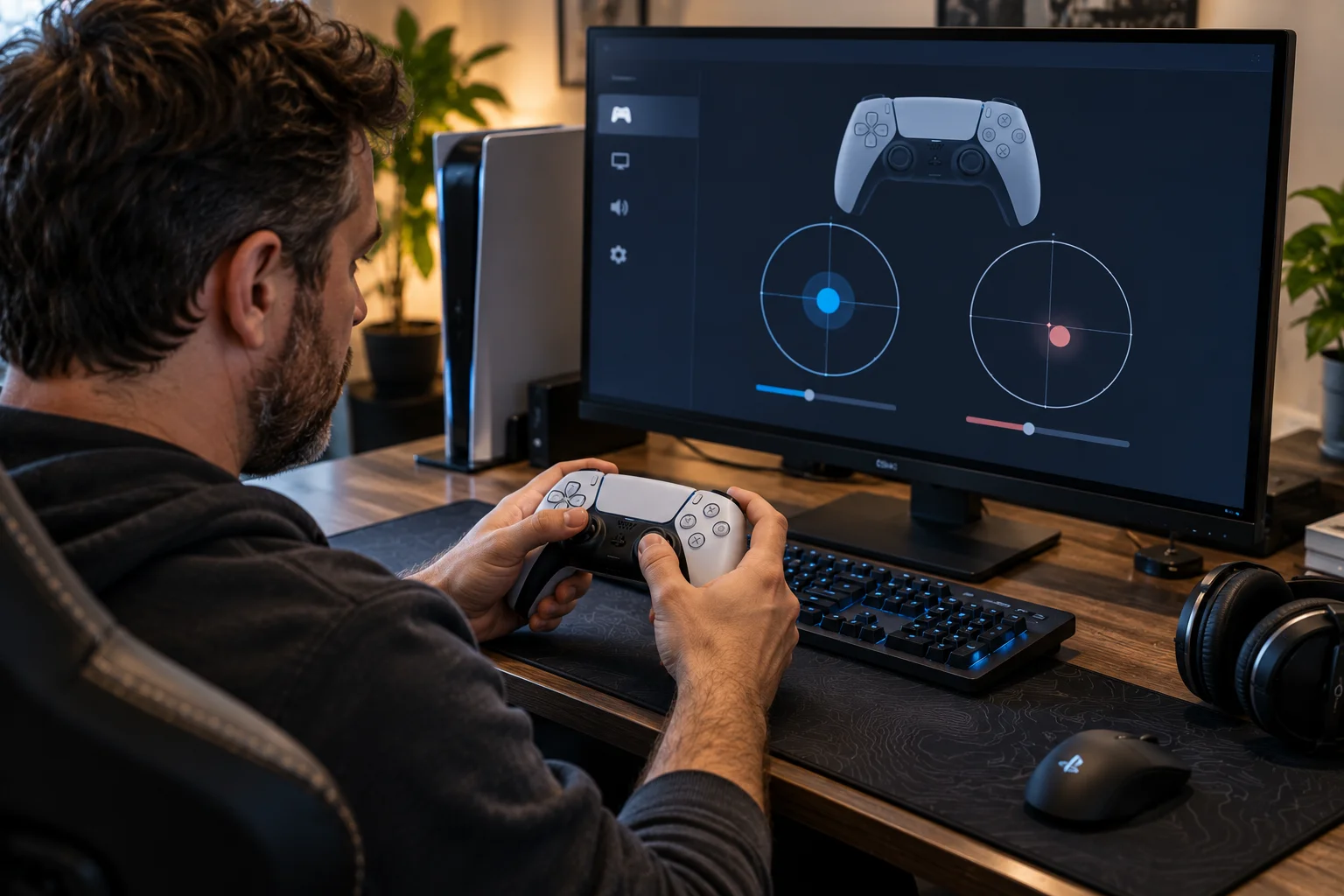
Some controllers allow users to adjust the stick dead zone.
A larger dead zone tells the system to ignore very small movements around the stick's center position.
That can hide minor drift.
But there is a trade-off.
If you make the dead zone too large, small intentional movements may also be ignored.
PlayStation's Access controller, for example, provides adjustable stick sensitivity and dead-zone settings, showing how software calibration can change how analog input behaves.
If the underlying stick hardware is badly worn, changing the dead zone is more of a workaround than a genuine repair.
How important is controller response time?
Response time matters most in competitive games, but the controller is only one part of total gaming latency.
Input latency describes the time between a physical action and its effect being registered by the system.
Microsoft explains that controller input is part of a larger end-to-end latency pipeline that includes the controller, console and display.
That means buying a controller with extremely low measured latency will not magically eliminate all gaming delay.
Your display, game engine, connection and frame rate also contribute.
For competitive games, however, reducing unnecessary controller latency makes sense.
For casual games, small differences may be difficult to notice.
Is wired or wireless better for controller latency?
A good modern wireless controller can be highly responsive, but wired connections remain a straightforward way to minimize variables.
Wireless technology has improved considerably.
The important question is not simply whether a controller is wireless.
It is which wireless connection it uses and how well the manufacturer implements it.
Bluetooth, proprietary wireless connections and wired USB can have different latency characteristics.
For competitive gaming, look for independent latency measurements rather than assuming that "wired" or "wireless" automatically tells you how fast a controller will feel.
And remember that the display can still dominate the overall latency chain.
Why is controller ergonomics so important?
Ergonomics determine how comfortably and consistently you can control a game over long sessions.
A controller can have excellent electronics and still be a poor fit for your hands.
Pay attention to:
Handle shape
Handle angle
Controller weight
Stick position
Button placement
Trigger reach
Grip texture
Back-button placement
Distance between controls
Your hand size matters too.
A controller that feels perfect for one player may force another player to stretch their thumbs or fingers unnecessarily.
That becomes particularly noticeable during long gaming sessions.
Does controller weight matter?
Yes, but lighter is not automatically better.
A lighter controller can reduce fatigue.
A heavier controller can sometimes feel more substantial and balanced.
Battery size, motors, triggers, materials and additional electronics all contribute to weight.
The ideal weight is therefore partly personal.
What matters more is how the weight is distributed.
A controller with a balanced center of gravity can feel comfortable even if it is heavier than another model.
Are back buttons worth having?
Back buttons can be genuinely useful for competitive games because they let you perform certain actions without moving your thumbs away from the analog sticks.
Imagine an FPS game where you want to jump while simultaneously controlling your aim.
With a conventional controller, you may need to move your thumb from the right stick to a face button.
A rear button can put that command beneath another finger instead.
Premium controllers increasingly offer remapping and interchangeable controls. Sony's DualSense Edge, for example, supports custom control profiles and interchangeable stick caps.
But back buttons are not essential for everyone.
For slower single-player games, their benefits may be minimal.
What makes a good analog stick?
A good stick should move smoothly, return reliably to center and provide precise control across its range.
The feel matters.
A racing game may benefit from smooth, gradual analog input.
An FPS player may prefer a stick with a particular resistance that makes small aiming adjustments easier.
Look for:
Consistent resistance
Accurate center position
Smooth movement
Minimal wobble
Reliable return-to-center behavior
Adjustable sensitivity where available
Stick caps also matter.
Concave caps can help your thumb stay positioned on the stick, while convex shapes can provide a different feel for certain movements.
There is no universally correct design.
How important are triggers on a gaming controller?
Trigger quality matters most in racing, shooting and simulation games where gradual analog control is useful.
A good analog trigger should provide smooth control throughout its travel.
Some premium controllers also offer adjustable trigger stops.
A shorter trigger movement can make a weapon trigger faster in some games, while full travel is more useful for throttle and brake control in racing games.
That makes adjustable triggers a genuinely useful feature when the controller supports multiple genres.
Do mechanical buttons make a controller better?
Mechanical buttons can provide a distinct tactile feel and potentially faster actuation, but they are not automatically superior for every player.
Traditional membrane buttons can feel softer.
Mechanical buttons tend to provide a more defined click.
Some players prefer the feedback because it makes each input feel more deliberate.
Others find clicking buttons less comfortable during long sessions.
The important consideration is consistency.
A good controller should provide reliable button presses without requiring excessive force or producing inconsistent actuation.
Does controller polling rate matter?
A higher polling rate can reduce the interval between controller reports, but it is only one part of overall responsiveness.
A controller that reports input more frequently can potentially reduce some communication delay.
But the practical benefit depends on the entire system.
Game processing, frame rate, display refresh rate and other latency sources still matter.
This is similar to other gaming peripherals: a specification that sounds impressive on its own does not necessarily translate into a dramatic improvement during actual gameplay.
For most players, consistent low latency matters more than chasing the largest polling-rate number.
How important is controller build quality?
Build quality determines how well a controller maintains its feel after months or years of use.
Look for solid construction, stable sticks, durable buttons and triggers, and a design that does not flex excessively.
The most vulnerable components are often the parts you touch constantly.
Analog sticks are repeatedly pushed, tilted and clicked.
Triggers are repeatedly pulled.
Face buttons can receive thousands of presses.
A controller should therefore be evaluated not only by how it feels when new, but by how its mechanical components are likely to behave after extended use.
Does a good gaming controller need customization?
Customization is valuable when it solves a real problem, not simply because the controller offers more settings.
Useful customization can include:
Button remapping
Stick sensitivity
Dead-zone adjustment
Trigger stops
Interchangeable stick caps
Back buttons
Multiple profiles
Sony's DualSense Edge is an example of a controller built around this approach, with interchangeable stick caps and configurable control profiles.
The value depends on your games.
A competitive player may use multiple profiles.
A casual player may never touch the customization menu after the initial setup.
What should you look for in a controller for competitive gaming?
Prioritize accurate sticks, low latency, reliable triggers, comfortable ergonomics and controls that let you maintain thumb position.
For competitive FPS games, the most useful features may include:
Accurate analog sticks
Adjustable dead zones
Low input latency
Reliable wireless or wired connectivity
Back buttons
Adjustable triggers
Comfortable grip
Consistent button actuation
Do not let RGB lighting or a huge feature list distract you from the fundamentals.
A controller should disappear from your attention while you play.
If you are constantly thinking about the controller, something is probably wrong.
What should you look for in a controller for casual gaming?
Comfort, reliability and compatibility are usually more important than advanced competitive features.
For single-player games, platformers, sports games and general console gaming, prioritize:
Comfortable shape
Good stick feel
Reliable buttons
Reasonable weight
Good battery life
Easy connectivity
Appropriate price
You probably do not need four rear buttons or extensive sensitivity adjustments if you primarily play story-driven games.
Spend money on the features you will actually use.
What makes a controller good overall?
The best controller combines accurate input, low enough latency, comfortable ergonomics and durable hardware without adding unnecessary complexity.
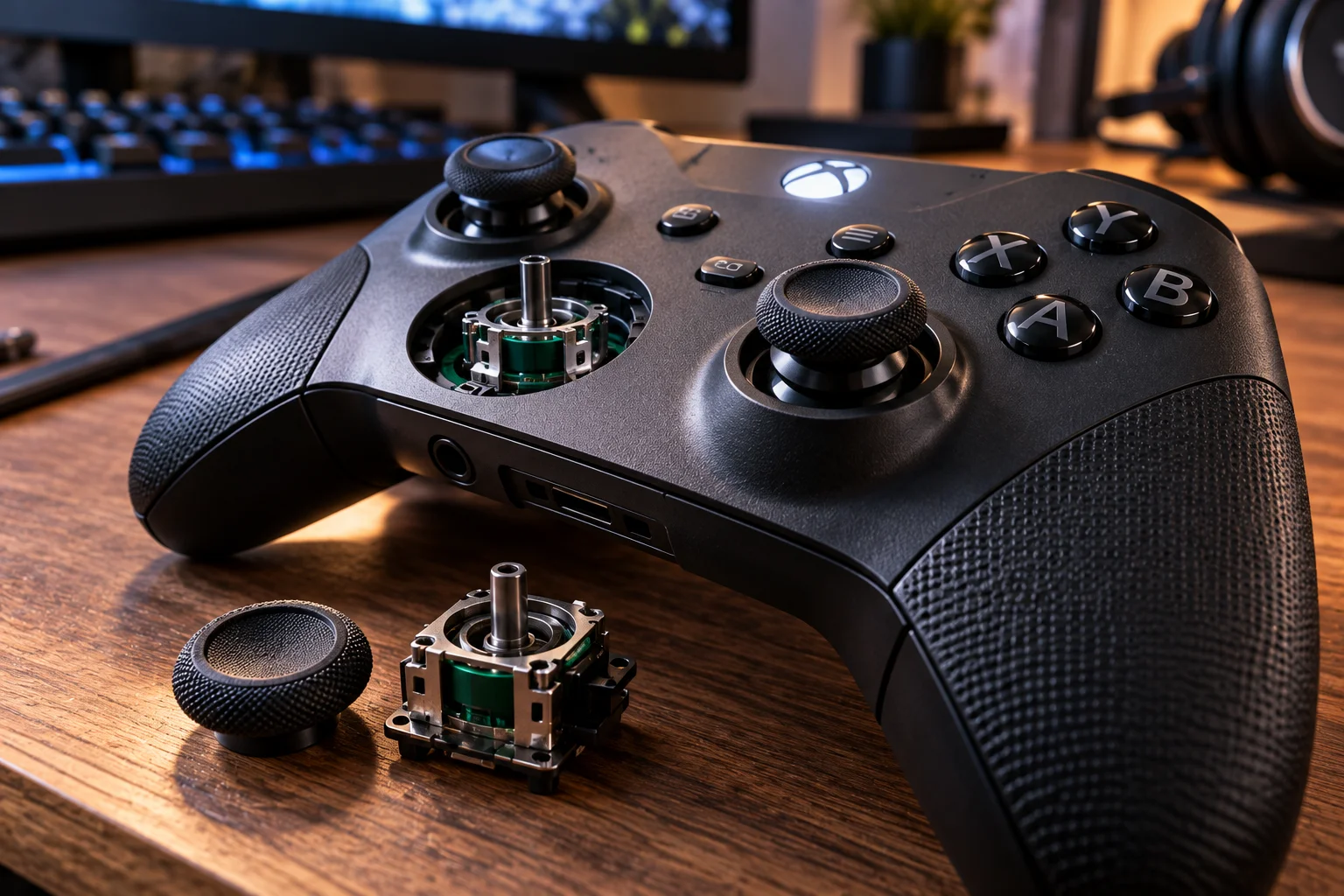
Think of it as a chain.
The sticks need to detect movement accurately.
The buttons need to register consistently.
The controller needs to communicate those inputs quickly.
The software needs to interpret them correctly.
And your hands need to remain comfortable while doing it.
A weakness anywhere in that chain can affect the experience.
Gaming Controller FAQs
What is the most important feature of a gaming controller?
For most players, accurate sticks and comfortable ergonomics are among the most important factors. Competitive players should also pay close attention to input latency and control customization.
Are Hall-effect sticks better?
They can reduce the wear mechanism associated with traditional potentiometer sensing and are increasingly used in controllers designed around improved durability. They are not completely immune to mechanical failure or drift.
What causes stick drift?
Stick drift can result from wear in the analog stick's sensing mechanism, contamination, calibration issues or other mechanical problems.
Can you prevent stick drift?
You cannot guarantee that a controller will never develop drift. Keeping the controller clean, avoiding unnecessary force and choosing hardware with durable stick technology can reduce some risks.
Is a wired controller faster than a wireless controller?
Not automatically. A well-designed wireless controller can have very low latency. The connection technology and implementation matter more than the presence of a cable alone.
Do back buttons improve gaming?
They can. Back buttons allow players to assign actions without removing their thumbs from the analog sticks, which can be useful in competitive games.
Is a higher polling rate always better?
No. A higher reporting rate can reduce some communication delay, but total gaming latency also depends on the game, console or PC, frame rate and display.
How long should a gaming controller last?
There is no universal lifespan. Usage intensity, stick technology, button construction and build quality all matter. Controllers used heavily every day will experience considerably more wear than those used occasionally.
The bottom line
A good gaming controller is defined by how reliably and comfortably it translates your movements into the game, not by how impressive its specification sheet looks.
For most players, start with the fundamentals: comfortable ergonomics, accurate sticks, reliable buttons, good triggers and stable connectivity.
If you play competitively, add low input latency, adjustable dead zones and potentially back buttons or trigger stops to the list.
And if stick drift is your biggest concern, look beyond marketing claims and examine the actual stick technology, calibration options, warranty and long-term reliability.
The best controller is ultimately the one that feels predictable in your hands.
You should know exactly how far the character will move, how quickly the camera will respond and how each button will feel without having to think about any of it.