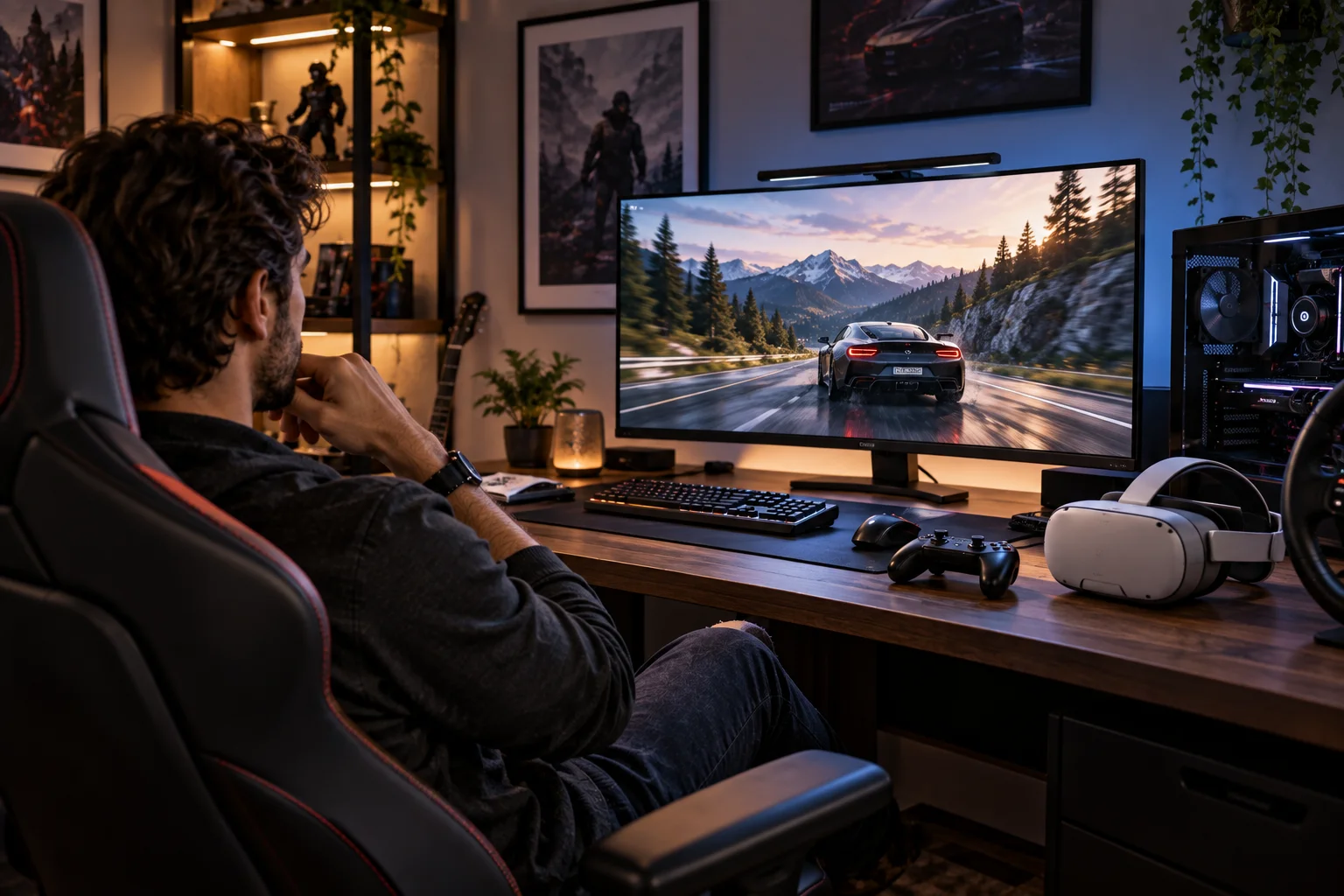
Virtual reality changes gaming in a way that a bigger TV or faster gaming monitor can't completely replicate. Instead of looking at a game world through a rectangle in front of you, a VR headset places stereoscopic images in front of each eye and tracks your head and, depending on the system, hand and controller movement.
That can make standing inside a racing car, looking around a cockpit, aiming a weapon or physically examining a virtual environment feel dramatically different from playing the same type of game on a conventional screen.
But VR isn't automatically a better gaming display.
A high-end OLED TV or gaming monitor can provide a sharper, brighter and more comfortable image for long sessions. You don't have to wear anything on your face, deal with motion sickness or worry about battery life and play-area boundaries.
VR is at its strongest when presence and interaction are part of the game itself. Traditional displays remain extremely strong for games where image quality, competitive precision, long sessions, shared viewing and convenience matter more.
The real question isn't “Is VR better than a TV?”
It's “Does this particular game benefit from putting me inside the game world?”
What Makes VR Different From a TV or Monitor?
VR creates an immersive stereoscopic environment that responds to your head and body movements, while a traditional display keeps the game world outside your physical space.
A conventional display gives you a fixed window into the game.
You can move your character, rotate the camera and look around, but your physical head movement isn't normally part of the game world.
VR changes that relationship.
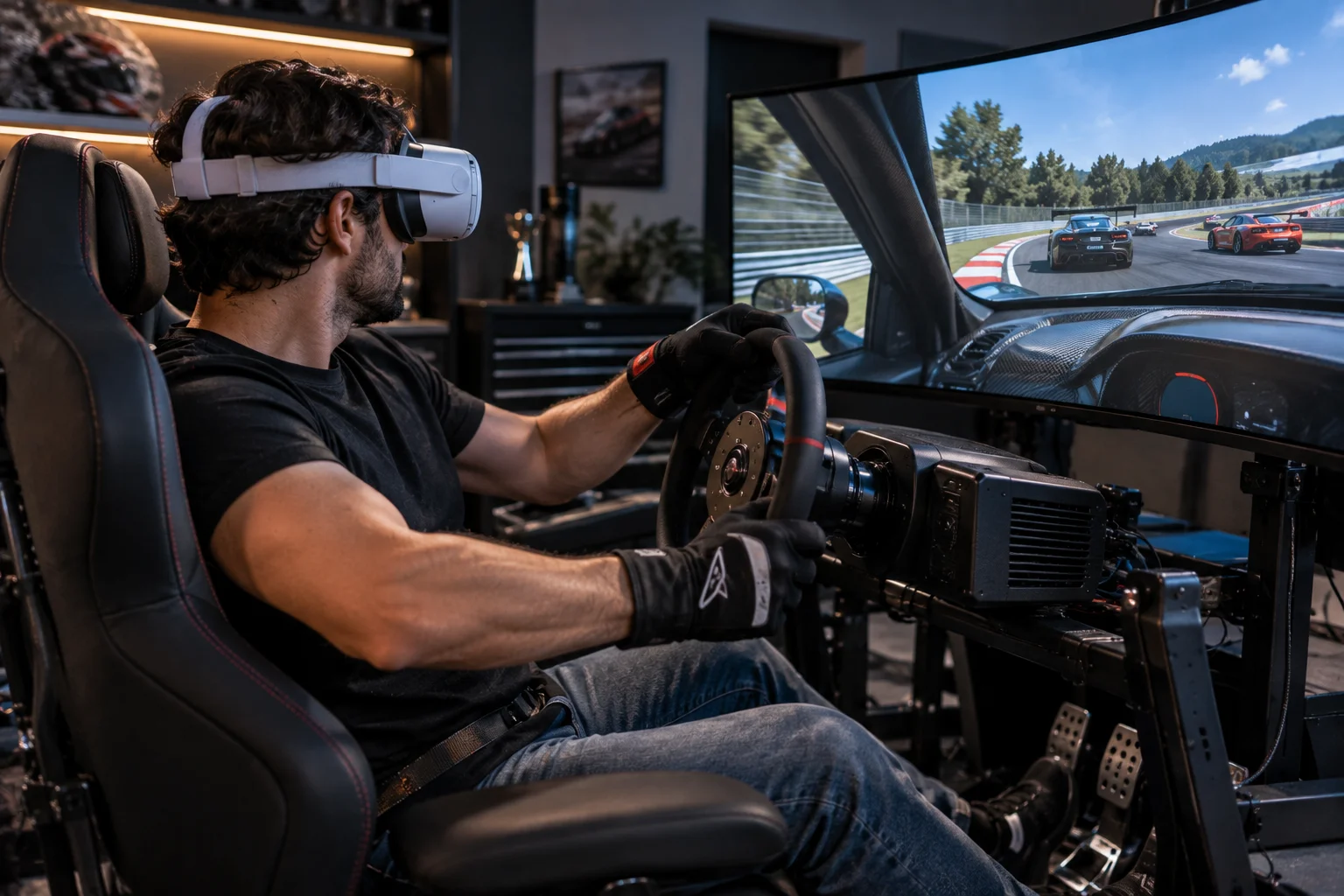
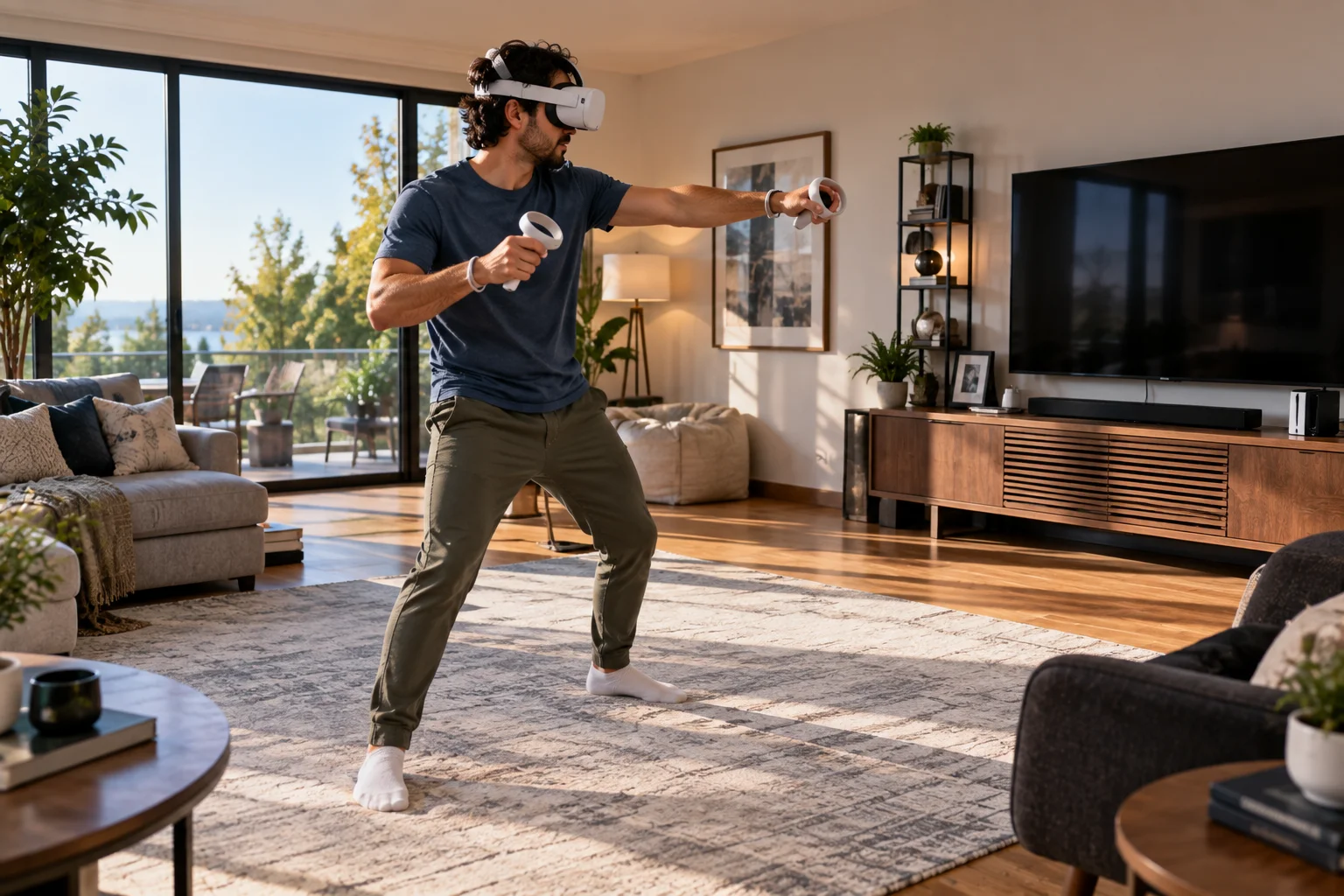
Move your head left and the virtual world responds. Look behind you and the game can show you what's there. Reach toward an object with tracked controllers or hands and the system can represent that movement inside the virtual environment.
Modern headsets combine stereoscopic displays with tracking, controllers, spatial audio and other technologies. PlayStation VR2, for example, combines OLED displays with eye tracking, headset feedback, 3D audio and PS VR2 Sense controller haptics.
That's what creates the sensation of presence.
Does VR Actually Look Better Than a Gaming Monitor?
Usually not in terms of raw image quality. VR prioritizes immersion and a wide field of view rather than presenting one extremely sharp, bright image in front of you.
A 4K gaming monitor can display an exceptionally dense image across a relatively small physical area.
A VR headset has to render separate views for your left and right eyes, and those images are viewed through lenses.
Even when the headset has high-resolution panels, the perceived image isn't identical to looking at a flat 4K monitor.
PlayStation VR2, for example, uses two 2000×2040 OLED displays, one for each eye, with refresh rates up to 120Hz and an approximately 110-degree field of view.
The experience is therefore less about “more pixels than a TV” and more about “pixels surrounding your vision and changing with your movement.”
For text-heavy interfaces, distant fine details and desktop-style applications, a conventional monitor can remain easier to read.
Why Does Field of View Matter So Much in VR?
A wider field of view makes the virtual environment occupy more of your visual field, increasing the sense that you're inside the game rather than looking at it.
A conventional monitor might occupy only a portion of your forward vision.
A VR headset can extend much farther toward your peripheral vision.
That makes an enormous difference in games involving:
Racing
Flight
Space simulation
Exploration
First-person action
Horror
Virtual environments
You don't have to move a mouse or thumbstick simply to see what is beside you.
You can physically look.
Research into VR display design also shows that field of view interacts with comfort and cybersickness. Restricting peripheral vision can reduce sickness in some situations, although it also reduces the visual experience.
So a larger FOV isn't simply “better” in every circumstance.
When Does VR Feel More Immersive Than a Large TV?
VR has the biggest advantage when the game rewards physical looking, spatial awareness and the feeling of occupying a virtual space.
Consider a racing game.
On a TV, you can see the dashboard and road through the game's camera.
In VR, you can turn your head toward the passenger seat, look into a corner, check a mirror and lean toward the windshield.
The game doesn't merely show you a car.
It gives you a place to inhabit.
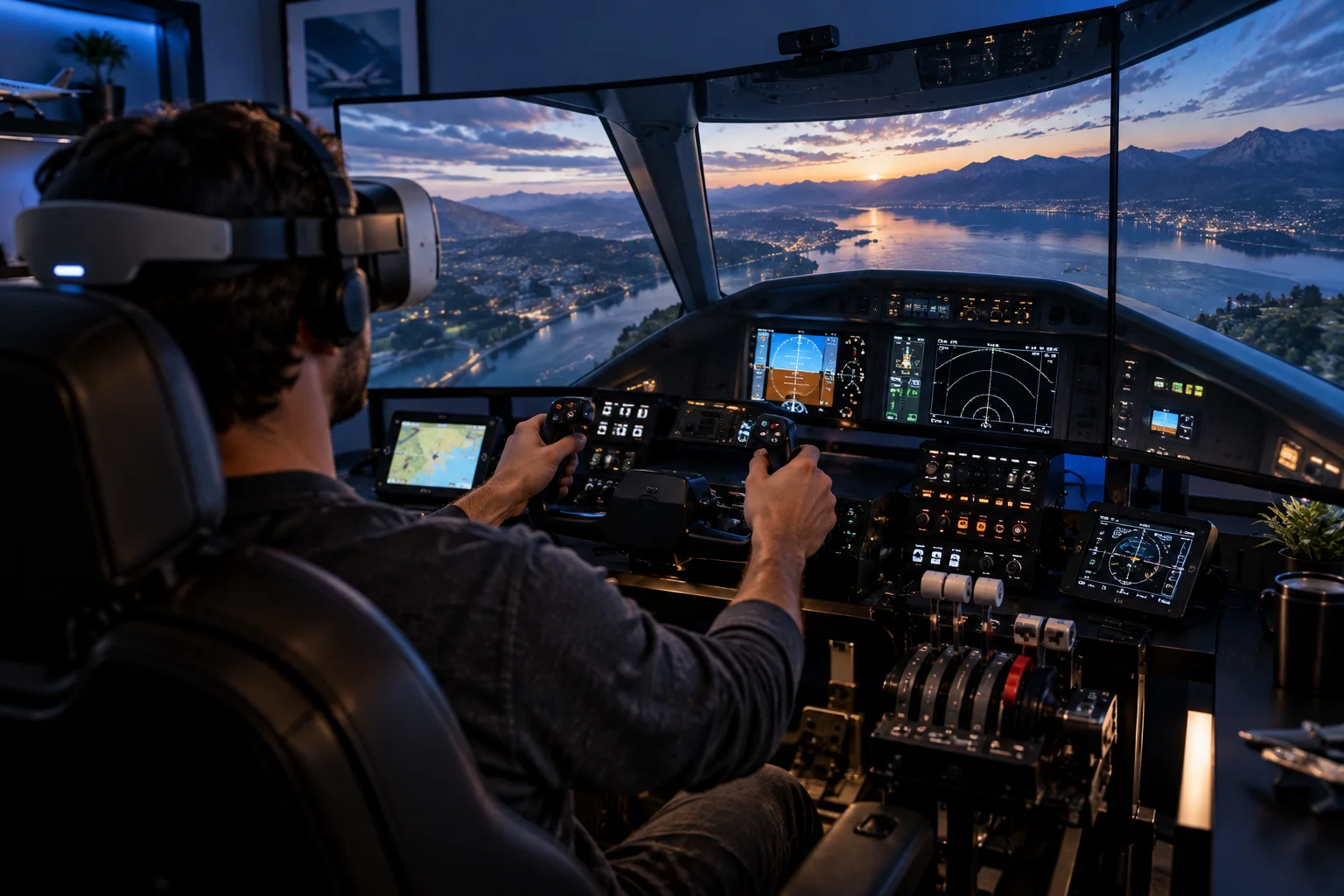
The same principle applies to flight simulators.
A cockpit becomes something you can look around rather than simply a collection of instruments displayed on a screen.
That's where VR's advantage is difficult for even a very large TV to reproduce.
Which Types of Games Benefit Most From VR?
VR works particularly well when spatial awareness, physical interaction or first-person presence is central to the game.
Racing and driving
VR can make the cockpit feel substantially more natural because you can look through corners and physically turn toward mirrors or instruments.
Flight and space simulators
Cockpit environments are a natural fit because the player needs to examine instruments and surroundings.
Horror
VR can intensify the experience because threats can exist anywhere around you rather than only inside the TV's frame.
Exploration
Large virtual environments can feel more convincing when you can look around naturally.
Rhythm and fitness games
Physical movement becomes part of the gameplay rather than simply a controller input.
First-person experiences
VR can make aiming, looking and interacting feel more directly connected to your physical movements.
The common thread is presence, not graphical complexity.
When Is a Traditional Display Better for Gaming?
A TV or monitor is usually the better fit when comfort, visual clarity, competitive precision or long uninterrupted sessions are more important than immersion.
Traditional displays have several practical advantages.
You can:
Sit however you want
Look away from the screen instantly
Eat or drink while playing
Talk with people around you
Use a keyboard and mouse naturally
Play for several hours without wearing a headset
See your room continuously
Share the screen with other people
There's also no need to clear a physical play area.
For games such as strategy titles, MOBAs, competitive shooters, simulation management games and many RPGs, a large monitor can be more practical.
You may also prefer a traditional display when the game doesn't actually benefit from stereoscopic 3D.
Does VR Make First-Person Shooters Better?
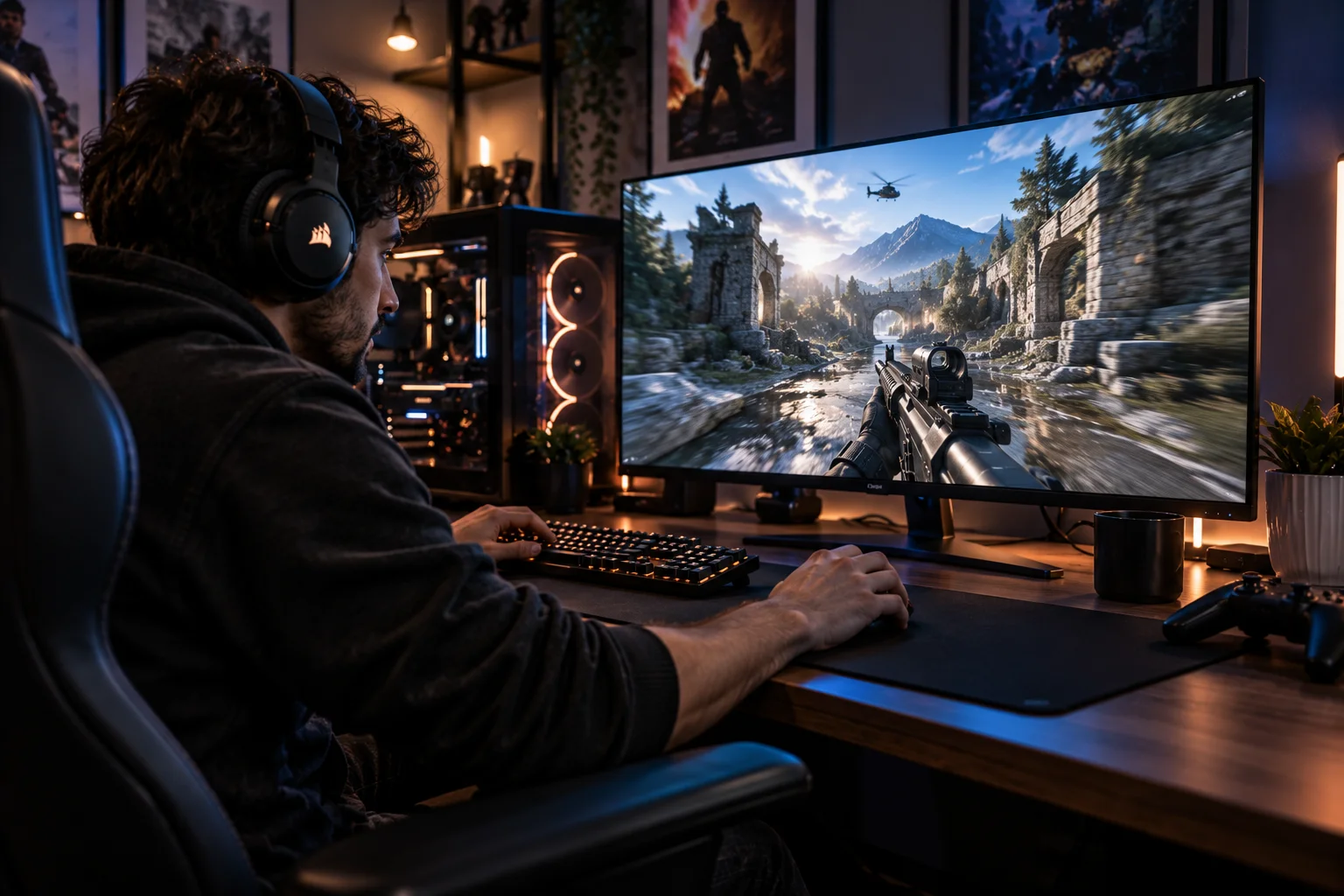
VR can make aiming and spatial awareness more physical, but competitive first-person gaming doesn't automatically become better in VR.
A VR controller can represent your hand or weapon independently from where you're looking.
That creates interesting gameplay possibilities.
You might:
Aim around a corner
Physically reload
Reach for equipment
Look in one direction while aiming in another
Use separate hands independently
But competitive gaming introduces other considerations.
Traditional mouse-and-keyboard controls can provide extremely precise and fast aiming.
A conventional monitor also avoids the potential discomfort and fatigue associated with wearing a headset.
So VR can create a different kind of FPS experience, rather than simply being a superior version of conventional competitive FPS gaming.
What About Refresh Rate and Motion?
High refresh rates are important in both VR and traditional gaming, but VR has an additional reason to care about smooth motion: the virtual scene needs to respond convincingly to your head movement.
PS VR2 supports 90Hz and 120Hz display modes.
A conventional gaming monitor can also run at very high refresh rates, sometimes substantially beyond 120Hz.
However, VR has another challenge.
If you turn your head while the displayed image updates slowly or inconsistently, the mismatch between physical movement and visual motion can become uncomfortable.
That means VR performance isn't just about average FPS.
Stable frame delivery, low latency and responsive tracking are particularly important.
Can VR Cause Motion Sickness?
Yes, VR can cause cybersickness in some users, particularly when visual motion doesn't match physical movement.
This is one of the biggest differences between VR and traditional displays.
A systematic review and meta-analysis covering 55 studies and more than 3,000 participants found that VR sickness was influenced by content, visual stimulation, locomotion and exposure time, with gaming content producing particularly high symptom scores in the reviewed literature.
The issue isn't simply that VR headsets are “bad.”
A major factor is sensory conflict.
If your eyes see your virtual body moving rapidly forward while your physical body remains stationary, your visual and vestibular systems receive different information.
Some modern VR games reduce this problem through:
Teleport movement
Snap turning
Restricted peripheral vision
Comfort modes
Gradual movement
Stationary gameplay
Recent research found that FOV restriction and snap turning can each reduce cybersickness in some situations.
Is VR Comfortable for Long Gaming Sessions?
Comfort depends heavily on the headset, game, fit, weight distribution, heat and the individual player.
A conventional monitor puts essentially no equipment on your face.
A VR headset does.
The weight, facial pressure, lens position and heat can become noticeable during longer sessions.
Research into headset microclimate found that increasing temperature inside the headset was associated with declining thermal comfort during extended VR sessions.
That makes headset design important.
Look for:
Balanced weight distribution
Adjustable head straps
Good ventilation
Comfortable facial interface
Adjustable lenses/IPD
Clear optics
Adequate refresh rate
Reliable tracking
A technically impressive headset can still be unpleasant if it doesn't fit you well.
VR Headset vs Gaming Monitor: What About Resolution?
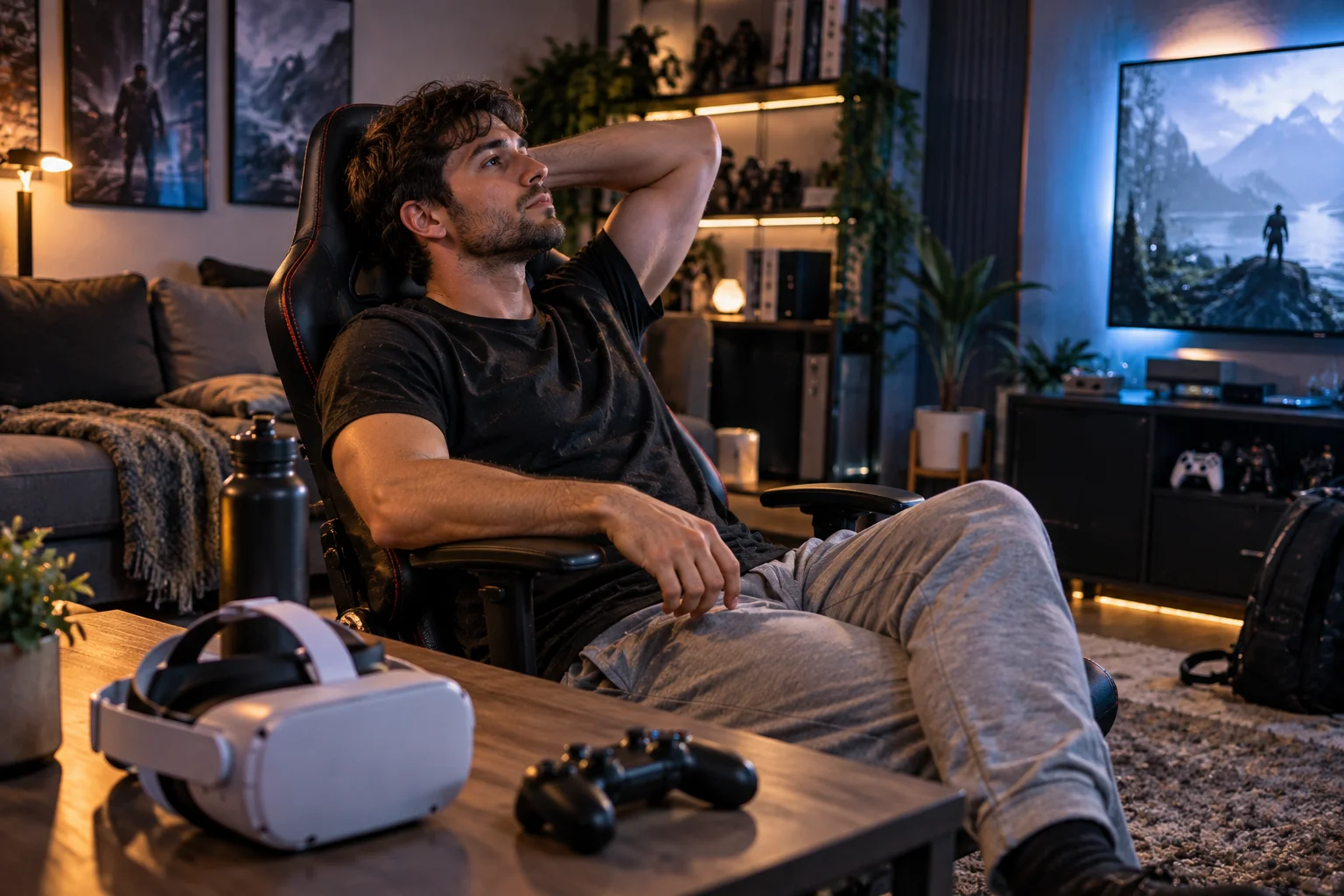
Traditional monitors generally provide a clearer pixel-for-pixel viewing experience, while VR spreads the rendered environment across a much larger field of view.
This creates an interesting trade-off.
A 4K monitor concentrates its pixels into a relatively small viewing area.
A VR headset might have high-resolution displays but uses them to create a wide stereoscopic field.
That's why VR developers often have to balance:
Resolution + field of view + frame rate + rendering performance
Increasing the rendered resolution can improve clarity but requires more GPU performance.
Increasing field of view increases the amount of virtual environment that needs to be rendered.
Increasing frame rate requires more frequent rendering.
VR is therefore particularly demanding on the graphics hardware.
Does VR Require a More Powerful Gaming PC?
PC VR can require substantial GPU performance because the system has to render stereoscopic views at high refresh rates, although standalone headsets use their own mobile-class hardware.
A conventional game might render one primary view.
VR generally requires separate perspectives for the two eyes.
The exact rendering architecture varies, and technologies such as foveated rendering can reduce the workload by rendering the area you're looking at at higher detail.
Eye tracking can make this approach more effective on compatible headsets and software.
Standalone headsets avoid the need for a gaming PC but are constrained by their own processor and graphics hardware.
Console VR sits somewhere between the two, with the console providing the main rendering power.
Can You Play Normal Games in VR?
Yes, some VR headsets can display conventional games on a large virtual screen, but that isn't the same as playing a native VR game.
PlayStation VR2's Cinematic Mode, for example, lets users play non-VR PS5 games on a virtual cinema screen. Sony specifies 1920×1080 HDR output in Cinematic Mode with 24Hz, 60Hz and 120Hz options.
This can be useful when you want a huge personal screen without physically owning a huge TV.
But the game itself isn't suddenly stereoscopic or spatially tracked.
You're essentially using the headset as a personal display.
A large TV remains more convenient for shared viewing.
VR Headsets vs Traditional Displays for Different Games
Gaming scenario | Better fit | Why |
|---|---|---|
Racing simulation | VR | Natural cockpit view |
Flight simulation | VR | Spatial cockpit interaction |
Horror | VR | Strong presence |
VR fitness | VR | Physical movement |
Exploration | VR | Immersive environments |
Competitive FPS | Monitor | Precision and comfort |
Strategy games | Monitor | Interface and readability |
MOBA | Monitor | Mouse/keyboard control |
Long RPG session | TV/monitor | Comfort |
Local multiplayer | TV | Easy shared viewing |
Movie-style gaming | TV/OLED | Image quality |
Casual gaming | TV/monitor | Simplicity |
Immersive first-person games | VR | Presence and interaction |
Which Gives Better Graphics: VR or a TV?
A high-end TV or monitor generally has the advantage in pure image quality, while VR has the advantage in spatial immersion.
A premium OLED television can offer:
Extremely high contrast
Deep blacks
Strong HDR
Large screen sizes
Excellent color
High refresh rates
No headset optics
VR adds:
Stereoscopic depth
Head tracking
Wide field of view
Spatial interaction
Positional audio
Controller or hand tracking
So the comparison isn't really about one technology replacing the other.
They're optimizing for different experiences.
When Does VR Actually Create a Better Gaming Experience?
VR creates a stronger experience when physical presence, spatial awareness and interaction contribute directly to the gameplay.
Ask three questions before choosing VR:
1. Does the game benefit from looking around naturally?
If yes, VR has a meaningful advantage.
2. Does physical interaction improve the gameplay?
If you're grabbing, aiming, throwing, driving or physically moving, VR can add something a traditional controller can't reproduce in the same way.
3. Am I willing to accept the trade-offs?
VR requires wearing a headset, managing comfort, dealing with potential motion sickness and often accepting lower image clarity than a comparable premium display.
If the answer to all three is yes, VR can be transformative.
If not, a good TV or monitor may remain the more practical choice.
Frequently Asked Questions About VR vs Traditional Gaming Displays
Is VR more immersive than a TV?
For games designed around VR, generally yes. Stereoscopic depth, head tracking, wide field of view and physical interaction create a sense of presence that a conventional flat display cannot reproduce in the same way.
Is VR better for gaming than a monitor?
Not universally. VR is particularly compelling for immersive games, while monitors remain excellent for competitive, strategy and long-session gaming.
Does VR have better graphics than a 4K TV?
Not necessarily. A high-end 4K TV can deliver greater brightness, contrast and perceived image clarity. VR's advantage is immersion rather than raw display quality.
Can VR cause motion sickness?
Yes. VR sickness can result from sensory conflicts between visual motion and physical movement. Research shows that locomotion and visual stimulation can significantly affect symptoms.
Is VR good for long gaming sessions?
It depends on the player and headset. Weight, heat, fit, optics and motion comfort can all affect how long someone wants to use VR.
Can you use a VR headset like a giant gaming monitor?
Yes. Some headsets provide a virtual cinema or large-screen mode for conventional games. PS VR2, for example, supports non-VR PS5 games through Cinematic Mode.
Does VR need a powerful GPU?
PC VR can be demanding because games need to render high-resolution stereoscopic views at high refresh rates. Standalone and console VR systems use their own hardware instead.
The Bottom Line
VR isn't a replacement for the traditional gaming display. It's a different way of experiencing games.
A large OLED TV or high-refresh gaming monitor remains difficult to beat for image quality, comfort, competitive precision, long sessions and shared gaming.
VR becomes compelling when the game itself benefits from being inside the environment.
A racing cockpit that you can physically look around. A flight simulator where you can inspect instruments. A horror game where danger can approach from behind. A rhythm game where your hands become part of the gameplay.
Those experiences aren't simply “bigger screens.”
They're fundamentally different interactions.
The smartest way to choose isn't to ask whether VR or a TV is technically better. Ask what you want the game to make you feel and do.
If you want to watch the game, choose the display that gives you the best picture. If you want to inhabit the game, that's where VR starts making a compelling case.