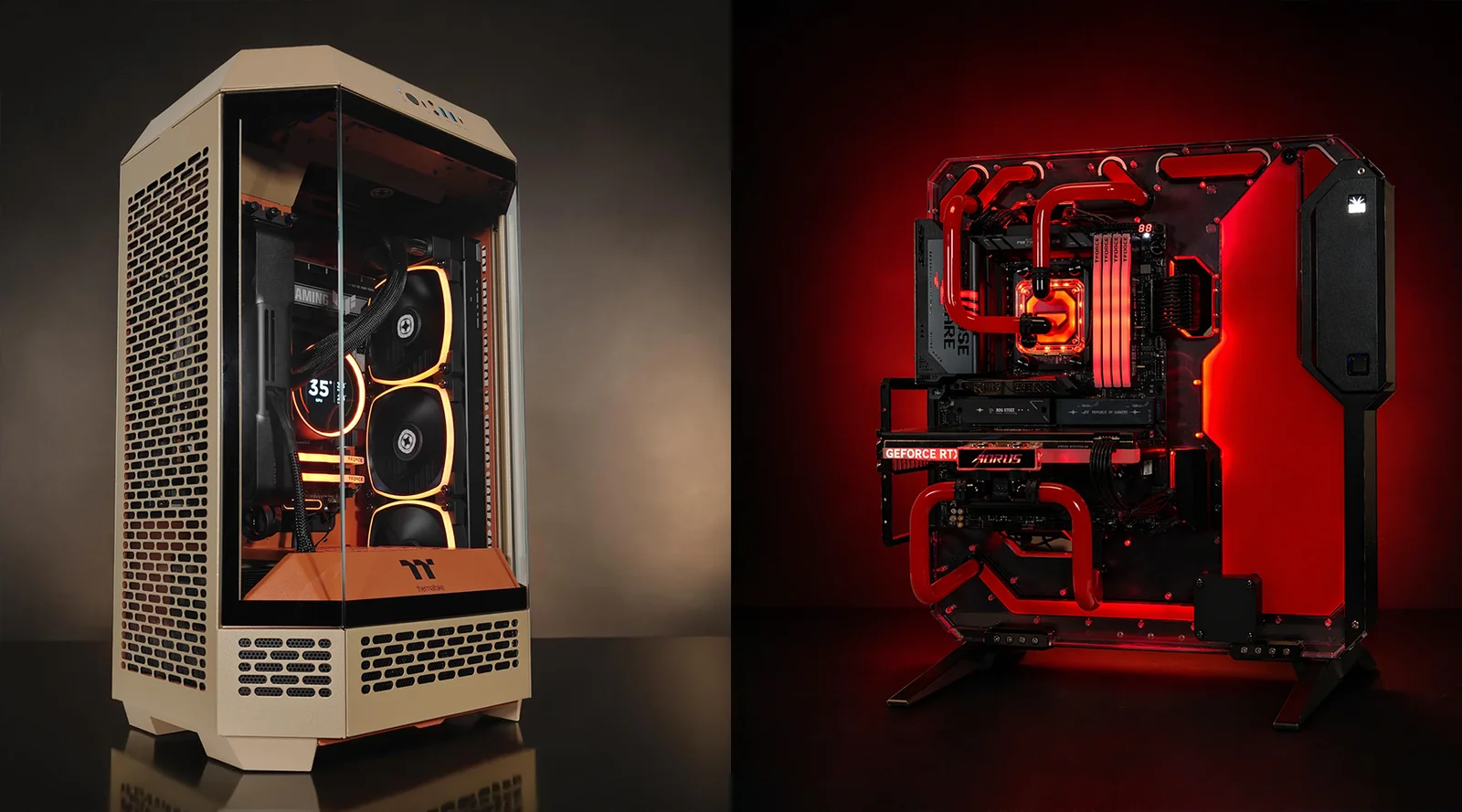
Buying a gaming PC gives you two obvious routes: buy a prebuilt system or choose the components yourself and build a custom PC. Neither approach is automatically better. The right choice depends on how much you value convenience, customization, upgradeability and control over individual components.
A prebuilt gaming PC arrives assembled and ready to configure, making it the easier option for someone who doesn't want to research compatibility or install hardware. A custom PC gives you much more control over the CPU, GPU, motherboard, RAM, storage, power supply, cooling and case. You can either build it yourself or have a specialist assemble the parts for you.
The old assumption that building your own PC is always cheaper also isn't reliable. Component prices, availability, discounts and prebuilt-system promotions can change the calculation. Intel notes that there is no universally cheapest option between prebuilt, custom-built and DIY systems.
So the better question is not "Which one is best?" It is "Which approach gives you the right balance of performance, price, convenience and control?"
What Is the Difference Between a Prebuilt and Custom Gaming PC?
A prebuilt gaming PC is assembled by a manufacturer and sold as a complete system. You choose from the configurations they offer, connect your peripherals and start using the computer.
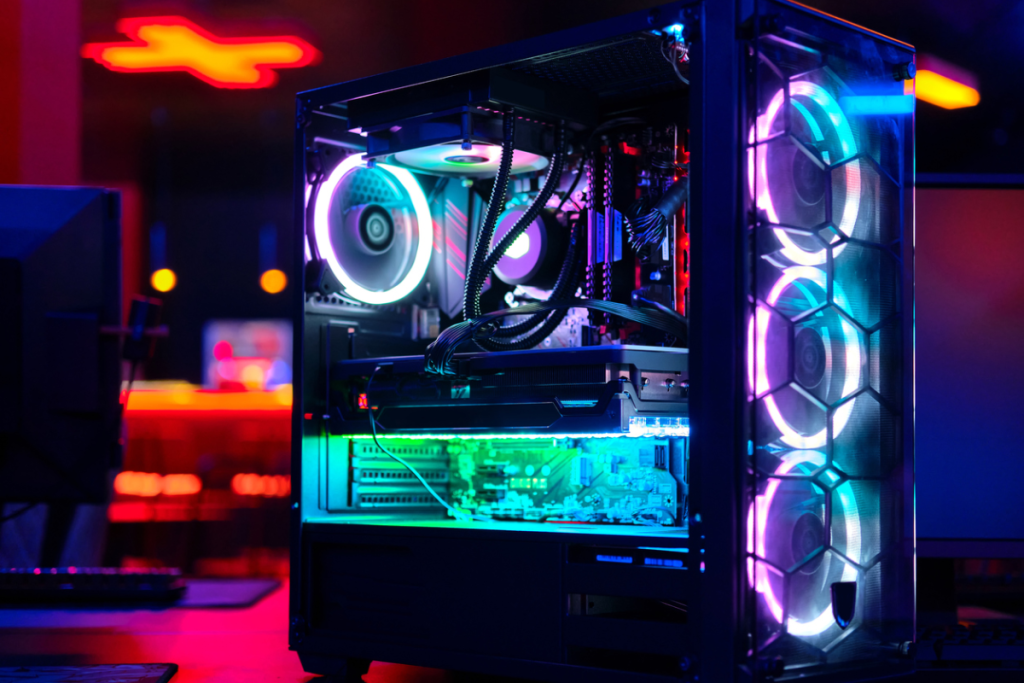
A custom gaming PC lets you select the individual components. There are actually two versions of this approach:
Custom-built by a specialist: You choose the components and a company assembles them.
DIY custom build: You buy the components and assemble the computer yourself.
The specialist-built option sits between a conventional prebuilt and a DIY machine. You get component-level customization without having to physically build the system yourself.
Factor | Prebuilt | Custom-built | DIY |
|---|---|---|---|
Component choice | Limited to available configurations | High | Very high |
Assembly | Done for you | Done for you | You do it |
Convenience | Excellent | Very good | Lower |
Customization | Limited | High | Maximum |
Technical knowledge | Minimal | Minimal to moderate | Moderate |
Support | Usually system-level | Usually builder support | Mostly component warranties |
Upgrade flexibility | Depends on system | Usually good | Usually excellent |
Setup time | Low | Depends on builder | Higher |
Is a Prebuilt Gaming PC Easier to Buy?
Yes. Convenience is probably the biggest reason to choose one.
You don't need to research whether the motherboard supports a particular processor, whether the power supply has enough capacity, whether the graphics card fits inside the case or whether the CPU cooler is compatible.
The manufacturer or system builder handles those decisions and assembles the machine before it reaches you. Prebuilt systems are designed to be ready to use with minimal setup.
That makes a prebuilt particularly attractive if your goal is simple:
Buy PC → connect monitor → install games → play.
You are paying partly for that convenience.
Does a Custom PC Give You Better Components?
It can, because you have more control over exactly what goes into the system.
A prebuilt manufacturer may specify a particular CPU and GPU while leaving other components less clearly defined. With a custom build, you can choose the exact motherboard, RAM kit, SSD, PSU, cooling system and case.
That matters because two PCs with the same CPU and GPU can still have different supporting hardware.
For example, you may prefer:
A particular motherboard with more expansion options
A higher-capacity SSD
A specific RAM configuration
A higher-quality power supply
Better CPU cooling
A quieter case
More powerful case fans
A particular case design
Intel specifically highlights component-level customization as one of the major advantages of custom systems.
Is Building Your Own Gaming PC Cheaper?
Not automatically.
This is one of the biggest myths surrounding custom PCs.
If you compare identical hardware, a DIY build can sometimes offer attractive value because you aren't paying a system integrator to assemble the machine. But prebuilt manufacturers can also benefit from bulk purchasing, discounts and promotional pricing.
Intel explicitly notes that there isn't one guaranteed cheapest option across prebuilt, custom-built and DIY systems.
The smarter approach is to compare the complete component list and total price.
Don't compare:
"₹X prebuilt" vs "₹X worth of CPU and GPU."
Compare:
CPU + GPU + motherboard + RAM + SSD + PSU + cooling + case + operating system + assembly + warranty.
That's where the real difference becomes visible.
What About the Power Supply in a Prebuilt?
This is an area worth checking carefully.
The power supply isn't as exciting as the GPU or processor, but it is responsible for supplying power to the entire system. Intel's PC-building guidance calls PSU selection a critical part of a build and recommends choosing a unit powerful enough for current and future components.
When evaluating a prebuilt, don't stop at:
"It has a powerful graphics card."
Check:
PSU wattage
PSU manufacturer and model
Efficiency certification
Available power connectors
Upgrade headroom
Warranty
A custom build lets you choose the PSU yourself rather than accepting whatever configuration the manufacturer selected.
Which Is Easier to Upgrade?
A custom PC generally gives you more control over future upgrades, but the actual upgradeability depends on the hardware and case.
A spacious desktop case can provide room for a larger graphics card, additional storage, more memory and different cooling solutions. Intel recommends considering future upgrades when choosing a case and notes that larger cases can provide more flexibility for hardware changes.
Prebuilt systems can also be upgraded. The important thing is to check the specific machine.
Before buying one, find out:
How many RAM slots are available?
What is the maximum supported RAM?
Are there additional M.2 or SATA storage slots?
Can the GPU be replaced?
Is the PSU standard or proprietary?
Does the case accommodate larger components?
Are motherboard and power connectors standard?
Does opening the case affect the warranty?
Some compact or proprietary prebuilt systems can make future upgrades more complicated.
Does a Custom PC Have Better Cooling?
It can, because you can design the cooling system around the components and your priorities.
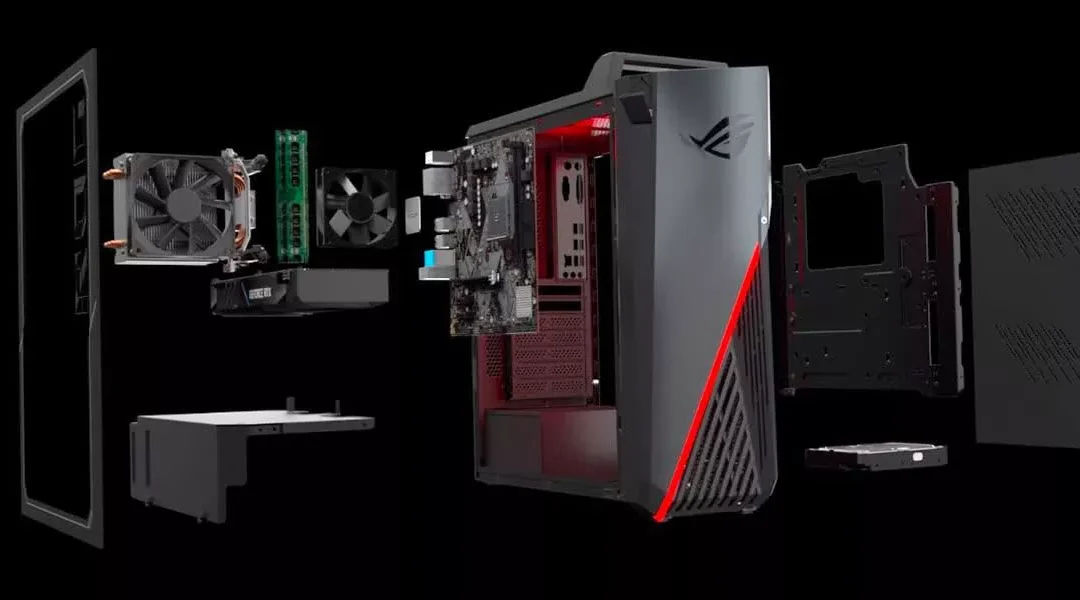
A high-performance gaming PC generates substantial heat, particularly during extended gaming sessions. Cooling can involve air coolers, all-in-one liquid coolers and case fans. Intel notes that cooling and unobstructed airflow are important considerations when selecting and building a gaming PC.
A good prebuilt doesn't necessarily have poor cooling. Manufacturers can engineer a complete system around its hardware.
The important distinction is that with a custom build, you get to decide how much cooling you want and how it is arranged.
Which One Gives You More Performance for Your Money?
There is no universal answer.
A custom build gives you the ability to allocate your budget precisely. You can spend more on the GPU and less on aesthetics, for example, or prioritize storage instead of an expensive CPU cooler.
A prebuilt can sometimes deliver excellent value when a manufacturer is discounting a complete configuration.
This is why comparing individual components is more useful than assuming one category is always cheaper.
For gaming specifically, the GPU deserves particular attention. Intel's current prebuilt guidance identifies CPU and GPU capability as key factors in determining performance, particularly at higher resolutions and frame rates.
Which Is Better for First-Time PC Gamers?
A prebuilt is usually simpler for someone who doesn't want to learn PC hardware immediately.
You can still learn about upgrades later without having built the entire machine yourself.
A specialist-built custom PC is another useful middle ground. You choose the hardware but leave the physical assembly and initial testing to someone else.
DIY is most appropriate when you are comfortable researching compatibility and physically installing components.
That doesn't mean building a PC is impossibly difficult. NVIDIA provides detailed guidance covering component installation, grounding, PSU installation and other aspects of the process.
But your first build can still take considerable time because researching the parts and checking compatibility may take longer than actually assembling them. Intel makes the same distinction in its gaming PC guidance.
What About Warranty and Technical Support?
This is one of the clearest differences between the approaches.
With a prebuilt, you typically have a manufacturer or system-level warranty and one company to contact when something goes wrong. The exact terms vary by manufacturer.
With a specialist custom PC, you may also receive system-level support and warranty coverage from the builder.
With a DIY system, the warranties are generally tied to individual components. If the computer stops working, you may need to determine which component is responsible before contacting the relevant manufacturer.
Intel specifically highlights customer support and warranty coverage as factors to consider when choosing between prebuilt, custom-built and DIY systems.
Also remember that warranties differ by company. Check the actual terms before modifying a prebuilt machine.
Should You Build a Custom PC for Future Upgrades?
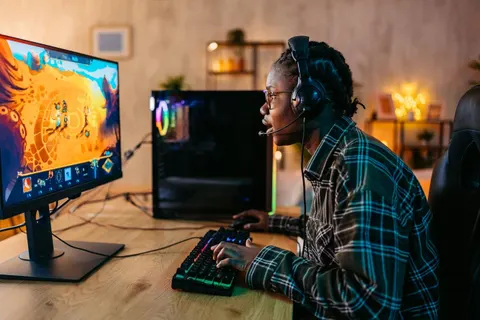
If you expect to upgrade gradually, customization can make a lot of sense.
Instead of replacing the entire computer every few years, you may be able to upgrade individual components as your requirements change.
For example, you might start with:
Mid-range GPU → add more storage → upgrade RAM → replace GPU later.
However, upgrades aren't unlimited. A future GPU may require a stronger PSU, a larger case or a different CPU to avoid performance limitations. Your motherboard and platform can also determine which future processors and memory configurations are supported.
That's why a good custom build considers future compatibility, not simply today's performance. Intel recommends making sure the motherboard is compatible with both current and potential future hardware.
Prebuilt vs Custom Gaming PC: Which One Fits You?
Choose a prebuilt if:
You want to start gaming quickly.
You don't want to assemble a PC.
You prefer one company for system support.
You don't want to research every component.
You find a prebuilt with a well-balanced specification.
Convenience matters more than maximum customization.
Choose a custom-built PC if:
You want control over every major component.
You have specific performance requirements.
You care about the quality of supporting components.
You want greater upgrade flexibility.
You want a particular case, cooling system or aesthetic.
You are comfortable comparing hardware.
Choose DIY if:
You enjoy working with PC hardware.
You want maximum control.
You are comfortable troubleshooting.
You want to learn how PCs are assembled.
You don't mind spending additional time researching compatibility.
What Should You Check Before Buying a Prebuilt?
Don't buy a prebuilt simply because the product page highlights its CPU and GPU.
Check the complete specification.
CPU: What processor is being used?
GPU: What exact graphics card is installed?
RAM: How much memory is included, and how many slots remain?
Storage: What SSD is included and how much capacity does it have?
Motherboard: Is it a standard platform with useful expansion options?
PSU: What model, wattage and efficiency rating does it have?
Cooling: Does the case have adequate airflow and CPU cooling?
Case: Is there room for future hardware?
Ports: Are there enough USB and display connections for your setup?
Warranty: Who handles repairs and how long does coverage last?
Intel's prebuilt buying guidance similarly recommends checking the case, connectivity, cooling, CPU, GPU, RAM and storage rather than judging the system from a single specification.
Frequently Asked Questions
Is a custom gaming PC better than a prebuilt?
A custom PC gives you more control over the hardware, but a prebuilt offers greater convenience. The better choice depends on whether customization or simplicity is more important to you.
Is it cheaper to build a gaming PC yourself?
Not necessarily. Component prices, discounts, availability and prebuilt promotions can change the calculation. Compare the complete systems rather than assuming DIY is automatically cheaper.
Are prebuilt gaming PCs worth buying?
They can be. A well-configured prebuilt can provide strong gaming performance without requiring you to research compatibility or assemble the computer yourself.
Can you upgrade a prebuilt gaming PC?
Often yes, but the possibilities depend on the specific system. Check the motherboard, case, PSU, RAM slots, storage connections and warranty before buying or upgrading.
Is building a gaming PC difficult for beginners?
It requires some research and care, but the physical assembly is manageable for many beginners. The more difficult part can be selecting compatible components and troubleshooting problems if something doesn't work.
Is a custom-built PC more future-proof?
It can provide greater upgrade flexibility, particularly when you choose standard components and leave room for additional storage, memory and larger hardware. But no PC can guarantee compatibility with every future component.
Final Takeaway
The prebuilt vs custom gaming PC decision really comes down to control versus convenience.
A prebuilt gives you a finished machine, simpler purchasing and usually a straightforward support path. A custom system gives you much greater control over the components, cooling, appearance and future upgrade strategy.
If you simply want a gaming PC that works without spending weeks researching hardware, a well-configured prebuilt can be a sensible route. If you enjoy choosing components or have very specific performance requirements, a custom build gives you considerably more freedom.
And there is a useful middle ground: choose the components yourself and have a reputable PC builder assemble them.
Whatever route you choose, don't judge a gaming PC by its CPU and GPU alone. Look at the entire system: power supply, motherboard, RAM, SSD, cooling, case, upgradeability and warranty. That's what determines whether the PC remains a good machine after the excitement of opening the box has worn off.