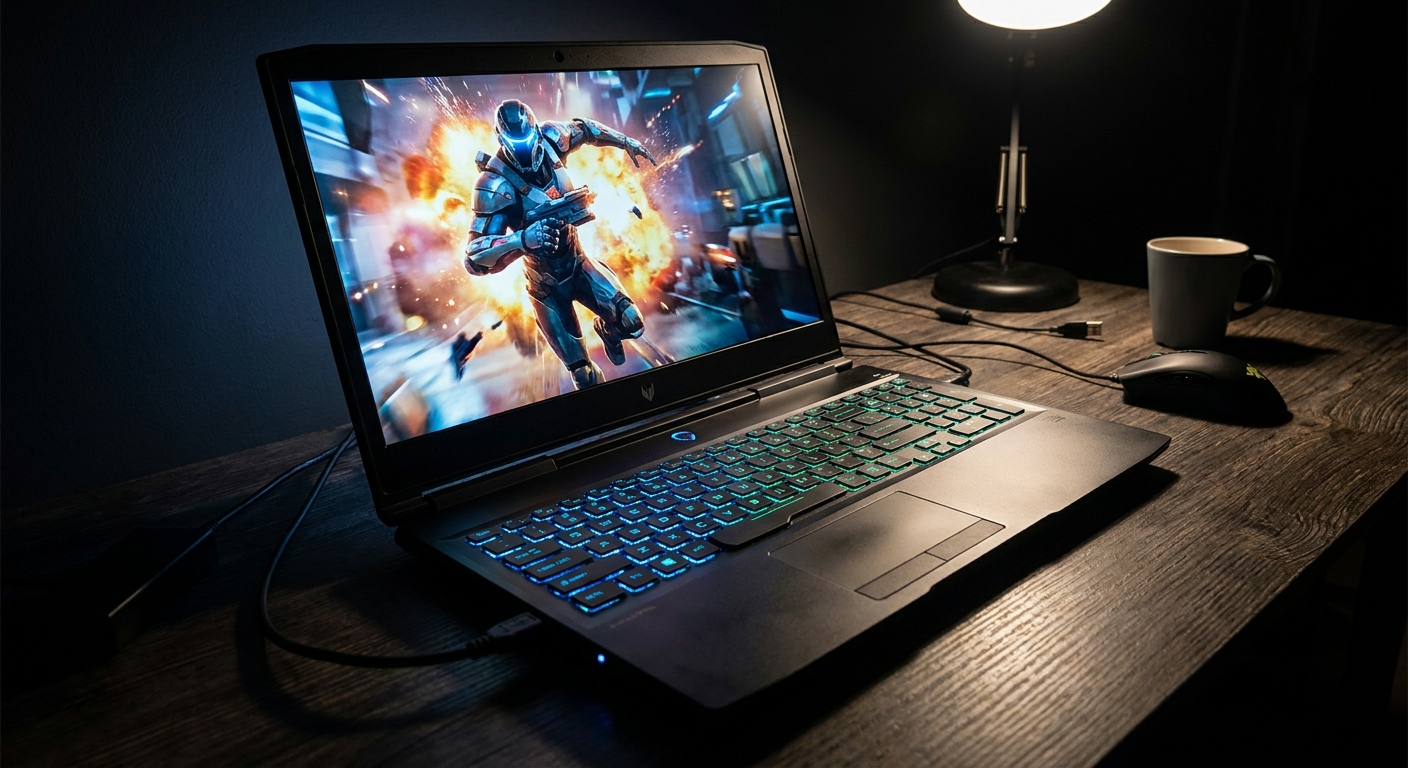
When choosing a gaming laptop, the display can be easy to overlook. CPU and GPU specifications usually get the attention, but the screen is what you actually look at for every game, movie, website and application. That makes the choice between OLED and IPS more important than it might initially seem.
OLED gaming laptops generally offer deeper blacks, higher perceived contrast, excellent viewing angles and extremely fast pixel response. IPS gaming laptops, meanwhile, remain attractive because they are usually more affordable, can offer high brightness, have strong motion performance on good panels and don't carry the same burn-in consideration.
So, is OLED worth paying extra for? For gamers who care strongly about image quality and play visually rich games, the difference can be substantial. For competitive players, budget-conscious buyers or people who spend most of their time working on static desktop content, a good IPS panel can make more sense.
OLED vs IPS Gaming Laptops: What Is the Actual Difference?
OLED and IPS create an image in fundamentally different ways. OLED pixels are self-emitting, meaning individual pixels can turn themselves off to produce extremely deep blacks. IPS is an LCD technology that uses a backlight behind the display.
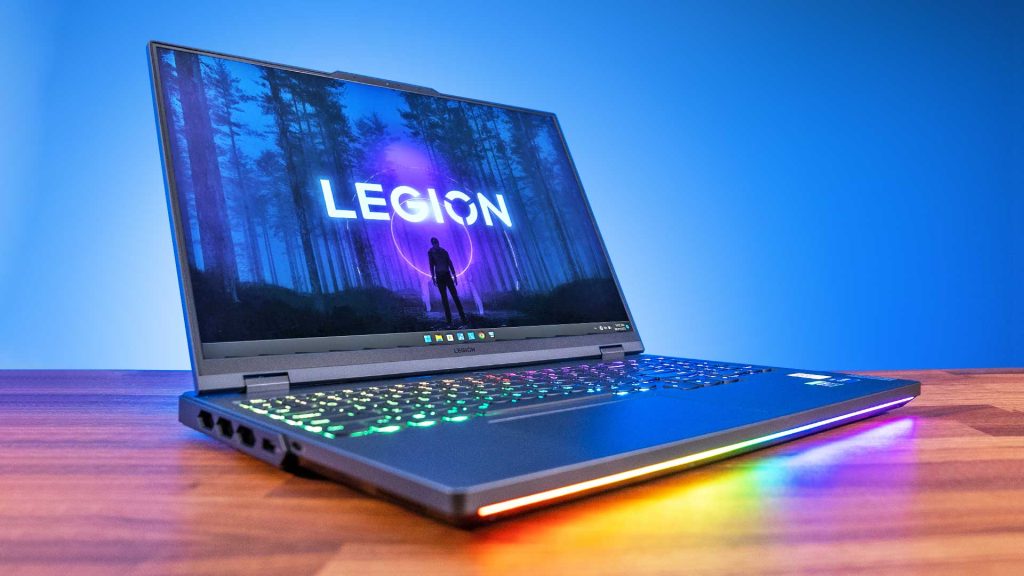
That difference affects several things you can actually see while gaming.
Feature | OLED | IPS |
|---|---|---|
Black levels | Excellent | Good to average |
Contrast | Extremely high | Lower |
Pixel response | Extremely fast | Fast, depending on panel |
Colours | Excellent | Very good to excellent |
Bright-room performance | Model-dependent | Often stronger |
Viewing angles | Excellent | Very good |
Burn-in risk | Possible | No OLED-style burn-in |
Text clarity | Can vary by subpixel layout | Generally excellent |
Price | Usually higher | Usually lower |
The panel type alone doesn't determine whether a laptop has a good display. Resolution, refresh rate, brightness, colour gamut, response time, VRR support and the panel's actual implementation all matter too.
Why OLED Looks Better in Games
OLED's biggest advantage is contrast.
Because an OLED pixel can switch off completely, dark parts of a game can appear genuinely black rather than dark grey. Bright objects can also stand out strongly against dark backgrounds.
That can make games with night scenes, space environments, dark interiors and cinematic lighting look particularly impressive. OLED also has extremely fast pixel response, which helps reduce visible ghosting behind moving objects.
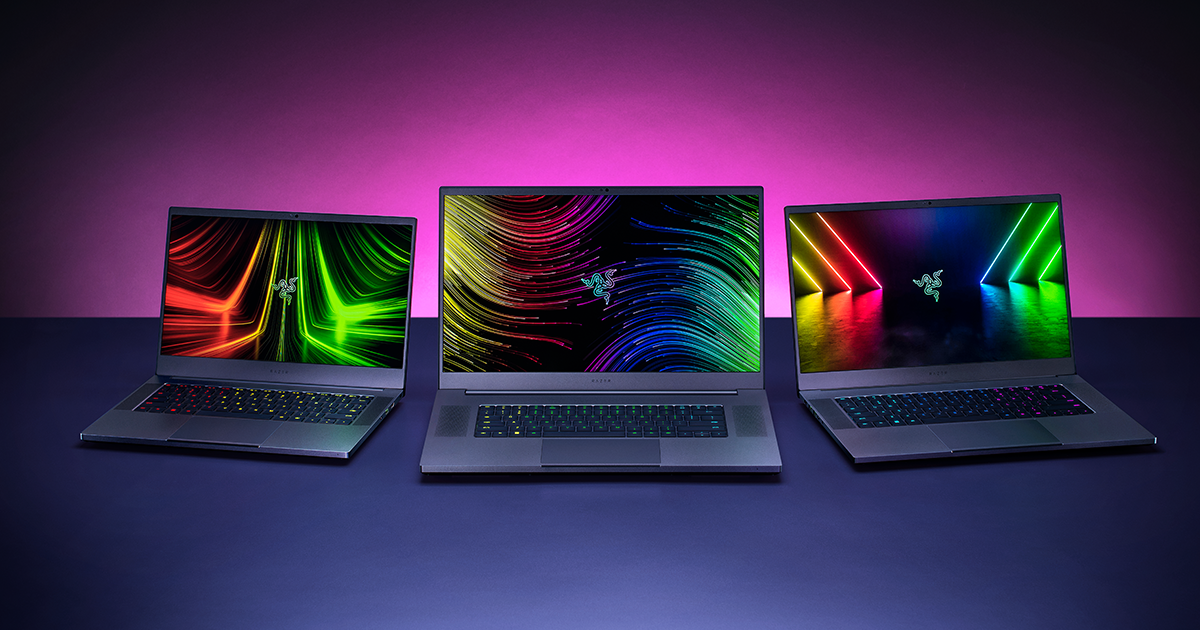
Modern gaming laptops demonstrate how far this technology has moved. For example, Lenovo's Legion Pro 7i Gen 10 offers a 16-inch OLED panel with a 240Hz refresh rate and a claimed response time below 0.5ms.
But don't assume every OLED gaming laptop automatically beats every IPS laptop for gaming. A high-quality 240Hz IPS panel can still be an excellent gaming display, while an OLED laptop with a lower refresh rate may not be the right choice for someone focused entirely on competitive gaming.
Is OLED Faster Than IPS for Gaming?
Generally, yes. OLED has an inherent response-time advantage because its pixels can change state extremely quickly.
RTINGS' testing notes that OLED displays can transition between colours in less than a millisecond, while even fast IPS displays generally take several milliseconds for a full transition. Faster response can reduce motion blur and make fast-moving objects appear cleaner.
However, response time isn't the same thing as frame rate.
A 240Hz OLED doesn't automatically produce 240 frames per second. Your GPU still has to render those frames. If a game is running at 80 FPS, a 240Hz display cannot magically turn it into 240 FPS.
For competitive gaming, look at the entire combination of GPU performance, refresh rate, response time and VRR support rather than choosing a panel solely because it is OLED.
What Does IPS Still Do Better?
IPS has not suddenly become obsolete because OLED became popular.
One advantage is brightness. In general, IPS displays can be better suited to bright environments, while OLED's major strengths are more noticeable in darker rooms.
IPS also avoids the permanent burn-in concern associated with OLED. That's particularly relevant if your gaming laptop is also your primary work computer and you spend many hours looking at static Windows interfaces, browser toolbars or productivity applications.
Text rendering can also favour IPS. OLED subpixel layouts vary between panels, and some can produce colour fringing around text. The effect depends on the particular OLED implementation and pixel density, but IPS generally has an advantage for traditional desktop text clarity.
And then there is price. If two laptops have similar CPU and GPU specifications but one costs substantially more because of its OLED screen, IPS can leave more money available for the hardware that actually determines gaming performance.
Does OLED Gaming Laptop Burn-In Still Matter?
Yes, but it needs to be put into context.
Burn-in occurs when static elements remain on an OLED screen for prolonged periods and eventually cause persistent image retention. Fixed interface elements, taskbars and other high-contrast static content can contribute to the risk over time.
Gaming itself isn't necessarily the worst scenario because the image changes constantly. The bigger concern is using the same laptop for many hours every day with static desktop content at high brightness.
Manufacturers have responded with software and hardware protections. ASUS, for example, includes Pixel Shift and Pixel Refresh features in its OLED laptops to reduce the likelihood of image persistence.
That doesn't make burn-in impossible. ASUS itself recommends avoiding a static high-contrast image at maximum brightness for extended periods.
If you want the lowest possible concern about long-term static-image use, IPS remains the simpler choice.
Is OLED Worth It for Competitive Gaming?
It can be, but don't buy OLED solely because you play competitive games.
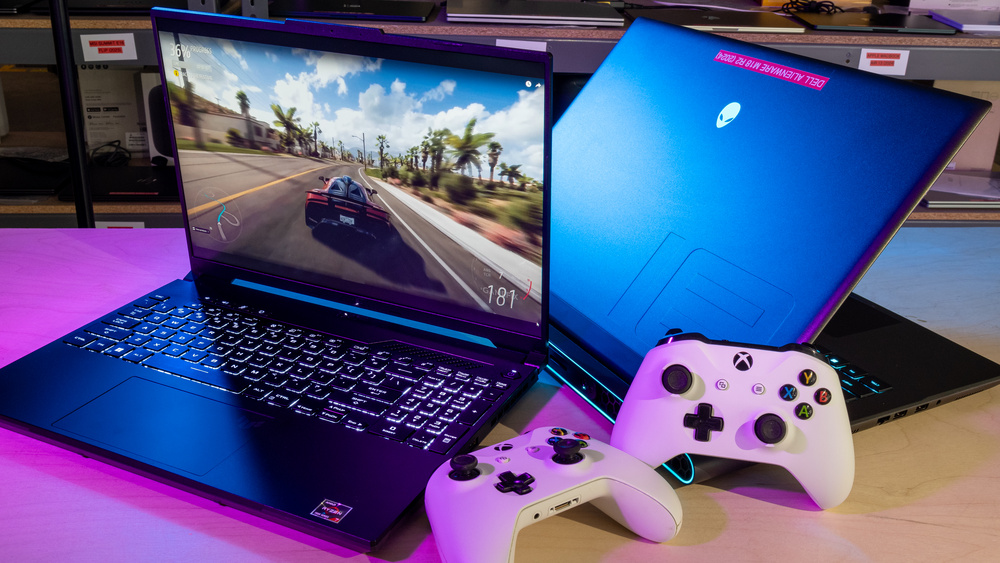
OLED's extremely fast response time is genuinely useful for fast movement. But competitive gamers should also examine refresh rate, VRR behaviour, input latency and GPU performance.
There's another consideration: OLED displays can experience VRR flicker when frame rates fluctuate significantly. RTINGS identifies this as a potential OLED gaming drawback, particularly in dark scenes.
If your system consistently produces high frame rates, an OLED gaming laptop with a high-refresh-rate panel can be an excellent combination. If your frame rate frequently swings dramatically, panel behaviour becomes another specification worth checking.
Which Is Better for AAA Games?
OLED has a particularly strong case for cinematic single-player games.
Games with dramatic lighting, dark environments, explosions, bright highlights and detailed textures can benefit from OLED's contrast and colour performance. The difference can be much easier to appreciate in a dark room than under strong office lighting.
If you spend most of your gaming time with visually demanding titles rather than competitive esports, OLED's image-quality advantages may be easier to appreciate.
Which Is Better for Everyday Work?
IPS is often the more straightforward choice if gaming is only one part of your laptop use.
A gaming laptop can easily become a work machine, meaning hours may be spent in browsers, spreadsheets, documents and other applications with relatively static interfaces.
OLED can absolutely be used for productivity, and modern OLED laptops include protective features. But if your priority is long hours of static desktop work and you don't particularly care about deep blacks, IPS avoids the burn-in consideration altogether.
Should You Spend More on OLED or a Better GPU?
This is one of the most important questions when comparing gaming laptops.
If moving from an OLED laptop to an IPS model allows you to upgrade substantially from one GPU tier to another, the GPU upgrade may have a larger effect on gaming performance.
For example, a laptop with a more powerful GPU and a good 240Hz IPS panel can make more sense for a performance-focused gamer than a weaker GPU paired with an expensive OLED display.
Think of it this way:
GPU determines how much performance you can generate. Display determines how beautifully you see it.
Ideally, you want both. But when your budget forces a choice, decide whether image quality or raw gaming performance matters more to you.
OLED vs IPS Gaming Laptop: Which One Should You Buy?
Choose OLED if:
You care strongly about contrast and picture quality.
You play cinematic AAA games.
You watch a lot of movies and HDR content.
You want extremely fast pixel response.
You are comfortable paying more for the display.
Your laptop usage involves varied content rather than hours of static screens.
Choose IPS if:
You want to keep the laptop price lower.
You want to prioritize GPU performance.
You work on the laptop for long periods.
You regularly use it in a bright environment.
You don't want to think about OLED burn-in.
You can find a high-refresh-rate IPS panel with good brightness and colour coverage.
What Should You Check Besides OLED or IPS?
Don't stop at the panel technology.
Before buying a gaming laptop, check:
Refresh rate: 144Hz, 165Hz, 240Hz and higher are common in gaming laptops.
Response time: Particularly important for fast games.
Resolution: 1080p, 1440p and higher affect sharpness and GPU requirements.
Brightness: Important if you game or work in a bright room.
Colour coverage: Check the stated sRGB, DCI-P3 or other gamut coverage.
VRR: Useful for reducing tearing when frame rates fluctuate.
GPU: A powerful screen needs a GPU capable of driving it.
Screen finish: Glossy and matte coatings can behave differently under lighting.
OLED protection: If buying OLED, check what burn-in protection features the manufacturer provides.
Price difference: Compare the complete laptop, not just the display technology.
RTINGS also recommends considering resolution, refresh rate, brightness, reflection handling, colour gamut, accuracy and flicker when evaluating a laptop display.
Frequently Asked Questions
Is OLED better than IPS for gaming laptops?
OLED generally has advantages in contrast, black levels and pixel response, making it particularly attractive for gaming and entertainment. IPS can still be preferable for bright rooms, lower-cost systems and heavy static desktop use.
Are OLED gaming laptops worth the extra money?
They can be, especially if display quality is a major priority. But if the OLED premium forces you to choose a significantly weaker GPU, an IPS laptop with stronger gaming hardware may provide better overall performance for your budget.
Does OLED have better colours than IPS?
OLED displays can offer excellent colour performance, but the exact result depends on the individual panel. OLED's bigger visual advantage is its ability to produce extremely deep blacks and very high contrast.
Can OLED gaming laptops suffer from burn-in?
Yes. Prolonged exposure to static, high-contrast elements can cause permanent image retention. Modern OLED laptops use features such as pixel shifting and pixel refresh to reduce the risk, but they do not make it impossible.
Is a 240Hz IPS display better than a 120Hz OLED display for gaming?
It depends on the games and hardware. A 240Hz panel can provide more refresh opportunities than 120Hz, while OLED can offer substantially faster pixel response and better contrast. GPU performance and the actual panel specifications matter too.
Final Verdict
OLED is a meaningful upgrade for a gaming laptop, but it isn't automatically worth sacrificing better hardware to get it.
For someone who wants a premium gaming and entertainment experience, OLED's deep blacks, high contrast and extremely fast response can make the display noticeably more impressive. For someone who prioritizes maximum FPS, works for long hours on the same machine or wants to keep the budget focused on CPU and GPU performance, a good IPS panel remains a very sensible option.
The smartest comparison isn't simply OLED vs IPS. Compare the complete laptops: GPU + CPU + display resolution + refresh rate + brightness + response time + colour performance + price.
A great OLED laptop can be spectacular. A great IPS gaming laptop can still be the better-balanced machine.