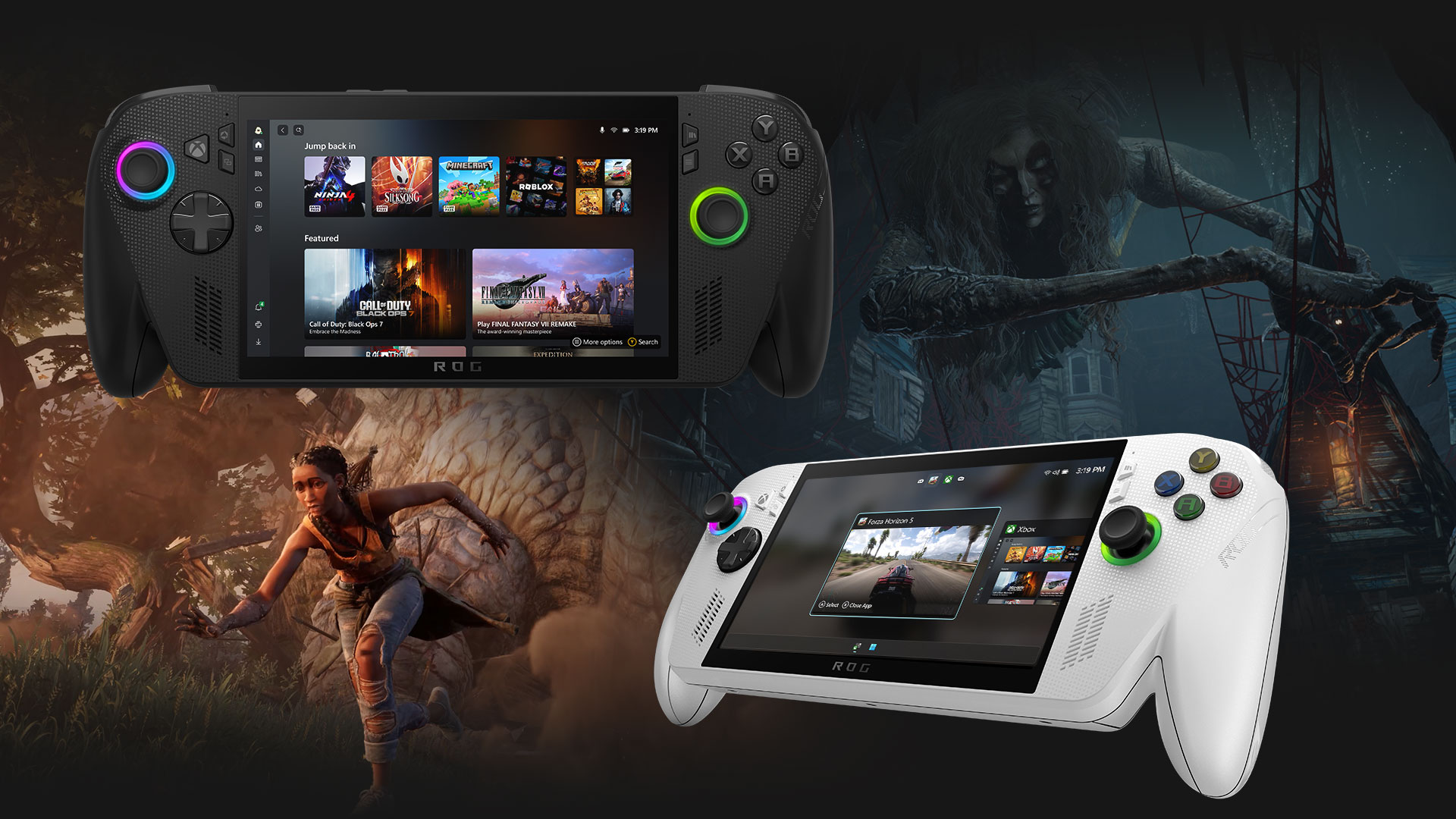
Choosing a gaming console used to be relatively simple. You picked a PlayStation, Xbox or Nintendo system based largely on the games you wanted to play. That is still important, but modern consoles differ in storage, display support, subscriptions, backward compatibility, digital and physical games, controllers, portability and even how you access your game library.
The most important thing to remember is that the most powerful console is not automatically the right console for you. A system that fits your preferred games, TV, budget and playing habits can provide a better experience than one with higher specifications that you rarely use.
Current consoles also blur the old boundaries. The PS5 supports features such as VRR and expandable M.2 SSD storage, while Xbox Series X supports up to 120 FPS, Quick Resume and expandable high-speed storage. Nintendo's Switch 2 takes a different approach with a portable design, a 7.9-inch 1080p display, HDR10 and VRR up to 120Hz.
So before you buy, look beyond the console's name and ask a more useful question: What do you actually need your console to do?
Start With the Games You Want to Play
The games available on a console should be your first consideration because hardware specifications mean little if the system doesn't offer the games you want.
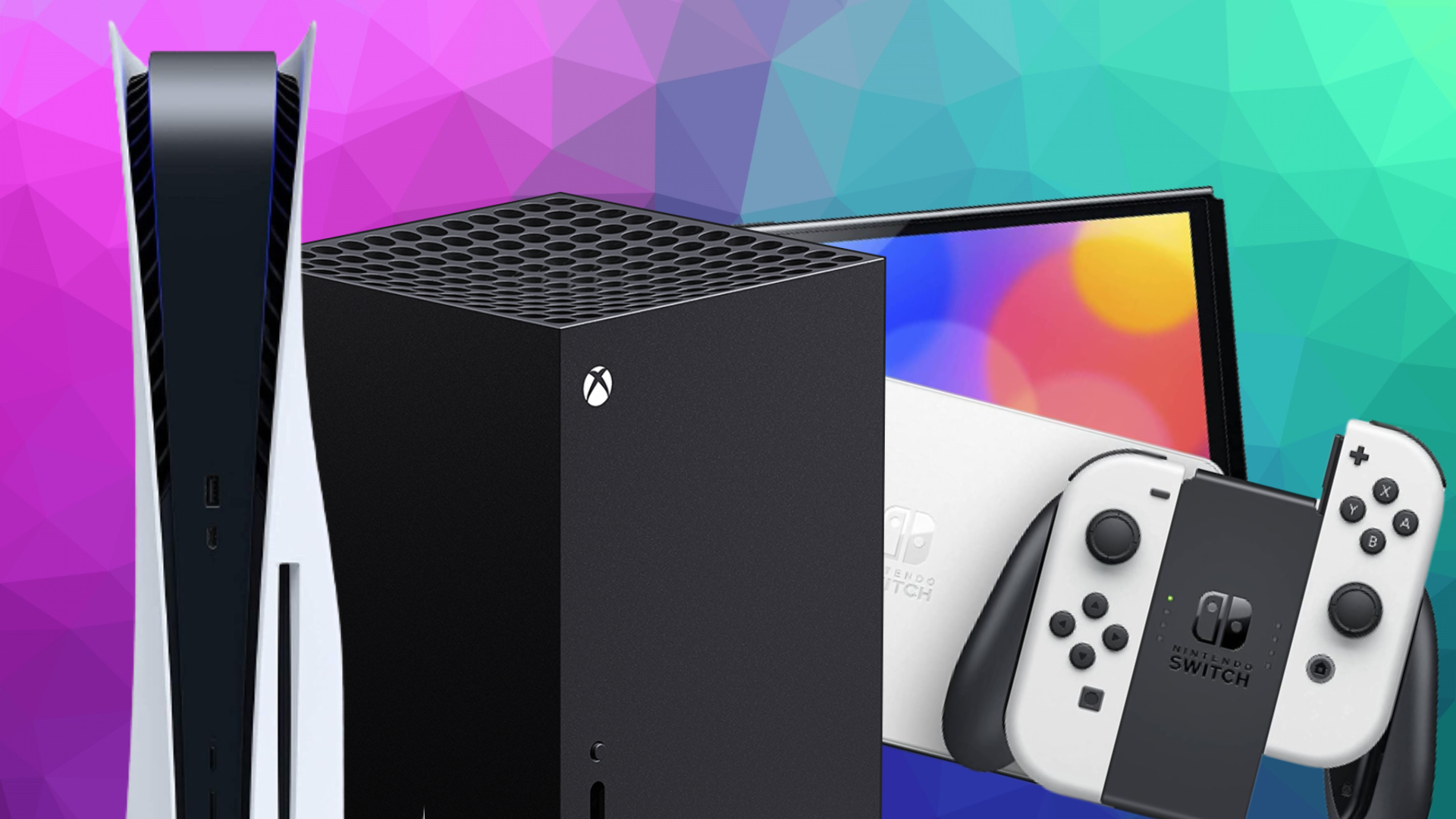
Make a list of the games you are most interested in rather than simply looking at which console has the most impressive specification sheet. Check whether those games are available on your chosen platform and whether important titles are exclusive, cross-platform or available through a subscription service.
This is especially important if you already own games from an earlier generation. PlayStation, for example, supports a large library of PS4 games on PS5, while Xbox Series X supports Xbox One games and compatible accessories.
Your game library should influence the decision before storage capacity, resolution or other specifications.
Decide Whether You Want Physical or Digital Games
The choice between a disc-based console and an all-digital model can affect how you buy, sell and share games.
A physical console gives you the option of buying disc-based games, while digital-only consoles require downloads from the platform's online store.
For example, Sony currently sells PS5 models with and without a disc drive. The standard PS5 supports Blu-ray game discs, while the Digital Edition is designed for downloaded games.
Physical games can make sense if you:
Buy used games.
Sell games after finishing them.
Collect physical editions.
Borrow or lend games where supported.
Prefer having a physical copy.
Digital games can make sense if you:
Prefer instant downloads.
Don't want to change discs.
Mostly buy games during digital sales.
Want your library accessible from your account.
Don't assume digital is automatically cheaper. Compare the actual prices of the games you expect to buy over several years.
Check Storage Before You Buy
Storage is one of the easiest specifications to underestimate.
Modern games can take up substantial amounts of space, and installing several large titles can quickly consume the available storage. The console's advertised capacity also isn't necessarily the amount available for games because some space is reserved for the operating system and other system data.
Expandable storage can therefore be extremely valuable.
PS5 supports compatible M.2 SSD upgrades for additional high-speed game storage. Xbox Series X|S supports dedicated Storage Expansion Cards designed to match the performance of its internal storage, alongside USB storage for supported uses.
Nintendo takes a different approach with Switch 2, which has 256GB of internal storage and supports compatible microSD Express cards for expansion.
Don't judge storage purely by the number printed on the box. Check how easily and affordably you can expand it.
Pay Attention to Resolution and Frame Rate
Resolution and frame rate affect how games look and feel, but you need a TV or monitor capable of displaying those improvements.
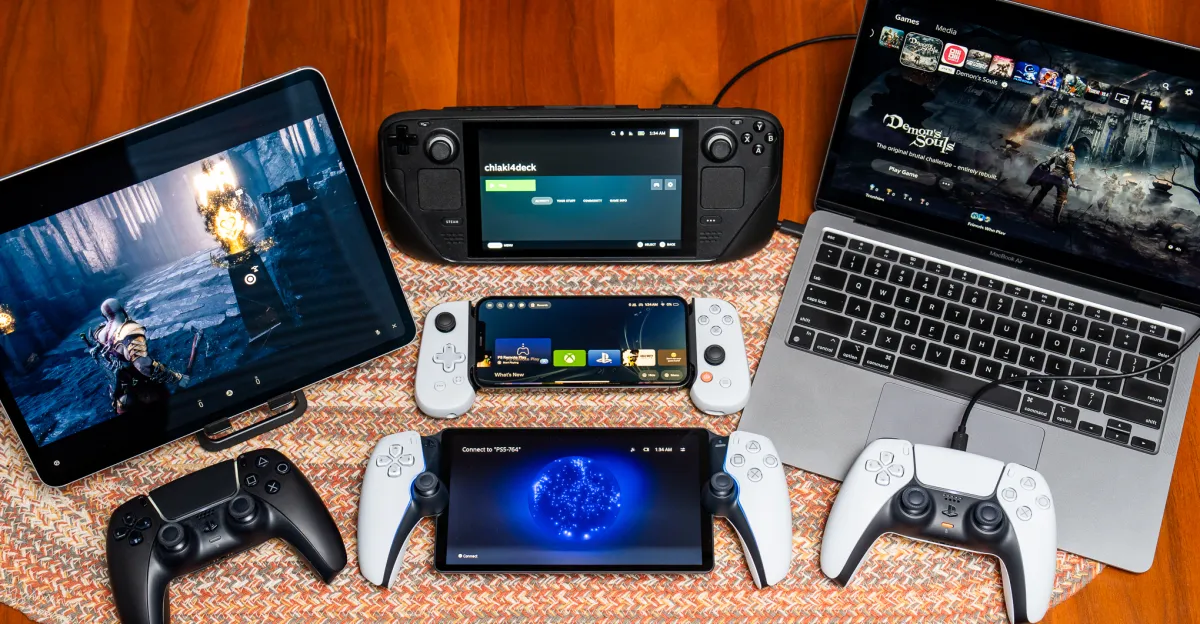
A console may support 4K output or high frame rates, but the actual game mode depends on the individual title and the display you're using.
Xbox Series X supports up to 120 FPS on supported content and displays, while PS5 supports compatible 4K/120Hz displays and VRR.
For a typical single-player experience, high resolution can provide sharper visuals. For competitive games, higher frame rates can make motion appear smoother and controls feel more responsive.
Before paying extra for a more capable console, check whether your current TV can actually take advantage of it.
Check for VRR and HDMI Features
Variable Refresh Rate, or VRR, is particularly useful for gaming displays.
It allows the display's refresh rate to synchronize with the console's frame output, helping reduce screen tearing and potentially making variable frame rates look smoother.
PS5 supports VRR on compatible HDMI 2.1 TVs and monitors, while Xbox Series X supports modern high-frame-rate gaming features on compatible displays.
If you're buying a new TV alongside your console, check:
HDMI 2.1 support
4K resolution
120Hz refresh rate
VRR
Auto Low Latency Mode
HDR support
A powerful console connected to an unsuitable TV can leave some of its display capabilities unused.
Think About the Controller
The controller is something you'll hold for hundreds of hours, so don't treat it as an afterthought.
Button layout, stick placement, trigger design, vibration, weight, ergonomics and battery arrangements can all affect how comfortable a console feels.
Sony's DualSense controller, for example, uses adaptive triggers and haptic feedback as part of the PS5 experience. Xbox controllers emphasize compatibility across Xbox generations and accessories, while Nintendo's Joy-Con 2 controllers are designed around the Switch 2's hybrid handheld and TV-focused format.
If possible, try the controller before buying. Comfort is difficult to judge from specifications alone.
Consider Online Multiplayer and Subscriptions
The cost of a console doesn't end when you buy the hardware.
If you regularly play online multiplayer, access game catalogues or use other subscription features, factor the recurring subscription into your total gaming budget.
PlayStation Plus, for example, offers different tiers with features including online multiplayer, monthly games, cloud storage, discounts and game catalogues depending on the plan.
Xbox Game Pass offers different plans and supports console multiplayer, game libraries, discounts and, on supported plans and devices, cloud gaming. Free-to-play games on Xbox do not require a paid multiplayer subscription.
The important question isn't simply "How much does this console cost?"
Ask:
"How much will I spend on the console, games, subscriptions and storage over the next three years?"
That gives you a much more realistic picture of value.
Check Backward Compatibility
Backward compatibility can make a major difference if you're upgrading from an older console.
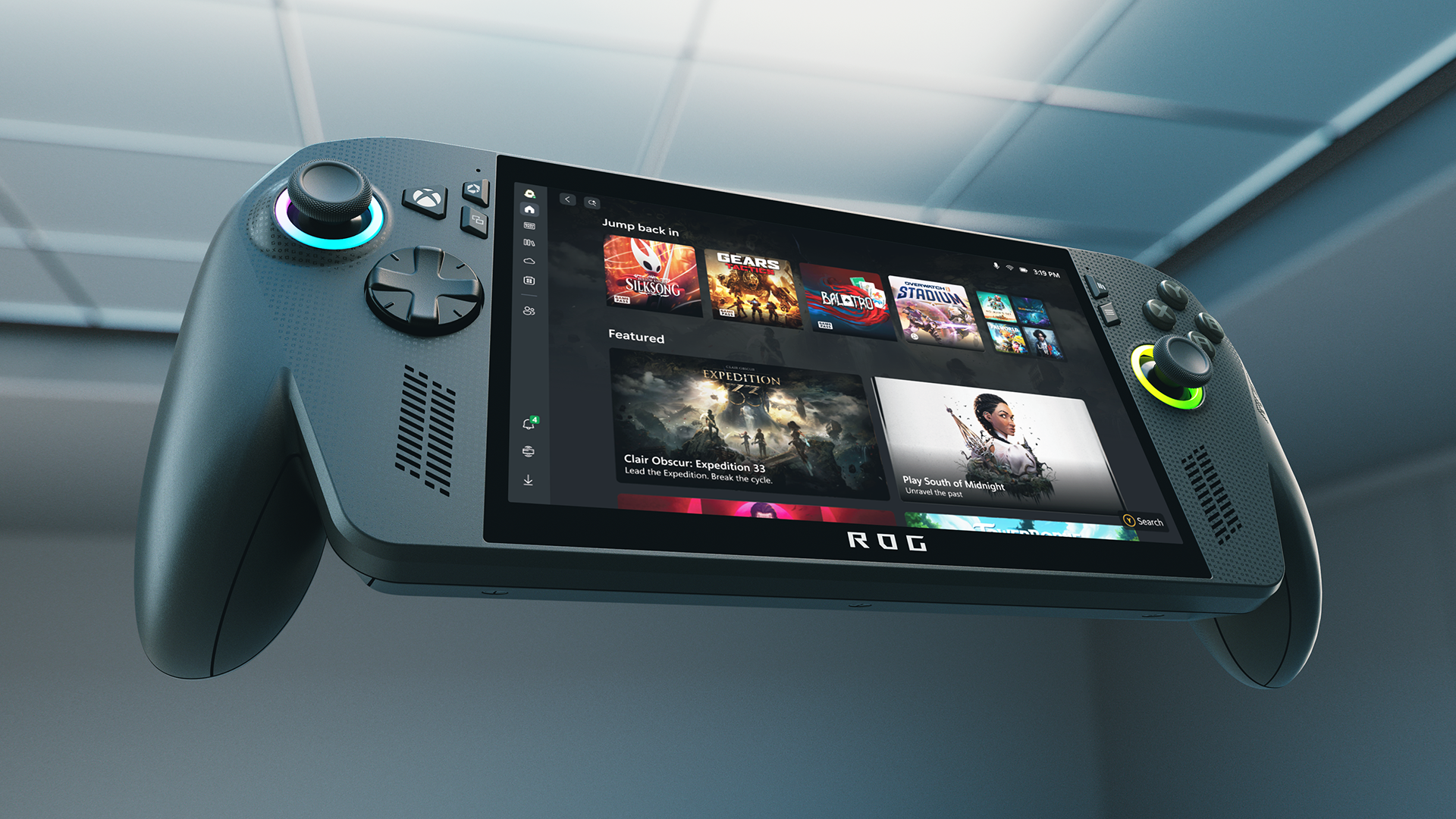
A new console that lets you continue playing games you already own can reduce the cost and disruption of upgrading.
Xbox Series X supports compatible Xbox One games and accessories, while PS5 supports PS4 games, although compatibility varies by individual title.
Nintendo's compatibility situation is different across generations and should be checked for the particular games and accessories you already own.
If you have a large existing library, check it before buying rather than assuming everything will transfer automatically.
Decide Whether Portability Matters
This is where Nintendo's approach differs significantly from traditional home consoles.
Switch 2 can function as a handheld, tabletop or TV-connected system. Its 7.9-inch display supports 1080p resolution, HDR10 and VRR up to 120Hz, while the dock enables TV play.
If you mainly play on a television in one room, a traditional home console may fit your routine better.
If you travel frequently or want to play away from the TV, a hybrid console offers a fundamentally different experience.
Portability isn't a minor specification. It can change how often you actually use the device.
Don't Ignore the Size and Noise
A console lives in your entertainment setup, so physical design matters.
Check the console's dimensions and make sure there is enough ventilation around it. Don't squeeze a high-performance console into a closed cabinet simply because it fits.
Fan noise can also matter. A console running a demanding game may produce more audible cooling noise than it does while sitting on the home screen.
If your console will sit next to your television in a bedroom or quiet living room, this may be worth considering.
Look at the Ecosystem, Not Just the Console
Modern consoles are platforms rather than isolated pieces of hardware.
Your account, friends list, purchased games, subscriptions, controllers, cloud saves and accessories can all become part of the ecosystem.
Xbox emphasizes continuity across its devices, including console, PC, mobile and supported cloud-gaming experiences. PlayStation similarly offers Remote Play across supported devices and integrates cloud storage and other services through PlayStation Plus.
This means the better question isn't just:
"Which console has better hardware?"
It's:
"Which ecosystem fits the way I already play?"
Think About the Total Cost of Ownership
The cheapest console at checkout isn't necessarily the cheapest system to own.
Your actual spending can include:
Console
Extra controller
Games
Online subscription
Storage expansion
Headset
Charging accessories
Replacement controllers
Physical game accessories
New TV or monitor
Make a simple three-year estimate before buying.
If one console costs more initially but works with games you already own, while another requires you to rebuild your library, the headline purchase price doesn't tell the whole story.
How Powerful Does Your Console Need to Be?
More performance can be useful, but it shouldn't be your only criterion.
If you're using a 1080p television, spending substantially more for a console primarily because of its 4K capabilities may not make sense.
If you own a high-end 4K/120Hz TV and care about demanding games, features such as high frame rates, VRR and stronger graphics hardware become more relevant.
The right level of hardware depends partly on the equipment you already have.
What About Used or Refurbished Consoles?
A used console can reduce the initial cost, but condition matters.
Check:
Controller condition
Disc drive operation, if applicable
HDMI output
USB ports
Storage health
Overheating or unusual fan noise
Account status
Included accessories
Warranty or return policy
For a new purchase, Sony recommends using authorized retailers to help ensure authenticity, functionality, return options and warranty coverage.
If buying second-hand, a reputable seller with a meaningful return window can be more valuable than simply finding the lowest price.
Which Gaming Console Features Matter Most?
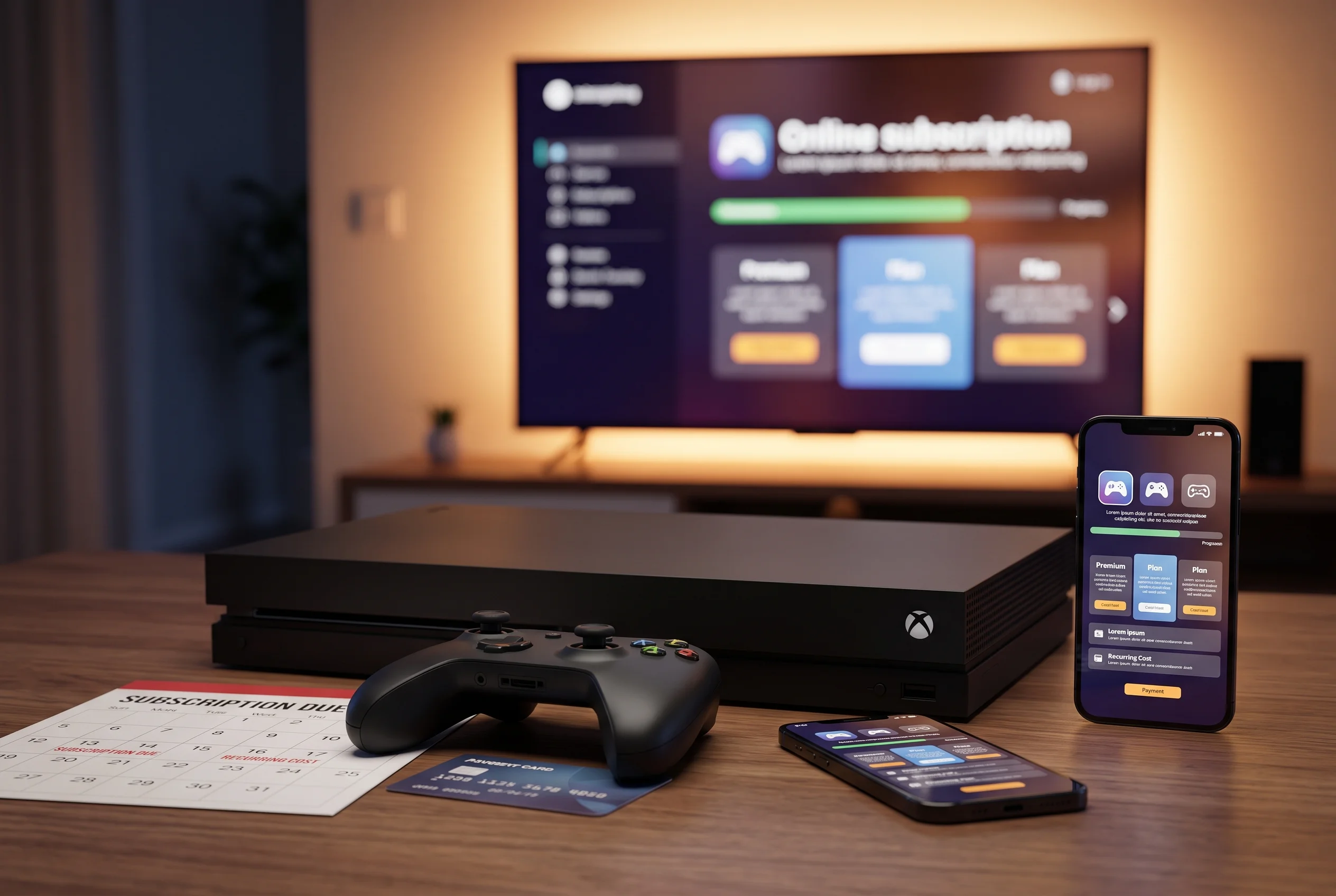
If you want a simple priority list, focus on these:
Feature | Why it matters |
|---|---|
Game library | Determines what you can actually play |
Performance | Affects graphics and frame rates |
Storage | Determines how many games you can keep installed |
Display support | Determines whether your TV can use the console's capabilities |
Controller | Affects comfort and gameplay |
Online ecosystem | Matters for multiplayer and subscriptions |
Backward compatibility | Protects your existing game library |
Portability | Important if you want to play away from the TV |
Expandable storage | Helps as your library grows |
Total cost | Shows what you'll actually spend over time |
This is a more useful checklist than simply comparing processor speeds or graphical specifications.
Frequently Asked Questions
What should I look for when buying a gaming console?
Start with the games you want to play, then compare performance, storage, display support, controller design, online services, backward compatibility and total ownership cost.
Is 4K important for a gaming console?
It can be, particularly with a 4K television. But the value depends on the games, console and display. If you use a 1080p TV, some of the advantages of a higher-end 4K-focused system may not be visible.
How much storage do I need on a gaming console?
There isn't one ideal capacity because game sizes vary. If you install many large games, prioritize a console with expandable storage rather than choosing solely based on its built-in capacity.
Is a disc console better than a digital console?
Neither format is universally better. Disc consoles provide access to physical games and can offer more flexibility with physical purchases, while digital consoles are convenient and don't require swapping discs.
Do I need a 120Hz TV for a gaming console?
No. A 120Hz display isn't necessary for gaming, but it can be useful for games that support higher frame rates. Xbox Series X and PS5 support high-refresh-rate gaming on compatible displays.
Should I buy a console based on graphics power alone?
No. Game availability, ecosystem, controller comfort, storage, display compatibility, subscriptions and your existing game library can matter just as much as raw hardware performance.
Final Takeaway
Choosing a gaming console is less about finding the machine with the longest specification sheet and more about finding the system that fits your games, your TV, your budget and the way you play.
Start with the game library. Then look at storage, performance, display features, controller design, subscriptions and backward compatibility. If portability matters, that can immediately change which type of console makes sense. And if you're upgrading your TV at the same time, features such as 4K, 120Hz, VRR and HDMI 2.1 become much more relevant.
Most importantly, calculate the total cost of ownership, not just the price printed on the console box.
A well-chosen console should fit naturally into your gaming habits. The goal isn't to buy the most powerful system available. It's to buy the system whose features you'll actually use.