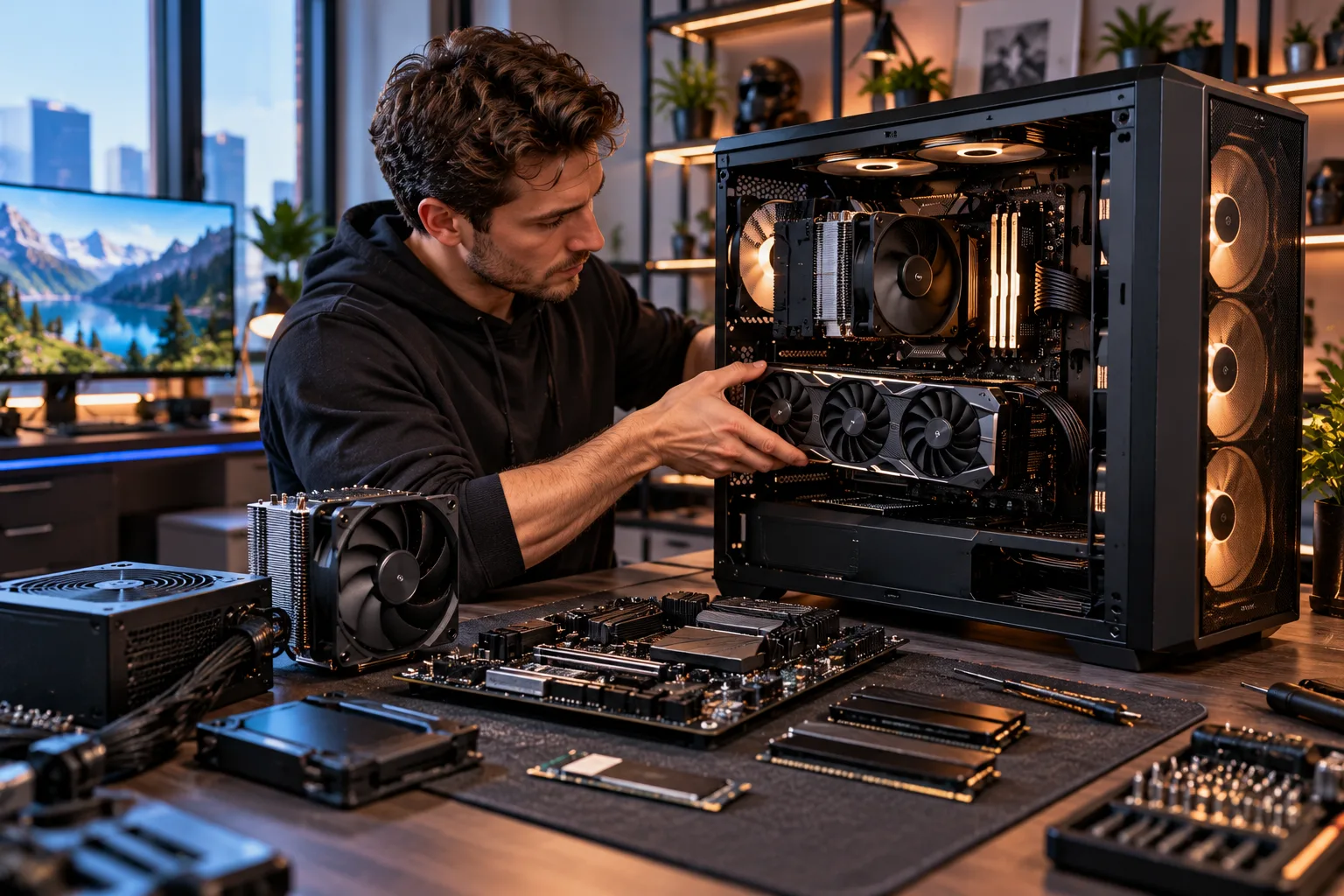
Building a gaming PC that still feels capable four or five years from now requires a different approach from simply building the fastest PC you can afford today.
You cannot predict exactly how demanding future games will become, but you can build around enough performance headroom that you don't immediately need to replace the entire system. The most important decisions are the GPU, CPU platform, RAM capacity, power supply, motherboard, cooling and storage.
The goal should be a balanced PC with an upgrade path, rather than a system where one expensive component dramatically outweighs everything else.
For example, AMD's current AM5 platform supports Ryzen 7000, 8000 and 9000 processors, with DDR5 memory and PCIe 5.0 available on select motherboards. That kind of platform flexibility can make future CPU or platform upgrades easier.
There is no configuration that can guarantee five years of high-end gaming performance. But with sensible component choices, you can make the system much easier to maintain and upgrade as your requirements change.
What Matters Most When Building a 4–5 Year Gaming PC?
Prioritize GPU performance, platform longevity, RAM capacity, storage capacity, power delivery and cooling rather than spending the entire budget on one flagship component.
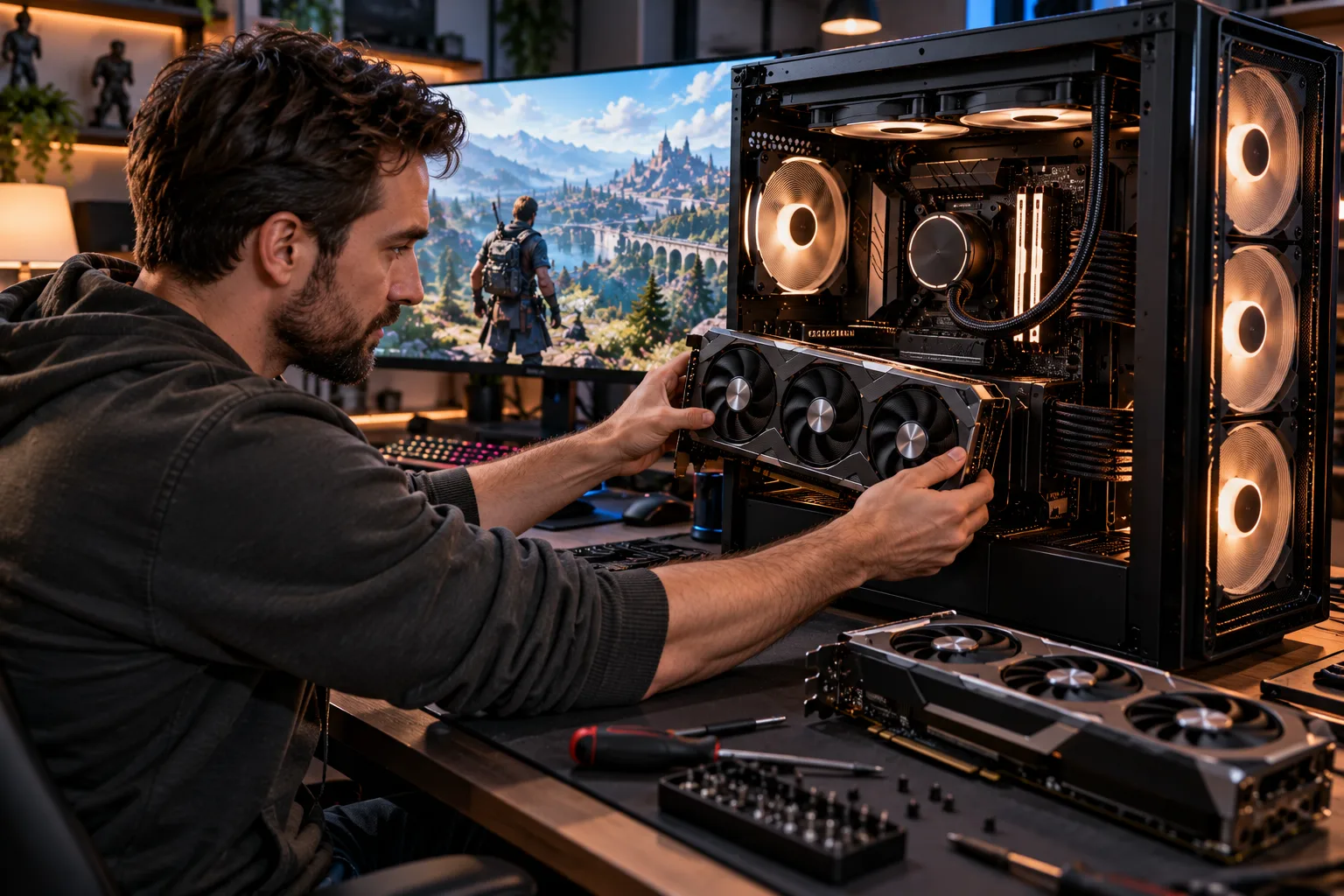
A useful priority order is:
GPU
CPU and motherboard platform
RAM
SSD storage
Power supply
Cooling
Case airflow
Optional extras such as RGB lighting
The exact order can change depending on your target resolution and games, but this prevents a common mistake: spending heavily on cosmetic features while compromising the components that determine performance and longevity.
How Powerful Should the GPU Be?
The GPU deserves a large portion of a gaming PC budget because it has the biggest influence on graphics performance.
If you want the PC to remain useful for several years, avoid buying a graphics card that only comfortably meets your current requirements. Some performance headroom gives you more options when future games become more demanding.
NVIDIA's current GeForce lineup illustrates why memory capacity and power requirements deserve attention. Current cards range from models with 8GB of graphics memory to high-end configurations with substantially more, while power requirements can vary dramatically between models.
That doesn't mean you should automatically buy the most expensive GPU available.
Instead, decide first:
What resolution do you want to play at?
1080p: Mid-range hardware can provide strong performance.
1440p: A stronger GPU becomes more important.
4K: GPU performance and VRAM become significantly more important.
If you are building specifically for longevity, it is usually better to buy a well-balanced upper-midrange or high-end GPU today than an entry-level card you expect to replace quickly.
How Much VRAM Should a Long-Term Gaming PC Have?
VRAM deserves more attention than it used to because games increasingly use large textures, detailed environments and advanced rendering effects.
The right amount depends on resolution, game settings and the GPU itself. More VRAM does not automatically make a slower GPU faster, but insufficient VRAM can become a constraint when demanding games exceed what the card can comfortably accommodate.
Current NVIDIA cards demonstrate the wide range of memory configurations available, including 8GB, 12GB, 16GB and 24GB options across the lineup.
For a four-to-five-year build, don't choose a GPU solely on its advertised core count or theoretical performance. Look at the complete combination of GPU performance, VRAM capacity, memory bandwidth, power requirements and modern graphics features.
Should You Spend More on the CPU?
Yes, but don't overspend on CPU performance at the expense of the GPU.
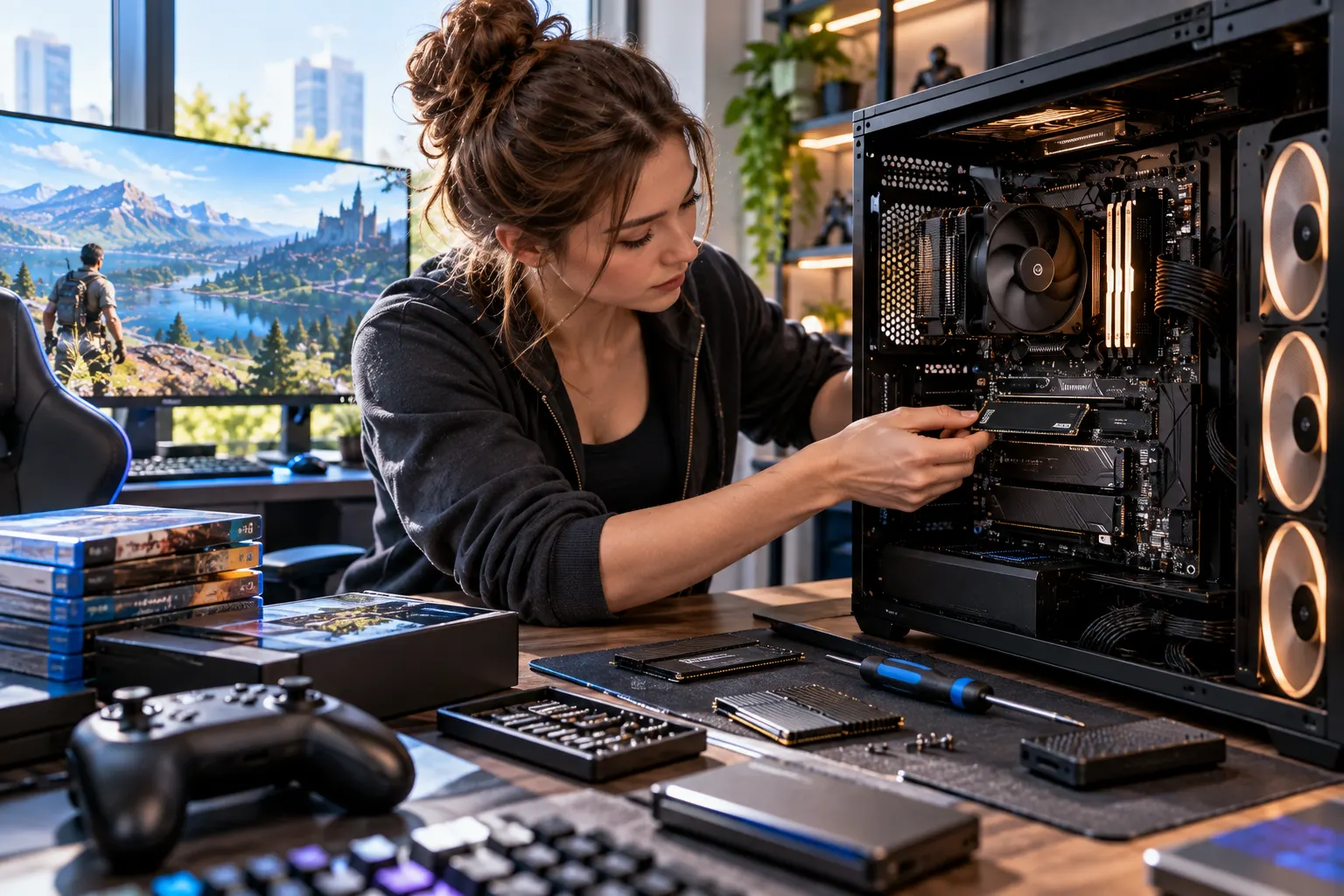
For gaming, the ideal CPU is one that can keep your chosen graphics card supplied with work without becoming the limiting component in the games you play.
A powerful modern CPU can also give you more flexibility for future GPU upgrades.
However, spending a huge portion of the budget on a flagship processor while pairing it with a relatively modest GPU can produce a poorly balanced gaming system.
For a long-term build, a strong mainstream or upper-tier gaming CPU is often a better starting point than an ultra-expensive workstation-class processor.
Choose a Platform You Can Upgrade
The motherboard and CPU socket determine how much flexibility your system has later.
This is one reason platform choice matters when building for four or five years.
AMD's current AM5 platform supports Ryzen 7000, 8000 and 9000 processors, while AMD also lists DDR5 and PCIe 5.0 support on select AM5 motherboards.
That means an AM5 system can potentially offer more CPU upgrade options than a platform that has already reached the end of its upgrade cycle.
This doesn't guarantee that every future processor will work in every motherboard. BIOS support, chipset compatibility and manufacturer updates still matter. But choosing a current platform with multiple compatible CPU generations gives you more options.
How Much RAM Do You Need for 4–5 Years?
For a new long-term gaming PC, 32GB is a sensible target for many buyers.
16GB can still be adequate for many games and everyday workloads, but 32GB gives you more room for modern games, browsers, background applications, launchers, voice chat and multitasking.
If you use the PC for video editing, 3D work, game development or other memory-intensive workloads, you may want more.
The important point is to avoid treating today's minimum requirement as a four-year target.
Microsoft's Windows 11 minimum requirement is only 4GB of RAM, but that is an operating-system minimum, not a recommendation for a modern gaming machine.
Should You Buy DDR5 for a Long-Term Build?
For a new system intended to last several years, DDR5 makes sense when supported by your chosen platform.
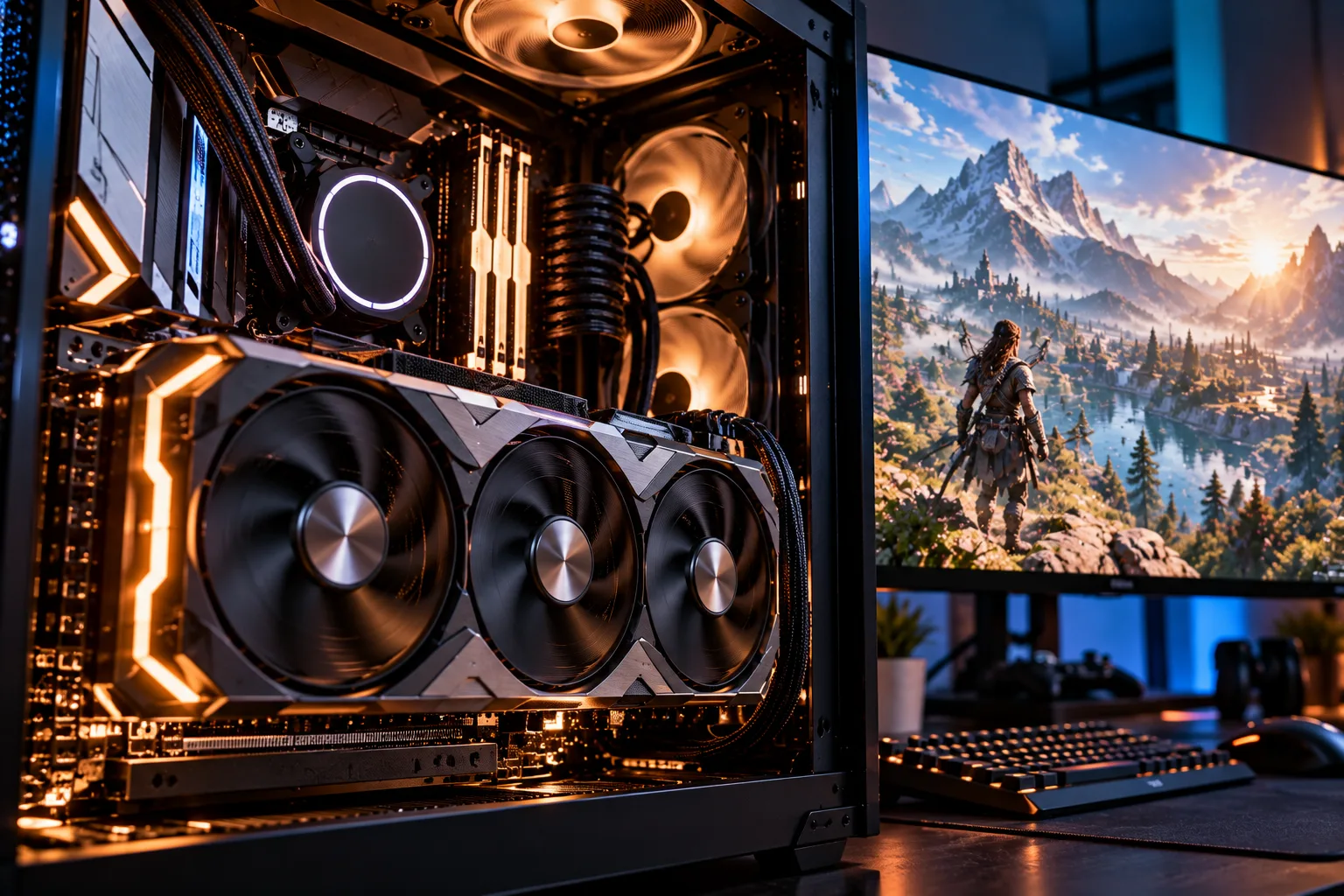
Current AM5 platforms use DDR5, for example.
The bigger reason isn't simply that DDR5 is newer. It is that choosing a current memory platform avoids building a new system around an older standard that could limit future motherboard and CPU choices.
Don't chase extreme memory speeds simply because they look impressive on a specification sheet. Stability, capacity and compatibility matter more for a long-term gaming system.
How Much SSD Storage Should You Get?
Storage capacity is one area where it is easy to underestimate your future needs.
Modern games can occupy substantial amounts of space, and your PC also needs room for Windows, applications, recordings, downloads and personal files.
A 1TB SSD is a reasonable starting point, but 2TB can make much more sense for a gaming PC intended to remain your primary system for several years.
If the budget allows, consider:
One large primary NVMe SSD.
A second SSD for games and media.
Additional storage later when prices or capacity requirements make an upgrade worthwhile.
Windows 11 officially requires at least 64GB of storage, but Microsoft explicitly notes that storage requirements can increase over time and that individual applications and features can require additional space.
The Windows requirement is obviously far below what a modern gaming PC needs. Think of it as a compatibility minimum, not a practical gaming target.
Don't Cheap Out on the Power Supply
The PSU is one of the least exciting components, but it is one of the worst places to cut corners.
Choose a reputable power supply with enough capacity for your CPU and GPU, plus reasonable headroom.
This matters because GPU power requirements can vary substantially. For example, NVIDIA lists a recommended 750W system power level for the RTX 5070 Ti and 850W for the RTX 5080, although the exact requirement depends on the complete system configuration.
Don't choose a PSU based only on today's estimated consumption.
Leave some capacity for a future GPU upgrade.
Also pay attention to the connectors supported by your chosen power supply. Current high-end graphics cards can use newer PCIe power connections, and NVIDIA's specifications show configurations using PCIe Gen 5 cables on several current models.
How Important Is Cooling for a 4–5 Year PC?
Very important.
A PC that can maintain stable temperatures during extended gaming is easier to live with than one that constantly runs into thermal limits.
You don't necessarily need an enormous liquid-cooling system.
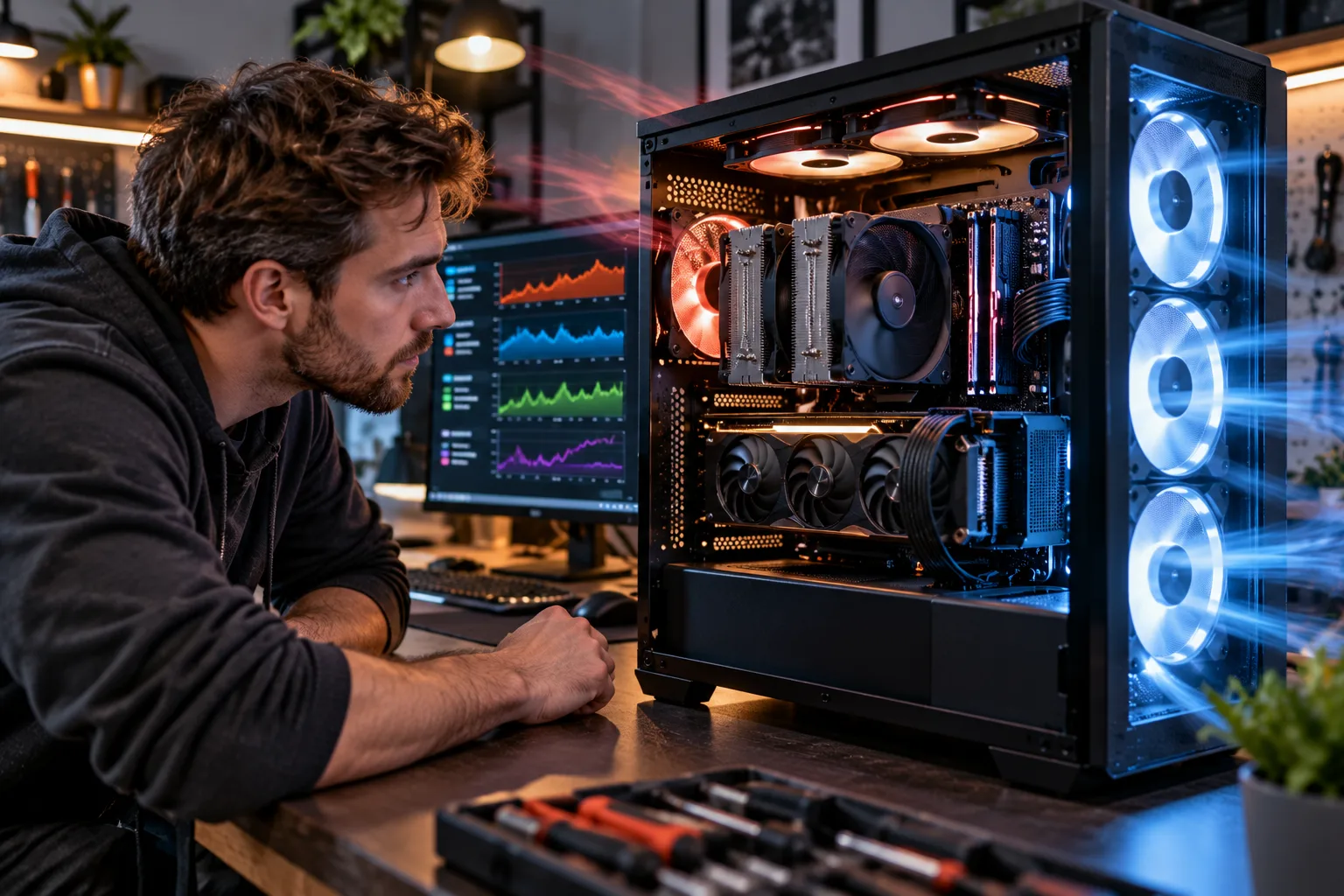
A good air cooler can be perfectly suitable for many CPUs. Higher-end processors may benefit from stronger cooling, while case airflow affects the temperature of the entire system.
Look for:
A CPU cooler appropriate for the processor.
Multiple case fans.
Good front-to-back or bottom-to-top airflow.
Enough space around the GPU.
Dust filters that can be cleaned.
A case with adequate ventilation.
Cooling also matters because dust buildup over time can reduce airflow and increase temperatures.
Choose a Case You Won't Outgrow
A large, well-designed case can be more useful for longevity than a tiny enclosure that barely accommodates your initial hardware.
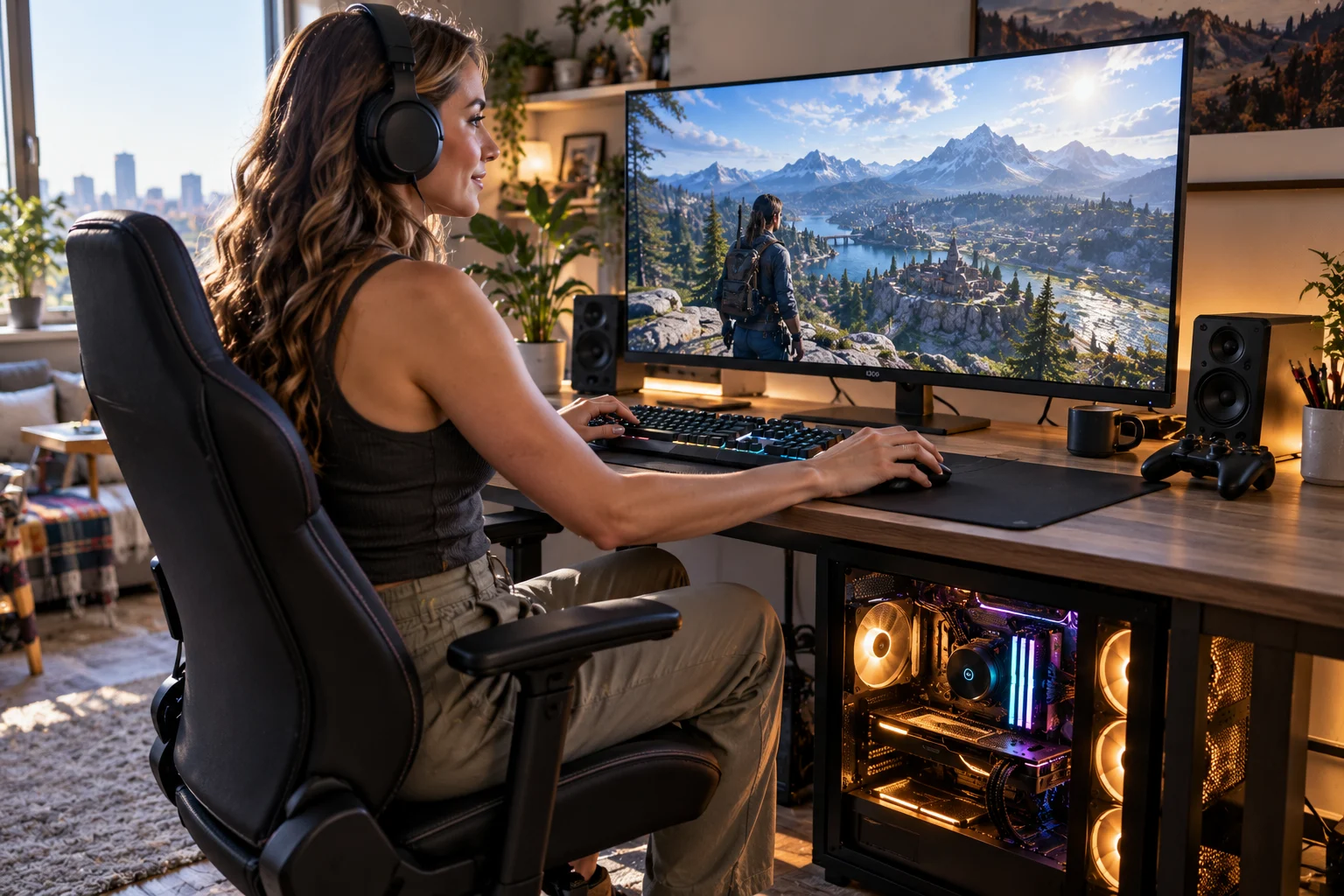
Before buying, check:
GPU maximum length.
GPU thickness.
CPU cooler height.
Radiator compatibility if using liquid cooling.
Number of fan mounts.
SSD mounting options.
Motherboard compatibility.
Front-panel connections.
Large modern GPUs can occupy multiple expansion slots, so make sure the case provides enough physical clearance.
The same applies to power cables. A case may technically fit a graphics card while making cable management extremely difficult.
Should You Buy a PCIe 5.0 SSD?
Not necessarily.
PCIe 5.0 storage can offer very high sequential throughput, but gaming performance does not automatically scale with advertised SSD speeds.
For a gaming PC, a good NVMe SSD with adequate capacity can be a better use of money than spending heavily on the fastest storage available.
If your motherboard supports PCIe 5.0, having the option available can provide flexibility. But don't sacrifice GPU performance simply to get a cutting-edge SSD.
Don't Ignore the Motherboard
The motherboard doesn't directly determine gaming FPS in the same way the GPU does, but it controls the platform around your components.
For a long-term system, check:
CPU compatibility.
BIOS support.
RAM support.
Number of M.2 slots.
PCIe expansion slots.
USB connectivity.
Networking.
Wi-Fi and Bluetooth if required.
VRM quality.
BIOS update features.
Future CPU compatibility.
You don't need the most expensive motherboard.
You need one that has the connectivity, power delivery and expansion options you actually expect to use.
What About Windows 11 Compatibility?
A modern build should comfortably exceed Windows 11's minimum hardware requirements.
Microsoft currently requires a compatible 64-bit processor, at least 4GB of RAM, 64GB of storage, UEFI firmware with Secure Boot capability, TPM 2.0 and a DirectX 12-compatible graphics card with a WDDM 2.0 driver.
These requirements are very low compared with a modern gaming PC.
Still, building around current platform standards such as UEFI, Secure Boot and TPM 2.0 avoids unnecessary compatibility problems with modern Windows installations.
What Should You Upgrade First in the Future?
The GPU will often be the component worth upgrading first when gaming performance starts falling behind your expectations.
A possible upgrade path might look like:
Year 1: Build the complete system.
Year 2: Add storage if necessary.
Year 3: Upgrade RAM if your workload has grown.
Year 3–4: Consider a GPU upgrade if newer games require more graphics performance.
Year 4–5: Evaluate whether a CPU upgrade is worthwhile on the existing platform.
Year 5+: Consider a full platform upgrade if the motherboard, CPU and memory have become the limiting factors.
You don't have to follow this schedule exactly. It is simply a way to avoid replacing everything at once.
What Should You Avoid When Building for 4–5 Years?
Avoid several common mistakes.
Buying the Cheapest PSU
A cheap power supply can undermine an otherwise expensive build. Choose a reputable model with appropriate capacity and protections.
Spending Too Much on the CPU
A flagship CPU paired with a mid-range GPU isn't automatically a better gaming PC than a balanced configuration.
Buying Too Little RAM
Saving money on RAM today can create an inconvenient upgrade later.
Choosing a Tiny SSD
A drive that is nearly full is frustrating, especially when you're managing a large game library.
Ignoring Case Airflow
A beautiful case with poor ventilation isn't a good foundation for a long-term high-performance PC.
Buying Based on Today's Games Alone
Think about the resolution and settings you want to use several years from now, not just the games you play this month.
What Does a Sensible 4–5 Year Gaming PC Look Like?
Instead of prescribing one exact parts list, think in terms of targets.
Component | Long-term approach |
|---|---|
CPU | Strong modern gaming CPU with upgrade path |
GPU | Upper-midrange to high-end, depending on resolution |
RAM | 32GB as a practical target for many builds |
Storage | 1TB minimum practical starting point; 2TB more comfortable |
Motherboard | Current platform with expansion and upgrade support |
PSU | Quality unit with headroom for a future GPU |
CPU cooling | Capable cooler with sustained-load headroom |
Case | Good airflow and room for future components |
OS compatibility | Modern UEFI, Secure Boot and TPM 2.0 support |
The exact parts should be selected based on your budget, country, current component pricing and target resolution.
Is It Better to Build for 1440p or 4K?
For longevity, 1440p is often an easier target to balance than 4K.
A 4K gaming PC needs substantially more graphics performance to maintain high frame rates, especially as games become more demanding.
1440p can provide a strong balance between image quality and GPU workload.
If you already own a 4K monitor or specifically want to game at 4K, allocate more of the budget to the GPU.
Your monitor should influence your PC build rather than being chosen separately.
Should You Plan for Ray Tracing and Upscaling?
Yes, particularly if you want to play newer games over several years.
Modern graphics cards increasingly provide dedicated hardware and software features for ray tracing, AI-assisted rendering and frame-generation technologies. NVIDIA's current RTX 50-series, for example, supports fourth-generation ray-tracing cores, fifth-generation Tensor Cores and DLSS 4.
However, don't buy a GPU based on a feature name alone.
Look at actual performance in the games you play, at your target resolution and settings.
Upscaling and frame-generation technologies can extend the useful life of a GPU, but they don't eliminate the need for sufficient underlying graphics performance.
Frequently Asked Questions
Can a gaming PC really last five years?
Yes, a well-built PC can remain usable for five years, but expectations matter. You may eventually need to lower graphics settings or upgrade one component to maintain the performance you want in newer games.
What is the most important component for a 4–5 year gaming PC?
The GPU is usually one of the most important components because graphics requirements tend to have a major effect on gaming performance. CPU, RAM, storage and the platform also need to be balanced around it.
Is 32GB RAM enough for the next five years?
It is a sensible target for many new gaming PCs, but future requirements cannot be guaranteed. Users running demanding creative applications or heavy multitasking may want more.
Should I buy a high-end CPU for future-proofing?
Not automatically. A balanced CPU paired with a capable GPU is generally more useful than spending a disproportionate amount of the budget on the processor.
Should I buy a bigger PSU for future upgrades?
Some additional capacity is sensible, particularly if you may upgrade to a more power-hungry GPU. But buying an excessively oversized PSU can waste budget that could be better spent elsewhere.
How often should I upgrade a gaming PC?
You don't need a fixed upgrade schedule. Monitor your actual performance. If games still run at the resolution and settings you want, there is no reason to upgrade simply because newer components have been released.
Final Takeaway
A gaming PC designed to last four or five years shouldn't be built around the idea of being "future-proof." No component can guarantee that.
Instead, build for flexibility.
Choose a capable GPU with enough performance and memory for your target resolution. Pair it with a strong CPU and a current platform. Start with enough RAM and SSD capacity that you aren't immediately forced into upgrades. Use a quality PSU with reasonable headroom, provide adequate cooling and choose a motherboard and case that leave room for expansion.
The biggest advantage of a desktop gaming PC is that you don't have to replace everything when one component falls behind.
If your GPU becomes the weak point in 2029, replace the GPU. If storage becomes cramped, add another SSD. If your platform supports a newer CPU, upgrade the processor.
The best long-term gaming PC isn't the one that never needs an upgrade. It's the one that lets you upgrade one part at a time instead of rebuilding the entire machine.