
A gaming laptop can look like an unnecessary upgrade if you mostly browse the web, work with documents, watch videos and use everyday applications. But the difference becomes much clearer once you start playing demanding games or using software that relies heavily on graphics performance.
The biggest thing you gain from a gaming laptop is more graphics processing power. Gaming laptops are typically built around a dedicated GPU, higher-performance processors, faster displays and cooling systems designed to handle sustained workloads. Microsoft specifically recommends a discrete GPU for gaming and other demanding graphics workloads, while integrated graphics are designed for lighter tasks and better power efficiency.
That extra hardware can also help with video editing, 3D work, game development, streaming and other demanding applications. But there are trade-offs: gaming laptops can be heavier, louder, more expensive and less battery-friendly than regular laptops.
So the real question isn't simply "Is a gaming laptop faster?" It is "Do you need the extra performance badly enough to accept the compromises?"
Gaming Laptop vs Regular Laptop: What Is the Main Difference?
The biggest difference is the hardware designed for sustained high-performance workloads.
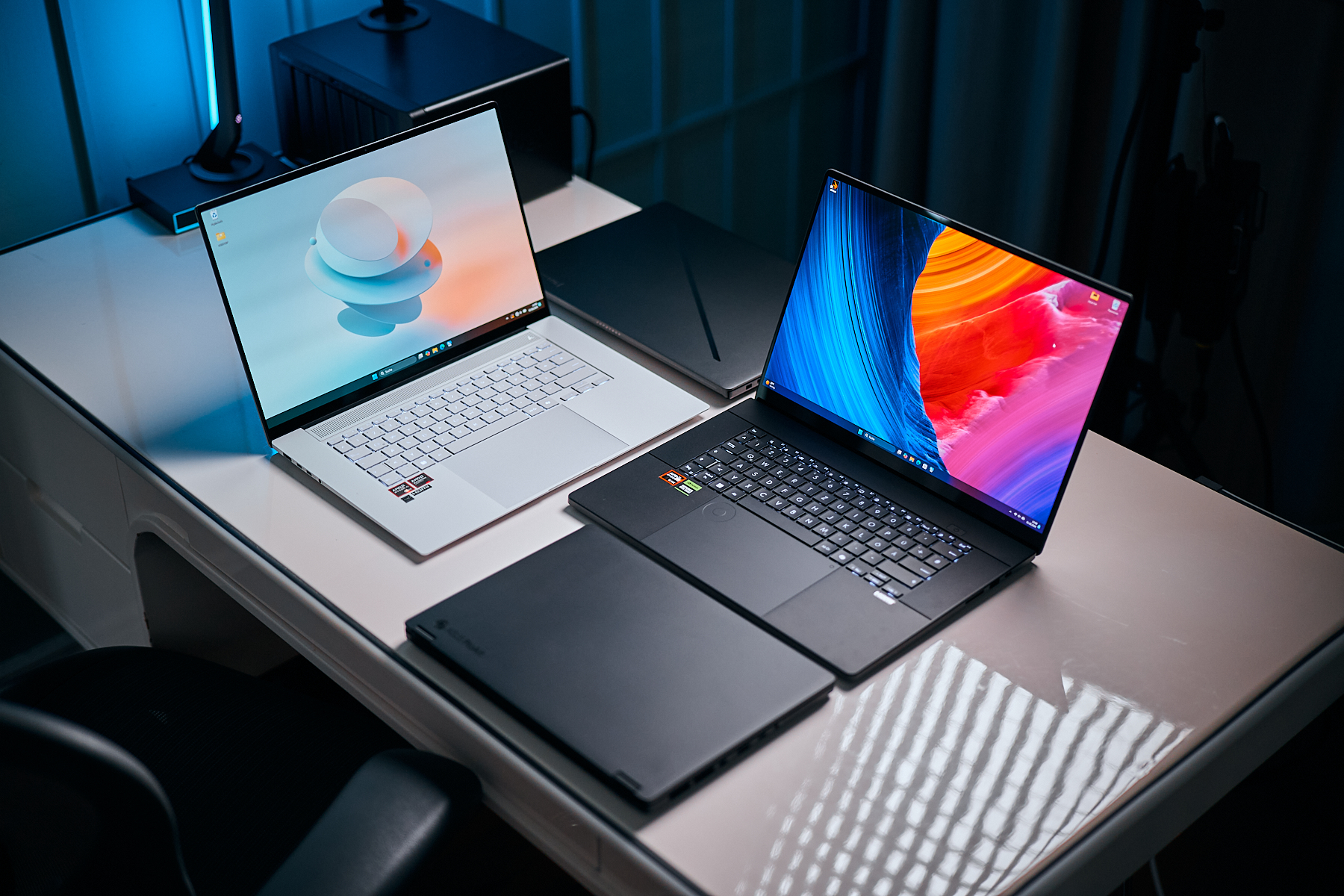
A typical regular laptop may use an efficient processor with integrated graphics. A gaming laptop is more likely to pair a higher-performance CPU with a discrete GPU, additional cooling hardware and a high-refresh-rate display.
Feature | Gaming laptop | Regular laptop |
|---|---|---|
GPU | Usually dedicated | Often integrated |
Gaming performance | High to very high | Basic to moderate |
Cooling | Designed for sustained loads | Usually optimized for efficiency |
Display | Often 120Hz–240Hz+ | Commonly 60Hz–120Hz |
Battery life | Often shorter under demanding use | Usually better |
Weight | Often heavier | Usually lighter |
Noise | Can be louder under load | Usually quieter |
Portability | Portable, but less convenient | Generally easier to carry |
Upgradeability | Varies by model | Varies by model |
Price | Usually higher for comparable hardware | Wider range, including budget options |
These are general tendencies rather than rules. There are thin gaming laptops and powerful regular laptops, so individual specifications matter more than the product category alone.
What Do You Actually Gain With a Gaming Laptop?
You gain substantially more graphics capability, along with hardware designed to sustain higher performance.
A dedicated GPU can handle demanding graphics workloads that would put much greater limits on a typical integrated GPU. Microsoft describes discrete GPUs as being suited to intense gaming, video editing, photo editing and design work, while integrated GPUs prioritize efficiency and lighter workloads.
That translates into several practical advantages.
Higher Gaming Performance
This is the obvious one.
A gaming laptop with a suitable discrete GPU can run modern games at higher settings and resolutions than a laptop relying on integrated graphics. The exact difference depends heavily on the GPU, CPU, game and display resolution.
A gaming laptop also gives you access to features designed around modern PC gaming. Windows 11 supports features such as Auto HDR, DirectStorage and optimizations for windowed games on compatible hardware and software.
Higher Refresh-Rate Displays
Gaming laptops commonly offer displays with refresh rates above the traditional 60Hz found on many everyday laptops.
Microsoft recommends looking for 120Hz or higher when gaming. A higher refresh rate can make motion look smoother when the GPU is capable of producing enough frames.
For fast-paced games, that can make the laptop feel considerably more responsive.
But don't confuse refresh rate with gaming performance. A 240Hz screen doesn't guarantee 240 FPS. Your CPU, GPU and game settings still determine how many frames the system can actually render.
Better Performance for Demanding Creative Work
A gaming laptop isn't only useful for games.
The same CPU and GPU hardware that helps render a game can accelerate certain video-editing, 3D-rendering, animation, photo-editing and design workloads.
If you edit high-resolution video, work with 3D software or regularly use GPU-accelerated applications, a gaming laptop can double as a reasonably powerful mobile workstation.
Microsoft similarly identifies gaming and creative work as workloads where higher RAM and more capable processors can be useful.
More Headroom for Multitasking
Gaming laptops are often configured with more RAM and larger SSDs than entry-level everyday laptops.
Microsoft's current gaming PC guidance suggests 16GB to 64GB of RAM and 512GB to 2TB or more of storage for gaming-oriented systems, reflecting the storage requirements of modern games and the demands of multitasking.
That doesn't mean you need 64GB of RAM to play games. It simply illustrates how gaming-oriented configurations tend to provide more performance headroom.
Better Support for Gaming Accessories
Gaming laptops are often designed with external gaming equipment in mind.
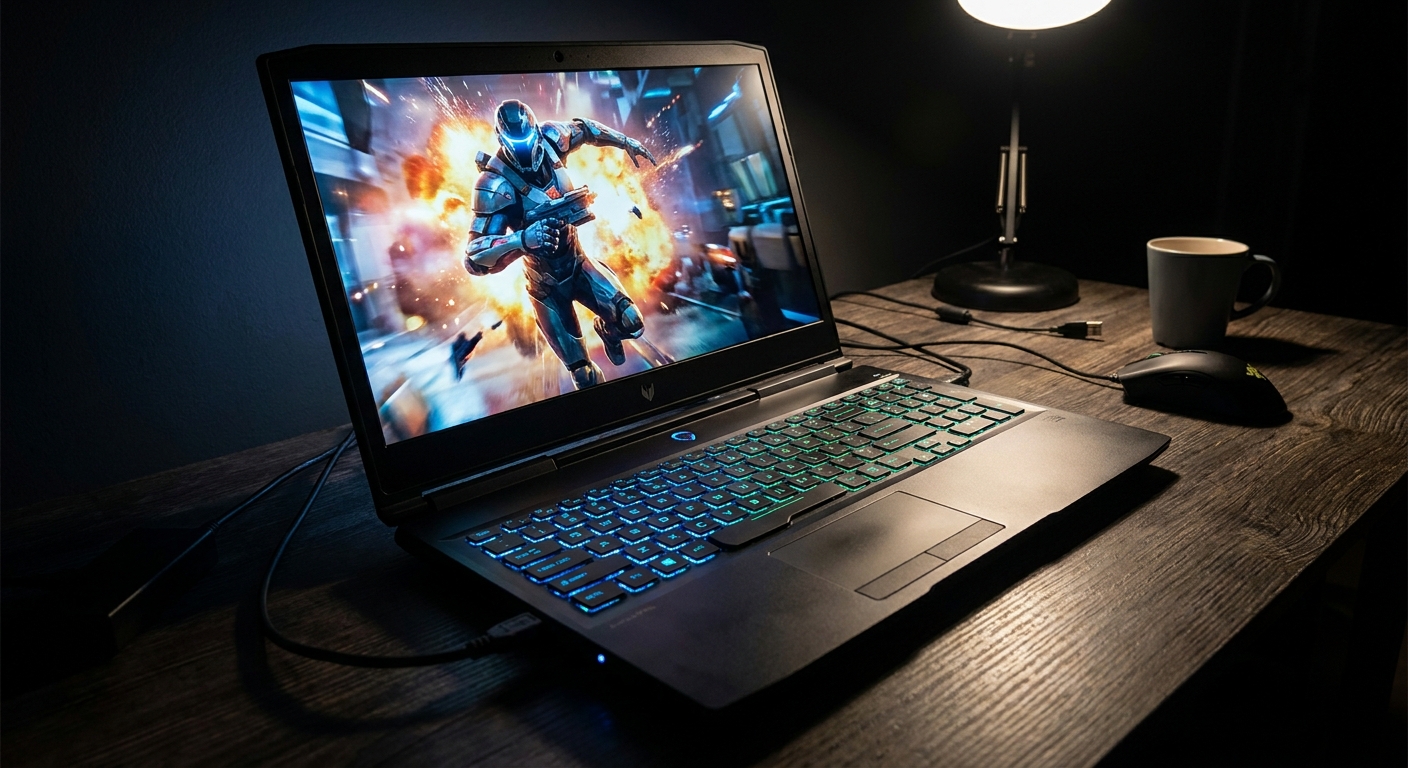
Depending on the model, you may find multiple USB ports, HDMI, USB-C, Ethernet and other connections useful for monitors, keyboards, mice, headsets and controllers.
Windows gaming PCs can also work with specialized peripherals such as racing wheels, VR headsets and gaming controllers.
What Does a Regular Laptop Do Better?
A regular laptop isn't simply a weaker gaming laptop. It is often designed around a different set of priorities.
For browsing, email, office applications, streaming, video calls and general productivity, you may not need a powerful discrete GPU at all.
Better Portability
This can be the biggest advantage.
Regular laptops are often thinner and lighter, making them easier to carry to work, college, meetings or travel. Microsoft describes laptops generally as devices designed to move easily between rooms, offices, classes and trips.
A gaming laptop can certainly be portable, but carrying a heavier machine and its large power adapter every day is a different experience.
Better Battery Efficiency
Gaming hardware consumes more power, particularly when the discrete GPU is being used.
Integrated graphics are generally more power-efficient than discrete GPUs, according to Microsoft.
A gaming laptop may therefore deliver much shorter battery life when you're actually gaming. Even when you're doing ordinary work, the exact battery experience depends on the laptop's processor, battery capacity, display, power-management settings and whether the dedicated GPU is active.
Less Fan Noise
High performance produces heat.
When a gaming laptop is rendering a demanding game, its cooling system may ramp up significantly. A regular laptop performing lighter tasks can often remain much quieter.
This matters if you work in a library, meeting room, classroom or shared office.
More Subtle Designs
Gaming laptops aren't necessarily flashy anymore, but many still have larger cooling systems, gaming keyboards, aggressive vents or RGB lighting.
A regular business or productivity laptop generally has a more understated design that fits naturally into professional environments.
Does a Gaming Laptop Make Everyday Work Faster?
Sometimes, but not necessarily enough to justify buying one.
Opening a browser, writing documents, checking email and attending video meetings don't automatically become dramatically faster just because you have a powerful gaming GPU.
For those tasks, processor efficiency, SSD performance, RAM, software optimization and overall system responsiveness matter more than having a high-end graphics card.
Microsoft's PC guidance similarly recommends choosing specifications based on what you actually use the computer for rather than simply buying the highest-performing hardware available.
If your workload doesn't use the GPU, you may spend extra money and carry extra weight without seeing much benefit.
Does a Gaming Laptop Last Longer?
Not necessarily.
A gaming laptop may have powerful hardware that remains capable for several years, but gaming requirements also increase over time.
The bigger issue is upgradeability. Laptop CPUs and GPUs are generally not practical upgrades, unlike many desktop components. Intel notes that laptop processors and graphics hardware are often soldered to the motherboard or difficult to replace, while desktops provide considerably more upgrade flexibility.
RAM and SSD upgrade options vary considerably between laptops, so check the manufacturer's specifications before buying if long-term upgrades matter to you.
Gaming Laptop vs Regular Laptop for College and Work
For students and professionals, the answer depends heavily on what you actually do.
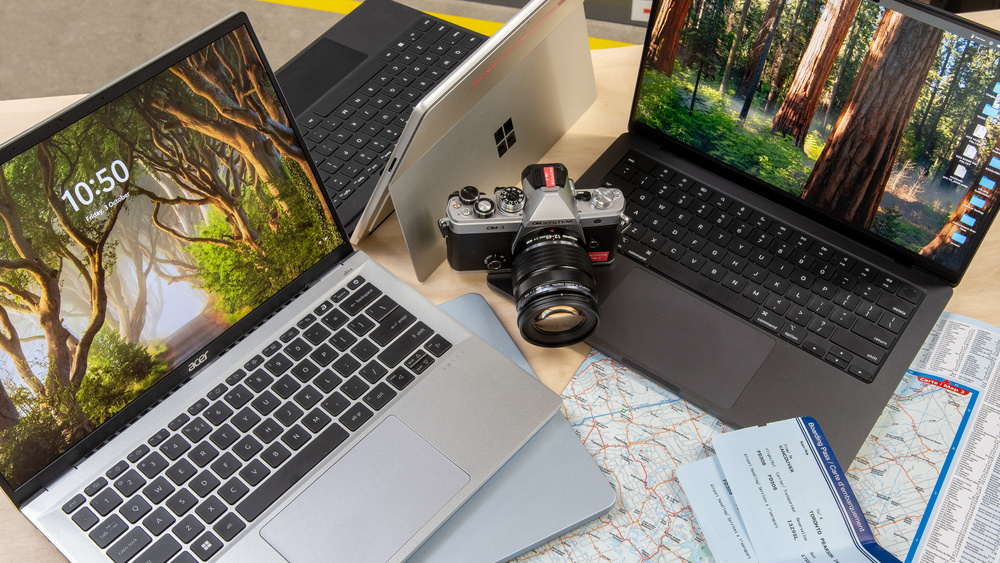
A regular laptop is generally sufficient for:
Microsoft Office
Web browsing
Research
Video calls
Presentations
Programming
Streaming
Basic photo editing
General productivity
A gaming laptop becomes more useful when those tasks are combined with:
AAA gaming
3D modelling
Video editing
Animation
CAD
Game development
GPU-accelerated creative applications
Streaming while gaming
The interesting middle ground is a performance laptop. Some models combine strong processors and graphics with a less aggressive design, giving you some of the benefits of gaming hardware without necessarily looking or behaving like a traditional gaming machine.
Gaming Laptop vs Regular Laptop for Video Editing
A gaming laptop can be a strong choice for video editing if the configuration includes a capable CPU, sufficient RAM, fast SSD storage and a suitable discrete GPU.
The GPU can be particularly useful for applications and effects that take advantage of GPU acceleration.
However, don't buy a gaming laptop solely because it has an NVIDIA or AMD GPU. Check the specific software you use and its recommended hardware requirements.
For serious editing, display quality can also matter just as much as raw performance. Colour accuracy, resolution and screen size may be more important than RGB lighting or an extremely high refresh rate.
Are Gaming Laptops Worth the Extra Money?
They can be, but the answer depends on how often you will use the extra performance.
A gaming laptop makes more sense when you regularly play demanding games or use GPU-intensive applications. If you rarely do either, the additional cost may be difficult to justify.
Think about the difference like this:
Regular laptop: optimized around portability, efficiency and everyday computing.
Gaming laptop: optimized around performance, graphics and sustained demanding workloads.
Neither approach is universally better. They simply prioritize different things.
Who Should Buy a Gaming Laptop?
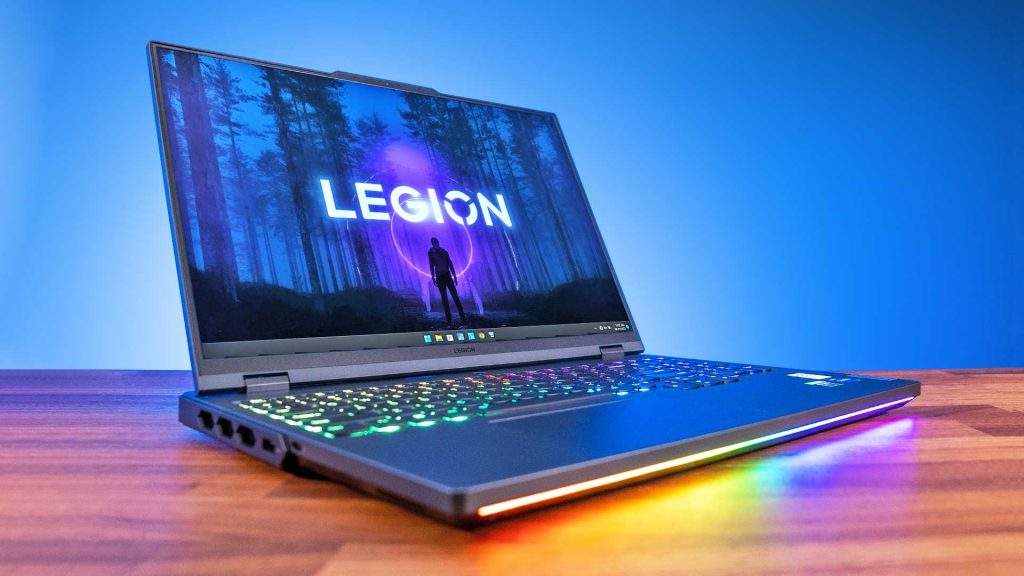
A gaming laptop makes sense if you:
Play modern PC games regularly.
Want high-refresh-rate gaming.
Use GPU-intensive creative software.
Edit video frequently.
Work with 3D applications.
Want one machine for gaming and demanding work.
Need gaming performance but cannot use a desktop.
A regular laptop is probably more appropriate if you:
Mostly browse and work online.
Use Microsoft Office or Google Workspace.
Prioritize battery life.
Travel frequently.
Want something lightweight.
Rarely play demanding games.
Don't use GPU-intensive applications.
What Should You Check Before Buying a Gaming Laptop?
Don't choose based on the word gaming printed on the box.
Check the actual specifications:
GPU: This is one of the most important components for gaming performance.
CPU: Important for frame rates, multitasking and CPU-heavy applications.
RAM: 16GB is a useful starting point for many modern gaming configurations.
SSD: Check both capacity and drive type.
Display: Look at resolution, refresh rate, brightness, colour coverage and response time.
Cooling: Sustained gaming performance depends on thermal design.
Battery: Check real-world reviews rather than relying solely on manufacturer claims.
Weight: Include the power adapter when considering portability.
Ports: Make sure you have the connections required for your accessories.
Upgradeability: Check whether RAM and storage can actually be replaced or expanded.
Microsoft's current buying guidance similarly emphasizes the GPU, RAM, storage and display when choosing a gaming laptop.
Frequently Asked Questions
What is the biggest advantage of a gaming laptop?
The biggest advantage is significantly stronger graphics performance from a dedicated GPU, allowing the laptop to handle demanding games and other GPU-intensive workloads more effectively.
Can a gaming laptop replace a regular laptop?
Yes. A gaming laptop can handle normal productivity tasks just like a regular laptop. The trade-off is that you may be carrying a heavier and more power-hungry machine than you actually need.
Are gaming laptops good for work?
They can be excellent for demanding work such as video editing, 3D design and game development. For basic office work, however, a regular laptop may provide a better balance of portability, battery life and price.
Do gaming laptops have better screens?
Many do, particularly in terms of refresh rate. Gaming laptops frequently offer 120Hz or higher displays, although the quality of individual panels varies.
Can you game on a regular laptop?
Yes, if its hardware meets the requirements of the game. Laptops with integrated graphics can handle some games, while demanding modern titles generally benefit from a discrete GPU.
Is a gaming laptop worth it if I only play occasionally?
It depends on the games. If you only play lightweight games occasionally, you probably don't need a high-end gaming machine. If your occasional gaming involves demanding AAA titles, the additional GPU performance may still be useful.
Final Takeaway
A gaming laptop gives you more than a way to play games.
You get a more capable graphics system, higher performance headroom, faster gaming displays and hardware that can also benefit demanding creative applications. That makes a gaming laptop particularly useful as a single machine for gaming, editing, design and other intensive workloads.
But those advantages come with compromises. More performance usually means more heat, more weight, higher power consumption and a higher purchase price.
If gaming and demanding creative work are central to how you use your computer, those compromises can make sense. If your computer is mainly for browsing, office work, streaming and everyday tasks, a regular laptop can give you a simpler and more portable experience without paying for performance you rarely use.
The right choice isn't the laptop with the most powerful specifications. It's the one whose hardware matches what you actually do.