Choosing a graphics card used to be relatively simple.
Pick the card that fits your budget, check a few benchmarks and build around it.
That has become harder. Modern GPUs support technologies such as ray tracing, frame generation and AI-assisted upscaling, while games themselves continue to become more demanding. A card that is excellent for 1080p may feel very different when asked to drive a 1440p or 4K monitor.
The good news is that you do not need the most powerful graphics card available.
For most gamers, the sensible choices are roughly:
1080p: RTX 5060, RX 9060 XT or similar mid-range GPU
1440p: RTX 5070, RX 9070 or RX 9070 XT
4K: RTX 5080, RX 9070 XT or higher, with RTX 5090 at the extreme end
The best choice depends on your games, graphics settings, monitor refresh rate and how long you expect to keep the card.
What graphics card do you need for 1080p gaming?
For most 1080p gaming, you do not need a high-end GPU. A current mid-range card is usually enough for high frame rates without paying for performance your monitor cannot fully use.
NVIDIA describes the GeForce RTX 5060 as a high-frame-rate 1080p gaming card. It has 8GB of GDDR7 memory and supports DLSS 4 with Multi Frame Generation. (NVIDIA)
AMD's Radeon RX 9060 XT is another strong 1080p choice, particularly the 16GB version. AMD lists the card with 16GB of GDDR6 and positions it across 1080p and 1440p gaming. (AMD)
For a typical 1080p gaming PC, look at:
GPU class | Best suited to |
|---|---|
RTX 5050 / similar entry-level cards | Casual and esports gaming |
RTX 5060 | High-refresh 1080p |
RX 9060 XT 16GB | 1080p with room for heavier games |
RTX 5060 Ti / higher | 1080p with extra headroom |
The key is not to overspend.
If you are gaming on a 1080p 60Hz display, buying an extreme high-end GPU is usually poor value. A faster card makes more sense when you want very high frame rates, heavier ray tracing or a future move to a higher-resolution monitor.
What graphics card do you need for 1440p gaming?
1440p is the sweet spot for many PC gamers, and this is where stepping up to a stronger mid-range or upper-mid-range GPU starts to make sense.
Tom's Hardware's current GPU hierarchy identifies the Radeon RX 9070 as a particularly strong 1440p rasterisation choice, while the RX 9070 XT and GeForce RTX 5070 are also strong options. (Tom's Hardware)
The RTX 5070 has 12GB of GDDR7 memory, while the RTX 5070 Ti has 16GB. Both are based on NVIDIA's Blackwell architecture and support DLSS 4. (NVIDIA)
AMD's RX 9070 has 16GB of GDDR6 memory and a 256-bit memory interface, giving it substantial memory capacity for modern 1440p gaming. (AMD)
A good 1440p shortlist is:
RX 9070 for strong raster performance
RTX 5070 for a balanced NVIDIA option
RX 9070 XT for more performance headroom
RTX 5070 Ti when you want stronger high-end performance and 16GB of VRAM
If you have a 1440p 144Hz or 165Hz monitor, stepping up from a basic 1080p GPU is much easier to justify.
What graphics card do you need for 4K gaming?
4K gaming is where GPU performance and video memory become much more important, particularly at high settings with ray tracing enabled.
AMD's own gaming guidance places the RX 9070 XT in its 4K and beyond category. The card has 16GB of GDDR6 memory, 64 compute units and a 256-bit memory interface. (AMD)
Tom's Hardware currently identifies the RX 9070 XT as the cheapest route into native 4K 60 FPS gaming among current cards in its hierarchy, while also noting that cards such as the RX 9070 and RTX 5070 become viable when upscaling is used. (Tom's Hardware)
At the NVIDIA end, the RTX 5080 class is aimed much more directly at high-end 4K gaming, while the RTX 5090 sits above it for buyers who simply want the strongest available GeForce hardware.
The RTX 5090 has 32GB of GDDR7, a 512-bit memory interface and 21,760 CUDA cores. NVIDIA positions it as its most powerful GeForce GPU. (NVIDIA)
For 4K:
GPU class | Best use |
|---|---|
RX 9070 | 4K with sensible settings and upscaling |
RX 9070 XT | Strong 4K gaming |
RTX 5070 / 5070 Ti | 4K with DLSS |
RTX 5080 | High-end 4K |
RTX 5090 | Maximum performance |
You do not automatically need an RTX 5090 just because you own a 4K monitor.
The screen resolution tells you how many pixels the GPU has to render. Your desired frame rate and graphics settings determine how much GPU power you actually need.
Does VRAM matter more at 1440p and 4K?
Yes. As resolution and texture quality increase, having enough VRAM becomes increasingly important.
That is one reason cards with 12GB and 16GB configurations are becoming more attractive for higher-resolution gaming.
The RTX 5070 has 12GB of GDDR7, while the RTX 5070 Ti has 16GB. AMD's RX 9070 and RX 9070 XT both have 16GB of GDDR6. (NVIDIA; AMD)
More VRAM does not automatically make one GPU faster.
But insufficient VRAM can become a limitation when running demanding games with high-resolution textures and other graphics settings.
For a new card you plan to keep for several years, memory capacity deserves more attention than it did in the past.
Does ray tracing change which GPU you should buy?
It can. Ray tracing can significantly increase the GPU workload, so a card's performance outside ray tracing is not the whole story.
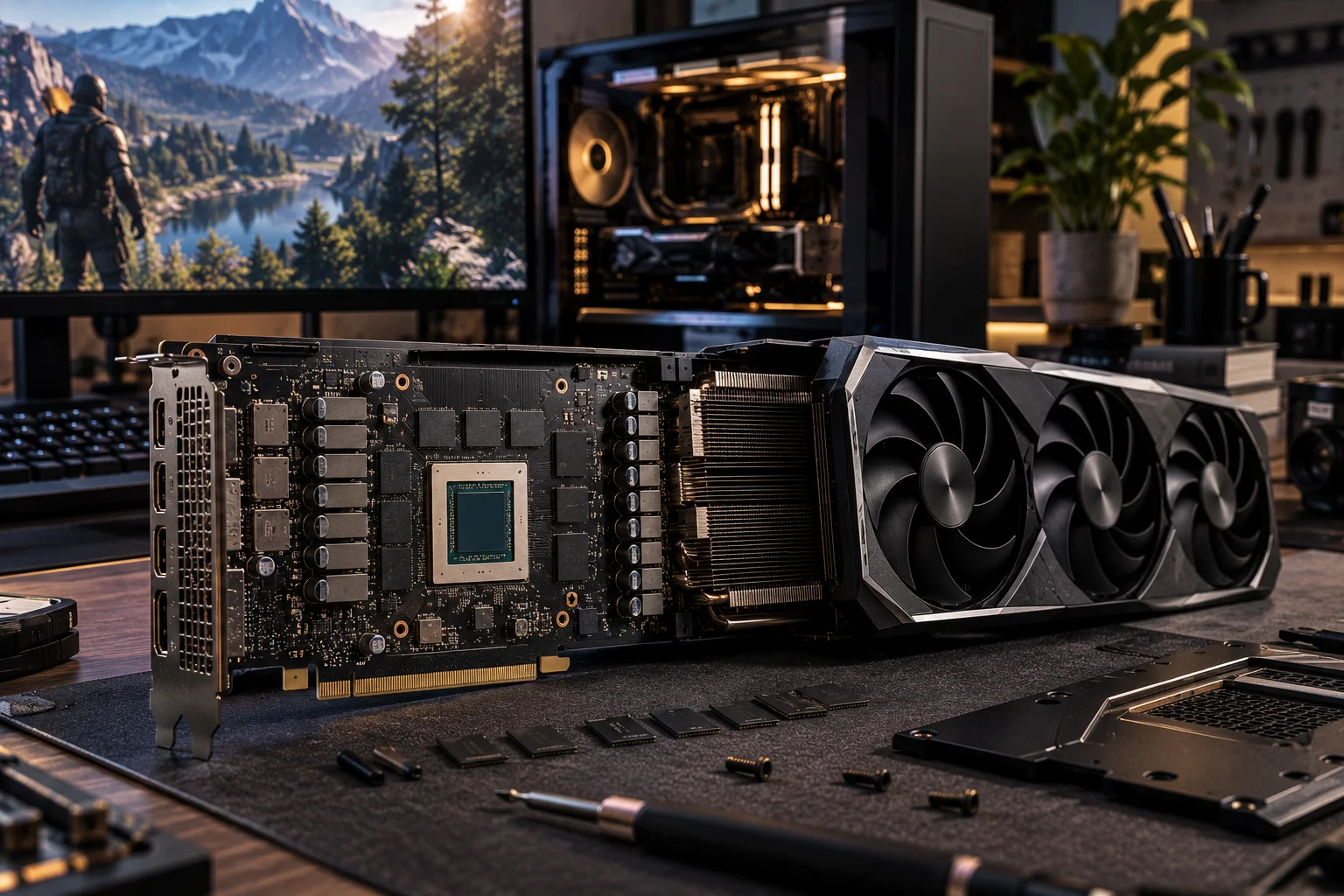
NVIDIA's RTX 50-series supports hardware ray tracing alongside DLSS 4 technologies, including Super Resolution, Ray Reconstruction and Multi Frame Generation. (NVIDIA)
AMD's Radeon RX 9000 series supports hardware ray accelerators and technologies including FSR 4. (AMD)
If you love ray-traced lighting and reflections, do not choose a GPU purely from traditional rasterisation benchmarks.
A card that looks excellent in standard rendering can produce a very different experience once heavy ray tracing is enabled.
What is DLSS or FSR and why does it matter?
Upscaling technologies can let a GPU produce higher output performance by rendering internally at a lower resolution and reconstructing the final image.
NVIDIA's current DLSS suite includes Super Resolution and Multi Frame Generation, while AMD's RX 9000 series supports FSR 4. (NVIDIA; AMD)
This is especially useful at 1440p and 4K, where rendering every frame natively can require much more GPU power.
It also explains why two cards with very different native rendering performance can deliver surprisingly similar experiences in games that make effective use of modern upscaling and frame-generation technologies.
How much GPU power do you need for esports?
Much less than you need for visually demanding AAA games.
Games such as competitive shooters and esports titles often prioritise high frame rates over cinematic graphics.
At 1080p, an RTX 5060 or RX 9060 XT class GPU can make far more sense than a high-end 4K-focused card.
If you are using a 240Hz or 360Hz gaming monitor, however, processor performance also becomes increasingly important. The GPU is not the only component that determines frame rate.
What graphics card should you buy for your monitor?
Your monitor should be one of the first things you consider.
1080p 60Hz: entry-level to mid-range GPU
1080p 144Hz or higher: RTX 5060 or RX 9060 XT class
1440p 144Hz: RX 9070, RTX 5070 or better
1440p high refresh: RX 9070 XT, RTX 5070 Ti or better
4K 60Hz: RX 9070 XT and above
4K high refresh: RTX 5080, RTX 5090 or comparable high-end hardware
These are practical categories rather than guarantees. Actual performance depends heavily on the game and settings.
Should you buy more GPU than you need?
A little headroom makes sense, but buying dramatically more GPU than your monitor can use usually does not.
A common mistake is to spend most of the PC budget on the graphics card and then pair it with a weak processor, inadequate power supply or low-quality monitor.
A balanced system generally produces a better experience.
It is also worth considering how long you plan to keep the card. If you expect to keep the GPU for four or five years, buying a model with more VRAM and performance headroom can be sensible.
Which graphics card is best for each resolution?
Best 1080p choice: GeForce RTX 5060 or Radeon RX 9060 XT.
Best 1440p choices: Radeon RX 9070, GeForce RTX 5070 and Radeon RX 9070 XT.
Best 4K choices: Radeon RX 9070 XT for strong value-oriented 4K performance, GeForce RTX 5080 for higher-end gaming and RTX 5090 for maximum performance.
Current testing also shows AMD's RX 9000 cards are particularly competitive in native rasterisation, while NVIDIA has an advantage when DLSS features are part of the experience. (Tom's Hardware)
The important word is "best".
The fastest card is not automatically the best purchase.
Graphics Card FAQs
Is RTX 5060 enough for 1080p gaming?
Yes. NVIDIA specifically positions the RTX 5060 for high-frame-rate 1080p gaming, and it includes 8GB of GDDR7 memory and DLSS 4. (NVIDIA)
Is 12GB VRAM enough for 1440p?
It can be. The RTX 5070's 12GB of GDDR7 can handle 1440p gaming, but 16GB models such as the RTX 5070 Ti and RX 9070 provide more memory headroom. (NVIDIA; AMD)
Do you need 16GB VRAM for 4K?
It is a sensible target for a new 4K gaming GPU, particularly if you plan to keep the card for several years. It is not an absolute requirement for every game.
Is the RX 9070 XT good for 4K?
Yes. AMD positions it as a 4K-class GPU, and current independent testing places it among the strongest options for native 4K gaming. (AMD; Tom's Hardware)
Is RTX 5090 overkill for 1440p?
For most gamers, yes. It makes much more sense for high-end 4K gaming, very high refresh rates or demanding workloads than for ordinary 1440p gaming.
Does a more powerful GPU increase FPS?
Generally yes, provided the game is GPU-limited. If your processor is the bottleneck, upgrading the graphics card may produce a smaller improvement than expected.
Is 4K gaming worth it?
It can be, especially on larger displays where the extra image detail is easier to appreciate. But 1440p often offers a better balance between image quality and performance.
Should you choose NVIDIA or AMD?
There is no universal winner. AMD's current cards are particularly competitive in rasterisation and value, while NVIDIA offers features such as DLSS 4 and Multi Frame Generation that can materially improve supported games. (Tom's Hardware)
Final Thoughts
The right graphics card is determined by the games you play and the display you are driving, not by the number printed on the box.
For 1080p, a modern mid-range GPU such as the RTX 5060 or RX 9060 XT is generally enough.
For 1440p, stepping into the RTX 5070, RX 9070 or RX 9070 XT class gives you considerably more headroom.
For 4K, the RX 9070 XT is a strong starting point, while the RTX 5080 and RTX 5090 move into higher-end territory. (NVIDIA; AMD)
And remember that resolution is only part of the decision.
Your monitor's refresh rate, ray-tracing preferences, VRAM requirements, processor and the games you actually play should all influence your purchase.
The smartest GPU upgrade is rarely the one that wins every benchmark.
It is the one that gives you the performance you want at the resolution you actually use, without paying for hardware that will spend most of its life underutilised.