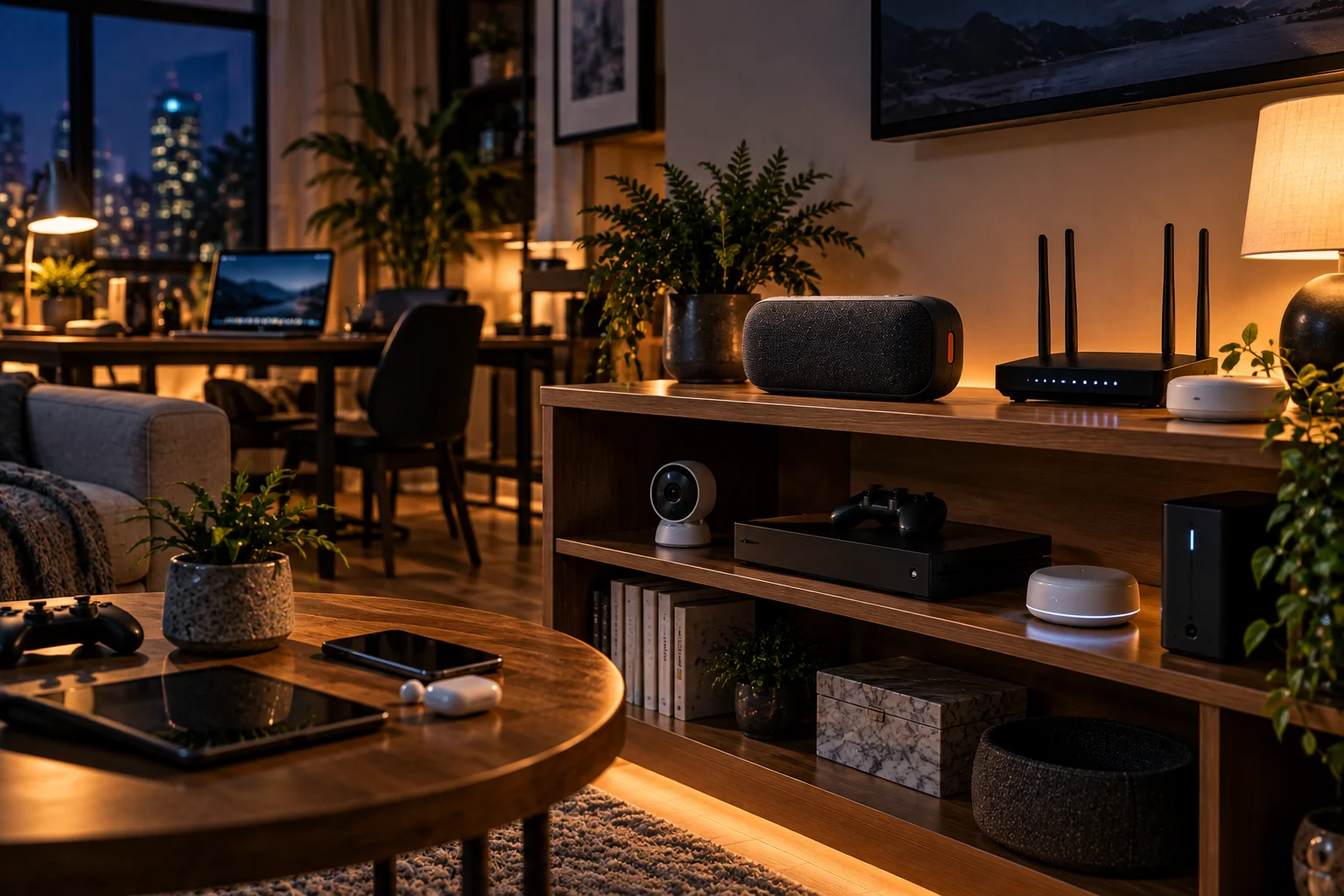
Bluetooth speaker stuttering usually happens because the audio data isn't reaching the speaker consistently enough. The most common reasons are wireless interference, distance or obstacles between the phone and speaker, competing Bluetooth connections, and temporary changes in the Bluetooth audio connection.
Bluetooth operates in the 2.4 GHz radio band, the same general spectrum used by Wi-Fi and several other wireless technologies. Bluetooth is designed to handle interference using techniques such as adaptive frequency hopping, but a crowded radio environment can still result in corrupted or lost packets. When enough audio data fails to arrive in time, you may hear a brief cutout, crackle or repeated stutter.
Codec behavior can add another layer. Bluetooth audio isn't simply sent as raw music. It is encoded and transmitted using an audio codec, and some newer Bluetooth audio systems can support different configurations or codecs depending on the devices and connection. But a speaker that stutters isn't automatically suffering from a "bad codec."
Why Does a Bluetooth Speaker Stutter?
A Bluetooth speaker stutters when the wireless audio stream is interrupted, delayed or unable to deliver enough data continuously for playback.
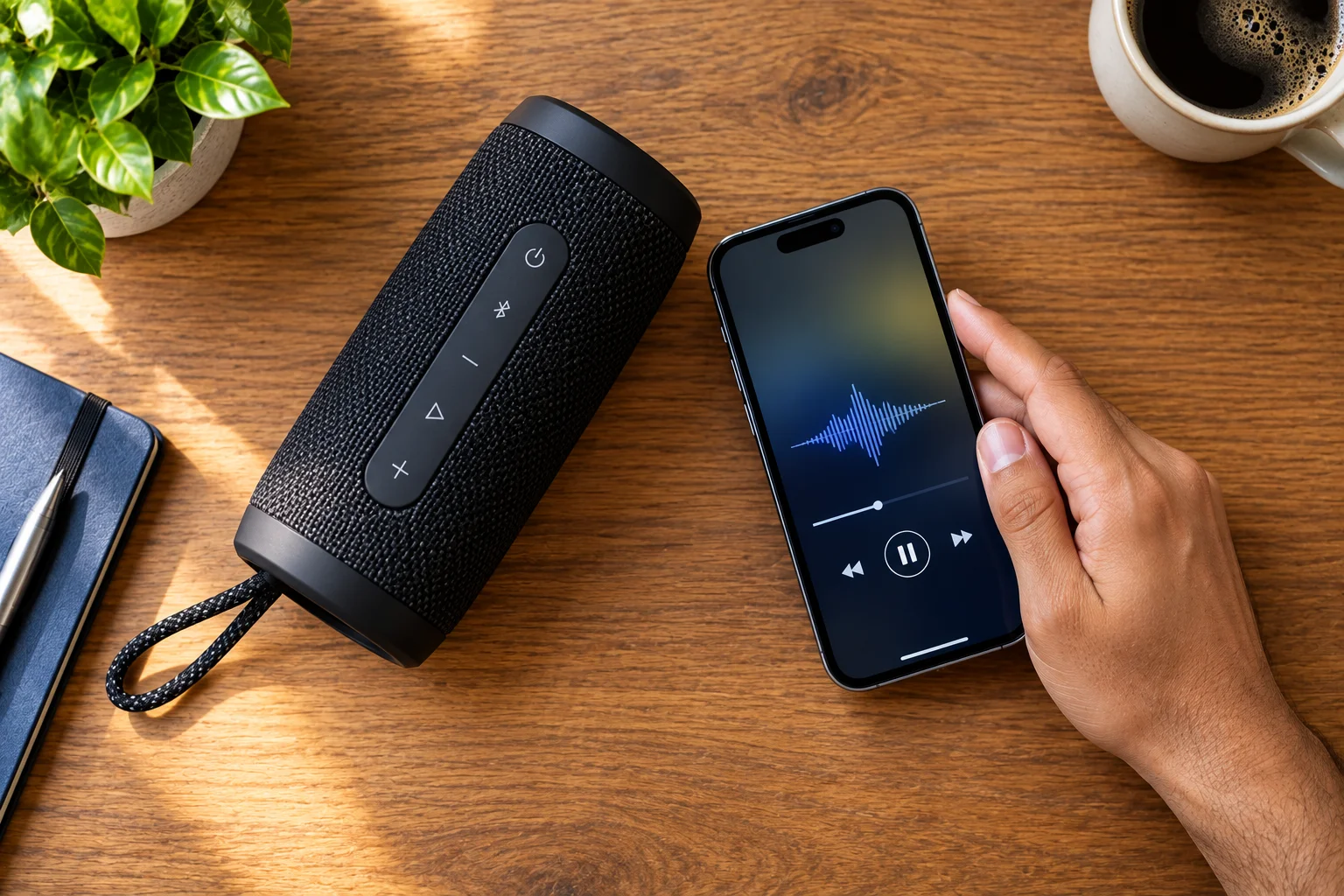
Several things can cause that interruption:
2.4 GHz wireless interference
Too much distance between devices
Walls or metal objects blocking the signal
Heavy Wi-Fi activity nearby
Other active Bluetooth devices
Weak or poorly positioned antennas
Software or firmware problems
Audio connection reconfiguration
Phone or computer resource problems
Bluetooth uses mechanisms designed to reduce the effect of interference, including adaptive frequency hopping. However, those techniques don't make the connection immune to every radio problem.
That's why a speaker can work perfectly in one room and start cutting out when you move it behind a wall or place it next to a crowded wireless setup.
How Does 2.4 GHz Interference Affect Bluetooth Audio?
Interference can cause Bluetooth packets to become corrupted or lost, which can produce audible gaps in the music.
Bluetooth shares the 2.4 GHz ISM band with Wi-Fi and other wireless technologies.
Your phone might be communicating with the speaker while a nearby router is transmitting data, another Bluetooth device is active, or another 2.4 GHz device is generating radio traffic.
Bluetooth attempts to work around this by changing channels rather than staying on one frequency. That makes Bluetooth considerably more resilient than a simple fixed-frequency wireless connection.
But resilience isn't the same as immunity.
If interference becomes severe enough, the speaker may not receive audio data quickly enough to maintain continuous playback.
Can Wi-Fi Make a Bluetooth Speaker Cut Out?
Yes, nearby Wi-Fi activity can contribute to Bluetooth audio interruptions because both technologies can operate in the 2.4 GHz band.
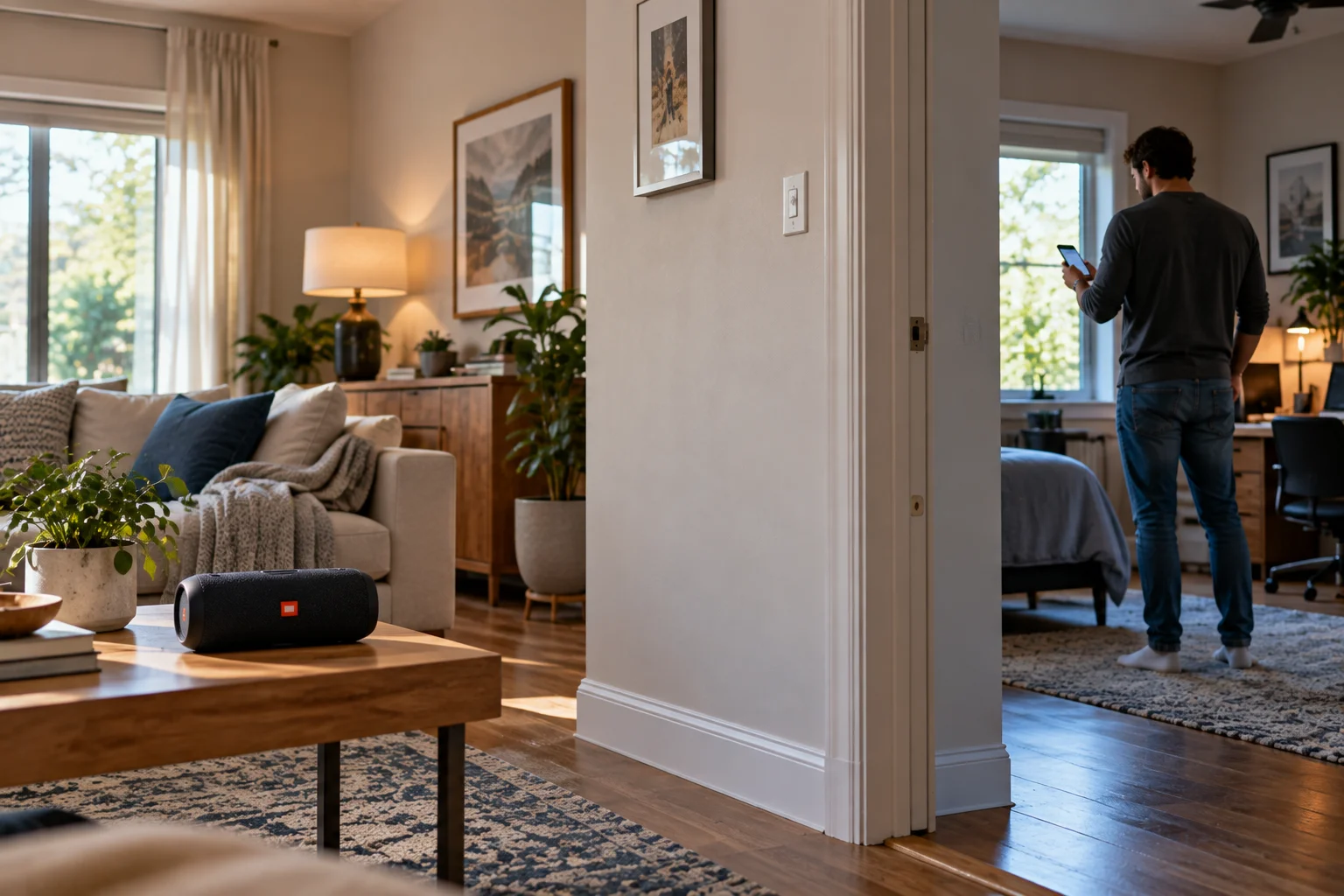
This is especially worth investigating if your speaker stutters when you're downloading something, streaming heavily, or using several wireless devices simultaneously.
A useful test is surprisingly simple:
Move the phone and speaker closer together, then switch the nearby Wi-Fi connection to 5 GHz or 6 GHz if your router supports those bands.
If the stuttering disappears, the wireless environment was probably part of the problem.
This doesn't mean Wi-Fi is always responsible. A weak Bluetooth signal, device software, or another source of interference can create the same symptom.
Does Distance Affect Bluetooth Speaker Performance?
Yes. Bluetooth range depends on radio power, receiver sensitivity, antennas, the Bluetooth implementation and the physical environment.
Bluetooth doesn't have one universal range number that applies to every speaker.
The Bluetooth SIG explains that effective range can vary dramatically depending on the design and conditions. Walls, furniture, metal, transmit power and antenna characteristics can all affect the reliable connection.
You may therefore get stable audio at 30 feet in one environment and experience interruptions at a much shorter distance in another.
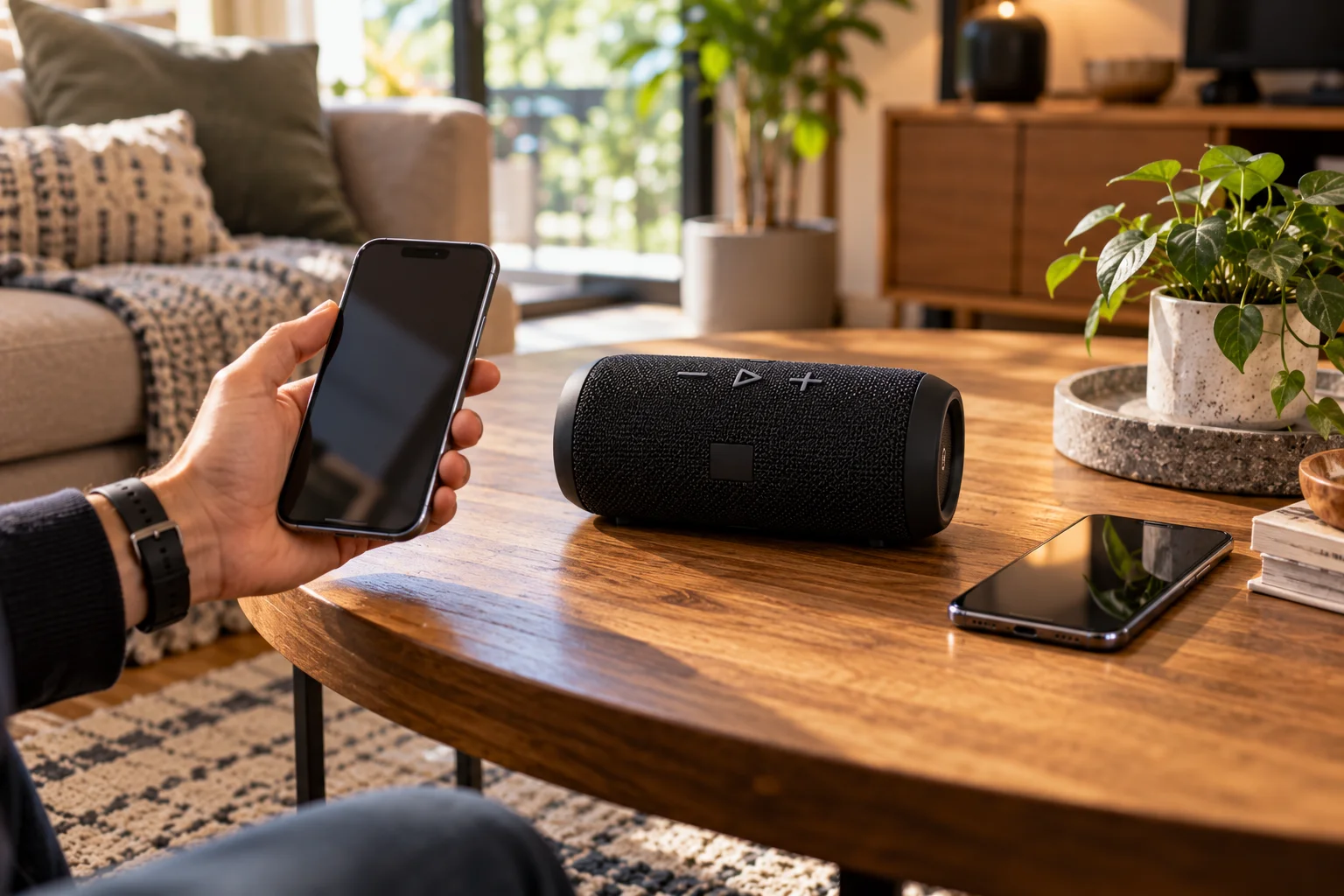
The easiest diagnostic test is to put the phone within a few feet of the speaker.
If the problem disappears, distance or signal obstruction is likely involved.
Can Walls Cause Bluetooth Audio to Stutter?
Yes, physical obstructions can weaken the Bluetooth signal and reduce connection reliability.
Different materials affect radio signals differently.
A wooden door may have relatively little effect, while concrete, reinforced structures and metal can create much greater problems.
This explains why a speaker might perform perfectly in an open room but struggle when the phone is in another room.
Metal objects can be particularly troublesome because they can significantly affect radio propagation.
For a quick test, keep the phone and speaker in the same room with a relatively clear path between them.
Can Other Bluetooth Devices Cause Stuttering?
Other wireless devices can contribute to congestion, although Bluetooth is specifically designed to share the 2.4 GHz environment.
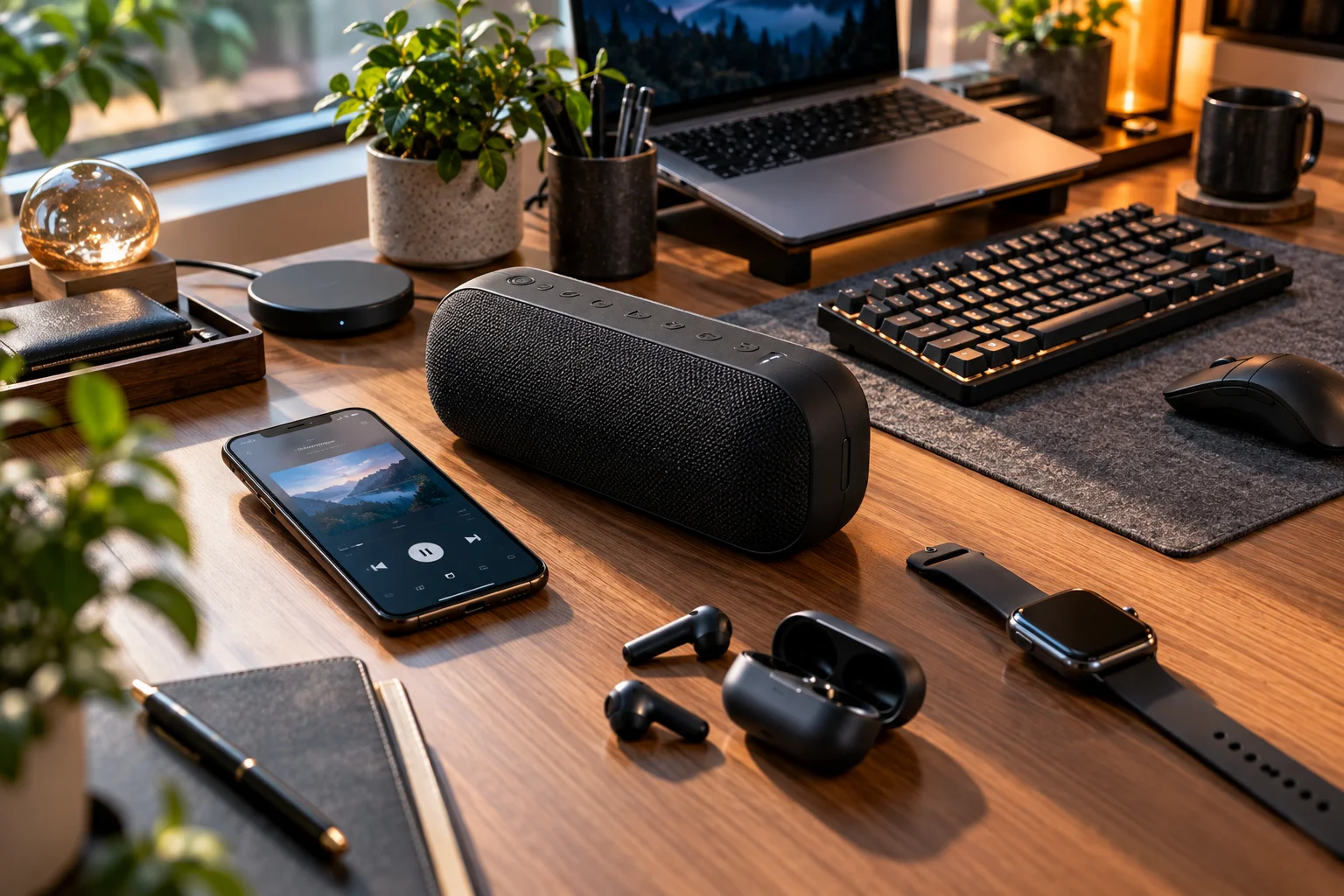
You might have a phone connected to:
A Bluetooth speaker
A smartwatch
Wireless earbuds
A keyboard
A mouse
A car system
Most of the time, this doesn't cause obvious problems.
But if your setup is already operating in a difficult radio environment, additional wireless activity can increase the amount of traffic and competition.
Try temporarily disconnecting Bluetooth accessories you aren't using. If the speaker becomes stable, you've identified a useful clue.
Can Bluetooth Codec Switching Cause Audio Stuttering?
Codec or audio-profile changes can affect Bluetooth playback, but codec switching isn't the explanation for every dropout.
Bluetooth audio uses codecs to compress and encode sound before transmission.
Different Bluetooth implementations can support different codecs, including SBC, AAC, aptX variants and LC3 for Bluetooth LE Audio.
Newer Bluetooth LE Audio uses LC3, which is designed for efficient audio transmission across a range of bitrates and includes techniques such as packet-loss concealment.
When a device changes its audio configuration, you may briefly notice a change in audio behavior. However, it's important not to confuse codec limitations with radio interference.
A codec determines how audio is represented and transmitted.
The radio link determines whether those encoded audio packets actually arrive reliably.
If your speaker cuts out only occasionally, especially when you move around or use the speaker near a busy wireless environment, interference or range is a more obvious place to investigate.
Why Can Bluetooth Audio Quality Change When You Use the Microphone?
Some Bluetooth devices change their audio configuration when the microphone becomes active, which can reduce playback quality.
This is particularly noticeable with Bluetooth headphones and computers.
For example, opening a video-conferencing application can cause a headset to switch from a higher-quality listening configuration to a mode designed to support simultaneous microphone and playback communication.
The result can be noticeably different audio quality.
That isn't necessarily the same thing as a speaker physically losing its connection.
It is a reminder that Bluetooth audio behavior depends on the profile, codec, operating system and application, not just the Bluetooth version printed on the device.
Why Does Bluetooth Sometimes Stutter Only on One Phone?
If the same speaker works normally with another phone, the problem may be specific to the original phone's software, Bluetooth configuration, radio environment or hardware.
Try these comparisons:
Test | What it can tell you |
|---|---|
Same phone + different speaker | Checks whether the phone is involved |
Different phone + same speaker | Checks whether the speaker is involved |
Both devices very close together | Tests range and signal strength |
5 GHz/6 GHz Wi-Fi instead of 2.4 GHz | Tests possible Wi-Fi interference |
Disable unused Bluetooth devices | Tests wireless congestion |
Restart both devices | Clears temporary connection problems |
This approach is much more useful than immediately blaming the Bluetooth codec.
Can Battery Level Cause Bluetooth Speaker Stuttering?
A low battery can sometimes affect speaker behavior, but it shouldn't be your first assumption for ordinary Bluetooth dropouts.
A Bluetooth speaker has to maintain both its radio connection and audio amplification.
If the speaker is nearly empty, power-management behavior or unstable operation can potentially affect performance.
Before troubleshooting more complicated causes, charge the speaker fully and test it again.
If the problem consistently disappears after charging, battery or power-management behavior deserves closer attention.
Can Software Cause Bluetooth Audio Dropouts?
Yes. Bluetooth performance depends on software on both the source device and speaker.
Your phone, computer and speaker all have software controlling their respective Bluetooth systems.
Problems can appear after:
Operating-system updates
Speaker firmware updates
Driver changes
Bluetooth setting changes
Repeated pairing and reconnection
Compatibility issues between devices
If a speaker suddenly starts stuttering after months of reliable operation, restart both devices and check for available firmware or system updates.
You can also forget the Bluetooth device and pair it again.
How Can You Fix a Bluetooth Speaker That Keeps Cutting Out?
Start with the simplest physical and wireless tests before changing codecs or resetting everything.
Try these steps in order:
Move the phone closer to the speaker.
Remove major physical obstructions.
Move away from crowded 2.4 GHz environments.
Use 5 GHz or 6 GHz Wi-Fi when possible.
Disconnect Bluetooth devices you're not using.
Restart both the phone and speaker.
Forget the speaker and pair it again.
Check for speaker firmware and phone software updates.
Test another phone with the same speaker.
Test another speaker with the same phone.
If the speaker still cuts out when the phone is only a few feet away and other devices work normally, the issue may be specific to the speaker or its Bluetooth implementation.
Does Bluetooth Version Determine How Stable a Speaker Will Be?
Not by itself. Bluetooth version is only one part of the connection.
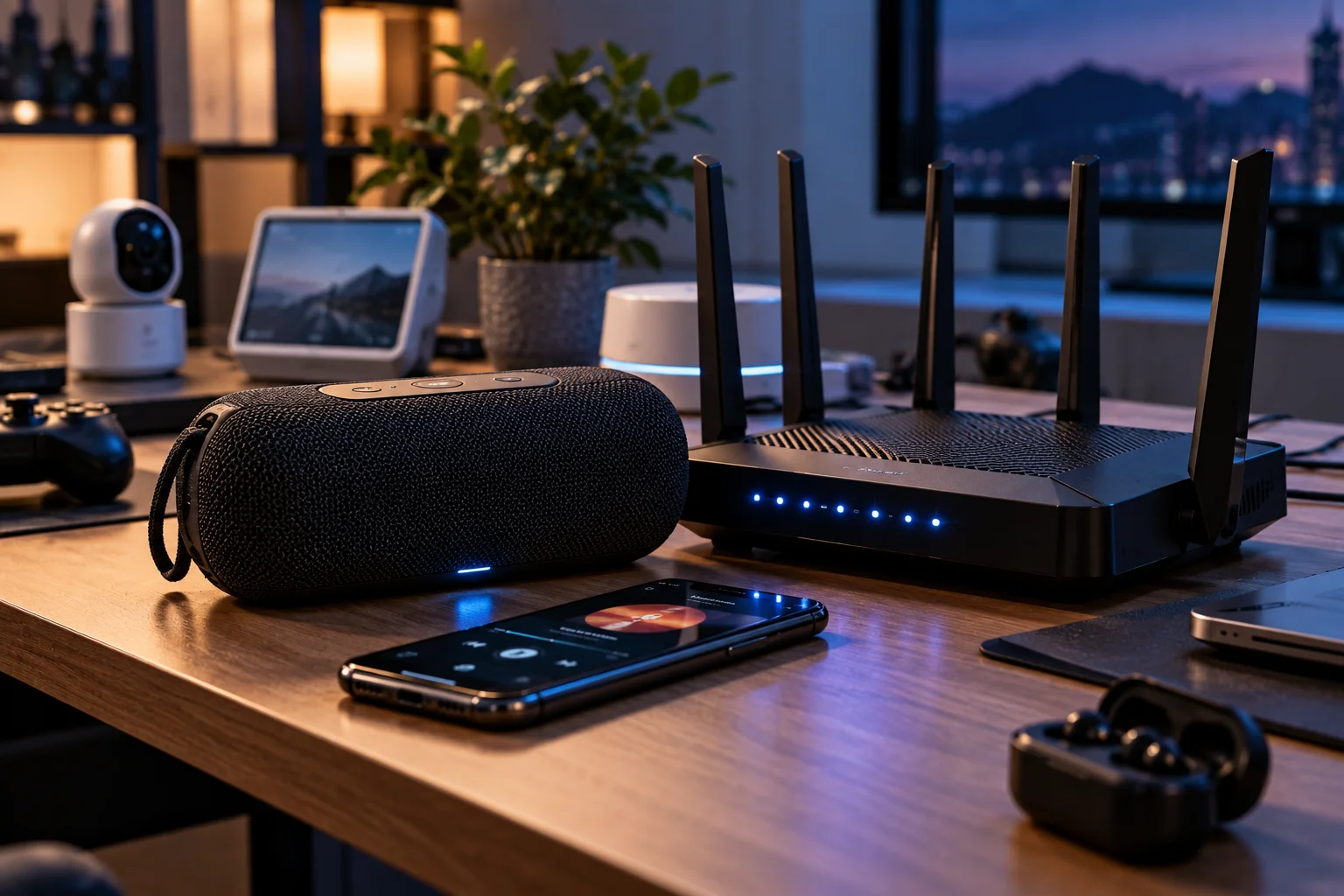
A newer Bluetooth specification can introduce improvements, but real-world reliability also depends on antenna design, transmit power, receiver sensitivity, software, codec support, device configuration and the surrounding radio environment.
A well-designed older Bluetooth speaker can therefore provide a more stable connection than a poorly implemented newer product.
The Bluetooth SIG itself describes range as dependent on multiple factors rather than a single Bluetooth-version number.
How Can You Tell Whether Interference or Range Is the Problem?
The fastest test is to put the phone very close to the speaker and temporarily reduce nearby 2.4 GHz activity.
If the stuttering disappears, gradually increase the distance.
If it starts again at a particular location, you may have found a range or obstruction problem.
You can also change the environment:
Phone close + clear path + less 2.4 GHz traffic = stable
Phone farther away + walls + crowded 2.4 GHz environment = unstable
This simple experiment can tell you more than changing several Bluetooth settings at once.
Frequently Asked Questions
Why does my Bluetooth speaker keep cutting out?
Common causes include interference, distance, physical obstructions, competing wireless devices, software problems and temporary Bluetooth connection issues.
Can 2.4 GHz Wi-Fi interfere with Bluetooth?
Yes. Bluetooth and 2.4 GHz Wi-Fi share the same general ISM spectrum, so heavy wireless activity can contribute to packet collisions and audio interruptions.
Does Bluetooth automatically avoid interference?
Bluetooth uses adaptive frequency-hopping techniques to reduce the effect of interference, but severe or persistent interference can still affect the connection.
Does a higher Bluetooth version prevent stuttering?
No. Bluetooth version alone doesn't guarantee stable audio. Antennas, transmit power, receiver sensitivity, software and the radio environment also matter.
Can a Bluetooth codec cause audio problems?
Codec configuration can affect audio quality and compatibility, but intermittent cutouts are often more closely associated with the wireless link itself.
Why does my speaker work when my phone is nearby?
That usually points toward distance, obstacles, antenna orientation or interference affecting the wireless link.
Should I switch my Wi-Fi from 2.4 GHz to 5 GHz?
If your router and devices support it, moving Wi-Fi traffic to 5 GHz or 6 GHz can reduce competition with Bluetooth in the 2.4 GHz band. It won't fix every Bluetooth problem, but it's a useful troubleshooting step.
The Bottom Line
Bluetooth speaker stuttering is usually a wireless-link problem before it's a sound-quality problem.
Bluetooth operates in the busy 2.4 GHz band and uses adaptive frequency hopping to work around interference. Still, heavy wireless activity, distance, walls, metal objects and other devices can make the connection less reliable.
Codec behavior matters too, particularly when devices change audio configurations or switch between Bluetooth audio modes. But a speaker that briefly cuts out when you walk into another room isn't necessarily using the wrong codec.
Start with the basics: bring the devices closer, reduce 2.4 GHz congestion, remove obstacles and test another phone.
Those simple checks can often tell you whether you're dealing with interference, range, compatibility or a problem with the speaker itself.