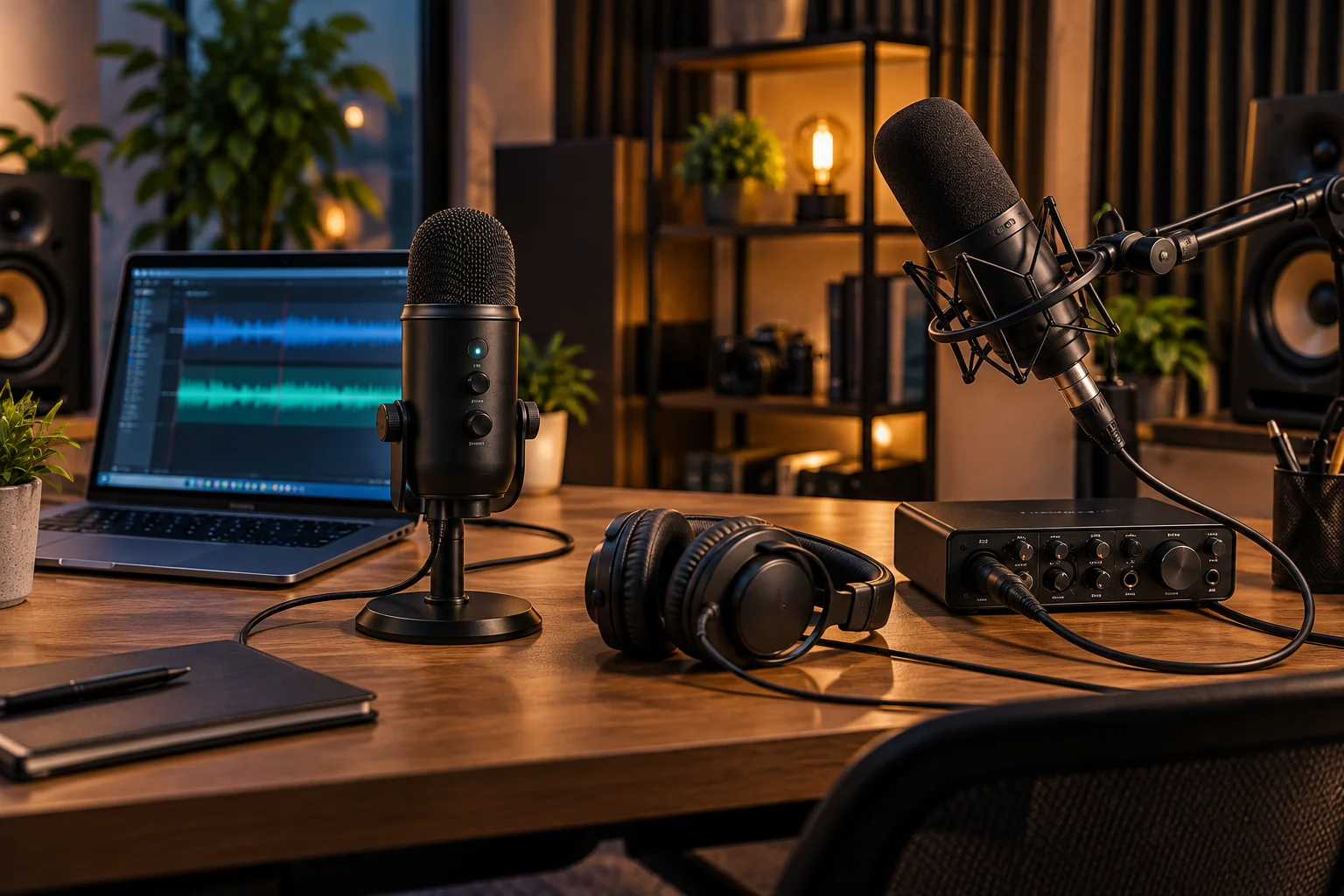
Choosing between a USB and XLR microphone looks simple until you start comparing specifications.
USB microphones promise plug-and-play recording. Connect the cable to your computer and you can start recording. XLR microphones look more complicated because they normally need an audio interface, XLR cable and sometimes phantom power.
That can create the impression that XLR automatically means professional sound while USB is the beginner option.
It isn't that simple.
The connection itself doesn't determine how good a microphone sounds. The microphone capsule, polar pattern, room acoustics, preamp, analog-to-digital converter, gain settings and processing all contribute to the final recording.
The bigger difference is where those components live and how much control you have over them.
A USB microphone generally contains the microphone, preamp and digital conversion inside one unit. An XLR microphone sends an analog signal to an external interface or mixer, where the preamp and conversion happen. RØDE describes this difference directly when comparing the USB-C and XLR outputs of its NT1 5th Generation.
So the real question isn't simply:
USB or XLR?
It's:
Do you want maximum simplicity now, or a recording system you can expand and change later?
What Is the Difference Between a USB and XLR Microphone?
A USB microphone contains the electronics needed to convert its microphone signal into digital audio inside the microphone, while an XLR microphone normally sends an analog signal to an external audio interface.
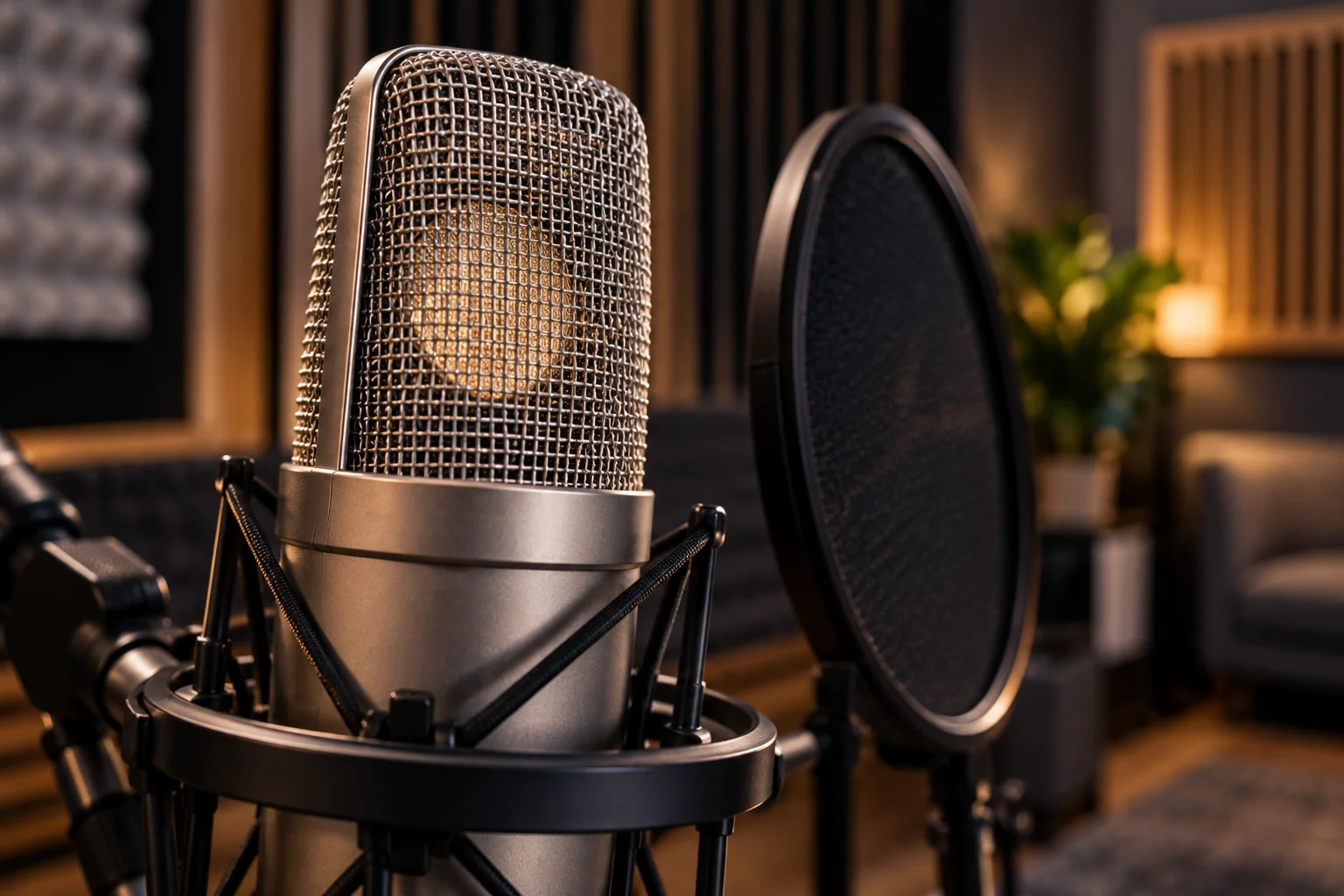
The basic signal path looks like this.
USB microphone
Sound → microphone capsule → preamp → A/D converter → USB → computer
XLR microphone
Sound → microphone capsule → XLR cable → preamp/interface → A/D converter → computer
With USB, several components are built into the microphone.
With XLR, those components are separated.
RØDE explains that the NT1 5th Generation uses its internal preamp and analog-to-digital converter through USB-C, while its XLR output relies on the external interface or mixer preamp.
That separation is the foundation of most of the differences between the two formats.
Does XLR Sound Better Than USB?
Not automatically. A well-designed USB microphone can sound as good as, or better than, a poorly matched XLR microphone and interface combination.
The microphone itself remains the first major factor.
A great capsule connected through USB doesn't suddenly become worse because the signal is digitized inside the microphone.
Likewise, an expensive XLR microphone can sound disappointing if:
The room has heavy reflections
The microphone is positioned poorly
Gain is set incorrectly
The interface has unsuitable input gain
The speaker is too far from the microphone
Processing is excessive
RØDE says its NT1 5th Generation's USB and XLR outputs are designed to capture the same microphone signal, although the final sound can differ because the USB and XLR paths use different electronics and processing.
That's a useful way to think about the comparison.
XLR gives you more control over the signal chain. It doesn't magically improve the microphone capsule.
What Actually Determines Microphone Sound Quality?
The microphone's acoustic design and the recording environment usually matter more than whether the connector is USB or XLR.
Several factors contribute to what you hear.
Microphone capsule
The capsule converts sound waves into an electrical signal.
Its design strongly influences frequency response, sensitivity and character.
Polar pattern
Cardioid microphones, for example, emphasize sound from the front while rejecting more sound from the sides and rear.
This can be useful for isolating a speaker in a noisy environment.
Room acoustics
A high-end microphone in a reflective room can sound worse than a modest microphone used close to the speaker in a controlled environment.
Walls, windows, desks and hard surfaces can create reflections that microphones capture.
Preamp
An XLR setup uses an external preamp, normally built into an audio interface or mixer.
The preamp provides the gain needed to raise the microphone's relatively small analog signal to a usable level.
Analog-to-digital conversion
The converter determines how the analog signal becomes digital audio.
USB microphones contain this circuitry internally.
Processing
Some USB microphones include built-in or software-controlled DSP such as EQ, compression, noise reduction and noise gates.
Shure's MV7+ is a good example, offering USB-C and XLR connectivity alongside digital processing features such as Auto Level Mode and real-time denoising.
Why Does an XLR Microphone Need an Audio Interface?
An XLR microphone normally needs an audio interface because a standard XLR microphone outputs an analog microphone-level signal rather than digital USB audio.
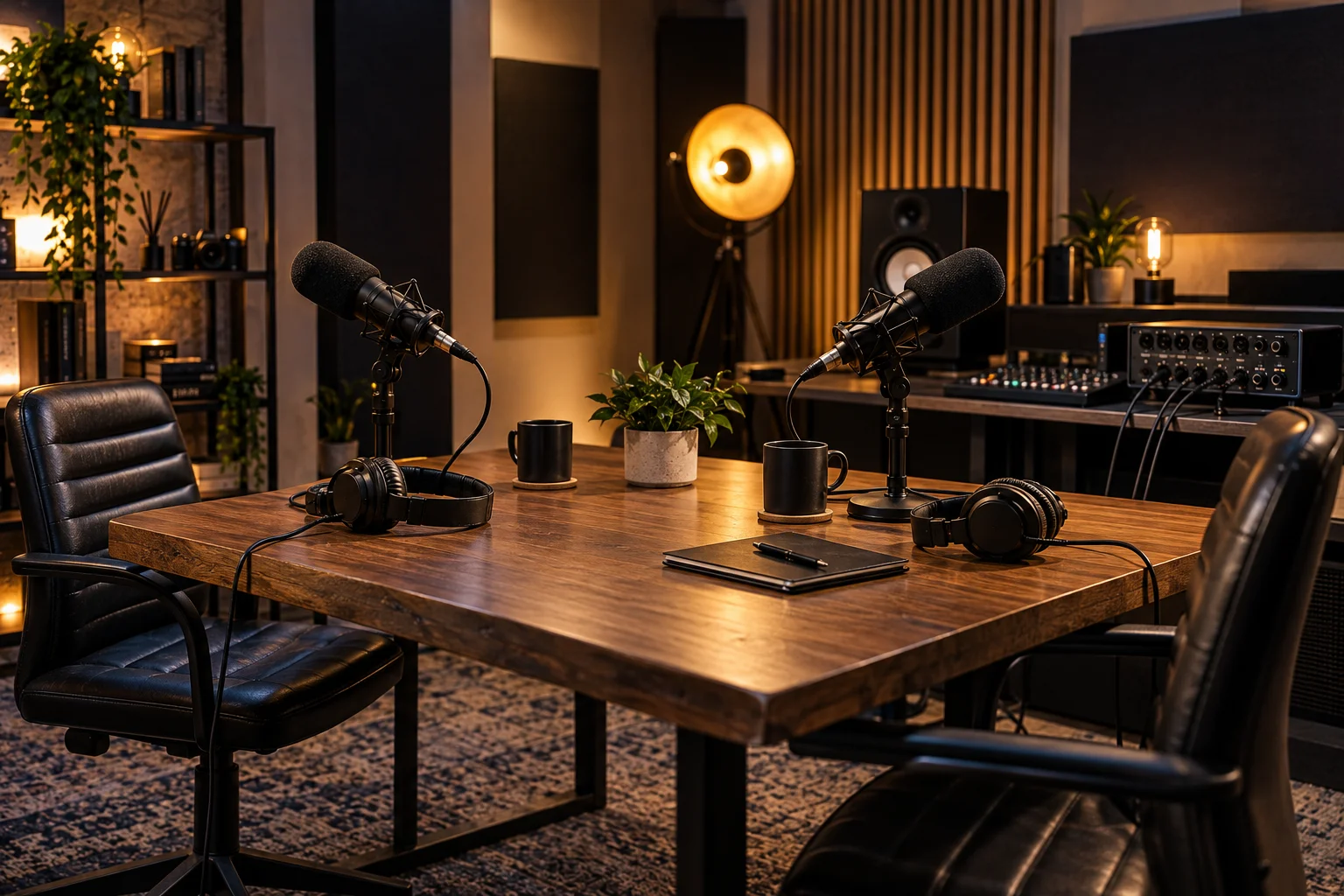
The interface performs several jobs.
It can provide:
Microphone preamplification
Analog-to-digital conversion
Headphone monitoring
Speaker outputs
Gain control
Phantom power where required
Multiple microphone inputs on suitable models
RØDE states that an XLR microphone such as its NT1 Signature Series requires an audio interface to provide microphone preamplification, analog-to-digital conversion and, for condenser microphones, phantom power.
So this setup:
XLR microphone → XLR cable → audio interface → USB → computer
isn't unnecessarily complicated.
The interface is doing essential work.
What Is Phantom Power and Does Every XLR Mic Need It?
Phantom power is electrical power supplied through the XLR connection, and condenser microphones generally require it while ordinary passive dynamic microphones don't.
The standard voltage commonly encountered is 48V.
RØDE and Focusrite both explain that condenser microphones require electrical power, while normal dynamic microphones do not.
This is one reason XLR setups have a slightly steeper learning curve.
You need to know:
Whether the microphone needs phantom power
Whether the interface provides it
Which input it's being applied to
How to set the input gain
A USB microphone hides most of that complexity.
Its power and conversion electronics are supplied through the USB connection.
Is a USB Microphone Easier to Set Up?
Yes. USB is usually much simpler for a single-person recording setup.
The typical chain is:
USB microphone → computer
Install any required software, select the microphone as your input, put on headphones if needed and record.
There is no separate interface to configure.
This makes USB particularly attractive for:
Podcasts
YouTube videos
Streaming
Video calls
Voiceovers
Online courses
Gaming
Home-office recording
For someone who records alone and doesn't expect to build a larger studio, that simplicity can be more valuable than the flexibility of XLR.
Is an XLR Setup More Complicated?
Yes, but the extra equipment also gives you more control and more upgrade options.
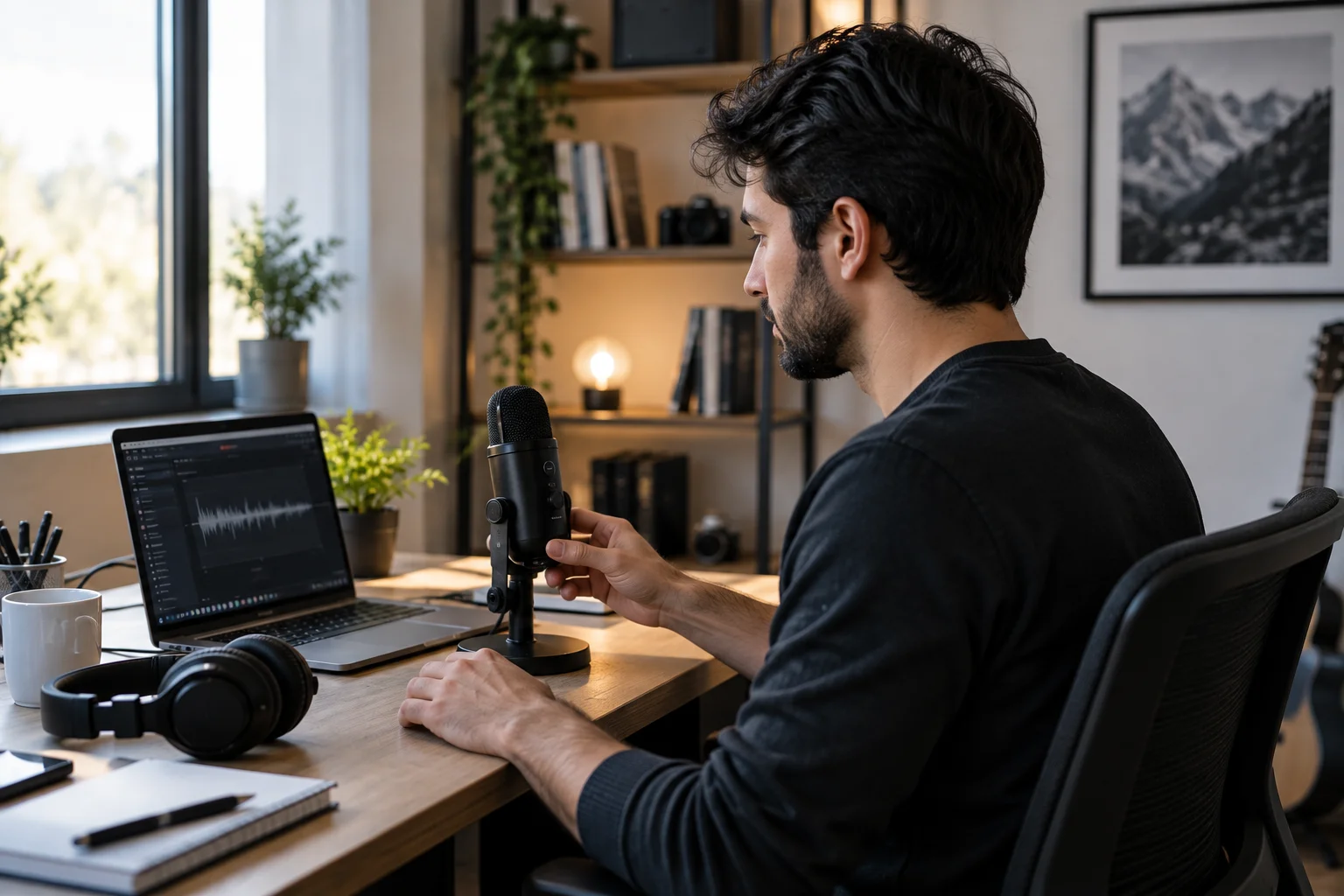
A basic XLR recording system might contain:
Microphone + XLR cable + audio interface + headphones + computer
You may also add:
Boom arm
Pop filter
Shock mount
Monitor speakers
Inline preamp
Mixer
Additional microphones
That's more equipment to buy and configure.
But each component can be replaced independently.
If you eventually decide you want a different microphone, you can keep the interface.
If you upgrade the interface, you can keep the microphone.
That modularity is one of XLR's biggest advantages.
Which Gives You More Recording Flexibility?
XLR provides substantially more flexibility when you want to change microphones, add multiple inputs or build a larger recording setup.
Imagine you start with one XLR microphone and a two-input interface.
Later you want to record:
Two podcast guests
A vocalist and guitar
Two microphones for an interview
A stereo microphone pair
Multiple instruments
You can choose an interface with more inputs and expand the system.
With a typical single USB microphone, the microphone and USB interface are effectively one package.
Some USB systems can support multiple USB microphones, but compatibility and software routing can become more complicated than simply using a multi-input audio interface.
Can You Connect Multiple XLR Microphones?
Yes, provided your audio interface or mixer has enough microphone inputs.
A two-channel interface can accept two microphones.
A four-channel interface can accept four.
Larger interfaces and mixers can provide substantially more inputs.
This is one of the strongest reasons XLR remains common in:
Recording studios
Podcast studios
Live production
Broadcast
Music recording
Multi-person video production
The standard connector and separate interface make the system modular.
What About USB Microphones With Headphone Monitoring?
Many USB microphones include a headphone output for direct monitoring, so you don't necessarily need a separate audio interface just to hear yourself.
For example, Shure's MV7+ includes a 3.5mm headphone jack for real-time monitoring and supports both USB-C and XLR.
This matters because monitoring your microphone through the computer can introduce noticeable latency depending on the software and configuration.
Direct monitoring lets you hear the microphone signal through the microphone or interface rather than waiting for the computer to process and return it.
Which Connection Gives Lower Latency?
Neither USB nor XLR automatically guarantees lower recording latency because the final latency depends on the entire recording chain.
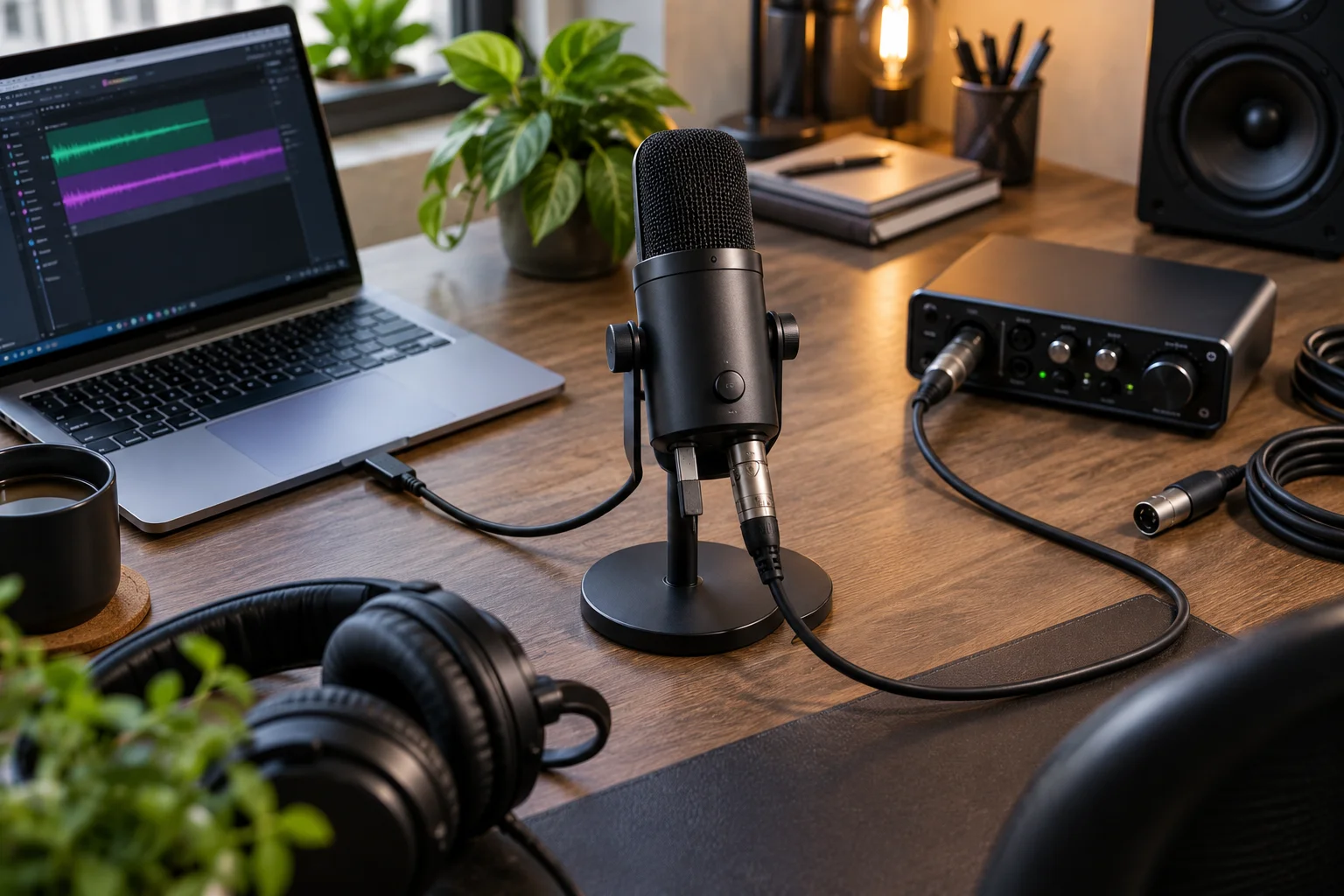
With an XLR microphone, the interface can provide direct hardware monitoring.
With a USB microphone, some models provide headphone monitoring directly from the microphone.
The important specification is therefore not simply the connector.
Look for:
Direct monitoring
Headphone output
Monitor mix control
Driver performance
Buffer settings
DAW configuration
For a simple voice recording, both approaches can work extremely well.
Does XLR Give You Better Upgrade Options?
Yes. XLR's biggest long-term advantage is that the microphone, interface and other components can be upgraded independently.
With USB, the digital conversion and preamp are tied to the microphone.
With XLR, you can change them separately.
For example:
Stage 1
Budget XLR microphone + affordable interface
Stage 2
Better microphone + same interface
Stage 3
Better interface + same microphone
Stage 4
Additional microphones + larger interface
You can build the system gradually instead of replacing everything at once.
Are USB Microphones Becoming More Like XLR Systems?
Yes. Modern USB microphones increasingly include features that once required separate equipment.
Hybrid microphones are especially interesting.
Shure's MV7+ provides both USB-C and XLR outputs, allowing it to start as a direct USB microphone and later connect to an external interface.
RØDE's NT1 5th Generation also provides USB-C and XLR connections. Its USB path includes a built-in preamp and converter, while the XLR path can use an external interface.
This type of microphone effectively gives you two workflows:
USB now → XLR later
That's useful if you're unsure how far your recording setup will eventually grow.
Is XLR Better for Professional Recording?
XLR is generally more flexible for professional and multi-microphone environments, but the connector alone doesn't make a recording professional.
Studios use XLR because it fits a modular audio workflow.
You can connect different microphones to different preamps, route multiple channels, use external processors and send signals to mixers and monitor systems.
XLR connections also use balanced microphone connections, which are designed to help reject electromagnetic interference over appropriate cable runs.
But a professional result still depends on:
Microphone selection
Room treatment
Microphone technique
Gain staging
Interface quality
Recording format
Editing
Mixing
Mastering
The connector is only one piece.
Which Is Better for Podcasting?
USB is usually the simplest choice for a solo podcaster, while XLR becomes more attractive as soon as you regularly record multiple people or want a modular studio.
For one person:
USB microphone → laptop → recording software
is difficult to beat for convenience.
For a two-person podcast:
Two XLR microphones → two-input interface → computer
is a much more natural setup.
There are also hybrid microphones that can accommodate both workflows.
Which Is Better for Streaming?
USB is usually the easiest starting point for a streamer, while XLR makes more sense when you want more sophisticated routing, multiple microphones or a dedicated audio interface.
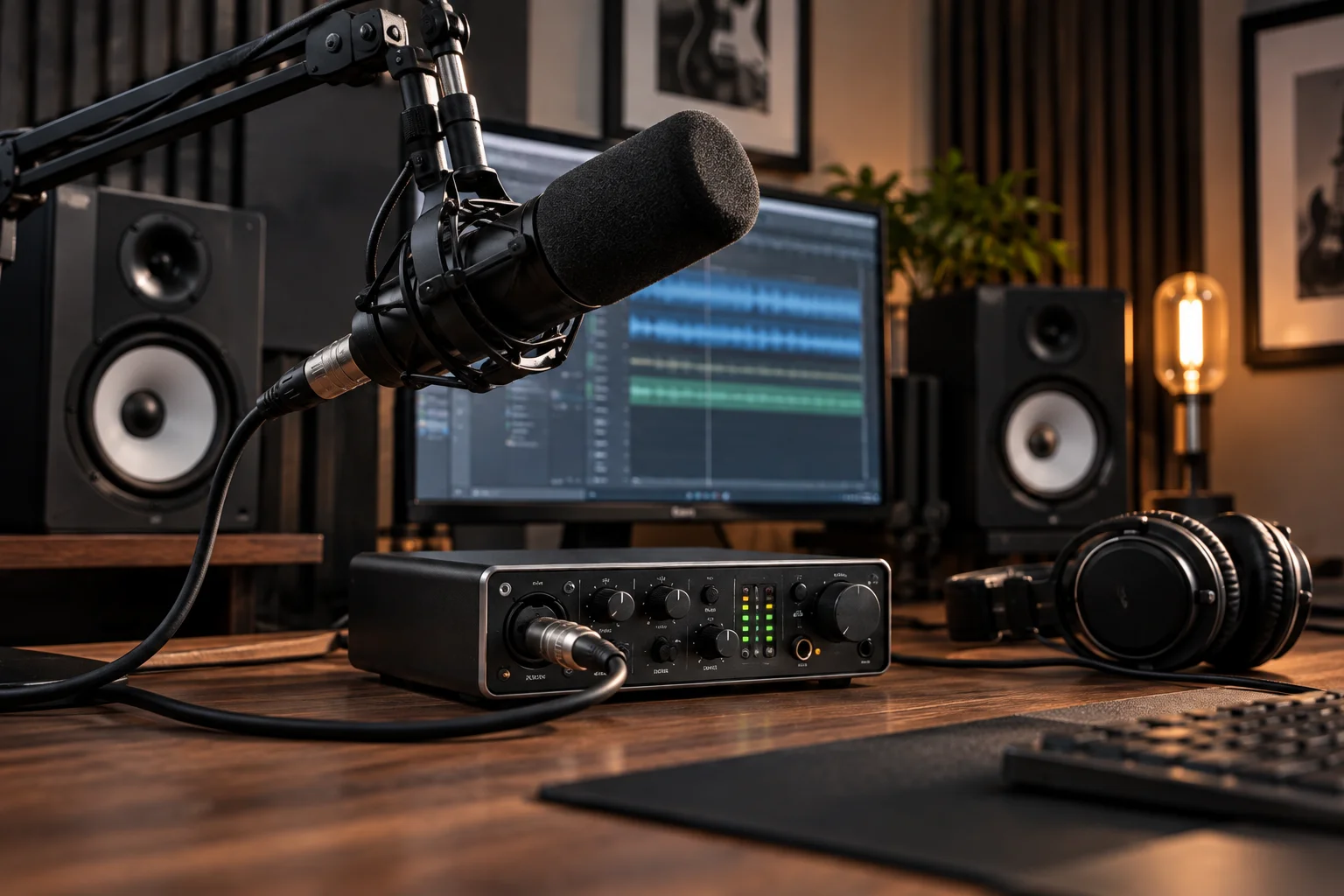
A USB microphone can provide:
Simple connection
Headphone monitoring
Software controls
DSP
One-cable computer connection
An XLR setup can provide:
Dedicated gain controls
Multiple inputs
Mixer integration
Hardware routing
More upgrade choices
For a typical single-person gaming stream, either can produce excellent results.
USB vs XLR Microphones at a Glance
Factor | USB microphone | XLR microphone |
|---|---|---|
Setup | Very simple | More involved |
Computer connection | Direct | Through interface |
Audio interface | Usually unnecessary | Normally required |
Phantom power | Built into design | Interface provides it when needed |
Sound quality | Can be excellent | Can be excellent |
Upgrade flexibility | Limited | High |
Multiple microphones | Less convenient | Excellent |
Portable setup | Very convenient | More equipment |
Gain control | Usually built in/software | Interface hardware |
DSP | Often available | Usually external/software |
Studio integration | Limited to model | Excellent |
Beginner friendly | Excellent | Moderate |
Long-term expandability | Moderate | Excellent |
What About a Hybrid USB/XLR Microphone?
A hybrid microphone can be the most flexible choice if you want USB simplicity today but expect to move to an XLR setup later.
This is where products such as the Shure MV7+ and RØDE NT1 5th Generation become interesting.
You can start with:
Microphone → USB → laptop
and eventually move to:
Microphone → XLR → audio interface → computer
The microphone stays the same.
The surrounding equipment changes.
That can make a hybrid microphone particularly attractive for creators who don't yet know whether their setup will remain simple.
Which Should You Buy: USB or XLR?
Choose USB if simplicity, portability and solo recording are your priorities; choose XLR if you want multiple microphones, modular upgrades or a more expandable recording system.
Choose USB if you:
Record alone
Want plug-and-play setup
Mostly make podcasts or videos
Stream from one computer
Don't want an audio interface
Want fewer cables and devices
Need a portable recording setup
Choose XLR if you:
Record multiple people
Produce music
Want to change microphones later
Need multiple inputs
Want a dedicated audio interface
Plan to build a studio
Want greater routing flexibility
Choose USB/XLR hybrid if you:
Want simplicity today
May build a studio later
Want one microphone for different setups
Don't want to replace the microphone during an upgrade
Frequently Asked Questions About USB vs XLR Microphones
Does XLR sound better than USB?
Not inherently. The microphone capsule, room, preamp, converter, gain settings and processing all influence sound quality. A good USB microphone can produce excellent recordings.
Do XLR microphones need an audio interface?
Most XLR microphones connected to a computer require an audio interface or mixer to provide preamplification and analog-to-digital conversion.
Do all XLR microphones need 48V phantom power?
No. Condenser microphones generally require power, while normal passive dynamic microphones don't. Some active ribbon microphones also require power.
Can a USB microphone sound professional?
Yes. The recording quality depends on the microphone design, acoustic environment, placement and processing, not simply on whether the microphone uses USB.
Is USB better for beginners?
Usually. A USB microphone eliminates the separate interface and XLR cable, making the initial setup considerably simpler.
Is XLR better for podcasts?
It depends on the podcast. USB works very well for solo recording. XLR becomes more useful for multiple hosts and guests because an interface can provide multiple microphone inputs.
Can I upgrade a USB microphone?
You can upgrade the microphone itself, but its built-in preamp and converter generally remain part of that microphone. With XLR, the microphone, interface and other components can be upgraded independently.
What is the best option if I'm not sure?
A hybrid USB/XLR microphone can provide a useful middle ground. You can start with USB and move to an audio interface later without replacing the microphone. Current examples include the Shure MV7+ and RØDE NT1 5th Generation.
The Bottom Line
USB and XLR are different approaches to building a microphone system, not two levels of sound quality.
USB puts more of the recording chain inside the microphone.
Microphone → preamp → converter → USB
XLR separates the microphone from the rest of the system.
Microphone → XLR → interface → converter → computer
USB wins on simplicity, portability and convenience.
XLR wins on flexibility, expandability and multi-microphone recording.
And if you're serious about sound quality, don't spend your entire budget chasing the connector.
A good microphone in a well-controlled room, positioned correctly and recorded at sensible levels will usually make a bigger difference than simply switching from USB to XLR.
For a solo creator who wants to plug in and record, USB is often all that's needed.
For a growing podcast, music setup or studio, XLR gives you room to build.
And for anyone caught between the two, a USB/XLR hybrid microphone can offer the easiest upgrade path of all.