
Spatial audio makes earbuds sound less like two tiny speakers inside your ears and more like a three-dimensional sound system around you. But the effect isn't created by one technology.
Some spatial-audio systems simply process stereo sound to create a wider, more surround-like presentation. Others use Dolby Atmos or another immersive audio format containing positional information. Add head tracking, and the soundstage can appear to stay anchored in space while you move your head.
That's why the same movie or song can sound dramatically different on two pairs of earbuds.
The phone, earbuds, operating system, streaming app, audio format, head-tracking sensors and personalization settings can all affect the final result. Apple, for example, combines supported content with Spatial Audio and dynamic head tracking, while Dolby describes headphone spatialization as using techniques such as HRTF, interaural time differences and interaural level differences to create the perception of sounds coming from different directions.
What Is Spatial Audio on Earbuds?
Spatial audio is a collection of technologies that creates the perception of sound coming from different positions around you instead of simply from the left and right channels.
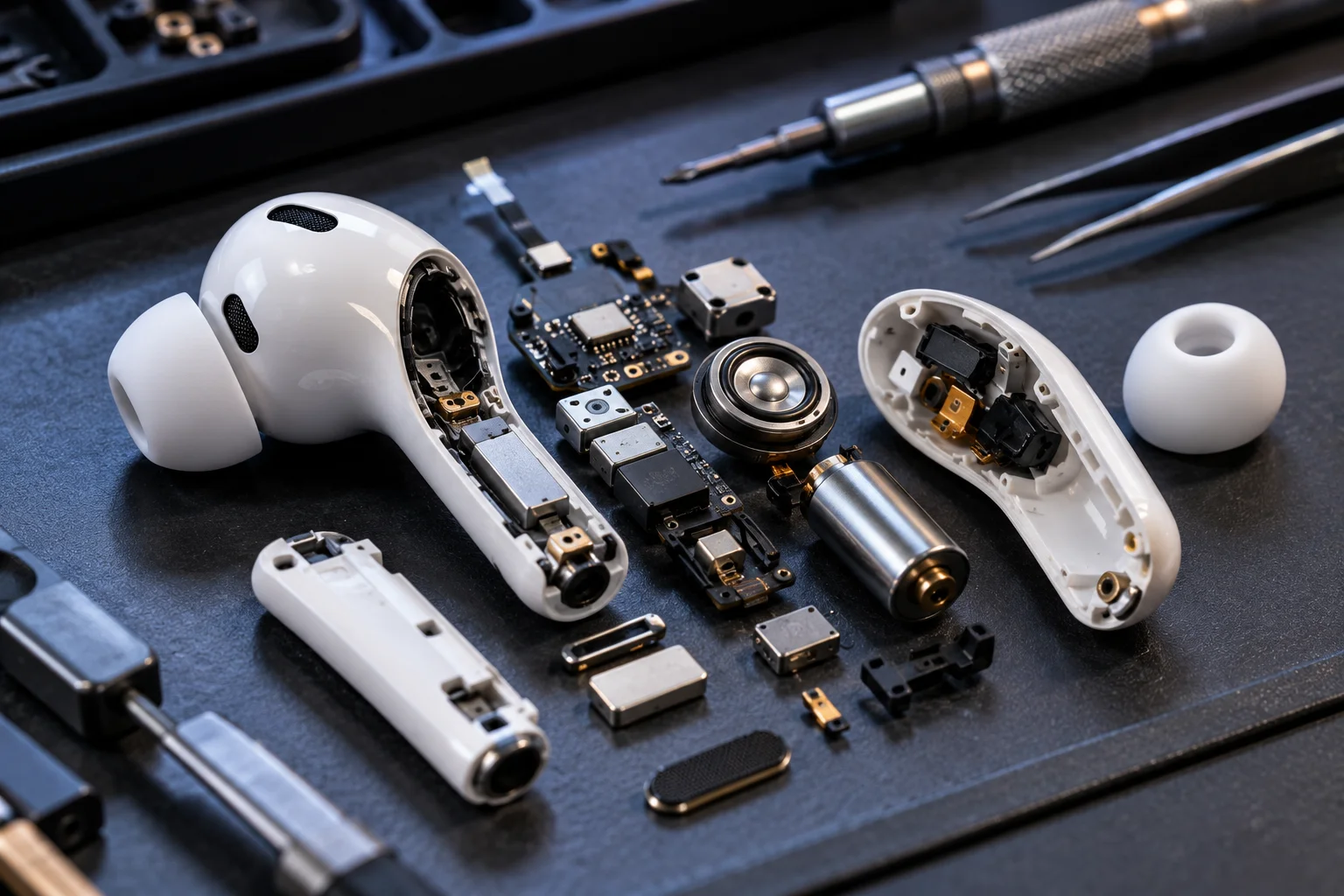
Traditional stereo essentially gives you two playback positions:
Left ear + right ear
Spatial audio can simulate a much larger sound field:
Front + sides + rear + above + below
It does this through carefully controlled differences in timing, volume, frequency response and phase between the signals reaching your ears. Dolby notes that headphone-based immersive audio can use techniques including HRTF, interaural time differences and interaural level differences to create this illusion.
The important word is illusion.
Your earbuds aren't physically surrounding your head with speakers. They're manipulating the sound reaching your ears so your brain interprets it as coming from a larger three-dimensional environment.
How Does Virtual Surround Sound Work in Earbuds?
Virtual surround sound uses signal processing to make two physical earbud drivers behave as though sound is coming from multiple locations.
Your brain determines where a sound is coming from partly by comparing what reaches each ear. A sound arriving slightly earlier or louder at one ear provides directional information.
Spatial-audio processing takes advantage of those cues.
For example, a sound intended to appear on your right might be made slightly louder and arrive with a subtly different timing relationship between the two channels. More sophisticated systems also simulate the filtering caused by your head, ears and torso.
That's where HRTF, or head-related transfer function, becomes useful. It describes how your anatomy changes sound depending on where a sound originates.
Some systems use a generic model. Others attempt to personalize the processing.
Apple's Personalized Spatial Audio, for example, uses the TrueDepth camera on compatible iPhones to create a profile based on the geometry of your head and ears.
What Does Head Tracking Add to Spatial Audio?
Head tracking makes spatial audio feel anchored to the environment rather than simply attached to your head.
Imagine you're watching a movie with a character speaking directly in front of you. With ordinary stereo earbuds, the dialogue moves with your head because the earbuds move with you.
Turn your head to the left and the sound still comes from the same relative position inside the earbuds.
With dynamic head tracking, the system detects that you've turned your head and adjusts the audio accordingly. The dialogue can continue to appear as though it is coming from the television or screen in front of you.
Dolby describes this as using sensors to measure head movement and adjust the sound so that sources retain their apparent position.
Apple similarly describes supported AirPods as using Spatial Audio and head tracking to create a theater-like environment around the listener.
That small difference can make spatial audio feel much more convincing.
What Sensors Do Earbuds Use for Head Tracking?
Head tracking generally relies on motion sensors such as accelerometers and gyroscopes, sometimes working alongside sensors in the connected device.
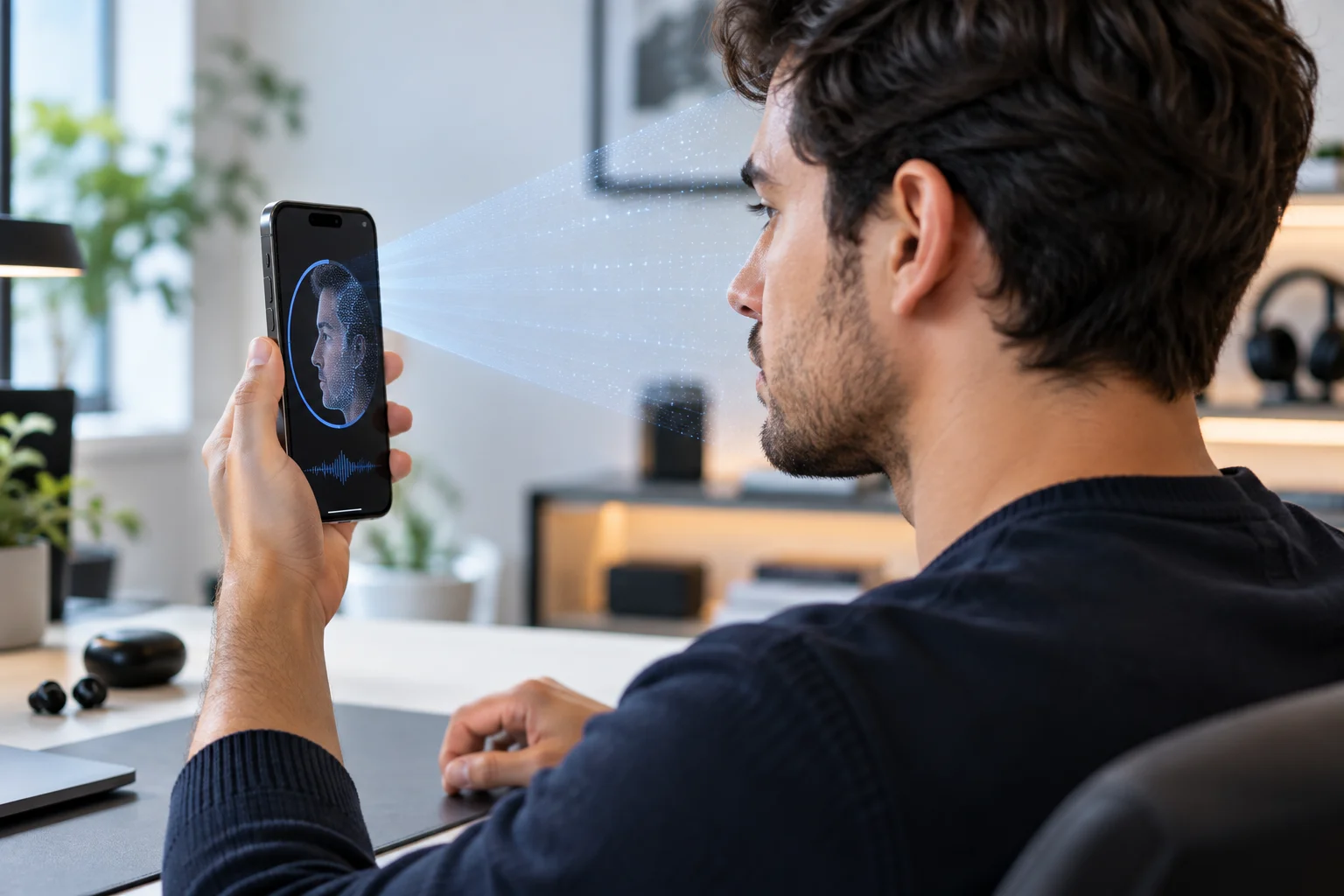
The goal isn't simply to know that your head moved. The system needs to estimate how it moved and in which direction quickly enough to adjust the audio without creating an obvious delay.
This is why compatible earbuds can behave differently even when they both advertise “head tracking.”
Sensor quality, processing speed, software algorithms and the communication between the earbuds and source device all influence the experience.
Why Does Spatial Audio Sound Different on Different Devices?
Spatial audio depends on the entire playback chain, not just the earbuds.
Factor | What it changes |
|---|---|
Earbuds | Drivers, tuning and sensors affect the final sound |
Phone/tablet | Handles some spatial processing and tracking |
Operating system | Determines supported audio features |
Streaming app | Determines available spatial formats |
Audio format | Atmos and other immersive formats contain different information |
Head tracking | Can anchor sounds to a fixed position |
Ear shape | Changes how directional cues are perceived |
Personalization | Can tailor processing to your anatomy |
This explains why buying “spatial audio earbuds” doesn't guarantee the same experience across every phone.
Apple's implementation, for example, combines compatible AirPods or Beats devices with supported Apple hardware, operating systems and audiovisual content.
Does Dolby Atmos Automatically Mean Head-Tracked Audio?
No. Dolby Atmos and head tracking are different things.
Dolby Atmos is an immersive audio format and rendering ecosystem. It can place sounds within a three-dimensional sound field, including positions above and behind the listener.
Head tracking is an additional layer that changes the rendering as your head moves.
Think of it this way:
Dolby Atmos = where sounds are supposed to exist
Head tracking = how those positions respond when you move
You can therefore have Atmos playback without head tracking.
You can also have spatialized audio with head tracking without necessarily listening to native Dolby Atmos content, depending on the platform.
Why Does Head Tracking Sometimes Feel More Impressive With Movies Than Music?
Movies often provide an obvious visual reference.
If a character is speaking on the left side of the screen and the dialogue appears to stay there while you move your head, your brain has a clear visual cue confirming the audio position.
Music is different.
A spatial mix can place vocals, instruments and effects around you, but there's no physical object on screen telling your brain where those sounds should be.
Some listeners love the extra space. Others prefer conventional stereo because it can sound more direct, focused or familiar.
The quality of the spatial mix matters enormously too. A poorly rendered or aggressively processed track won't necessarily sound better simply because it has a spatial-audio label.
What Is Personalized Spatial Audio?
Personalized spatial audio attempts to account for differences in the shape of your head and ears.
That's useful because everyone's ears interact with sound differently. A generic spatial model is effectively an approximation.
Apple's Personalized Spatial Audio uses an iPhone's TrueDepth camera to create a profile of the user's head and ear geometry. That profile can then be used to tailor compatible spatial-audio playback.
This doesn't mean personalized audio completely recreates your individual hearing characteristics. It means the processing can use additional information about your physical geometry rather than relying only on a generic model.
Why Can Spatial Audio Sound Worse Sometimes?
Spatial audio isn't automatically an upgrade for every recording.

A few things can make it less convincing:
The content wasn't mixed well for immersive playback.
The earbuds have poor spatial processing.
Head tracking introduces distracting movement.
The spatial effect makes vocals feel less focused.
The listener's ear shape differs significantly from the assumed model.
Different apps use different spatial-audio implementations.
The source device doesn't support the same feature set.
There can also be a psychological adjustment period. If you're accustomed to conventional stereo, a wide or room-like presentation can initially sound unusual rather than impressive.
Does Bluetooth Determine How Good Spatial Audio Sounds?
Bluetooth is part of the connection, but it isn't the entire spatial-audio system.
Bluetooth transports the audio between compatible devices. The actual spatial rendering can involve the source device, operating system, earbuds and dedicated audio processing.
Bluetooth LE Audio introduces a newer architecture for Bluetooth audio and includes technologies such as the LC3 codec and isochronous audio transport. It also enables features such as Auracast broadcast audio.
That doesn't mean LE Audio automatically makes every pair of earbuds sound more spatial. The implementation still depends on the products and software involved.
When Should You Use Spatial Audio?
Spatial audio makes the most sense when you're watching compatible movies, playing supported games or listening to music specifically mixed for immersive playback.

For movies and games, head tracking can make a particularly noticeable difference because sound can appear anchored to the screen or virtual environment.
For music, it's more subjective.
If you prefer a conventional stereo presentation, there's little reason to keep spatial processing enabled simply because your earbuds support it. If you enjoy a larger, more enveloping soundstage, it may become one of your favorite listening modes.
FAQs About Spatial Audio
Is spatial audio the same as surround sound?
Not exactly. Spatial audio is a broader term covering technologies that create a three-dimensional sound experience. Virtual surround is one approach, while immersive formats such as Dolby Atmos can provide positional audio information.
Do you need special earbuds for spatial audio?
Not always. Some spatial-audio processing works with ordinary headphones, but features such as dynamic head tracking require compatible hardware with appropriate sensors and software.
Does head tracking improve sound quality?
Not necessarily. Head tracking changes the perceived position of sound rather than directly improving fidelity. Its benefit is mainly increased spatial realism.
Why does spatial audio sound different on different phones?
The phone, operating system, app, audio format, earbuds, personalization profile and head-tracking implementation can all affect the final result.
The Bottom Line
Spatial audio isn't one feature. It's a combination of audio processing, content formats, device hardware and software.
Virtual surround processing creates the basic illusion of sounds coming from different directions. Immersive formats such as Dolby Atmos can provide more detailed positional information. Head tracking adds another layer by keeping those virtual sound sources anchored as you move.
That's also why two pairs of “spatial audio” earbuds can produce noticeably different results.
If you want the most convincing experience, don't look at the spatial-audio label alone. Check the supported content format, phone compatibility, head-tracking support, personalization features and the specific app you're using. Those details determine far more than the marketing name on the box.