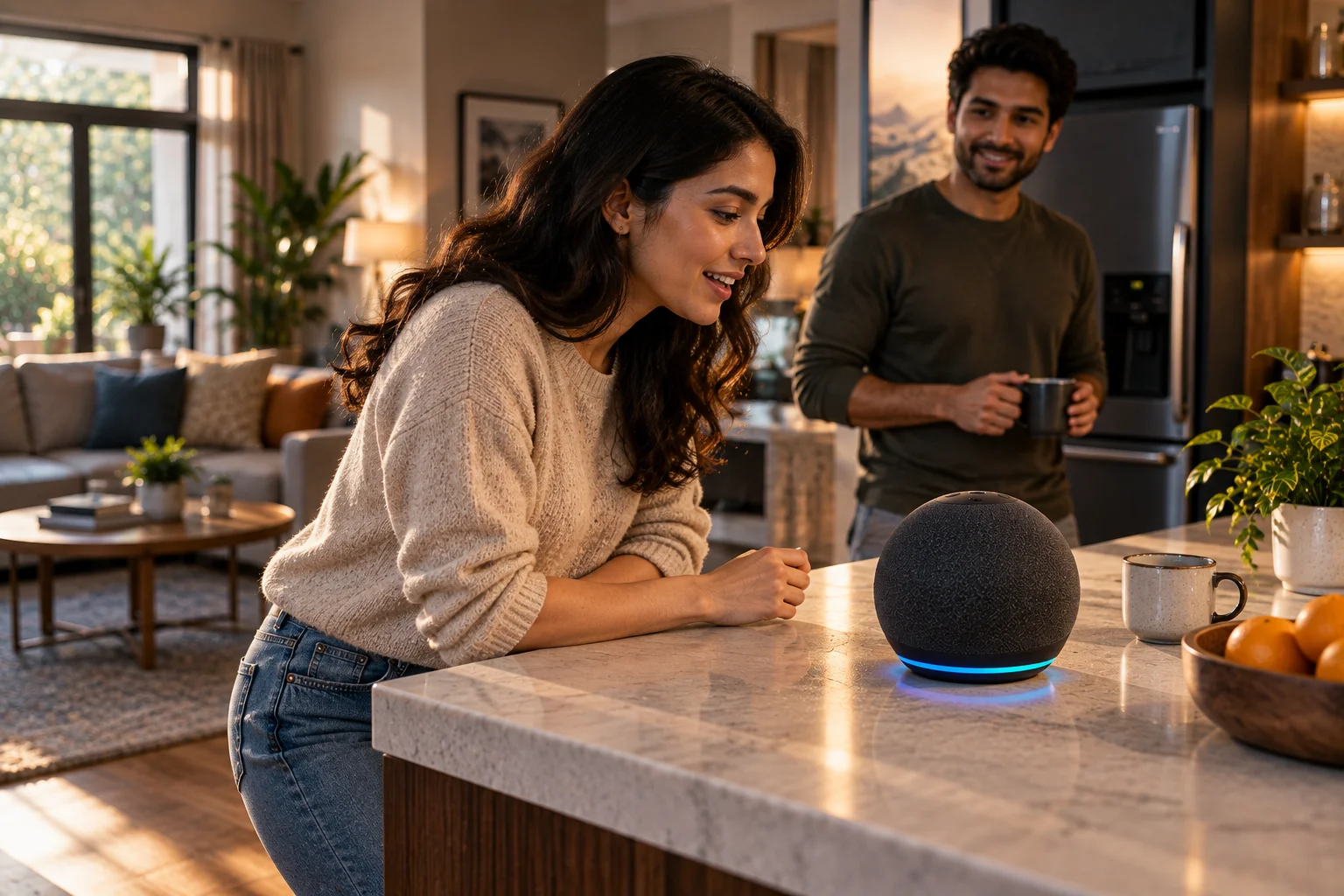
Voice assistants know you're talking to them through a combination of microphones, wake-word detection, local processing, speech recognition and AI models. Your smart speaker, phone or other device is listening for a specific acoustic pattern such as "Alexa" or "Hey Google." It doesn't need to send every sound it hears to the cloud just to determine whether you're trying to activate it.
The first stage is usually handled locally. A lightweight system continuously analyzes incoming microphone audio for the wake word. When the device detects a likely match, it can activate the assistant and capture the rest of your request.
What happens next depends on the assistant and the task. Some requests can be handled on the device, while others are sent to cloud infrastructure for more computing power, current information or access to online services. Apple says Siri is designed to process requests on-device whenever possible, while Amazon says Alexa sends a detected request to its cloud for processing.
How Does a Voice Assistant Detect Its Wake Word?
A voice assistant uses a small always-running audio-processing system to look for the acoustic pattern associated with its wake word.

Consider an Echo listening for "Alexa."
The microphones continuously capture sound, but the device isn't simply uploading the entire microphone stream to Amazon.
Instead, the device's wake-word system analyzes the incoming audio locally and looks for a pattern matching the configured wake word. Amazon explicitly says Echo devices detect the wake word by identifying acoustic patterns that match it.
If the system doesn't detect the wake word, the device can remain in its waiting state.
If it detects a likely match, the next stage begins.
That's the trick that makes hands-free voice assistants practical without requiring a constant cloud audio stream.
Are Voice Assistants Always Listening?
The microphone can be continuously monitoring locally for a wake word, but that is different from continuously sending everything you say to the cloud.
This distinction is important.
"Always listening" is often used to describe the microphone being ready to detect a wake word. It doesn't necessarily mean that every conversation is being transmitted to a company's servers.
Amazon says compatible Alexa devices, by default, stream audio to the cloud only after the wake word is detected or Alexa is activated through another supported method.
Apple similarly says Siri can process audio on the device whenever possible, with capable devices able to process Siri request audio entirely on-device.
The exact behavior depends on the device, assistant, settings and feature being used.
What Do the Microphones Actually Do?
The microphones convert sound waves into electrical signals that the device's audio-processing system can analyze.
Smart speakers often use multiple microphones rather than one.
That helps the device determine where speech is coming from and separate a user's voice from background sound, music or room noise.
This is especially important when you're standing several feet away.
Imagine a smart speaker on a kitchen counter while the dishwasher is running.
The microphone array needs to identify the voice signal among all the other sounds reaching the device.
The microphones provide the raw audio information. Signal-processing algorithms then help clean, combine and interpret it.
Why Do Voice Assistants Use Multiple Microphones?
Multiple microphones allow a device to analyze sound from different positions and improve voice detection in noisy environments.

A microphone array can provide information about the direction from which sound arrives.
That can help with:
Far-field voice detection
Background-noise reduction
Echo cancellation
Beamforming
Speaker localization
Better wake-word detection
The result is that the assistant can hear a person across a room more reliably than a single poorly positioned microphone might.
This is one reason smart speakers can recognize a command even while music is playing.
What Happens After the Wake Word?
After detecting the wake word, the device captures the user's spoken request and sends it through speech-recognition and language-understanding systems.
A simplified process looks like this:
Microphones → wake-word detection → speech capture → speech recognition → language understanding → action/answer → spoken response
Amazon describes Alexa's process in similar terms: after the wake word, the user's recording is sent to the cloud, where the request is processed and a text transcript can be created to help Alexa understand what the user said and determine what action to take.
The assistant isn't merely looking for individual words.
It needs to determine what those words mean in context.
How Does Speech Recognition Turn Your Voice Into Text?
Automatic speech recognition converts the captured audio into a machine-readable representation, often including a text transcript of what you said.
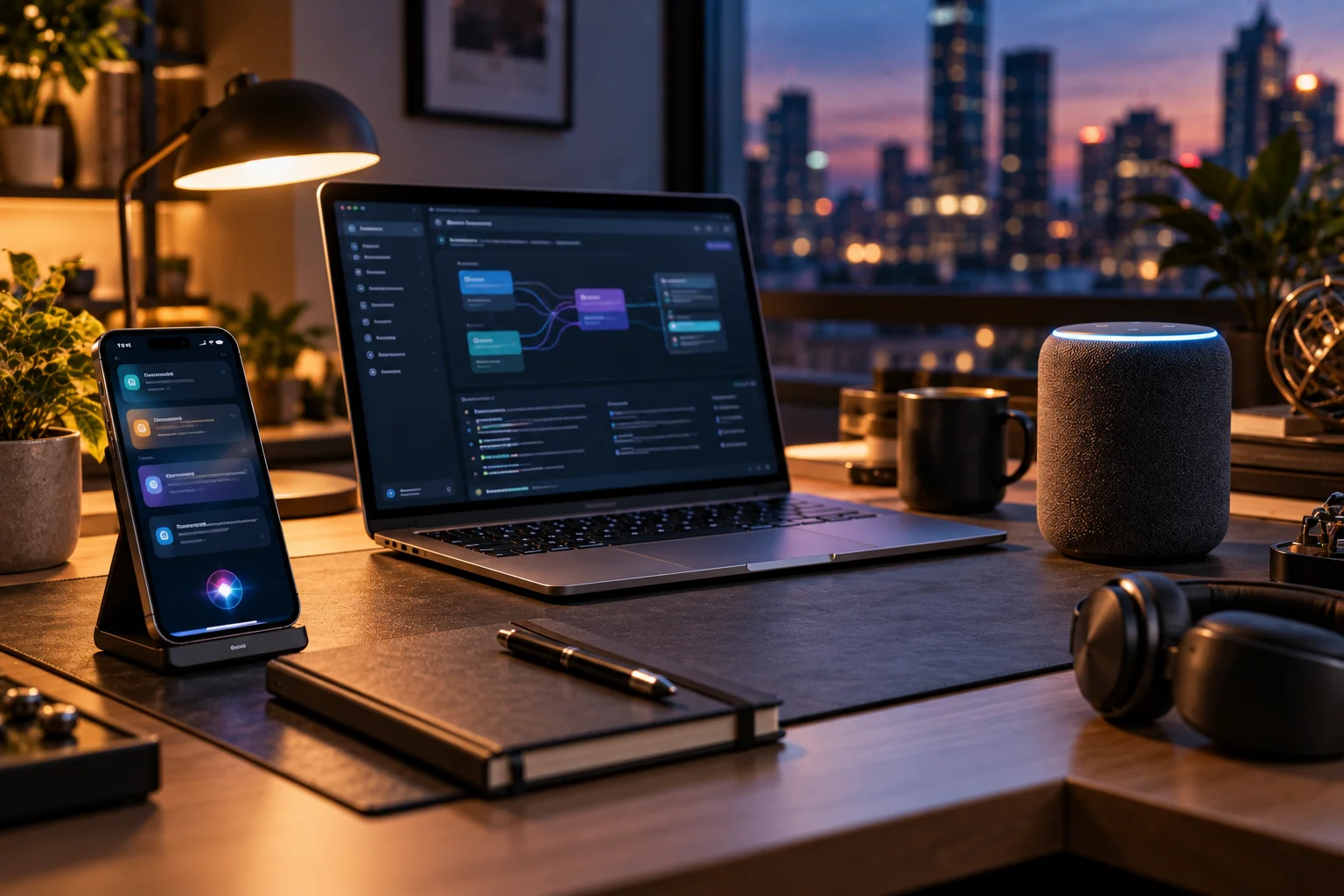
Suppose you say:
"Set a timer for ten minutes."
The system first needs to identify the spoken words.
It then needs to understand that you're asking for an action rather than simply mentioning the words "timer" and "ten minutes."
Modern voice assistants combine speech recognition with natural-language-understanding systems that interpret meaning and intent.
Amazon describes natural language understanding as the technology that helps Alexa infer what a speaker means rather than requiring one exact phrasing.
That's why you can phrase the same request in several different ways.
Does the Voice Assistant Understand Everything Locally?
Not necessarily. Modern assistants use a mixture of local processing and cloud processing, and the balance varies by assistant and task.
Local processing is useful for tasks where the device already has the necessary models and information.
Cloud processing becomes valuable when the task needs:
Large AI models
Current web information
Online services
Large-scale computation
Server-side databases
More sophisticated language processing
Apple says Siri is designed to do as much processing as possible on the device, while certain features require real-time input from Apple's servers.
Amazon's Alexa architecture relies heavily on cloud processing after activation.
So there isn't one universal "voice assistant architecture."
What Does Local Processing Actually Handle?
Local processing can handle time-sensitive or privacy-sensitive parts of the experience without requiring every stage to run in the cloud.
The wake-word detector is the clearest example.
The device needs to decide whether you've said "Alexa," "Hey Google" or another activation phrase before it knows whether to start a full voice interaction.
Some assistants can also perform speech recognition or other AI tasks locally.
Apple says capable devices can process Siri request audio entirely on-device using the Neural Engine, unless the user chooses to share it with Apple.
That local processing can also reduce latency because the device doesn't need to send every step across the internet.
Why Does the Cloud Still Matter?
Cloud infrastructure provides computing power and access to information that a phone or smart speaker may not have locally.
Consider a request such as:
"What's the latest weather forecast for New York tomorrow?"
The device needs current information.
A local wake-word model can't provide that information by itself.
The assistant can send the request to online services, retrieve current data and generate an answer.
Cloud computing also makes it practical to run much larger language models than many consumer devices can comfortably execute locally.
Apple's current Siri architecture, for example, can use Private Cloud Compute for requests that require greater server-side processing while keeping the relevant processing environment designed around Apple's privacy requirements.
How Does the Assistant Know Who Is Speaking?
Some assistants use voice-recognition systems to distinguish one person's voice from another.
Google calls its system Voice Match.
Google says Voice Match creates a unique voice model that can help distinguish users and provide personalized results.
That means the assistant can potentially distinguish:
"What's on my calendar?"
from the same request made by another person in the household.
The wake word and voice identity are separate concepts.
The wake word answers:
"Should I activate?"
Voice recognition can answer:
"Whose voice is this?"
The second step isn't required for every basic voice command.
Why Do Voice Assistants Sometimes Wake Up by Mistake?
Wake-word detection isn't perfect, so similar-sounding speech, television audio or background noise can occasionally trigger a false activation.
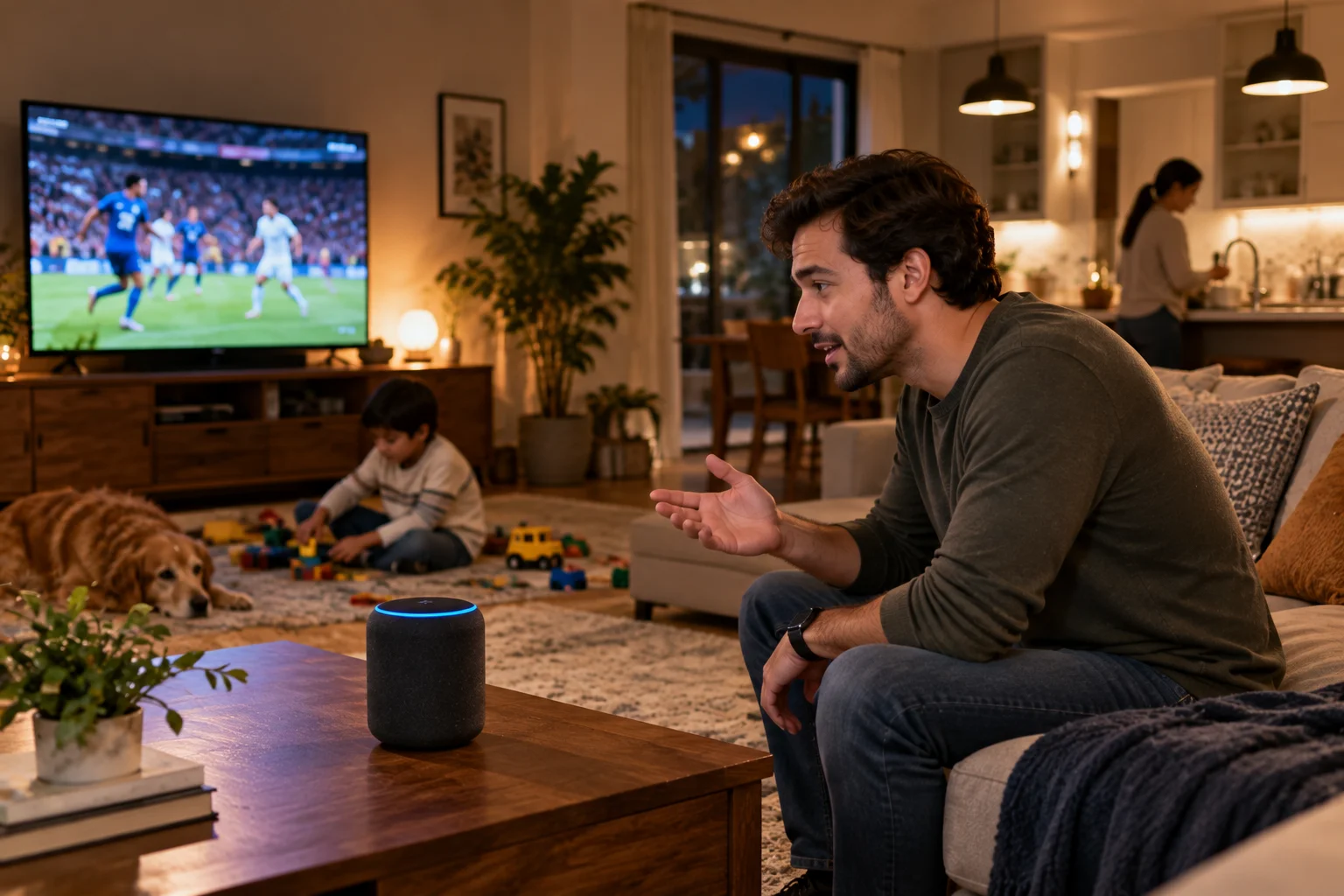
The wake-word system is essentially making a classification decision under noisy conditions.
If the threshold is too strict, it might miss genuine wake words.
If it's too sensitive, it may activate when someone wasn't addressing the assistant.
Amazon acknowledges the need to protect against false wakes and even maintains systems for identifying known wake-word recordings from television and radio that shouldn't activate Alexa.
This is a difficult engineering balance:
Detect the real wake word reliably without reacting to every similar sound.
Why Does the Assistant Sometimes Miss the Wake Word?
Distance, background noise, pronunciation, competing sounds and microphone placement can all make wake-word detection harder.
For example, you might say "Hey Google" while:
A television is playing loudly
A vacuum cleaner is running
You're in another room
Music is coming from the device itself
Your voice is facing away from the microphone
Several people are speaking
Voice assistants use microphone arrays and signal processing to improve recognition, but physics still matters.
The farther your voice has to travel, the weaker it becomes relative to background noise.
How Does a Voice Assistant Know When You Have Finished Speaking?
The system uses speech-activity and interaction-state detection to determine when your request has ended.
After activation, the assistant needs to know when to stop capturing your request.
It can look for cues such as a period of silence or the end of detected speech.
This is why you can normally say:
"Set a timer for ten minutes"
and then stop talking without pressing another button.
Some assistants also support continued conversations or follow-up requests.
Amazon's Alexa documentation, for example, describes Follow-Up Mode, which allows compatible devices to accept additional requests without requiring the wake word every time.
How Do Multiple Devices Know Which One Should Answer?
When several assistant-enabled devices hear the same wake word, they can coordinate to determine which device should respond.
This is particularly noticeable in a home containing a phone, smart speaker and smart display.
Apple says nearby devices use Bluetooth to communicate and determine which device heard the user best or was most recently raised or used.
The goal is simple:
You don't want your iPhone, Mac and HomePod all answering the same question simultaneously.
The devices therefore need a way to decide which one should take the interaction.
Does a Voice Assistant Need the Internet?
Not for every function, but many advanced voice-assistant capabilities depend on network connectivity.
Some wake-word detection can happen locally.
Some speech recognition and assistant features can also run locally on supported hardware.
But cloud-dependent tasks generally need an internet connection.
For example, a request involving current web information, cloud services or online smart-home systems may require communication with remote servers.
The exact offline capabilities vary considerably between products.
Is Your Voice Sent to the Cloud Before the Wake Word?
For systems designed like current Alexa devices, the wake-word detection stage can happen locally before the audio stream is sent to the cloud.
Amazon explicitly states that compatible Alexa devices don't stream audio to the cloud by default unless the wake word is detected or another activation method is used.
Amazon also says that, after activation, the audio stream can include a fraction of a second of audio from before the wake word so the beginning of the user's request isn't accidentally missed.
That small pre-roll is an important detail.
The system needs to capture enough context around the activation point to avoid chopping off the first words of your command.
Can You Turn Off the Microphones?
Many voice-enabled devices provide a physical or software control for disabling microphone access.
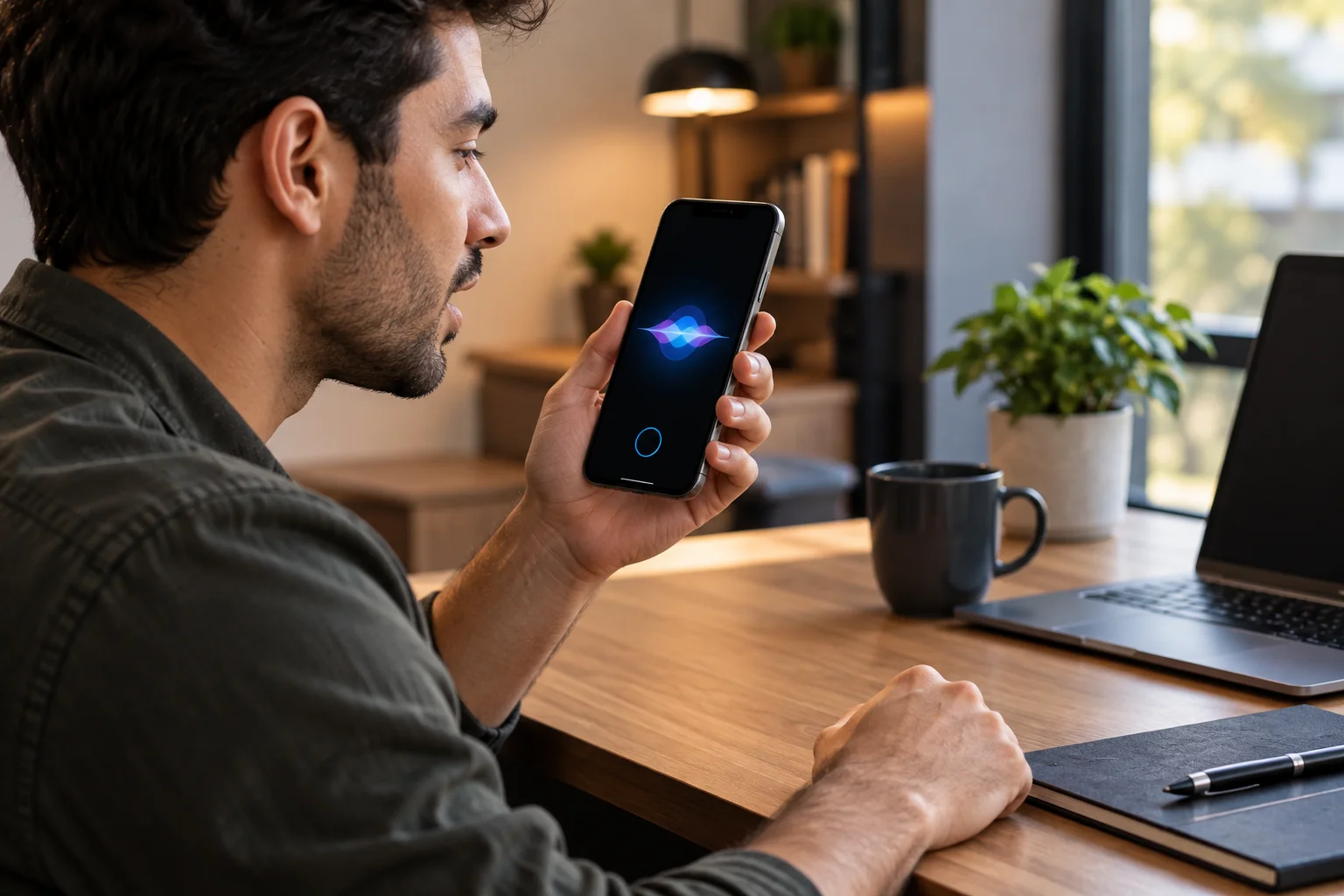
Amazon's Echo devices, for example, include a microphone-off control that electronically disconnects the microphones, with a dedicated indicator showing that the microphones are disabled.
The exact controls vary by product.
This is different from simply disabling the wake word.
If the microphones themselves are disabled, the device generally cannot detect the wake word until microphone access is restored.
Frequently Asked Questions
Are voice assistants always listening?
The device may continuously monitor microphone input locally for a wake word, but that doesn't necessarily mean the audio is continuously sent to the cloud. Amazon explicitly describes Alexa devices as streaming audio to the cloud after wake-word detection or another activation method.
What is a wake word?
A wake word is a specific phrase or word that tells a voice assistant you want to interact with it. Examples include "Alexa" and "Hey Google."
Does Siri process voice commands locally?
Siri can process many requests on-device, and Apple says capable devices can process request audio entirely on-device when possible. Some requests still require Apple's servers.
Why does my smart speaker sometimes activate accidentally?
The wake-word detector can mistake similar-sounding speech, recordings or background audio for the wake word. Voice assistants therefore use techniques designed to reduce false activations.
Does a voice assistant need Wi-Fi to hear the wake word?
The wake-word detection stage can run locally on supported devices, so an internet connection isn't necessarily required simply to detect the wake word. Internet access may be required for the subsequent assistant request.
Can a voice assistant recognize different people?
Yes. Some assistants support voice-recognition systems. Google's Voice Match, for example, can distinguish enrolled users and provide personalized results.
Why does the wrong smart device sometimes answer?
Multiple devices may hear the same wake word. Systems such as Apple's can use device-to-device communication and other signals to decide which device should respond.
The Bottom Line
A voice assistant doesn't need to understand everything you say in the cloud to know when you're talking to it.
The process starts much closer to home.
Your microphones capture sound. A small local system continuously looks for the wake word. Once it detects a likely match, the device activates the assistant and captures your request.
From there, the work can be divided between the device and the cloud.
Local processing handles tasks such as wake-word detection and, on capable devices, some speech and AI processing. Cloud systems provide additional computing power, current information and access to online services.
That's why a modern voice assistant is really a pipeline rather than a single AI model:
Microphones → wake-word detection → speech recognition → language understanding → local/cloud processing → action or answer → synthesized speech.
The impressive part isn't that one model does everything. It's that all of these specialized systems work together quickly enough that talking to a computer can feel almost instantaneous.