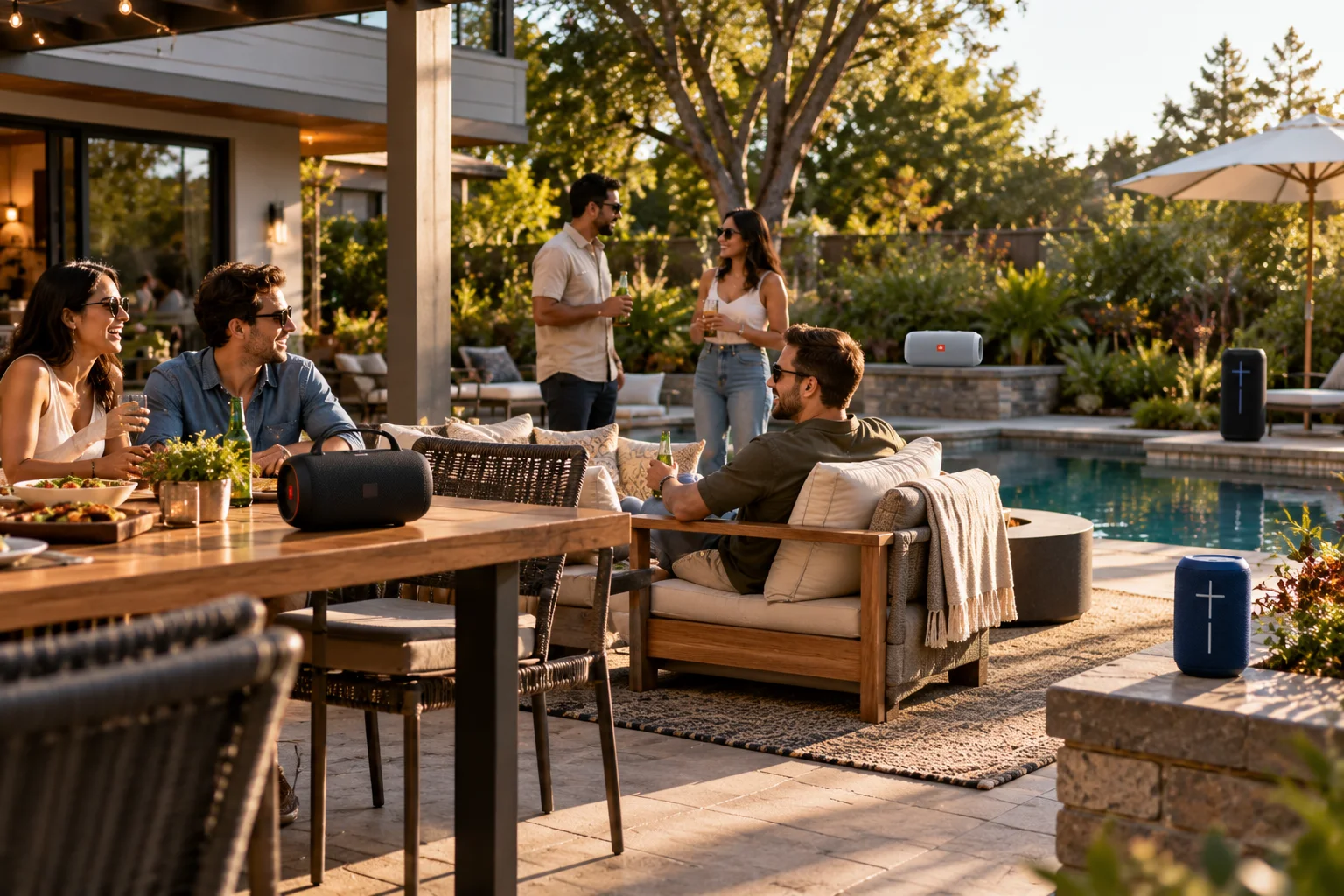
Yes, you can connect two Bluetooth speakers together, but the exact method depends on the speakers. Standard Bluetooth pairing doesn't automatically mean that your phone can send the same music to any two Bluetooth speakers simultaneously.
Most multi-speaker setups work because the speaker manufacturer has built a special linking feature into its products. Depending on the system, two compatible speakers can operate as a stereo pair, with one playing the left channel and the other playing the right, or in a party mode, where multiple speakers reproduce the same audio.
There are limits, though. Two speakers from different brands generally can't be grouped just because both have Bluetooth. Even speakers from the same brand may use different linking technologies that aren't compatible with one another.
Newer Bluetooth LE Audio also introduces Auracast broadcast audio, which changes the architecture by allowing a transmitter to broadcast audio to multiple compatible receivers. But Auracast support is different from the proprietary stereo and party modes found on many Bluetooth speakers today.
Can You Connect Two Bluetooth Speakers to One Phone?
Sometimes, but your phone and speakers need to support a method for sending audio to both speakers.
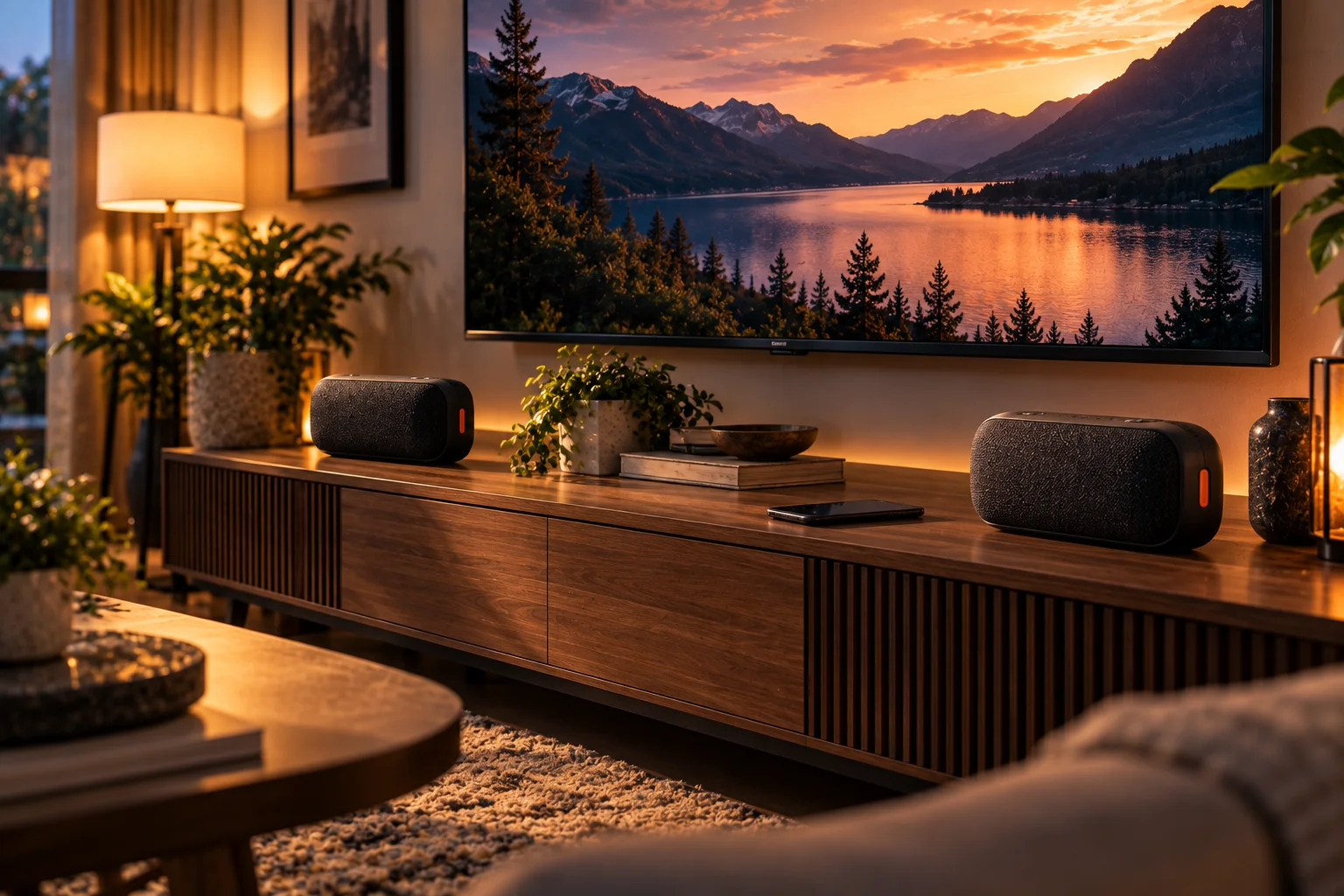
Simply pairing two speakers individually isn't enough in many situations.
With ordinary Bluetooth Classic audio, the traditional model is essentially:
Phone → Bluetooth speaker
Manufacturer-specific speaker-linking systems can extend that into:
Phone → Speaker 1 → Speaker 2
The speakers then coordinate playback between themselves.
JBL, for example, uses systems such as PartyBoost and TWS to link compatible speakers. Its documentation shows that PartyBoost can group multiple compatible speakers, while Stereo mode assigns left and right channels to two compatible speakers.
So when a speaker advertises "connect multiple speakers," that doesn't necessarily mean your phone is independently maintaining a normal Bluetooth audio connection with every speaker.
What Is Bluetooth Stereo Pairing?
Stereo pairing turns two compatible speakers into a left and right audio system.
Instead of both speakers playing identical audio, the system divides the stereo program.
For example:
Speaker | Audio channel |
|---|---|
Speaker 1 | Left |
Speaker 2 | Right |
This can create a wider stereo image than a single portable speaker.
But stereo pairing usually requires specific compatible speakers.
JBL's PartyBoost documentation, for example, says Stereo mode requires two speakers of the same compatible model. A Flip 5 and Flip 6 can be grouped in Party mode but cannot form a Stereo pair through PartyBoost.
That illustrates an important rule:
Bluetooth compatibility doesn't automatically mean multi-speaker compatibility.
What Is Party Mode?
Party mode normally makes multiple compatible speakers play the same audio rather than dividing it into left and right channels.
Imagine putting speakers around a backyard.
With stereo mode, positioning matters because one speaker represents the left channel and the other represents the right.
With party mode, both speakers can reproduce the same program, making it more practical when you're trying to cover a larger area.
Some systems can support considerably more than two speakers. JBL's PartyBoost documentation, for example, describes grouping multiple compatible speakers in Party mode.
The exact number depends entirely on the manufacturer's system.
What's the Difference Between Stereo Mode and Party Mode?
Stereo mode creates a left-right pair; party mode generally sends the same audio to multiple speakers.
The choice depends on what you're trying to achieve.
Feature | Stereo pairing | Party mode |
|---|---|---|
Number of speakers | Usually 2 | Often 2 or more |
Audio | Left + right channels | Same program on multiple speakers |
Positioning | Important | Less critical |
Main purpose | Wider stereo image | Larger-area playback |
Compatibility | Often same-model requirement | Often broader within a product family |
Best use | Music listening | Parties and outdoor spaces |
JBL explicitly describes its PartyBoost system as offering both Stereo and Party modes, with Stereo using two compatible speakers and Party mode allowing multiple speakers to play together.
Can You Pair Two Bluetooth Speakers From Different Brands?
Usually not through the speakers' proprietary stereo or party systems.
Bluetooth itself doesn't guarantee that a Bose speaker can form a stereo pair with a JBL speaker, for example.
These systems often depend on manufacturer-specific software, synchronization methods and speaker-to-speaker communication.
Even two speakers from the same manufacturer may not work together if they belong to different product generations or use different linking technologies.
JBL provides a good example: its documentation distinguishes between older Connect/Connect+ systems and PartyBoost, and says incompatible systems cannot simply be mixed.
Before buying a second speaker, check the manufacturer's compatibility list rather than assuming that matching Bluetooth versions will be enough.
Why Do Some Speakers Need to Be the Same Model for Stereo?
The manufacturer needs both speakers to support the same synchronization and channel-assignment system.
Stereo playback isn't just about sending music twice.
The two speakers need to know:
Which one is left
Which one is right
When each audio frame should play
How to maintain synchronization
How to handle connection changes
How to coordinate volume and playback controls
Using identical hardware and firmware makes that process easier to control.
That's why manufacturers commonly restrict true wireless stereo pairing to the same model or a small list of explicitly compatible models.
JBL's PartyBox documentation, for example, specifies particular model combinations for TWS Stereo and distinguishes them from combinations that can only operate in Party mode.
Does Connecting Two Speakers Make the Music Twice as Loud?
Not necessarily. Two speakers can increase the amount of sound in a space, but perceived loudness doesn't simply double.
Speaker placement, room acoustics, power output and how the speakers are synchronized all affect what you hear.
Two speakers can also provide better coverage because sound is distributed across a larger area.
Stereo positioning can improve the sense of width and separation rather than simply increasing volume.
So if you're considering a second speaker, think about coverage and soundstage, not just loudness.
Why Can Two Paired Bluetooth Speakers Have a Slight Delay?
Wireless multi-speaker systems need to synchronize playback, and that synchronization can introduce some latency.
A speaker-linking system has to make sure both speakers reproduce the corresponding audio at approximately the same time.
If one speaker played its audio immediately while the other waited for additional data, you'd hear an echo or obvious separation.
The system therefore buffers and coordinates playback.
Bluetooth SIG explains that LE Audio was designed to support multiple independent, synchronized audio streams, allowing devices such as speakers and earbuds to render streams at the same time.
This is one reason multi-speaker Bluetooth isn't simply a matter of turning on two ordinary Bluetooth connections.
Can You Use Two Bluetooth Speakers for TV Audio?
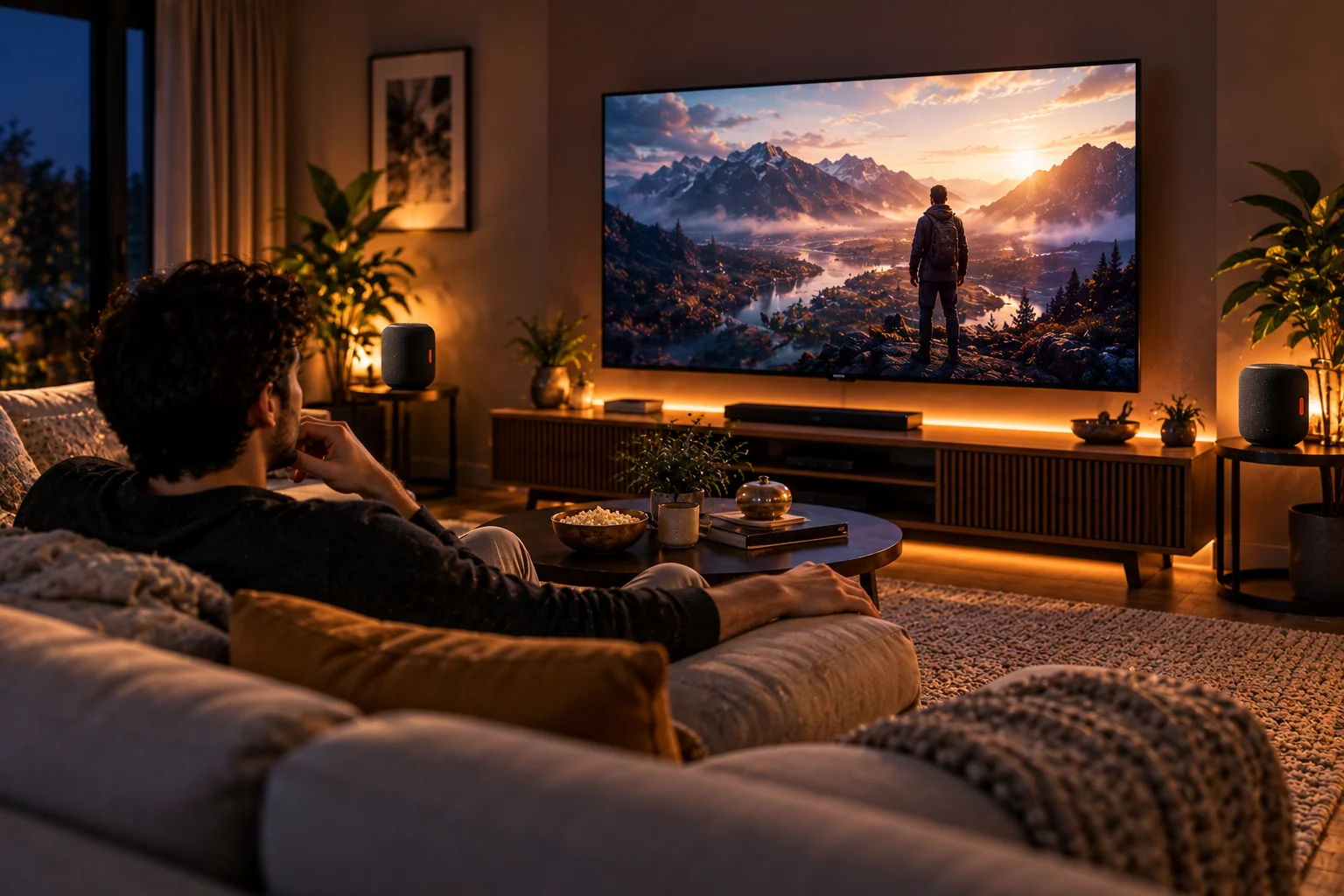
You can in some setups, but Bluetooth latency and synchronization make TV use more complicated than music playback.
For movies and television, audio has to remain synchronized with the picture.
A speaker system that works perfectly for music might introduce enough delay to create noticeable lip-sync problems.
Some manufacturers specifically design their wireless speaker systems for TV use and implement their own synchronization or low-latency technology.
If you're connecting two portable Bluetooth speakers to a TV, check whether the television and speakers explicitly support the required multi-speaker configuration.
Don't assume that two speakers appearing in the TV's Bluetooth menu means both can receive synchronized audio.
Can an iPhone Connect to Two Bluetooth Speakers?
An iPhone can support certain multi-device audio configurations, but compatibility depends on the Apple feature, device type and speakers involved.
Apple's ecosystem supports features such as Share Audio for compatible AirPods and Beats headphones, but that shouldn't be confused with universal two-Bluetooth-speaker pairing.
For ordinary Bluetooth speakers, whether two speakers can play simultaneously depends on the speaker manufacturer's linking system or another supported audio feature.
That's why a pair of compatible speakers can work together through their manufacturer's app even when two unrelated Bluetooth speakers cannot.
Can an Android Phone Connect to Two Bluetooth Speakers?
Some Android phones support multiple Bluetooth audio connections or manufacturer-specific dual-audio features, but support varies by device and software version.
Samsung Galaxy devices, for example, have offered Dual Audio on supported models, allowing audio to be sent to two Bluetooth devices.
But this doesn't mean every Android phone can send synchronized audio to any two Bluetooth speakers.
There are two separate questions:
Can the phone maintain connections to two Bluetooth devices?
and
Can it deliver synchronized media audio to both?
Those aren't necessarily the same thing.
If your phone doesn't provide a suitable dual-audio feature, a speaker manufacturer's own linking technology may be the better route.
What Is Auracast and Is It the Same as Party Mode?
No. Auracast is a standardized Bluetooth LE Audio broadcast capability, while party modes are generally manufacturer-specific speaker-linking systems.
This distinction is becoming increasingly important.
Bluetooth SIG says Auracast allows a compatible transmitter to broadcast audio to an unlimited number of nearby compatible receivers.
Instead of building a proprietary speaker-to-speaker network, Auracast uses Bluetooth LE Audio broadcast technology.
A compatible transmitter can advertise a broadcast, and compatible receivers can discover and join it.
That could eventually make multi-device audio much more interoperable.
But an important limitation remains:
The speakers themselves must support the necessary LE Audio and Auracast features.
An ordinary Bluetooth speaker doesn't become an Auracast receiver simply because it has Bluetooth.
Can Auracast Connect More Than Two Speakers?
Yes, Auracast is designed specifically for broadcast audio to multiple compatible receivers.
Bluetooth SIG describes broadcast audio as allowing an audio transmitter to send an audio stream to an unlimited number of Bluetooth audio receivers within range.
That is fundamentally different from a traditional one-to-one Bluetooth audio connection.
Potential applications include:
Multiple speakers in a venue
Public audio systems
TVs broadcasting to multiple headphones
Hearing assistance
Shared listening environments
Personal audio broadcasts
The practical number of receivers in a real installation will still depend on the implementation, radio environment and product design.
Why Can't You Just Connect Any Two Bluetooth Speakers?
Because Bluetooth pairing and multi-speaker synchronization are different problems.
Pairing establishes a wireless relationship between devices.
Multi-speaker playback additionally requires the system to coordinate audio streams and timing.
That's why manufacturers create features with names such as:
Stereo Pair
TWS
Party Mode
PartyBoost
Speaker Link
Connect
Multi-Speaker
Auracast
These names don't describe one universal technology.
They're different implementations with different compatibility rules.
How Do You Connect Two Compatible Bluetooth Speakers?
The usual process is to pair the phone with one speaker first, then activate the speakers' linking mode.
A typical setup looks like this:
Turn on both compatible speakers.
Pair your phone with the primary speaker.
Start playing music.
Activate the manufacturer's speaker-linking feature.
Put the second speaker into the corresponding mode.
Wait for the speakers to establish their link.
Select Stereo or Party mode if the system offers both.
Position the speakers appropriately.
The exact buttons and app steps vary.
For JBL PartyBoost, for example, JBL instructs users to connect the first speaker to the phone, start playback, then activate PartyBoost on the speakers. Its Stereo setup additionally uses the JBL Portable app to select Stereo mode.
What Are the Main Limitations of Multi-Speaker Bluetooth Audio?
The biggest limitations are compatibility, synchronization, range and dependence on proprietary features.
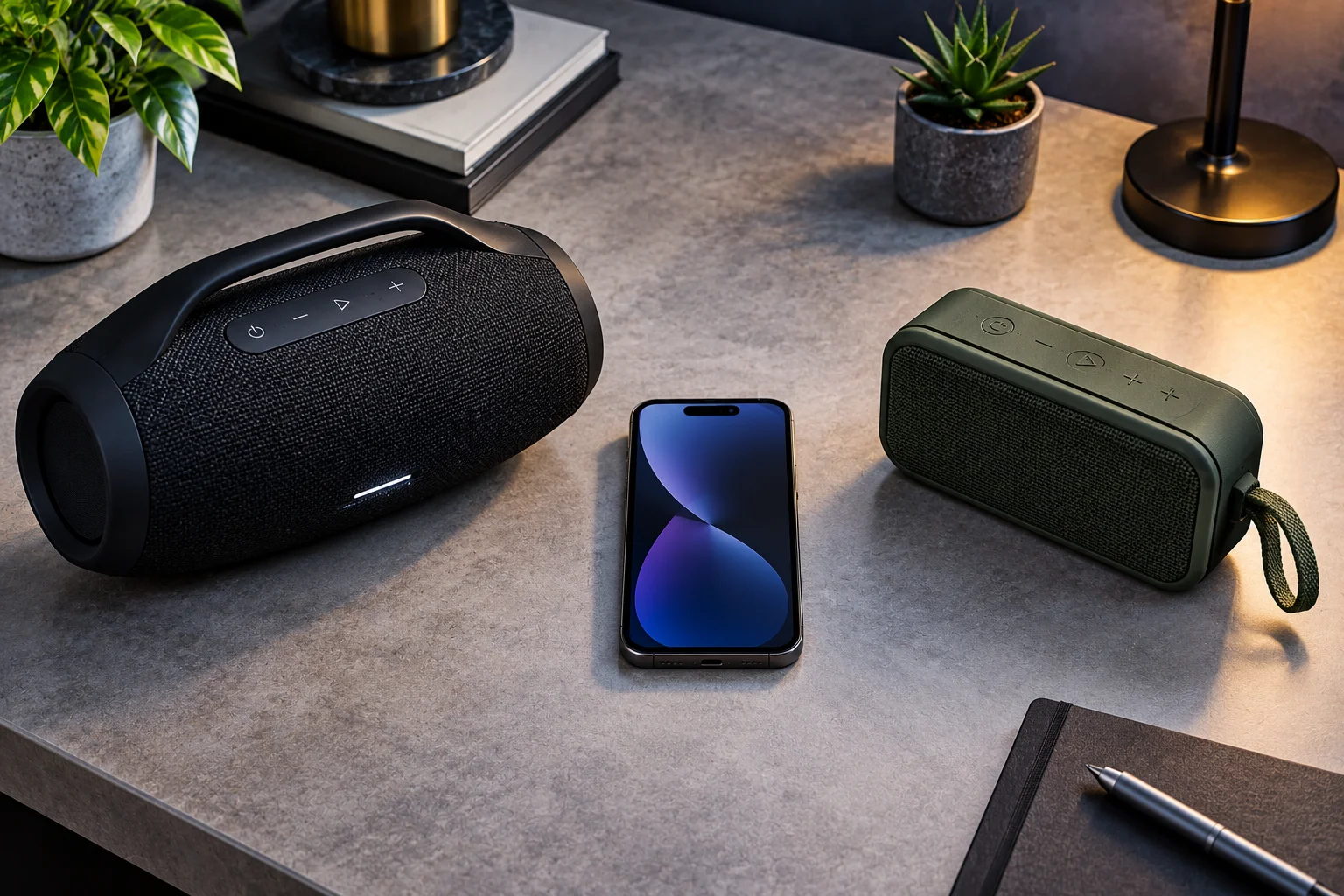
Before buying a second speaker, check:
Whether the exact models can link
Whether Stereo mode is supported
Whether Party mode is supported
Maximum number of speakers
Whether a companion app is required
Whether both speakers need the same firmware
Whether the feature works with your phone
Whether microphone or auxiliary inputs are also distributed
Whether TV audio is supported
A speaker can have Bluetooth 5.x and still lack the ability to create a stereo pair with another Bluetooth speaker.
Bluetooth version alone isn't the deciding factor.
Frequently Asked Questions
Can I connect two Bluetooth speakers to one phone?
Yes, if your phone or the speakers support a compatible multi-speaker feature. Ordinary Bluetooth pairing alone doesn't guarantee simultaneous playback.
Do two Bluetooth speakers have to be the same brand?
Not always, but proprietary stereo and party systems generally require compatible models from the same manufacturer.
Do two Bluetooth speakers have to be the same model?
For true stereo pairing, often yes. Some manufacturers support specific combinations, but compatibility is product-specific.
Is stereo pairing better than party mode?
They serve different purposes. Stereo pairing separates left and right channels for a wider stereo image, while party mode generally sends the same audio to multiple speakers.
Can I connect more than two Bluetooth speakers?
Yes, with systems designed for it. Manufacturer-specific party modes can support multiple compatible speakers, while Bluetooth LE Audio's Auracast can broadcast to multiple compatible receivers.
Can I use two different JBL speakers together?
Sometimes. JBL's compatibility depends on the speaker family and linking technology. Some combinations support Party mode but not Stereo mode.
Does Bluetooth 5 automatically support two speakers?
No. A Bluetooth version number doesn't guarantee multi-speaker audio. The phone, speaker firmware, profiles and manufacturer implementation all matter.
Is Auracast the future of multi-speaker Bluetooth?
Auracast provides a standardized broadcast approach that can send audio to multiple compatible receivers, but adoption and device support determine how useful it is in a particular setup.
The Bottom Line
Two Bluetooth speakers can absolutely work together, but you need the right technology on both sides.
If you want two speakers playing the same music, look for a manufacturer's Party or multi-speaker mode. If you want a genuine left-right stereo system, look for Stereo Pair or TWS support, usually with two explicitly compatible speakers.
And if you're looking at newer Bluetooth technology, Auracast is a different approach altogether. Rather than relying on a proprietary speaker-linking system, Bluetooth LE Audio can broadcast audio to multiple compatible receivers.
The key lesson is simple: Bluetooth connectivity doesn't automatically mean multi-speaker connectivity. Before buying a second speaker, check the exact compatibility list, supported mode and maximum number of speakers. That's far more important than simply checking whether both products have Bluetooth.