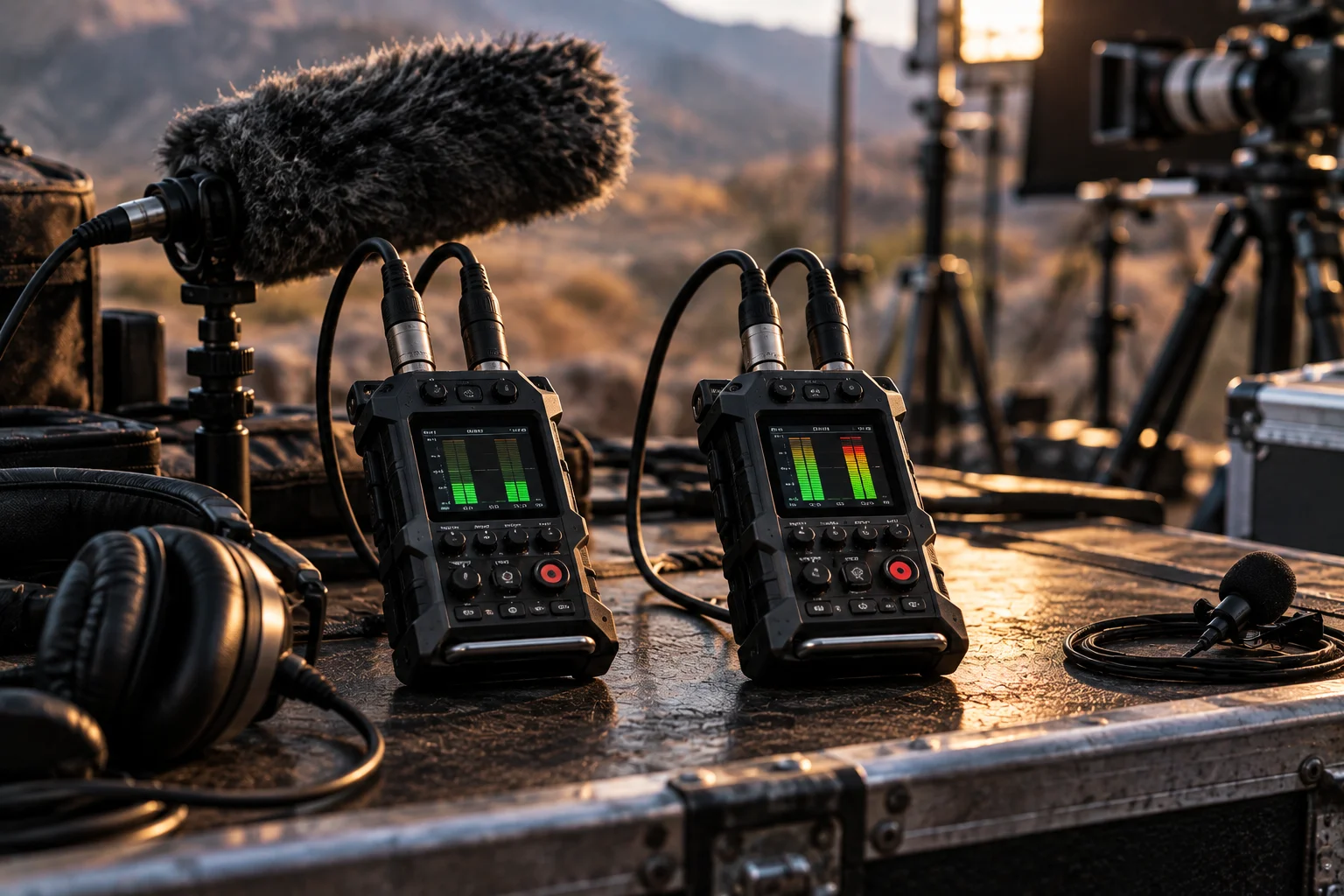
For most controlled recording, 24-bit audio already provides more than enough resolution. The real advantage of 32-bit float is not simply higher sound quality, but the ability to preserve signals that exceed 0 dBFS and adjust their level later without the digital clipping associated with 24-bit fixed-point recording.
That can be extremely useful for creators recording unpredictable sounds: documentary dialogue, weddings, concerts, wildlife, sound effects or an interview where someone suddenly shouts.
With conventional 24-bit recording, you need to set the microphone preamp gain carefully. Too little gain can leave the recording unnecessarily close to the noise floor. Too much gain can push peaks beyond 0 dBFS and create irreversible digital clipping.
32-bit float changes that workflow on compatible hardware. A properly designed 32-bit float recorder can capture a much wider range and preserve signals above 0 dBFS, allowing you to pull the level down during editing. Sound Devices says its 32-bit float systems can preserve signals exceeding 0 dBFS without digital clipping.
What Is the Difference Between 24-Bit and 32-Bit Float Audio?
24-bit audio uses fixed-point sample values, while 32-bit float stores audio using floating-point numbers with a much larger numerical range.
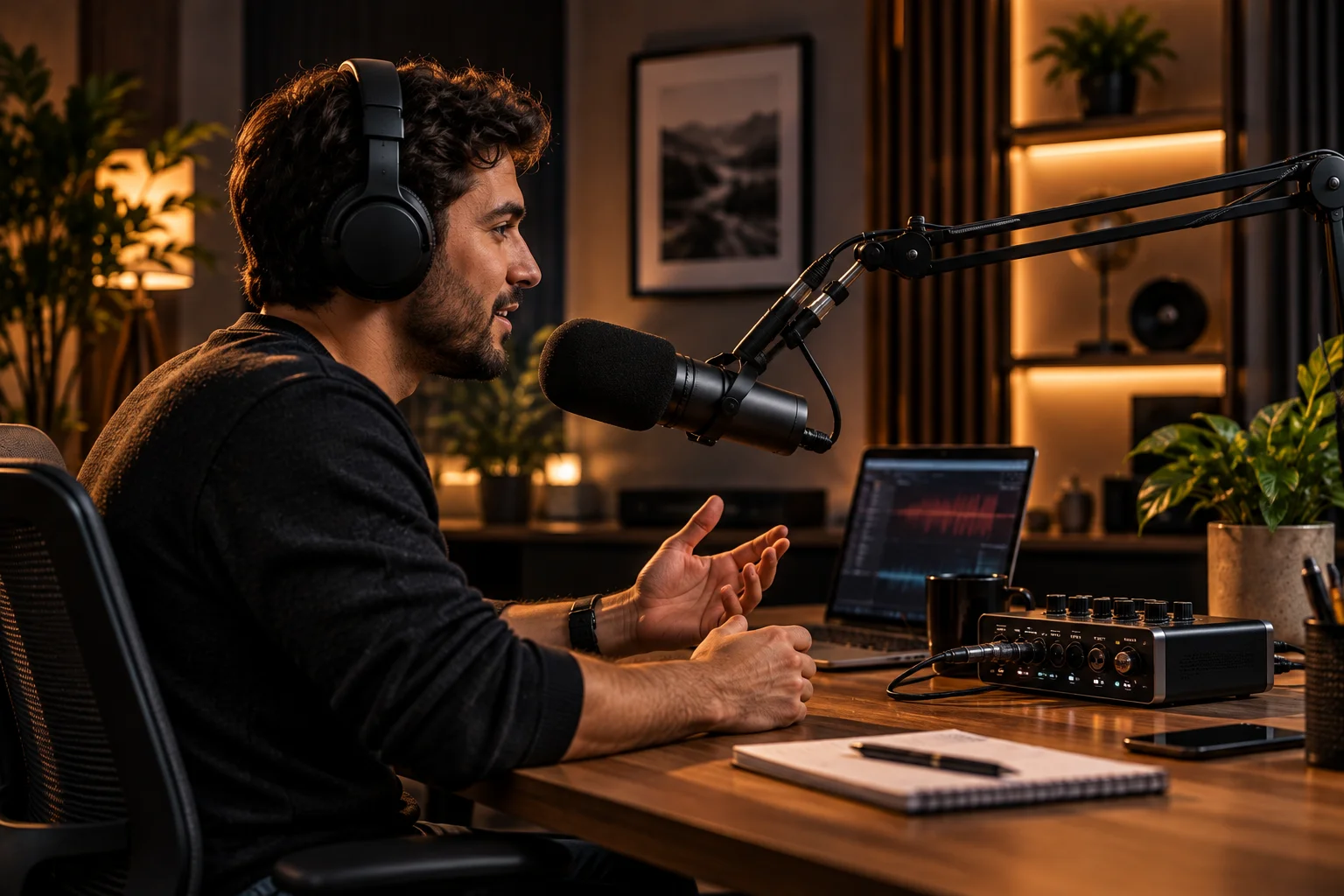
A conventional 24-bit WAV file has a fixed digital ceiling of 0 dBFS. Once the recorded waveform exceeds that ceiling, the digital samples clip.
32-bit float works differently.
The file uses floating-point representation, which allows values above 0 dBFS to be stored. Sound Devices describes the theoretical numerical range of 32-bit float as vastly greater than the range required for acoustic sound.
That's why the most useful way to think about the difference is:
24-bit = excellent resolution with a fixed digital ceiling
32-bit float = excellent resolution plus enormous numerical headroom
Does 32-Bit Float Actually Give You Better Sound Quality?
Not automatically. A properly recorded 24-bit file can sound just as good as a 32-bit float recording when both capture the same clean analog signal without clipping.
This is an important distinction because "32-bit" can sound like a straightforward upgrade over "24-bit."
It isn't.
24-bit already provides enormous theoretical dynamic range. Sound Devices calculates approximately 144.5 dB for 24-bit fixed-point representation.
Real microphones, preamps and analog-to-digital converters don't approach the theoretical extremes of either format.
So if you're recording a podcast in a controlled room, setting appropriate gain and leaving sufficient headroom, 24-bit is already an extremely capable recording format.
The 32-bit float advantage appears when recording conditions are unpredictable.
What Does "Headroom" Mean in Audio Recording?
Headroom is the amount of level available between your normal recording level and the point where the digital system clips.
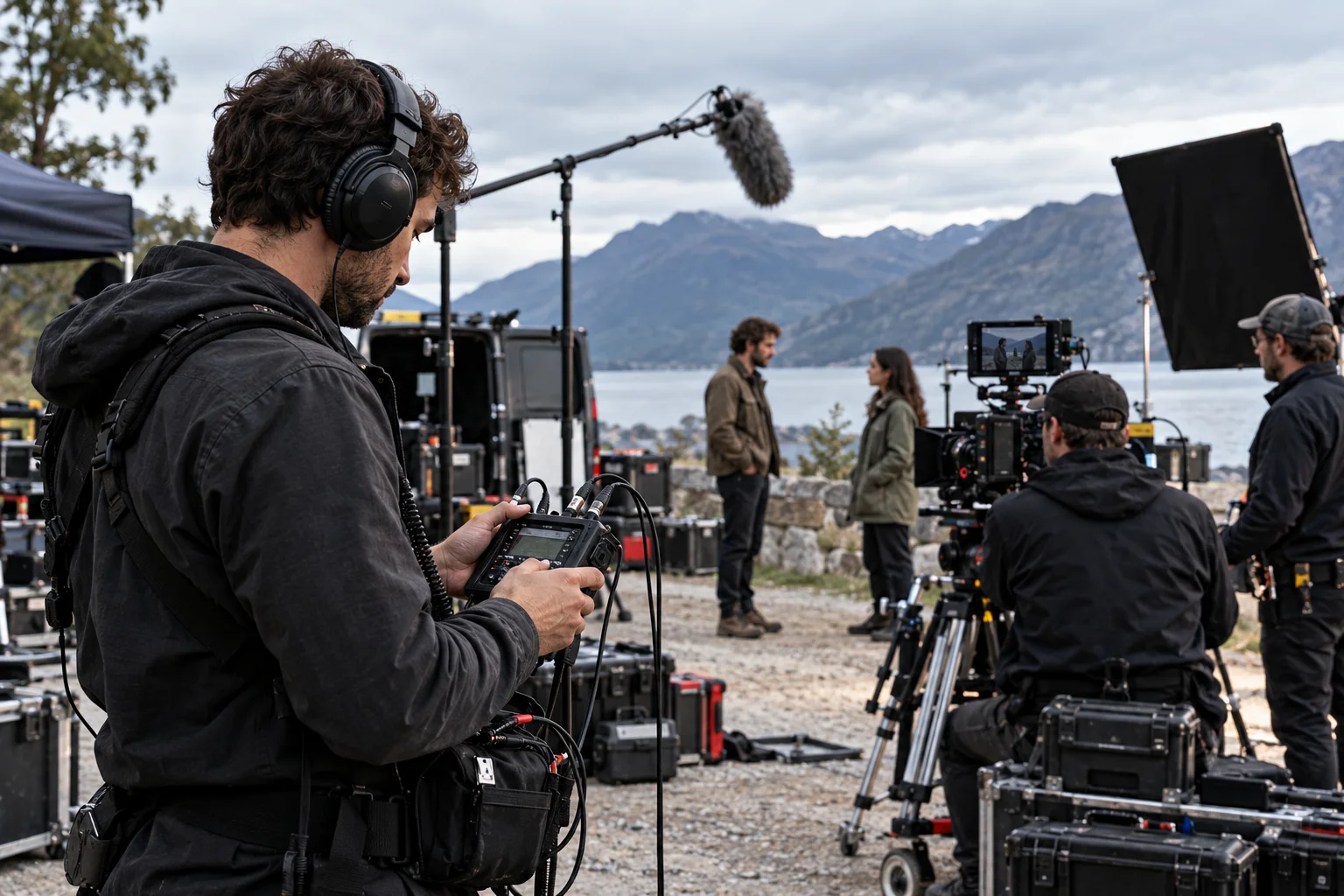
Imagine you're recording a person speaking normally.
Their voice peaks around -18 dBFS.
If they suddenly shout and produce a peak at +3 dBFS, a conventional 24-bit recording cannot represent that peak above its 0 dBFS ceiling.
The result is clipping.
With a 32-bit float recording system designed to capture the signal correctly, that information can remain in the file above 0 dBFS. You can subsequently reduce the gain in your DAW and bring those peaks back into a usable range.
That's the practical meaning of 32-bit float headroom.
Can 32-Bit Float Recover Clipped Audio?
It can prevent digital clipping caused by excessive recorded level, but it cannot repair clipping that occurred earlier in the analog signal chain.
This is probably the most important limitation to understand.
A 32-bit float file doesn't make the microphone or preamp physically impossible to overload.
The complete recording chain still matters.
Sound Devices explains that a genuine 32-bit float recording system requires high-dynamic-range analog preamps, suitable A/D conversion and 32-bit floating-point processing and storage.
So there are two very different situations.
Digital overload:
The analog signal is captured cleanly, but the fixed-point digital recording exceeds 0 dBFS.
Analog overload:
The microphone, preamp or converter itself is driven beyond its usable range.
32-bit float can solve the first problem. It can't magically undo the second.
Why Is 32-Bit Float Useful for Video Creators?
32-bit float is particularly useful when you can't predict how loud the subject will become during recording.

Think about documentary production.
You're recording someone speaking quietly outdoors. Suddenly, a motorcycle passes, the subject laughs loudly or someone nearby shouts.
With 24-bit recording, you need enough headroom to accommodate that unexpected peak.
With a suitable 32-bit float recorder, you have much more freedom to record without constantly worrying about exact gain settings.
Sound Devices specifically identifies unpredictable, wide-dynamic-range sources such as dialogue, jet flyovers and sudden loud sounds as applications where 32-bit float is valuable.
For controlled studio work, the advantage is smaller.
For unpredictable production sound, it can be substantial.
Is 24-Bit Still Good Enough for Podcasts?
Yes. For a controlled podcast studio, 24-bit recording is more than capable.
If you're sitting at a desk with a fixed microphone position, you can set your preamp gain while speaking at your normal volume and leave enough headroom for louder moments.
You don't need 32-bit float simply because you're recording speech.
A well-recorded 24-bit file gives you plenty of resolution for editing, EQ, compression and mastering.
In fact, the quality of the microphone, room acoustics, placement and preamp can matter much more than whether the recorder saves the file as 24-bit or 32-bit float.
Does 32-Bit Float Mean You Don't Need to Set Gain?
It makes precise gain setting far less critical, but it doesn't mean gain staging becomes irrelevant.
This is another common misunderstanding.
With a properly designed 32-bit float recorder, you can often record with the input level set considerably lower or higher and adjust the resulting file afterward without the same digital-clipping concern. Sound Devices describes this as allowing gain decisions to be made after recording.
But you still need to consider:
Microphone self-noise
Preamp noise
Analog input limits
Monitoring level
Microphone sensitivity
The recording environment
32-bit float removes one major problem. It doesn't eliminate the rest of the recording chain.
Does 32-Bit Float Reduce Noise?
32-bit float doesn't automatically make a noisy recording quiet.
If the microphone produces significant self-noise or the preamp introduces noise, 32-bit float doesn't remove it.

However, very low-level recordings can retain useful information when captured by a sufficiently quiet 32-bit float system. Sound Devices has demonstrated that, in an exaggerated low-level test, a 32-bit float recording could be normalized substantially without the same increase in noise seen in its 24-bit comparison.
The hardware matters enormously here.
A 32-bit float file created by a poor analog front end doesn't suddenly have studio-quality noise performance.
24-Bit vs 32-Bit Float: Which Is Better for Creators?
The better choice depends primarily on how predictable your recording levels are.
Recording situation | 24-bit | 32-bit float |
|---|---|---|
Studio podcast | Excellent | Useful but often unnecessary |
YouTube voiceover | Excellent | Usually unnecessary |
Music production | Excellent | Useful in some workflows |
Documentary dialogue | Excellent with careful gain | Very useful |
Weddings/events | Requires careful gain | Very useful |
Field recording | Excellent with experienced operator | Very useful |
Wildlife recording | Excellent | Useful for unpredictable peaks |
Sound effects | Excellent | Particularly useful |
Controlled interviews | More than sufficient | Convenient |
Sudden loud sounds | Risk of clipping | Major advantage |
The more unpredictable the source, the more valuable 32-bit float becomes.
Does 32-Bit Float Replace a Limiter?
It can reduce the need for a limiter solely to prevent digital clipping during capture, but limiters still have creative and workflow uses.
A limiter changes the dynamics of the signal.
32-bit float recording doesn't have to.
Sound Devices describes this difference clearly: a limiter reduces dynamic range and can introduce processing artifacts, while 32-bit float can preserve the original signal and let you decide later how to control its dynamics.
That's useful for documentary and production sound because you can make the compression or limiting decision during post-production instead of permanently recording it into the original track.
Does 32-Bit Float Take More Storage?
Yes. A 32-bit float file requires more storage than a 24-bit file at the same sample rate and number of channels.
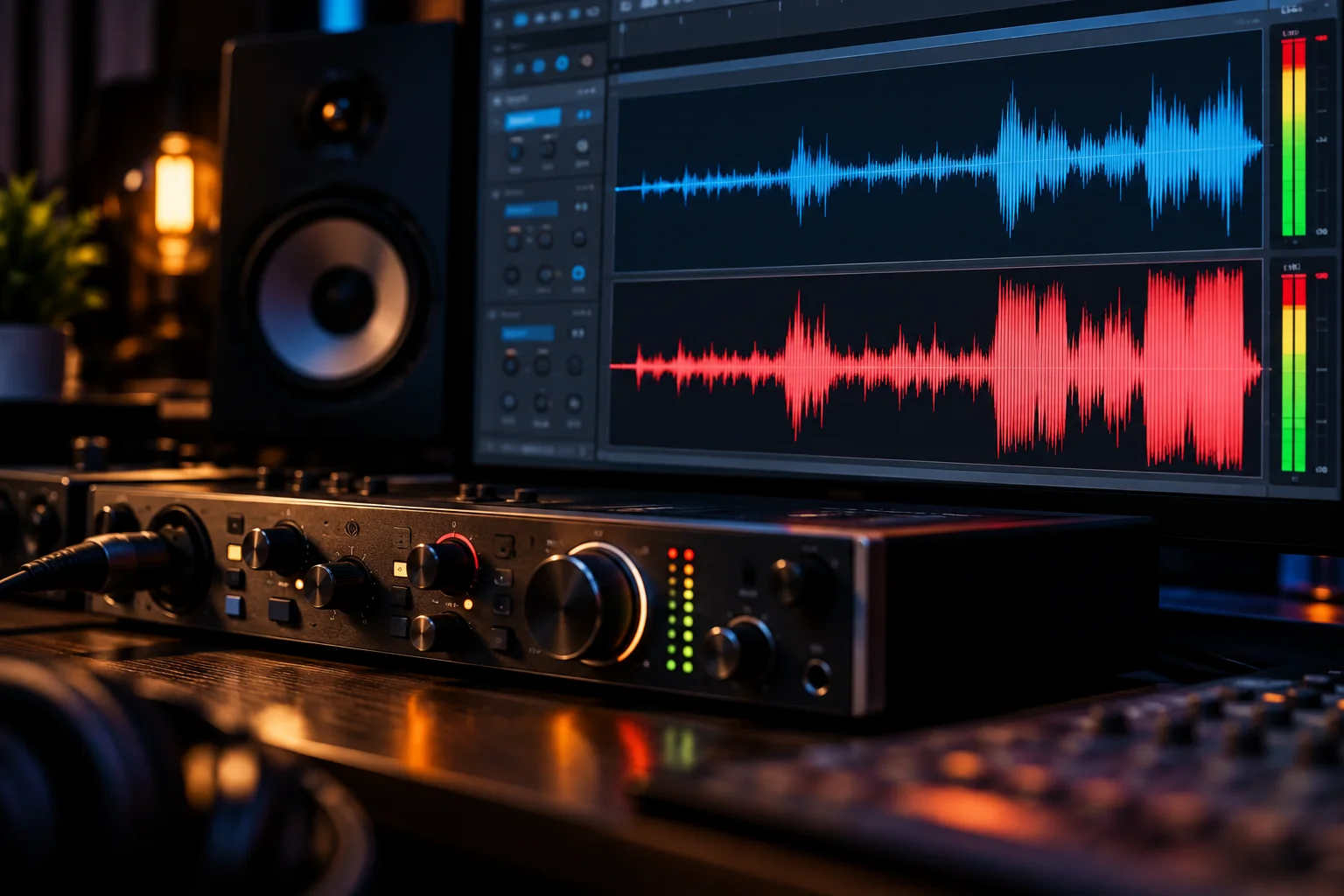
At 48 kHz, Sound Devices calculates that a single-channel 24-bit file requires 1,152,000 bits per second, compared with 1,536,000 bits per second for 32-bit float.
That's approximately 33% more data before considering file-container overhead.
For modern memory cards and storage drives, that may be an easy trade-off for production crews.
For creators recording many hours of audio, however, the difference can accumulate.
Can Every Audio Editor Handle 32-Bit Float?
Most modern professional audio applications can work with 32-bit float WAV files, but compatibility should still be checked for a specific production workflow.
Sound Devices notes that support is not universal across every audio application and maintains compatibility information for various DAWs and production programs.
This matters if you're handing recordings to an editor, client or post-production facility.
A good recording format is only useful if the rest of your workflow handles it correctly.
Should You Record Everything in 32-Bit Float?
Not necessarily. 32-bit float is most valuable when you need protection against unpredictable recording levels.
For a YouTuber recording a controlled voiceover at a desk, 24-bit is already highly capable.
For a filmmaker recording unpredictable dialogue on location, 32-bit float can provide valuable insurance against sudden peaks.
For a sound designer capturing unpredictable effects, it can be especially useful.
The decision therefore isn't really:
"Which format has higher numbers?"
It's:
"How much control do I have over the recording level?"
The less predictable your source, the more useful 32-bit float becomes.
Frequently Asked Questions
Is 32-bit float better than 24-bit?
It offers a major practical advantage for recording unpredictable levels because signals above 0 dBFS can be preserved without digital clipping on a properly designed 32-bit float recording system. For controlled recording, 24-bit is already excellent.
Does 32-bit float make audio sound better?
Not automatically. If both recordings are clean and neither clips, you shouldn't expect 32-bit float alone to make the recording inherently sound better.
Can 32-bit float save a recording that clipped?
It can preserve peaks above 0 dBFS when the recording hardware captured them correctly. It cannot recover distortion caused by an overloaded microphone, preamp or analog converter.
Is 24-bit enough for YouTube?
Yes. For controlled voiceovers, podcasts and most YouTube production, 24-bit provides more than enough resolution.
Is 32-bit float worth it for filmmaking?
It can be, especially for unpredictable dialogue and production sound where sudden changes in level are difficult to anticipate.
Does 32-bit float eliminate gain staging?
No. It makes precise gain setting less critical for compatible recording systems, but microphone sensitivity, preamp noise, analog headroom and monitoring still matter.
Does 32-bit float use more storage?
Yes. At the same sample rate and channel count, 32-bit float uses roughly one-third more data than 24-bit fixed-point audio.
The Bottom Line
24-bit audio is already an extremely capable recording format. 32-bit float's real advantage is not that your finished podcast suddenly sounds more detailed; it's that you gain enormous protection against digital overload during recording.
If you're recording a carefully controlled voiceover, 24-bit is usually all you need.
If you're recording a wedding, documentary, concert, wildlife, unpredictable interview or sound effects where levels can suddenly jump, 32-bit float can be genuinely useful.
The biggest caveat is hardware. 32-bit float only delivers its headline advantage when the entire recording chain is designed to preserve the incoming dynamic range. It can't repair an analog stage that has already overloaded.
So for creators, the practical rule is simple:
Use 24-bit when you can control your levels. Choose 32-bit float when you value recording-level insurance more than minimizing file size.