
A fan used to be one of the simplest appliances in the home. Turn the switch, choose a speed, adjust the direction, and let it run. Today, that familiar routine is changing as Smart fans bring voice control, smartphone apps, scheduling, automation, and connected-home features into everyday cooling.
Instead of getting up to change the speed, you can use a voice command. Want the fan to turn off after you fall asleep? A compatible app or smart-home routine can take care of it. Already have other connected devices at home? Your fan may be able to work alongside them.
The appeal isn't simply about technology for technology's sake. Smart controls can make cooling more convenient, particularly in bedrooms, living rooms, home offices, and other spaces where people spend long periods of time.
But what exactly makes a fan "smart," and which features are genuinely worth looking for?
Let's explore how voice-controlled fans are changing home cooling and what to consider before bringing one into your home.
What Are Smart Fans?
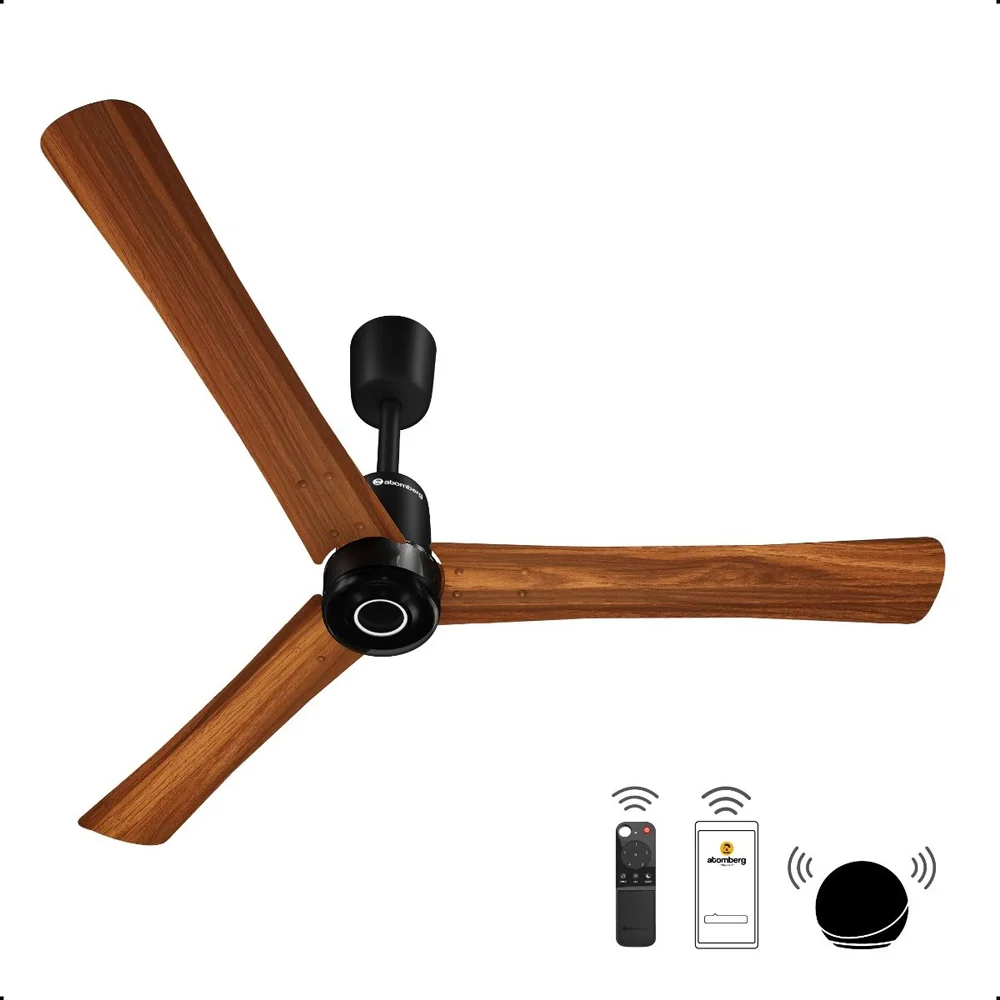
Smart fans are connected cooling appliances that can be controlled through methods beyond a traditional physical switch or remote.
Depending on the model, you may be able to control a fan using:
A smartphone app
Voice commands
A traditional remote
Automated schedules
Smart-home routines
Sensors or automated settings
A manufacturer's connected platform
The exact features vary considerably.
Some Smart fans are designed with built-in Wi-Fi and can connect directly to a home network. Others may require a compatible smart-home hub or controller.
The important distinction is that a smart fan isn't simply a fan with a remote. It can connect to a broader digital ecosystem and potentially respond to commands or routines without requiring manual interaction.
Quick takeaway: The smartest feature isn't necessarily the most complicated one. A simple schedule, reliable app, or dependable voice command can be more useful than a long list of features you'll rarely use.
How Voice Control Changes the Everyday Fan Experience
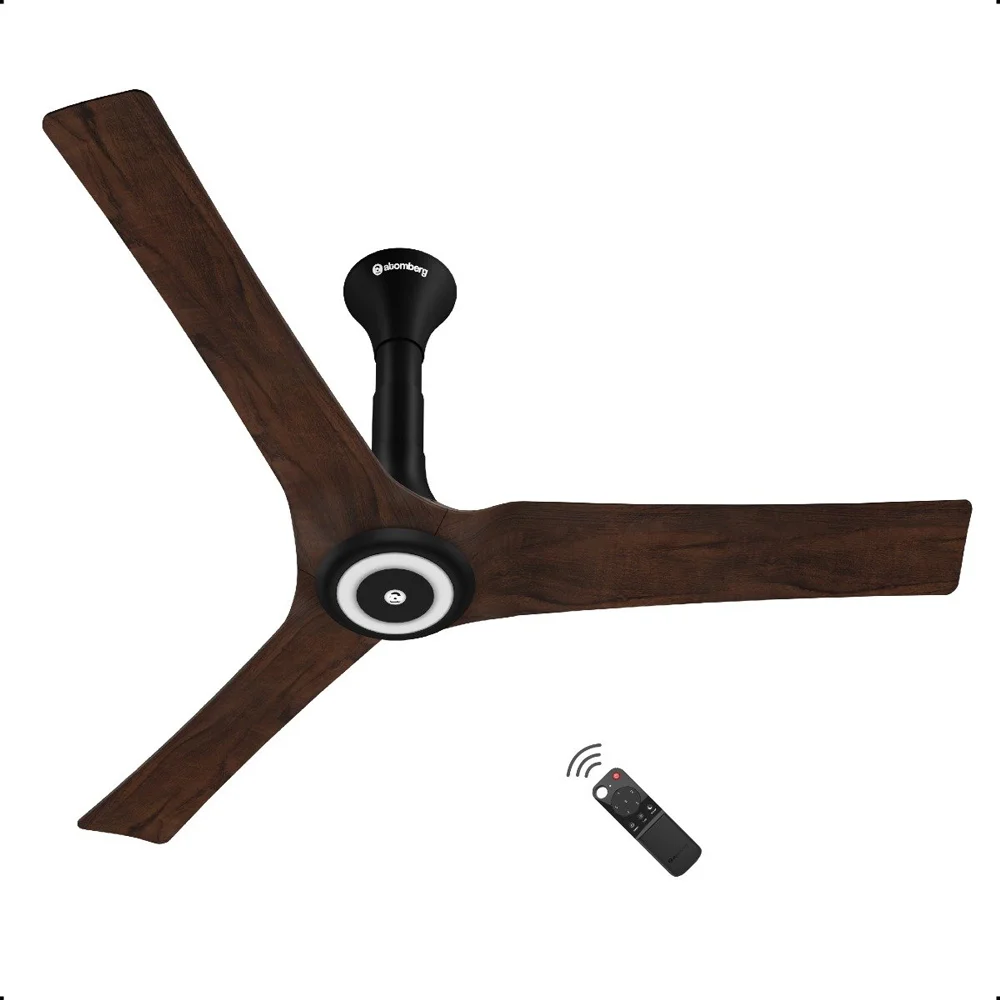
Voice control is one of the easiest smart features to understand.
Instead of reaching for a remote or walking across the room, you can use a compatible voice assistant to control the fan.
Commands might include requests to:
Turn the fan on or off
Increase the speed
Reduce the speed
Set a particular speed
Change an available mode
Adjust compatible settings
This can be especially convenient when your hands are occupied.
Imagine preparing dinner while the kitchen feels warm. Instead of stopping what you're doing, you can use a voice command to start a compatible fan.
Or perhaps you're already in bed and realize the room is getting too warm. A voice-controlled fan can let you adjust the setting without reaching for a phone.
The convenience is small, but it can become surprisingly useful when integrated into everyday routines.
Alexa and Smart Fans
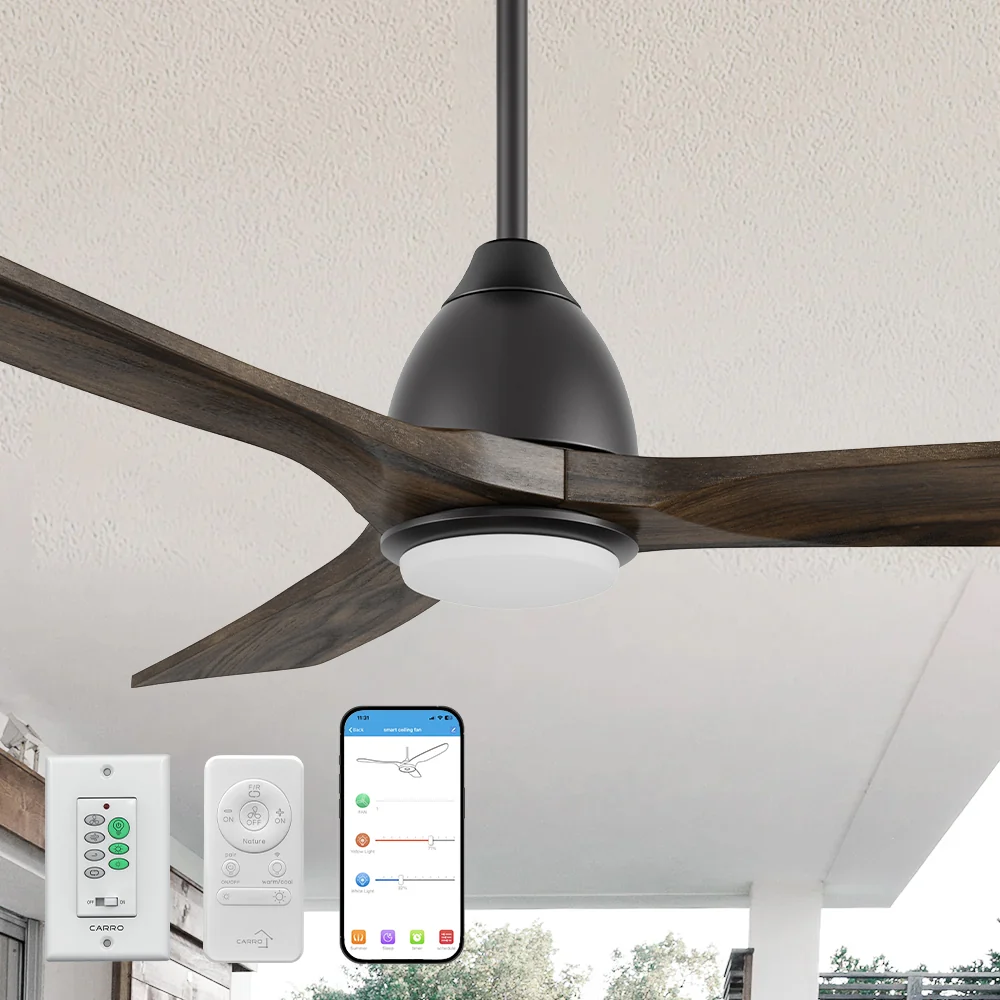
Amazon Alexa is one of the major voice-assistant platforms used with connected home products.
Compatible Smart fans can be added to an Alexa-based smart home, allowing users to control supported functions through voice commands or the Alexa app.
The exact capabilities depend on both the fan and its integration.
For example, one model might support basic on/off and speed controls, while another may expose additional functions through its connected platform.
Before buying an Alexa-compatible fan, check:
Whether Alexa integration is officially supported
Which commands are available
Whether a separate hub is required
Whether all fan speeds can be controlled
Whether scheduling is available
Whether certain functions require the manufacturer's app
Compatibility is important because two products that both advertise "Alexa support" may not offer exactly the same level of control.
Google Home and Connected Cooling
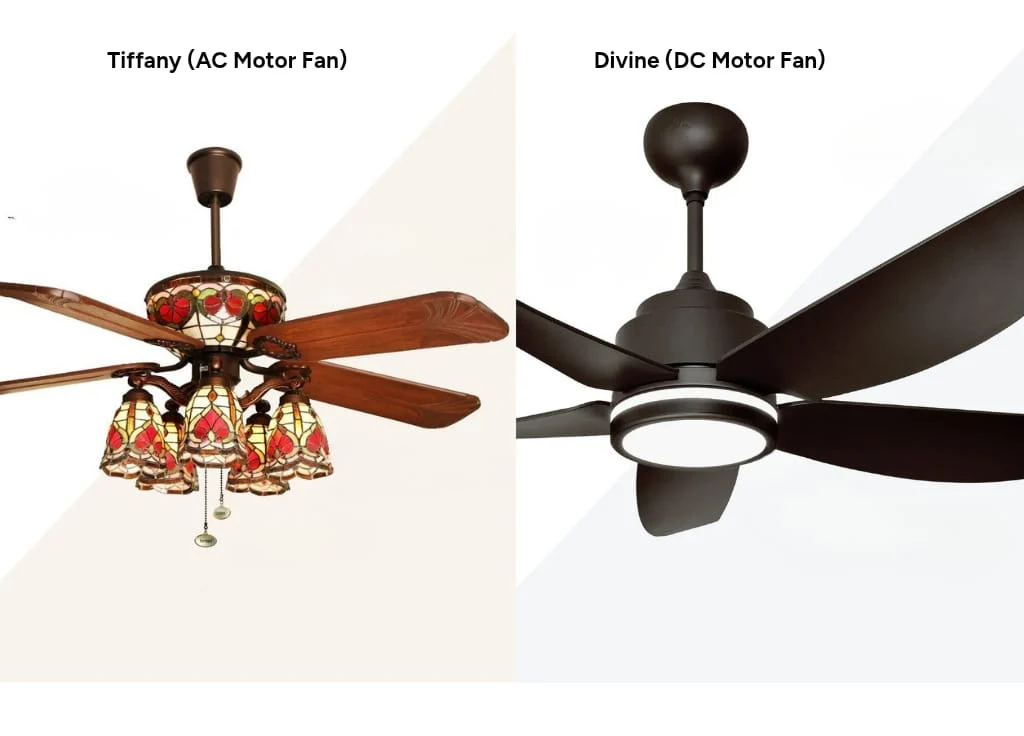
Google Home provides another popular route for controlling connected appliances.
A compatible Smart fan can potentially become part of a broader Google-based smart-home setup, allowing users to control it through voice commands or connected routines.
This becomes more interesting when multiple devices are involved.
For example, a household could potentially create a routine that combines several actions at a particular time, provided the devices and platforms support those integrations.
The benefit isn't necessarily that the fan becomes more powerful. Instead, it becomes easier to incorporate cooling into the way you already use your home.
Smartphone Apps Put Fan Controls in Your Pocket
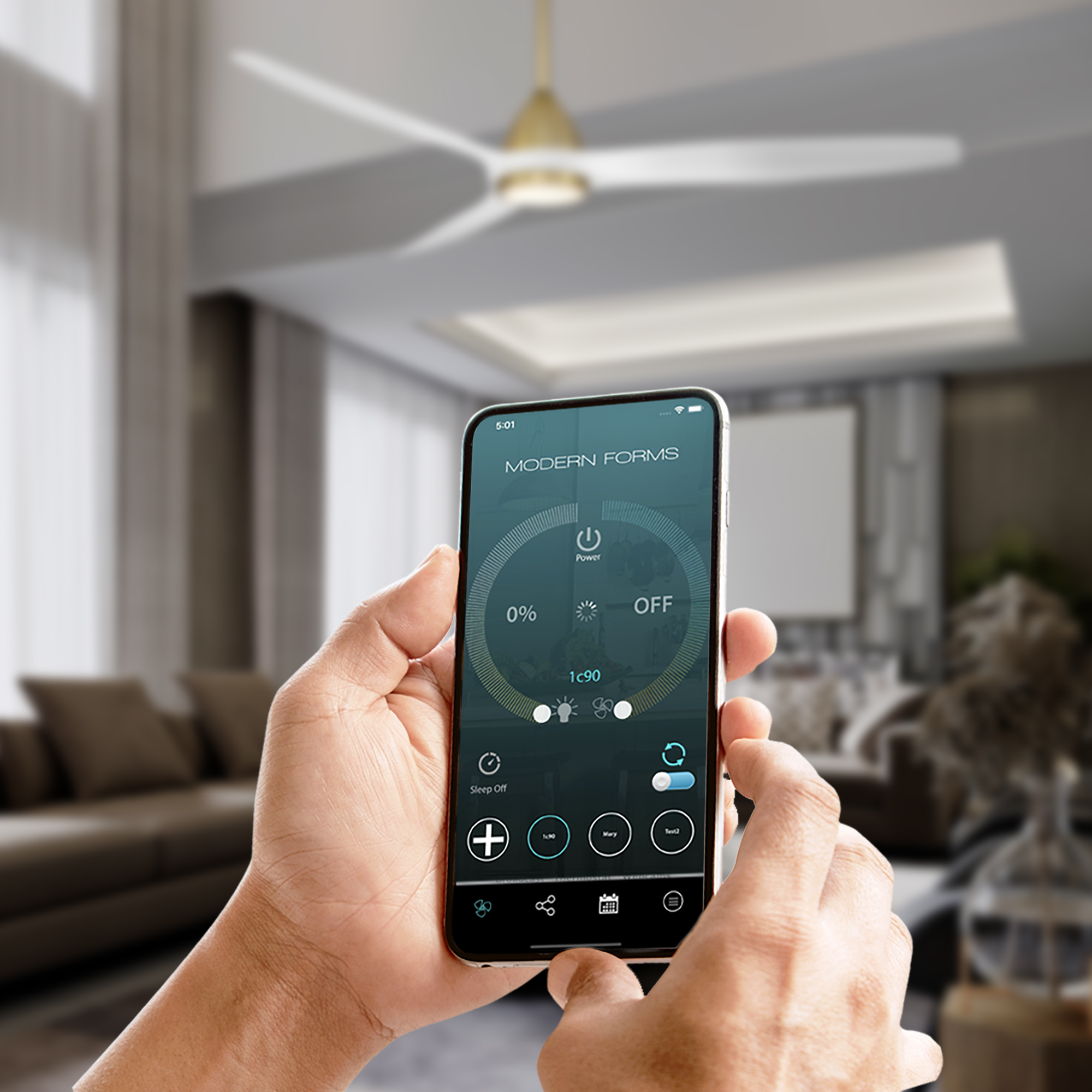
Voice control gets most of the attention, but smartphone apps can be equally useful.
A connected fan app may allow users to control settings remotely, depending on the model.
That means you don't necessarily need to be standing next to the fan to make an adjustment.
App-based controls may include:
Power
Fan speed
Operating modes
Oscillation
Scheduling
Timers
Device status
Firmware updates
Imagine leaving home and realizing that you forgot to turn the fan off. If the fan supports remote control, you may be able to check its status and switch it off through the app.
Similarly, you might schedule cooling to begin before you return home.
This is where Smart fans start moving from simple appliances toward connected household devices.
Scheduling Can Be More Useful Than Voice Commands
Voice control is convenient, but automation can be even more practical.
A schedule allows a fan to operate at predetermined times without requiring you to remember to turn it on or off.
For example, you might set a bedroom fan to operate during certain nighttime hours or have a home-office fan run during your typical working schedule.
Schedules can be useful for households with predictable routines.
Example of a simple cooling routine
7:00 PM → Fan turns on at a moderate speed
10:30 PM → Fan changes to a lower setting
1:00 AM → Fan switches off
The exact functions depend on the fan and its app or smart-home platform, but the principle is simple: automate repetitive actions instead of manually managing them every day.
Smart Fans vs. Traditional Fans
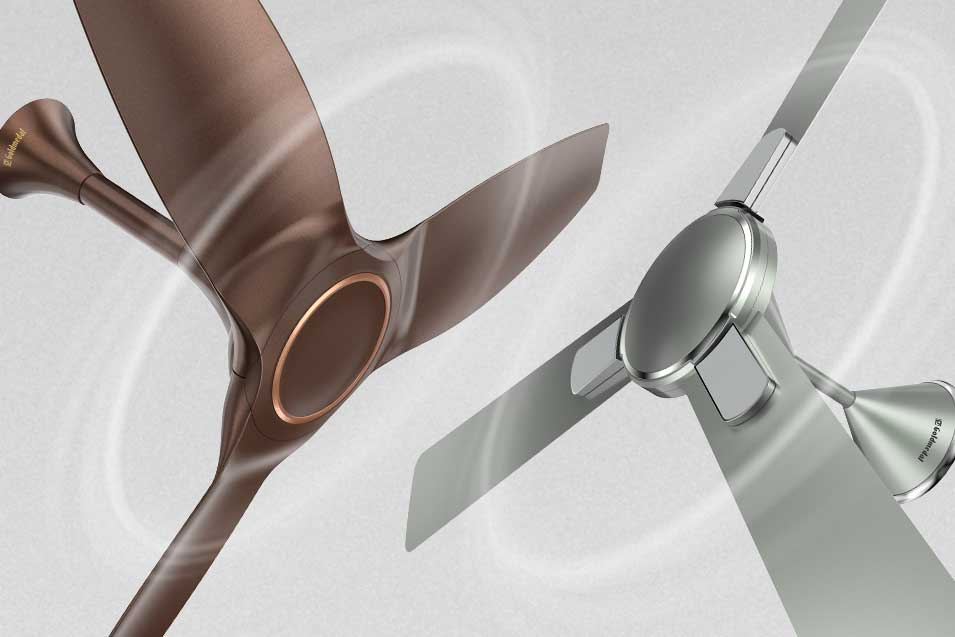
The difference becomes clearer when the two are placed side by side.
Feature | Traditional Fan | Smart Fan |
|---|---|---|
Manual controls | ✓ | ✓ |
Remote control | Some models | Usually |
Smartphone control | No | Often |
Voice control | No | Supported on compatible models |
Scheduling | Limited | Often available |
Smart-home integration | No | Available on compatible models |
Remote operation | No | Often available |
Automated routines | No | Available on supported platforms |
Software updates | Rare | Possible |
Smart functionality doesn't necessarily make a fan physically better at moving air. Its biggest advantage is how easily you can control and integrate it.
Are Smart Fans More Energy Efficient?
This is one area where expectations need to be realistic.
A fan with Wi-Fi or voice control isn't automatically more energy efficient than a conventional model.
Energy use depends on factors such as:
Motor design
Fan size
Operating speed
Runtime
Efficiency of the appliance
How the household uses it
However, smart controls can make energy management easier.
For example, scheduling can prevent a fan from running unnecessarily when nobody is using the room. Remote controls can also make it easier to switch a fan off when you've left the house.
So the potential benefit comes partly from better control of usage, rather than simply from the word "smart."
Smart-home tip: Look at the fan's actual power specifications instead of assuming that connectivity automatically means lower energy consumption.
Voice Control Is Great, but Don't Ignore the Physical Controls
One potential mistake when shopping for Smart fans is focusing entirely on voice control.
A good smart appliance should still be easy to operate manually.
Why?
Internet connections can fail. Apps can experience issues. Voice assistants may not always understand commands correctly. Someone in the household may simply prefer pressing a button.
That's why physical controls remain useful.
Ideally, you should be able to use the fan in several ways:
Voice → Quick hands-free adjustments
App → Detailed control and remote access
Remote → Convenient everyday operation
Physical controls → Reliable backup
This flexibility makes a smart fan easier for an entire household to use.
What About Smart Sensors?
Some connected cooling products incorporate sensors or can work with other smart-home sensors.
Depending on the product, sensors may be used to understand conditions or trigger automations.
However, buyers should distinguish between features built directly into the fan and automations provided by a broader smart-home system.
For example, a fan might not have its own temperature sensor but could potentially respond to information from a compatible smart thermostat or sensor.
This can create more sophisticated cooling routines.
Smart Fans for Bedrooms
Bedrooms are one of the places where connected fan controls can make the most sense.
Once you're comfortable in bed, even a simple task like changing fan speed can feel inconvenient.
Voice control solves that problem.
Scheduling can also be useful for nighttime routines.
A fan could operate at one setting earlier in the evening and follow a different schedule later, depending on what the specific product supports.
For bedrooms, also consider:
Noise level
Sleep modes
Speed options
Display brightness
Oscillation
Timer functions
Ease of remote control
A smart fan can have excellent connectivity and still be a poor bedroom choice if it is too noisy.
Smart Fans for Home Offices
Home offices have their own cooling requirements.
You might want a fan running during working hours without having to think about it. Scheduling can help, while app control makes it easy to adjust cooling during meetings or focused work.
Voice control can also be useful when you're working with your hands or away from the desk.
For office use, consider:
Noise level
Speed adjustment
Directional airflow
Scheduling
Remote control
App reliability
A quiet fan with dependable controls may be more valuable than an appliance overloaded with features.
What to Check Before Buying Smart Fans
Before choosing a connected fan, run through this quick checklist.
Connectivity
Does it connect through Wi-Fi, Bluetooth, or a hub?
Does it work with your home network?
Is internet access required for certain functions?
Voice assistants
Does it support Alexa?
Does it support Google Home?
Are all advertised controls available through voice?
App
Is there a dedicated app?
Can you control the fan remotely?
Does it support schedules and timers?
Everyday operation
Are physical controls available?
Is the remote included?
Is the fan easy to use without the app?
Performance
Is airflow appropriate for the room?
Is the fan quiet enough for sleeping or working?
Does it provide enough speed options?
Does it offer useful oscillation or directional control?
Long-term ownership
Does the manufacturer provide software updates?
Are replacement parts or accessories available?
Does the product require a subscription for any important feature?
These questions can help separate genuinely useful Smart fans from products where connectivity is mostly a marketing feature.
A Simple Smart Fan Buying Guide
Here's an easy way to prioritize features:
Feature | Importance | Why It Matters |
|---|---|---|
Airflow performance | ★★★★★ | The fan still needs to cool effectively |
Noise level | ★★★★★ | Particularly important for bedrooms |
Reliable controls | ★★★★★ | Makes everyday operation easier |
Voice compatibility | ★★★★☆ | Useful for hands-free operation |
Smartphone app | ★★★★☆ | Provides remote control and settings |
Scheduling | ★★★★☆ | Automates regular cooling |
Smart-home integration | ★★★☆☆ | Useful in connected households |
Advanced sensors | ★★★☆☆ | Helpful for more complex automation |
Extra smart features | ★★☆☆☆ | Depends on individual needs |
The stars above are a general buying-priority framework, not ratings of particular products.
The Future of Smart Fans
Connected cooling is likely to become more automated as smart-home technology develops.
Future Smart fans may work more closely with thermostats, temperature sensors, occupancy systems, and other connected appliances.
Instead of simply responding to a voice command, a fan could potentially become part of a broader cooling strategy.
For example, a connected home might detect that a room is occupied and warm, then activate compatible cooling equipment according to predefined settings.
The bigger trend is clear: household appliances are becoming less isolated.
Fans, lights, thermostats, air conditioners, security devices, and other products can increasingly work together through connected platforms.
The challenge will be making that technology simple enough that homeowners don't need to constantly manage it.
Final Thoughts
Smart fans are changing home cooling in a fairly straightforward way: they're making everyday control more flexible.
Alexa and Google Home can provide hands-free operation. Smartphone apps can provide remote access. Scheduling can automate repetitive tasks. Smart-home integration can bring cooling into broader household routines.
But the smartest choice isn't necessarily the fan with the longest feature list.
Start with the basics: airflow, noise, reliability, room size, speed options, and build quality. Then consider the connected features that genuinely fit your lifestyle.
If you already use voice assistants, a compatible Smart fan can be a natural addition to your home. If you prefer simple controls, look for a model that offers smart functions without making basic operation complicated.
Ultimately, smart technology should make cooling easier—not turn a simple fan into another device you have to constantly manage.
FAQs
1. What are Smart fans?
Smart fans are connected fans that can be controlled through features such as smartphone apps, voice assistants, schedules, timers, and smart-home platforms. The exact capabilities vary by model.
2. Can Smart fans work with Alexa?
Many Smart fans support Alexa, allowing compatible functions such as power and speed control through voice commands. However, supported commands vary by product, so check the manufacturer's specifications before buying.
3. Can Smart fans work with Google Home?
Some Smart fans can integrate with Google Home and compatible Google Assistant features. The level of control depends on the specific fan and its software integration.
4. Can I control a Smart fan from my phone?
Many connected fans have dedicated smartphone apps that allow users to control supported settings remotely. Features can include power, speed, timers, schedules, and operating modes.
5. Do Smart fans use more electricity?
Smart functionality does not automatically mean higher or lower energy consumption. Actual usage depends on the motor, speed, operating time, and model. Connected controls may help reduce unnecessary runtime through scheduling and remote operation.
6. Do Smart fans need Wi-Fi?
Many Wi-Fi-enabled fans require a wireless connection for app-based and remote features. Some connected products may use Bluetooth or another technology. Check the individual product's connectivity requirements.
7. Are Smart fans worth buying?
They can be particularly useful if you value voice control, remote operation, scheduling, or smart-home integration. If you only need basic airflow, a conventional fan may provide everything you need.
8. Can Smart fans turn on automatically?
Compatible Smart fans can often be scheduled to turn on or off automatically. Some may also participate in smart-home routines, depending on their platform and available integrations.
9. Are Smart fans good for bedrooms?
They can be. Features such as quiet operation, sleep modes, timers, scheduling, and voice control can make them convenient for bedrooms. Noise level should be considered carefully before buying.
10. What should I prioritize when buying a Smart fan?
Start with airflow performance, room suitability, noise level, reliability, speed control, and physical operation. Then consider voice compatibility, app features, scheduling, and