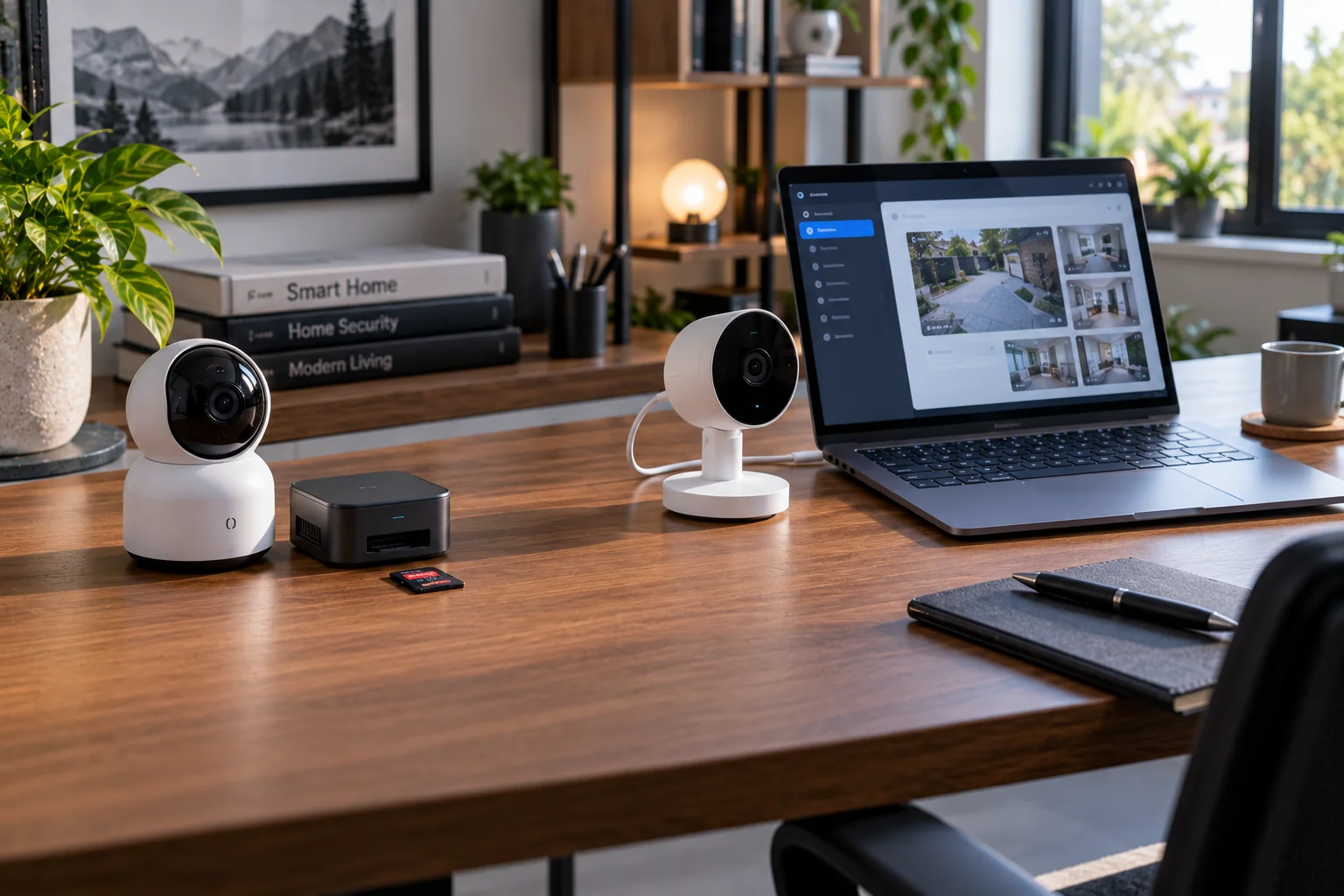
A smart security camera can record footage in several different ways.
It can upload everything to the manufacturer's cloud. It can save recordings to a microSD card inside the camera. It can send video to a local hub or NVR. Or it can combine local recording with cloud backup.
That choice matters more than it might initially seem.
Cloud storage makes remote access and off-site backup easy. Local storage gives you greater control over where your footage lives and can continue recording during an internet outage, provided the camera and storage system still have power.
There's also a security trade-off.
If someone steals a camera that has been recording locally, the footage stored on that device may disappear with it. Cloud recordings, by contrast, can remain available after the camera is damaged or stolen. But cloud storage puts your recordings on someone else's infrastructure and makes your account security and the provider's security practices part of the equation.
For many homes, the most practical answer in 2026 isn't choosing one exclusively.
It's local recording + carefully selected cloud backup.
What Is Cloud Storage for Security Cameras?
Cloud storage means your camera sends recorded video to remote servers operated by the camera or security provider.
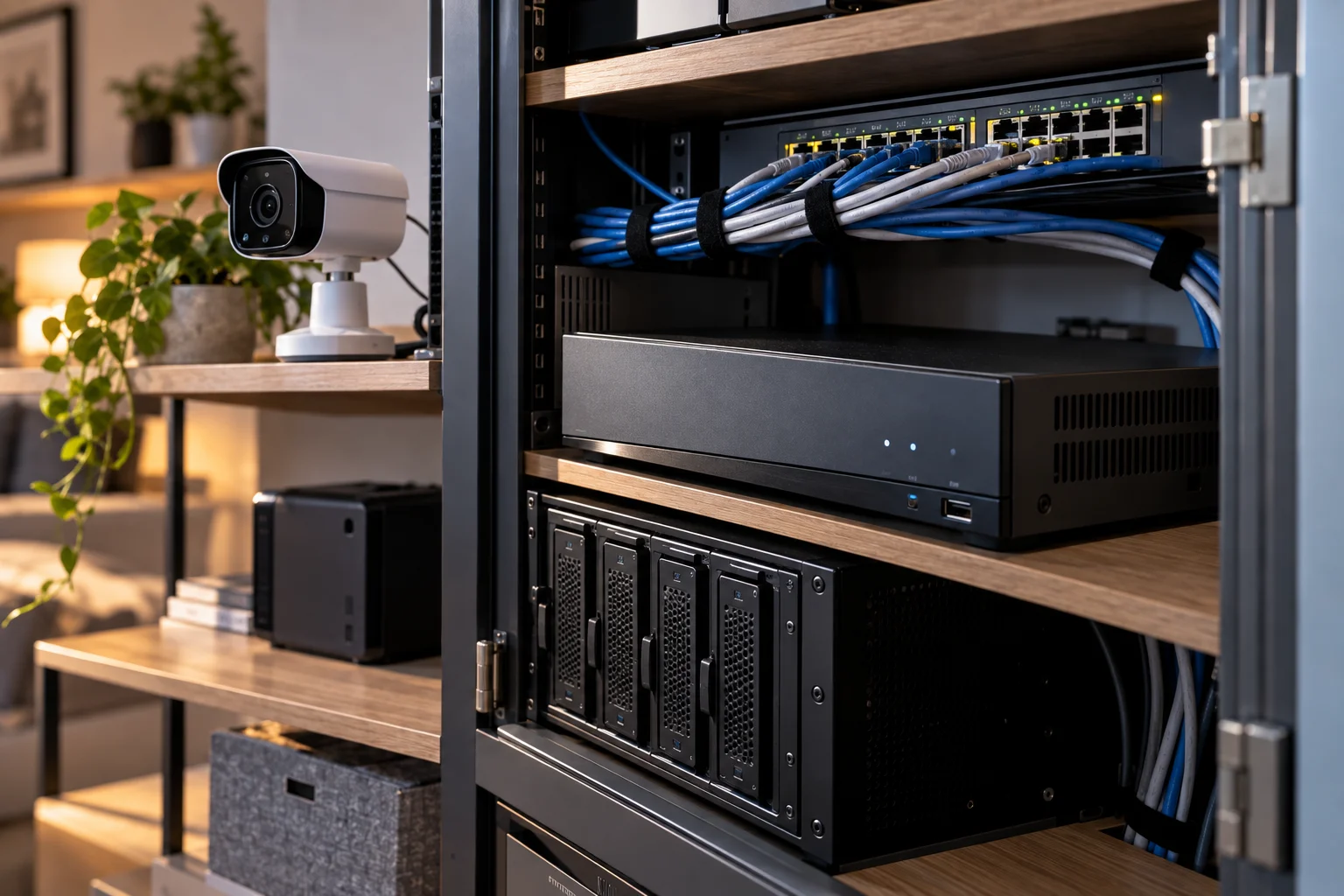
Instead of storing everything on an SD card or NVR in your home, the footage travels over your internet connection to the provider's infrastructure.
Google Nest is a straightforward example. Google says Nest cameras upload video to the cloud when connected to Wi-Fi and the Nest service, allowing users to access saved footage through the service. Its available recording history depends on the camera and Nest Aware subscription.
The biggest advantages are convenience and physical separation.
If somebody breaks into your home and takes the camera, the footage that was already uploaded to the cloud can remain available.
You also don't need to maintain your own storage server.
What Is Local Storage for Security Cameras?
Local storage keeps recordings on hardware you control, such as a microSD card, camera hub or NVR.
The simplest version is a camera with a microSD card.
More sophisticated systems can use a dedicated hub or network video recorder.
eufy, for example, supports local storage through cameras and HomeBase systems, while some of its cameras can also use microSD storage. The company says its local-first systems encrypt stored footage and can operate without requiring cloud storage for the core recordings.
An NVR takes the idea further.
Multiple cameras send their footage to a dedicated recorder, which can contain one or more hard drives. This makes NVR systems particularly useful when you want continuous recording across several cameras.
Cloud vs Local Storage: What Actually Changes?
The fundamental difference is control versus convenience.
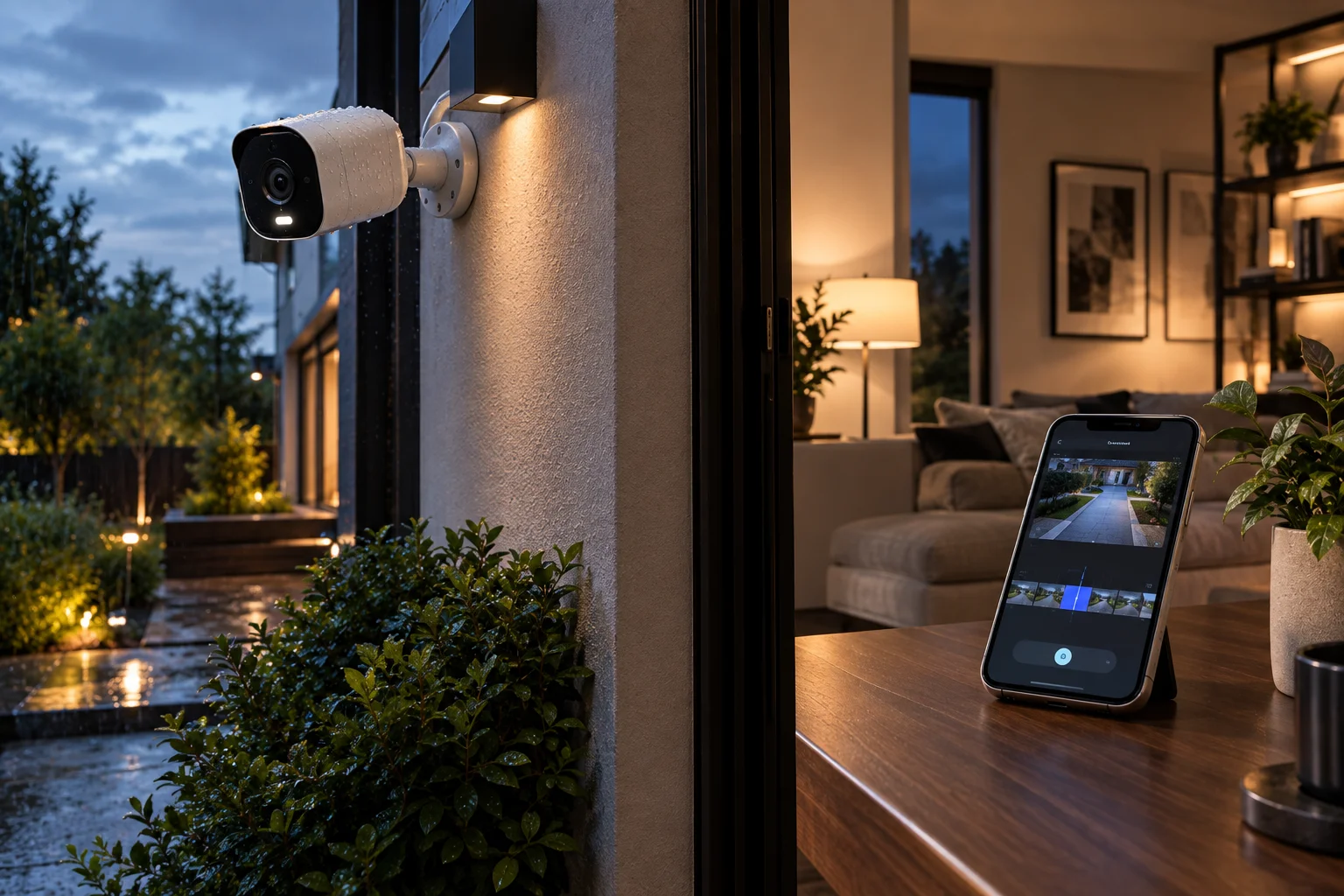
Factor | Cloud storage | Local storage |
|---|---|---|
Where footage lives | Provider's servers | Your camera, hub or NVR |
Remote access | Usually very easy | Depends on system |
Internet dependence | Usually important for uploading | Recording can continue offline |
Privacy control | Depends on provider and account security | More direct physical control |
Off-site backup | Built in | Requires separate backup |
Subscription | Often required for history | Often little or no recurring cost |
Theft protection | Strong for already-uploaded clips | Depends on where storage is located |
Storage capacity | Plan dependent | Depends on card/drive capacity |
Maintenance | Low | Higher |
Multi-camera recording | Usually easy | NVR/hub works well |
Vendor dependence | Often high | Can be lower, depending on system |
There isn't one universally superior storage architecture.
The right choice depends on what failure you are trying to protect against.
Is Local Storage More Private Than Cloud Storage?
Local storage can give you greater direct control over your footage, but it isn't automatically private or secure.
If video stays inside your home and isn't uploaded to a provider, there's less dependence on that provider's cloud infrastructure.
But local storage still has security risks.
Someone who gains access to your network, camera account or physical storage device could potentially access recordings depending on how the system is designed.
Encryption and authentication therefore matter.
eufy says its local recordings use encryption and that access requires its software and account authentication.
The important distinction is:
Local does not mean automatically secure.
You still need strong passwords, multifactor authentication where available, current firmware and sensible network security.
Is Cloud Storage Less Private?
Cloud storage introduces another party and another infrastructure layer into the storage chain, but a well-designed cloud system can still use strong encryption and access controls.
The relevant question isn't simply:
"Is it in the cloud?"
Ask instead:
Is footage encrypted in transit?
Is it encrypted at rest?
Does the provider offer end-to-end encryption?
Who controls the encryption keys?
Can employees access recordings?
What metadata is collected?
How long are recordings retained?
Can you delete them?
What happens after account cancellation?
Are AI processing features performed locally or in the cloud?
Ring, for example, says its recordings are encrypted in transit and at rest and offers additional encryption options for customers who want stronger control over cloud footage.
The provider's privacy and security documentation is therefore just as important as the storage location.
What Happens to Security Footage When the Internet Goes Down?
Local storage generally has the advantage because recording can continue without an internet connection, assuming the camera and storage hardware still have power.
This is one of the strongest practical arguments for local recording.
Imagine your internet connection fails at 2 a.m.
A local camera with a functioning SD card or NVR can potentially continue recording.
A cloud-only system may be unable to upload footage during the outage.
Google's Nest documentation illustrates the distinction: some Nest cameras have internal memory that can temporarily store events while offline and upload them after reconnection, but the exact behavior depends on the model.
So don't assume:
"Cloud camera = no recording during an outage."
The actual camera architecture matters.
Is Cloud Storage Better If Someone Steals the Camera?
Yes, cloud storage has a major advantage when the camera itself can be physically stolen or destroyed.
Suppose a burglar notices an outdoor camera.
If the camera contains the only copy of the footage, removing the camera may also remove the evidence.
With cloud storage, previously uploaded footage exists away from the property.
Local systems can address this problem too.
An NVR can be hidden or placed somewhere harder to access. A hub can be physically separated from the camera. Important clips can also be backed up to another location.
That's why the strongest local setups don't necessarily put everything on the camera itself.
Is an NVR Better Than an SD Card?
An NVR is generally better for multi-camera, continuous recording, while an SD card is simpler and cheaper for individual cameras.
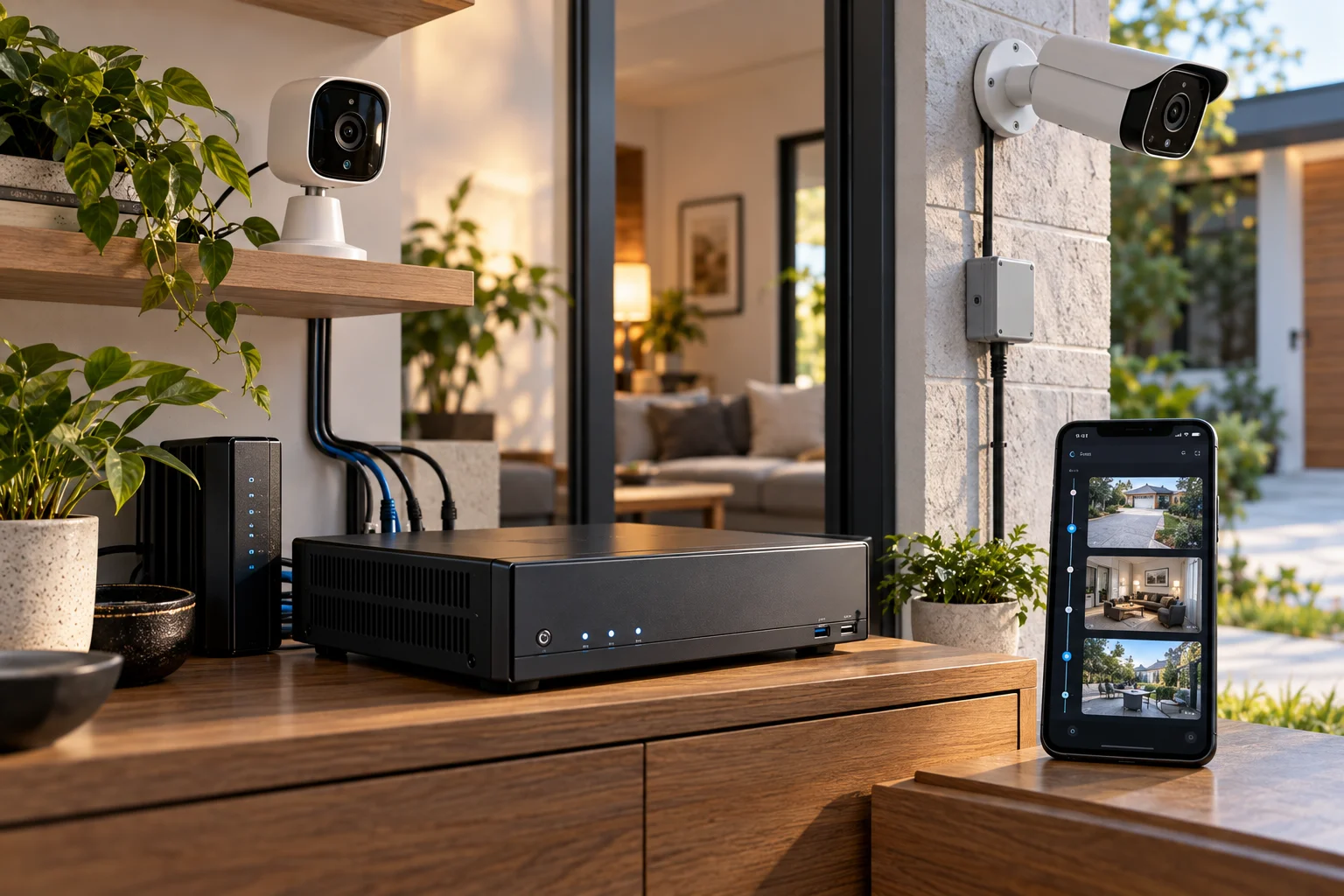
An SD card works well when you have:
One or two cameras
Event-based recording
Limited retention needs
Minimal installation complexity
An NVR becomes more attractive when you need:
Several cameras
24/7 recording
Longer retention
Centralized management
Larger storage capacity
Dedicated surveillance hard drives
The trade-off is complexity.
An NVR needs a suitable network, storage drive, power and configuration.
For a large property, however, that complexity can be worthwhile.
Does Local Storage Cost Less Over Time?
It often can, because local storage can avoid recurring cloud-storage subscriptions.
A microSD card is relatively inexpensive.
A larger NVR system costs more initially but can provide substantial storage without paying a subscription for every camera.
Cloud storage moves some of that cost in the opposite direction:
Lower hardware complexity + recurring service cost
rather than:
Higher local hardware investment + lower recurring storage cost
The actual five-year cost depends on camera count, retention period, recording quality and the provider's subscription structure. eufy's 2026 comparison similarly identifies recurring subscription fees as a common cloud-storage cost and local hardware as the main upfront expense.
Does Cloud Storage Give Better Remote Access?
Usually, yes. Cloud-connected systems are designed to make remote viewing straightforward.
Open the app while you're away from home and the system connects through the provider's service.
ONVIF's emerging Profile V standard is designed around this type of cloud video architecture, including secure remote access, cloud recording and event notifications without requiring traditional port forwarding or complex VPN configurations.
Local systems can also provide remote access.
But the implementation varies.
Some manufacturers provide secure remote access through their apps. More open systems may require VPN or additional network configuration.
That's why local storage and remote access aren't mutually exclusive.
Can You Remotely Access Locally Stored Footage?
Yes, if the camera or local recording system provides secure remote access.
For example, eufy says certain cameras can store recordings locally while still allowing users to view footage remotely through its app.
This is an important point when shopping.
You don't necessarily have to choose between:
Privacy
and
Remote access
Look for systems that offer local-first storage with secure remote viewing.
The architecture is more important than the marketing label.
What Is a Hybrid Security Camera System?
A hybrid system stores footage locally while optionally copying important recordings to the cloud.
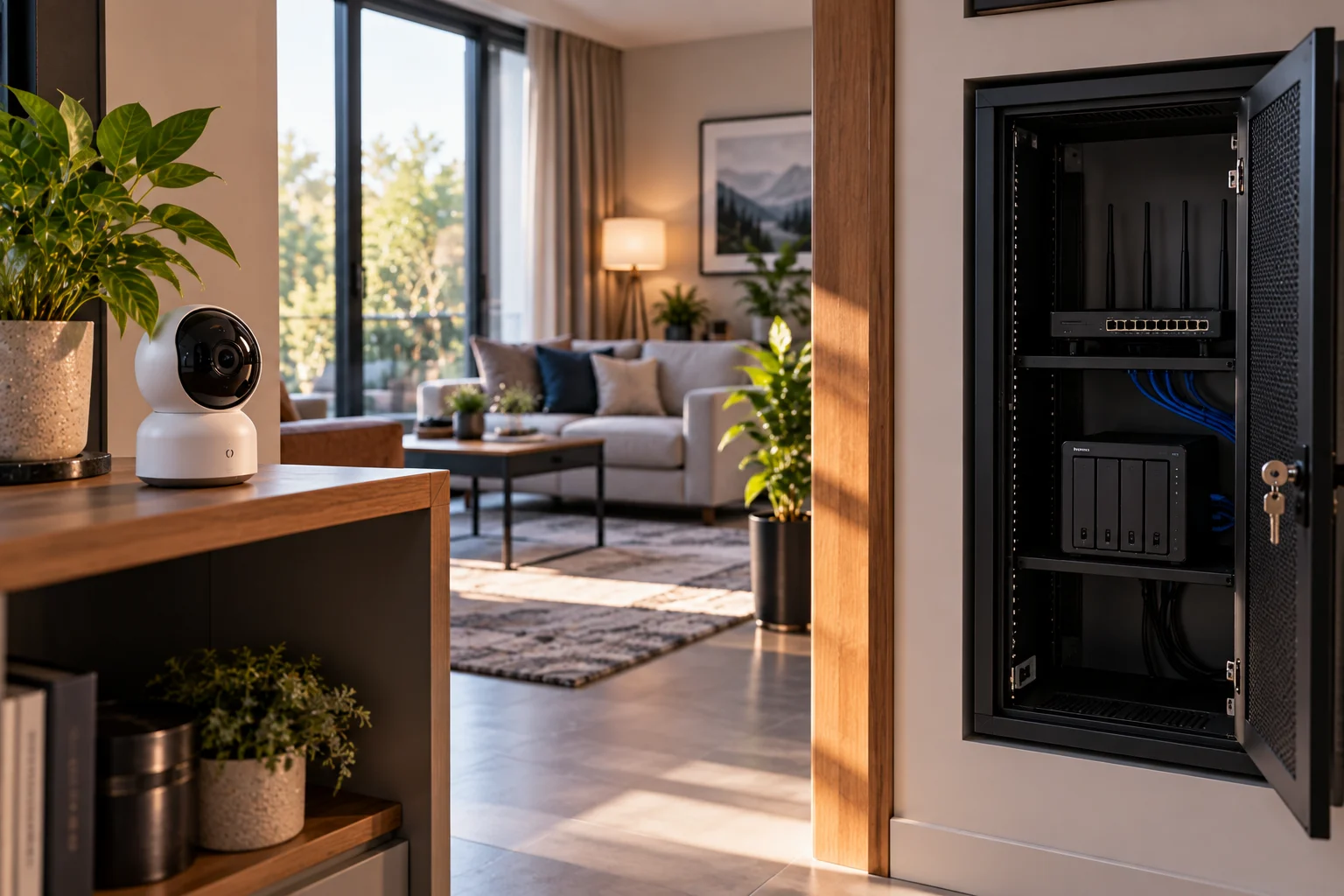
This approach addresses several weaknesses at once.
Your local system provides:
Privacy + offline recording + large local retention
while cloud backup provides:
Off-site protection + remote access + theft resilience
For example:
Camera → Local hub/NVR → Local footage
and
Important events → Encrypted cloud backup
If the internet goes down, local recording can continue.
If someone steals the camera or NVR, previously backed-up footage may still exist elsewhere.
eufy explicitly presents local storage with optional cloud backup as a way to combine local control with an additional layer of protection.
Does Local Storage Protect Against Ransomware or Network Attacks?
Not automatically. A local camera system is still a network-connected computer system and needs security controls.
An NVR connected to your home network can potentially become another attack surface.
Useful protections include:
Strong unique passwords
Multifactor authentication
Current firmware
Separate IoT network where appropriate
Encrypted connections
Secure remote access
Disabled unnecessary services
Regular backups
For advanced systems, avoid exposing camera interfaces directly to the public internet unless you understand the security implications.
A VPN or manufacturer's secure relay service may be preferable to open port forwarding.
Does Cloud Storage Create Vendor Lock-In?
It can, particularly when cameras, cloud accounts, storage and AI features are tightly tied to one manufacturer's ecosystem.
This is an increasingly important issue for larger installations.
ONVIF's 2026 Profile V work specifically addresses cloud interoperability because many existing cloud surveillance systems use proprietary connections between cameras and cloud platforms.
For a consumer buying one camera, vendor lock-in may not matter much.
For a business installing 20 cameras, it matters considerably more.
Before buying a larger system, check:
ONVIF support
Recording compatibility
Export formats
API availability
Whether cameras can move between VMS platforms
Whether cloud storage is mandatory
Which Storage Method Is Best for Privacy?
Local storage generally gives you the greatest direct control over where footage is stored, but encryption, authentication and physical security still matter.
If privacy is the priority, look for:
Local recording + encrypted storage + strong account security + minimal cloud dependency
Also check whether the manufacturer sends thumbnails, telemetry or other data to its cloud even when video storage is local.
A "local storage" label doesn't necessarily mean nothing ever leaves the property.
Some cloud-connected features can still transmit selected data.
Which Storage Method Is Best for Reliability?
A hybrid architecture is usually the most resilient because it avoids depending on a single copy of your footage.
Consider the different failure scenarios:
Failure | Cloud-only | Local-only | Hybrid |
|---|---|---|---|
Internet outage | Potentially affected | Local recording can continue | Local recording continues |
Camera stolen | Cloud clips survive | Footage may be lost | Cloud backup survives |
NVR stolen | Cloud unaffected | Footage may be lost | Cloud backup survives |
Cloud outage | Service affected | Local unaffected | Local footage remains |
SD card failure | Cloud unaffected | Recording may be lost | Backup may survive |
Home power outage | Camera stops unless backup power | Camera/NVR stops unless UPS | Same, unless backup power |
This highlights something important:
Storage redundancy is often more valuable than choosing cloud or local in isolation.
What Should You Store Locally and What Should Go to the Cloud?
Use local storage for continuous footage and routine recording, then reserve cloud storage for events or footage you particularly need to preserve.
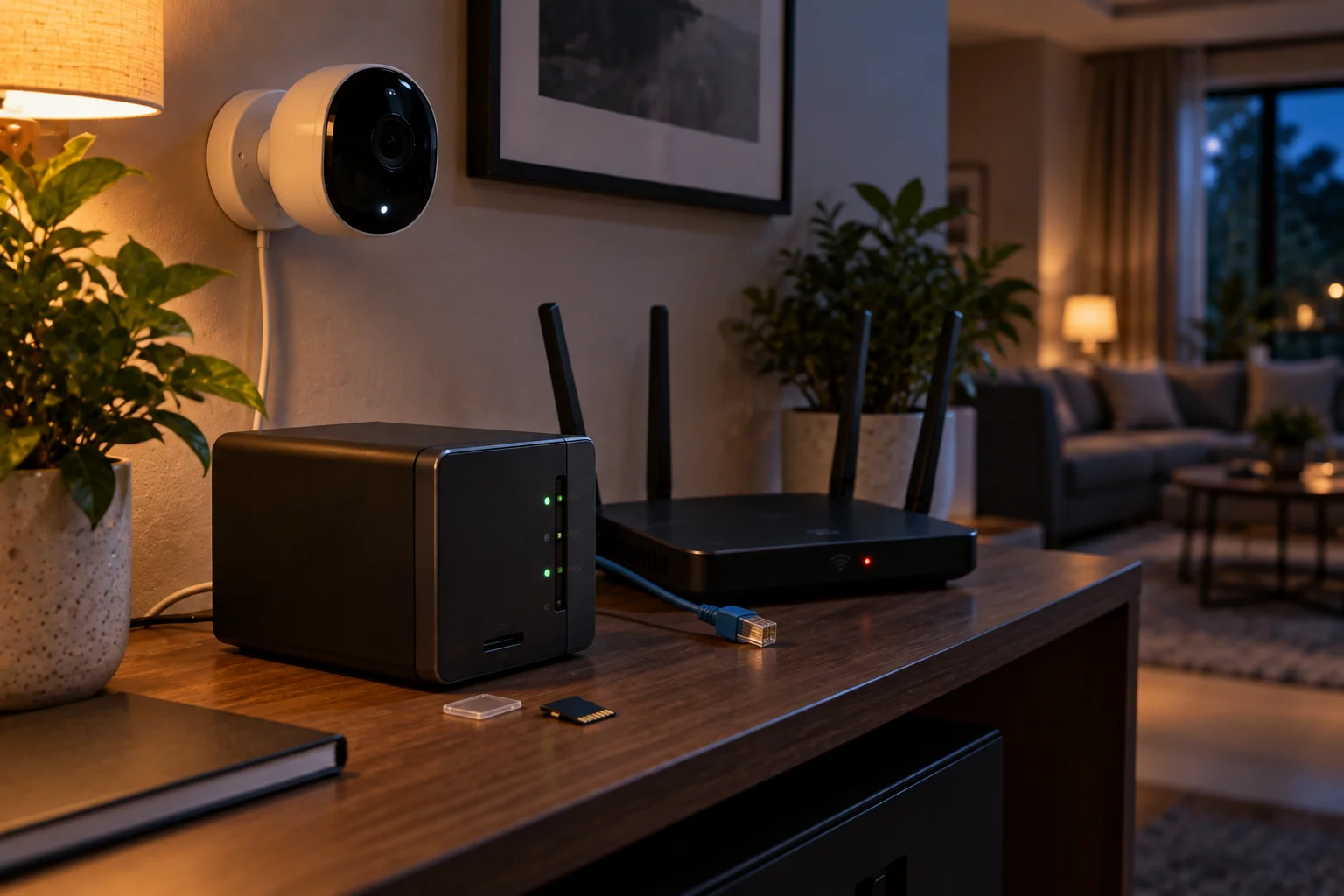
For example:
Local:
24/7 recordings
Routine motion events
Several days or weeks of history
Cloud:
Person detection events
Package events
Doorbell events
Important incidents
Clips you need while traveling
This can reduce cloud costs while retaining off-site copies of the footage that matters most.
The exact implementation depends on the camera system.
What Should You Look for When Buying a Smart Security System?
Look beyond camera resolution and check the entire recording architecture.
Before buying, ask:
1. Where is footage stored?
Camera, SD card, hub, NVR, cloud or combination?
2. What happens when the internet fails?
Does recording continue?
3. What happens when power fails?
Does the camera have battery backup? Can the NVR use a UPS?
4. Can you access local recordings remotely?
Check the manufacturer's exact implementation.
5. Is cloud storage mandatory?
Some cameras require subscriptions for recording history or advanced features.
6. How is footage encrypted?
Check encryption in transit and at rest.
7. Is end-to-end encryption available?
This can materially change who can access cloud recordings.
8. How long can local storage retain footage?
Calculate retention based on resolution, bitrate, number of cameras and recording mode.
9. Can you export footage?
This matters if you need to provide video to police, insurance companies or another system.
10. What happens if the company changes its service?
Cloud-dependent products can become less useful if subscriptions, servers or features change.
Cloud vs Local Smart Security Systems
Priority | Better fit |
|---|---|
Maximum privacy/control | Local |
Easiest remote access | Cloud |
Protection if camera is stolen | Cloud or hybrid |
No monthly storage fee | Local |
Large multi-camera deployment | NVR/local |
Simplest setup | Cloud |
Recording during internet outage | Local |
Off-site backup | Cloud |
Long-term storage | Local/NVR |
Best overall resilience | Hybrid |
Lowest maintenance | Cloud |
Maximum system control | Local |
Frequently Asked Questions About Cloud and Local Camera Storage
Is cloud storage safer than local storage?
Not automatically. Cloud storage protects footage from physical loss at the property, but security depends on the provider's authentication, encryption and infrastructure. Local storage gives you more direct control but requires you to secure the hardware and network.
Can a security camera record without Wi-Fi?
Some can. Cameras with local storage can often continue recording when internet access is unavailable, provided the camera and storage system still have power. Exact behavior depends on the model.
Can I use local storage and cloud backup together?
Yes. Many modern systems support local recording with optional cloud backup. This can provide both local control and off-site protection.
Is an SD card enough for security cameras?
For one or two cameras and event recording, it can be. For continuous recording across multiple cameras, an NVR or dedicated hub generally provides a more scalable storage solution.
Does local camera storage mean the footage never leaves my home?
Not necessarily. Some systems can still use cloud services for notifications, thumbnails, remote access or other features. Check the manufacturer's data and privacy documentation.
Can someone steal my camera and delete local footage?
Yes, potentially. If the camera contains the only copy, physical theft can also remove the recording. A separate hub/NVR or cloud backup can reduce this risk.
Do cloud security cameras require a subscription?
Many do for extended recording history or advanced cloud features, although the exact model and plan determine what is included. Local-storage systems can often avoid recurring storage fees.
Is an NVR better than cloud storage?
An NVR is particularly useful for large installations, continuous recording and long local retention. Cloud storage is easier for remote access and off-site backup. A hybrid system can combine the strengths of both.
What is the most private way to store security camera footage?
A local system with encrypted storage, strong authentication and minimal cloud dependence generally gives you the greatest direct control. Privacy also depends on what other data the camera sends to its manufacturer.
The Bottom Line
For privacy and control, local storage has a strong advantage. For remote access and protection against physical theft, cloud storage has clear benefits. For reliability, a hybrid system can provide the strongest overall architecture.
Think about your footage as something that needs both security and redundancy.
Local storage answers:
"Who controls the physical copy?"
Cloud storage answers:
"What happens to the footage if the camera or house is damaged?"
A well-designed hybrid system can answer both questions.
For a small home, that might mean a camera with encrypted microSD storage and optional cloud backup.
For a larger property, it could mean several cameras recording to a secured NVR with selected events copied off-site.
And for someone who wants the simplest possible experience, cloud recording may be worth the recurring cost.
The most important thing is not choosing the fashionable storage model.
It's understanding where your footage goes, who can access it, what happens when the internet fails, what happens when the camera is stolen, and whether you still have a copy when something goes wrong.