
E-Ink writing technology combines an electronic paper display with a pressure-sensitive pen system to recreate some of the visual and physical characteristics of writing on real paper.
Unlike an LCD or OLED tablet, an E-Ink display is reflective rather than backlit. Tiny charged pigment particles move inside microscopic capsules when an electrical field is applied, changing what appears on the screen. Once an image has been created, the display can maintain it without continuously using power.
But the paper-like writing experience is not created by E Ink alone.
The pen, digitizer, screen surface, friction, display latency and software all contribute to how writing feels. Some digital paper devices use electromagnetic resonance (EMR) pens with thousands of pressure levels, while textured or non-slip surfaces are designed to give the stylus more resistance.
That combination is why writing on an E-Ink tablet can feel considerably closer to using a notebook than writing on a conventional glass touchscreen.
What is E-Ink writing technology?
E-Ink writing technology uses electronic paper to display digital handwriting while a specialized pen and digitizer capture the movement of the user's hand.

The E-Ink layer contains microscopic capsules or cups filled with charged particles suspended in fluid. Applying an electrical field moves those particles so different areas of the display become light or dark.
A writing device adds another layer to this system.
The stylus tells the device where the pen is moving and, depending on the technology, how much pressure is being applied. The software then converts those inputs into digital strokes.
So when you write:
Your hand moves → the pen is detected → the digitizer captures the movement → software creates the stroke → E Ink updates the display.
It looks like ink appearing on paper, but underneath, it is a combination of sensors, software and moving electronic particles.
How does an E-Ink screen actually work?
E Ink uses charged pigment particles that physically move within microscopic capsules instead of using a conventional backlight to illuminate pixels.
In a typical black-and-white E Ink system, microcapsules contain positively charged white particles and negatively charged black particles suspended in a transparent fluid.
An electrical field moves the appropriate particles toward the viewing surface.
If white particles are positioned where you can see them, that part of the display appears white. If black particles move to the visible surface, it appears black.
This is fundamentally different from an LCD.
An LCD controls light passing through liquid crystals, while E Ink reflects ambient light from the display surface.
That is one of the biggest reasons the two screens look and behave so differently.
Why does E Ink look more like real paper?
E Ink looks paper-like because it reflects surrounding light instead of producing an image with a conventional backlight.
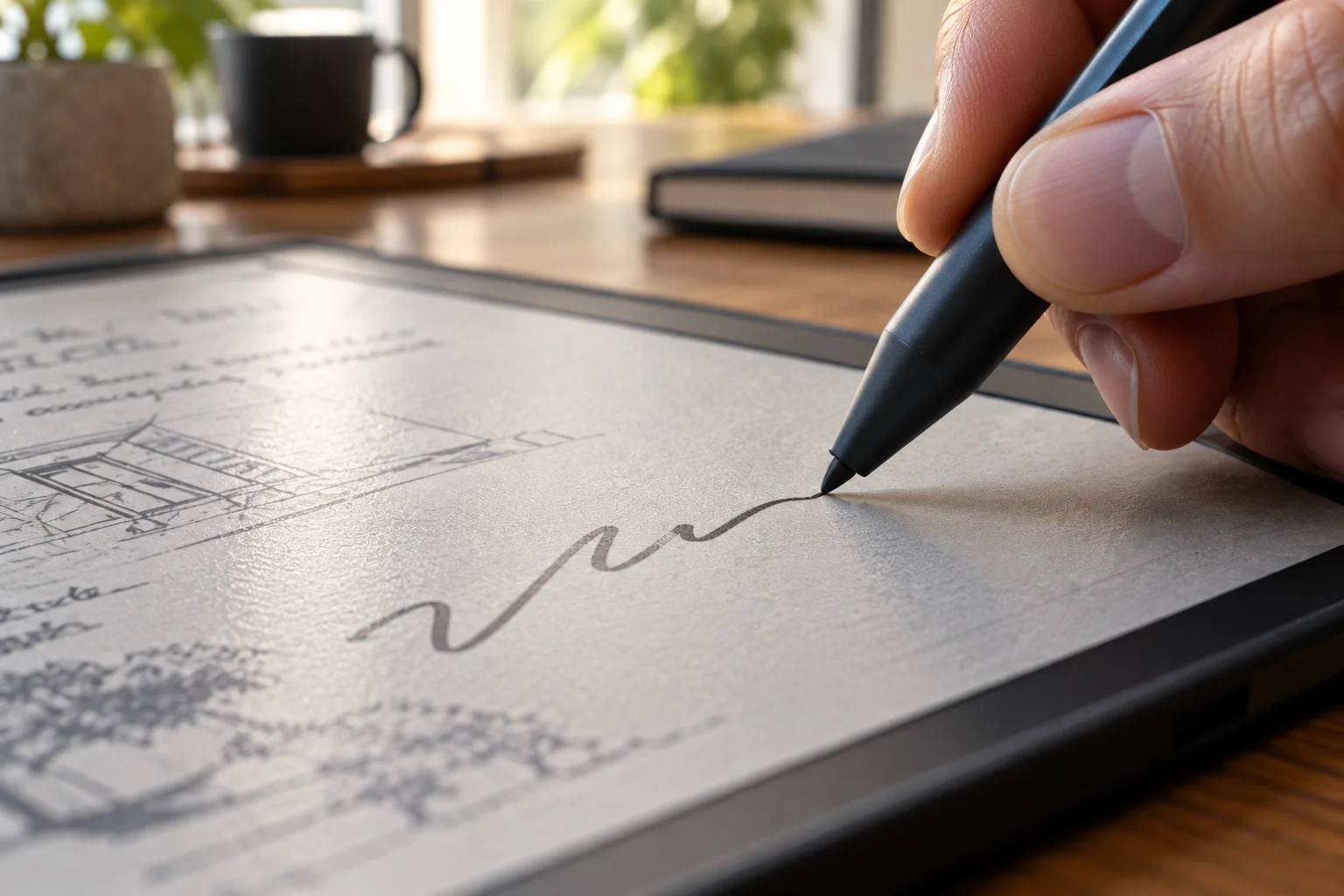
Take a sheet of paper and put it beside an LCD tablet.
Paper does not generate its own light. You see it because light from the room reflects from its surface.
E Ink works in a similar way.
E Ink describes its displays as reflective and says they do not require a backlight. The company also describes the technology as bistable, meaning an image can remain visible without continuous power being applied to maintain it.
That creates a visual difference you notice immediately.
Instead of looking into a glowing screen, you are looking at a surface that reflects the light around you.
Why does writing on E Ink feel different from writing on an iPad?
The biggest difference comes from surface friction, pen tracking and the absence of a slick glass touchscreen experience.
A conventional tablet often has a smooth glass surface.
A stylus can glide across it very easily.
Many digital paper devices intentionally use a surface with more resistance. Sony's Digital Paper devices, for example, use a non-slip panel and felt stylus tips to provide what the company describes as a pencil-like writing experience.
That resistance changes the sensation.
When you write on paper, the pen does not simply slide freely. The paper creates friction that helps control the movement.
E-Ink writing tablets try to reproduce some of that resistance.
It does not mean the surface is literally paper.
It means the combination of texture and pen friction makes the movement feel more familiar.
Does E Ink itself create the paper-like writing feel?
No. E Ink provides the display technology, but the physical writing sensation comes from several components working together.
A writing tablet can use E Ink and still feel different from another E Ink tablet.
The experience depends on:
Screen surface texture
Pen tip material
Digitizer technology
Pen pressure sensitivity
Pen-to-screen distance
Writing latency
Software rendering
Screen size
Device construction
E Ink itself supplies the electronic paper display, while device manufacturers build the pen and input system around it.
That is why two products using similar E Ink panels can feel noticeably different when you write on them.
What is an E-Ink digitizer?
A digitizer is the sensing layer that detects the stylus and converts its movement into digital input.
The E Ink display shows the handwriting.
The digitizer determines where the pen is.
Some digital paper devices use electromagnetic resonance, or EMR, technology. Sony's Digital Paper specification, for example, lists a Wacom EMR touch-pen system with 4,096 levels of pressure sensitivity.
Pressure sensitivity allows software to interpret differences in how hard you press.
A light stroke can behave differently from a harder stroke.
That becomes particularly useful for handwriting, sketching, annotation and digital drawing.
Why does E-Ink writing feel so natural?
Low writing latency and controlled surface friction help the digital pen follow your hand closely enough to resemble physical writing.

Latency is the delay between moving the pen and seeing the digital stroke appear.
If that delay is noticeable, writing feels disconnected.
If the stroke appears almost immediately beneath the pen, the experience feels much more natural.
E Ink has developed dedicated writing technologies designed specifically to reduce writing latency. Its JustWrite film, for example, was designed to provide an extremely low-latency writing experience and uses electronic ink without a conventional TFT backplane.
Modern writing tablets also use software optimization to make the stroke appear smooth even though E Ink does not refresh exactly like an LCD.
That combination is crucial.
Does E Ink have lower power consumption than an LCD?
Yes. One of E Ink's major advantages is that its display does not need continuous power to maintain a static image.
E Ink describes its displays as bistable. Once the image is established, the display can retain it without continuously consuming power to maintain that image. Power is mainly required when the display changes.
That is particularly useful for writing.
Imagine a page of handwritten notes.
Once you stop writing, the display can simply keep showing those notes.
An LCD, by contrast, continuously refreshes its display while the device is operating.
The difference becomes especially useful for devices designed around reading and writing rather than video and animation.
Can E-Ink writing tablets show color?
Yes. Modern E Ink technologies can support color, although color E Ink behaves differently from conventional LCD and OLED displays.
E Ink Kaleido, for example, uses a color filter array over an E Ink layer and can display thousands of colors. E Ink says Kaleido 3 supports 4,096 colors, 16 levels of grayscale and 300 pixels per inch for black-and-white content.
Color can be useful for:
Highlighting notes
Annotating textbooks
Marking diagrams
Reading comics
Reviewing presentations
Organizing handwritten information
However, color E Ink is still fundamentally designed around reflective electronic paper.
It is not trying to reproduce the brightness, contrast or animation performance of a modern OLED tablet.
Is E Ink better for handwriting than an LCD tablet?
It depends on what you value. E Ink can feel more natural for handwriting, while LCD and OLED tablets are much more capable for general multimedia and interactive applications.
E Ink has advantages for:
Long-form note-taking
Reading and annotation
Distraction-free writing
Outdoor visibility
Long battery life
Paper-like surface feel
LCD and OLED tablets have advantages for:
Video
Games
Animations
Full-color graphics
Fast scrolling
Complex applications
High-refresh interaction
E Ink is therefore not simply a replacement for an iPad or Android tablet.
It is a different type of computing surface.
Why is E Ink slower than an LCD or OLED?
E Ink's particle-based display technology changes images differently from the rapidly refreshing pixels of LCD and OLED panels.
That can make E Ink less suitable for fast animation and video.
The technology has improved considerably, however.
E Ink says Kaleido 3's faster ink enables animations and video, while newer display technologies continue to improve responsiveness.
Still, writing devices do not need to behave like gaming monitors.
For handwriting, the important goal is making the pen stroke appear naturally enough that the user does not consciously notice the display technology working underneath.
Does E Ink cause less eye strain?
E Ink's reflective, non-backlit design can feel more like reading printed material than looking directly at a luminous LCD or OLED display.

E Ink says reflective displays can be viewed using ambient light and do not require a backlight.
Some devices add a front light for use in darkness.
That is different from a conventional backlight because the illumination is directed toward the display surface rather than shining directly through the display toward the viewer.
However, "paper-like" does not mean E Ink eliminates eye fatigue entirely. Lighting conditions, viewing distance, text size and how long you use any device still matter.
What makes an E-Ink writing tablet different from an e-reader?
An E-Ink writing tablet combines electronic paper with a responsive pen and digitizer, while a traditional e-reader is primarily optimized for reading.
An e-reader needs to turn pages and display text efficiently.
A writing tablet has a much more demanding interaction requirement.
It needs to detect:
Pen position
Stroke direction
Pressure
Contact
Writing speed
Sometimes palm interaction
The display and software must then update the handwriting quickly enough to maintain the illusion that the pen is actually drawing on the surface.
That is why dedicated eNotes have become a distinct product category. E Ink describes them as devices designed to bridge handwriting, paper and digital workflows.
What is the future of E-Ink writing technology?
The technology is moving toward better color, faster response, thinner hardware and more capable digital-paper workflows.
Future improvements are likely to focus on reducing the remaining gap between paper and digital screens.
That means better pen response, improved surface textures, richer color, higher contrast and more sophisticated handwriting software.
The broader appeal is easy to understand.
A notebook is excellent at writing but poor at searching, organizing and sharing.
A conventional tablet is excellent at computing but can feel less like paper.
E-Ink writing technology sits between the two.
You get a surface designed to feel familiar while gaining digital features such as searchable notes, document storage, synchronization and editing.
That is the real appeal.
E-Ink Writing Technology FAQs
What is E-Ink writing technology?
It is a digital writing system that combines an E Ink electronic-paper display with a stylus and digitizer to capture and display handwriting.
Why does E Ink feel like paper?
The reflective display, textured writing surface, pen friction and low-latency stylus interaction combine to create a more paper-like experience than a smooth glass tablet.
Does E Ink use a backlight?
No. E Ink displays are reflective and use ambient light rather than a conventional backlight. Some devices include a front light for dark environments.
Does E Ink use power when displaying a page?
The display is bistable, meaning it can retain a static image without continuously consuming power to maintain it.
Can you write on an E-Ink screen with your finger?
Some E Ink devices support capacitive touch, while others are primarily designed around a stylus. The exact input methods depend on the device.
Is E Ink good for digital note-taking?
Yes. E Ink writing devices are particularly well suited to handwriting, PDF annotation, reading and distraction-free note-taking.
Is E Ink better than an iPad for writing?
E Ink can provide a more paper-like writing experience and longer battery life, while an iPad offers much faster graphics, richer color and a broader range of applications. The better choice depends on how you intend to use the device.
Does color E Ink feel like paper?
Color E Ink remains reflective electronic paper, so it retains many of the visual characteristics of paper. However, color reproduction and contrast differ from conventional LCD and OLED displays.
The bottom line
E-Ink writing technology feels more like paper because it changes the entire relationship between the screen, light and stylus.
Instead of staring into a glowing display, you are looking at a reflective surface. Instead of a pen sliding effortlessly across smooth glass, many writing tablets introduce controlled friction. And instead of treating handwriting as a simple touchscreen gesture, dedicated digitizers can capture pressure and movement with considerable precision.
The result is not literally paper.
It is something different: a digital writing surface designed around the habits and physical sensations of paper.
That makes E Ink particularly interesting for people who spend their day reading, annotating, studying or taking handwritten notes and want the flexibility of digital storage without giving up the familiar feel of a notebook.