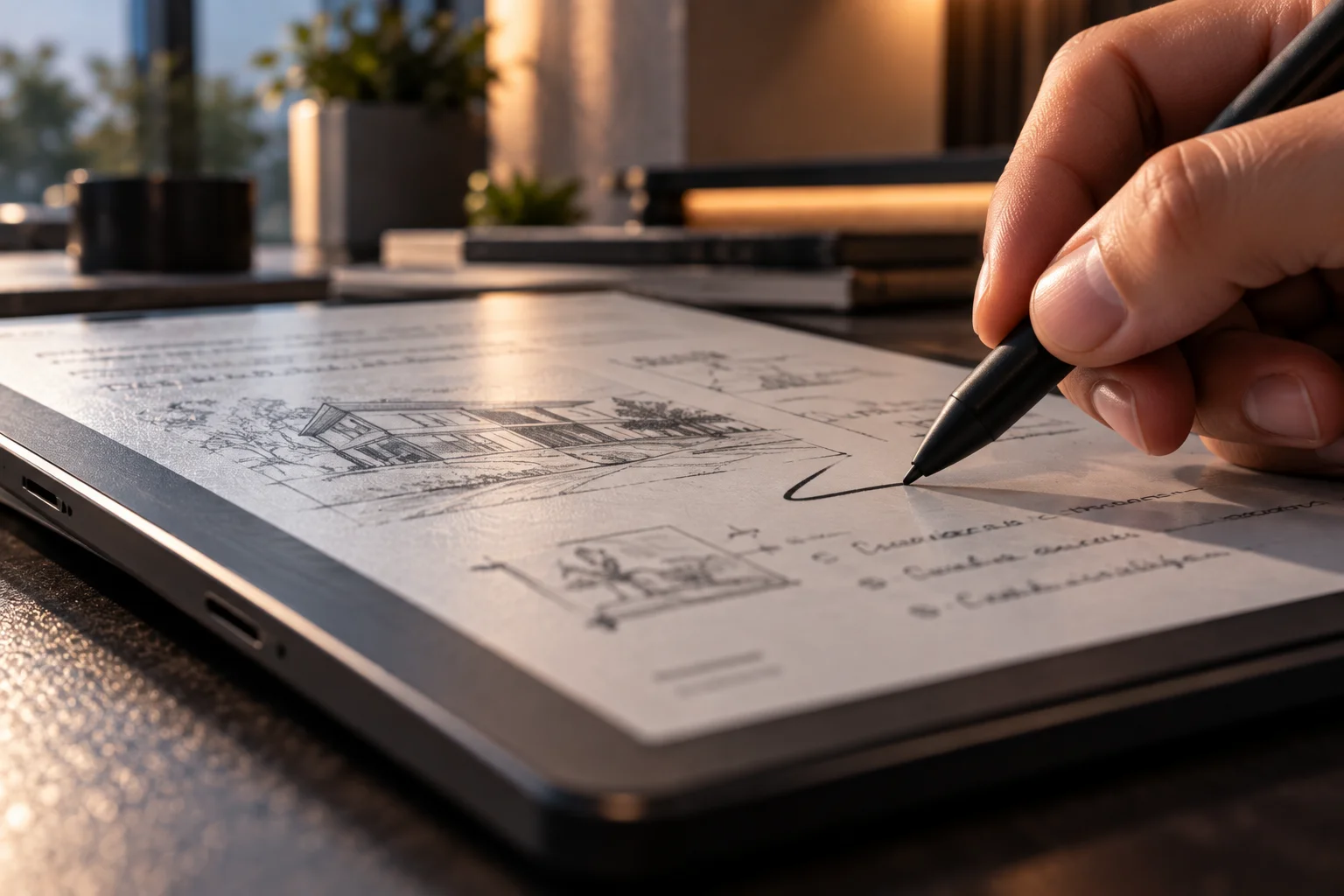
Digital writing tablets have become much more sophisticated in 2026. The basic idea remains familiar: pick up a stylus and write on a screen. What has changed is everything that happens between the pen tip touching the display and the finished note being stored, searched or shared.
The latest devices are focusing on lower writing latency, more realistic pen surfaces, better handwriting recognition, color displays and AI-powered software. The reMarkable Paper Pro, for example, combines an 11.8-inch color E Ink display with a textured writing surface, a pen-to-ink distance of less than 1mm and claimed writing responsiveness of up to 12 milliseconds.
Software is becoming just as important. Handwriting can now be searched, converted into typed text and, on supported platforms, turned into summaries or actionable information. reMarkable offers handwriting search and AI-powered conversion, while Kindle Scribe has also moved toward AI-assisted notebook workflows.
The result is a new generation of digital notebooks that tries to preserve the physical feeling of writing while making the information far easier to manage.
What are the biggest new features in digital writing tablets?
The biggest developments are lower pen latency, more accurate handwriting input, color E Ink, better organization and AI-assisted note processing.
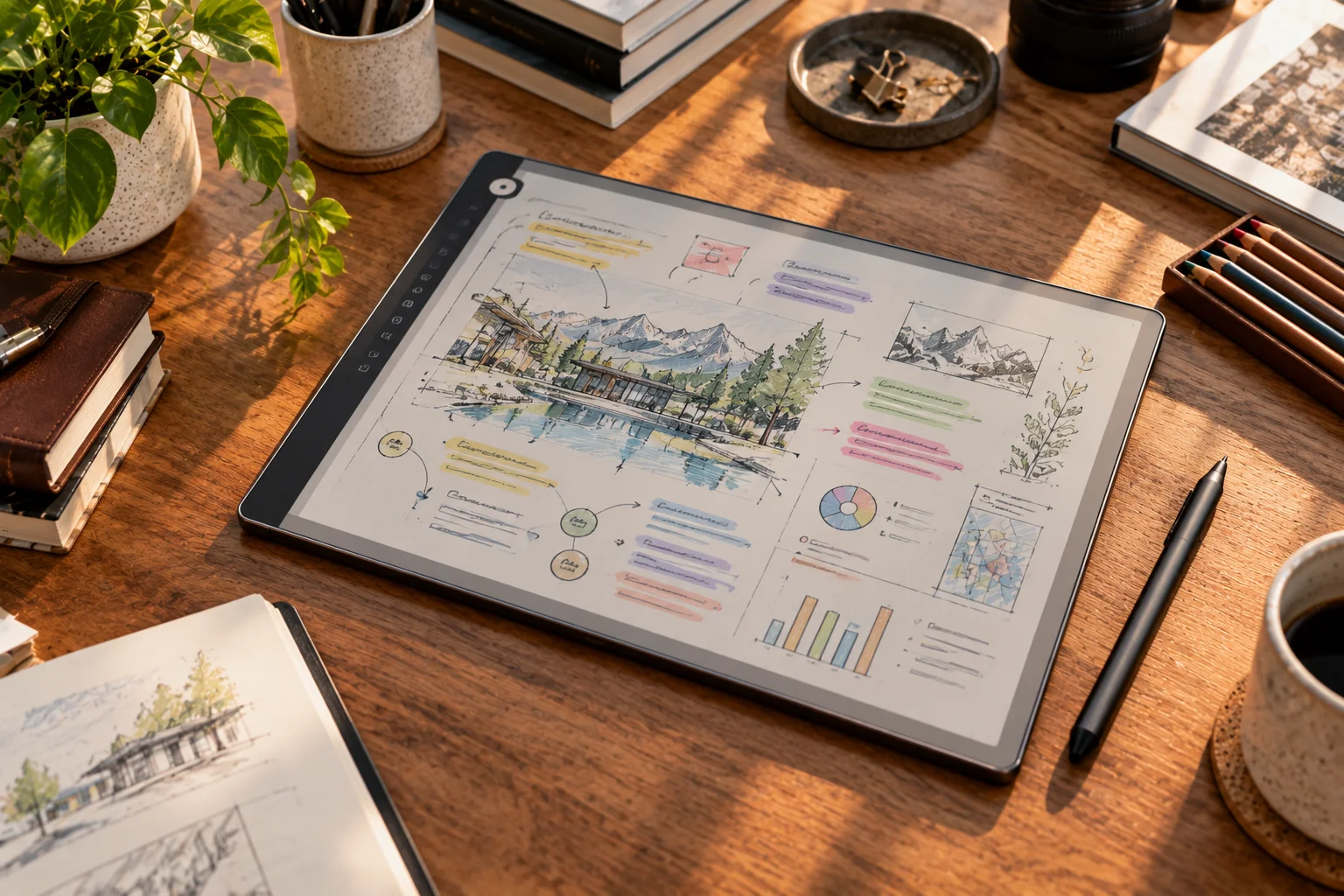
These improvements solve different problems.
Lower latency makes writing feel more immediate. A textured surface provides friction that resembles paper. Color makes diagrams and annotations easier to understand. Search eliminates the problem of losing an important handwritten note inside hundreds of pages.
And AI adds another layer by helping users process what they wrote after the meeting, lecture or brainstorming session has finished.
Why does pen latency matter so much?
Lower latency makes digital ink appear closer to the moment you move the pen, reducing the sensation that you're writing slightly behind your hand.
reMarkable says the Paper Pro can respond in up to 12 milliseconds, while its Paper Pro Move lists a 12ms writing latency compared with 21ms for the reMarkable 2. Its pen-to-ink distance is also under 1mm on the Paper Pro.
Those numbers are useful, but the real difference is how the device feels during continuous handwriting.
If you're taking rapid notes, drawing diagrams or writing small characters, even a small delay can become noticeable. Lower latency makes the digital surface feel more predictable because the ink follows the pen more closely.
It's one reason newer writing tablets are increasingly being judged by pen performance rather than processor specifications alone.
Are digital pens becoming more like real pens?
Yes. Manufacturers are paying more attention to friction, balance, pressure response and the distance between the stylus tip and displayed ink.
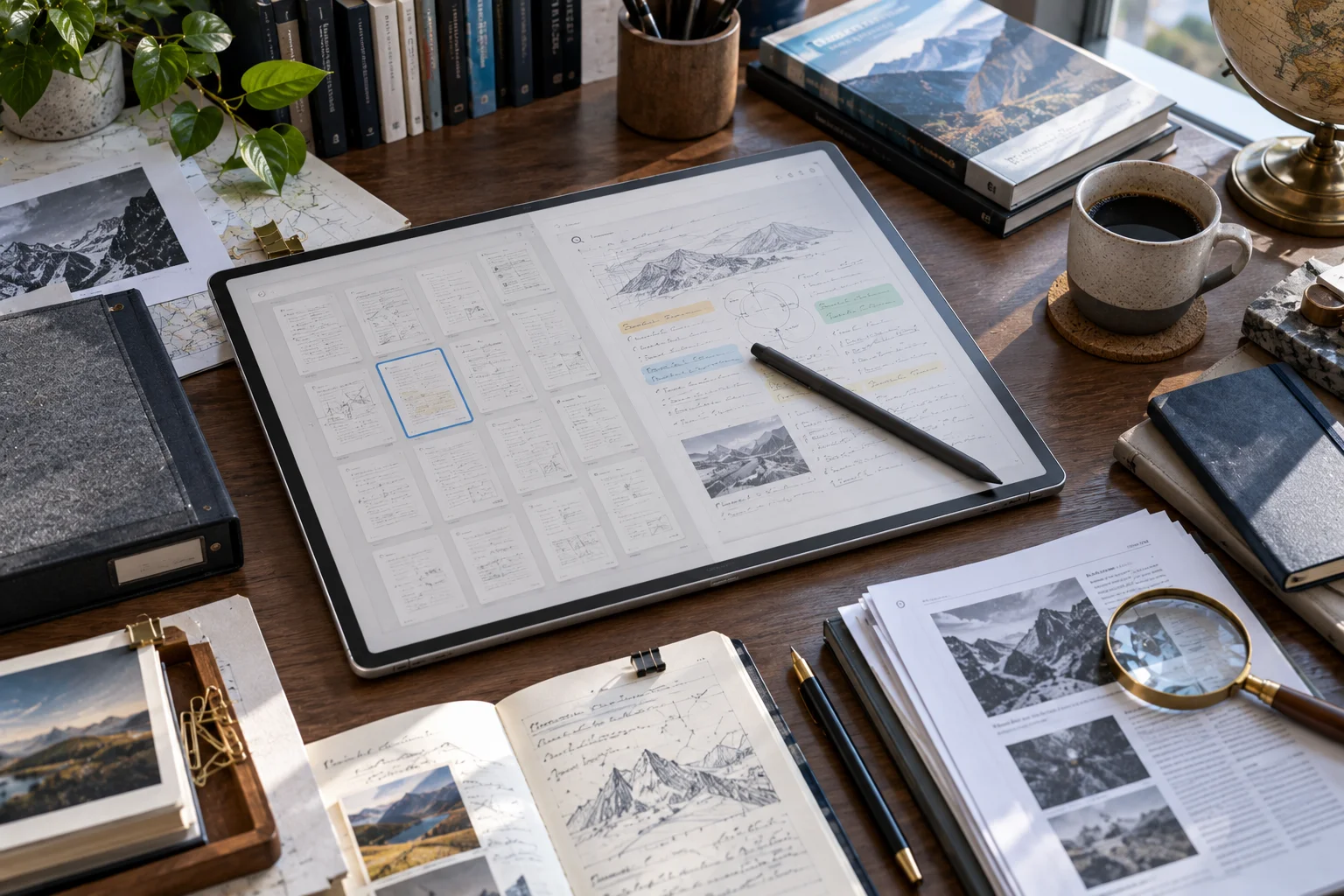
The reMarkable Paper Pro uses a textured display surface designed to provide resistance similar to paper. Its Marker is also designed around weight and balance rather than simply functioning as an input accessory.
That physical interaction matters because handwriting is partly muscle memory.
A completely smooth glass screen can make a stylus feel more like sliding a plastic tip across a phone. A textured surface slows the movement slightly and gives your hand feedback.
For people who write for long periods, that can be more important than having the fastest processor.
Why are color E Ink writing tablets becoming more interesting?
Color gives digital handwriting and document annotation another layer of visual organization.
The reMarkable Paper Pro uses an 11.8-inch Canvas Color display based on E Ink Gallery 3 and supports multiple writing colors.
Color isn't just decorative.
You can use one color for questions, another for important points and another for corrections. Students can mark diagrams, while professionals can highlight sections of documents without relying entirely on grayscale.
The trade-off is that color E Ink technology remains different from an LCD or OLED tablet. It is designed around low-distraction reading and writing rather than fast video, gaming or conventional tablet applications.
How is handwriting search changing digital notebooks?
Handwriting search turns handwritten pages from static digital documents into information that can actually be retrieved.
reMarkable's current software can search the contents of handwritten notes, while its organization tools include folders and tags.
This sounds simple until you imagine using a digital notebook for several years.
Instead of remembering that an idea was written somewhere in a particular project folder, you can search for the relevant word and locate the note.
That makes handwriting much more practical for research, meetings, study notes and long-term personal archives.
How is AI changing writing tablets?
AI is moving digital notebooks beyond handwriting recognition toward summarization, conversion and task extraction.
reMarkable's AI-powered conversion can turn handwriting into typed text and generate summaries, reflections and clear next steps from annotations. Its Meeting Notes Tool can also prepare notes using information from a connected calendar.
This changes the workflow after a meeting.
You can write naturally without worrying about formatting every thought. Later, AI can help turn those rough notes into something structured.
The technology doesn't eliminate the value of handwriting. Instead, it gives handwritten information a second life after the pen has been put down.
Are writing tablets becoming better for reading and document work?
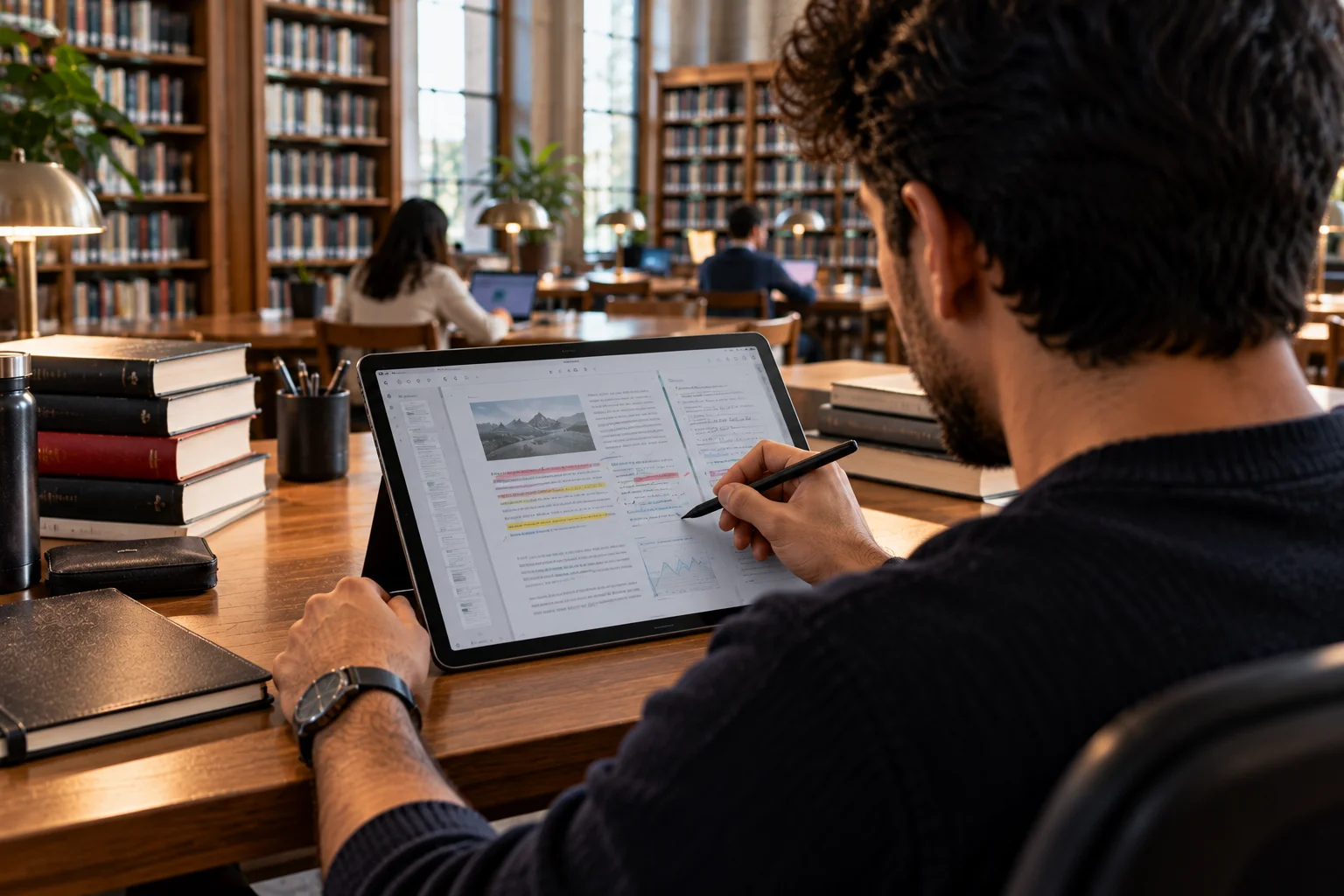
Yes. Newer writing-focused devices are increasingly designed to handle PDFs, ebooks and work documents alongside handwritten notes.
The reMarkable Paper Pro supports PDF and EPUB imports, PDF/PNG/SVG exports and integrations with services including Google Drive, Microsoft OneDrive and Dropbox.
Kobo's writing-enabled devices take a similar approach. Supported models can be used to write and highlight directly on book pages, while the Kobo Stylus works with devices including the Elipsa 2E and Libra Colour.
That makes the modern writing tablet more than a digital notebook. It can become a workspace for reading, annotating and creating information in the same place.
What should you look for in a digital writing tablet?
Pen latency, writing texture, handwriting recognition and software capabilities should be at the top of the list.
Before buying one, consider:
Writing latency: How quickly does digital ink follow the pen?
Surface texture: Does it provide enough friction for comfortable handwriting?
Pen quality: Look at pressure sensitivity, balance and available tips.
Handwriting recognition: Can the device search or convert handwritten content?
AI tools: Check whether summaries and conversion are included or require a subscription.
Display: Decide between monochrome and color E Ink or a conventional LCD/OLED tablet.
File support: Check PDF, EPUB, Word and cloud-storage compatibility.
Keyboard support: Some devices let you combine typing and handwriting.
Battery life: E Ink writing tablets generally prioritize long battery life over high-performance computing.
The right combination depends on whether you're primarily writing, reading, annotating documents or managing a large personal archive.
Are digital writing tablets replacing iPads and Android tablets?
Not entirely. They are becoming a more specialized alternative for people who prioritize writing and reading.

A conventional iPad or Android tablet offers far more applications, multimedia capabilities and general-purpose computing power.
A dedicated digital writing tablet deliberately does less.
That limitation can actually be useful. A focused writing environment means fewer notifications and distractions, while E Ink displays are designed for long reading and writing sessions.
The choice is therefore less about which technology is universally better and more about whether you want a general-purpose tablet or a digital paper workspace.
What comes next for digital writing tablets?
The next major development is likely to be deeper integration between handwriting, AI and the user's wider digital workflow.
Today's devices can already search handwriting, convert it into text and generate summaries. The logical next step is for those systems to connect notes with calendars, documents, tasks and other information.
The most useful writing tablet may eventually be one where you can write naturally during a meeting and later ask what decisions were made, which tasks were assigned and where the relevant documents are.
That's a much bigger change than simply making the stylus faster.
The goal is becoming clear: make digital handwriting feel like paper, while making the information behave like software.
Digital Writing Tablet Features FAQs
What is the most important digital writing tablet feature?
For handwriting, pen responsiveness and writing feel are among the most important factors. Lower latency and a textured surface can make digital ink feel considerably more natural.
What is pen latency?
Pen latency is the delay between moving the stylus and seeing the corresponding mark appear on the screen. Lower latency generally makes handwriting feel more immediate.
Can digital writing tablets search handwritten notes?
Yes. Devices such as reMarkable support searching handwritten notes, allowing users to retrieve information without manually browsing every page.
Can AI convert handwriting into typed text?
Yes. Modern writing platforms can convert handwritten notes into digital text, and some can also summarize the converted content or identify next steps.
Are color E Ink writing tablets worth considering?
Color E Ink can be useful for people who annotate documents, organize notes visually or work with diagrams. It remains a specialized display technology rather than a replacement for the speed and versatility of an OLED or LCD tablet.
Do digital writing tablets need a subscription?
It depends on the device. Some manufacturers place advanced cloud, AI or productivity features behind subscription plans, so buyers should check exactly which features work without an ongoing subscription.