
Android 17 is a substantial update focused less on a dramatic visual redesign and more on making Android phones safer, easier to multitask on and better suited to modern apps and devices. Google's latest release introduces new tools for floating multitasking, screen recording, foldable gaming, location privacy, theft protection and app security. It also makes several behind-the-scenes changes that should improve performance and protect sensitive information.
The biggest Android 17 changes include Bubbles for multitasking, Screen Reactions, a new foldable gaming layout, temporary precise-location sharing, improved Mark as lost protection, stronger threat detection, stricter PIN protection, app memory limits, a privacy-focused Contacts Picker and Android Advanced Protection Mode.
Not every feature will appear on every Android phone in exactly the same form. Google controls the underlying Android platform, while manufacturers such as Samsung, OnePlus and Motorola add their own software layers and decide how quickly individual devices receive updates.
Here are the 10 Android 17 changes that matter most to everyday users.
1. What are Bubbles in Android 17?
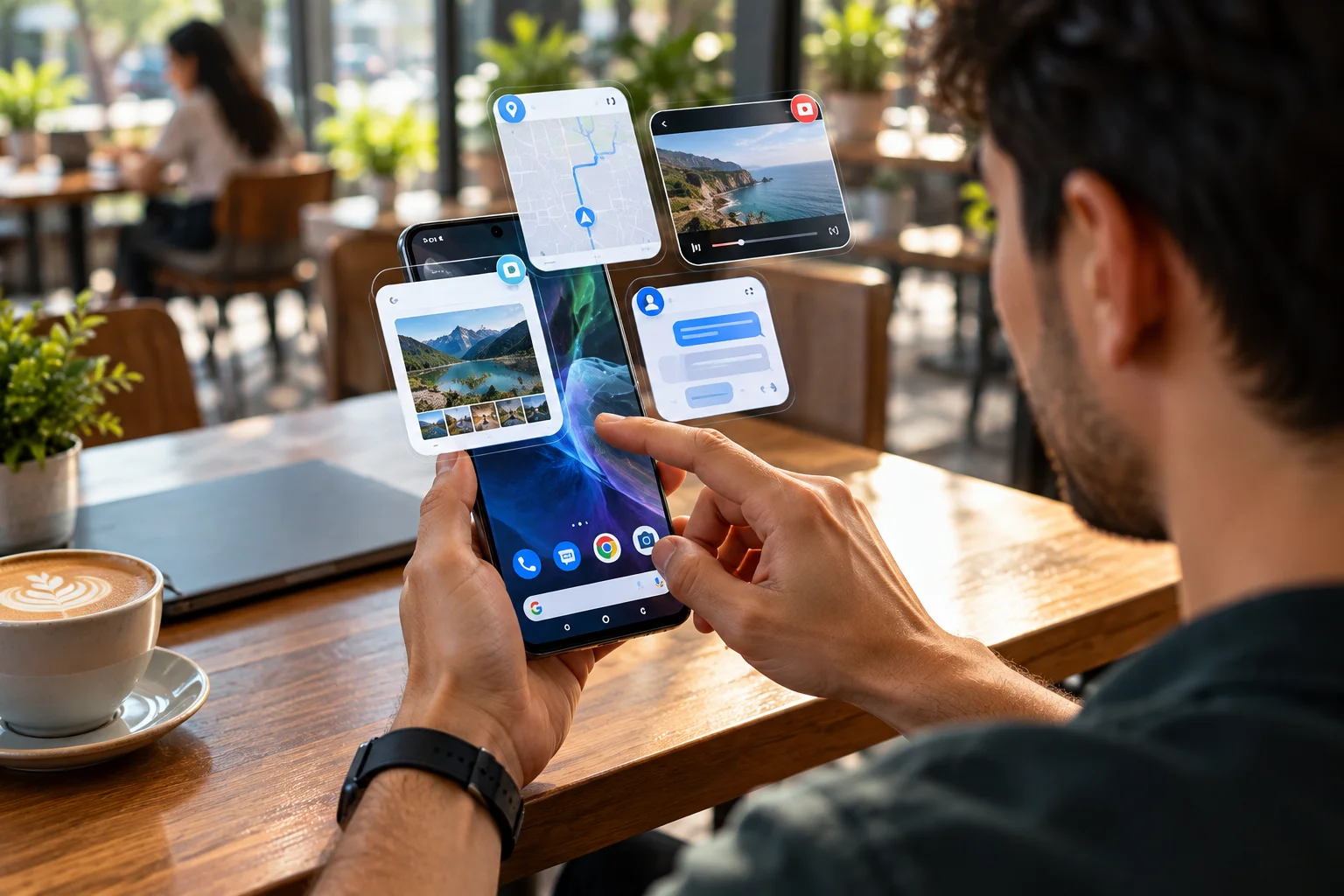
Android 17 expands Bubbles beyond traditional chat notifications, allowing you to turn apps into floating windows and switch between them without repeatedly leaving your current screen.
This is one of those features that sounds small until you actually use it.
Long-press an app icon and you can turn the app into a bubble that floats above whatever you're doing. On larger displays, Android 17 adds a dedicated bubble bar to make switching between apps easier.
Imagine you're booking a hotel while checking a map, or following a cooking video while keeping your shopping list nearby. Instead of jumping back and forth between full-screen apps, the information you need can stay within reach.
It also makes Android feel more naturally suited to large-screen devices.
2. How does Screen Reactions change Android screen recording?
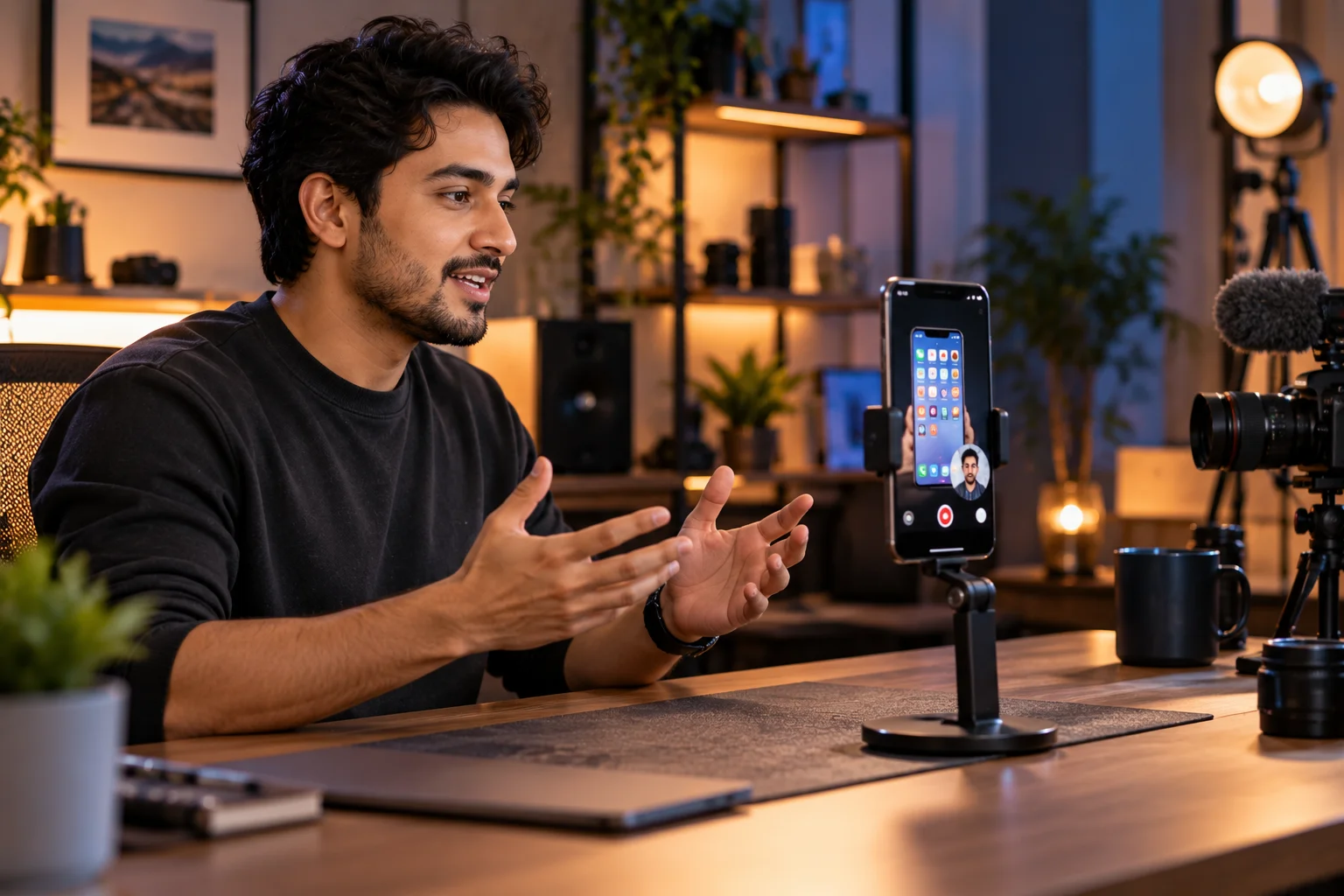
Screen Reactions lets you record your phone's display and your front-facing camera simultaneously, making reaction videos, tutorials and commentary easier to create.
Previously, creating this kind of content often meant recording the screen and yourself separately, then combining the footage in an editing app.
Android 17 simplifies that process.
You can capture what's happening on your screen while your face and reaction appear in the recording. It's particularly useful for creators responding to videos, explaining an app or demonstrating something on their phone.
For casual users, it could also become a handy way to explain a problem to someone without having to type a long message.
3. Does Android 17 make foldable gaming better?
Yes. Android 17 introduces an optimized 50/50 gaming layout on foldable devices, placing the game above a dynamic virtual gamepad and making better use of the larger display.
Foldables have plenty of screen space, but simply stretching a normal phone game across that display doesn't always make the experience better.
Android 17 tries a different approach.
The upper portion can display the game while the lower portion becomes the control area. Google also says it has improved memory cleanup for high-definition gaming to reduce frame drops and stuttering.
The feature is especially interesting because it treats a foldable as something different from a very large phone.
That's where things get more interesting.
4. How does Android 17 improve location privacy?
Android 17 gives users more control over precise location by allowing an app to receive precise location information temporarily rather than giving it continuing access.
Location permissions have become increasingly granular over the years, and Android 17 pushes that idea further.
For example, if an app needs your exact location for one particular task, you can provide precise location information for that session without necessarily giving it the same level of access indefinitely.
Android 17 also introduces a system Contacts Picker that lets you share selected contacts with an app instead of granting access to your entire address book.
That distinction matters.
An app may genuinely need one person's phone number. It doesn't necessarily need to see every contact you've saved.
5. What does the new Mark as lost feature do?
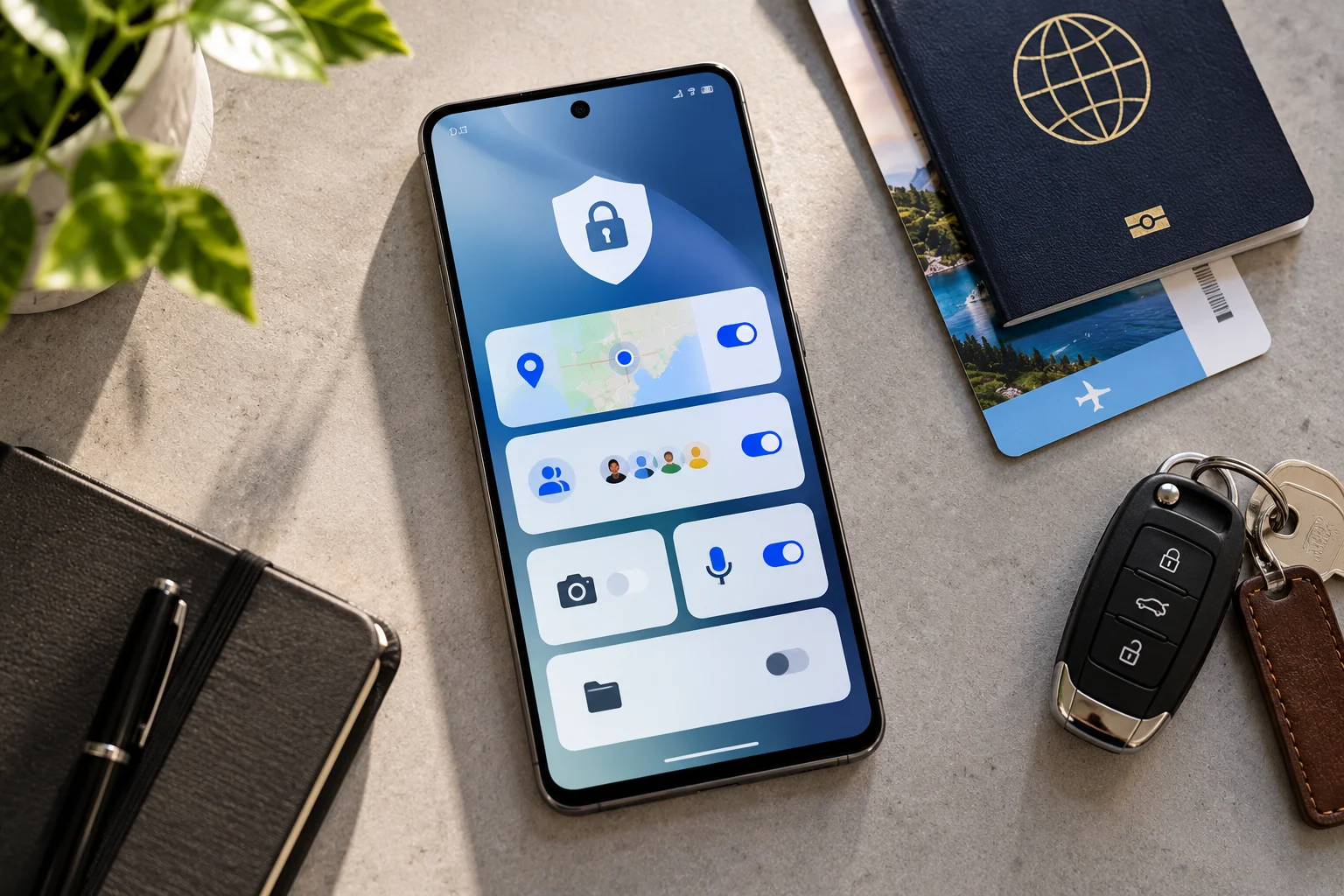
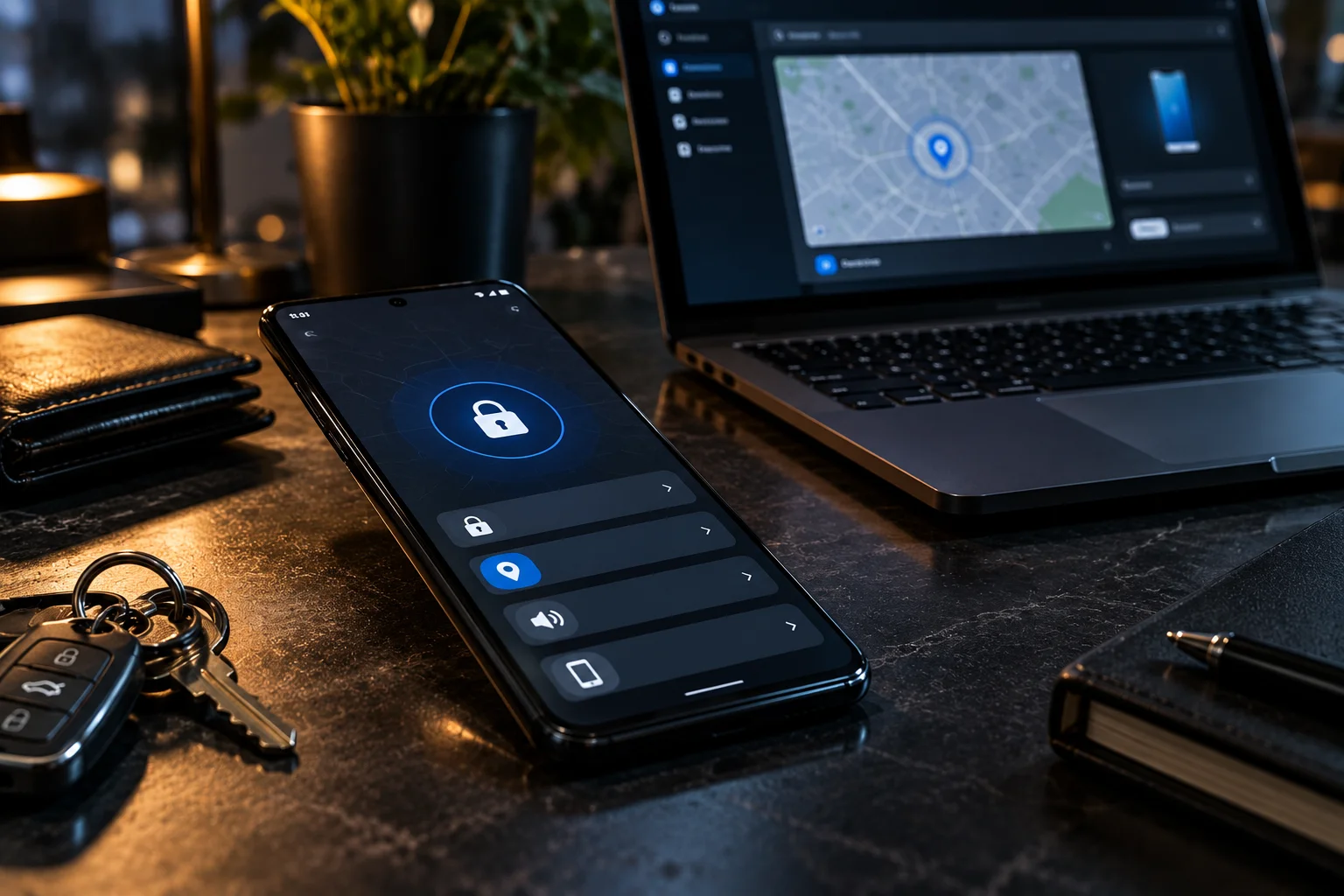
Android 17 strengthens Find Hub's Mark as lost feature by allowing supported missing phones to be locked using biometric authentication, helping protect personal information even when someone knows the device passcode.
Phone theft creates a particularly awkward security problem.
If someone gets hold of your phone and knows the PIN, simply having a remote-lock feature isn't always enough.
Android 17's enhanced Mark as lost protection adds another layer. Google says the feature can lock the device using biometrics, while Google Wallet information is removed and personal data and settings are disabled.
It's not the kind of feature you'll think about every day.
But if your phone disappears, you'll probably be very glad it exists.
6. Does Android 17 have stronger protection against scams and malicious apps?
Android 17 expands security protections including Live Threat Detection and Advanced Protection Mode to help identify suspicious apps, scams and sophisticated attacks.
Google is also introducing Android Advanced Protection Mode, an optional security setting designed for people who want a more restrictive security configuration.
When enabled, it can block app installations from unknown sources, restrict USB data signaling and require Google Play Protect scanning.
This is aimed particularly at users who face higher security risks, but the broader security improvements benefit ordinary users too.
Android 17 is increasingly treating the operating system itself as part of the security perimeter rather than relying solely on individual apps.
7. Why is Android 17 limiting app memory usage?
Android 17 introduces stricter app memory limits based on the device's available RAM, helping prevent individual apps from consuming excessive memory and affecting overall system performance.
This is one of the less exciting changes on the surface, but it could have a noticeable effect.
An app using excessive memory can contribute to slowdowns, background apps being closed and, in some situations, crashes. Android 17 gives the system stronger tools for keeping app memory usage under control.
Google specifically connects the changes with performance and battery improvements.
You won't see a new button labelled "Better RAM Management."
That's not really the point.
The goal is for the phone to behave better without requiring you to think about what's happening in the background.
8. How does Android 17 protect one-time passwords?
Android 17 adds stronger protection for SMS one-time passwords by restricting programmatic access to OTP messages for most apps for three hours.
This addresses a very specific security problem.
One-time passwords sent through SMS can be valuable to attackers trying to take over accounts. Malicious apps with SMS access could potentially attempt to intercept those codes.
Android 17 changes how most apps can access these messages, while developers are encouraged to use Google's SMS Retriever or SMS User Consent APIs for legitimate verification flows.
For users, the important takeaway is simple: your verification codes get another layer of protection from apps that shouldn't be accessing them.
9. What is Android 17 Advanced Protection Mode?
Advanced Protection Mode is an opt-in Android security configuration that applies multiple defensive measures from one setting rather than requiring users to configure each protection individually.
Google designed it for users who want a hardened security setup.
The mode can restrict sideloading, limit USB data connections and require Play Protect scanning. Developers can also detect whether the mode is active and adjust high-risk functionality accordingly.
For most people, Android's standard security protections will remain the normal experience.
But if you regularly deal with sensitive information or are particularly concerned about sophisticated attacks, having a single setting that increases the security posture of the phone is useful.
10. What other Android 17 changes are worth knowing about?
Android 17 also adds smaller improvements including a dedicated Assistant volume control, a new contacts picker, cross-device Handoff capabilities, stronger network privacy and support for post-quantum APK signing.
Some of these are more technical than others.
Android 17 adds support for Encrypted Client Hello (ECH), which can help protect information about the domains users connect to during encrypted network communications.
There's also Handoff, which allows developers to support continuing a task from one Android device on another, such as moving from a phone to a tablet.
And Android 17 adds support for post-quantum cryptographic signing for APKs, preparing Android's software ecosystem for future cryptographic threats.
You probably won't notice these changes immediately.
That's okay. Operating-system updates don't need every improvement to be visible to be useful.
Which Android 17 features will you actually notice?
For most Android users, the most immediately noticeable Android 17 features are Bubbles, Screen Reactions, improved theft protection, more precise location controls and the updated security protections. Foldable owners have additional reasons to pay attention because of the new gaming layout.
Android 17 feature | Most useful for |
|---|---|
Bubbles | Multitaskers and large-screen users |
Screen Reactions | Content creators and people sharing tutorials |
Foldable gaming | Foldable phone owners |
Temporary precise location | Privacy-conscious users |
Enhanced Mark as lost | Anyone worried about phone theft |
Live Threat Detection | Everyday Android users |
Advanced Protection Mode | Higher-risk users |
App memory limits | Users with demanding apps and games |
OTP protection | Anyone using SMS verification |
ECH and other platform security | Privacy and security-focused users |
The bigger story with Android 17 isn't one killer feature.
It's the combination of dozens of smaller changes that make Android more capable while giving users more control over privacy and security.
The bottom line on Android 17
Android 17's biggest changes are spread across multitasking, content creation, gaming, privacy, theft protection and security rather than being concentrated in one major redesign.
If you use multiple apps at once, Bubbles could become one of the most useful everyday additions. Creators get Screen Reactions, while foldable owners get a gaming interface designed around their larger displays. Meanwhile, temporary precise-location access, selected-contact sharing, stronger OTP protection and enhanced Mark as lost features address problems that are much less glamorous but arguably more important.
And there's plenty happening underneath the surface, from stricter memory limits to encrypted network connections and new security architecture.
If your phone is eligible for Android 17, checking for the update is worth doing. The most valuable improvements may be the ones you don't notice until you actually need them.