
A big sale banner does not automatically mean a gadget is at its lowest price. A laptop advertised as “30% off,” for example, may have been available for less a few weeks earlier, while a phone with a smaller-looking discount could actually be close to its lowest recent price.
The smarter approach is to track gadget prices before a major sale, rather than waiting for the sale itself. Check historical pricing, compare the exact configuration across retailers, set a target price and use alerts to tell you when the number actually matters.
Tools such as Amazon's price-history features, Google Shopping, Keepa and CamelCamelCamel can make this much easier. Google Shopping can show whether a product's price is low, typical or high, while its price-tracking feature can notify you when a product reaches a target price in supported markets.
The goal isn't simply to find the biggest percentage discount. It's to identify a genuinely good price for the exact gadget you want.
Why You Should Check Price History Before a Major Sale
Price history tells you whether today's “deal” is actually unusual.

Retailers frequently change prices around major shopping events. A product might move from $999 to $899, return to $999, then drop to $849 during a promotional weekend.
Looking only at the current price makes the $899 offer look attractive. Looking at several months of history gives you much more context.
Before buying an expensive gadget, check:
The current selling price
The lowest recent price
The typical price
How frequently the price has fallen
Whether previous discounts happened during similar sales
Whether the current configuration is identical
Google Shopping's US price insights can show whether a product's price is considered low, typical or high and provide information about recent price changes. Google also identifies products that have reached a 30-day low, although it explicitly says this isn't a prediction of where the price will go next.
How to Track Gadget Prices Step by Step
The simplest method is to start tracking a specific product several weeks before the sale.
1. Identify the exact product
Don't track only “MacBook Air” or “gaming laptop.”
Record the exact:
Model
Storage capacity
RAM
Color, if it affects the SKU
Processor or GPU
Retailer
Seller
A 512GB laptop and a 1TB version can have completely different pricing patterns.

2. Check historical prices
Use the retailer's own history where available, then compare it with an independent tracker.
Keepa provides Amazon price-history charts and price-drop alerts across a very large product database.
CamelCamelCamel also provides Amazon price-history charts, price watches and email alerts.
3. Set a target price
Instead of waiting for a vague “good deal,” decide what you're willing to pay.
For example:
Gadget | Current Price | Target Price |
|---|---|---|
Laptop | $1,099 | $949 |
Smartphone | $799 | $699 |
SSD | $129 | $99 |
Headphones | $249 | $199 |
This makes your buying decision much less emotional.
Google's Track Price feature lets shoppers set a target price for eligible products and receive notifications when the price drops below that level. The feature is currently available in the US, Canada, Australia, Japan and India.
What Are the Best Gadget Price Trackers in 2026?
There isn't one universal tracker; different tools are useful for different shopping situations.

Tool | Best for | Useful feature |
|---|---|---|
Amazon price history | Amazon shoppers | Historical pricing |
Google Shopping | Comparing retailers | Price insights and tracking |
Keepa | Amazon power users | Detailed price history |
CamelCamelCamel | Simple Amazon tracking | Price alerts and charts |
Chrome Shopping Insights | Web shopping | Price history and range |
Chrome's Shopping Insights can show price history and price ranges for products, including variants such as different storage capacities or colors, and supports tracking in markets including the US, India, Australia, Canada and Japan.
For Amazon-specific research, Keepa and CamelCamelCamel are particularly useful because they let you see how prices have moved rather than relying solely on a retailer's current “was” price.
How to Spot Hidden Discount Patterns
The most useful price patterns are often hidden behind the headline discount.
The recurring-sale pattern
Some gadgets repeatedly fall to roughly the same price.
If a $1,000 monitor regularly drops to $799, seeing it at $799 during a major sale isn't necessarily an extraordinary opportunity. It may simply be its normal promotional price.
The inflated-reference-price pattern
A product may show a large discount against an advertised reference price. That number isn't always the best benchmark for deciding whether you're getting a good deal.
Amazon has introduced changes to reference pricing in 2026, including requirements around validated reference prices and changes to how its “Was Price” is calculated. Amazon says its price-history graph uses the lowest Featured Offer price for each day.
That's another reason to examine actual historical prices rather than trusting a percentage-off badge.
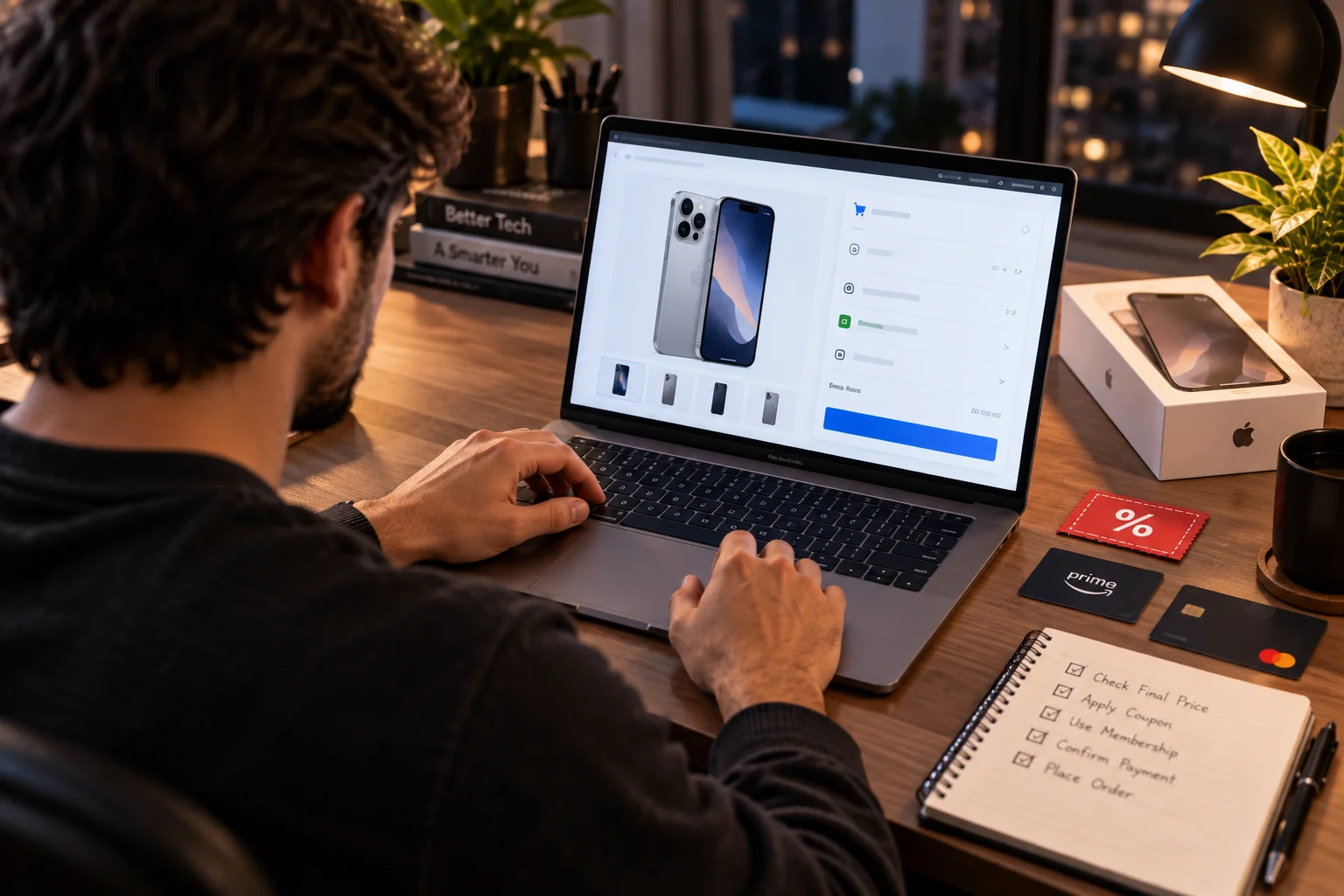
The coupon-only pattern
A gadget might appear to be $100 off, but the lower price requires:
A coupon
A specific payment method
Membership
Trade-in
Promotional code
Bundle purchase
Always check the final checkout price.
The configuration-switch pattern
A retailer may advertise a laptop at a low starting price while the configuration most shoppers want costs considerably more.
The same thing happens with smartphones, SSDs, monitors and graphics cards.
Always compare the exact SKU.
Don't Confuse the Lowest Price With the Best Deal
The lowest historical price isn't automatically the right price to pay.
Suppose a laptop reached $899 six months ago but now costs $949. If the newer version has a substantially faster processor, more RAM and better battery life, the $949 model may offer more value.
Likewise, an older smartphone at its lowest price may not make sense if a newer generation offers longer software support and better hardware for only slightly more.
Look at:
Price history
Current specifications
Newer-generation pricing
Warranty
Seller reputation
Return policy
Availability
Price should be part of the decision, not the entire decision.
How Far in Advance Should You Track Gadget Prices?
Start tracking at least two to four weeks before a major sale, and earlier for expensive purchases.

A simple approach is:
Four weeks before: identify products and record current prices.
Three weeks before: check historical lows and competing models.
Two weeks before: set target-price alerts.
One week before: compare retailers, coupons, cashback and bundles.
During the sale: check the final checkout price against your historical data.
This gives you a baseline before the marketing around the event becomes overwhelming.
How to Know When You Should Actually Buy
Buy when the current price matches your target and the product still makes sense for your needs.
A practical decision framework is:
At or near historical low: strong reason to consider buying.
Below typical price: potentially attractive.
Around normal promotional price: compare alternatives before buying.
Above recent average: wait if you don't need the gadget immediately.
Large discount but unfamiliar seller: investigate before purchasing.
Price trackers can tell you what happened before. They cannot guarantee what happens next. Google explicitly notes that its price insights don't predict future price movements.
That's why a target-price alert is often more useful than trying to predict the exact bottom.
The Smartest Way to Track Gadget Prices
You don't need to monitor hundreds of products manually.
Create a shortlist of the gadgets you genuinely intend to buy, identify their exact configurations, check historical pricing and set target-price alerts. Then compare the sale price against that historical context when the promotion arrives.
The biggest mistake is asking, “How much is this gadget discounted?”
A better question is:
“How does today's final price compare with what this exact gadget has actually sold for recently?”
That small change in how you shop can make major sales much easier to navigate and can help you separate genuine bargains from ordinary prices wrapped in promotional language.