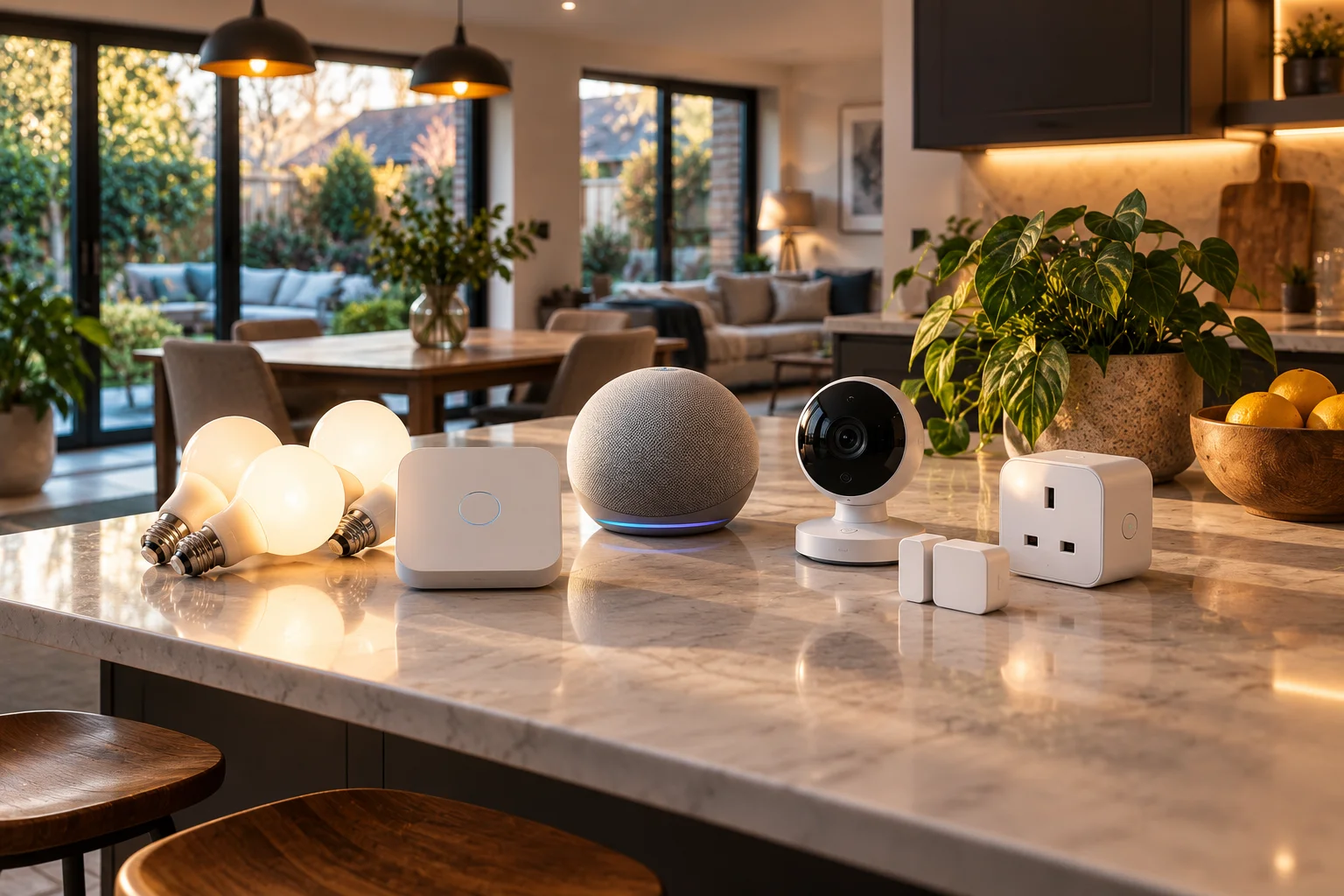
Smart home bundles can save money when the devices are genuinely useful together, but a bundle isn't automatically cheaper just because it is sold as a package. The real saving comes from comparing the bundle price with the current individual prices, checking whether you need every device, and accounting for subscriptions, hubs, installation and future replacement costs.
UK retailers and manufacturers regularly package smart bulbs with bridges, cameras with doorbells, alarms with sensors, and Wi-Fi equipment into starter kits. Philips Hue, for example, currently sells lighting kits that combine bulbs, switches and bridges, while Google advertises bundle savings on products such as Nest Wifi Pro.
Retailers also use multi-buy promotions. John Lewis currently advertises discounts when buying multiple selected smart speakers and Philips Hue products, while Currys lists security and lighting starter kits combining several connected devices.
But there is a catch.
A £50 bundle saving isn't really a £50 saving if two of the devices would otherwise sit in a drawer.
The smarter way to shop is to work out which devices you actually need, what they cost separately, whether they share the same ecosystem, and what you'll continue paying after the initial purchase.
What Is a Smart Home Bundle?
A smart home bundle combines two or more connected devices that are designed to work together, usually at a lower combined price or with an additional incentive.
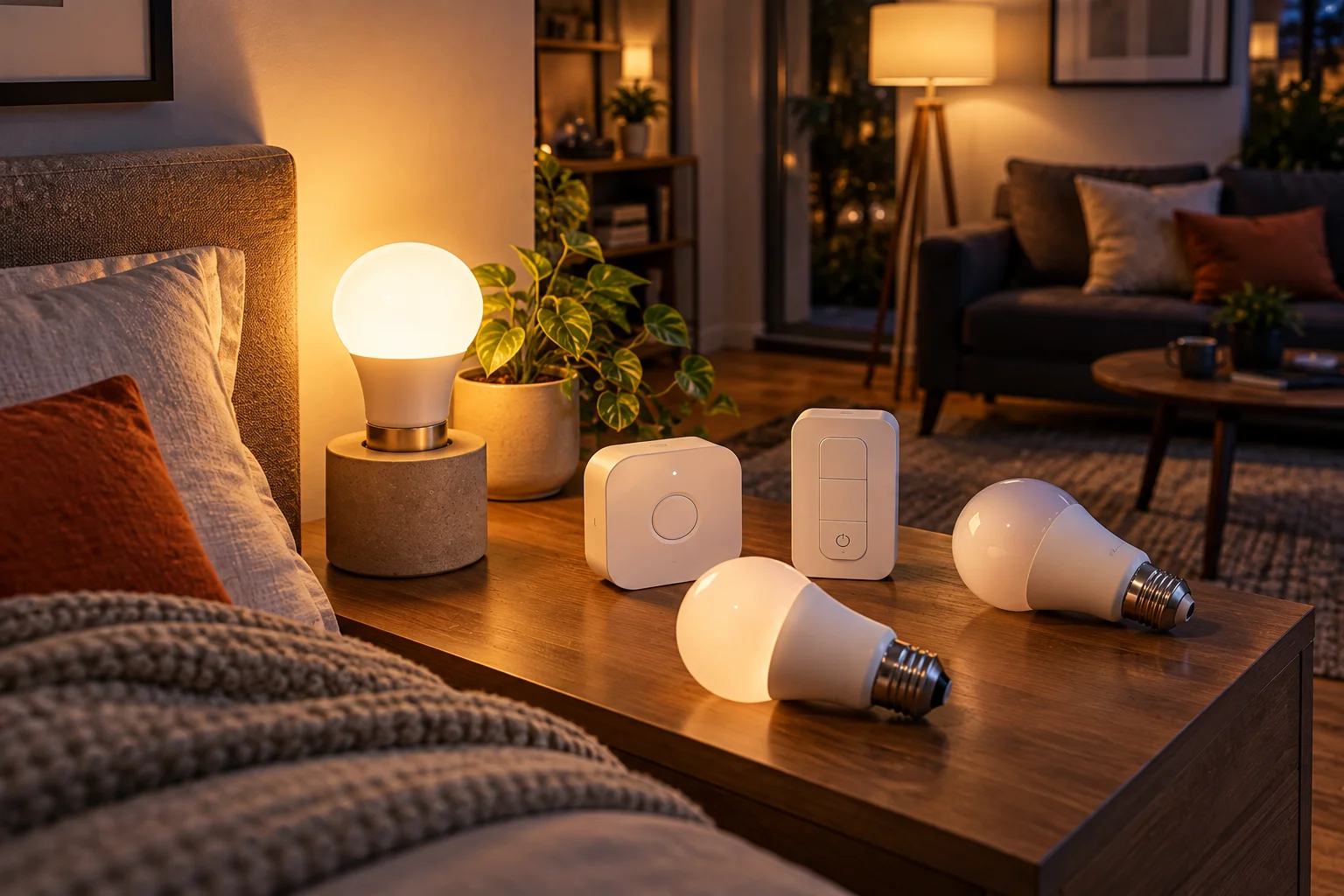
Common UK smart home bundles include:
Smart bulbs + bridge
Smart bulbs + dimmer switch
Video doorbell + security camera
Alarm hub + door/window sensors
Smart speaker + smart display
Wi-Fi router + mesh nodes
Smart thermostat + temperature sensors
Security camera + subscription
Smart plugs + smart lighting
Multiple speakers for multi-room audio
The bundle can be created by the manufacturer or assembled by a retailer.
The important distinction is that not every multi-product package represents a genuine discount.
Sometimes you're simply being encouraged to buy several products at once.
When Does a Smart Home Bundle Actually Save Money?
A bundle genuinely saves money when the combined price of the products you would actually buy is lower than the cost of purchasing those products separately.
Use this calculation:
Real bundle saving = individual prices of needed products − bundle price
For example:
Purchase | Individual price |
|---|---|
Smart bulb | £20 |
Smart bulb | £20 |
Bridge | £50 |
Dimmer | £25 |
Total separately | £115 |
Bundle | £90 |
Actual saving | £25 |
That's a genuine £25 saving if you wanted all four products.
Now imagine the bundle costs £90 but contains two bulbs, a bridge, a sensor and a switch when you only need the bulbs and bridge.
You haven't saved £25.
You've spent £90 instead of perhaps £70.
That's the fundamental rule:
Never calculate the saving against products you wouldn't have bought.
Smart Lighting Bundles Are Often Easier to Justify
Lighting starter kits can offer genuine value because several components are designed to work as one system.
Philips Hue is a good example.
Its current UK starter kits combine bulbs with the Hue Bridge and, in some cases, switches. Philips Hue currently lists an Essential two-bulb E27 starter kit with Bridge at £99.99 and a bundle containing four White Ambiance GU10 bulbs plus a Bridge at £127.97, compared with £159.97 when those products are purchased separately.
That second example represents a straightforward:
£159.97 − £127.97 = £32 saving
But there's another reason starter kits can make sense.
You're not just buying several random smart products.
You're buying components that are intended to work together.
A bridge can provide central connectivity for compatible lights and accessories, while the bulbs and switches share the same ecosystem.
That's much easier to justify than buying five unrelated smart gadgets because they're discounted.
Security Bundles Can Save Money, but Check the Subscription
Security bundles can provide useful upfront savings, but the ongoing subscription can matter more than the initial discount.

A typical security bundle might include:
Video doorbell
Indoor camera
Outdoor camera
Alarm hub
Door sensors
Motion sensor
Keypad
Range extender
Currys currently lists several UK starter kits, including Blink security bundles and a Ring Alarm five-piece kit.
The bundle price is only one part of the calculation.
Ask:
Do I need cloud recording?
If yes, determine:
Monthly subscription
Annual subscription
Number of cameras covered
Recording retention
AI detection features
Whether local storage is available
A £30 saving at checkout can disappear surprisingly quickly if the bundle requires a recurring subscription you didn't originally plan to buy.
Mesh Wi-Fi Bundles Are Different From Ordinary Multi-Buys
A mesh Wi-Fi bundle can make more sense than buying individual routers because the additional nodes are specifically designed to extend one network.
Google's UK store currently promotes a Nest Wifi Pro three-pack with a "Save when you buy more" offer, with the stated saving based on buying the individual products separately at their recommended retail prices.
This is a useful example of where buying multiple units together can be logical.
You aren't buying three unrelated devices.
You're buying:
one network + multiple access points.
The same principle applies to other mesh systems.
But don't automatically buy the three-pack.
If your home only needs two nodes, a three-pack can turn a discount into unnecessary spending.
Before buying a mesh bundle, consider:
Home size
Number of floors
Wall construction
Internet speed
Ethernet backhaul
Number of connected devices
Wi-Fi standard
Router placement
More nodes aren't automatically better.
Poorly positioned mesh nodes can even create unnecessary wireless hops or interference.
Smart Speaker Multi-Packs Can Make Sense for Multi-Room Audio
Buying multiple smart speakers together can make sense when you genuinely want multi-room audio or multiple voice-control points.
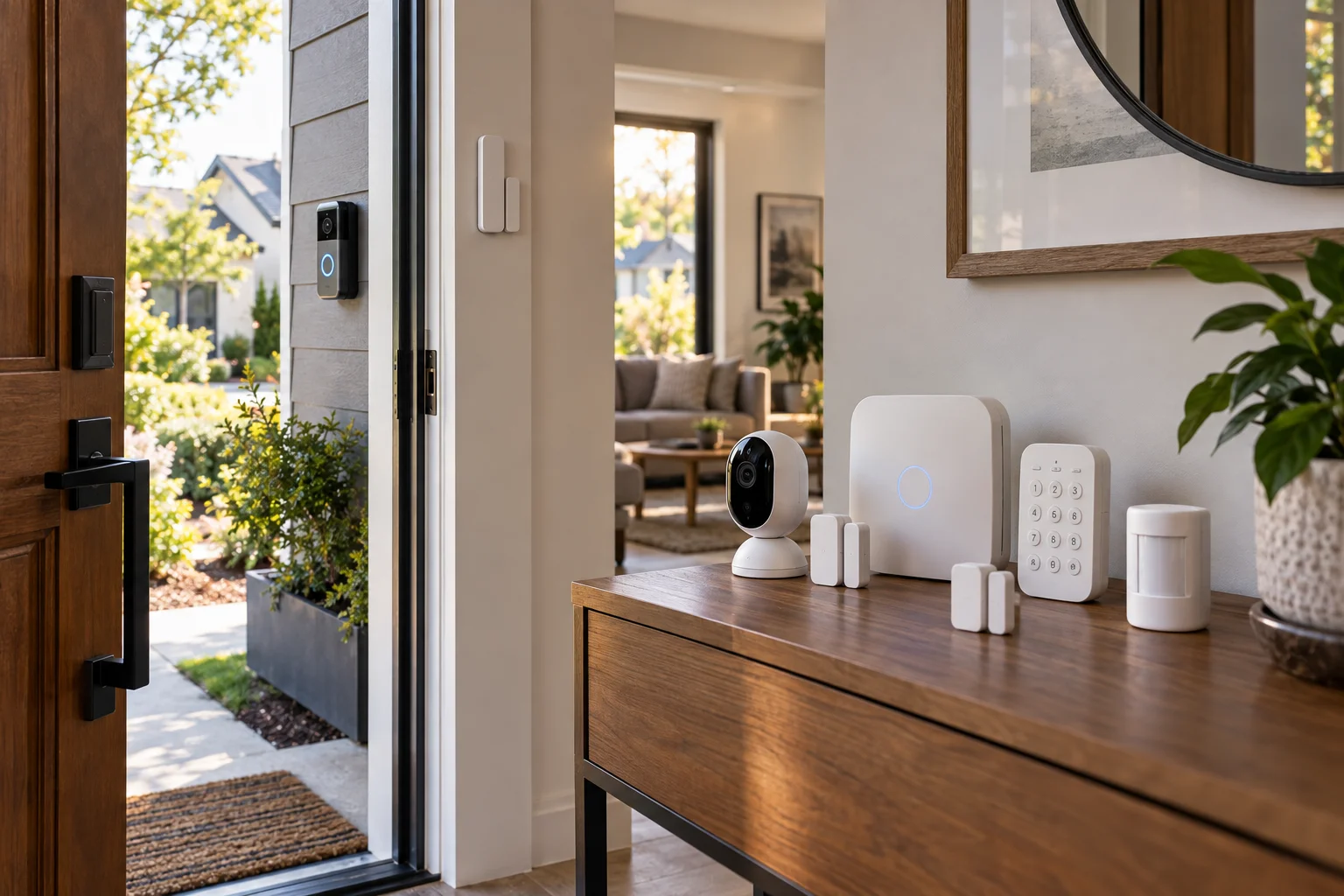
Retailers sometimes offer multi-buy discounts.
John Lewis currently lists selected Sonos products with a 5% saving when buying two, while selected Samsung smart speakers currently have promotions offering 10% off two units and up to 20% off four.
If you already know you want speakers in:
Kitchen
Living room
Bedroom
Office
a multi-buy discount can be useful.
But buying four speakers simply because the fourth one is discounted doesn't necessarily make financial sense.
Ask:
Would I have bought this fourth speaker without the promotion?
If the answer is no, the discount may be encouraging you to spend more rather than helping you save.
Watch the Difference Between RRP and the Current Selling Price
A bundle can look cheaper against recommended retail prices while offering little or no saving compared with current sale prices for the individual products.
This is one of the most important things to check.
Imagine:
Product A RRP: £100
Product B RRP: £100
Product C RRP: £100
Bundle: £240
The advertised saving is £60.
But if the three products are currently £75 each individually:
£75 + £75 + £75 = £225
The "£60 saving" disappears.
You would actually pay £15 more for the bundle.
Google explicitly states that the saving on its Nest Wifi Pro bundle is calculated against purchasing the included items separately at their recommended retail prices.
That's why a proper comparison should use today's actual individual prices, not only the manufacturer's RRP.
Compare the Same Models, Not Similar Products
A bundle is only comparable with individual purchases when the included products are identical or genuinely equivalent.
This sounds obvious, but smart-home ranges can contain several generations and variants.
For example:
800-lumen bulb vs 1,100-lumen bulb
Standard camera vs premium camera
Wi-Fi 5 vs Wi-Fi 6 mesh node
Basic sensor vs advanced sensor
Wired camera vs battery camera
Standard bridge vs newer bridge
A retailer might sell a bundle that looks like a bargain while using an older or lower-spec product.
Before calculating the discount, record the exact model numbers.
Ecosystem Compatibility Can Be More Valuable Than a Small Discount
The best smart home bundle is often the one that keeps your devices inside a compatible ecosystem.

Smart-home platforms can include:
Amazon Alexa
Google Home
Apple Home
Samsung SmartThings
Matter-compatible devices
Manufacturer-specific platforms
Matter has made cross-platform compatibility easier, but "works with Matter" doesn't mean every feature works identically across every platform.
Some advanced functions remain dependent on the manufacturer's app, hub or ecosystem.
That means a £20 cheaper bundle isn't necessarily better if it leaves you with devices that don't cooperate properly with the rest of your home.
Matter Changes How You Should Think About Bundles
Matter can reduce some compatibility concerns, but it doesn't eliminate the need to check ecosystem and feature support.
Matter is designed as an interoperable smart-home standard.
That means compatible devices can potentially work across supported ecosystems rather than being permanently locked to one manufacturer's platform.
But there are still differences in:
Supported device types
Advanced features
Automation capabilities
Hub requirements
Thread border-router requirements
App functionality
Firmware updates
So when evaluating a bundle, don't stop at:
"Does it support Matter?"
Ask:
"Does it support the Matter features and ecosystem I actually plan to use?"
Don't Forget the Hub or Bridge Cost
A smart-home bundle can be especially valuable when it includes a hub or bridge that you'd otherwise have to purchase separately.
This is common with lighting systems.
Suppose you want six smart bulbs.
If each bulb works independently over Wi-Fi, you may not need a hub.
But if your chosen system requires a bridge for certain functions, the first purchase needs to include that additional hardware.
A starter kit can therefore be more attractive than buying individual bulbs if the bridge is included at a discounted effective price.
Philips Hue's current UK starter kits illustrate this approach, with several packages including the Hue Bridge.
Calculate the Cost of the Whole Smart Home, Not Just the Bundle
The cheapest bundle isn't necessarily the cheapest smart home because installation, subscriptions, hubs and future expansion all affect the total cost.
Use this broader calculation:
Total smart-home cost = hardware + hub + installation + subscriptions + accessories + electricity + future expansion
For example:
Security system
Initial cost
Doorbell: £100
Camera: £100
Alarm: £200
Ongoing
Cloud subscription: £8/month
Over three years:
£400 + (£8 × 36) = £688
A different ecosystem might cost £500 upfront but have no equivalent subscription.
The £400 bundle isn't necessarily cheaper.
When Should You Buy a Bundle?
Buy the bundle when you already need most of its contents, the products are compatible, and the bundle price beats the current individual prices.
A bundle is particularly attractive when:
You are starting from scratch
All devices serve the same ecosystem
A required hub is included
You need several identical devices
The discount is based on current selling prices
There is no unwanted subscription
You expect to expand within the same ecosystem
The included products aren't outdated
When Should You Buy Devices Separately?
Buy separately when the bundle contains hardware you don't need or when individual products are already discounted elsewhere.
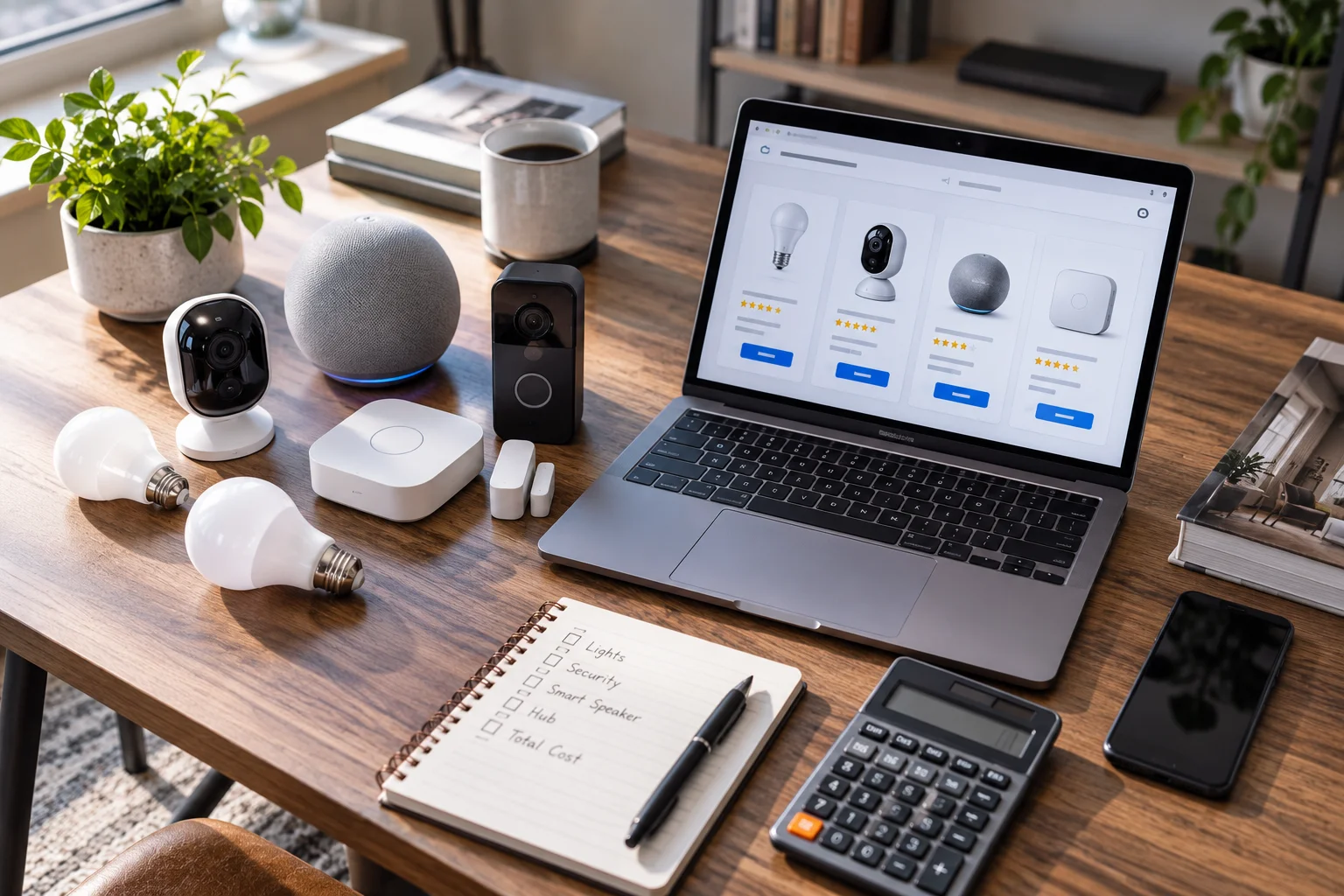
Separate purchases can be better when:
You only need one or two components
Different brands offer better prices
You already own a compatible hub
You don't want a subscription
One component has a newer generation
The bundle uses older hardware
You're uncertain about the ecosystem
You want to test one device before committing
This is especially important for first-time smart-home buyers.
You don't need to automate your entire house in one weekend.
Start with one or two useful devices and expand once you know which ecosystem works for you.
How to Calculate a Genuine Smart Home Bundle Saving
Use a simple five-step comparison before buying any bundle.
1. List the devices you actually need
Don't count products you wouldn't otherwise buy.
2. Find today's individual prices
Check at least two or three UK retailers.
3. Compare exact models
Don't compare an older product with a newer one simply because they have similar names.
4. Add ongoing costs
Include subscriptions, hubs and required accessories.
5. Calculate the effective saving
Use:
Effective saving = current individual purchase cost − bundle cost − unavoidable additional costs
If the result is positive and you actually need everything included, the bundle is doing its job.
FAQ: Smart Home Bundle Deals
Are smart home bundles actually cheaper?
Sometimes. A genuine bundle can reduce the combined hardware cost, particularly when it includes several devices designed to work together. But compare the bundle against current individual selling prices rather than RRP alone.
Is it cheaper to buy smart bulbs in a bundle?
Often, particularly when the bundle includes a required bridge or switch. Philips Hue currently offers several UK starter kits and bundles with explicit package pricing.
Are smart security bundles worth it?
They can be, especially if you need several security devices. However, check cloud-storage and AI subscriptions because recurring costs can exceed the initial hardware saving over time.
Are three-pack mesh Wi-Fi systems cheaper?
They can be. Google currently advertises savings on its Nest Wifi Pro three-pack compared with purchasing the included products separately at their recommended retail prices.
But if your home only needs two units, buying three isn't necessarily cheaper for you.
Should I buy all my smart-home devices from one brand?
Not necessarily. A single ecosystem can simplify setup and automation, but Matter and other interoperability standards make mixed-brand systems increasingly practical. Check the specific features and platform compatibility you need.
What is the biggest mistake when buying a smart home bundle?
Buying devices simply because they're discounted. A £100 bundle saving isn't a saving if £100 worth of the included devices were never needed.
How can I tell if a smart-home bundle is a genuine deal?
Compare the exact products in the bundle with their current individual prices at multiple UK retailers. Then add the cost of hubs, subscriptions and accessories.
Should I wait for Black Friday to buy smart home bundles?
Black Friday and other major UK retail events can produce significant smart-home discounts, but there is no guarantee that a specific bundle will be cheaper later. Track the individual prices and bundle price beforehand so you can recognise a genuine discount.
The smartest way to approach smart home bundle deals is to stop thinking about the percentage printed on the promotional banner.
Think about the system you are actually building.
If you need four smart bulbs, a bridge and a switch, and the starter kit costs less than buying those exact products individually, that's a useful bundle.
If you only wanted two bulbs but buy a six-device package because it says "Save £80", you've probably spent more, not less.
The best bundle isn't the one with the biggest advertised saving. It's the one that gives you every device you need, none that you don't, and no expensive surprises after checkout.