The best gaming PC in 2026 isn't necessarily the one with the fastest processor, most RAM or largest SSD. It's the one where the CPU, GPU, memory and storage are balanced around the games you actually play.
That's important because gaming PC specifications are full of tempting upgrades. You might see a desktop with 64GB of RAM, a high-end CPU and a huge 4TB SSD and assume it's automatically a better buy than a machine with 32GB RAM, a smaller SSD and a faster graphics card.
For gaming, that isn't necessarily true.
Intel's current guidance recommends prioritising CPU and GPU performance when shopping for a gaming system, while RAM and storage can often be upgraded later. Microsoft currently suggests 16GB to 64GB of RAM and 512GB to 2TB or more of storage for gaming-oriented PCs, depending on workload and game library.
The smarter approach is to start with resolution, refresh rate and game type, then work backwards to the hardware.
Decide What You Want to Play Before Choosing the Hardware
Your games, resolution and target frame rate should determine the PC you buy, not the other way around.
A PC intended for competitive 1080p gaming has very different requirements from one designed for 4K single-player games.
Consider these four questions first:
What games do you play?
What resolution is your monitor?
What refresh rate are you targeting?
Do you care more about maximum visual quality or maximum frame rate?
For example:
Gaming goal | What matters most |
|---|---|
1080p competitive gaming | CPU + GPU + high-refresh monitor |
1440p gaming | Balanced CPU + strong GPU |
4K gaming | GPU becomes especially important |
Ray-traced gaming | GPU architecture and ray-tracing performance |
Simulation/strategy games | Strong CPU performance |
Gaming + streaming | CPU/GPU balance + adequate RAM |
Gaming + video editing | CPU, GPU, RAM and storage |
Large game library | Storage capacity |
This is why there isn't one ideal specification for every gamer.
The right PC is workload-dependent.
How Much Should You Spend on the GPU?
For a gaming-focused desktop, the GPU usually deserves a larger share of the budget than unnecessary CPU, RAM or SSD upgrades.
The GPU determines much of what happens when your PC renders a game.
It affects:
Resolution
Graphics quality
Ray tracing
Texture quality
Frame rates
Upscaling
Frame-generation technologies
VR performance
Intel explicitly identifies the GPU and CPU as the two components most directly connected to in-game graphical performance, resolution and frame rates.
This doesn't mean you should buy the most expensive GPU you can afford.
Instead, match it to your display.
If you're using a 1080p 60Hz monitor, spending heavily on a GPU designed for extreme 4K gaming can be difficult to justify.
If you're buying a 4K 144Hz display, the situation changes dramatically.
Don't buy a flagship GPU for a budget monitor and don't buy a budget GPU for a monitor that demands high-end rendering performance.
How Much CPU Do You Actually Need for Gaming?
A modern mid-range or upper-mid-range CPU is sufficient for many gaming PCs; you generally don't need a flagship processor unless your workload can use it.
The CPU handles game logic, simulation, AI behaviour, background processes and other tasks that aren't primarily handled by the GPU.
CPU importance rises when:
You're targeting very high frame rates
You play CPU-heavy strategy or simulation games
You use a high-refresh monitor
You stream while gaming
You run other applications simultaneously
You perform video editing or rendering
You want a workstation/gaming hybrid
A common mistake is buying a very expensive CPU while cutting back too far on the graphics card.
For a gaming-first machine, the balance often makes more sense the other way around.
CPU cores aren't the whole story
Don't choose a processor purely by core count.
Gaming performance can depend on:
Architecture
Per-core performance
Cache
Clock behaviour
Memory latency
Game-engine optimisation
Power and thermal limits
A 16-core processor isn't automatically faster for every game than a well-designed 8-core gaming CPU.
Buy CPU performance for your workload, not the largest number printed on the box.
How Much RAM Does a Gaming PC Need in 2026?
16GB is still a practical starting point for gaming, while 32GB is a sensible target for many new gaming PCs, especially if you multitask.
Microsoft's current gaming-PC guidance lists 16GB to 64GB as a gaming-oriented range. Intel similarly describes 16GB or more as ideal while noting that 8GB can still work for many games.
For a new PC, a sensible way to think about it is:
16GB
Suitable for:
Gaming
General use
Web browsing
Most everyday applications
32GB
Useful for:
Gaming + streaming
Heavy multitasking
Content creation
Mod-heavy games
Keeping many applications open
64GB
Makes more sense when you also:
Edit high-resolution video
Work with large creative projects
Run virtual machines
Use demanding professional software
Perform memory-heavy development or AI workloads
If you're building a gaming PC and the choice is between 32GB RAM + stronger GPU and 64GB RAM + weaker GPU, the first configuration will often make more sense for a gaming-focused workload.
Don't Pay Extra for RAM Speed You Won't Notice
Capacity and platform compatibility should come before chasing small memory-speed differences.
RAM performance can affect gaming, but its real-world impact depends on the CPU, game and memory configuration.
Before paying a large premium for a faster kit, ask whether the money could instead improve the GPU.
That's particularly important when you're choosing between configurations from a prebuilt manufacturer.
A system advertised with:
64GB ultra-fast RAM
may sound impressive.
But if the alternative has:
32GB RAM + a substantially faster GPU
the second system may be the better gaming machine.
How Much SSD Storage Do You Need?
A 1TB SSD is a practical starting point for many gaming PCs, while 2TB makes more sense if you keep a large game library installed simultaneously.
Microsoft currently suggests 512GB to 2TB or more for gaming PCs depending on how much software and game content you store.
Intel also notes that some modern games can exceed 100GB individually and recommends at least 500GB as a starting point for a primary gaming SSD.
That makes capacity more important than buying the fastest SSD available.
Consider:
500GB
Works for:
Windows
A small game library
Basic gaming
But space can disappear quickly.
1TB
A strong general-purpose starting point for:
Windows
Applications
Several large games
General files
2TB
Better if you:
Keep many AAA games installed
Store video files
Use the PC for creative work
Don't want to constantly uninstall games
4TB+
Useful for:
Very large game libraries
Video editing
Large media collections
Professional workloads
But don't spend hundreds more on capacity you won't use.
Storage is one of the easiest components to expand later on a desktop.
Does SSD Speed Actually Matter for Gaming?
SSD speed matters for storage responsiveness and supported technologies, but the fastest available NVMe drive isn't automatically the best gaming investment.
Windows 11's DirectStorage technology requires an NVMe SSD for games that use the Standard NVM Express Controller driver, along with a compatible DirectX 12 GPU and Shader Model 6.0 support.
That doesn't mean every game will transform when you move from one high-speed NVMe SSD to an even faster model.
For most gaming buyers, it can make more sense to have:
2TB of good NVMe storage
than:
1TB of extremely high-end NVMe storage
if the latter costs substantially more.
Capacity and overall system balance matter.
Why GPU VRAM Matters When Choosing a Gaming PC
GPU memory becomes increasingly relevant as resolution, texture quality and demanding graphical features increase.
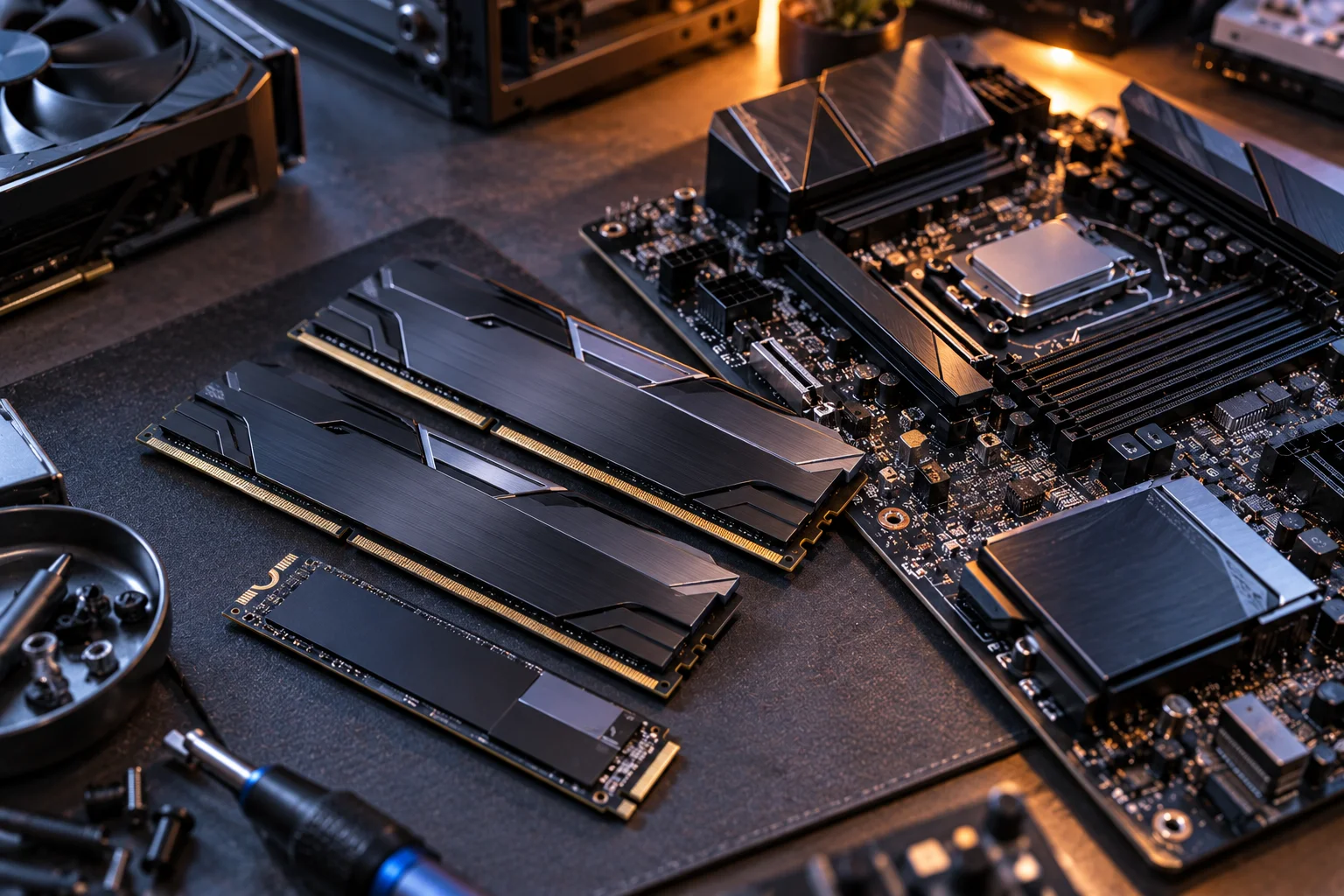
VRAM stores graphical assets needed by the GPU.
Running out of available VRAM can create problems such as:
Texture-quality limitations
Stuttering
Reduced performance
More aggressive asset management
The amount you need depends on the games, resolution and settings you use.
A 1080p gaming system doesn't have the same VRAM requirements as a high-end 4K system with demanding textures and ray tracing.
This is another reason to avoid buying a graphics card based only on its model number.
Look at the GPU's actual memory capacity alongside its performance and the resolution you intend to play at.
What About Ray Tracing and AI Upscaling?
Modern gaming GPUs increasingly combine traditional rendering with dedicated hardware and software features for ray tracing, upscaling and frame generation.
This means two GPUs with similar traditional rendering performance aren't necessarily identical in real-world use.
If you play games that support technologies such as:
Ray tracing
AI-based upscaling
Frame generation
Advanced image reconstruction
these capabilities can influence the buying decision.
But don't buy a GPU purely because it has the longest feature list.
Ask:
Does the software support exist in the games I actually play?
If you mostly play competitive games where you prioritise very high frame rates and low latency, your priorities can be different from someone playing cinematic single-player titles at 4K.
Don't Overspend on the Motherboard
A gaming motherboard should provide the connectivity and expansion you need without becoming a major part of the budget unnecessarily.
Look for:
Compatible CPU socket
Correct RAM generation
Adequate VRM design
M.2 slots
PCIe expansion
USB connectivity
Networking
Wi-Fi/Bluetooth if required
BIOS support
You don't need an expensive enthusiast motherboard simply because you're buying a powerful graphics card.
A sensible motherboard can provide the features you need while leaving more money for the GPU.
Don't Cheap Out on the Power Supply
The PSU is one component where saving money can be a false economy.
Choose a reputable unit with:
Appropriate wattage
Suitable GPU connectors
Appropriate efficiency certification
Adequate headroom
Good protections
A warranty from a reputable manufacturer
The required wattage depends on the complete system rather than the GPU alone.
A high-end graphics card paired with a borderline PSU is not a balanced gaming PC.
Think of the PSU as infrastructure.
You don't necessarily need the most expensive model, but you want one that comfortably supports the hardware you're buying.
Cooling Matters More Than RGB
Spend on adequate cooling and airflow before paying extra for decorative features.
A gaming PC needs to dissipate heat generated by the CPU and GPU.
Look for:
Good case airflow
Adequate intake and exhaust fans
Appropriate CPU cooling
Sufficient GPU clearance
Sensible cable management
Reasonable thermal headroom
RGB lighting doesn't increase frame rates.
A £100 premium for additional lighting is hard to justify if the same money could improve the GPU.
That doesn't mean RGB is bad.
If you like it, buy it.
Just make sure you're not sacrificing performance for aesthetics.
Match the PC to Your Monitor
Your monitor should be part of the PC specification, not an afterthought.
Think of the complete chain:
GPU → resolution → refresh rate → game settings
For example:
1080p / 60Hz
You don't need an extreme high-end gaming system.
1080p / 240Hz+
CPU performance becomes increasingly important because you're asking the system to produce very high frame rates.
1440p / 144–180Hz
This is a particularly balanced target for a modern gaming PC, with both CPU and GPU mattering.
4K / 120–144Hz
The GPU becomes particularly important because rendering significantly more pixels places much greater demand on graphics hardware.
The exact hardware requirement varies by game.
How Much Storage and RAM Should You Buy?
For a new gaming PC in 2026, 32GB RAM and a 1TB or 2TB SSD are sensible starting points for many buyers, but you shouldn't treat either figure as mandatory.
A practical framework:
Component | Sensible starting point | Spend more when... |
|---|---|---|
CPU | Modern mid-range | High FPS, simulation, streaming, creation |
GPU | Strongest your budget comfortably allows | Higher resolution, RT, demanding games |
RAM | 16GB | 32GB for heavier multitasking |
SSD | 1TB | 2TB+ for large libraries |
Motherboard | Mid-range | You need specific expansion/connectivity |
PSU | Quality unit with headroom | High-power GPU or future upgrades |
Cooling | Adequate airflow | High-power CPU or quieter operation |
Case | Good airflow and clearance | Large components or expansion needs |
The goal isn't to hit every "high-end" number.
It's to avoid paying for performance or capacity that your workload cannot use.
How to Build a Balanced Gaming PC Budget
Start with the GPU and monitor target, then build the rest of the system around them.
A simple process works well.
Step 1: Choose your resolution
1080p, 1440p or 4K?
Step 2: Set your frame-rate target
60Hz, 144Hz, 240Hz or higher?
Step 3: Choose the GPU class
Base this on the games and visual settings you want.
Step 4: Choose an appropriate CPU
Make sure it can keep the GPU fed without spending excessively on CPU performance you won't use.
Step 5: Add enough RAM
Start around 16GB or 32GB depending on your workload.
Step 6: Choose storage based on your library
1TB may be enough; 2TB gives more breathing room.
Step 7: Select supporting components
Motherboard, PSU, cooler and case should support the core hardware without consuming an unnecessary portion of the budget.
This approach is much better than starting with:
"I want the fastest CPU, 64GB RAM and 4TB SSD."
When Is a More Expensive Gaming PC Actually Worth It?
Spend more when the additional hardware changes the experience you are trying to achieve.
Pay more for the GPU if:
You're moving to 4K
You want higher frame rates
You use demanding ray tracing
You want longer useful performance life
Pay more for the CPU if:
You play CPU-heavy games
You're targeting very high refresh rates
You stream
You create content alongside gaming
Pay more for RAM if:
You regularly exceed 16GB
You multitask heavily
You create content
You run memory-heavy software
Pay more for storage if:
You maintain a huge game library
You store large media files
You frequently run out of space
Don't upgrade simply because a higher specification exists.
What Hardware Can You Upgrade Later?
Desktop PCs are valuable partly because several components can be upgraded after purchase.
Intel specifically notes that RAM and storage are often relatively easy to upgrade, while GPU upgradeability depends on the desktop configuration.
Potential future upgrades include:
RAM
SSD
GPU
CPU
CPU cooler
Case fans
This can influence where you spend money today.
For example, you could choose:
32GB RAM + 1TB SSD + stronger GPU
instead of:
64GB RAM + 4TB SSD + weaker GPU
and expand RAM or storage later if your needs change.
That strategy can put more of your initial budget into gaming performance.
FAQ: Choosing a Gaming PC in 2026
How much RAM should a gaming PC have in 2026?
16GB remains a practical starting point, while 32GB is a sensible choice for many new gaming PCs, especially if you stream or multitask. Microsoft currently lists 16GB to 64GB as a gaming-oriented range.
Is 1TB SSD enough for gaming?
It can be. A 1TB SSD provides a reasonable starting point for Windows, applications and several games, but 2TB is more comfortable if you maintain a large AAA game library.
Should I spend more on CPU or GPU?
For a gaming-first PC, prioritising the GPU is often sensible, provided the CPU is capable enough for your target frame rate and games. Intel specifically recommends prioritising CPU and GPU performance when shopping for gaming systems.
Is 64GB RAM overkill for gaming?
For many gaming-only systems, yes. It can make sense for users who also stream, edit video, run virtual machines or use other memory-intensive applications.
Do I need a high-end NVMe SSD for gaming?
Usually not. A good NVMe SSD with enough capacity is often a more sensible purchase than paying a large premium for the fastest sequential speeds available.
Should I buy a gaming PC with a powerful CPU and weak GPU?
Usually not if gaming is your main goal. A balanced system is preferable, and Intel specifically identifies the CPU and GPU as key determinants of in-game performance.
Does Windows 11 require a powerful gaming PC?
No. Microsoft's minimum Windows 11 requirements are far below the hardware requirements of modern PC games. The OS requires a compatible 64-bit processor, 4GB RAM, 64GB storage, TPM 2.0, Secure Boot-capable UEFI and a DirectX 12-compatible GPU, among other requirements.
Does DirectStorage require an NVMe SSD?
For games that use DirectStorage, Microsoft says the feature requires an NVMe SSD using the Standard NVM Express Controller driver and a compatible DirectX 12 GPU with Shader Model 6.0 support.
Should I buy more RAM or a faster GPU?
If gaming performance is your priority and your existing RAM capacity is already sufficient, the faster GPU is generally the more meaningful upgrade. Intel similarly recommends prioritising CPU/GPU performance before optional extra memory or storage when working within a gaming budget.
The smartest way to choose a gaming PC in 2026 is to start with the experience you want rather than the specification sheet you want to show off.
Choose the monitor and games first. Then select the GPU, match the CPU to it, install enough RAM for your workload and choose enough SSD capacity for your library.
Everything else supports that core configuration.
You don't need 64GB of RAM because a retailer offers it. You don't need 4TB of storage because the number looks impressive. And you don't need a flagship CPU if your games are primarily GPU-limited.
Spend money where you'll actually see the difference on screen.