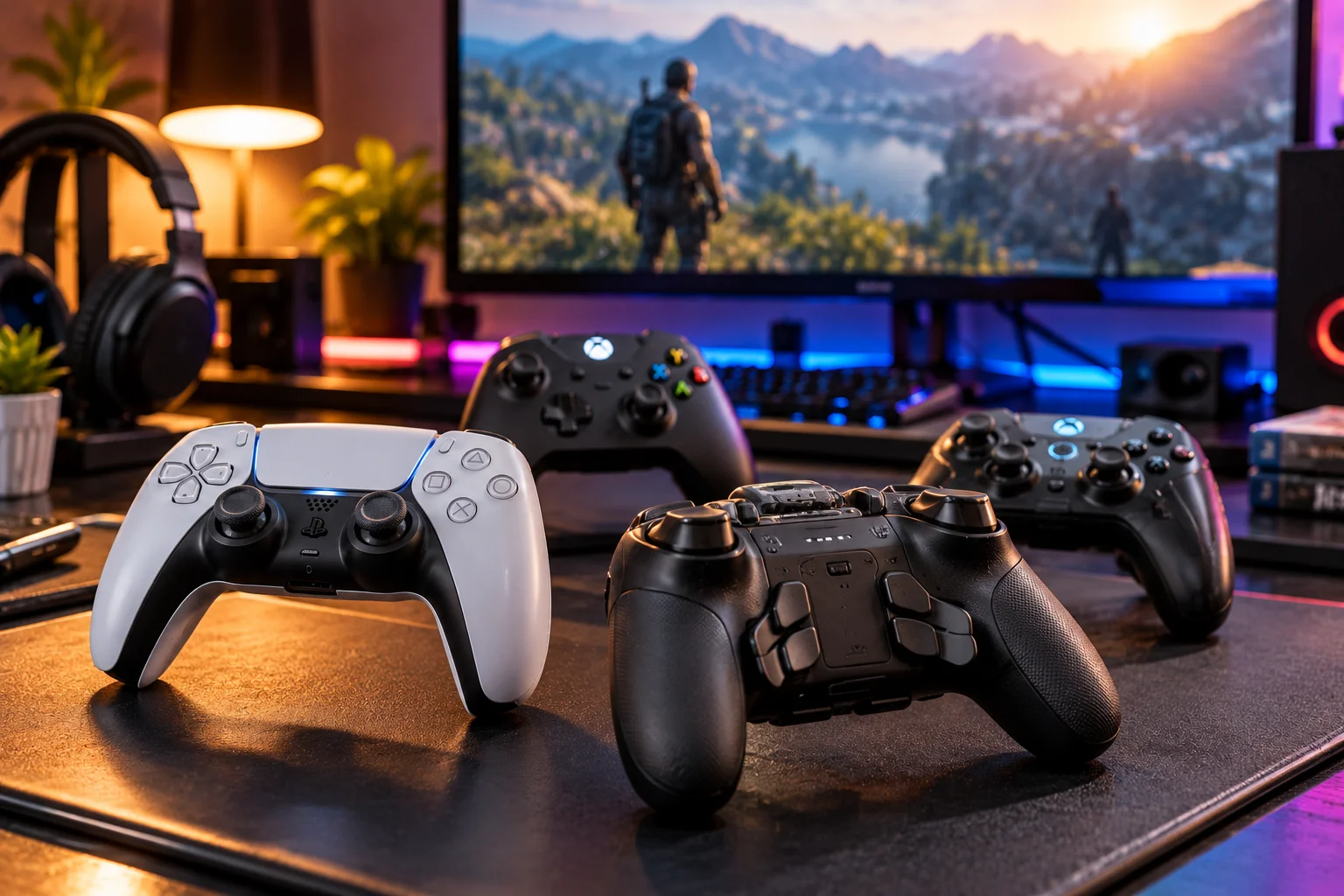
The best gaming controller isn't necessarily the most expensive one. The right choice depends on how you play, which platform you use, how much you care about stick durability and latency, and whether features such as back buttons, adjustable triggers or multi-device connectivity will actually improve your games.
Controller shopping has become surprisingly complicated.
A basic gamepad can now cost relatively little, while premium models can cost well over $100 and offer Hall-effect or TMR sticks, adjustable triggers, rear paddles, multiple wireless modes, replaceable components, custom profiles and high polling rates.
Some of those features can make a real difference.
Others matter only for particular types of games.
A competitive shooter player may care deeply about stick precision, trigger response and wireless latency. Someone playing RPGs from a sofa may care more about comfort, battery life and reliable wireless connectivity. A PC gamer may want a controller that also works with a phone, while a Switch 2 owner needs to pay close attention to platform-specific features and compatibility.
The easiest way to choose is to evaluate the controller in this order:
Platform → games → sticks → latency → controls → ergonomics → connectivity → software → price.
Start With Platform Compatibility Before Looking at Features
The first question when buying a controller should be whether it actually works with your console, PC or mobile device in the way you expect.
A controller can have excellent sticks and low latency but still be the wrong purchase if it doesn't support your platform.
The major platforms have different requirements:
Platform | What to check |
|---|---|
Xbox Series X/S | Xbox compatibility, Xbox Wireless or supported wired connection |
PlayStation 5 | PS5 compatibility and supported features |
Nintendo Switch 2 | Switch 2 compatibility and Nintendo-specific features |
Windows PC | USB, Bluetooth, 2.4GHz or platform-specific wireless support |
Android/iPhone | Bluetooth compatibility and supported games |
Multiple platforms | Exact console combinations supported by the manufacturer |
This is particularly important with third-party controllers.
A controller marketed as "PC compatible" isn't automatically compatible with Xbox or PlayStation.
Likewise, a controller that works with an older console isn't necessarily compatible with its successor.
Nintendo's current Switch 2 Pro Controller, for example, is specifically designed for Switch 2 and Nintendo says it cannot be used with the original Switch. It also adds Switch 2-specific GL and GR assignable buttons and a C button for GameChat.
That's why compatibility should come before almost every other specification.
What Are Hall-Effect Joysticks and Why Do Gamers Want Them?
Hall-effect sticks use magnetic sensing rather than the traditional physical contact mechanism used by conventional potentiometer sticks, which can reduce a common source of stick-wear problems.
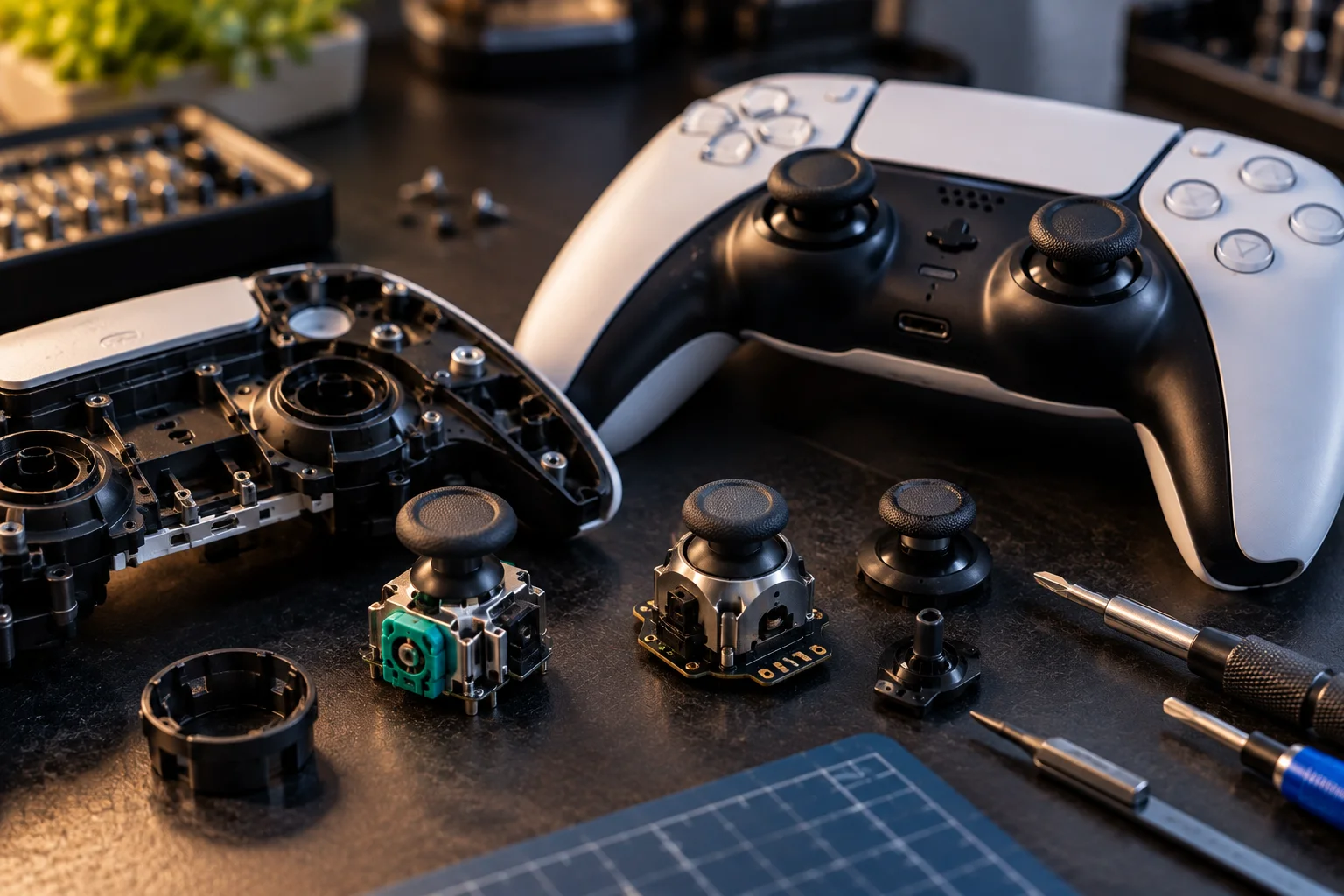
Traditional analog sticks generally use potentiometers to measure movement.
Over time, physical components can wear, potentially causing inaccurate readings known as stick drift.
Hall-effect designs use magnetic fields and sensors to determine stick position.
The practical attraction is durability.
A Hall-effect stick doesn't mean a controller can never develop problems. Other components can still wear, and calibration, firmware or mechanical issues can affect performance.
But the sensing mechanism itself avoids the same type of physical resistive wear associated with traditional potentiometers.
Some newer controllers go further with TMR, or tunneling magnetoresistance, which also uses magnetic sensing but relies on a different sensor technology.
The important buying point is:
Don't buy a controller solely because the box says "Hall Effect."
Check the complete design, calibration, dead-zone adjustment, stick tension and warranty as well.
Hall Effect vs TMR vs Traditional Sticks
Hall-effect and TMR sticks are attractive for durability and consistent sensing, while traditional potentiometer sticks remain common and can still provide excellent gameplay.
Stick type | Main advantage | Main consideration |
|---|---|---|
Potentiometer | Mature, widely used | Physical sensing components can wear |
Hall effect | Magnetic sensing, reduced wear mechanism | Implementation and calibration vary |
TMR | Magnetic sensing with different sensor technology | Usually found in more specialized controllers |
Stick technology doesn't automatically determine how a controller feels.
Two Hall-effect controllers can have noticeably different:
Stick tension
Dead zones
Response curves
Gate shapes
Centering
Friction
Maximum output
Software calibration
For competitive gaming, those details can matter as much as the underlying sensor technology.
Does Hall Effect Mean a Controller Won't Get Stick Drift?
No. Hall-effect sticks can reduce one major source of stick wear, but they don't make the entire controller immune to drift or other failures.
A controller contains many mechanical components.
A stick can experience:
Mechanical wear
Calibration problems
Firmware issues
Physical damage
Loose components
Contamination
So "drift-free" should be treated carefully.
A better question is:
What sensing technology does the stick use, and what does the manufacturer actually guarantee?
If you're buying an expensive controller, also check whether the sticks are replaceable and whether replacement modules are available.
Repairability can matter more over several years than a small difference in specifications.
How Important Is Wireless Latency?
Wireless latency matters most in fast competitive games, but modern wireless controllers can be responsive enough for many players when the connection and controller are designed well.
Latency is the time between your physical input and the game responding.
A simplified chain looks like:
Press button → controller detects input → connection transmits data → console/PC receives it → game processes it → display updates
Every stage contributes to the total response time.
That's why a controller's advertised wireless latency isn't the entire gaming experience.
Display latency, game engine timing, frame rate and network latency can all matter too.
For offline competitive games, however, controller input latency is still worth considering.
Wired vs 2.4GHz vs Bluetooth: Which Is Fastest?
Wired USB and dedicated 2.4GHz wireless connections are generally the controller connection types to examine most closely when low latency is the priority, while Bluetooth is often chosen for convenience and broad device compatibility.
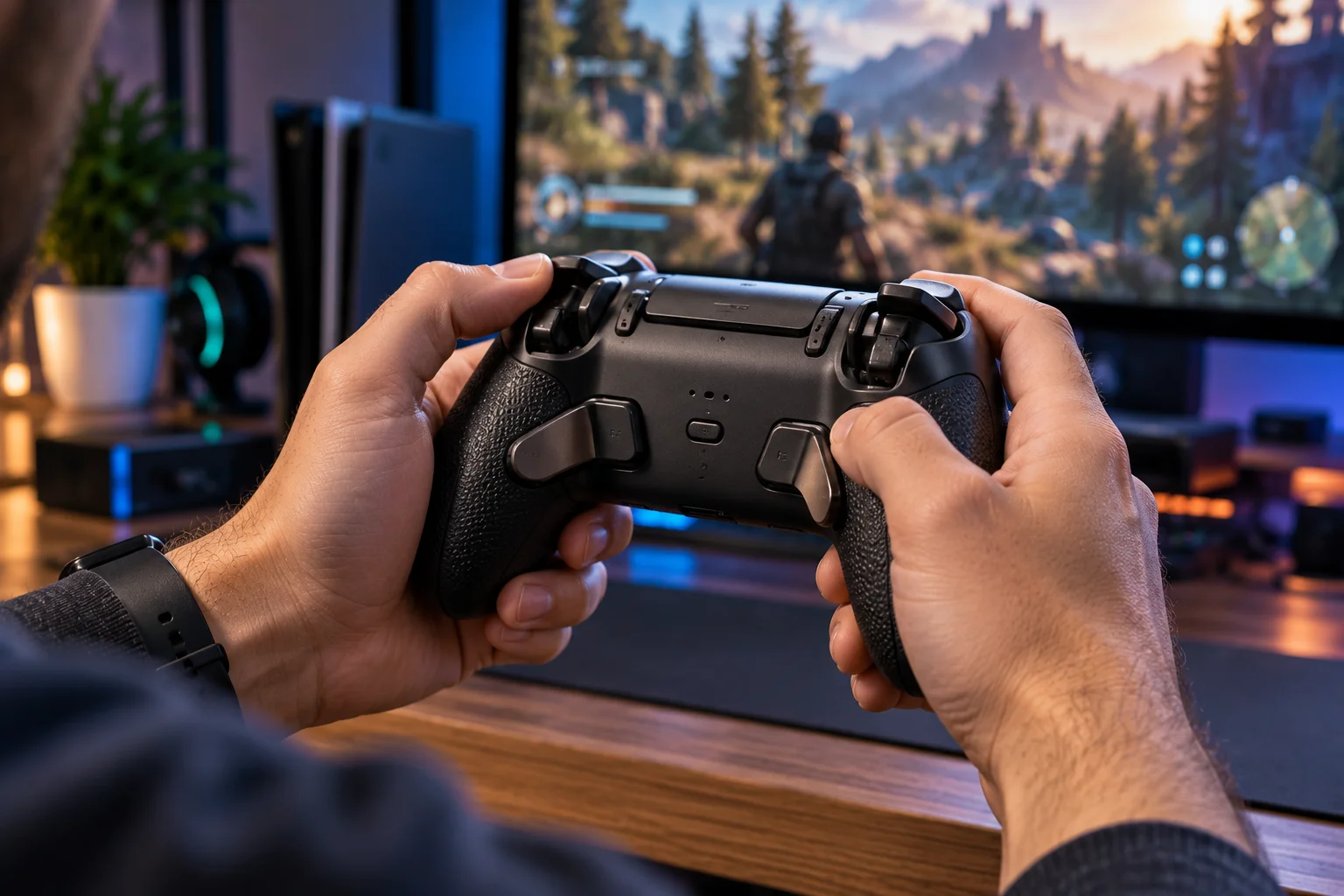
The three common options are:
Wired USB
Advantages:
Direct connection
No wireless interference
Often very low latency
No wireless battery drain
Disadvantages:
Cable management
Less freedom to sit away from the device
2.4GHz wireless
Advantages:
Low-latency wireless connection
Freedom from a cable
Often designed specifically for gaming
Disadvantages:
Usually requires a USB dongle
Dongle can be lost
USB port required
Compatibility varies
Bluetooth
Advantages:
Convenient
Widely supported
Useful for phones, tablets and PCs
No dedicated dongle in many cases
Disadvantages:
Latency can vary
Performance depends on implementation
Some advanced controller features may not work over Bluetooth
The important thing is not simply to see "wireless" on the box.
Find out which wireless technology is being used and on which platform.
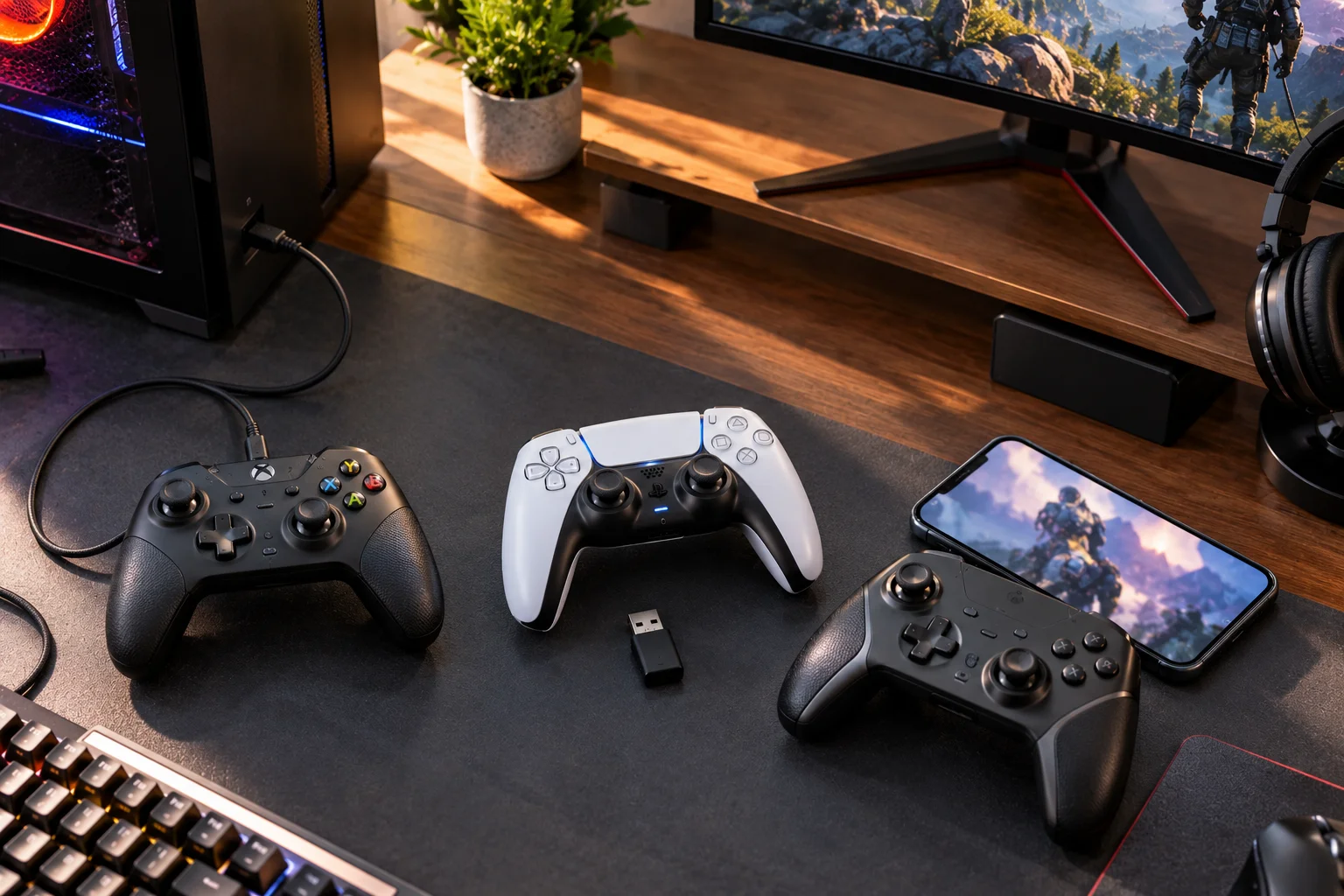
Microsoft's Xbox Wireless Controller, for example, uses Xbox Wireless on Xbox consoles and Bluetooth for compatible Windows PCs, Android and iOS devices.
What Does Polling Rate Mean on a Gaming Controller?
Polling rate describes how frequently the controller reports its input state to the connected device, but a higher number doesn't automatically make a controller feel dramatically faster.
You may see controllers advertised at:
125Hz
250Hz
500Hz
1,000Hz
Higher rates on some PC-focused models
At 1,000Hz, the theoretical reporting interval is 1 millisecond.
But that doesn't mean the entire input-to-screen pipeline is only 1ms.
Your game, operating system, display, rendering pipeline and connection all remain part of the equation.
For competitive PC gaming, higher polling rates can be meaningful.
For casual console gaming, other factors may matter more.
Don't pay a large premium for a specification you won't actually benefit from.
What Are Back Buttons and Rear Paddles Used For?
Back buttons let you perform certain actions without taking your thumbs away from the analog sticks.
That's their biggest advantage.
Imagine playing a first-person shooter.
You want to:
Jump
Crouch
Reload
Melee
Sprint
Normally, some of those actions require moving your thumb away from the right stick.
A rear button can let you perform the action while maintaining control of the camera.
That can be useful for:
FPS games
Racing games
Fighting games
Action games
Competitive shooters
But back buttons aren't automatically useful to everyone.
For slower games, they may provide little benefit.
Back Buttons vs Paddles: What's the Difference?
Both provide additional rear inputs, but the physical design and feel can differ.
A rear button is usually integrated into the controller shell.
A paddle extends farther from the back and can be activated with the middle or ring fingers.
The best design depends heavily on hand size and grip.
Too many rear controls can actually make a controller less comfortable.
Before buying a premium controller, check:
Number of rear inputs
Position
Shape
Travel
Activation force
Whether they can be remapped
Whether profiles can be saved
Four rear paddles aren't automatically better than two.
Sometimes two well-positioned buttons are easier to use.
Are Adjustable Triggers Worth Paying For?
Adjustable triggers are particularly useful for shooters and racing games because they can change how much trigger travel you need.
A full-length trigger can provide smooth analogue control.
That's useful for:
Racing acceleration
Racing brakes
Flight simulation
Analogue movement
But a shorter trigger setting can be useful for:
Shooting
Rapid-fire actions
Competitive games
A controller may provide a physical trigger stop that reduces travel.
That can make a trigger feel faster.
But it also removes some of the analogue range.
So the ideal setup depends on the game.
Long travel for precision.
Short travel for rapid input.
D-Pad Design Still Matters
The D-pad can be more important than the analog sticks for fighting games, platformers and games that rely heavily on directional inputs.
Common designs include:
Cross-shaped D-pads
Faceted D-pads
Individual directional buttons
Circular pads
The ideal design depends on what you're playing.
For fighting games, players often care about:
Diagonal accuracy
Distinct directional inputs
Consistent actuation
Avoiding accidental presses
For menu navigation, almost any comfortable D-pad may be sufficient.
This is one reason a controller that is excellent for shooters may not be ideal for fighting games.
Check Stick Tension Before Buying a Premium Controller
Stick tension affects how much force you need to move the analog stick and can significantly change how a controller feels.
Lower tension can feel:
Quick
Light
Responsive
Higher tension can feel:
Controlled
Precise
Deliberate
Neither is universally better.
A competitive FPS player may prefer different tension from someone playing a racing simulator.
Some premium controllers provide adjustable stick tension or interchangeable modules.
That can be genuinely useful if multiple people use the same controller or you play different genres.
Does Controller Size Actually Matter?
Yes. Ergonomics can matter more during a three-hour gaming session than almost any specification on the box.
Pay attention to:
Overall width
Handle angle
Grip thickness
Button reach
Trigger position
Stick placement
Weight
Balance
Rear-button placement
A heavy controller isn't automatically premium.
A lightweight controller isn't automatically comfortable.
The important question is whether your hands remain relaxed while using it.
For larger hands, very compact controllers can force awkward finger positions.
For smaller hands, oversized premium controllers can make rear buttons and shoulder controls difficult to reach.
What About Battery Life?
Battery life matters more for wireless controllers that use internal rechargeable batteries because you don't want to trade low latency for constant charging.
Compare:
Claimed play time
Charging connector
Charging speed
Ability to play while charging
Replaceable battery
Included cable
Battery replacement options
Microsoft's current Xbox Wireless Controller uses AA batteries and Microsoft quotes up to 40 hours under its stated testing conditions, while noting that battery life varies with accessories and usage.
That approach has a practical advantage:
You can replace the batteries rather than waiting for the controller to recharge.
An internal rechargeable battery, meanwhile, can be more convenient for many users.
Neither approach is automatically better.
Platform Compatibility Can Affect Button Mapping
A controller may connect successfully to a device while still lacking full feature support.
This is an easy distinction to miss.
You might be able to connect a controller through Bluetooth, but:
Rear buttons may not work
Trigger locks may not work
Profiles may not transfer
Audio controls may be unavailable
Motion controls may be unsupported
Firmware tools may require another platform
Nintendo's Switch 2 Pro Controller, for example, includes dedicated GL/GR buttons that can be mapped to buttons on the controller and a dedicated C button for GameChat. Those are platform-specific features rather than generic controller functions.
Always check the manufacturer's compatibility chart before assuming every feature works everywhere.
PC Compatibility Is Usually the Most Flexible
Windows PC generally offers the broadest controller choice because manufacturers can support USB, Bluetooth, 2.4GHz dongles and software-based configuration.
Xbox controllers have particularly broad official support.
Microsoft says its current Xbox Wireless Controller works with Xbox Series X/S, Xbox One, Windows 10/11, Android and iOS, with compatibility varying by device and operating-system version. Its Accessories app also supports button mapping on supported Xbox and Windows devices.
PC gamers should still check the game's input support.
Some games recognize Xbox-style controllers immediately.
Others may require Steam Input or another translation layer.
What Does "Multi-Platform" Actually Mean?
Multi-platform doesn't necessarily mean every feature works identically on every platform.
A controller advertised as:
PC / Xbox / mobile
might mean:
Xbox through proprietary wireless
PC through USB or 2.4GHz
Mobile through Bluetooth
Another controller might support:
PC
PlayStation
Switch
but require different connection modes or a firmware switch.
Before buying, build a simple compatibility table:
Feature | Xbox | PC | Phone | Switch 2 |
|---|---|---|---|---|
Wired | ✓ | ✓ | — | ✓ |
Bluetooth | Depends | ✓ | ✓ | Depends |
2.4GHz | Depends | ✓ | Usually no | Depends |
Back buttons | Check | Check | Check | Check |
Trigger locks | Check | Check | Check | Check |
Configuration app | Check | Check | Check | Check |
This takes a few minutes and can prevent an expensive compatibility mistake.
Do You Need a Premium Gaming Controller?
You probably don't need a premium controller unless its specific features solve a problem you actually have.
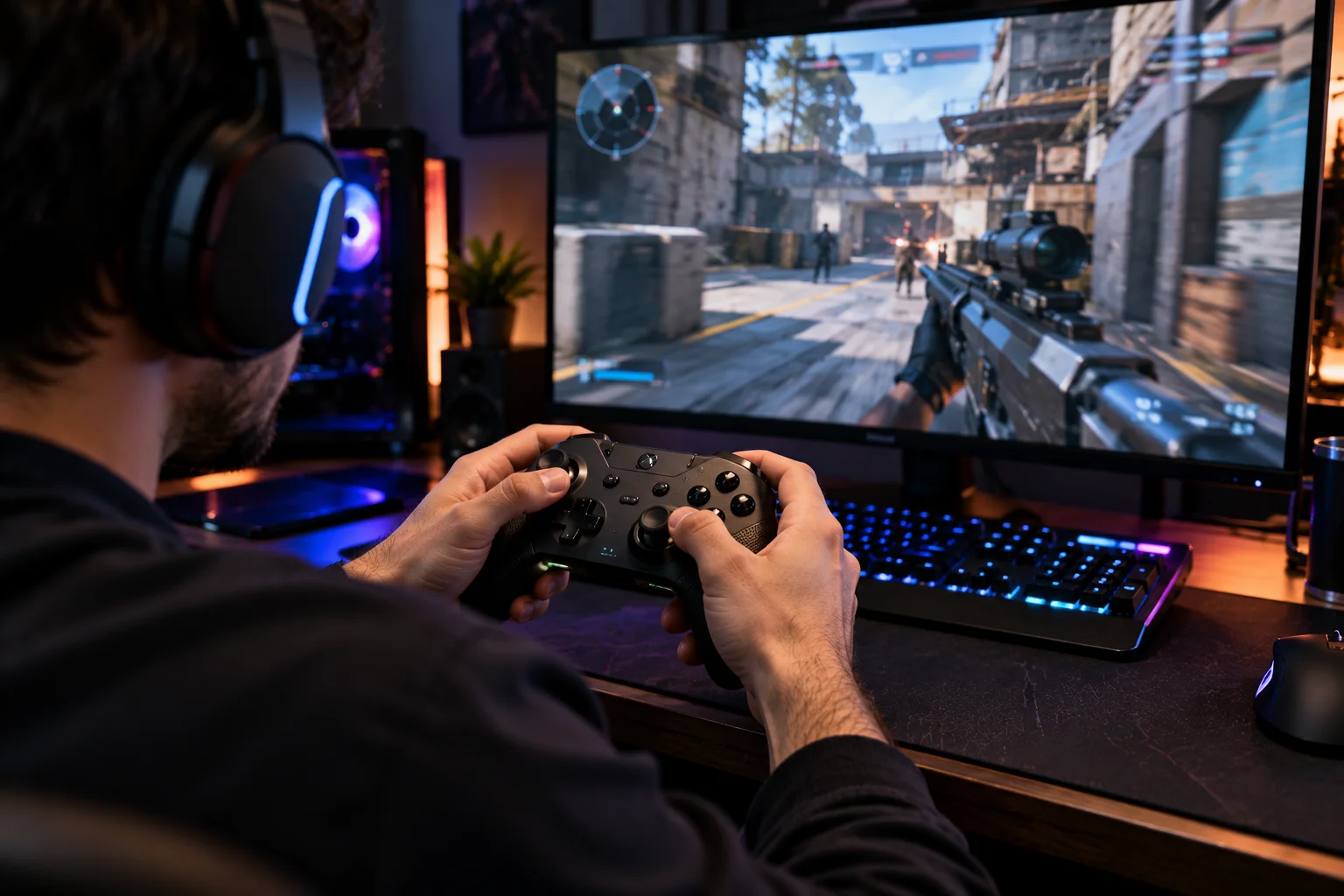
A premium controller can make sense if you want:
Hall-effect or TMR sticks
Adjustable stick tension
Rear controls
Trigger stops
Multiple profiles
Low-latency 2.4GHz
Replaceable components
Better ergonomics
Multiple connection modes
A standard controller may be enough if you mainly play:
RPGs
Sports games
Platformers
Casual multiplayer
Story-driven games
The difference between a $60 controller and a $180 controller isn't necessarily proportional to the price.
You're paying for additional hardware, customization and specialized features.
Which Controller Features Matter Most for Different Games?
Different genres place different demands on a controller.
Game type | Features worth prioritizing |
|---|---|
Competitive FPS | Low latency, precise sticks, rear buttons, trigger stops |
Racing | Trigger range, stick precision, comfortable grips |
Fighting | D-pad quality, button feel, low input latency |
RPG | Ergonomics, battery life, comfortable buttons |
Platformer | D-pad, stick accuracy, lightweight design |
Sports | Ergonomics, responsive buttons, reliable wireless |
Flight/simulation | Analogue triggers, stick precision, programmable inputs |
Casual gaming | Comfort, compatibility, battery life |
This is why there isn't one universal controller specification that matters most.
How to Choose a Controller in 2026
The simplest approach is to match the controller's features to the games and platform you actually use.
Step 1: Identify your platform
Xbox, PlayStation, Switch 2, PC or mobile?
Step 2: Identify your main games
FPS? Racing? Fighting? RPG?
Step 3: Decide whether stick durability matters
If you're concerned about long-term stick wear, investigate Hall-effect or TMR options.
Step 4: Decide whether latency matters
Competitive players should pay more attention to wired and dedicated 2.4GHz performance.
Step 5: Decide whether you need rear controls
If you frequently remove your thumb from the right stick to press face buttons, back buttons may be useful.
Step 6: Check ergonomics
Weight and grip shape matter during long sessions.
Step 7: Check every connection mode
Don't assume Bluetooth, USB and 2.4GHz all work on every platform.
Step 8: Check software support
Make sure the configuration app works on the device you intend to use.
Step 9: Compare warranty and repair options
Especially important for expensive controllers.
Step 10: Compare the total price
Don't pay $150 for features you won't use when a $60 controller already solves your needs.
FAQ: Choosing a Gaming Controller
Are Hall-effect controllers better?
Hall-effect controllers can offer a different sensing mechanism that reduces one common source of potentiometer wear. But stick feel, calibration, software and overall build quality still matter.
Do Hall-effect sticks eliminate stick drift?
No. They can reduce wear associated with conventional potentiometer sensing, but controllers can still develop mechanical, calibration or electronic problems.
Is wired always faster than wireless?
Not necessarily in every implementation, but wired connections eliminate the wireless link and are commonly attractive for low-latency gaming. High-quality 2.4GHz gaming connections can also provide very low latency.
Is Bluetooth good enough for gaming?
For many players, yes. Bluetooth is convenient and widely supported, particularly for mobile and PC gaming. Competitive players should check measured latency and connection implementation rather than assuming all Bluetooth controllers perform identically.
Are back buttons worth it?
They can be especially useful in shooters and other games where you want to perform actions without taking your thumb away from an analog stick. They are less important for players who don't need additional inputs.
How many back buttons should a controller have?
Two is often enough for many players. Four provides more flexibility but can increase complexity and affect comfort. Placement matters more than the raw number.
Do I need a 1,000Hz controller?
Not necessarily. High polling rates can be useful for competitive PC gaming, but they aren't the only factor affecting input-to-screen latency.
Is a more expensive controller always better?
No. Premium controllers usually justify their price through specialized features, customization, durability or ergonomics. If you don't use those features, a less expensive controller can be more appropriate.
Can one controller work on Xbox, PC and phone?
Some can. Microsoft's Xbox Wireless Controller, for example, officially supports Xbox consoles, Windows PCs, Android and iOS, with different connection methods and feature support depending on the device.
Can the Switch 2 Pro Controller work on the original Nintendo Switch?
No. Nintendo states that the Switch 2 Pro Controller is only for Nintendo Switch 2.
What is the most important controller feature for FPS games?
For competitive FPS gaming, prioritize accurate sticks, predictable dead zones, low connection latency, comfortable trigger response and rear controls if you benefit from them.
What should I prioritize for casual gaming?
Comfort, reliable compatibility, battery life and price usually matter more than extreme polling rates or advanced customization.
The Bottom Line: Buy for Your Games, Not the Specification Sheet
A gaming controller can have an impressive specification sheet and still be the wrong controller for you.
Hall-effect sticks can make sense if long-term stick durability is a priority.
TMR sticks are another magnetic sensing option worth considering.
Low-latency 2.4GHz can be useful when wireless responsiveness matters.
Back buttons can change how you play competitive games.
Adjustable triggers are useful when you switch between shooters and racing games.
Multi-platform compatibility can save you from buying several controllers.
But none of those features matter if the controller doesn't feel comfortable in your hands or doesn't support your gaming platform properly.
The best buying strategy is therefore straightforward:
Choose the platform first.
Choose the games second.
Then choose the features that solve actual problems.
For a competitive PC shooter player, that might mean Hall-effect or TMR sticks, low-latency wireless and four rear controls.
For a Switch 2 player, platform-specific compatibility and Nintendo features may matter more. Nintendo's current Switch 2 Pro Controller, for example, adds assignable GL/GR buttons, an audio jack and a dedicated C button for GameChat.
For a casual RPG player, a comfortable controller with reliable wireless and good battery life may be all that's necessary.
The right controller isn't the one with the longest feature list. It's the one whose features actually improve the way you play.