
If you plan to keep a phone for 4–5 years, don't buy it based only on today's camera, processor or display. A phone that feels perfect when you buy it can become frustrating several years later if it stops receiving security updates, runs out of storage, develops poor battery life or becomes too expensive to repair.
The better approach is to think about long-term ownership before you buy.
Start with software support. A phone should have enough guaranteed operating system and security updates to comfortably cover your intended ownership period. Google now promises seven years of OS and security updates for Pixel 8 and later phones, while Samsung's Galaxy S24 and S26 series offer seven generations of OS upgrades and seven years of security updates.
Then look at the hardware that is most likely to age: battery, storage, charging port, display and cameras.
Finally, check whether the manufacturer actually provides a practical repair path.
A good 4–5-year phone doesn't necessarily need to be the most expensive flagship. It needs the right combination of long software support, sufficient storage, durable hardware, replaceable battery service and reasonable repair availability.
1. Check Software Support Before Anything Else
For a 4–5-year phone, choose a model with at least 5 years of clearly documented security support, preferably more.
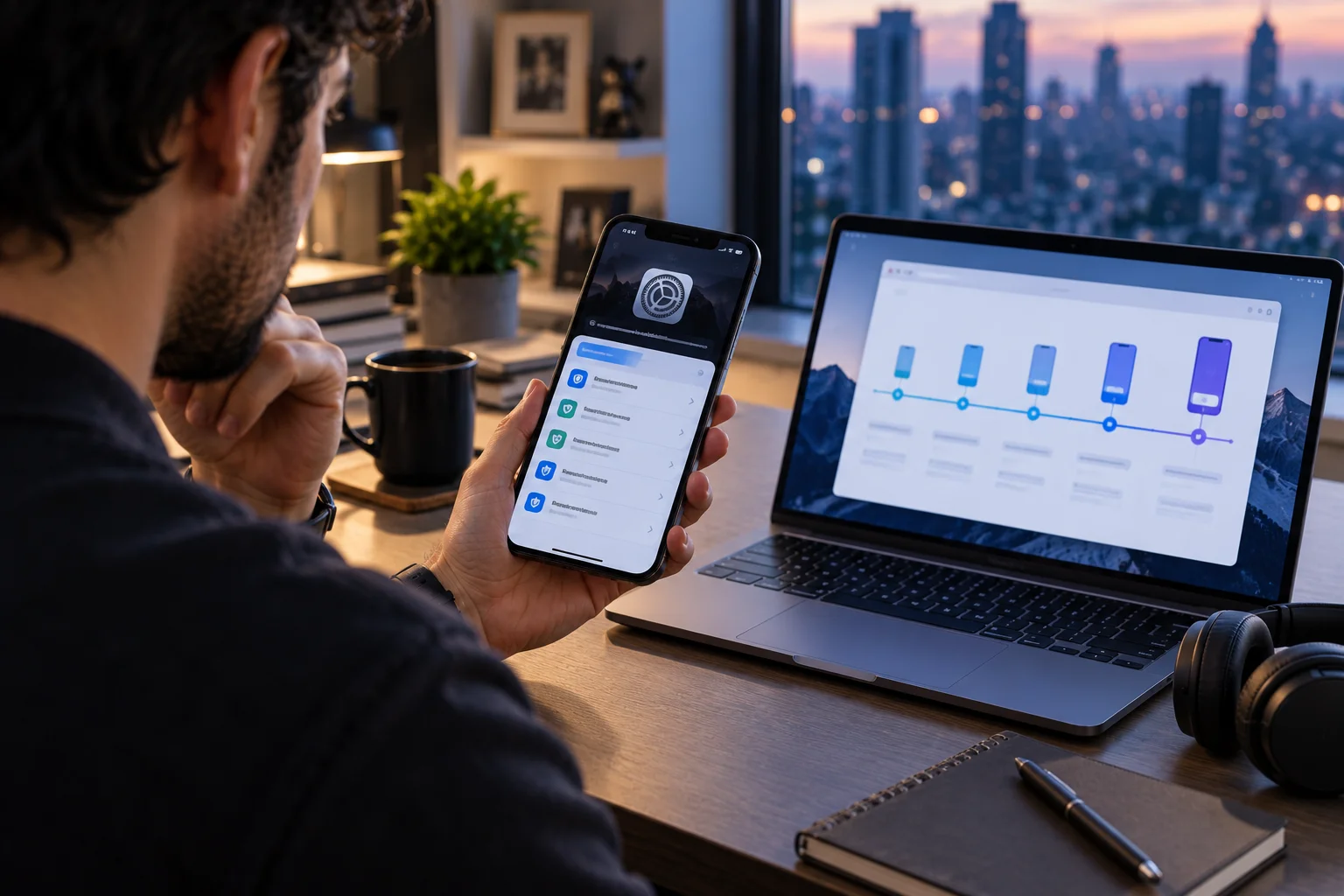
Software support is one of the easiest specifications to overlook because it isn't printed next to the camera megapixels or display refresh rate.
But imagine buying a phone in 2026 that receives its final security update in 2029. The hardware might still work perfectly in 2030, but you'll be using an increasingly outdated software platform.
That's why you should check two separate numbers:
OS upgrade period: How many major Android or iOS versions will the phone receive?
Security update period: How long will the manufacturer provide security patches?
They're not always the same.
Google says Pixel 8 and newer phones receive 7 years of OS and security updates, measured from when the device first became available on the Google Store in the US.
Samsung's current Galaxy S26 series is also supported with seven generations of OS upgrades and seven years of security updates from global launch.
That's the kind of support window you want when planning to keep a phone for half a decade.
What to check
Question | Why it matters |
|---|---|
How many OS upgrades? | Keeps the phone compatible with newer software |
How many security years? | Protects the phone against newer vulnerabilities |
When does support start? | Support is usually tied to the phone's launch/availability date |
Is the policy model-specific? | Support can vary between product lines |
Are updates available in your market? | Rollout timing and availability can vary |
Don't rely on a salesperson saying, "This phone will get updates for years." Check the manufacturer's published policy for the exact model.
2. Buy a Phone That's New, Not Just New to You
The newer the phone is when you buy it, the more of its software-support window you can actually use.
This becomes particularly important when buying discounted older models.
Suppose two phones cost roughly the same:
Phone A launched in 2026.
Phone B launched in 2024 but is heavily discounted.
If Phone B has five years of support from launch, some of that support period has already disappeared before you even open the box.
That doesn't automatically make the older phone a bad purchase.
It simply means you need to calculate remaining support, not advertised support.
A simple rule
If you're buying in 2026 and want to keep the phone until 2030 or 2031, prioritize models whose official support policy comfortably extends beyond that date.
That gives you some breathing room rather than planning to replace the phone exactly when software support ends.
3. Choose Enough Storage for the Entire Ownership Period
For a 4–5-year phone, storage is one of the specifications you should spend extra money on if you can't expand it later.
Storage requirements tend to grow.
Your phone accumulates:
Photos
4K videos
Offline music
Netflix and other downloaded content
WhatsApp or messaging media
Games
Documents
App caches
System files
And modern cameras make this worse.
A phone that feels spacious with 128GB on day one may feel very different after four years.
A practical starting point
Storage | 4–5-year outlook |
|---|---|
128GB | Suitable for light users who rely heavily on cloud storage |
256GB | A strong balance for most long-term users |
512GB | Better for heavy photography, video and gaming |
1TB+ | Mainly for very large local media libraries or professional workloads |
For most people planning to keep a phone for five years, 256GB is the safer starting point if the price difference is reasonable.
If you're a heavy photographer, videographer or gamer, 512GB can make more sense.
4. Don't Assume Cloud Storage Solves Everything
Cloud storage reduces the pressure on your phone, but it doesn't eliminate the need for adequate local storage.
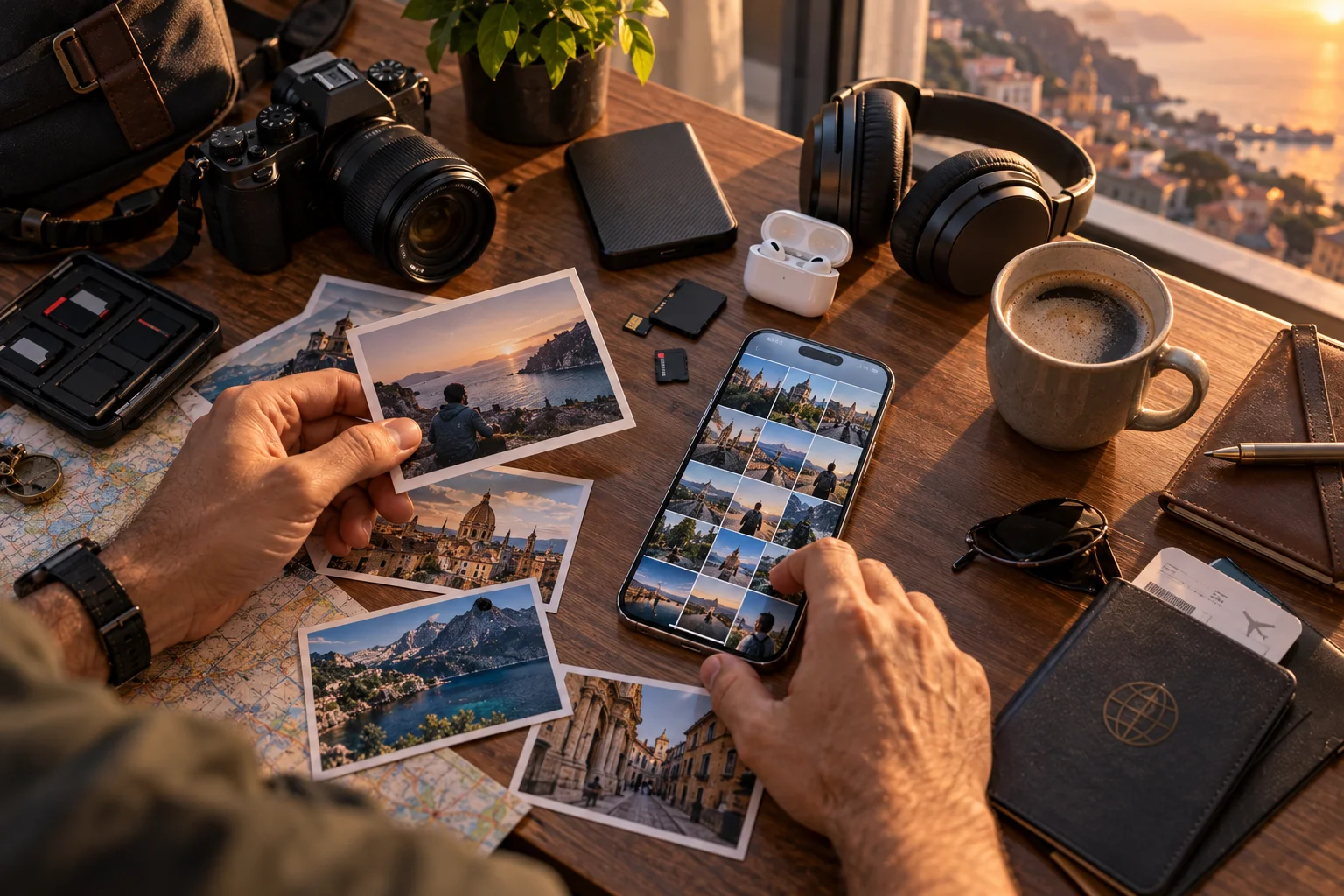
Services such as iCloud, Google Photos and OneDrive can move some of your data away from local storage.
But you'll still need space for:
Apps
App data
Operating-system files
Temporary files
Downloaded media
Photos and videos before they sync
Offline files
There's another consideration: cloud storage is usually subscription-based.
A phone with more internal storage can be more expensive upfront but may be cheaper and more convenient over several years if you prefer keeping large amounts of data locally.
5. Treat the Battery as a Replaceable Wear Component
A battery is one of the few phone components you should expect to lose capacity during a 4–5-year ownership period.
This is normal.
Lithium-ion batteries gradually lose capacity through charge cycles and aging.
Apple, for example, says iPhone 15 models and later are designed to retain 80% of their original capacity at 1,000 complete charge cycles under ideal conditions, while iPhone 14 models and earlier are designed around 500 cycles. Apple also emphasizes that actual battery capacity depends on how the device is used and charged.
That doesn't mean your battery suddenly becomes unusable at a particular cycle count.
It means you should think about battery degradation as part of the phone's normal lifecycle.
The important question isn't:
"Will the battery last five years?"
It's:
"Can I replace the battery economically when it becomes worn?"
That's a much better long-term buying question.
6. Check Battery Replacement Availability Before Buying
A phone is much easier to keep for five years if the manufacturer or authorized repair network can replace its battery.
Apple, for example, provides battery service for iPhones through Apple and Apple Authorized Service Providers, with service availability depending on model, location and parts availability.
Before buying, check:
Is battery replacement officially offered?
What does it cost?
Are authorized repair centers available near you?
How long are replacement parts expected to remain available?
Does replacing the battery affect water resistance or other components?
Can the phone display battery health?
That last point is useful because battery-health information can help you understand whether the battery itself is becoming the reason the phone feels slow or inconvenient.
7. Look at Repairability, Not Just Repair Availability
A phone being technically repairable doesn't necessarily mean it is economical or easy to repair.
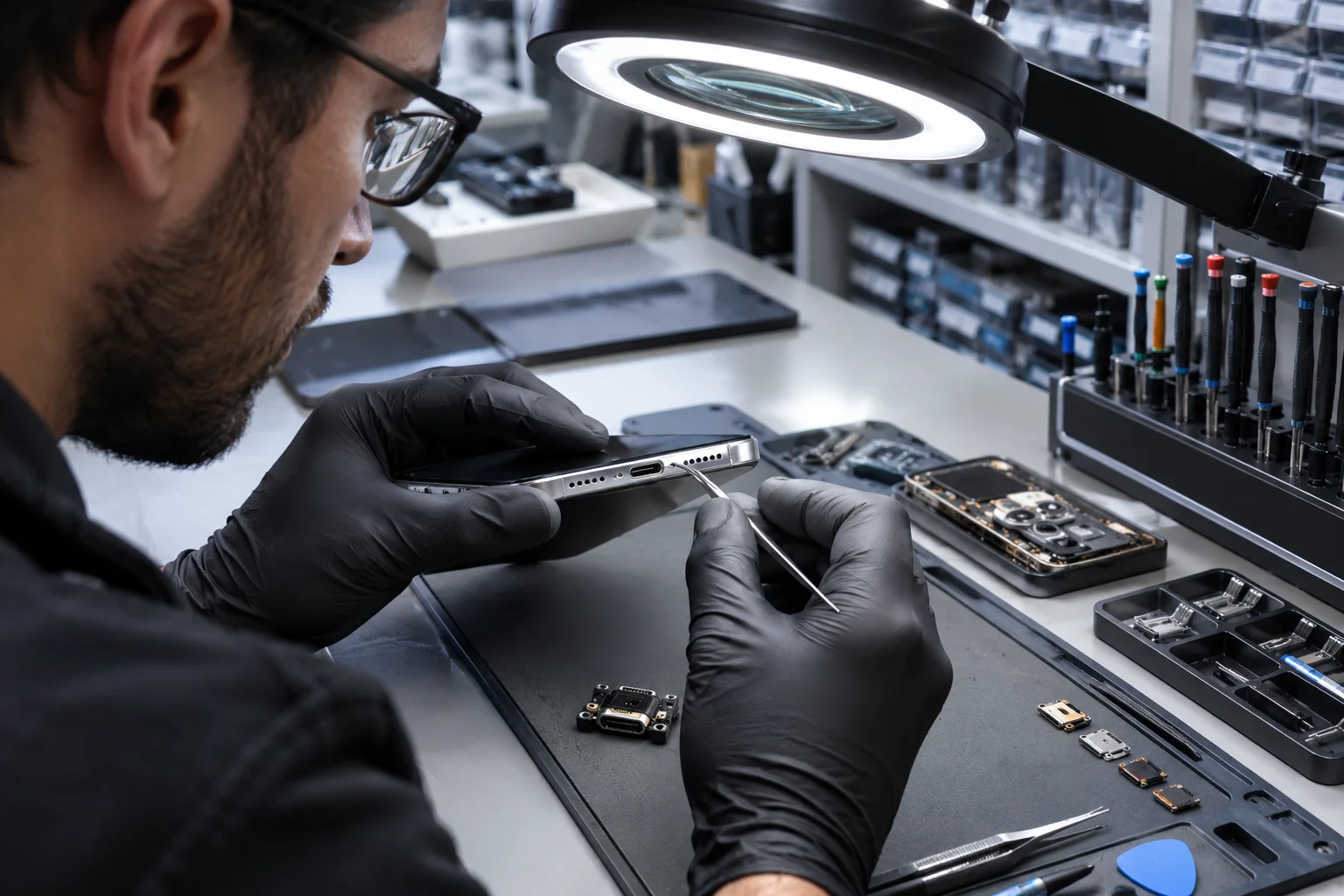
There is a difference between:
"The manufacturer can repair it."
and
"The phone is designed so important components can reasonably be replaced."
A phone may require extensive disassembly to reach the battery.
A cracked back panel might involve replacing a large assembly.
A damaged charging port might be integrated into another component.
These details matter when you're trying to keep a phone for half a decade.
The EU has introduced durability and repair requirements for smartphones sold in its market. The rules include requirements around spare-parts availability, repair information, battery durability and operating-system upgrades.
For applicable smartphones, critical spare parts must be made available to professional repairers for years after the model's end of sales, with the regulation specifying a period of at least seven years for listed parts.
That's a useful benchmark when thinking about long-term ownership.
8. Pay Attention to the Charging Port
A charging port can experience years of physical wear, so its repairability matters more when you plan to keep a phone for five years.
Every time you connect a cable, the port experiences mechanical contact.
Over several years, problems can eventually appear:
Loose connection
Intermittent charging
Debris accumulation
Damaged contacts
USB data problems
Wireless charging can reduce how frequently you use the physical port, but it doesn't eliminate the need for a working connector.
The EU's ecodesign rules specifically include external charging ports among parts covered by spare-parts requirements for applicable smartphones.
When comparing phones, don't just ask:
"Does it have USB-C?"
Ask:
"Can this port realistically be repaired five years from now?"
9. Don't Underestimate Physical Durability
A phone that's difficult to damage will usually be easier and cheaper to own for five years.
Long-term durability involves much more than whether the screen is made from a particular type of glass.
Look for:
Water and dust resistance
Strong frame construction
Scratch-resistant display glass
Good protective case availability
Reliable buttons
Durable charging port
Established repair network
Water resistance is particularly useful, but don't treat an IP rating as a permanent guarantee.
Seals and adhesives can be affected by impact, wear and repairs.
A phone can be technically water-resistant when new and still require careful handling years later.
10. Buy More Performance Than You Need Today
For a five-year phone, choose a processor and memory configuration that gives you some performance headroom rather than buying the minimum specification.

Apps generally become more demanding over time.
Operating systems add features.
Camera processing becomes more computationally intensive.
AI features can require more local processing power.
Games become heavier.
That doesn't mean you need the most powerful processor available.
It means avoiding a configuration that's already struggling with your workload when you buy it.
Think about your actual use
Usage | Long-term priority |
|---|---|
Calls, messaging, browsing | Efficient modern mid-range chip |
Social media + photography | Good CPU/GPU + strong ISP |
Gaming | Strong GPU + adequate cooling |
Video editing | High-end CPU/GPU + plenty of RAM/storage |
AI features | Modern chipset with strong CPU/GPU/NPU capabilities |
Heavy multitasking | More RAM + strong sustained performance |
A phone that has excellent peak benchmark numbers but poor thermal management can also lose performance during sustained workloads.
For five-year ownership, sustained performance matters more than a benchmark headline.
11. Don't Buy the Minimum RAM Configuration
RAM matters because it determines how comfortably the phone can keep multiple apps and processes active.
There's no universal RAM number that guarantees five years of smooth performance because Android and iOS manage memory differently.
Still, if you're buying a phone specifically for long-term use, the lowest available RAM configuration isn't necessarily the one I'd choose.
As a practical buying approach:
8GB: reasonable for many users
12GB: useful for heavier multitasking and long-term headroom
16GB+: mainly worthwhile for demanding workloads and specific high-end devices
Don't pay a huge premium for RAM simply because a number looks impressive.
Consider the complete system: processor, software optimization, storage speed and memory management all matter.
12. Check Whether Storage Can Be Expanded
Expandable storage can extend a phone's useful life, but many premium phones no longer offer microSD support.
If a phone has a microSD slot, you have another way to handle growing media libraries.
But don't make expandable storage the only reason you choose a phone.
MicroSD cards can be slower than internal storage, and not every app or workload can take full advantage of them.
If storage isn't expandable, choose the capacity you expect to need five years from now, not just what you need today.
13. Consider the Cost of Common Repairs
The real cost of owning a phone includes repairs, not just the purchase price.
Before buying, investigate the approximate cost of replacing:
Battery
Screen
Back glass/panel
Charging port
Camera module
A phone with a lower purchase price can become expensive if a common repair costs a large percentage of the device's original price.
Conversely, a more expensive phone can make financial sense if you can repair and continue using it for several additional years.
This is particularly relevant for premium phones with expensive displays and complex camera systems.
14. Don't Ignore Parts and Service Availability
A repair is only useful if the required part and qualified technician are actually available.
Apple's current support system, for example, offers in-person service through Apple Stores and Authorized Service Providers as well as mail-in options, although availability varies by location and model.
Google also operates authorized repair programs and, for certain models, specific repair programs.
Before buying a phone, search for:
"[phone model] battery replacement
"[phone model] screen replacement
"[phone manufacturer] authorized service center
If finding this information is difficult before purchase, imagine how frustrating it could be four years later.
15. Check the Warranty and Repair Terms in Your Country
Warranty and repair policies can vary by market, so check the policy that applies where you will actually use the phone.
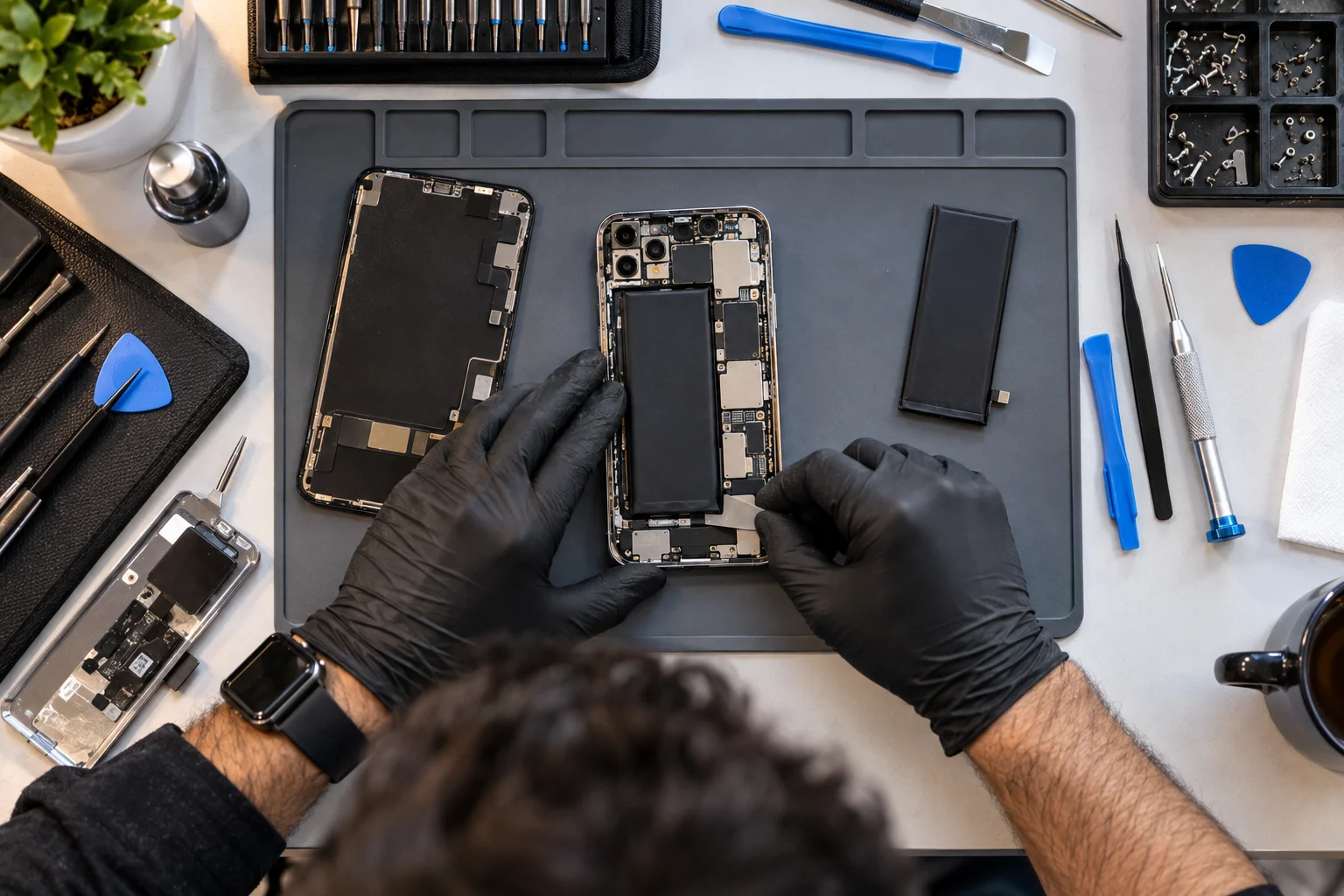
Don't assume that a global product announcement tells you everything about local service.
Check:
Standard warranty period
Battery coverage
Accidental-damage options
Authorized repair locations
Parts availability
Out-of-warranty repair pricing
International warranty restrictions
This becomes particularly important if you're buying an imported phone.
A phone might be cheaper through an overseas retailer but much harder to service locally.
16. Buy a Phone That Will Still Feel Good in Year Four
Long-term usability isn't only about whether the phone technically works.
A phone can still receive updates while becoming annoying to use.
Think about the things you'll interact with every day:
Display brightness
Camera quality
Speaker quality
Haptics
Biometrics
Charging speed
Battery endurance
Cellular connectivity
Wi-Fi
USB speed
Software features
This is why buying a slightly better model today can sometimes be more economical than buying a cheap phone and replacing it after two years.
You're spreading the cost over a longer ownership period.
A 4–5-Year Smartphone Buying Checklist
Before buying, run through this checklist:
What to check | What you're looking for |
|---|---|
Software support | At least 5 years, preferably longer |
Security updates | Clear manufacturer commitment |
OS upgrades | Enough to cover your ownership period |
Storage | 256GB is a useful starting point for many users |
Battery | Strong rated durability + replacement availability |
Repairability | Battery, screen and port can be serviced |
Parts | Long-term availability |
Service network | Convenient authorized repair options |
Durability | Strong construction + water/dust resistance |
Performance | Enough headroom for future apps |
RAM | Avoid the lowest configuration if keeping it 5 years |
Warranty | Clear local coverage |
Repair costs | Check battery and screen prices before buying |
Connectivity | Modern Wi-Fi, Bluetooth and cellular standards |
How Much Should You Spend on a Phone You Want to Keep for Five Years?
Spend enough to get long software support and durable hardware, but don't automatically equate higher price with longer useful life.
A $1,200 phone isn't automatically going to last twice as long as a $600 phone.
The important question is how much useful life you're buying.
For example:
$1,000 phone ÷ 5 years = $200 per year
versus:
$600 phone ÷ 2.5 years = $240 per year
The cheaper phone can actually become more expensive if you replace it more frequently.
Of course, this calculation ignores resale value, repairs and accessories, so it's only a simple way to think about ownership cost.
The broader lesson is:
Buy for total ownership cost, not just purchase price.
Should You Buy More Storage or Pay for Cloud Storage?
If you plan to keep your phone for 4–5 years, extra internal storage is usually worth considering when the phone has no expansion slot.
Cloud storage works well for photos and documents, but local storage remains necessary for apps and system data.
If you're choosing between:
128GB + cloud storage
and
256GB with no additional storage subscription
the better option depends on how much data you keep locally.
For heavy photo and video users, 256GB or 512GB can provide much more breathing room.
What Makes a Phone a Good 5-Year Purchase?
The best long-term phone is one with long software support, sufficient storage, a durable battery, accessible repairs and enough performance headroom for future software.
Think of your purchase as four separate systems:
Software
Will it remain secure and supported?
Battery
Can the battery be replaced when capacity falls?
Storage
Will you still have enough space several years from now?
Hardware
Can the screen, charging port and other important components be repaired?
If all four answers are strong, you have the foundation for a genuinely long-lived phone.
The Bottom Line: How to Choose a Phone for 4–5 Years
Choosing a phone for four or five years requires a different mindset from choosing one for the next two years.
Don't focus only on:
"Which phone has the best camera today?"
Ask:
"Which phone will still be useful, secure, repairable and spacious four years from now?"
Prioritize long software support, adequate storage, battery replacement, repair availability, durability and performance headroom.
Current Google Pixel phones from the Pixel 8 generation onward and Samsung's recent Galaxy S-series flagships demonstrate how long software-support commitments have expanded, with both offering seven-year support windows on qualifying models.
Battery replacement should also be part of the ownership plan rather than an afterthought. Apple explicitly treats batteries as consumable components and provides battery service when they eventually need replacement.
And repairability is becoming increasingly important. EU ecodesign rules now put specific requirements around spare parts, battery durability, repair and software support for smartphones sold in the EU market.
The result is a simple buying principle:
Don't buy the phone that looks most impressive on launch day. Buy the one whose hardware, software and repair ecosystem are designed to remain useful after the excitement of launch has disappeared.
FAQs
How much storage do I need for a phone I want to keep for five years?
For many users, 256GB is a sensible starting point. Consider 512GB if you take lots of high-resolution photos and videos, download large games or keep extensive media offline.
How many years of software updates should a phone have?
For a 4–5-year ownership plan, look for at least five years of documented security support. Longer commitments provide more flexibility.
Will a phone battery last five years?
The battery may still work after five years, but its capacity will normally decline with use. A better long-term strategy is to choose a phone with an accessible battery-replacement service.
When should I replace my phone battery?
Consider replacement when battery capacity has degraded enough to noticeably reduce everyday endurance or when the phone reports that service is recommended. Apple, for example, provides Battery Health information and recommends service when appropriate.
Is 128GB enough for five years?
It can be, particularly if you use cloud storage and don't keep large amounts of media locally. However, 256GB provides considerably more breathing room for long-term ownership.
Is repairability important when buying a phone?
Yes. A phone can remain perfectly capable after four years, but a worn battery, broken screen or damaged charging port can make continued ownership impractical if repairs are unavailable or too expensive.
Is it better to buy a flagship phone for five years?
Not necessarily. A well-supported mid-range phone can also provide long useful life. What matters is the combination of software support, performance, storage, battery service and repair availability.
Should I buy an older flagship at a discount?
It can make sense, but calculate the remaining software-support period. A phone that's already two years old has less support remaining than a newly launched model with the same advertised support duration.
Does more RAM make a phone last longer?
More RAM can provide additional multitasking headroom, but RAM alone doesn't determine longevity. Processor performance, software optimization, storage, battery condition and update support also matter.
What is the single most important thing to check?
For a planned 4–5-year ownership period, start with the manufacturer's software and security-support commitment for the exact model. Then check battery replacement, storage and repairability before making the final decision.