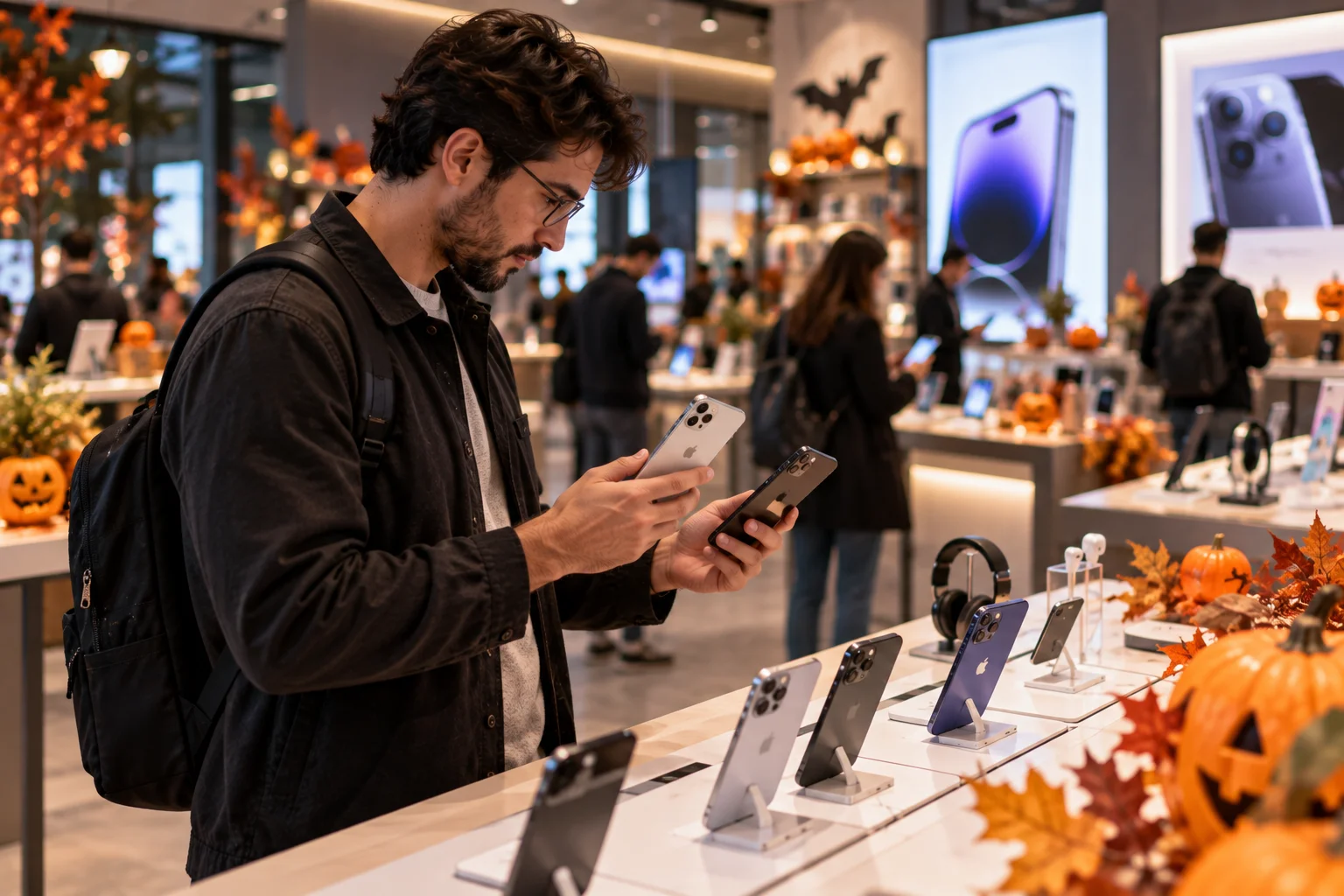
If you're planning to buy a new phone during a Halloween sale in 2026, don't let a huge discount, a high megapixel number or a flashy “AI phone” label make the decision for you.
The best deal isn't necessarily the phone with the biggest discount.
It's the phone that gives you the right combination of performance, display quality, cameras, battery life, software support, storage, connectivity and long-term reliability for the price you're actually paying.
That matters even more in 2026 because the smartphone market has changed significantly. Current phones such as the iPhone 18 Pro, Galaxy S26 series and Pixel 11 family offer longer software support, more sophisticated AI features, faster displays and increasingly capable cameras. Apple's current iPhone lineup includes the iPhone 18 Pro and Pro Max, iPhone Air, iPhone 17, iPhone 17e and iPhone 16, while Google's Pixel 11 series and Samsung's Galaxy S26 family represent the latest Android generations.
So before you click Buy Now, check these 12 things.
1. Check the Actual Discount, Not Just the Sale Price
A phone is only a good sale deal if the current price is genuinely lower than its recent normal price.
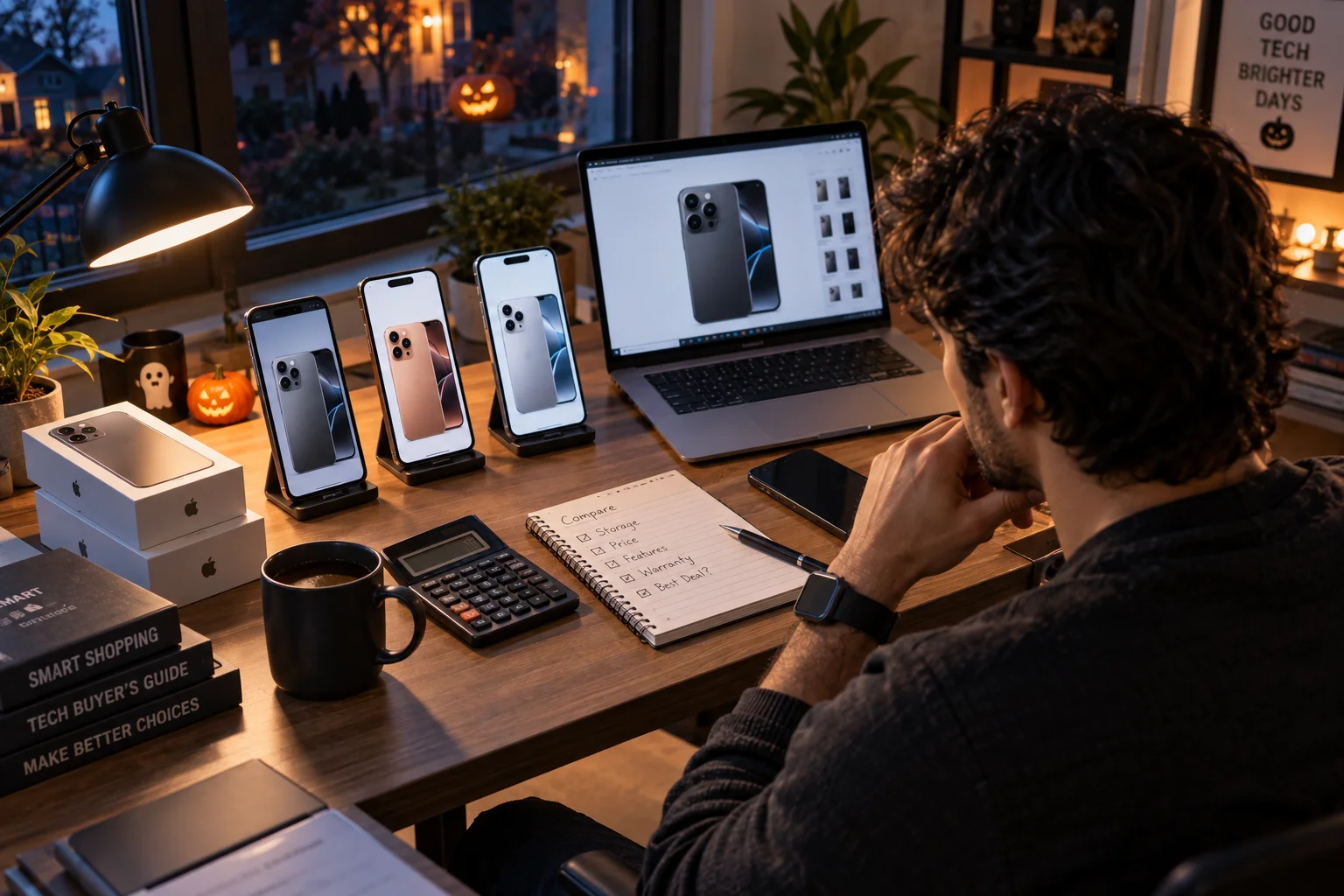
Retailers can make discounts look larger by comparing today's price with an older launch price, an inflated list price or a temporary price that was rarely used.
Before buying, check:
The phone's price over the previous few weeks
The manufacturer's current price
Other major retailers
Bank-card discounts
Trade-in offers
Coupon codes
Cashback
Whether the discount requires a subscription or membership
Whether the cheaper price applies to the exact storage variant you want
This is particularly important during large October shopping events.
For example, Amazon's 2026 Prime Big Deal Days runs October 6–7, while India's Great Indian Festival is scheduled to begin October 8 and Flipkart's Big Billion Days begins October 9.
A sale banner doesn't automatically mean the phone is at its lowest price.
Check the final checkout price
Suppose a phone is advertised at:
$799 → $599
That looks like a $200 saving.
But if the same model was regularly available for $629 before the sale, the real saving is only $30.
That's the number that matters.
2. Choose the Right Processor for How You Use Your Phone
The processor determines much more than benchmark scores because it affects everyday speed, gaming, AI features, battery efficiency and how well the phone ages.
You don't necessarily need the fastest chip available.
For basic use
Look for a recent mid-range processor if your workload is mostly:
Messaging
Social media
Web browsing
Streaming
Navigation
Banking
Photography
For gaming and heavy multitasking
Look for a current flagship or upper-midrange chipset with strong sustained performance and good thermal management.
For long-term use
A newer processor generation can make more sense than buying an older flagship simply because it has a lower sale price.
That's especially relevant during Halloween and October sales, when last-generation phones can appear alongside newer models at similar prices.
Don't compare processors only by clock speed or core count.
Look at:
CPU performance + GPU performance + efficiency + modem + AI acceleration + sustained performance.
3. Don't Buy a Phone Based Only on Its Megapixel Count
Camera quality depends on the entire imaging system, not the number printed next to the camera.

A 200MP camera isn't automatically better than a 48MP or 50MP camera.
Look at:
Main sensor size
Lens aperture
Optical image stabilization
Autofocus
Telephoto camera
Ultrawide quality
Night photography
HDR processing
Skin-tone rendering
Video stabilization
4K recording
Front-camera quality
Computational photography has become just as important as camera hardware.
Apple's current iPhone 18 Pro, for example, uses a 48MP Fusion Main camera with variable aperture and combines hardware with computational photography for low-light photography and video.
The lesson is simple:
Don't compare 200MP with 48MP. Compare the actual camera systems.
4. Look at the Display Beyond Refresh Rate
A 120Hz display is useful, but brightness, panel quality, resolution and adaptive refresh can matter just as much.
When comparing phones, check:
Display feature | What to look for |
|---|---|
Panel | OLED/AMOLED preferred in many midrange and premium phones |
Refresh rate | 90Hz or 120Hz |
Adaptive refresh | Useful for balancing smoothness and battery |
Brightness | Check sustained brightness, not only peak HDR brightness |
Resolution | Higher resolution improves text and image sharpness |
HDR | Useful for compatible movies and video |
Glass | Check scratch and drop resistance |
Touch sampling | Important for gaming |
PWM/dimming | Worth checking if you're sensitive to flicker |
Peak brightness numbers can be misleading because manufacturers typically measure them under specific conditions.
For example, Google's Pixel 11 lists up to 3,000 nits peak brightness, while its 6.3-inch display supports 60–120Hz adaptive refresh.
The number is useful, but it shouldn't be the only display specification you compare.
5. Check Battery Capacity and Real Battery Life
Don't judge battery life by mAh alone.
A 5,500mAh battery doesn't automatically last longer than a 5,000mAh battery.
Battery life also depends on:
Processor efficiency
Display size
Refresh rate
Screen brightness
Modem efficiency
5G usage
Gaming
Camera use
Background applications
Software optimization
Look for independent battery tests whenever possible.
Also consider what kind of battery life you need.
Heavy user
Gaming, video recording, navigation and 5G can make battery endurance a priority.
Moderate user
A phone that comfortably lasts a full day may be enough.
Light user
Battery capacity becomes less important than overall efficiency and charging convenience.
Current flagship phones are also improving charging and battery technology. Apple's iPhone 18 Pro Max, for example, is rated for up to 43 hours of video playback, while the iPhone 18 Pro is rated for up to 34 hours.
Those are manufacturer measurements, so real-world endurance will vary.
6. Check Charging Speed and What's Included in the Box
Fast charging is useful, but the advertised wattage isn't the whole story.
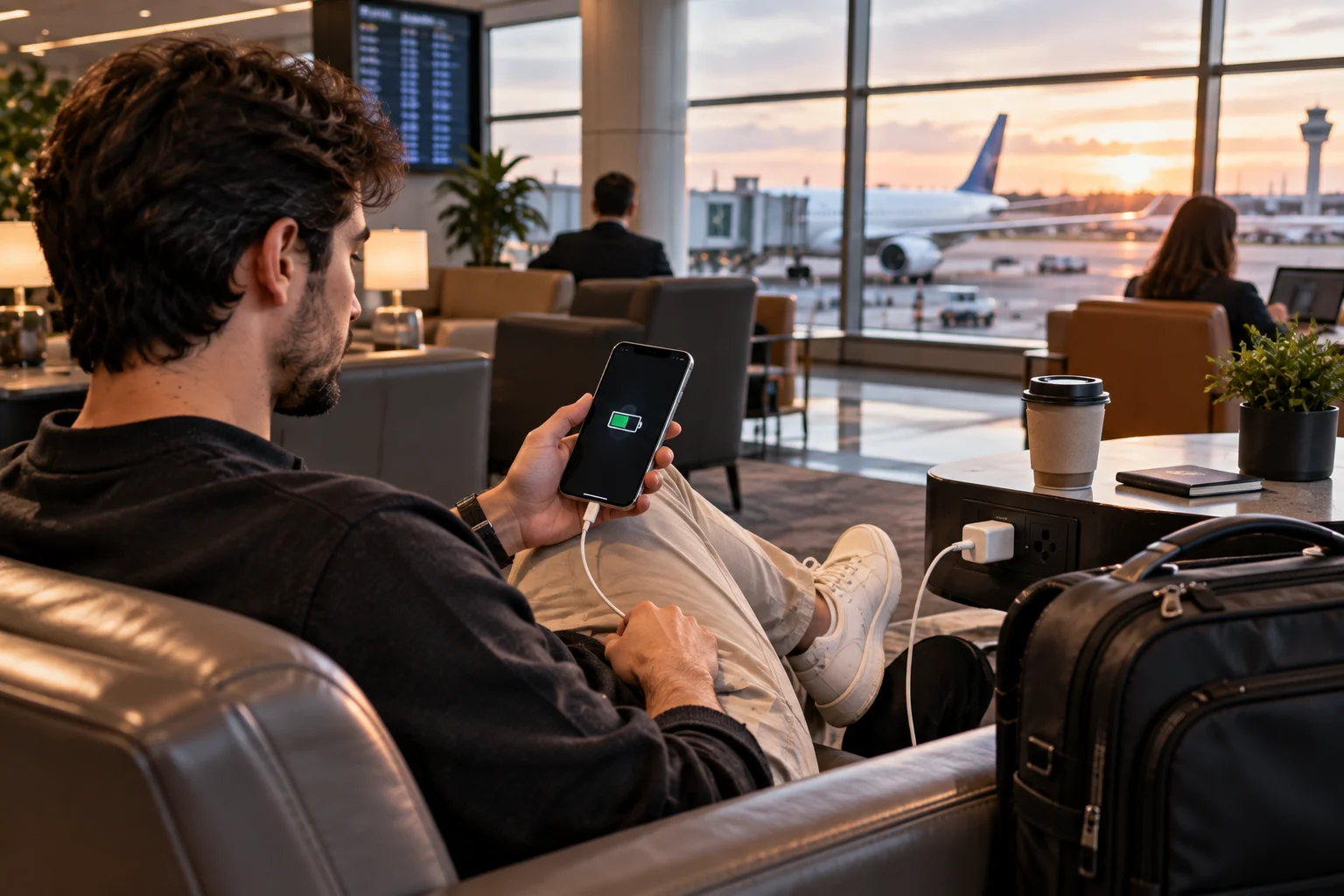
A phone advertised with 100W or 120W charging doesn't necessarily charge at that rate throughout the entire charging cycle.
Charging usually slows as the battery approaches a high state of charge.
Before buying, check:
Maximum wired charging speed
Wireless charging support
Wireless charging speed
Charger included or sold separately
USB-C cable capability
Heat management
Battery-health features
Also remember that a phone supporting 100W charging doesn't help much if the charger isn't included and you don't already own a compatible one.
For comparison, Apple's iPhone 17e supports charging to up to 50% in around 30 minutes with a 20W adapter or higher, while adding MagSafe wireless charging up to 15W.
Different charging systems have very different approaches, so compare actual charging behavior rather than just the headline wattage.
7. Check How Many Years of Software Updates You Get
Software support is one of the most important things to check if you plan to keep your phone for four or five years.
A cheaper phone with short software support can become more expensive over time if you need to replace it earlier.
Look for two separate commitments:
Operating system updates
These bring:
New Android/iOS features
Interface changes
New capabilities
Compatibility improvements
Security updates
These address vulnerabilities and help keep the phone safer as you continue using it.
Current support policies make this much more important than it used to be.
Google says Pixel 8 and later phones receive seven years of OS and security updates, while the Pixel 11 family also carries a seven-year update commitment.
Samsung's Galaxy S26 series similarly promises seven generations of OS upgrades and seven years of security updates from global launch.
When shopping during a sale, don't just ask:
“How much cheaper is this phone?”
Ask:
“How many years of useful software life am I getting for this price?”
8. Choose Enough Storage for the Next Few Years
Storage is one of the easiest specifications to underestimate because you can run out of it long after you've forgotten how much you paid for the phone.
For a new phone in 2026, consider:
128GB
Suitable for lighter users who rely heavily on cloud storage.
256GB
A more comfortable choice for most people keeping a phone for several years.
512GB+
Worth considering if you:
Record lots of 4K video
Store large games
Download movies
Keep extensive offline files
Shoot lots of high-resolution photos
Also check whether the phone supports microSD expansion.
Many premium phones don't.
And remember that the advertised storage isn't the amount you'll actually have available because the operating system and preinstalled software use some space.
9. Check RAM, but Don't Fall for Virtual RAM Marketing
Physical RAM matters more than the “RAM expansion” number shown in many Android specifications.
You may see a phone advertised as:
8GB RAM + 8GB virtual RAM
That doesn't mean the phone has 16GB of physical RAM.
Virtual RAM uses part of the internal storage as memory when necessary.
It's slower than actual RAM and shouldn't be treated as an equivalent upgrade.
For most users:
8GB physical RAM can be enough for normal use.
12GB gives you more multitasking headroom.
16GB+ can make sense for gaming, heavy multitasking and certain AI workloads.
But RAM capacity shouldn't be considered separately from the processor and software optimization.
A well-optimized phone with 8GB can feel better than a poorly optimized phone advertising 16GB.
10. Check 5G Bands, Wi-Fi and Other Connectivity
A phone isn't fully future-proof if its wireless hardware doesn't support the networks and accessories you actually use.
Check:
5G band support
4G bands
Wi-Fi generation
Bluetooth version
NFC
eSIM
Dual-SIM support
USB-C standard
Satellite connectivity, if relevant
Don't simply count the number of 5G bands.
A phone listing 20 bands isn't automatically better for you than one listing 15.
The important question is:
Does it support the bands used by your carrier in your country and region?
The same principle applies to Wi-Fi.
A newer phone may support Wi-Fi 7, but that only becomes meaningful if your router and network can take advantage of it.
11. Check Durability, Water Resistance and Repairability
A phone's durability can have a bigger effect on its long-term value than a small performance advantage.
Look for:
IP rating
Front glass protection
Frame material
Back-panel durability
Drop resistance
Battery replacement options
Availability of replacement parts
Authorized repair network
Repair pricing
An IP68 rating can provide valuable protection against dust and water, but it doesn't make a phone indestructible.
Also check the warranty terms.
Repairability matters more if you're planning to keep the phone for four or five years. Independent 2026 repairability coverage continues to highlight battery replacement, modular components, spare parts and repair documentation as important long-term considerations.
12. Think About the Phone's AI Features, But Don't Buy It Just for AI
AI features are becoming standard across smartphones, but the useful question is what the AI actually does for you.
Modern phones can use AI for:
Photo editing
Object removal
Translation
Transcription
Summaries
Writing assistance
Voice interaction
Search
Call features
Personalization
Camera processing
But don't treat “AI phone” as a technical specification.
Look at whether the features are:
On-device or cloud-based?
Available in your country?
Supported in your language?
Included with the phone or tied to a subscription?
Useful in your daily routine?
Samsung's Galaxy S26 series, for example, uses Galaxy AI across tasks involving planning, information discovery and content creation, while Apple integrates Apple Intelligence into supported iPhones.
The AI label matters less than the features you will actually use.
What About the Phone's Size and Weight?
The best phone size depends on how you use it every day, not how impressive its display looks in a store.
A large 6.8-inch phone can be fantastic for:
Gaming
Video
Reading
Editing
Multitasking
But it can be uncomfortable for:
One-handed use
Pocket carry
Long periods of use
Smaller hands
Compact phones can be easier to carry but may sacrifice battery capacity, camera hardware or screen area.
Before buying, look at:
Weight
Thickness
Width
Camera bump
One-handed reach
Case size
A phone that feels great without a case can become surprisingly bulky once you add a protective case.
Should You Buy Last Year's Flagship During a Halloween Sale?
Yes, an older flagship can be an excellent sale purchase, provided its software support and hardware still meet your needs.
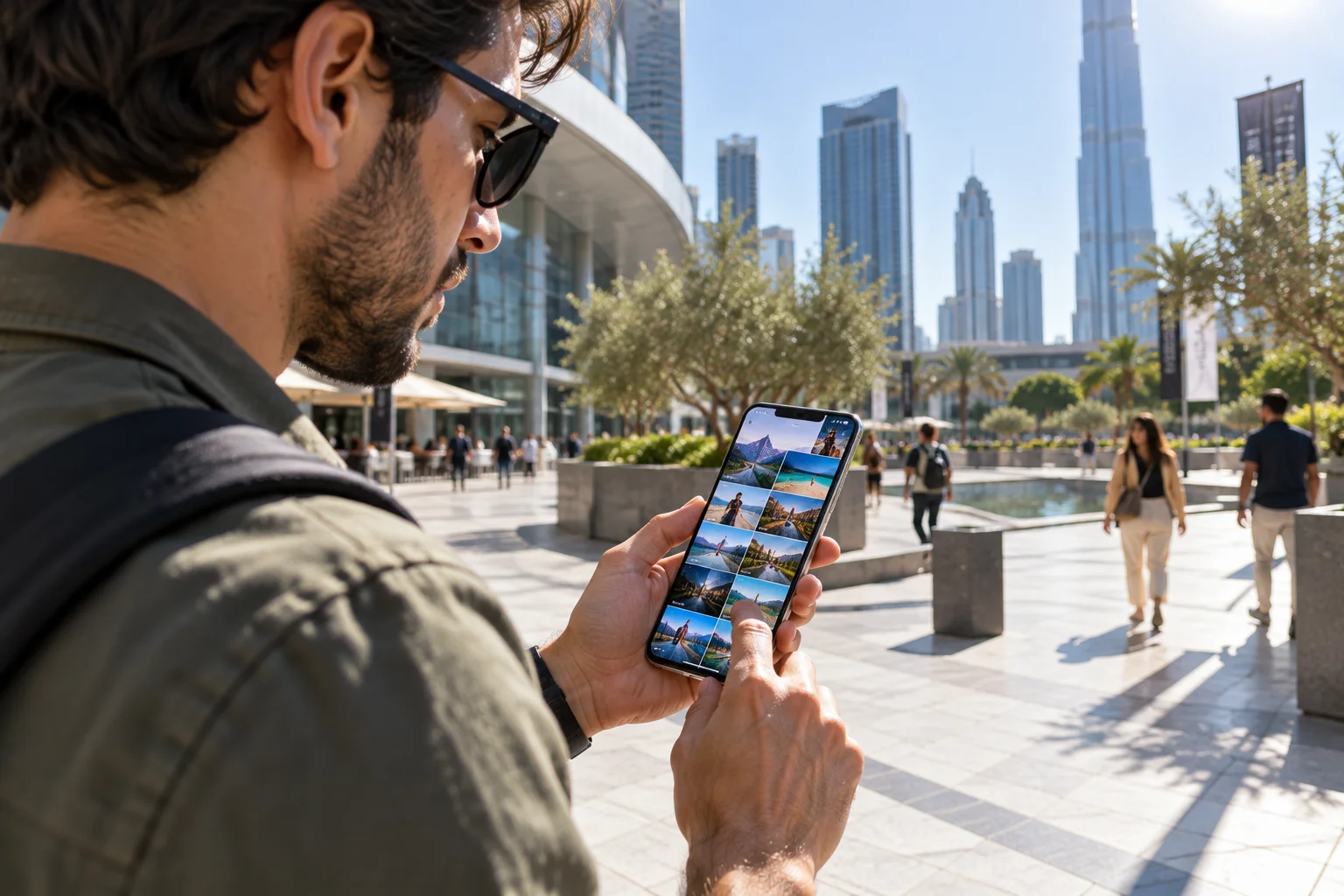
This is one of the smartest things to check during major sale periods.
A one-year-old flagship can offer:
Better cameras than a new midrange phone
Stronger processor
Better display
Premium materials
Wireless charging
Better water resistance
But check the remaining software-support period.
A phone that launched two years ago with seven years of support can still have a long useful life. Google's Pixel policy is a good example: Pixel 8 and later receive seven years of OS and security updates from their US Google Store availability date.
The important comparison is not:
New vs old.
It's:
What hardware and support am I getting for my money?
How to Compare Two Phones During a Sale
Put the phones side by side and compare the specifications that affect your actual use.
Use this quick checklist:
Category | Phone A | Phone B |
|---|---|---|
Final sale price | ||
Storage | ||
Physical RAM | ||
Processor | ||
Display | ||
Refresh rate | ||
Main camera | ||
Telephoto | ||
Battery | ||
Wired charging | ||
Wireless charging | ||
Software support | ||
IP rating | ||
5G bands | ||
Weight | ||
Repair options | ||
Charger included | ||
Trade-in value |
This takes only a few minutes and prevents the sale banner from becoming the deciding factor.
What Should You Avoid When Buying a Phone on Sale?
Avoid buying a phone simply because its discount percentage looks impressive.
Watch out for:
Old models with limited remaining software support
Very low storage configurations
Weak processors paired with huge RAM numbers
High megapixel counts without good camera hardware
Peak brightness claims without useful real-world context
Extremely high charging wattage with poor sustained charging
Phones with poor local service support
Carrier-locked devices when you need an unlocked phone
Imported variants with incompatible bands
Refurbished or open-box phones advertised alongside new stock
“Free” accessories that inflate the apparent value
Trade-in offers with complicated eligibility conditions
The cheapest phone at checkout isn't necessarily the cheapest phone to own.
Should You Buy a Phone This Halloween or Wait for Black Friday?
If the phone is already at a genuinely low price and meets your requirements, you don't necessarily need to wait, but Black Friday and Cyber Monday can create another major discount window.
The bigger question is whether the phone itself is a good buy.
If a $999 phone falls to $699 but you're not happy with its battery, camera or software support, it's still the wrong phone.
On the other hand, if a phone you already wanted reaches a price you're comfortable paying, waiting for another $30 or $50 discount may not be worth the risk of losing the configuration you want.
The same principle applies to October sale events in different markets. Major retailers often run overlapping promotions before the traditional November holiday-shopping period. Amazon's October Prime event and India's October 2026 festive sales are examples of how the discount calendar can start well before Black Friday.
The Bottom Line: What Matters Most When Buying a New Phone in 2026?
The best phone deal is the one that gives you the right hardware, software support and storage for the years you plan to keep it.
If you're shopping during a Halloween or October sale, use this order of priority:
Set your real budget
Check the actual sale price
Choose the right processor
Check software-support years
Choose enough storage
Evaluate battery life
Look beyond megapixels for camera quality
Check display quality
Verify 5G and Wi-Fi compatibility
Check durability and repairability
Consider RAM and connectivity
Treat AI as a feature, not a reason to overpay
The smartphone market in 2026 gives buyers more choice than ever, but it also gives retailers more specifications to put on a sale banner.
You don't need to understand every number.
You just need to identify the numbers that will still matter two, three or four years after the Halloween decorations are gone.
A phone with seven years of software support, enough storage, a reliable battery, a capable processor and good cameras can be a much better purchase than a heavily discounted model with impressive specifications that you'll want to replace in two years.
So before you buy this Halloween, compare the phone, not the sale sticker.
FAQs
What should I check first when buying a new phone during a sale?
Start with the final price, processor, software-support period, storage, battery life and camera system. Then check connectivity, display, durability and repair options.
Is it worth buying a phone during a Halloween sale?
It can be, but Halloween itself isn't a universal smartphone discount event. Compare the sale price with recent pricing and other upcoming shopping periods before deciding. Major October and November sales can overlap with the Halloween period.
Should I buy an older flagship or a new midrange phone?
An older flagship can offer better cameras, displays and performance, while a newer midrange phone may offer a longer remaining support period. Compare the specific models rather than choosing based only on age.
How much RAM should a phone have in 2026?
8GB is enough for many everyday users, while 12GB provides more multitasking headroom. 16GB or more can be useful for demanding gaming, multitasking and some AI workloads. Virtual RAM should not be counted as equivalent to physical RAM.
Is 256GB storage enough for a new phone?
For many users, 256GB is a comfortable long-term capacity. Consider 512GB if you record lots of 4K video, install large games or keep significant amounts of media offline.
How many years should a new phone last?
A well-chosen phone can remain useful for four or five years, but actual longevity depends on battery health, software support, repairability and how demanding your usage becomes.
How important are software updates?
Very important. A long update commitment can significantly extend a phone's useful life. Google currently promises seven years of OS, security and Pixel Drop updates for Pixel 8 and later, while Samsung promises seven generations of OS upgrades and seven years of security updates for the Galaxy S26 series.
Is a higher megapixel camera always better?
No. Sensor size, lens quality, stabilization, autofocus, image processing and the quality of other cameras can matter more than megapixel count.
Should I buy a 120Hz phone?
A 120Hz or adaptive 120Hz display can make scrolling and animations feel smoother, but don't sacrifice battery life, camera quality or software support just to get a higher refresh rate.
Does a bigger battery always mean better battery life?
No. Battery endurance also depends on the processor, display, modem, software optimization, brightness and usage pattern.
Should I buy a phone with AI features?
AI features are increasingly useful, but check what they actually do, whether processing happens on-device or in the cloud, whether they're available in your region and whether they require a subscription.
Is an IP68 phone waterproof?
IP ratings indicate tested resistance under specified conditions; they don't make a phone permanently waterproof or immune to liquid damage. Check the manufacturer's exact rating and warranty terms.
Should I wait for Black Friday instead of buying during a Halloween sale?
If you don't need a phone immediately, comparing Halloween/October pricing with Black Friday and Cyber Monday can make sense. But if a phone you've already researched reaches a genuinely good price, waiting for another discount isn't guaranteed to save you money.
What is the biggest mistake people make during phone sales?
Focusing on the percentage discount instead of the phone's total value. A 40% discount on a phone with poor software support can be less useful than a 15% discount on a newer model you'll comfortably keep for several years.