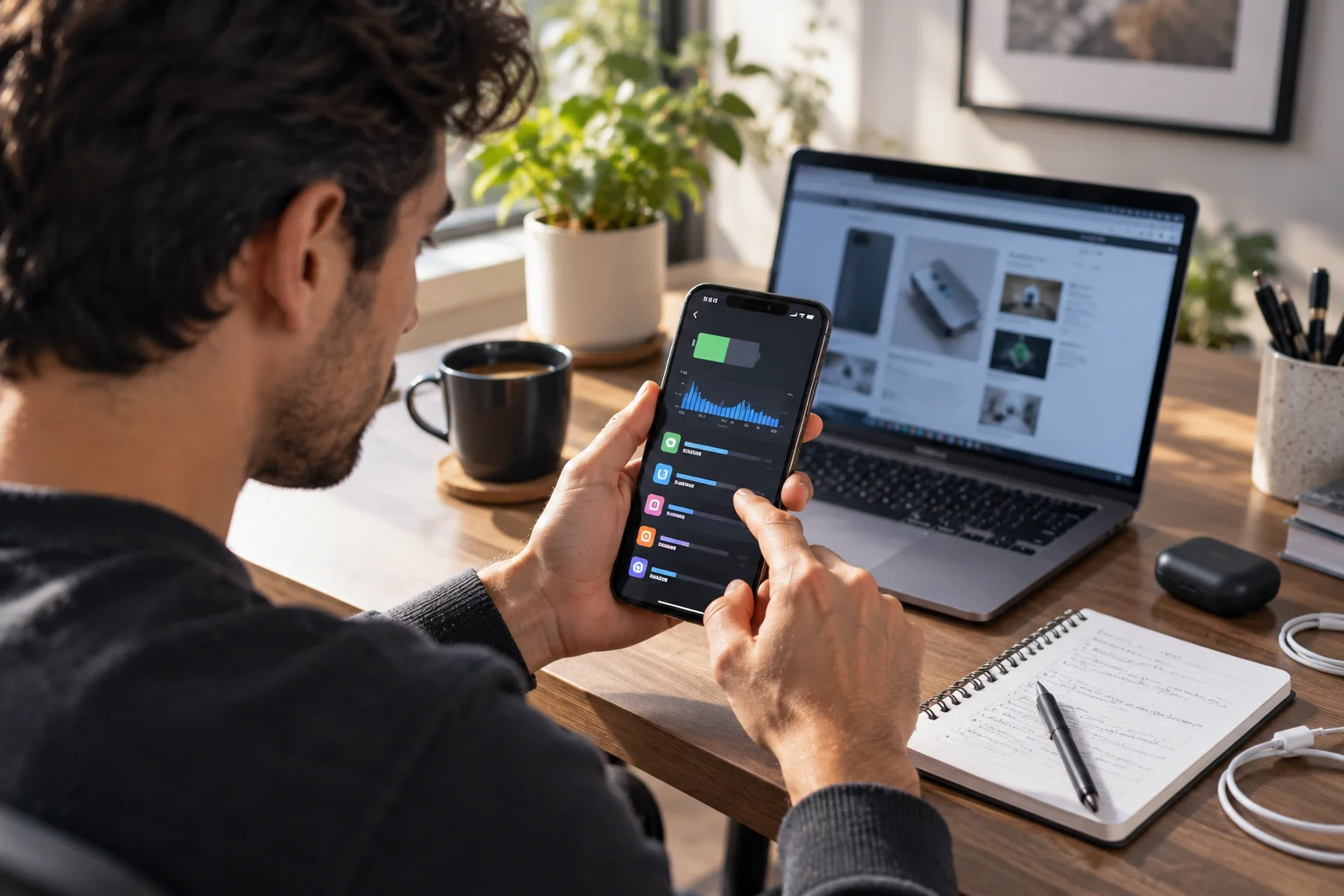
You charge your phone to 100% in the morning, use it normally for a few hours, and somehow you're already staring at 38%.
It's frustrating, especially when you don't feel like you've done anything particularly demanding.
The truth is that phone battery drain is usually caused by a combination of screen use, background activity, network connections, location services, demanding apps, heat and the natural aging of the battery. Some drains are obvious, such as gaming or watching hours of video. Others are happening quietly in the background.
Your phone is constantly doing things even when you're not actively using it: syncing data, checking for notifications, maintaining network connections, tracking location for certain apps and performing system tasks.
The good news is that you don't have to turn your smartphone into a basic phone to make the battery last longer.
The first step is finding out what's actually consuming the power.
What are the biggest causes of phone battery drain?
The biggest battery killers are usually the display, demanding apps, poor cellular signal, GPS and background activity.
Here's how they compare:
Battery killer | Why it drains power | How noticeable it can be |
|---|---|---|
Bright or long-on screen | Display consumes significant power | Very high |
Gaming | CPU/GPU and display work heavily | Very high |
Video streaming | Screen + processor + network | High |
GPS navigation | Location + screen + mobile data | High |
Weak cellular signal | Phone works harder to maintain connectivity | High |
Background apps | Syncing, location and other tasks continue | Medium–high |
High refresh rate | Display refreshes more frequently | Medium |
Hot temperatures | Heat increases battery drain and accelerates aging | High |
Old battery | Reduced capacity means less usable energy | High |
Frequent notifications | Wake the phone and trigger background activity | Low–medium |
Google specifically recommends reducing screen brightness, shortening screen timeout, restricting high-battery-use apps and using Adaptive Battery where available.
Apple's current battery guidance similarly points to brightness, background activity, low signal, notifications and demanding usage as factors that can affect battery life.
Is your screen the biggest battery drain?
For many people, yes. The display can consume a substantial amount of your phone's power, particularly when it's bright and you're using it for long periods.
Think about how often your phone screen is actually on.
Messaging.
Instagram.
YouTube.
Maps.
Chrome.
Photos.
Email.
Even a few hours of accumulated screen time can represent a significant portion of your daily battery consumption.
High brightness makes the situation worse.
High-refresh-rate displays can also use more energy depending on the device and how the refresh rate is managed.
You don't need to keep your screen painfully dim.
Instead, use automatic brightness and a sensible screen timeout.
On iPhone, Apple currently recommends Auto-Brightness and Auto-Lock as ways to reduce unnecessary display power consumption.
Do apps running in the background drain your battery?
They can, particularly when an app is performing substantial background activity such as location tracking, syncing or fetching new information.

But there's an important distinction here.
Simply having an app appear in your recent-apps list doesn't necessarily mean it's continuously draining your battery.
On iPhone, Apple specifically notes that recently used apps generally consume resources when they're active or performing specific background tasks, rather than simply because they're sitting in the app switcher.
The better approach is to check your battery statistics rather than blindly closing every app.
On Android, go to:
Settings → Battery → Battery usage
The exact menu can vary by manufacturer.
On Pixel phones, Google's battery diagnostics can identify apps with high battery use, including high background usage.
On iPhone:
Settings → Battery → View All Battery Usage
You can see which apps and system activities have been consuming battery and examine their on-screen or background activity.
That's much more useful than guessing.
Why does poor mobile signal drain your battery?
A weak cellular signal can increase battery consumption because your phone has to work harder to maintain communication with the network.
This is one of the most overlooked battery killers.
Imagine you're inside a building where cellular reception is poor.
Your phone isn't simply sitting there doing nothing.
It may repeatedly work to maintain or find a usable connection.
Apple specifically identifies low or absent cellular coverage as a factor that can increase battery use.
This can be particularly noticeable when you're:
In underground areas
Inside large buildings
Travelling through rural areas
On trains or highways
In places with inconsistent coverage
Using a phone with weak reception
If you know you'll be somewhere without coverage for an extended period, Airplane Mode can prevent your phone from repeatedly searching for a network.
Does 5G use more battery than 4G?
It can, depending on your phone, network conditions and how you're using the connection.
5G isn't automatically a battery disaster.
Modern phones use various power-management techniques to balance speed and battery consumption.
On supported iPhones, Apple offers 5G Auto, which can switch to LTE when 5G speeds don't provide a noticeable benefit, potentially helping conserve battery.
The bigger issue is often network conditions.
A strong connection is generally more efficient than a phone struggling to maintain connectivity.
So if your battery suddenly disappears whenever you're travelling, don't immediately blame 5G.
Check your signal first.
Does GPS drain your phone battery?
Yes, prolonged location use can consume significant power, especially when combined with a constantly active screen and mobile data.

Navigation is a perfect example.
Your phone may simultaneously be:
Tracking your location
Downloading map information
Using the display
Maintaining a cellular connection
Processing route information
Delivering voice instructions
That's a lot of work.
Google specifically lists prolonged navigation and GPS use among activities that can reduce battery life.
You don't necessarily need to turn location services off completely.
Instead, review which apps genuinely need access to your location and when.
A weather app probably doesn't need continuous precise location access.
A navigation app obviously does when you're actively using it.
Does video streaming drain battery quickly?
Yes, long periods of video streaming can consume substantial power because several components are working simultaneously.
You're using:
The display
The processor
Wi-Fi or cellular data
Audio hardware
Video decoding
Increase the screen brightness and add a weak cellular connection, and the energy demand can climb further.
This is why a two-hour YouTube or Netflix session can make a much larger dent than two hours of reading text.
Google specifically recommends limiting video watching and streaming when trying to conserve battery.
Why does gaming drain a phone battery so fast?
Graphics-intensive games are among the most demanding things you can do on a smartphone.

The CPU and GPU may be working continuously while the display stays active at a high brightness or refresh rate.
The phone also generates heat.
That's why you may notice two things during a long gaming session:
The battery percentage drops quickly.
The phone becomes noticeably warm.
High-performance gaming is essentially asking a tiny computer to work hard for an extended period.
If battery life matters more than maximum graphics quality, reducing frame rate or graphical settings can reduce the workload on some devices.
Can notifications really drain your battery?
Individually, a notification usually isn't a major battery killer, but hundreds of them can create unnecessary activity.
A notification can:
Wake the display
Trigger processing
Use network connectivity
Vibrate the phone
Wake you into another app
The bigger issue is cumulative.
If dozens of apps are allowed to send notifications throughout the day, your phone is repeatedly being interrupted.
Apple's current battery diagnostics can identify notification-related battery activity, and Apple recommends managing notifications when they contribute to unnecessary device wake-ups.
You don't need to disable notifications for everything.
Just ask:
Do I really need to know about this immediately?
If not, turn it off.
Does heat make your battery drain faster?
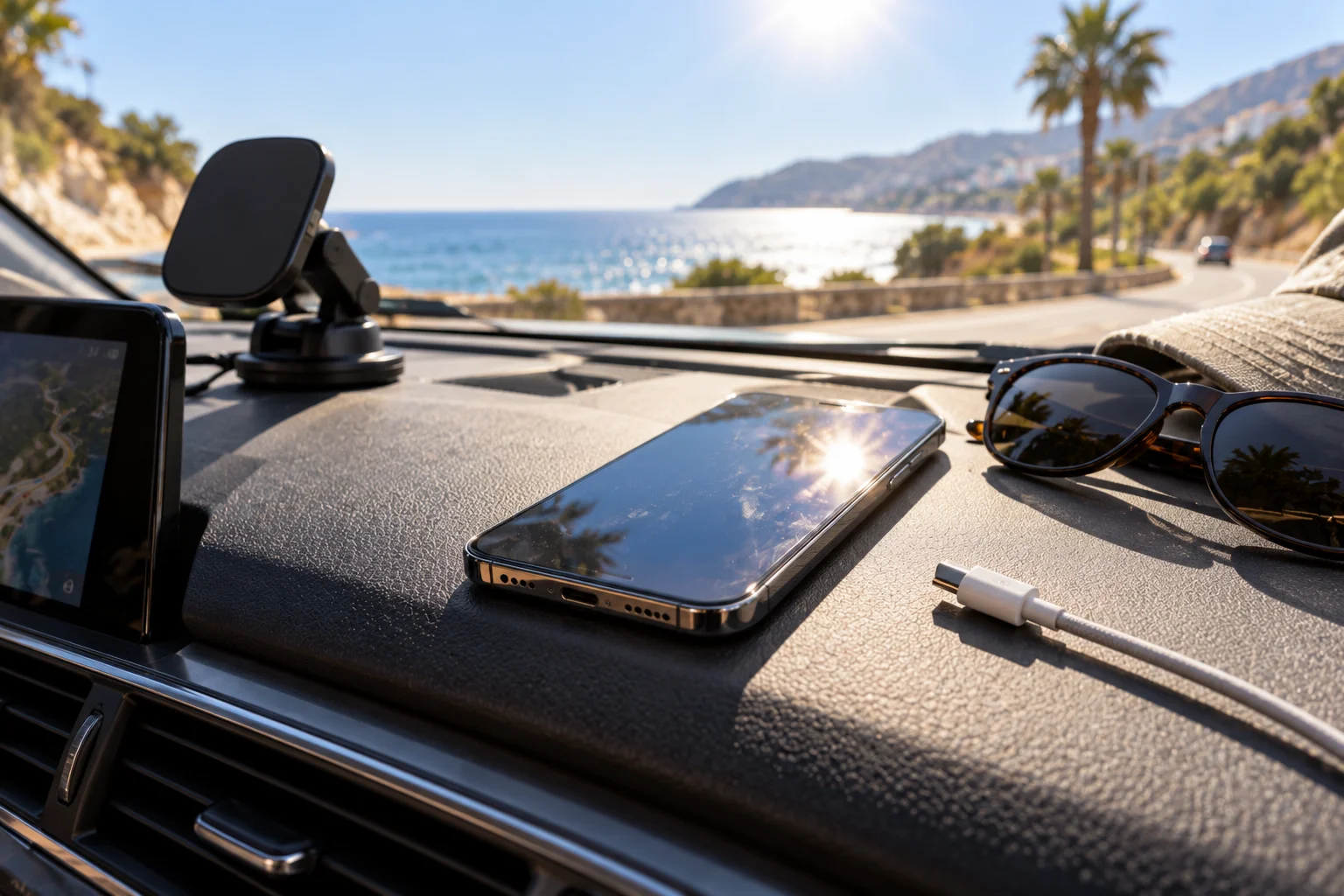
Yes, and heat is one of the more important battery-health issues to take seriously.
A phone can become hot during:
Gaming
Fast charging
Video recording
Navigation
Hot weather
Direct sunlight
Intensive downloads
Running demanding apps
Google notes that batteries drain faster when the device is hot and that excessive heat can damage the battery.
Apple similarly warns that charging or using an iPhone in high temperatures can reduce battery lifespan, with Apple recommending avoiding ambient temperatures above 35°C (95°F).
This creates a frustrating cycle.
Heat can cause faster drain today.
Repeated heat exposure can also contribute to faster battery aging over time.
Why does an old phone battery drain so quickly?
Sometimes the problem isn't your usage at all. The battery has simply lost some of its original capacity.

Rechargeable lithium-ion batteries chemically age.
As they age, their ability to hold charge decreases.
That means a phone that once lasted all day might eventually need a midday recharge even if you're using it exactly as you did before.
On iPhone, you can check this under:
Settings → Battery → Battery Health
On iPhone 15 and later, Apple provides additional battery information including cycle count, battery capacity and other details.
If your battery health is significantly degraded, changing settings can only do so much.
A battery replacement may make a much bigger difference.
Can a software update temporarily cause battery drain?
Yes, sometimes battery life can be temporarily worse after a major software update.
Your phone may continue performing background tasks after the update, including indexing, syncing and other setup processes.
Apple specifically says that after an update, some background activity can temporarily affect battery life and thermal performance. It recommends waiting a few days and checking again.
So if your phone suddenly loses battery faster immediately after an update, don't assume the battery has suddenly failed.
Give the system some time.
If the problem continues, then investigate further.
Should you keep closing apps to save battery?
Usually, no. Don't make force-closing apps your default battery-saving strategy.
On iPhone, Apple explicitly says that closing all apps does not improve overall performance or battery life simply because the apps appear in the recent-apps view.
On Android, the better strategy is to identify apps with unusually high battery usage and restrict their background activity where appropriate.
Think of it as diagnosis rather than housekeeping.
Don't close 30 apps because someone told you that will save battery.
Find the one app actually causing the problem.
Which phone settings can improve battery life immediately?
If your battery is disappearing faster than usual, start with these changes:
1. Reduce unnecessary screen brightness
Use automatic brightness where available.
2. Shorten screen timeout
Don't leave the display active for several minutes when you're not using it.
3. Check battery usage
Find the apps actually consuming power.
4. Restrict problematic background apps
Especially apps that show unusually high background usage.
5. Review location permissions
Give continuous location access only to apps that genuinely need it.
6. Reduce unnecessary notifications
Fewer interruptions can mean less background activity and fewer screen wake-ups.
7. Use Wi-Fi when practical
Apple says Wi-Fi generally uses less battery than mobile networks when you're using internet-connected apps, particularly when cellular coverage is weak.
8. Avoid excessive heat
Don't leave your phone baking in a car or direct sunlight.
9. Use Battery Saver or Low Power Mode
Both Android and iPhone provide low-power modes that reduce certain background activities and other power consumption.
How do you find the app that's secretly draining your battery?
Don't guess. Your phone already has the answer.
On Android:
Settings → Battery → Battery usage
Look for an app that has unusually high battery consumption, particularly background usage. On Pixel phones, Google also provides battery diagnostics for apps and overall battery drain.
On iPhone:
Settings → Battery → View All Battery Usage
Look at both the percentage used and the activity underneath the app.
If you see something like:
Background activity — several hours
that's a clue.
If an app is responsible for a surprisingly large share of battery use without you actively using it, investigate its background permissions or update/reinstall it if necessary.
What should you do if your phone loses battery while you're barely using it?
Start by checking overnight or idle battery usage.
If the phone loses a small amount while sitting unused, that can be normal.
A dramatic drop deserves investigation.
Check:
Battery usage by app
Background activity
Cellular signal
Location access
Recent software updates
Battery health
Device temperature
Recently installed apps
If one app suddenly appears at the top of the battery list, you've probably found your starting point.
If no app stands out and the battery is old, battery degradation becomes more likely.
The fastest way to improve your phone's battery life
You don't need to disable every useful feature.
Start with the biggest offenders:
Screen → reduce brightness and timeout.
Apps → identify excessive background usage.
Network → avoid prolonged weak-signal conditions when possible.
Location → limit unnecessary continuous access.
Heat → keep the phone within a reasonable temperature range.
Battery health → replace an aging battery when appropriate.
And remember that some battery drain is completely normal.
A phone running navigation for two hours, recording video, playing games or streaming HD content is doing considerably more work than a phone sitting in your pocket.
The important distinction is between high battery use that matches what you're doing and battery drain that doesn't make sense.
If you're gaming for three hours and lose 50%, that's one thing.
If your phone loses 30% overnight while you're barely touching it, that's a problem worth investigating.
Your battery isn't necessarily dying.
Sometimes, your phone is simply working harder than you realize.