
iPadOS 27 is Apple's latest major software update for the iPad, released in September 2026. It brings the next generation of Apple Intelligence and Siri AI to supported iPads, alongside improvements to Photos, Safari, Spotlight, Mail, accessibility, parental controls and the Liquid Glass interface.
The biggest change is Apple's expanded approach to AI. Siri can now understand personal context, work with what's on your screen and perform more useful actions across apps. Visual Intelligence also lets you ask questions about content displayed on your iPad, including content you highlight with Apple Pencil.
iPadOS 27 isn't just about AI, though. Apple has also refined performance, search, external-drive transfers, AirDrop, Screen Time and the experience of using an iPad with children. The update is available for a broad range of iPads, but the most advanced Apple Intelligence features require newer hardware.
What are the biggest new features in iPadOS 27?
The major iPadOS 27 additions are Siri AI, expanded Apple Intelligence, Visual Intelligence, new AI photo tools, smarter Safari features, improved parental controls and Liquid Glass refinements.
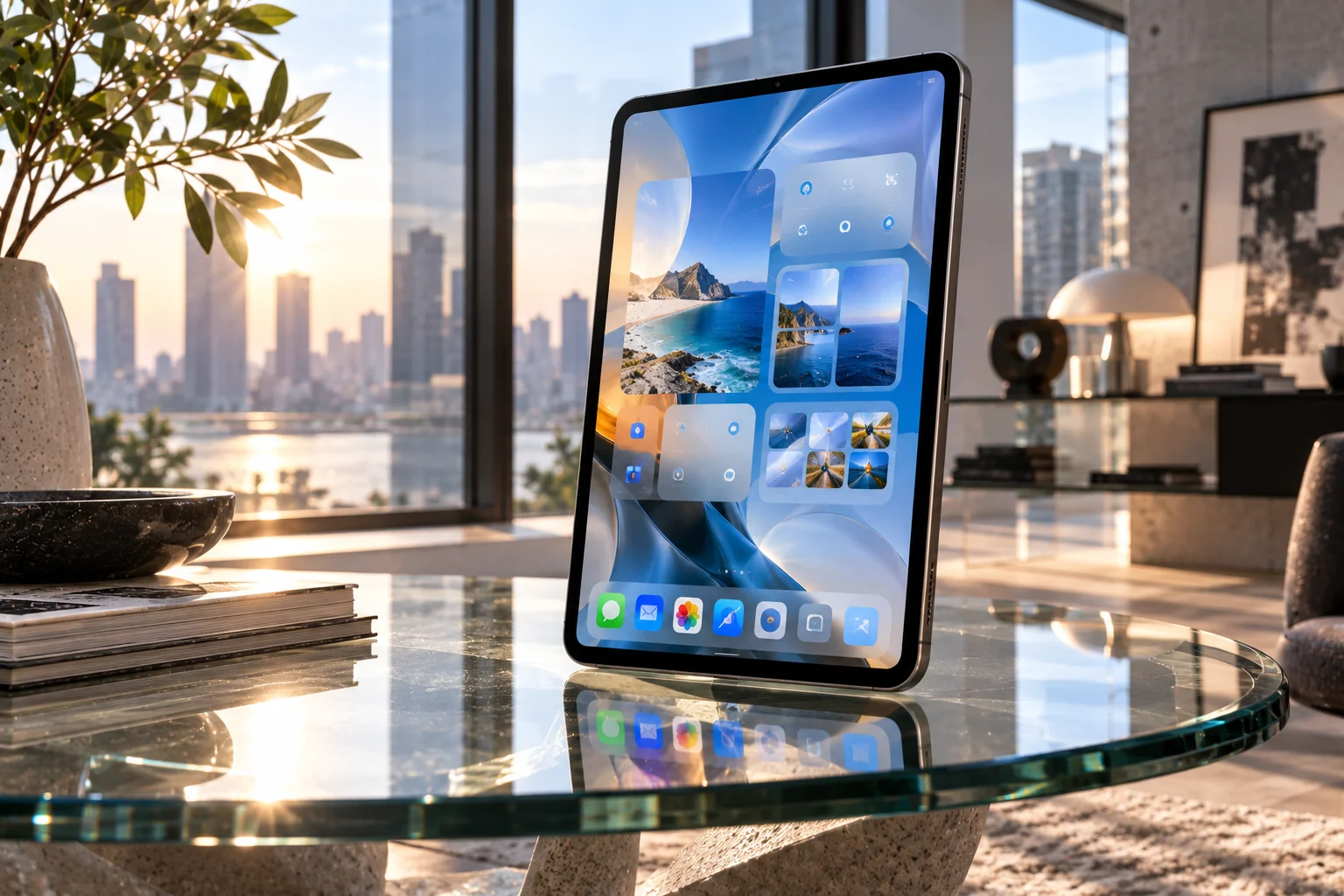
The update feels less like a complete reinvention of the iPad and more like Apple is making the tablet smarter and more useful across everyday tasks.
For users with compatible hardware, Siri is arguably the headline feature.
How does Siri AI work on iPadOS 27?
Siri AI is a more conversational assistant that can understand personal context, see what's on your screen and perform more systemwide actions. It is rolling out as a beta, initially in English.
On compatible iPads, Siri can use information from areas such as Messages, Mail and Photos to help answer questions. You can also ask about something currently displayed on your screen.
Apple has added a dedicated Siri app as well, allowing users to revisit conversations and start new ones. Siri conversations can privately sync across Apple devices through iCloud.
The feature is hardware-dependent. Siri AI is available on iPad mini with A17 Pro and iPads with M1 or later, while some of the more advanced voice capabilities require an M4 iPad or newer with at least 12GB of unified memory.
What does Visual Intelligence do on iPad?
Visual Intelligence lets your iPad understand information displayed on the screen so you can search, ask questions or take action without leaving the current task. Apple Pencil can also be used to highlight specific content for Siri to analyze.
This could be particularly useful on the iPad's larger display. Imagine reading a webpage, reviewing a document or looking at an image and wanting more information about something without manually copying it into another app.
It's one of the clearest examples of Apple designing its AI features around the iPad's large screen rather than simply copying the iPhone experience.
What new Apple Intelligence features are coming to iPadOS 27?
Apple Intelligence now reaches deeper into Photos, Safari, Image Playground, Shortcuts, Calendar, Mail and other parts of iPadOS.

Photos gets several notable tools. Spatial Reframing can change the apparent composition of an image, while Extend can expand an image beyond its original edges. Clean Up has also been improved for removing larger objects.
Safari gets two particularly practical features. Organize by Topic can automatically group related tabs, while Notify Me can monitor webpages for changes such as price or availability updates.
Apple has also added natural-language controls for Shortcuts. Instead of manually constructing every step, users can describe what they want a Shortcut to do and refine it conversationally.
What has changed in iPadOS 27 for parents and children?
iPadOS 27 adds stronger parental controls, including Time Allowances, schedules, Ask to Browse and a redesigned Screen Time experience.
Parents can set limits for categories such as Games, Entertainment and Social Media. They can also establish schedules for when particular apps can be accessed.
Ask to Browse provides another layer of control by allowing parents to approve new websites before children access them.
Apple has also expanded Communication Safety to help intervene when children encounter graphic or violent content in shared images and videos.
Does iPadOS 27 improve the Liquid Glass design?
Yes. Apple has refined Liquid Glass with better readability and added a setting that lets users adjust the appearance from ultra-clear to fully tinted.

The change is relatively subtle, but it gives users more control over how transparent the interface feels.
Apple has also made improvements across system performance, including faster app launches, AirDrop transfers and file transfers between an iPad and an external drive.
Search has been improved across Spotlight, Photos and Mail, while other refinements include better Messages syncing and the ability to resize iPhone apps running on iPad.
Which iPads support iPadOS 27?
iPadOS 27 supports iPads going back to the ninth-generation iPad, although Apple Intelligence requires significantly newer hardware.
Compatible models include:
iPad 9th generation and newer
iPad mini 6th generation and newer
iPad Air 4th generation and newer
iPad Pro 11-inch 2nd generation and newer
iPad Pro 12.9-inch 4th generation and newer
iPad Pro 13-inch M4 and M5
The important distinction is that iPadOS 27 compatibility does not mean every feature is available. Apple Intelligence requires an iPad mini with A17 Pro or an iPad with M1 or later, and availability can also depend on language and region.
Is iPadOS 27 worth installing?
For compatible iPads, iPadOS 27 is a substantial update, particularly for users interested in Apple Intelligence, smarter workflows and improved parental controls.

The biggest differences will be noticeable on newer M-series and A17 Pro iPads because those devices can access the new AI capabilities. Older compatible iPads still receive the broader system improvements, but they won't get the complete Apple Intelligence experience.
If your iPad supports the update, you can install it through Settings > General > Software Update.
iPadOS 27 FAQs
What is the latest iPadOS version?
iPadOS 27 is Apple's latest major iPad software release, launched in September 2026. Apple has subsequently released iPadOS 27.0.1 with bug fixes.
Does iPadOS 27 have Apple Intelligence?
Yes. iPadOS 27 introduces the next generation of Apple Intelligence features, including Siri AI, Visual Intelligence, AI-powered photo tools and natural-language Shortcuts on supported iPads.
Which iPads get Siri AI?
Siri AI is available on iPad mini with A17 Pro and iPads with M1 or later. Some advanced Siri voice capabilities require M4 or later with at least 12GB of unified memory.
Is iPadOS 27 free?
Yes. iPadOS 27 is a free software update for compatible iPad models.
Can older iPads run iPadOS 27?
Yes. The update supports models including the ninth-generation iPad and fourth-generation iPad Air, although newer AI features require newer processors.
What is the biggest change in iPadOS 27?
The biggest change is the deeper integration of Apple Intelligence and Siri AI, combined with improvements to the iPad's existing apps and system experience.