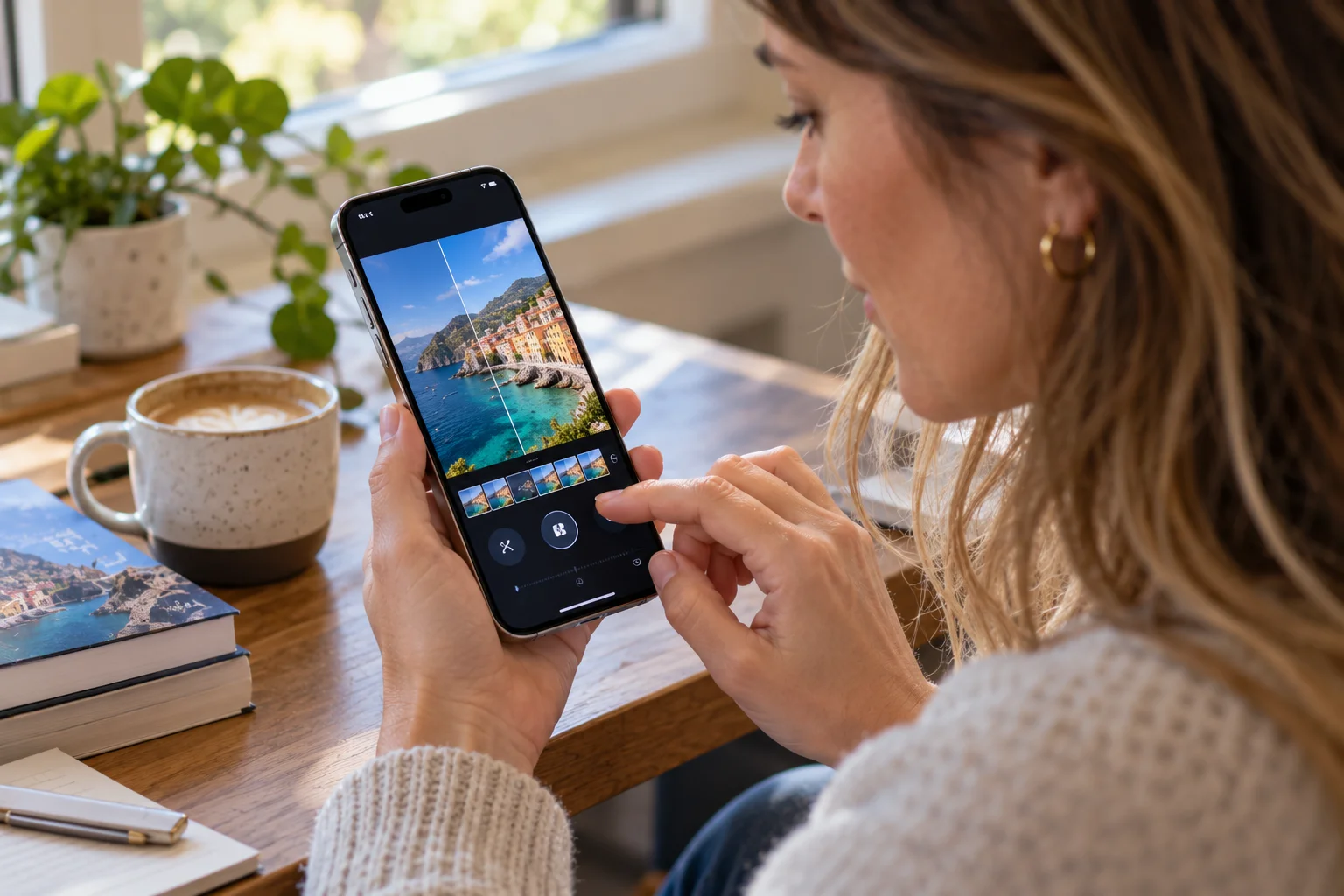
iOS 27 is a major iPhone update centered on Siri AI, deeper Apple Intelligence integration, visual intelligence, photo editing, parental controls, accessibility and a more customizable Liquid Glass interface. Apple began rolling out iOS 27 on September 14, 2026, with some of its most significant AI capabilities arriving as beta features and with availability varying by device, language and region.
The biggest change is Siri. Siri AI can understand personal context, what is on your screen and broader questions, while taking actions across apps. iOS 27 also brings Visual Intelligence into the Camera, allowing the iPhone to identify things, answer questions about what you're seeing and perform certain actions.
Beyond AI, Apple has expanded photo editing, introduced larger Home Screen widgets, improved child-safety controls, added Call Context, upgraded accessibility features and given users more control over the appearance of Liquid Glass. Some features require an Apple Intelligence-compatible iPhone, so the iOS 27 experience isn't identical across every iPhone.
Here are the 10 iOS 27 changes that matter most.
1. What is new with Siri AI in iOS 27?
Siri AI is the biggest change in iOS 27, giving Apple's assistant conversational capabilities, personal context, onscreen awareness and the ability to perform actions across apps.

This is the Siri update iPhone users have been waiting for.
Instead of treating Siri primarily as a voice command tool, Apple is positioning Siri AI as a more general-purpose assistant. You can ask questions naturally, refer to information already on your iPhone and ask Siri to help complete tasks.
For example, Siri can find a particular photo, locate information buried inside an email or note, draft something for you and work with information from different apps.
There's also a dedicated Siri app where conversations can be revisited or continued later. Apple says Siri AI is initially rolling out in English as a beta, with additional languages planned.
The important caveat is hardware. Siri AI requires an Apple Intelligence-enabled iPhone, including the iPhone 15 Pro and 15 Pro Max or iPhone 16 and later models.
2. How does Visual Intelligence work in iOS 27?
iOS 27 expands Visual Intelligence so your iPhone can use the camera or what's currently on your screen to identify information, answer questions and perform useful actions.
This is where Apple's AI strategy starts feeling much more practical.
Point the camera at something and Siri mode can help identify it or provide relevant information. Apple gives examples such as getting nutritional information about food or using the camera to help split a restaurant bill.
Visual Intelligence also works with screenshots.
If you're browsing a product, looking at an image or viewing an event online, you can ask about what's on the screen. Apple says it can help find visually similar products or turn information such as concert dates into actions like calendar entries.
That could become one of the most useful everyday AI features on the iPhone because you don't always have to explain what you're looking at.
3. What new AI photo editing tools does iOS 27 add?
The Photos app gains Spatial Reframing, Extend and an upgraded Clean Up tool, giving users more control over photos after they've been captured.
The idea is simple: taking the photo isn't necessarily the end of the editing process.
Spatial Reframing lets you adjust the framing and perspective of an image after the fact. Extend can expand the boundaries of a photograph, while the improved Clean Up tool can remove distracting objects with greater precision.
Apple is also expanding Image Playground, giving users more ways to create and modify images using descriptions.
For people who take a lot of photos on an iPhone, these changes could matter more than another collection of filters.
4. Can you customize the Liquid Glass design in iOS 27?
Yes. iOS 27 gives users a new slider that lets them adjust the appearance of Liquid Glass from a more transparent look to a more tinted appearance, while Apple has also refined contrast and readability.

Liquid Glass remains a major part of Apple's software design language, but iOS 27 gives users more control over how prominent the effect appears.
The new slider is particularly useful if you prefer a cleaner interface rather than highly transparent elements.
Apple says it has also improved the uniformity of refraction and contrast to make the interface easier to read.
It's not a complete redesign.
Instead, iOS 27 feels more like Apple is refining the visual language introduced across its platforms.
5. What has changed on the iOS 27 Home Screen?
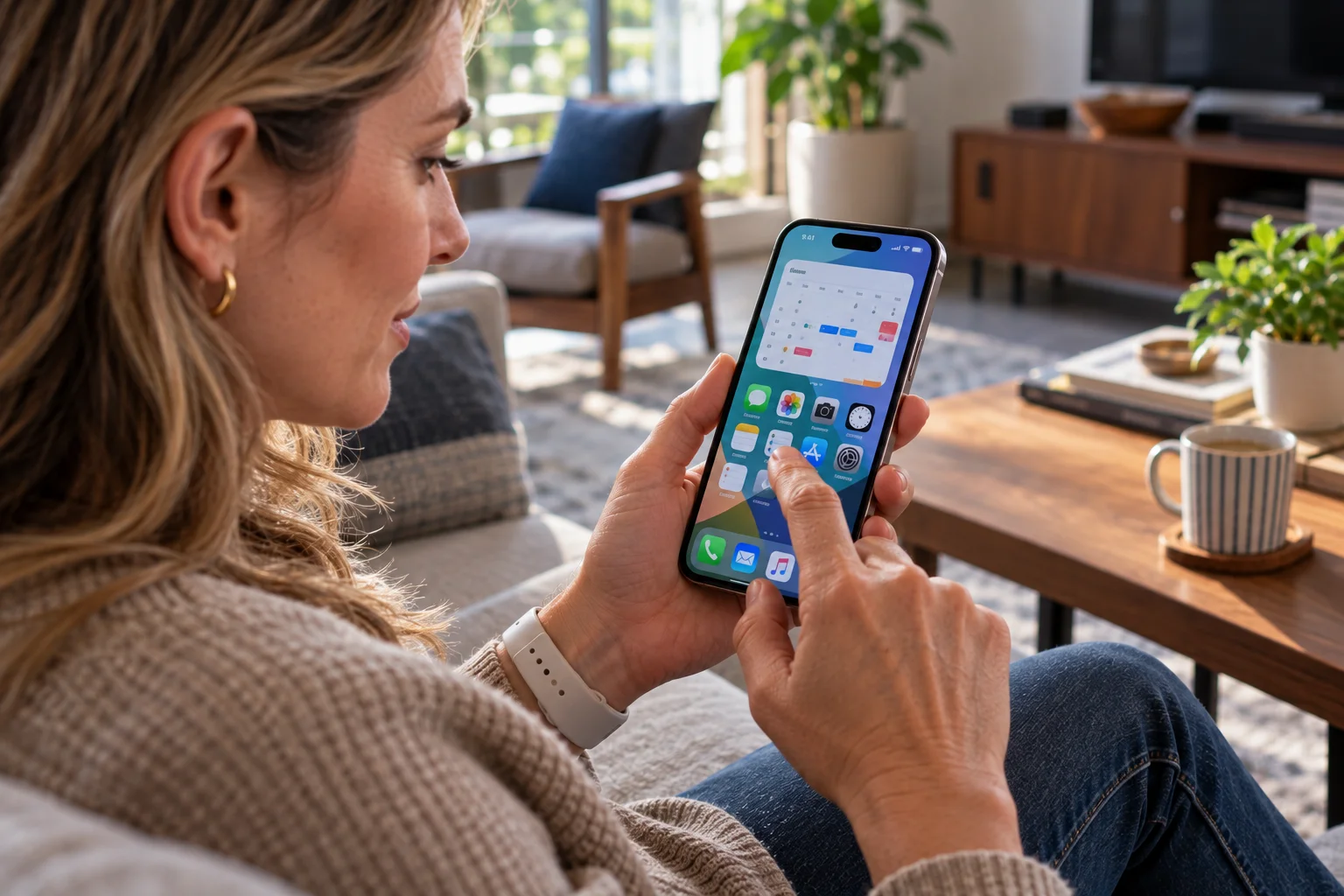
iOS 27 adds extra-large widgets, allowing compatible apps to display more information directly on the iPhone Home Screen.
This is a deceptively useful change.
Instead of opening an app just to check information, a larger widget can provide more of it at a glance. Apple's examples include an extra-large Calendar widget that occupies more Home Screen space.
The trade-off is obvious: bigger widgets consume more room.
But if there's an app you check repeatedly throughout the day, having more information available without opening it can make the Home Screen feel much more useful.
6. How does iOS 27 improve parental controls?
iOS 27 introduces expanded parental controls covering app access, websites, communication, content and scheduled device use.
Apple has added Ask to Browse, which lets children request approval before accessing new websites.
Parents can also set schedules determining which apps children can use at different times, manage time allowances across categories such as games and social media, and adjust Screen Time settings more directly.
Communication Safety has also been expanded to help protect children from certain sensitive images and videos.
The broader change is that Apple's parental controls are becoming less about simply setting a daily screen-time number and more about controlling what can be accessed, when it can be accessed and what children can communicate or view.
7. What is Call Context on iOS 27?
Call Context uses the phone number you're calling to surface relevant information from your apps, such as a hotel reservation or airline confirmation code, when you need it during a call.
Imagine calling an airline because there's a problem with your booking.
Instead of leaving the call to search through Mail for your confirmation number, Call Context can proactively surface relevant information from your apps.
Apple says the system uses the phone number you're calling, rather than analyzing what you're saying during the conversation, to identify relevant information.
That distinction is worth remembering.
It makes the feature more like an intelligent information shortcut than an AI listening in on your conversation.
8. How does iOS 27 improve accessibility?
iOS 27 adds more AI-powered accessibility features, including richer VoiceOver image descriptions, natural-language Voice Control and an expanded Accessibility Reader.
VoiceOver can provide more contextual descriptions of images, including receipts, bills and photographs.
Users can also ask questions about what the camera sees using the Action button.
For people with physical disabilities, Voice Control can navigate apps using natural language by describing what appears on screen. Accessibility Reader provides a customizable reading experience with features such as summaries and translations.
These features aren't as visually striking as a redesigned interface, but they're among the areas where Apple's AI work can have a genuinely practical impact.
9. What new Safari and Shortcuts features are in iOS 27?
Safari can automatically organize tabs by topic and notify users when a webpage changes, while Shortcuts can create automations from natural-language descriptions.
The Safari changes are particularly interesting for anyone who routinely ends up with dozens of open tabs.
Instead of manually sorting everything, Safari can organize tabs into topics. Apple also says Safari can notify you when a webpage changes, which could be useful for things such as price changes or restocks.
Shortcuts gets a similar AI-driven approach.
Rather than manually building an automation step by step, you can describe what you want and let the system create a shortcut around that request.
For regular users, this lowers the barrier to using one of iPhone's more powerful automation tools.
10. What other iOS 27 changes should iPhone users know about?
iOS 27 also introduces improvements to Apple Intelligence, Home, Photos, Messages, Wallet, Fitness and communications, with several features depending on hardware and region.

There are quite a few smaller changes worth knowing about:
Home can use Apple Intelligence to summarize activity notifications and help search security-camera footage.
Photos gets full-resolution sharing for iCloud Shared Albums and the ability to save individual video frames as photos.
Call features include more AI-powered context and summaries.
Safari gains AI-assisted tab organization and webpage-change notifications.
Workout features expand with GymKit on iPhone, allowing compatible exercise equipment to provide real-time metrics.
Apple Intelligence continues to add features across Mail, Messages, Photos, Reminders, Notes, Safari, Shortcuts and other apps.
Some of these will matter enormously to certain users and barely register for others.
That's normal with a major iOS release.
Which iOS 27 features require Apple Intelligence?
Many of iOS 27's headline AI features require an Apple Intelligence-compatible iPhone, with support beginning at the iPhone 15 Pro and 15 Pro Max and continuing through newer iPhone models.
Feature | Apple Intelligence required? |
|---|---|
Siri AI | Yes |
Visual Intelligence AI features | Yes |
Spatial Reframing | Yes |
Extend | Yes |
Advanced Clean Up | Yes |
AI-powered writing tools | Yes |
Natural-language Shortcuts | Yes |
Extra-large widgets | No |
Liquid Glass customization | No |
Expanded parental controls | No |
Feature availability can also vary by language, country and region. Apple specifically notes that some Apple Intelligence capabilities have regional or language restrictions, and Siri AI is initially unavailable on iOS in the EU.
So simply installing iOS 27 doesn't guarantee that every feature shown in Apple's demonstrations will appear on your iPhone.
The bottom line on iOS 27's biggest new features
iOS 27 is primarily an AI and personalization update, with Siri AI at the center of the experience. Visual Intelligence, AI-powered photo editing, smarter Safari features and natural-language Shortcuts extend that intelligence into apps you already use.
But there's more to the update than AI.
The new Liquid Glass controls, larger widgets, expanded parental controls, Call Context and accessibility improvements make iOS 27 feel like a broader refinement of the iPhone experience.
For compatible iPhones, Siri AI and Visual Intelligence are likely to be the features that change how you interact with the device most noticeably. Other additions, such as improved photo editing and larger widgets, are more incremental but could become part of your everyday routine.
The important thing is to check which features your particular iPhone supports. iOS 27 is one update, but the experience varies considerably depending on the hardware, language and region you're using.