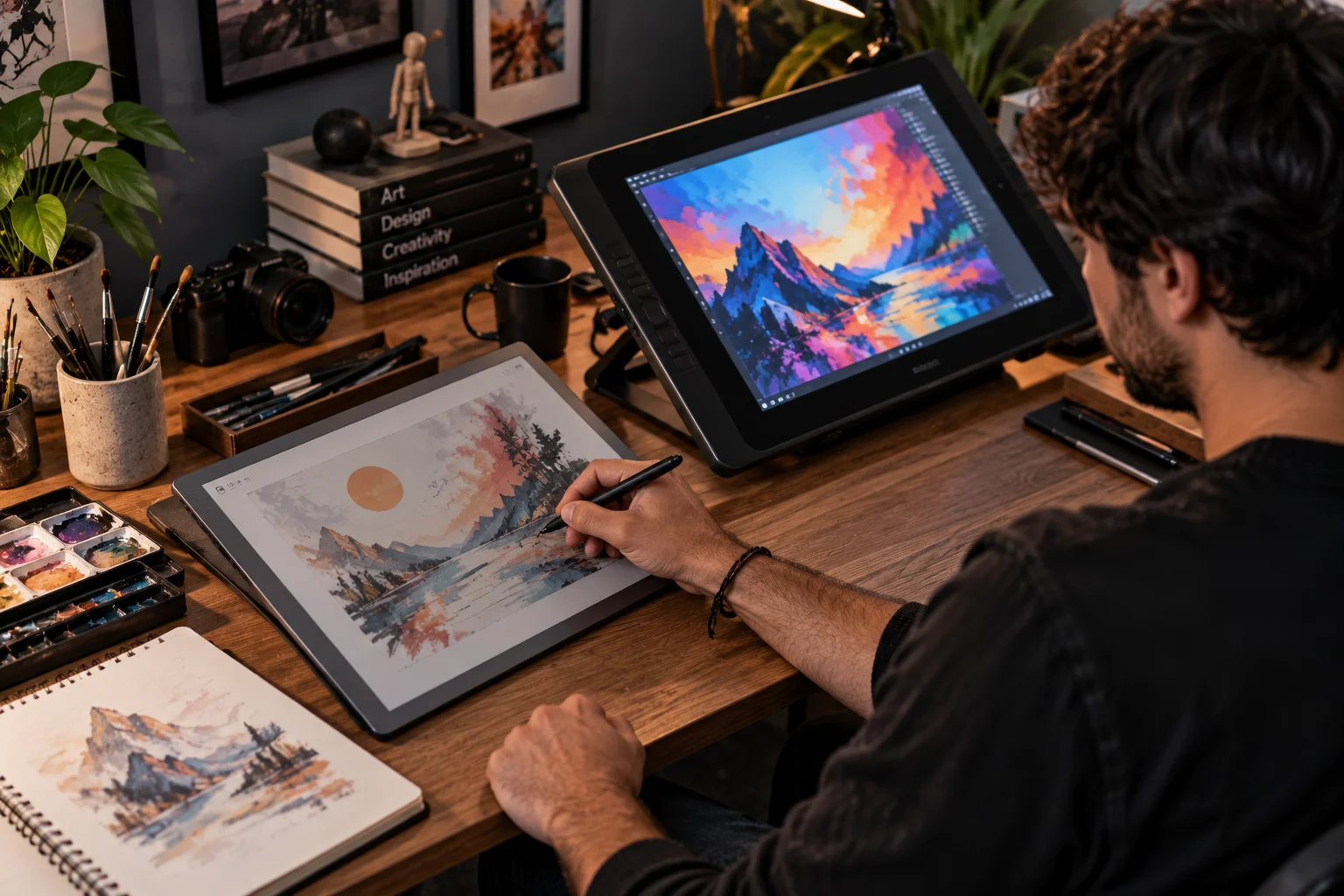
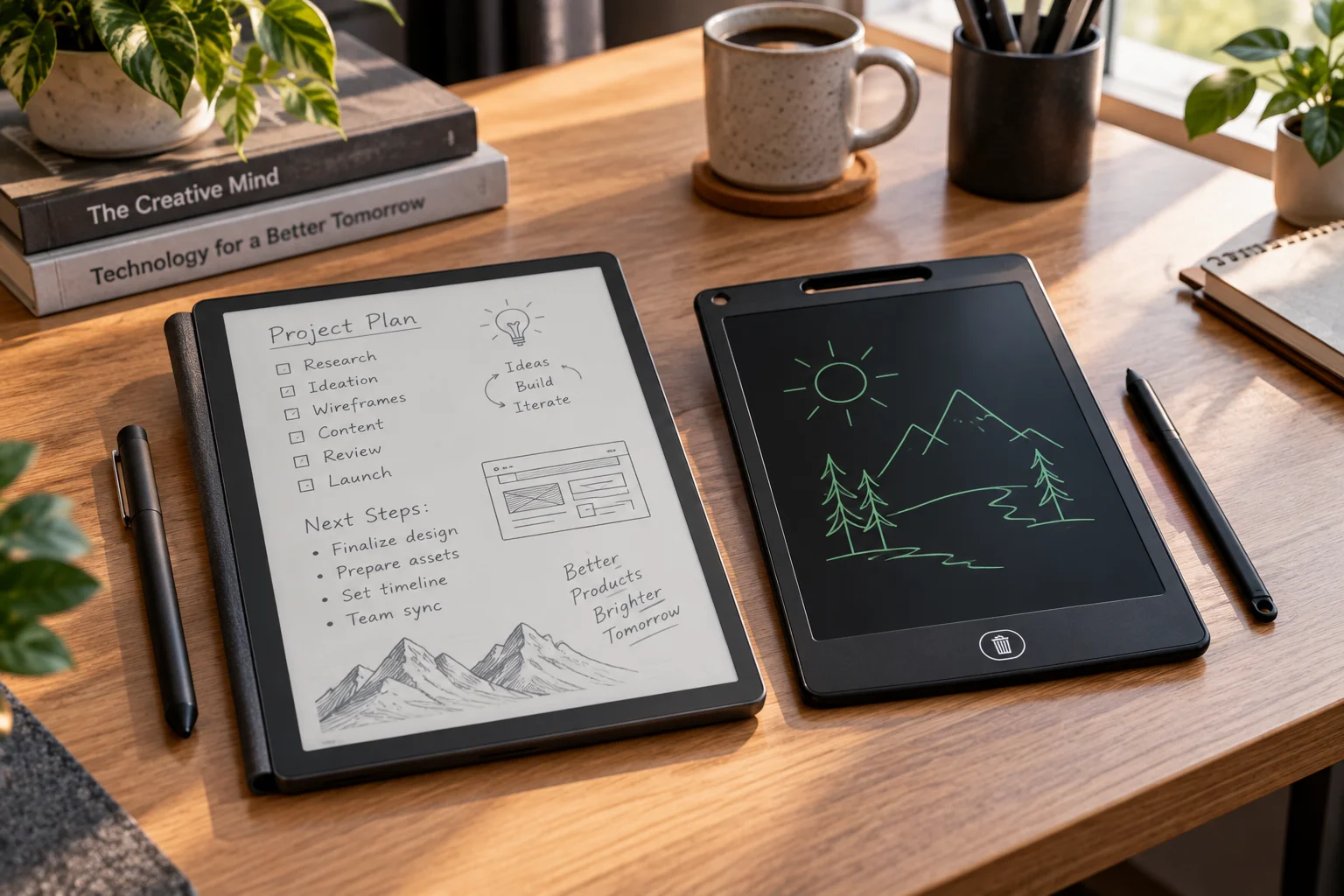
At first glance, an E Ink writing tablet and an LCD writing pad can look like the same gadget: a thin screen, a stylus and a surface designed for handwriting. Underneath, however, they're solving very different problems.
A basic LCD writing pad is essentially a reusable digital slate. You write on its pressure-sensitive surface, then press a button to erase the screen and start again. Devices such as Boogie Board's LCD writing tablets are designed specifically for quick notes, lists and simple drawings rather than storing a library of documents.
An E Ink writing tablet is closer to digital paper with a computer behind it. E Ink's reflective display technology uses electronic ink particles and consumes power mainly when the image changes. Modern digital-paper devices can store documents, annotate PDFs, recognize handwriting, synchronize notes and support pressure-sensitive pens.
That makes the choice surprisingly straightforward.
Choose an LCD writing pad for quick disposable notes and sketches. Choose E Ink when you want to replace notebooks, annotate documents, study from PDFs or keep your handwritten work digitally.
What Is the Difference Between an E Ink Writing Tablet and an LCD Writing Pad?
An LCD writing pad is primarily an erasable writing surface, while an E Ink writing tablet is a reusable digital document system.
The word “LCD” can cause some confusion here.
A conventional LCD tablet, such as an iPad, is a full computing device with a backlight, operating system, apps and a high-refresh display.
A basic LCD writing pad is different.
Products such as the Boogie Board Basics use specialized LCD writing technology that allows you to write with a stylus or even a fingernail and erase the entire surface with a button.
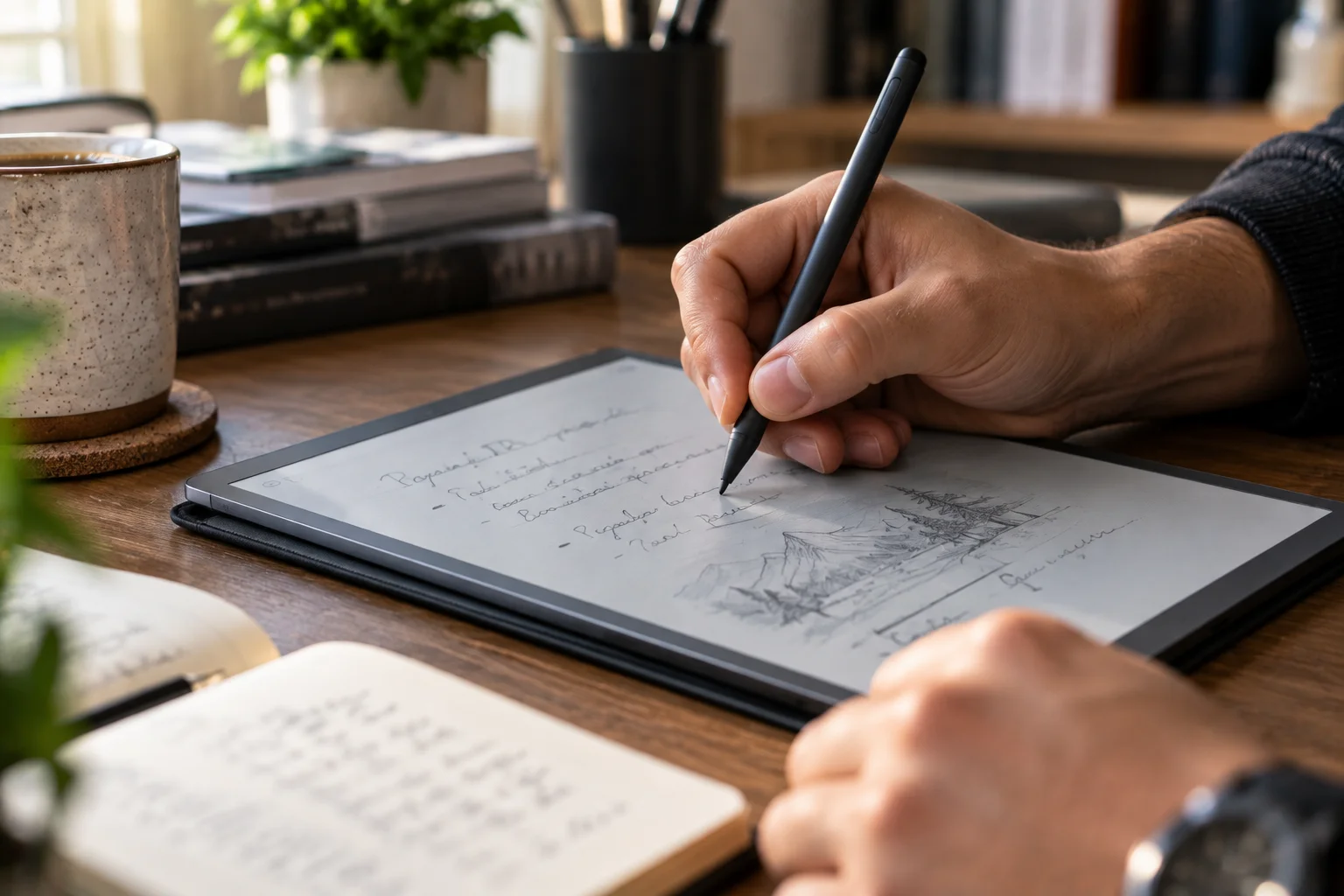
An E Ink writing tablet is much closer to an e-reader in its display technology. E Ink describes its electronic paper as a reflective display: ambient light illuminates the surface, while the electronic ink particles change position to form text and images.
That difference affects almost every part of the experience.
Feature | E Ink writing tablet | LCD writing pad |
|---|---|---|
Primary purpose | Digital notes and documents | Quick handwriting |
Display | Reflective ePaper | Pressure-sensitive LCD |
Backlight | Usually no, though some have front lights | No conventional backlight |
Save notes | Yes, depending on model | Usually no |
PDF annotation | Yes | No |
Handwriting-to-text | Available on some models | No |
Cloud sync | Available on some models | Generally no |
Drawing | Good | Good for simple sketches |
Color | Available on newer models | Usually limited monochrome/color variants |
Erasing | Digital erase/selective editing | Usually entire screen |
Battery life | Days to weeks depending on use | Extremely long |
Apps | Limited/dedicated | None |
Best use | Study, documents, serious note-taking | Lists, reminders, quick sketches |
How Does E Ink Work for Writing?
E Ink uses electrically controlled particles to change what appears on the display, rather than continuously illuminating pixels like a conventional LCD.
In a typical E Ink electrophoretic display, microscopic capsules contain charged particles. Applying an electrical field moves the particles toward or away from the visible surface, creating the appearance of different shades.
The important consequence is that the display is bistable.
Once the page has been updated, the display can retain that image without continuously consuming power to maintain it. E Ink says this is a major reason its displays can achieve long battery life.
For writing, a compatible sensor layer detects the stylus and the device updates the electronic-paper image accordingly.
Some E Ink writing devices use electromagnetic resonance (EMR) pens. E Ink's own digital-paper products, for example, support EMR input with up to 4,096 pressure levels on certain models.
How Does an LCD Writing Pad Work?
A basic LCD writing pad uses pressure to change the appearance of a specialized liquid-crystal writing surface, then electrically clears it when you press the erase button.

There's no full operating system behind the writing surface.
That's why an LCD writing pad can be so simple.
You pick it up, write, press the button and the page disappears.
Boogie Board's current Basics writing tablet illustrates the concept: it uses LCD technology, accepts writing from the included stylus or a fingernail and uses a button-triggered QuickClear system to erase the screen.
This simplicity is actually its biggest strength.
There's no:
File browser
Cloud account
PDF menu
Operating-system update
App store
Complex stylus settings
For a grocery list, phone message, child's drawing or temporary calculation, that's exactly what you want.
Which Feels More Like Paper?
E Ink generally provides the more paper-like overall experience, particularly when the device has a textured writing surface and a low pen-to-ink distance.
The display itself is only part of the experience.
A good writing tablet also needs the right surface texture, stylus friction and latency.
For example, the current reMarkable Paper Pro uses a textured glass surface, advertises a 0.92 mm pen-to-ink distance and lists 12 ms writing latency.
Its monochrome Paper Pure counterpart uses a paper-like textured surface and lists a 0.84 mm pen-to-ink distance.
That combination can make handwriting feel much closer to a pencil moving across paper than a glossy tablet screen.
An LCD writing pad can also feel surprisingly natural because there's very little interface between your pen movement and the displayed line.
But the two technologies approach the problem differently.
LCD prioritizes instant simplicity. E Ink prioritizes the digital-paper experience.
Which Is Better for Taking Notes?
E Ink is substantially more useful for serious note-taking because the notes can become actual digital documents rather than disappearing when you clear the screen.
Imagine taking notes during a university lecture.
With a basic LCD writing pad, you can write quickly and comfortably. But if you press erase, the information is gone.
With an E Ink writing tablet, you can typically:
Create separate notebooks
Organize pages
Move pages
Erase individual sections
Copy and paste
Annotate documents
Search stored notes
Export files
Synchronize with other devices
The exact feature set varies by manufacturer.
The current reMarkable Paper Pro, for example, supports folders, tags, search, handwriting-to-text conversion and synchronization through its apps and cloud service.
That's the difference between digital handwriting and an electronic whiteboard.
Which Is Better for Studying?
E Ink is much better suited to serious study because it can combine handwritten notes with stored reading material and document annotation.
This becomes particularly valuable with PDFs.
A student can import lecture slides or textbooks, write directly on them and keep the annotations alongside the source document.
E Ink specifically identifies eNote devices as an education application, highlighting handwritten lecture notes, eTextbooks, annotations and a paper-like display.
Some digital-paper devices are also large enough to approach A4 paper.
E Ink's current 13.3-inch Digital Paper reference device, for example, uses an A4-sized display, supports PDF documents, handwriting annotations and a 4,096-level pressure-sensitive EMR pen.
A basic LCD writing pad can't compete with that document workflow.
But it doesn't need to.
If all you need is a temporary place to write a formula while studying, the LCD pad may actually be more convenient.
Which Is Better for Drawing?
E Ink is better for serious digital drawing and sketch organization, while LCD writing pads are excellent for quick, disposable sketches.

For casual drawing, an LCD pad has an appealing simplicity.
You can sketch without worrying about:
File formats
Layers
Storage
Apps
Charging frequently
But there's usually one major limitation: the entire drawing is treated as temporary content.
E Ink writing tablets can provide digital drawing tools, different pens, layers or page management depending on the software.
Modern color E Ink also changes the equation.
The reMarkable Paper Pro's Canvas Color display uses E Ink Gallery technology and can render up to 20,000 colors according to the manufacturer. It supports color writing, blending and annotation.
However, color E Ink still doesn't behave like a high-refresh LCD or OLED drawing tablet.
For animation, rapid brush strokes, video editing or professional digital painting, a conventional high-refresh tablet remains much more capable.
Which Has Better Battery Life?
Both can last a long time, but E Ink's display technology is particularly efficient because it doesn't need continuous power to hold a static image.
E Ink describes its displays as bistable, meaning power is primarily consumed while the image is being changed.
That is perfect for handwriting.
You might write a page and leave it sitting there for several minutes without requiring the display to continuously redraw it.
Actual device battery life still depends on the processor, Wi-Fi, Bluetooth, front light and how heavily you're using the device.
For example, E Ink's 13.3-inch Digital Paper specification lists up to three weeks with wireless features turned off and up to five days in heavier usage scenarios.
A simple LCD writing pad can go even longer because its electronics are extremely basic.
Boogie Board's Basics, for example, uses a battery and doesn't require a charging cable for ordinary use.
Which Is Better in Bright Sunlight?
E Ink has a major advantage in bright environments because its reflective display becomes easier to see as ambient light increases.

E Ink doesn't require a backlight to make the image visible.
Instead, it reflects ambient light, much like paper.
That makes outdoor study particularly attractive.
Some digital-paper devices explicitly advertise glare-free, sunlight-readable displays. E Ink's own Digital Paper products are designed for long-term reading and writing, including use in direct sunlight.
LCD writing pads can also be very visible outdoors because their writing surfaces are not conventional backlit tablet screens.
So this is one category where both can work extremely well.
Which Is Better for Color?
E Ink has become more capable of color, but LCD remains the more flexible technology for rich, fast-changing color content.
Traditional E Ink writing devices were primarily monochrome.
That's changing.
Color E Ink technologies such as E Ink Gallery and Kaleido allow digital-paper devices to display color. E Ink currently lists products using Kaleido 3 with 4,096 colors, while newer Gallery-based devices can produce substantially broader color ranges.
That makes color highlighting, diagrams and visual note-taking much more useful.
But an LCD tablet still offers:
Faster refresh
Brighter color
Smoother animation
Better video
More conventional app support
So if you're studying a biology textbook with diagrams, E Ink color can be useful. If you're editing a detailed illustration or watching instructional video alongside your notes, LCD remains considerably more versatile.
Which Is Better for Children?
An LCD writing pad is often the simpler choice for children who mainly need a surface for drawing, handwriting practice and temporary activities.
It's inexpensive to operate, has few settings and doesn't expose children to a full tablet operating system.
That can be a feature rather than a limitation.
A child can draw something, erase it and start again without opening YouTube, games or social media.
E Ink becomes more attractive for older students who need to manage:
Class notes
Homework
PDFs
Textbooks
Research
Handwritten assignments
Long-term study material
The device can grow from a digital notebook into a document workflow.
E Ink Writing Tablet vs LCD Writing Pad: Which Should You Choose?
Choose based on whether you want temporary handwriting or persistent digital documents.
Your use case | Better choice |
|---|---|
Shopping lists | LCD writing pad |
Phone messages/reminders | LCD writing pad |
Children's doodles | LCD writing pad |
Quick calculations | LCD writing pad |
Temporary sketches | LCD writing pad |
Lecture notes | E Ink |
Long-term note storage | E Ink |
PDF annotation | E Ink |
Digital textbooks | E Ink |
Research notes | E Ink |
Handwriting-to-text | E Ink |
Organized notebooks | E Ink |
Serious digital drawing | E Ink or conventional tablet |
Color illustration | LCD tablet |
Video + study | LCD tablet |
Distraction-free reading | E Ink |
Frequently Asked Questions About E Ink Writing Tablets and LCD Writing Pads
Is an LCD writing pad the same as an LCD tablet?
No. A basic LCD writing pad is a specialized reusable writing surface, not a full tablet computer. It normally doesn't run apps, store documents or connect to the internet.
Can you save notes from an LCD writing pad?
Most basic LCD writing pads are designed for temporary notes and erase the entire screen. Some specialized models may add scanning or connectivity, so check the exact product specification.
Does E Ink use less power than LCD?
E Ink is extremely efficient for static content because its bistable display doesn't need continuous power to maintain an image.
Is E Ink better for studying?
For serious study, usually yes because compatible E Ink writing tablets can combine handwriting, document storage, PDF annotation and digital organization.
Can you draw on E Ink?
Yes. Modern E Ink writing tablets support handwriting and drawing, with some offering pressure sensitivity, multiple tools and color.
Can you read books on an E Ink writing tablet?
Many can, although supported formats and reading features depend on the device. Some are designed primarily around note-taking and PDF annotation rather than functioning as general-purpose e-readers.
Is an LCD writing pad good for school?
It's excellent for temporary work such as mathematics, vocabulary practice, diagrams and quick notes. For storing lessons, annotating PDFs and maintaining organized notebooks, an E Ink device is considerably more capable.
The Bottom Line
E Ink writing tablets and LCD writing pads aren't really competing for exactly the same job.
An LCD writing pad is the digital equivalent of a piece of scrap paper. It's cheap, simple, immediate and wonderfully free of distractions. Write something, use it, erase it and move on.
An E Ink writing tablet is closer to a digital notebook, document reader and handwriting computer combined. Its reflective display provides a paper-like experience, while its electronics allow you to save, organize, search, annotate and synchronize your work.
For quick notes, reminders and disposable sketches, an LCD writing pad makes sense.
For students, researchers, professionals and anyone replacing stacks of notebooks, E Ink is the more capable technology.
And if drawing is your priority, there's a third option worth remembering: a conventional LCD or OLED tablet with an active stylus. It won't have the paper-like E Ink experience, but its speed, color, apps and graphics capabilities make it substantially more versatile for advanced digital art.