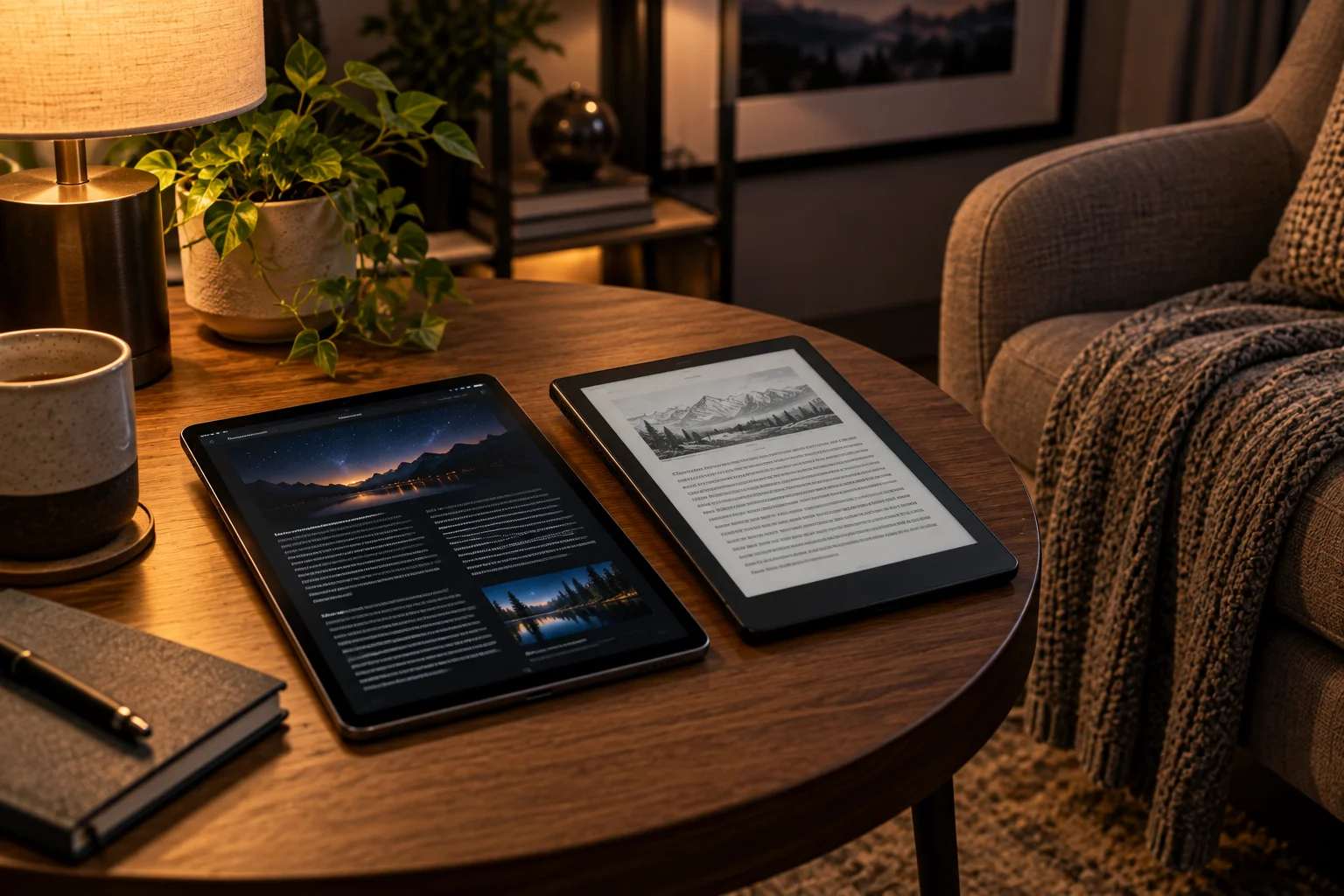
If you're reading for several hours at a time, the display technology can noticeably change the experience. But the answer isn't simply that one screen is “good for your eyes” and another is “bad.”
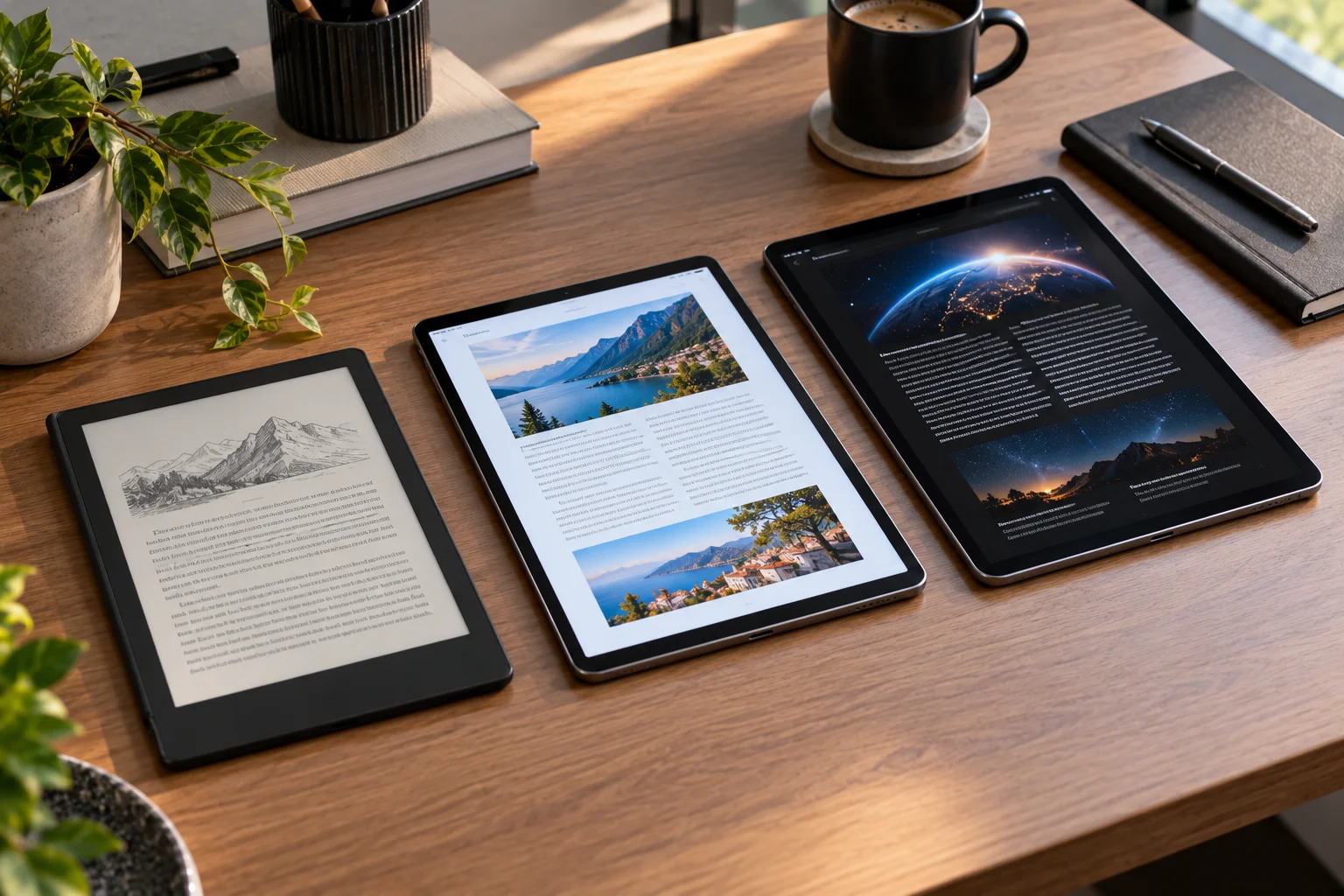
E Ink, LCD and OLED create images in fundamentally different ways. E Ink is a reflective display that uses ambient light much like printed paper. LCD and OLED are emissive displays that produce light toward the viewer.
That difference makes E Ink particularly attractive for novels, long-form articles and dedicated reading. It remains easy to see in bright ambient light, doesn't require a traditional backlight and can provide a paper-like appearance.
LCD and OLED have important advantages of their own. They're much better suited to color content, fast scrolling, video, interactive textbooks, web browsing and apps. OLED can also provide excellent contrast and deep blacks, while modern LCD tablets can deliver bright, sharp text.
For long, uninterrupted reading, however, E Ink is generally the closest digital equivalent to paper. That doesn't mean everyone will find it more comfortable, and good reading habits still matter regardless of the display.
How Does E Ink Differ From LCD and OLED for Reading?
E Ink reflects light from the environment, while LCD and OLED displays emit light toward your eyes.
An E Ink display contains electronic ink particles that change position to create the image. Once the image has been updated, a conventional E Ink display requires very little power to maintain it.
LCD works differently. It uses a backlight behind a liquid-crystal layer to control how much light passes through each pixel.
OLED doesn't require a separate backlight. Individual pixels emit their own light.
That gives OLED excellent control over black levels and contrast, but it also means you're looking directly at an illuminated display.
For reading, the distinction is important because E Ink can look more like a printed page, particularly under good ambient lighting.
Is E Ink Easier on the Eyes Than LCD and OLED?
E Ink can provide a more paper-like and comfortable reading experience, but display technology alone doesn't determine eye fatigue.
Research comparing E Ink and LCD has produced some nuanced results.
A study published in Ophthalmic & Physiological Optics found that several hours of reading on E Ink and LCD produced similar subjective and objective measures of visual strain when newer-generation displays were used. The researchers concluded that image quality was an important factor in reading comfort.
Another longitudinal study comparing E Ink, LCD and paper found higher visual fatigue with the LCD device than with E Ink or paper.
More recent research comparing OLED and E Ink smartphones found measurable differences in ocular-surface indicators after two hours of reading, with the OLED groups showing more changes and subjective discomfort than the E Ink groups in that particular study.
So the evidence supports E Ink as a strong option for extended reading, but it doesn't establish that every LCD or OLED screen will cause eye problems.
Why Does E Ink Look More Like Paper?
E Ink is reflective rather than backlit, so ambient light illuminates the page instead of a light source shining through the display.
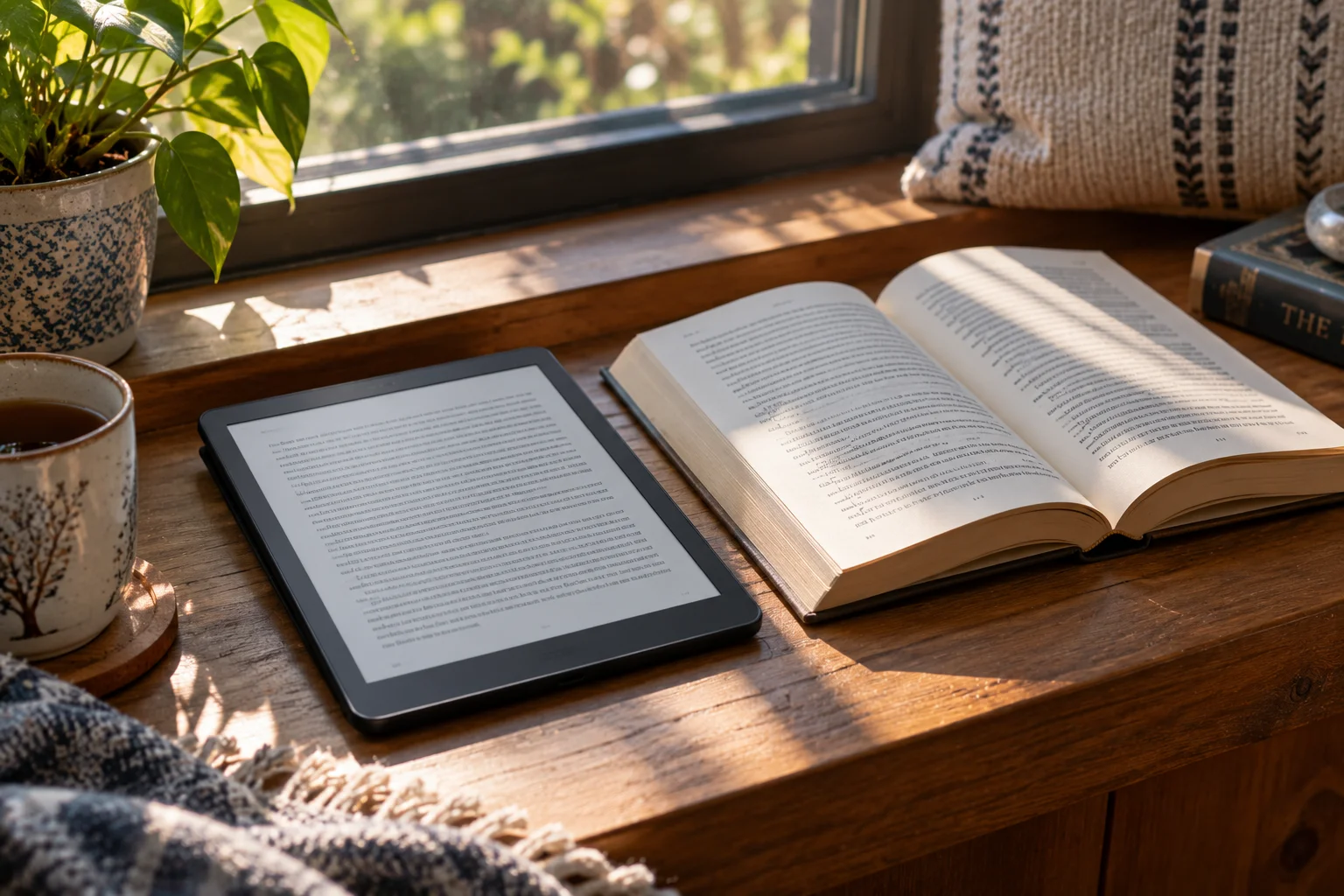
Think about reading a paperback beside a window.
The page doesn't generate its own light. Sunlight or room lighting hits the paper and reflects toward your eyes.
E Ink uses a similar basic principle. E Ink describes its displays as reflective and says they become brighter-looking as ambient illumination increases.
This can make an e-reader particularly comfortable outdoors or in a brightly lit room.
LCD and OLED have the opposite challenge: increasing ambient light can create reflections and glare, while the display has to produce enough brightness to remain readable.
What Happens When You Read E Ink in the Dark?
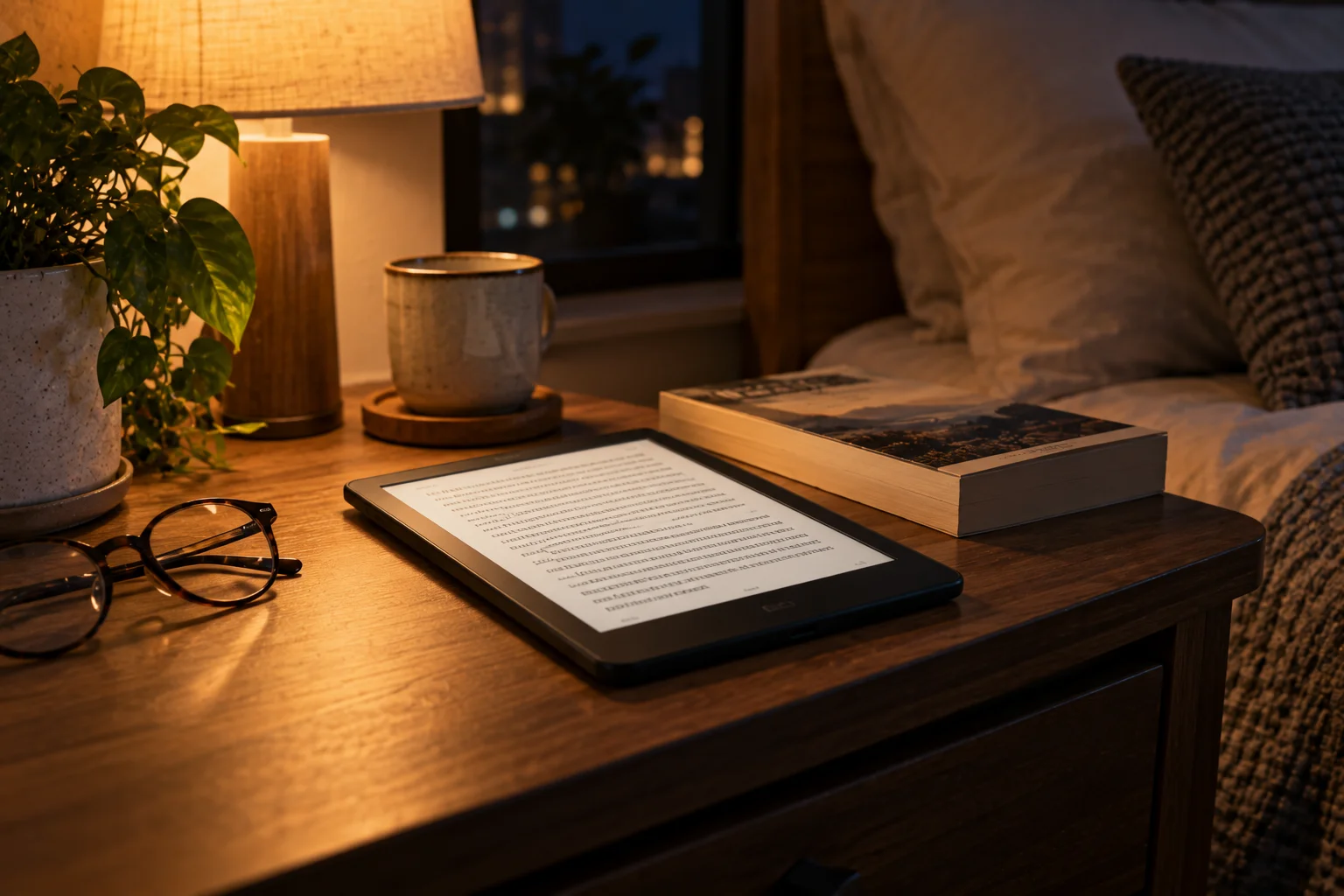
E Ink needs an external light source or a built-in front light in dark conditions.
A basic E Ink panel doesn't illuminate itself.
Many modern e-readers therefore include a front-light system. Unlike a conventional LCD or OLED backlight, the LEDs are positioned around the edge of the display and direct light across the surface rather than straight through the display toward your eyes.
Some newer E Ink front-light systems also modify the light spectrum for nighttime reading.
E Ink's ComfortGaze technology, for example, is designed to reduce the amount of blue light reflected from the display compared with its previous front-light designs.
That doesn't mean you should treat every front-lit E Ink reader as identical. Front-light uniformity, brightness control, color temperature and screen coating can all affect comfort.
Is OLED Better for Reading in the Dark?
OLED can be excellent for dark-room reading because it can produce very low black levels and precise contrast, but the screen is still an emissive display.
OLED's major technical advantage is that each pixel generates its own light.
When a pixel is supposed to display black, it can be switched off.
This produces extremely high perceived contrast and can make white text on a dark background look particularly striking.
For reading, however, maximum contrast isn't automatically maximum comfort.
A bright OLED screen in a dark bedroom can feel harsh simply because the display is much brighter than the surrounding environment.
Reducing brightness and using a warmer display mode can make a major practical difference.
What About LCD Tablets?
Modern LCD tablets can be very good reading devices, particularly when you need color, apps, PDFs and interactive content.
LCD remains common in tablets because it provides:
High resolution
Strong color reproduction
Fast refresh rates
Smooth scrolling
Excellent app compatibility
Brightness suitable for different environments
Low-cost manufacturing at many sizes
For reading magazines, technical diagrams, textbooks, web pages and color-heavy documents, those advantages can outweigh E Ink's paper-like appearance.
The downside is that LCD requires a backlight, so you're viewing an illuminated display rather than reflected light.
That can be more noticeable during long sessions, especially if brightness is set unnecessarily high.
Which Is Best for Reading Books?
E Ink is generally the most natural choice for long sessions of conventional book reading.
If your primary activity is:
Novels
Essays
Long articles
EPUB books
Text-heavy PDFs
Newspapers
Academic reading
E Ink's paper-like appearance, low power consumption and strong daylight readability make it particularly well suited.
Its limitations become more obvious when you move beyond conventional text.
Color E Ink exists, but color reproduction, contrast and refresh behavior can differ significantly from LCD and OLED.
If you're mostly reading black text on a light background, E Ink's limitations matter much less.
Which Is Best for PDFs and Academic Papers?
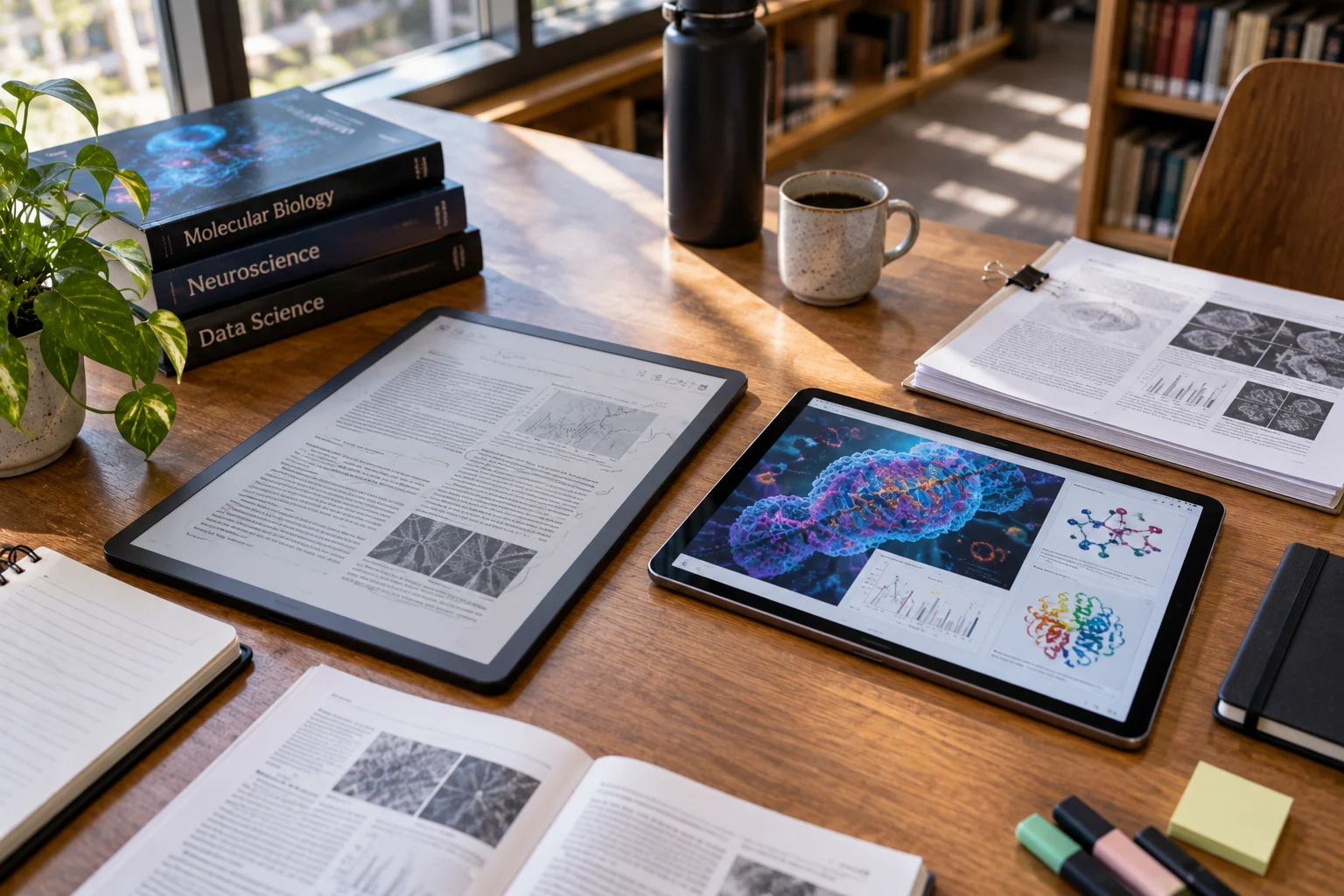
LCD or OLED can be more versatile for complex PDFs, while large-format E Ink can be excellent when the document is primarily text.
PDFs create a special problem because their pages often have fixed layouts.
A small E Ink reader may require frequent zooming and page turns.
A larger E Ink device can solve much of that problem, particularly for A4-sized academic documents.
But if your workflow involves:
Color diagrams
Embedded videos
Interactive documents
Frequent annotation
Web research
Multiple applications
A tablet with LCD or OLED can be considerably more flexible.
The question isn't just “Which screen is easier on my eyes?”
It's also “Which screen lets me read the material without constantly zooming, scrolling or switching devices?”
Does Screen Resolution Matter for Reading Comfort?
Yes. Sharp text can make reading easier regardless of display technology.
Poorly rendered text, low pixel density or aggressive scaling can make characters appear fuzzy or uneven.
A high-resolution display allows letters to have smoother edges.
But resolution isn't everything.
A comfortable reading setup also depends on:
Font size
Font weight
Contrast
Viewing distance
Line spacing
Screen coating
Brightness
Reflections
Text layout
A perfectly sharp display can still be uncomfortable if the text is tiny or the brightness is dramatically different from the surrounding room.
Does OLED PWM Matter When Reading?
For some OLED displays, pulse-width modulation or other brightness-control behavior can be relevant to individual users who are sensitive to flicker.
OLED displays often control brightness using techniques that can involve rapidly varying the output of pixels.
The frequency and implementation vary between devices.
Not everyone notices this, and it isn't accurate to say that PWM automatically makes an OLED display unsafe.
But if you experience discomfort with a particular OLED device, checking independent measurements of its flicker behavior can be worthwhile.
This is one area where two OLED phones or tablets can provide noticeably different experiences despite using the same basic display technology.
Which Display Is Best Outdoors?
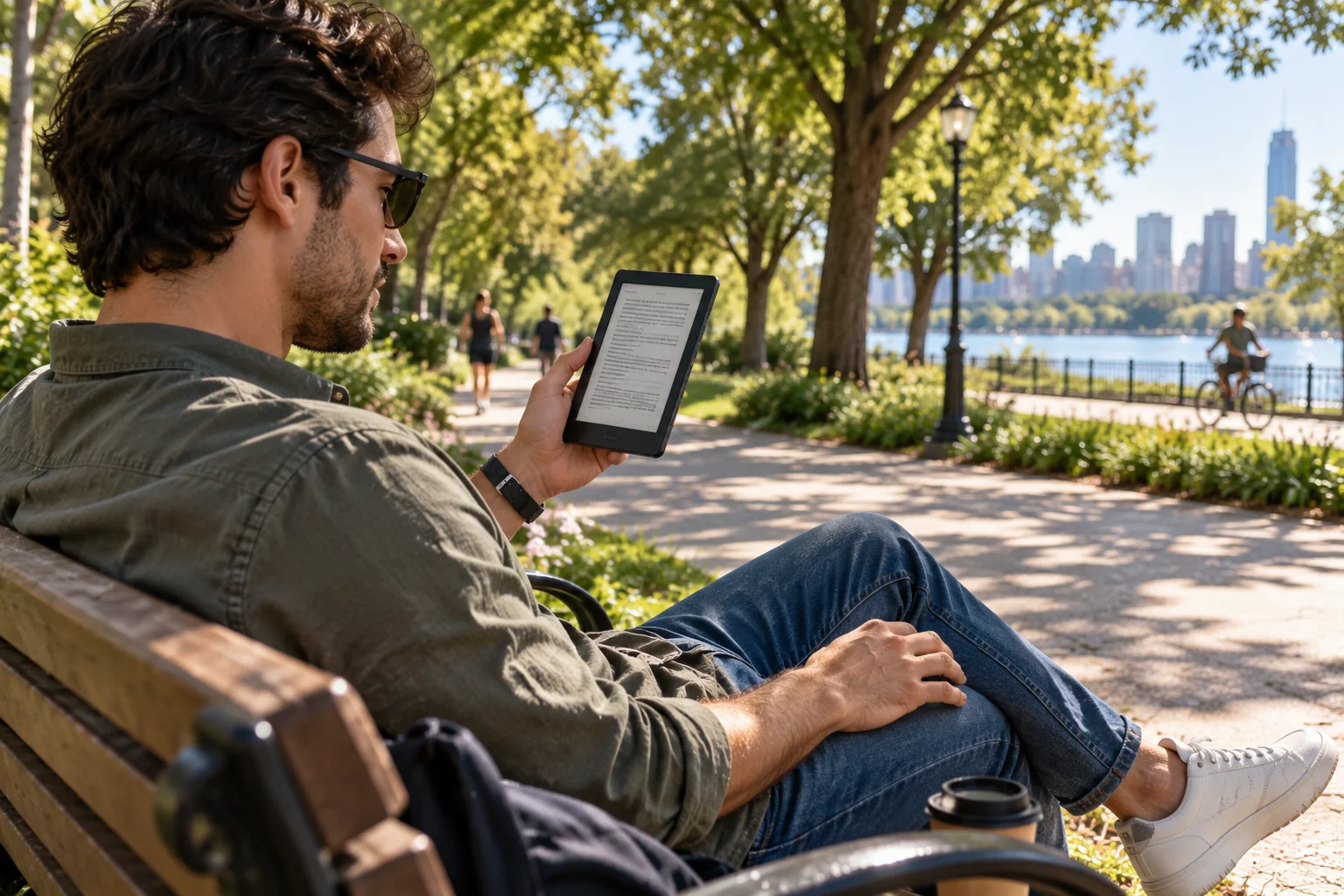
E Ink has a major advantage in bright outdoor environments because it uses ambient light rather than trying to overpower it with a backlight.
As sunlight increases, reflective E Ink displays can remain highly readable. E Ink specifically describes this characteristic as one of the advantages of reflective ePaper.
LCD and OLED displays can also be used outdoors, particularly modern high-brightness models, but reflections and direct sunlight can still make reading harder.
This is one reason dedicated e-readers remain popular for beach, poolside and outdoor reading.
Which Display Uses the Least Battery?
E Ink generally uses substantially less power for static reading because it doesn't need to continuously illuminate the image.
E Ink's bistable displays consume power primarily when the image changes rather than continuously maintaining a static image.
That's ideal for reading because a page may remain unchanged for minutes.
LCD and OLED tablets continuously consume energy to operate the display and supporting hardware.
OLED can save power when displaying dark content because individual pixels can turn off, but the overall device still has to run its processor, operating system and other components.
E Ink vs LCD vs OLED for Reading
Factor | E Ink | LCD | OLED |
|---|---|---|---|
Paper-like appearance | Excellent | Low | Low |
Long-form reading | Excellent | Good | Good |
Outdoor readability | Excellent | Good to excellent | Good to excellent |
Dark-room reading | Good with front light | Good | Good |
Color | Limited on many models | Excellent | Excellent |
Black levels | Paper-like gray/black | Good | Excellent |
Refresh speed | Slowest | Fast | Very fast |
Battery efficiency for static pages | Excellent | Lower | Moderate |
Video | Poor | Excellent | Excellent |
Interactive apps | Limited | Excellent | Excellent |
PDFs | Good on large models | Excellent | Excellent |
Gaming | Poor | Excellent | Excellent |
Best use | Books and long reading | General tablet use | Premium multimedia + reading |
How Can You Make Any Screen More Comfortable for Long Reading?
The reading setup often matters as much as the display technology.
Regardless of whether you're using E Ink, LCD or OLED:
Match brightness to the room
Don't use maximum brightness in a dark room unless you genuinely need it.
Increase text size
Larger text can reduce the need to squint or hold the device unusually close.
Reduce glare
Position the display away from direct windows and strong lamps.
Take regular breaks
The American Academy of Ophthalmology recommends the 20-20-20 approach as one strategy for reducing digital eye strain: every 20 minutes, look at something around 20 feet away for about 20 seconds.
Blink normally
Long periods of concentrated screen reading can reduce blinking and contribute to dry-eye symptoms.
Maintain a sensible viewing distance
Don't hold a phone or tablet unnecessarily close to your face.
Which Display Should You Choose for Long Reading?
Choose E Ink if reading is the primary purpose; choose LCD or OLED if reading is only one part of a broader device experience.
Your priority | Best fit |
|---|---|
Reading novels for hours | E Ink |
Outdoor reading | E Ink |
Maximum battery life | E Ink |
Paper-like appearance | E Ink |
Color textbooks | LCD/OLED |
Academic PDFs | Large E Ink or tablet |
Web browsing + reading | LCD/OLED |
Comics and magazines | OLED/LCD |
Video + reading | OLED/LCD |
Gaming + reading | OLED/LCD |
One device for everything | LCD/OLED |
Frequently Asked Questions About E Ink, LCD and OLED
Is E Ink really better for your eyes?
E Ink can provide a more paper-like reading experience and has shown lower visual-fatigue or ocular-surface effects than some emissive displays in research. However, display technology alone doesn't determine eye comfort, and modern LCD and OLED displays can also be comfortable when properly adjusted.
Is OLED worse than LCD for reading?
Not necessarily. OLED and LCD have different characteristics, and individual comfort depends on brightness, flicker behavior, text rendering, reflections and the user's sensitivity.
Is E Ink better than OLED for reading at night?
E Ink with a well-designed front light can provide a paper-like reading experience without a conventional backlight. OLED can also work well at night when brightness is kept appropriately low.
Does E Ink emit blue light?
The E Ink panel itself is reflective and doesn't emit light. A front-lit E Ink reader does use LEDs, so the characteristics of that front light depend on the particular device.
Why does E Ink feel slower than a tablet?
E Ink displays generally prioritize stable, low-power page rendering rather than the rapid refresh rates used by LCD and OLED. That's why scrolling and animations can look less fluid.
Is LCD or OLED better for reading PDFs?
It depends on the PDF. LCD and OLED are generally more flexible for color, zooming, scrolling and interactive documents. A large E Ink reader can be excellent for text-heavy PDFs where battery life and paper-like viewing are priorities.
The Bottom Line
For long sessions of conventional reading, E Ink is generally the easiest display technology to live with.
Its biggest advantage isn't simply that it uses less power. It's the way it uses light. Instead of shining a backlight or self-emitting pixels toward you, E Ink reflects ambient light much like paper.
LCD and OLED remain better choices when reading is only part of what you want to do. They offer faster refresh rates, richer color, smoother scrolling, better app support and much greater flexibility for video and interactive content.
And there is an important final point: comfort isn't determined by display technology alone. Text size, brightness, glare, viewing distance, screen quality and regular breaks all matter.
If you're buying a device primarily to read books for hours, E Ink's paper-like approach makes a strong case. If you're buying a tablet that also happens to be used for reading, a good LCD or OLED display can still provide a very comfortable experience when it's properly configured.