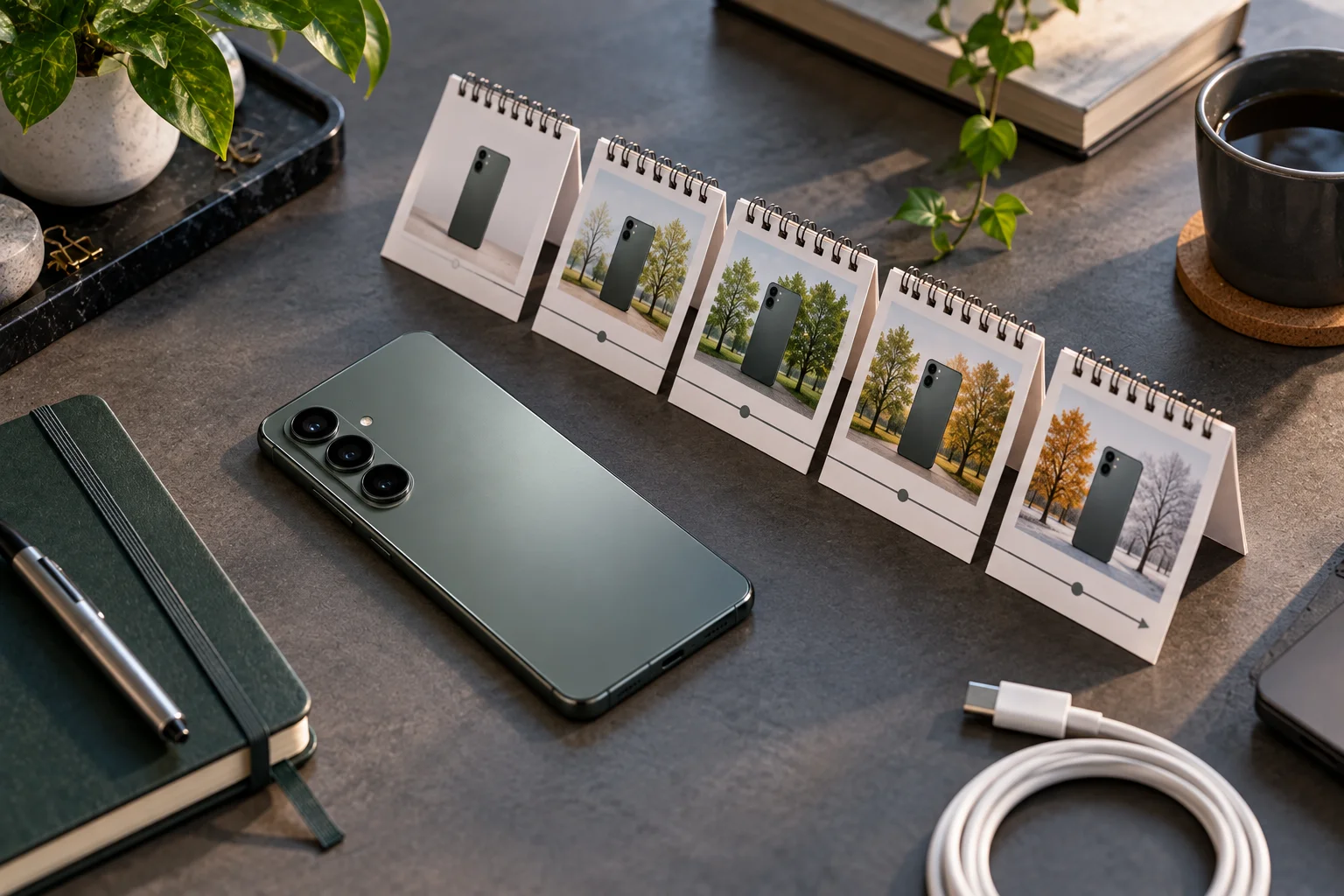
A phone advertised with seven years of software support sounds straightforward. It isn't.
When you're comparing Android phones in 2026, the number of promised years is only the starting point. You also need to know what those years actually include.
Does the manufacturer promise major Android version upgrades? How long will security patches continue? Are updates monthly, quarterly or less frequent? Will the phone receive new manufacturer features? And will every new AI feature work on older hardware even if the phone is still officially supported?
Those questions matter because Android updates come through several different channels. Google distinguishes Android OS updates, security updates, Android Drops and Pixel Drops, while manufacturers can add their own interface and device-specific features.
For example, Google's Pixel 8 and newer phones currently receive seven years of OS and security updates, while Samsung's Galaxy S26 series promises seven OS updates and seven years of quarterly security updates.
So when comparing phones, don't just ask:
“How many years of updates does it get?”
Ask:
“What kind of updates will I actually receive, how often, and until what date?”
What Is the Difference Between Android OS Updates and Security Updates?
An Android OS update changes the underlying Android version, while security updates primarily address vulnerabilities and security-related issues.
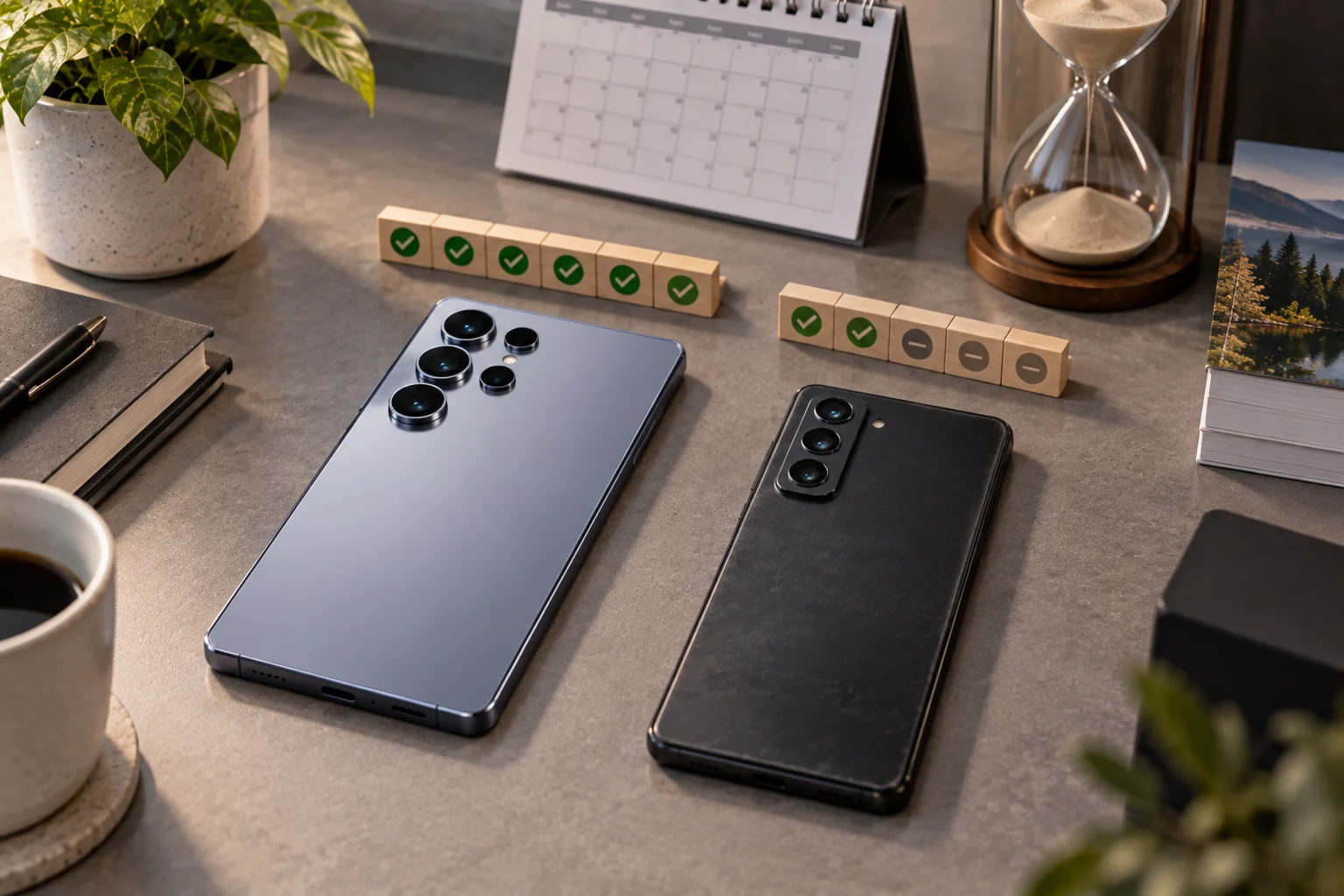
An OS upgrade might move a phone from Android 16 to Android 17 and introduce changes to the interface, privacy controls, system behavior, accessibility or other platform capabilities.
Security updates have a different job.
They address newly discovered vulnerabilities and other security problems.
Google publishes Android Security Bulletins describing vulnerabilities and the patch levels that address them. For example, Google's June 2026 bulletin identifies security patch levels of June 1 and June 5, 2026, depending on the level of fixes included.
That means a phone can sometimes be:
On a relatively recent Android version + still receiving security patches
without receiving every major Android release.
Both types of support matter.
Why Should You Care About Security Update Length?
Security support determines how long the manufacturer continues protecting the phone against newly discovered software vulnerabilities.
Your phone contains considerably more sensitive information than it did a decade ago.
It may hold:
Banking apps
Password managers
Authentication codes
Photos
Email
Work documents
Payment credentials
Personal conversations
Location information
Google says regular security updates help protect devices against evolving threats and known vulnerabilities.
So a phone with five years of OS upgrades but only three years of security updates isn't really a five-year support phone.
For long-term ownership, security-support end date is one of the most useful numbers to check.
Does “7 Years of Updates” Mean Seven Android Versions?
Not necessarily; you need to read the manufacturer's wording carefully.
There are several different ways manufacturers describe support.
A company might promise:
Seven years of OS updates
Seven years of security updates
Seven generations of Android upgrades
Five Android upgrades + eight years of security
Seven years of software support
Those phrases aren't interchangeable.
Samsung's Galaxy S26, for example, currently promises seven OS updates and seven years of quarterly security updates.
Google says Pixel 8 and later receive seven years of OS and security updates, starting from when the device first became available on the Google Store in the US.
The safest approach is to translate the marketing statement into two separate numbers:
Major OS upgrades: X
Security support: Y years
Then check when the clock starts.
When Does the Android Update Clock Start?
The support period may be measured from the phone's original availability or launch date rather than the day you personally buy it.
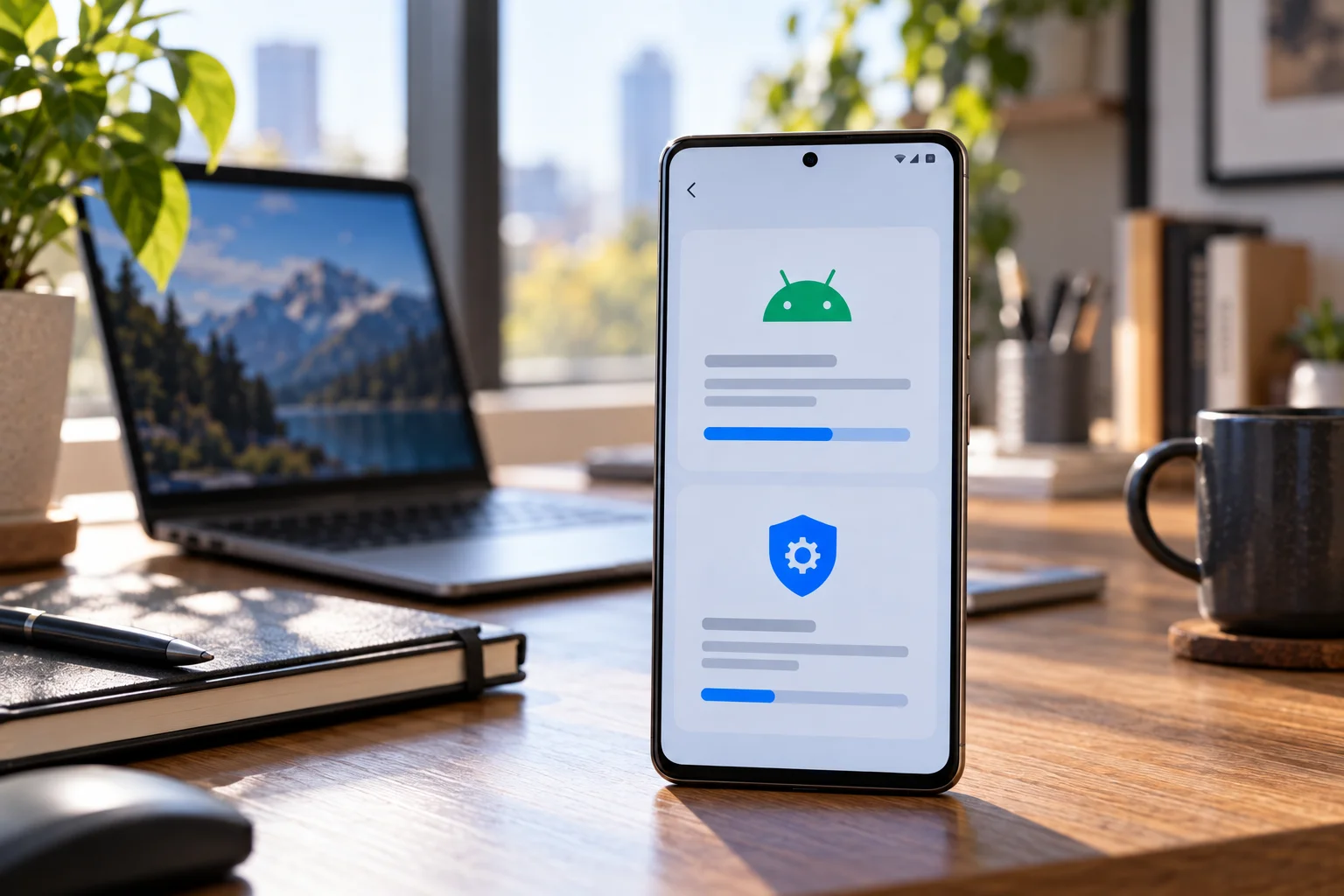
This is easy to overlook.
Imagine a phone launched in January 2026 with seven years of support.
If you buy it in December 2027, you haven't necessarily received seven years from your purchase date.
You may have roughly five years remaining.
Google explicitly says Pixel 8 and later phones receive seven years of updates starting from when the device first became available on the Google Store in the US.
This makes launch date versus purchase date an important part of any long-term buying decision.
A discounted older flagship can still be excellent hardware, but its remaining software lifespan may be considerably shorter than that of a newly launched model.
How Often Does an Android Phone Receive Security Updates?
The frequency depends on the manufacturer and model, so “security support” doesn't automatically mean monthly patches.
Some phones receive monthly security updates.
Others receive them quarterly.
Some manufacturers may change the frequency as a device gets older.
Samsung's current Galaxy S26 business information, for example, specifies seven years of quarterly security updates.
That is different from simply saying “seven years of security support.”
When comparing phones, look for:
Support duration + update frequency
rather than duration alone.
What Are Google Play System Updates?
Google Play system updates provide another layer of Android maintenance that can update modular system components independently of a full OS upgrade.
Android's architecture allows certain components to be updated through Google Play using Project Mainline.
Google's developer documentation explains that Google Play system updates can be delivered separately from the main operating-system OTA update.
That's useful because Android security and functionality aren't necessarily tied entirely to annual Android version upgrades.
Your phone can therefore receive:
Android OS update
plus
Security patch
plus
Google Play system update
as separate pieces of software maintenance.
Don't confuse the three.
What Are Android Drops and Pixel Drops?
Android Drops and Pixel Drops deliver additional features outside the traditional major Android version cycle.
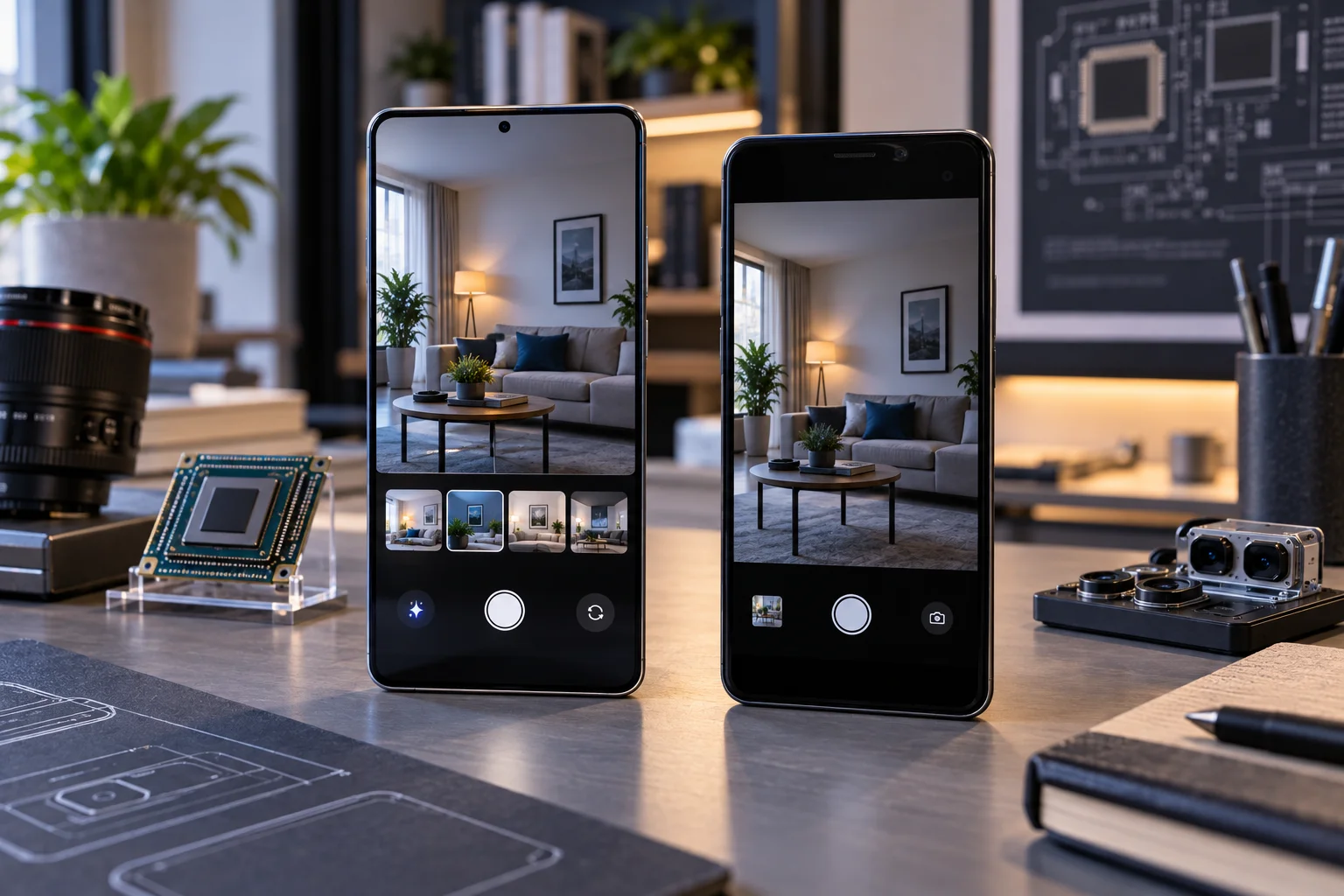
Google describes Android Drops as quarterly features delivered across the broader Android ecosystem through Google Play Services or app updates.
Pixel Drops are device-specific features for Pixel phones.
This distinction explains why two phones running the same Android version can still have different features.
For example:
Phone A: Android 17
Phone B: Android 17
They may have the same underlying Android version while differing in manufacturer features, Pixel-specific features, AI capabilities, camera software or other device-specific functions.
Why Don't All Android Phones Get Every New Feature?
Because software support doesn't guarantee that every new feature will work on every supported device.
Hardware matters.
A new feature might depend on:
A newer processor
NPU/AI acceleration
Camera hardware
A particular sensor
Modem capabilities
Display hardware
Memory capacity
Manufacturer-specific software
Regional certification
This becomes especially important with AI features.
A phone can continue receiving security patches while missing AI features introduced on newer hardware.
So:
Software support ≠ identical feature support.
That's one of the most important distinctions to understand when buying an Android phone for five or more years.
Which Android Brands Offer Long Software Support in 2026?
Several major Android manufacturers now offer substantially longer support than older Android phones received, but their policies differ in both duration and scope.
Google Pixel
Google currently promises seven years of OS and security updates for Pixel 8 and newer models, including newer Pixel 10 and Pixel 11 generations listed on its support page.
Pixel support also includes Pixel Drops, although Google notes that these may include new or upgraded features rather than guaranteeing every feature on every model.
Samsung Galaxy
Samsung's Galaxy S26 series currently promises seven OS updates and seven years of quarterly security updates.
Samsung has therefore moved its flagship support window well beyond the shorter update periods associated with many older Android phones.
Fairphone
Fairphone takes an even more longevity-focused approach.
The Fairphone Gen. 6 launched with Android 15 and is promised at least seven Android version upgrades and at least eight years of security updates, with support through at least 2033.
The company also emphasizes repairability and spare-parts availability as part of keeping the phone usable for longer.
This is a useful reminder that software longevity and hardware longevity work together.
Should You Buy a Phone With More OS Updates or More Security Updates?
For most long-term buyers, you want both rather than choosing one at the expense of the other.
A good five-year ownership target looks something like:
Long OS support + long security support + predictable patch frequency + continued feature support
Suppose two phones cost roughly the same:
Phone A | Phone B | |
|---|---|---|
OS upgrades | 7 years | 5 years |
Security support | 7 years | 7 years |
Security frequency | Quarterly | Monthly |
Feature updates | Manufacturer dependent | Manufacturer dependent |
There isn't a single number that tells the whole story.
Phone A has more major OS upgrades.
Phone B has more frequent security updates during the shared support period.
The right comparison depends on how long you plan to keep the device and what you value.
How Important Are Feature Updates When Buying a Phone?
Feature updates can extend the useful life of a phone even when they don't change the Android version.
A phone can receive improvements to:
Camera processing
Battery management
Accessibility
Privacy
AI tools
Connectivity
System applications
Manufacturer interface
Wearable integration
Google notes that Android features can arrive throughout the year rather than only through annual OS releases.
This is why a phone's update policy should not be reduced to:
Android 17 → Android 18 → Android 19
The broader software ecosystem matters too.
Does the Processor Affect Long-Term Android Support?
Yes, because newer Android releases and device features may depend on hardware capabilities as well as software compatibility.
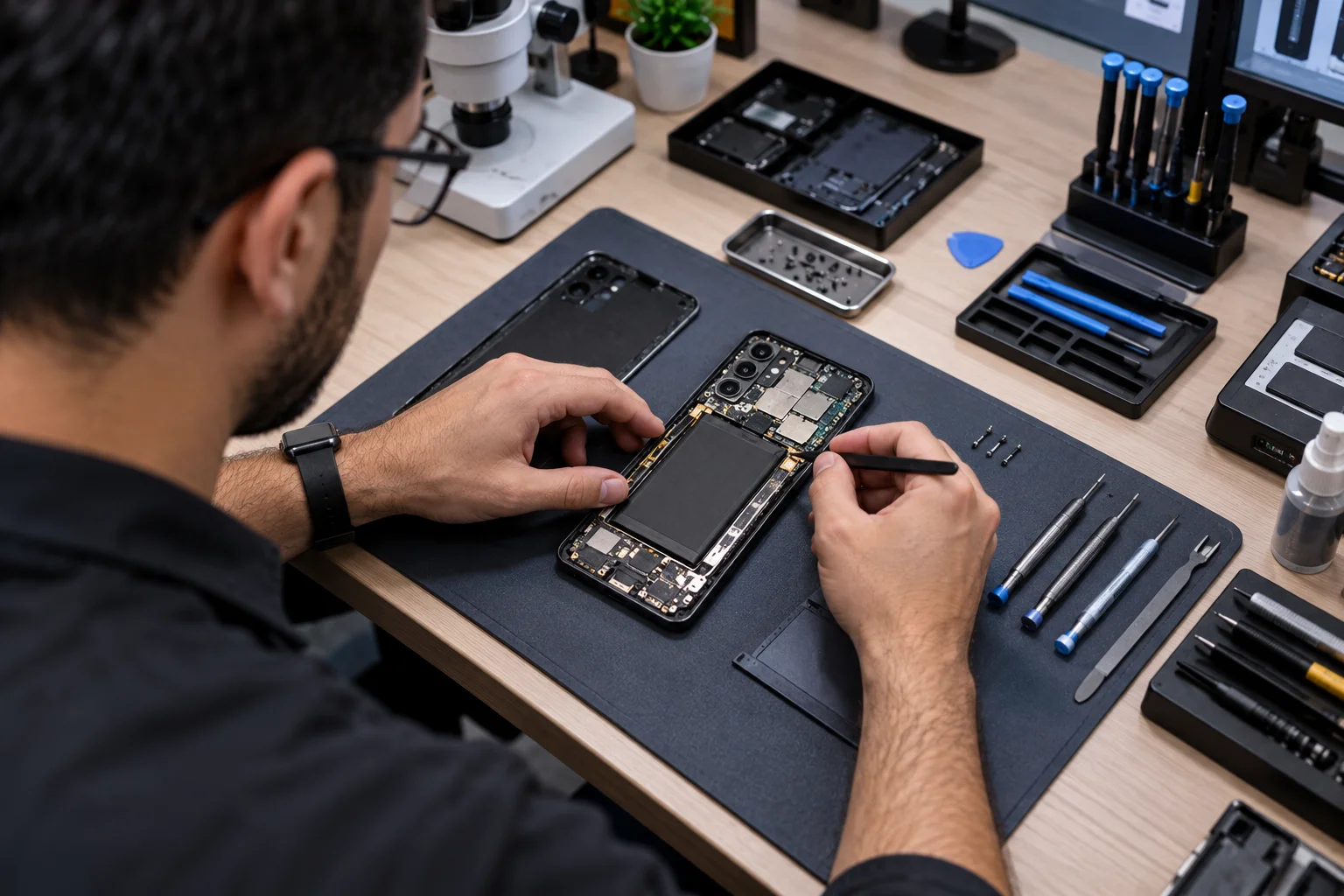
The manufacturer and chipset vendor have to support the hardware platform.
That can affect:
New Android versions
Camera features
AI processing
Graphics capabilities
Modem features
Security architecture
Driver support
This is one reason newer phones with long support promises are generally designed around platforms intended to remain supported for many years.
Fairphone's Gen. 6, for example, uses a Snapdragon 7s Gen 3 platform and is designed around support extending to at least 2033.
What Should You Check Before Buying an Android Phone?
Don't rely on the headline “X years of updates.” Check the manufacturer's detailed support policy and calculate the remaining years from the phone's launch date.
Use this checklist:
1. Check the launch date
A discounted phone that's already two years old may have considerably less support remaining.
2. Check OS upgrade duration
Look specifically for the number of Android version upgrades.
3. Check security support duration
Find the date or number of years until security support ends.
4. Check patch frequency
Monthly and quarterly support aren't the same.
5. Check feature-update policy
Find out whether the manufacturer promises ongoing feature drops or only security maintenance.
6. Check AI feature compatibility
Don't assume every new AI feature will arrive simply because the phone is still supported.
7. Check the processor
A newer platform can offer a better chance of supporting future features.
8. Check regional differences
Update timing and availability can vary by country, carrier and device variant.
Google explicitly notes that Pixel updates can depend on the carrier and device.
How Do You Check Your Phone's Current Update Status?
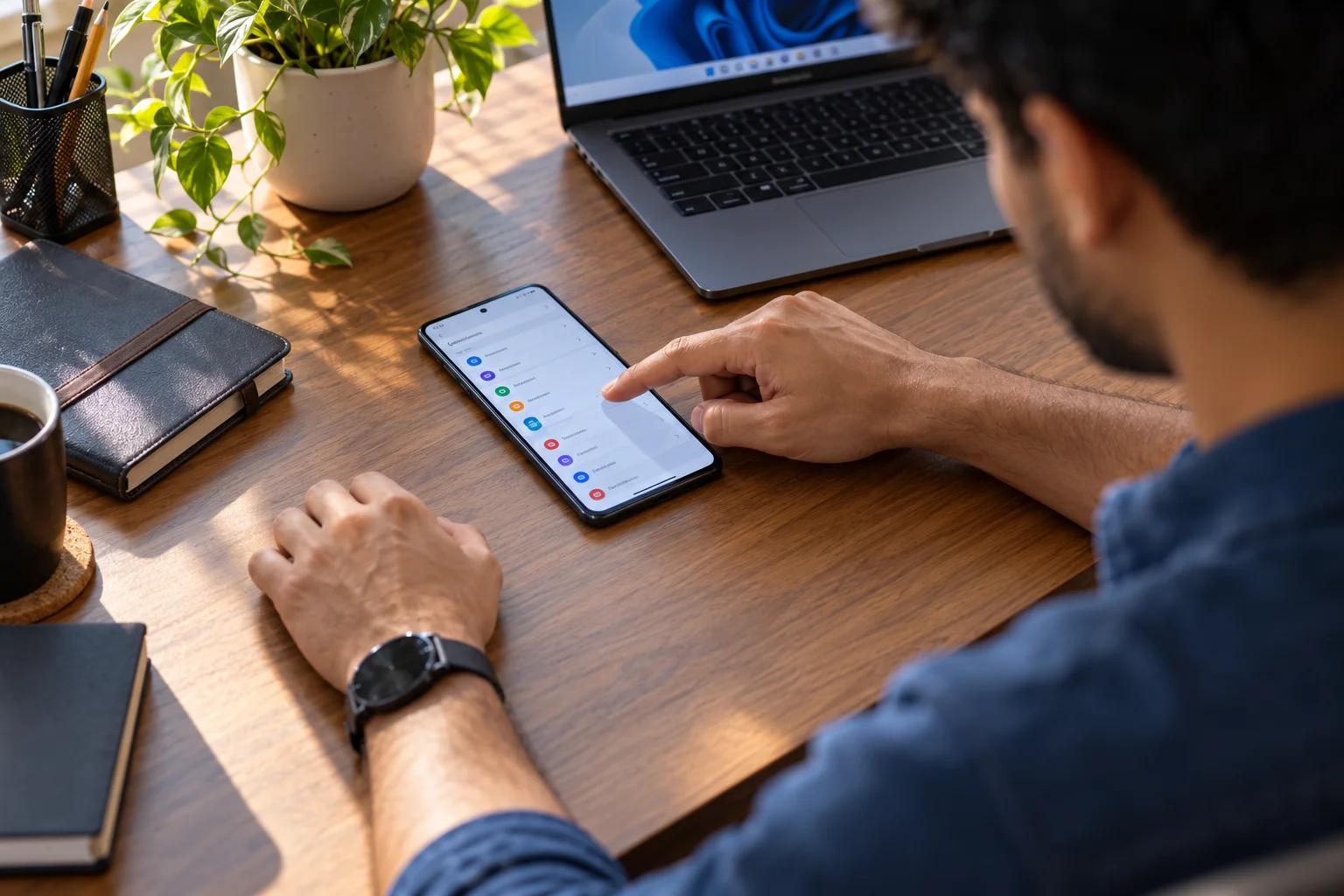
Android shows the Android version, security update level and Google Play system update level in Settings.
The exact menu can vary slightly by manufacturer, but Google recommends checking:
Settings → About phone → Android version
You can see:
Android version
Android security update
Google Play system update
Google's Android guidance also explains that security and Google Play system updates can be checked separately.
This is particularly useful when buying a used Android phone.
A seller might tell you:
“It still gets updates.”
That's too vague.
Check the actual security patch date.
How Many Years Should an Android Phone Last?
A modern Android phone with seven or more years of promised support can theoretically remain software-supported for most of its useful hardware life, but battery health, repairability and performance still determine how practical that is.
Software support is only one part of longevity.
A five-to-eight-year phone may eventually need:
Battery replacement
Screen repair
Charging-port repair
New storage habits
Case replacement
Performance compromises
This is why Fairphone's approach is interesting: the company combines long software support with modular hardware and spare-parts availability.
A phone that's supported for eight years but impossible to economically repair isn't necessarily an eight-year device in practical terms.
Android Update Policies Compared
Factor | What to look for |
|---|---|
Android OS upgrades | Number of major Android versions promised |
Security updates | Total years or end date |
Patch frequency | Monthly, quarterly or other |
Feature updates | Manufacturer/Google feature drops |
AI features | Hardware and model-specific limitations |
Google Play updates | Mainline/Google Play system support |
Launch date | When the support clock started |
Carrier support | Possible regional timing differences |
Processor | Long-term platform capability |
Battery | Replacement availability and cost |
Repairability | Parts, service and repair design |
Warranty | Length and regional coverage |
Is a Seven-Year Android Phone Automatically Better for Long-Term Ownership?
No. A long update promise is valuable, but it should be evaluated alongside hardware quality, battery replacement, repairability and feature support.
Imagine two phones.
Phone A
Seven years of OS/security support
Excellent processor
Sealed battery
Expensive repairs
Phone B
Six years of support
Replaceable battery
Affordable spare parts
Strong performance
If you plan to keep the phone for six years, both policies may be sufficient. The hardware and repair situation could become just as important as the difference in advertised support duration.
That's why software longevity should be treated as one part of total phone longevity, not the entire calculation.
Frequently Asked Questions About Android Update Policies
How many years of Android updates should you look for?
For a phone you want to keep for five years or more, a support commitment of at least five to seven years is increasingly useful. Check OS upgrades and security updates separately.
Are Android security updates more important than OS updates?
They serve different purposes. OS upgrades bring platform changes and new functionality, while security updates address vulnerabilities. For long-term ownership, both matter.
Does Samsung give seven years of Android updates?
Samsung's Galaxy S26 series currently promises seven OS updates and seven years of quarterly security updates.
Does Google Pixel get seven years of updates?
Google says Pixel 8 and later phones receive seven years of OS and security updates, starting from their availability on the Google Store in the US.
Can a phone get security updates without getting new Android versions?
Yes. Security support and major OS upgrades are separate commitments, so a manufacturer can continue security maintenance after major Android upgrades have ended.
Do Android phones get features outside major Android updates?
Yes. Google describes Android Drops and Pixel Drops as additional channels for delivering new features, while manufacturers also release their own software and interface updates.
Do all Android phones receive the same Android features?
No. Features can depend on hardware, processor, sensors, manufacturer software, region and other requirements.
What does “software support until 2033” mean?
It means the manufacturer has committed to supporting the device through that period, but you should still check exactly what the commitment includes. Fairphone, for example, specifies OS upgrades and security support separately for its Gen. 6.
Should you buy an older flagship because it has a big discount?
Check its remaining support period rather than its original promise. A phone launched two years ago with seven years of support doesn't have seven years remaining.
The Bottom Line
The best way to compare Android update policies is to stop looking at one headline number and examine the entire support package.
Check:
OS upgrades → security patches → patch frequency → feature updates → AI compatibility → Google Play system updates → launch date
That's the difference between saying:
“This phone gets seven years of updates.”
and actually knowing what you'll receive during those seven years.
Google and Samsung now offer seven-year support commitments on major current phone families, while Fairphone demonstrates that even longer-term software support can be paired with repairability and extended hardware availability.
For a buyer planning to keep a phone for four, five or more years, the support end date may ultimately matter more than the launch-day specification sheet.
A slightly older camera or a modestly slower processor is something you can live with.
Running a phone for years after its security support has ended is a much harder compromise to justify.