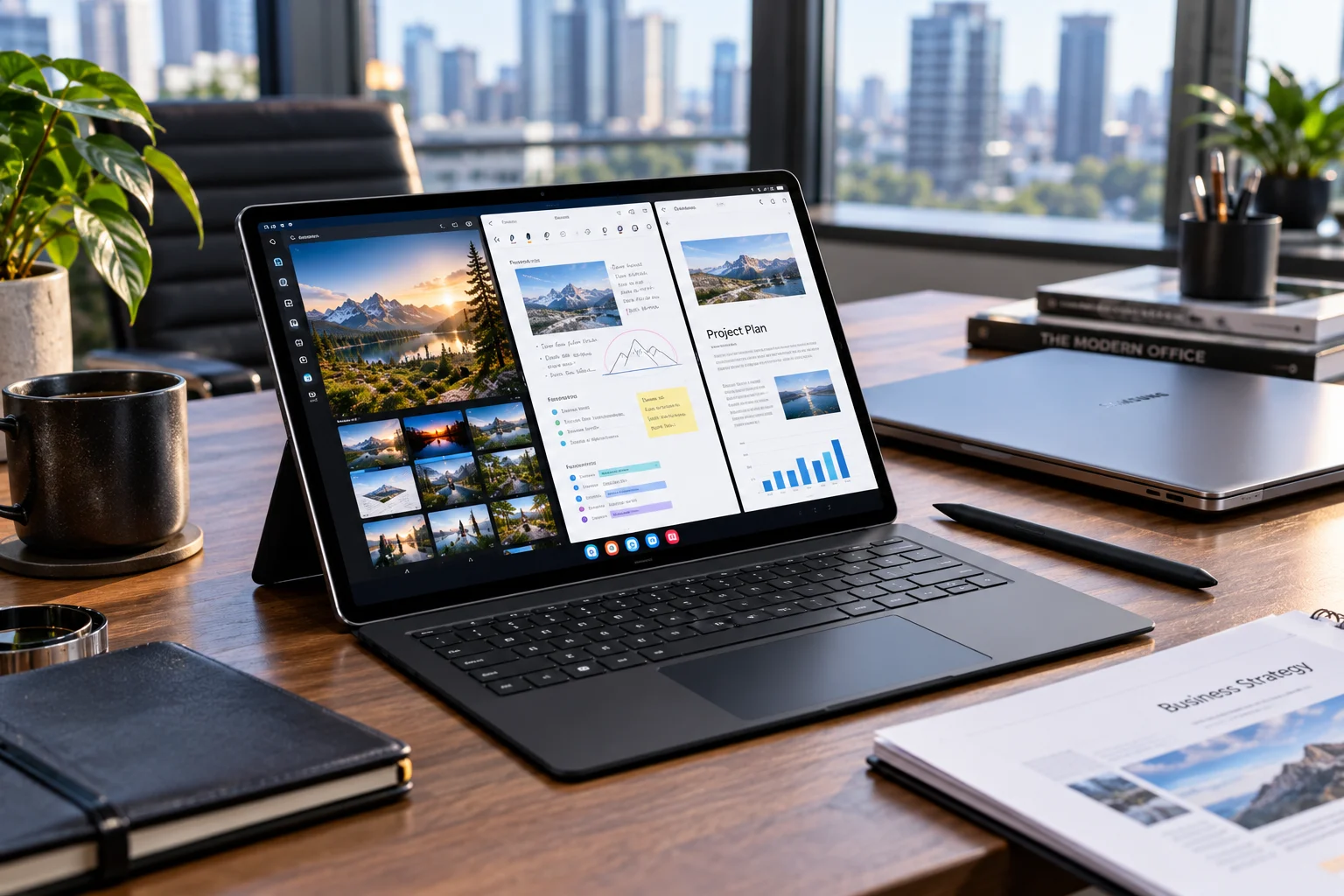
Android tablets are getting a more important role in Google's 2026 software strategy. Android 17 introduces changes specifically designed to make apps behave better on large displays, while manufacturers such as Samsung are building those capabilities into new tablet hardware and their own software.
The biggest change is large-screen adaptability. Apps targeting Android 17 can no longer opt out of resizing and orientation changes on displays with a smallest width of 600dp or more. That means developers have less room to design phone-style apps that look awkward on tablets.
Android 17 also brings new multitasking features, including Bubbles that can sit in a dedicated bar on large screens. Meanwhile, Samsung's latest Galaxy Tab S12 series combines Android 17, One UI 9 and Galaxy AI with large-screen multitasking.
For tablet owners, 2026 is less about one dramatic redesign and more about Android becoming better adapted to the extra screen space.
What are the biggest Android tablet updates in 2026?
The major changes include better app resizing, improved multitasking, floating Bubbles, more intelligent AI features, performance improvements and closer integration between Android and manufacturer software.
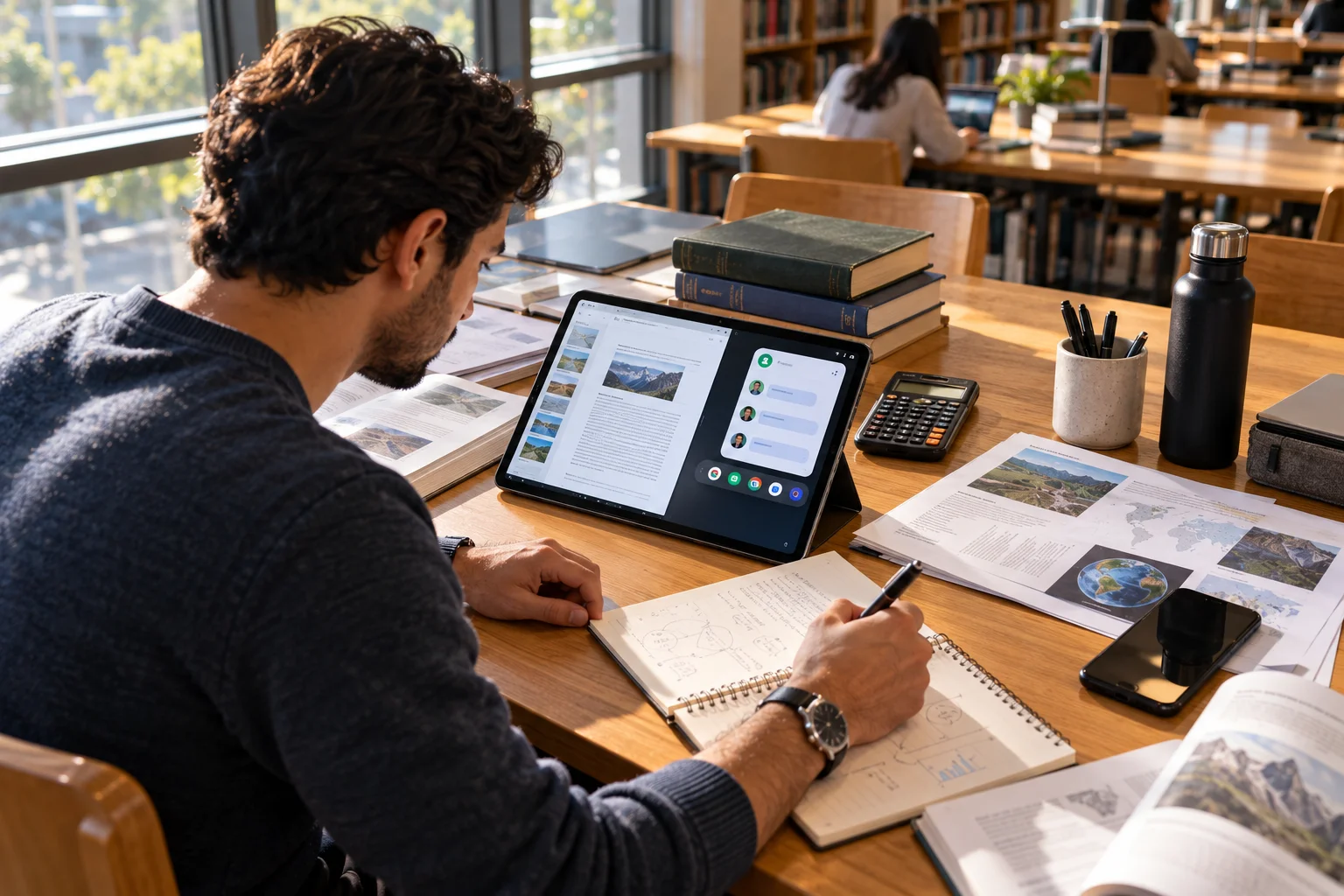
The difference is particularly noticeable when an Android tablet is used as a productivity device rather than simply a larger screen for mobile apps.
Android 17's large-screen requirements are important because they push developers toward interfaces that can adapt to different window sizes instead of assuming a fixed phone layout.
How is Android 17 improving tablet multitasking?
Android 17 makes multitasking more flexible, with Bubbles becoming particularly useful on large displays.
Bubbles can turn supported apps into compact floating windows. On large-screen devices, Android places them in a dedicated bubble bar at the bottom of the display, allowing users to switch between apps and resize or maximize them.
That could be useful when you're writing while keeping a calculator open, checking a reference page during research or watching a tutorial while working in another application.
The broader direction is clear: Google wants Android tablets to behave more like flexible computing devices rather than oversized phones.
Will Android tablets get better app layouts?
Yes. Android 17 makes large-screen adaptation harder for developers to avoid.
For apps targeting Android 17, Android ignores certain orientation, aspect-ratio and resizability restrictions on displays with a smallest width of at least 600dp. Apps are expected to fill the available display instead of relying on phone-style constraints.
This matters because tablet software has historically depended heavily on whether individual developers chose to optimize their apps for larger screens.
The change should gradually produce interfaces that make better use of landscape layouts, split-screen modes and different window sizes.
Games are an exception to some of these rules, so not every application will behave identically.
How is AI changing Android tablets in 2026?
AI is becoming more integrated into large-screen Android workflows, particularly on premium tablets.
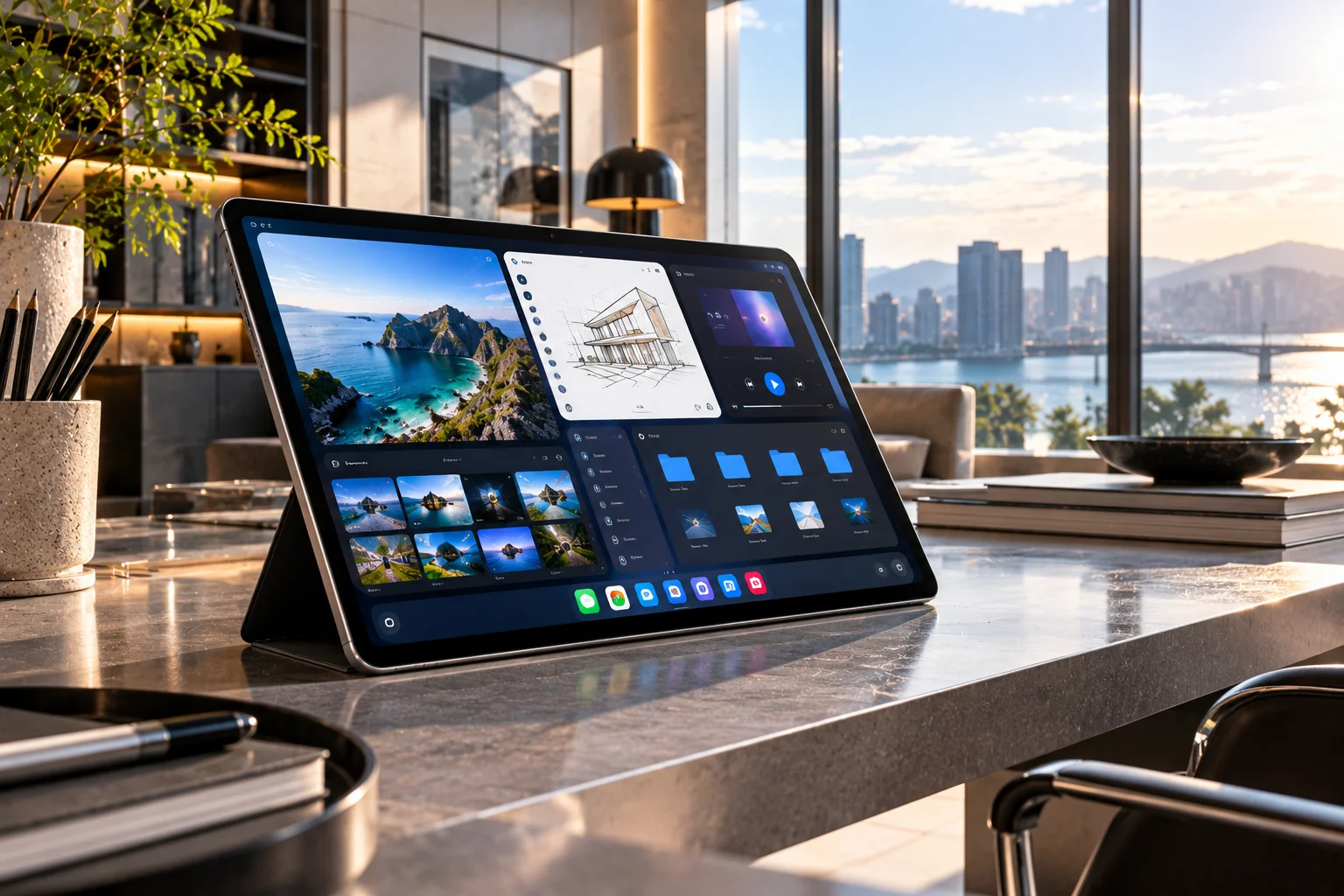
Android 17 introduces an increasingly intelligence-focused platform, while individual manufacturers are adding their own AI systems.
Samsung's Galaxy Tab S12 series, for example, runs Android 17 with One UI 9 and Galaxy AI. Samsung highlights workflows involving research, note-taking, content creation and AI assistance on the tablet's large display.
This is where tablets have an interesting advantage over phones. A large screen gives AI features more room to work alongside other applications.
A student could keep a lecture, notes and an AI assistant visible at the same time. A professional could research information while drafting a document without constantly switching between full-screen apps.
What new features are coming to Samsung Galaxy tablets?
Samsung is using Android 17 and One UI 9 to push Galaxy tablets further toward laptop-style productivity.
The newly introduced Galaxy Tab S12 Ultra and Tab S12+ combine Android 17 with One UI 9 and Galaxy AI. Samsung says the tablets can use Multi Window to display up to three sections simultaneously.
The S Pen is also central to the experience. Samsung's examples include taking notes while watching a lecture and using Note Assist to summarize those notes.
This illustrates a wider trend for premium Android tablets: the software is increasingly designed around keyboards, styluses, multitasking and desktop-like workflows rather than just touch-based entertainment.
Will Android tablet performance improve with Android 17?
Android 17 includes several underlying performance changes that can benefit large-screen devices, particularly as apps become more demanding.
Google has introduced app memory limits designed to prevent individual apps from consuming excessive amounts of RAM. Android 17 also includes changes to the runtime and garbage collection system intended to improve performance and reduce missed frames.
For everyday tablet users, these changes aren't necessarily features you'll switch on. Their impact should instead appear through smoother app behavior, better resource management and more consistent performance.
The actual experience will still depend heavily on the tablet's processor, RAM, software optimization and manufacturer updates.
Are Android tablets becoming more like laptops?
Yes, the software direction is increasingly laptop-like, although Android tablets remain touch-first devices.
Large-screen Android is gaining stronger support for resizable windows, multitasking and productivity-focused interfaces. Manufacturers are adding features such as multi-window layouts, stylus support and AI-assisted workflows.
That doesn't mean every Android tablet will replace a laptop. Budget models and entertainment-focused tablets can still be primarily designed for streaming, browsing and casual use.
Premium tablets, however, are increasingly being positioned as flexible work machines that can handle documents, creative work, research and communication.
Which Android tablets will get these updates?
Availability will depend on the tablet manufacturer, model, region and update policy.
Android 17 began rolling out first to supported Pixel devices, with other eligible Android devices expected to receive the software during 2026.
Samsung's current tablet strategy shows how manufacturer software can add another layer on top of Android. Its Galaxy Tab S12 series launched with Android 17 and One UI 9, while older Galaxy tablets receive software according to Samsung's individual update schedules.
Before assuming a particular tablet will receive every feature, check both its Android version eligibility and the manufacturer's feature-specific requirements.
What should you expect from Android tablets for the rest of 2026?
Expect large-screen optimization, AI-assisted productivity and more flexible multitasking to remain the major themes.
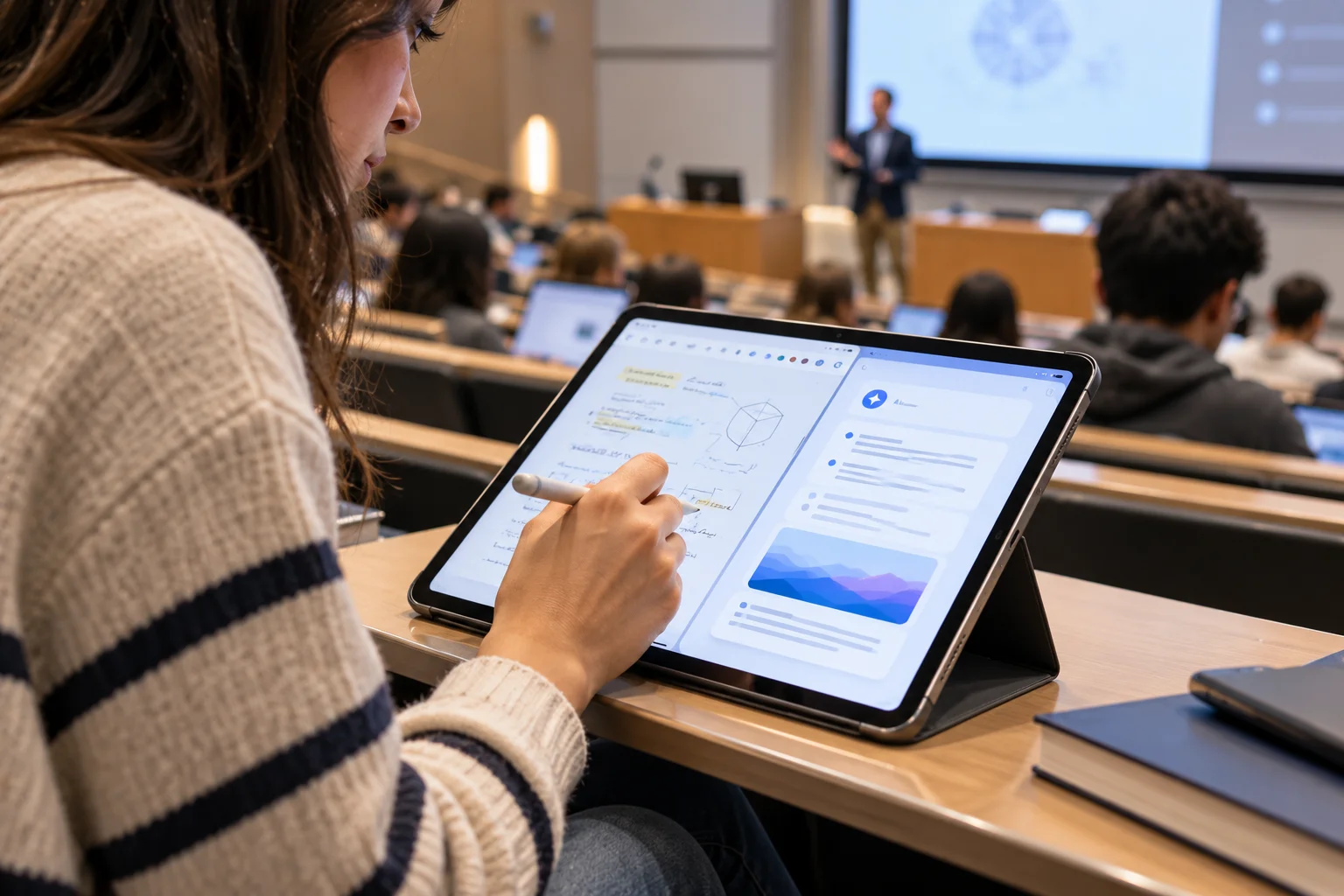
The most meaningful change may happen gradually. As developers target Android 17, more apps should be designed around tablets from the beginning rather than simply stretched across a bigger display.
At the hardware level, premium tablets are also becoming more capable, with faster processors, high-refresh-rate displays, styluses and increasingly sophisticated AI features.
For buyers, that makes the distinction between a basic Android tablet and a productivity-focused premium model more important than ever.
Android Tablet Updates in 2026 FAQs
What is the biggest Android tablet change in 2026?
Large-screen app adaptability is one of the most significant changes. Android 17 requires apps targeting the new version to support resizing and orientation changes on large displays.
Does Android 17 improve multitasking on tablets?
Yes. Bubbles can appear in a dedicated bar on large screens, while Android 17 continues to strengthen flexible windowing and multitasking.
Will Android tablets get more AI features?
Yes. Android's intelligence-focused features are being combined with manufacturer-specific AI systems. Samsung's Galaxy Tab S12 series, for example, integrates Galaxy AI into its Android 17 and One UI 9 experience.
Will every Android tablet get Android 17?
No. Updates depend on the individual manufacturer and tablet model. Feature availability can also vary even when a device receives the same Android version.
Are Android tablets becoming laptop replacements?
Some premium models are moving in that direction through better multitasking, keyboards, styluses and AI tools. However, whether a tablet can replace a laptop still depends on the user's applications and workflow.