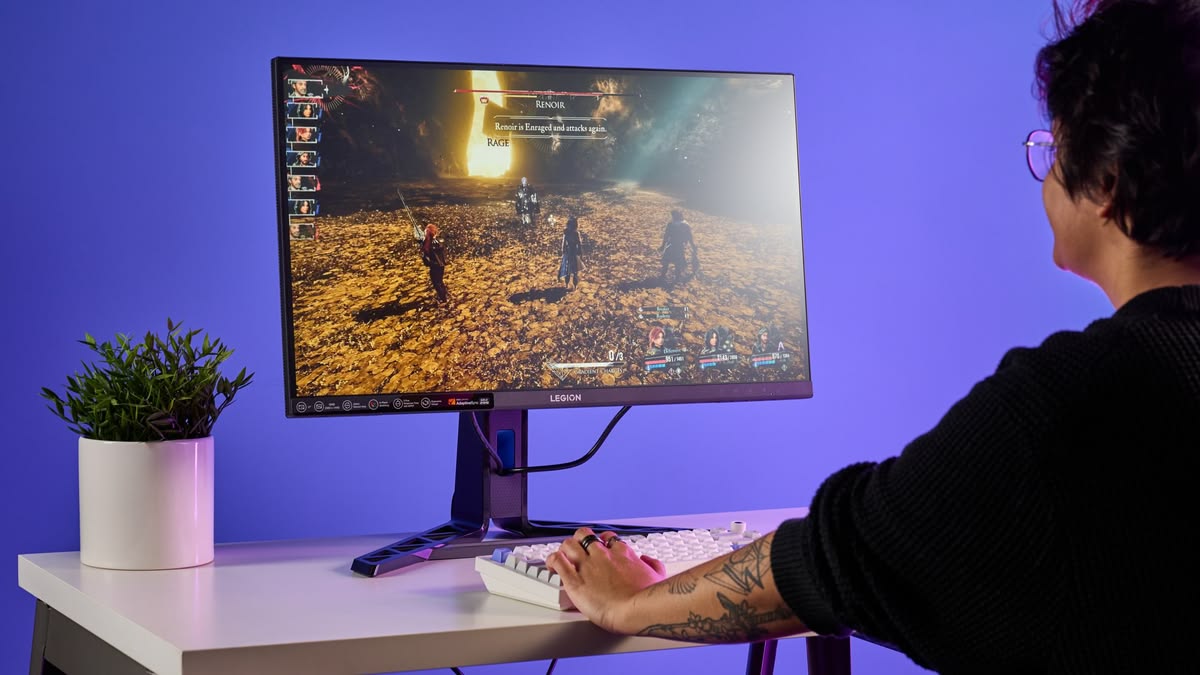
Gaming monitors under €300 in 2026 are better than ever. You no longer need to spend big to enjoy fast refresh rates, smooth gameplay, and great visuals. Whether you’re playing competitive FPS titles, RPGs, or exploring open-world adventures, there are excellent choices that offer high refresh rates, adaptive sync, low input lag, and good panel quality and all without breaking the bank.
In this guide, we’ll walk you through the best budget gaming monitors under €300 available (or widely recommended) in 2026, with friendly tips on what works best for different types of gamers like console, PC, competitive, or casual.
What to Look for in a Budget Gaming Monitor
Before selecting specific models, here are the key specs that matter most under €300:
Refresh Rate:
Look for 144 Hz or higher which gives faster refresh gives smoother motion and a competitive edge, especially in shooters.
Resolution:
1080p is still the most common and best value at this price, but some 1440p (QHD) options are appearing near the €300 mark with strong performance.
Adaptive Sync:
AMD FreeSync or G-Sync Compatible helps eliminate screen tearing when paired with a capable GPU.
Response Time:
Low response times (around 1 ms) reduce blurring in fast action.
Top Gaming Monitors Under €300 in 2026
Here are some of the best value gaming monitors worth considering this year:
1. Gigabyte M27Q – Best 1440p Value Pick
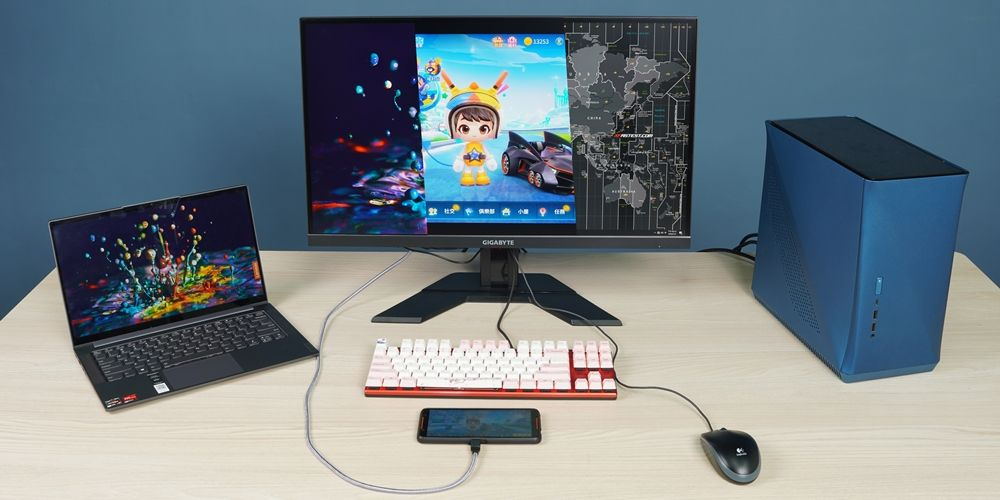
Resolution: 2560×1440 (QHD)
Refresh Rate: ~170 Hz
Panel: IPS, 1 ms MPRT
Extras: USB-C, built-in KVM, wide color coverage
The Gigabyte M27Q is often recommended as the best 1440p gaming monitor under €300 if you can find it near the top of the budget range. It pairs a sharp QHD panel with a high refresh rate and excellent color performance, features usually found on pricier screens. It even includes a KVM switch and USB-C support for multi-device setups.
Best for: PC gamers who want more detail than 1080p without losing speed
2. Dell S2722DGM – Best Curved VA Option
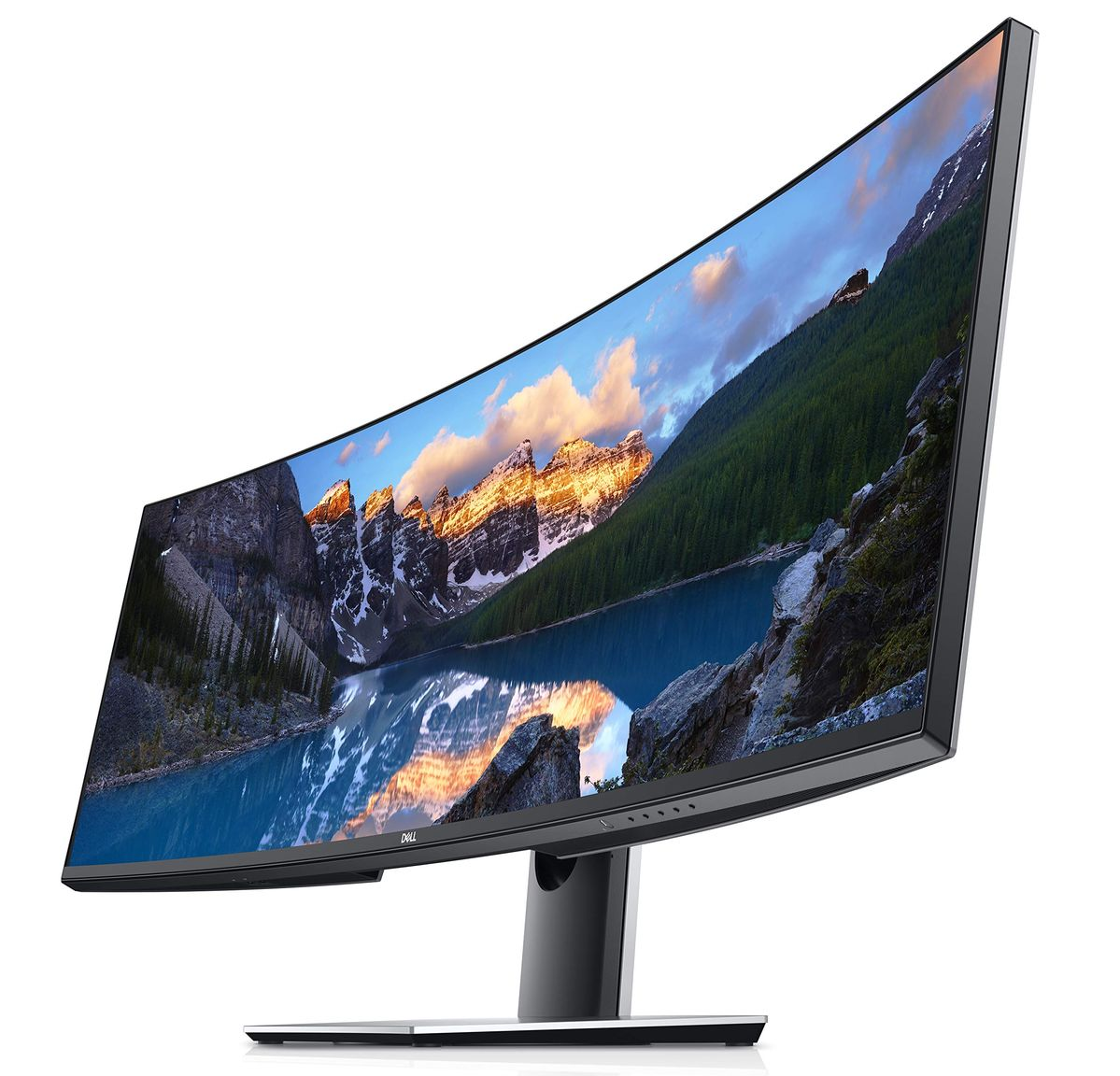
Resolution: 2560×1440 (QHD)
Refresh Rate: ~165 Hz
Panel: VA, 1 ms MPRT
Curve: 1500R
Fans of curved displays will appreciate this Dell VA panel. The deep contrast typical of VA panels makes games look rich and immersive, especially in darker environments. While IPS panels deliver better color precision, this curved option is a strong all-around choice for gaming and movies.
Best for: Gamers who prefer deep contrast and immersive visuals
3. Pixio PX277 Prime – Great All-Around QHD Monitor
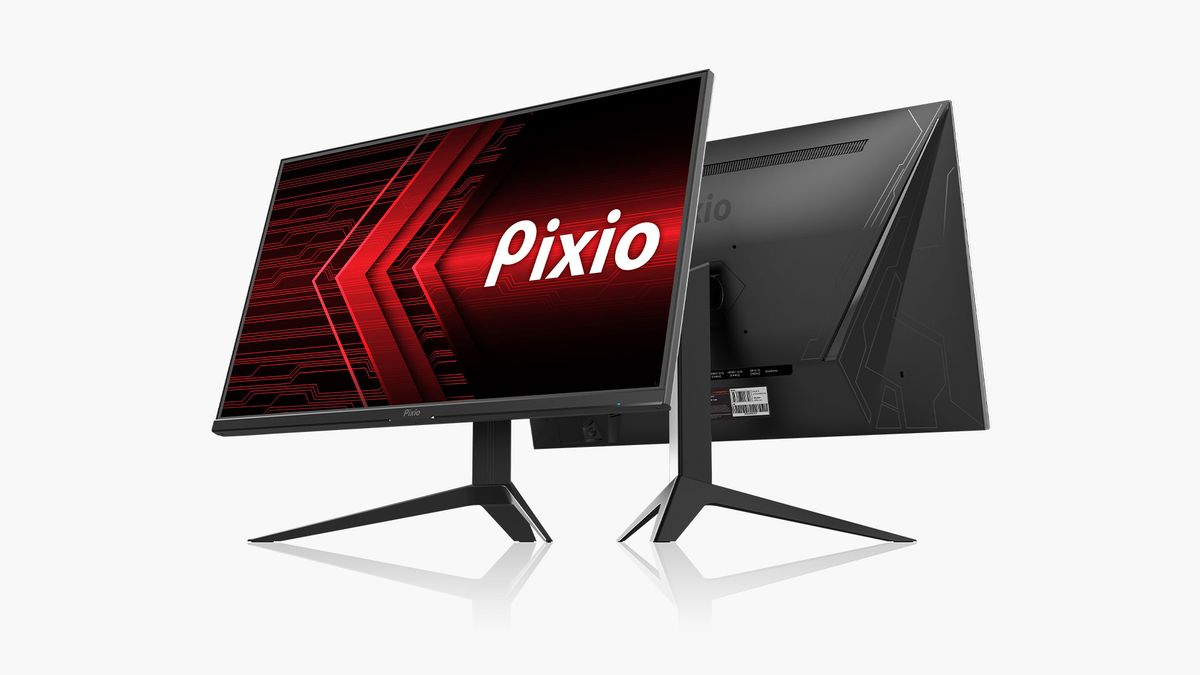
Resolution: 2560×1440
Refresh Rate: ~165 Hz
Panel: IPS, 1 ms
Sync: FreeSync Premium
Pixio focuses on value gaming monitors, and this QHD model punches above its price class with strong refresh, adaptive sync support, and bright, vibrant color performance which is ideal for both casual and competitive play.
Best for: Balanced gaming experience at QHD resolution
4. AOC 27G2SP – Best 1080p High Refresh Monitor
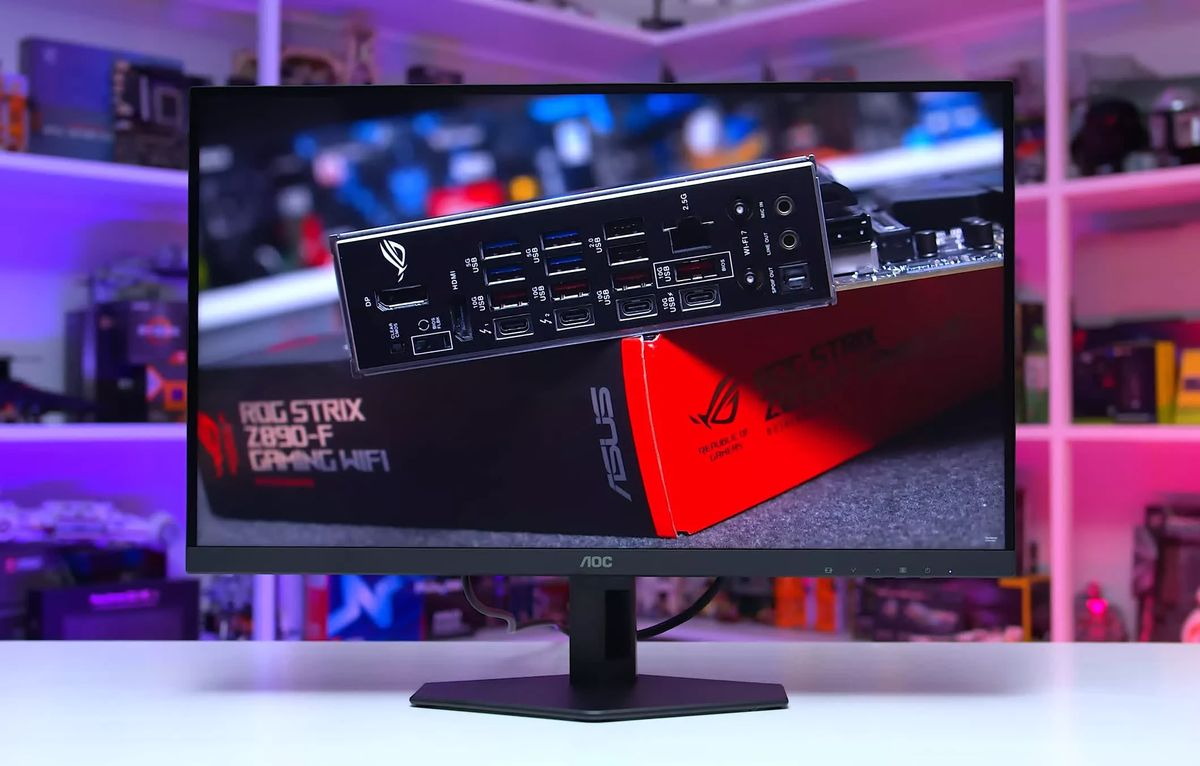
Resolution: 1920×1080
Refresh Rate: ~165 Hz
Panel: IPS, 1 ms GtG
Extras: Adjustable stand, built-in speakers
If your PC or console targets very high frame rates at 1080p, this AOC IPS monitor is a strong pick. The 165 Hz refresh rate and low response time help deliver smooth motion in fast games like shooters and racers. The adjustable stand and built-in speakers are nice extras at this price.
Best for: Competitive gaming on a budget
5. Dell G2524H – 1080p 280 Hz Competitive Option
Resolution: 1920×1080
Refresh Rate: Up to 280 Hz
Panel: Fast IPS
For esports enthusiasts and competitive players, ultra-high refresh rates can make a real difference. Some monitors like the Dell G2524H (sometimes available under or near €300 in sales or deals) push refresh well beyond the usual 144/165 Hz territory, which is ideal if you chase every frame.
Best for: Esports players and high-FPS gamers
How to Pick the Right Monitor for Your Gaming Style
Choosing the right monitor often comes down to how you play:
For Competitive FPS and Fast Action
Choose high refresh rates (165 Hz+ or even 280 Hz) and low response times, models like AOC 27G2SP and Dell G2524H excel here.
For Immersive Graphics and Detail
QHD monitors like the Gigabyte M27Q or Dell S2722DGM deliver sharper visuals without huge performance demands from your GPU.
For Console Gaming
Most affordable gaming screens under €300 provide HDMI support and adaptive sync that work well with PS5 and Xbox Series consoles at 1080p or 1440p.
For Mixed Use (Work + Play)
IPS panels with good color and viewing angles are best if you want one monitor for both gaming and productivity.
Quick Buying Tips
Resolution vs Performance:
1080p monitors offer smoother frame rates with mid-range GPUs, while QHD (1440p) gives sharper images but demands more from graphics cards.
Adaptive Sync (VRR):
Look for FreeSync or G-Sync Compatible support to reduce tearing and improve fluidity in games.
Panel Types:
IPS: Best all-around for color and viewing angles
VA: Better contrast and deeper blacks
Both can be excellent choices depending on your priorities.
Ergonomics and Stand Adjustability:
Monitors that let you adjust height, tilt, and swivel make long gaming sessions more comfortable.
Final Thoughts
In 2026, you don’t need to spend a premium to enjoy smooth, vibrant gaming. The best gaming monitors under €300 offer features like high refresh rates, adaptive sync, and IPS or VA panel technology, bringing performance and value together in ways that weren’t possible a few years ago.
Whether you’re chasing competitive edges in esports, immersive worlds in RPGs, or just want to upgrade from basic screens, there’s a budget-friendly gaming monitor ready to transform your setup.