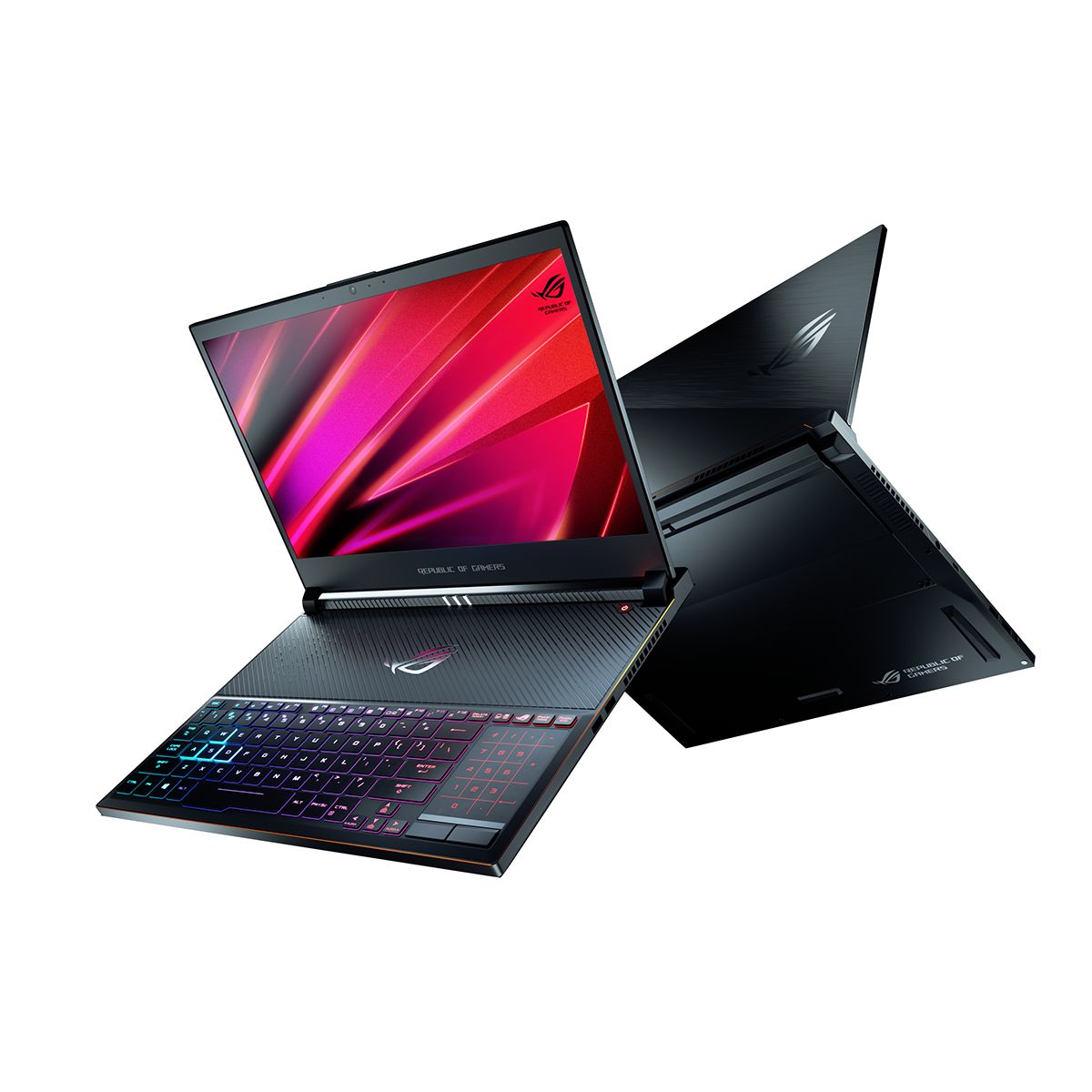
Choosing a laptop can feel overwhelming with so many models, configurations, and features on offer especially in 2026, when performance, portability, AI features, and battery life all matter. Whether you’re a student, professional, creator, or casual user, understanding the specs that truly impact your experience will help you make a smart purchase that fits your needs and your budget.
This guide breaks down the key laptop specifications Europeans should focus on in 2026, explains what they mean in simple terms, and helps you decide what’s worth spending on and what you can skip.
1. Processor (CPU) - The Heart of Your Laptop
The CPU is one of the most important components. It determines how fast your laptop can handle everyday tasks like browsing, spreadsheets, video calls and heavier work like video editing and software development.
What to Know
Intel Core Series (U, H, Ultra):
U chips (e.g., Intel Core i5-U) focus on efficiency and battery life. H chips (e.g., Intel Core i7-H) deliver more power for demanding tasks. The newer Core Ultra series adds on-device AI and better performance per watt.AMD Ryzen Series (U, HS, HX):
Ryzen chips are known for strong multitasking and efficient battery use. HS and HX variants offer more performance for creators and pros.Apple M-series:
Apple’s efficient chips (like M4 or the next generation) combine strong performance, long battery life, and excellent optimisation for macOS apps.
What We Recommend
Everyday users and students: Intel Core i5 / Ryzen 5 or Apple M-series base model
Multitaskers and creators: Intel Core i7 / Ryzen 7 or Apple M-series Pro/Max
Gaming or heavy workflows: Intel Core H / Ryzen HX or Apple M-series Max
Tip: Don’t choose based on clock speed alone; look at the generation and type of chip. Newer chips often beat older ones, even at similar GHz.
2. Memory (RAM) - Smooth Multitasking

RAM determines how many apps and browser tabs you can run at once without slowdowns.
What to Know
8 GB RAM: Suitable for basics (web browsing, email, video calls).
16 GB RAM: Comfortable for multitasking, light creative work, and productivity apps.
32 GB or more: Ideal for video editing, large design projects, coding environments, and heavy multitasking.
What We Recommend
Students and casual users: 8–16 GB
Professionals and creators: 16 GB
Power users and pros: 32 GB+
Tip: If you can upgrade RAM later, choose a laptop with soldered RAM only if it starts at 16 GB, otherwise choose one with upgradable RAM.
3. Storage - Speed and Space
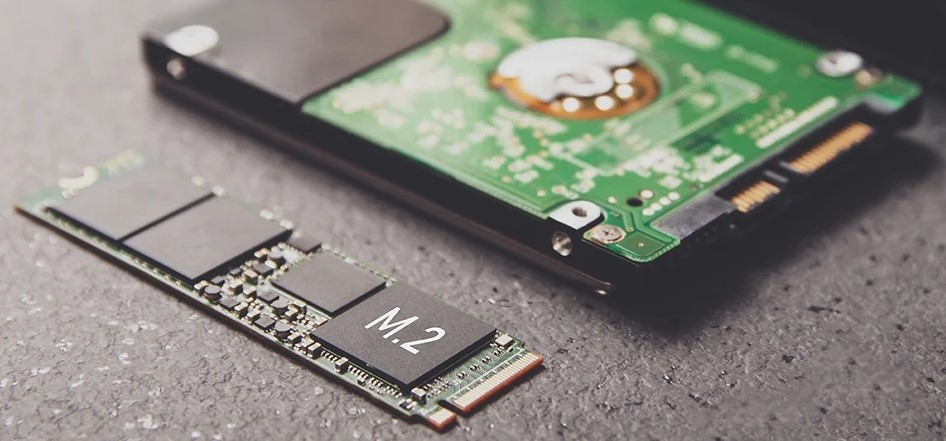
Your laptop’s storage affects how fast it starts up, loads apps, and handles files.
What to Know
SSD (Solid State Drive): Fast, reliable and essential in 2026, skip laptops with only HDD.
Capacity Guidelines:
256 GB: Light use, cloud-heavy workflows
512 GB: Great all-round balance for most users
1 TB+: Large media libraries, large projects
What We Recommend
Students and everyday users: 512 GB SSD
Creators and pros: 1 TB SSD or more
Tip: Some laptops let you add an extra SSD or use microSD cards to expand storage cheaply.
4. Display - What You See Matters
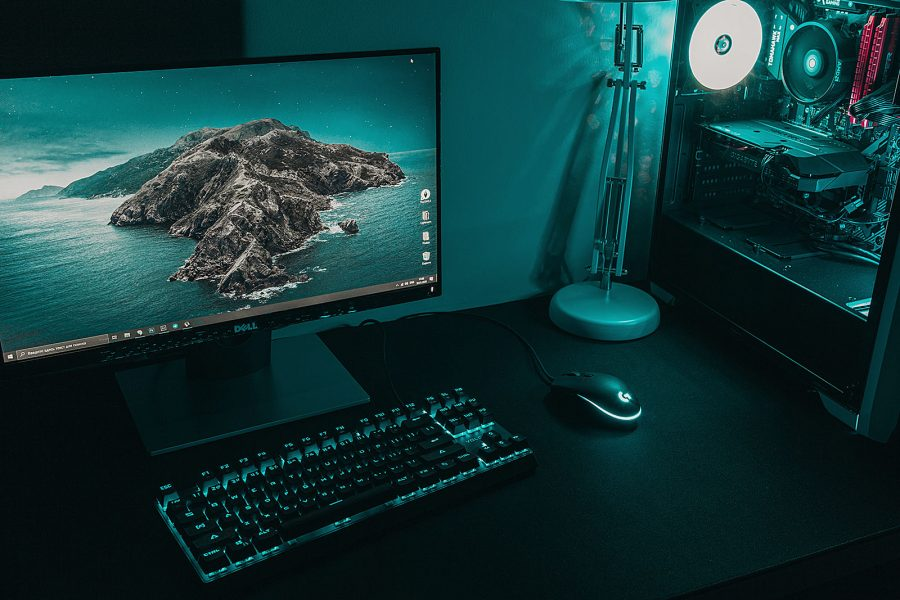
The screen is what you’ll look at all day, so choose one that’s bright, sharp, and pleasant to use.
Key Specs to Pay Attention To
Resolution:
Full HD (1920x1080): Standard and budget-friendly
QHD / 2K: Sharper text and more workspace
4K: Best for creative work and media, but uses more battery
Panel Type:
IPS / OLED: Great colours and wide viewing angles
OLED: Best contrast and colour for media and creation
Refresh Rate:
60 Hz: Standard for everyday use
120 Hz+: Smoother visuals for gaming and motion
What We Recommend
Students and office work: Full HD or QHD IPS
Design and video work: OLED or QHD+
Gaming: QHD with high refresh rate (120 Hz+)
Tip: If you work outdoors often, choose a display with good brightness (300–500 nits or more).
5. Battery Life - Go All Day Without a Plug
Battery life is especially important for students, travelers, and remote workers.
What to Know
Battery life depends on efficiency of hardware, software optimisation, and display type.
Manufacturers often report “up to” figures so look for real-world reviews for accurate expectations.
What We Recommend
8+ hours: Minimum target for most students and professionals
10+ hours: Ideal for full days without charging
Tip: OLED panels can use more battery in bright scenes. QHD or Full HD displays often offer better endurance.
6. Graphics - Power Behind the Pixels

Integrated vs Dedicated
Integrated Graphics: Good for everyday tasks, video streaming, light creative work (Intel Xe, AMD Radeon, Apple GPU).
Dedicated GPU: Nvidia or AMD discrete graphics help with video editing, 3D work, and gaming.
What We Recommend
Everyday and productivity: Integrated graphics (good enough!).
Creators or gamers: Dedicated GPUs (e.g., Nvidia RTX 40/50 series, AMD Radeon).
Tip: If you don’t game, focus more on CPU and battery than GPU.
7. Build Quality, Keyboard, and Portability
These elements improve day-to-day comfort.
What to Check
Weight:
<1.4 kg: Ultraportable
1.4–1.8 kg: Balanced for mobility
Keyboard:
Comfortable key travel and spacing from brands such as Lenovo and Apple make typing easier.
Chassis:
Metal unibody feels more premium and durable than plastic.
What We Recommend
Students: 1.2–1.6 kg for comfortable carrying
Professionals: Lightweight but solid build for travel and meetings
Tip: A backlit keyboard helps in low-light classrooms or late-night work sessions.
8. Connectivity - How You Plug In
Today’s laptops should give you enough ports for peripherals.
Must-Have Ports
USB-C / Thunderbolt: Fast data, power delivery, and external displays
USB-A: For legacy devices and accessories
HDMI or DisplayPort: To connect monitors quickly
SD Card Slot (optional): Handy for creators
Wireless Connectivity
Wi-Fi 6E / 7: Faster, more reliable wireless
Bluetooth 5.x: For accessories
Tip: If you need many ports, check for Thunderbolt docks or USB-C hubs.
9. Software and Warranty

Operating Systems
Windows: Versatile and wide software support
macOS: Optimised for creative workflows and long updates
ChromeOS: Great for cloud-centric workflows and long battery life
Warranty
Standard 1-year is common; consider extended warranties if you travel often.
10. Price vs Value - How to Spend Smart

Here’s a rough guideline for different needs:
Entry Productivity ( €500 to €700):
• Students, email, browsing, streaming
• Focus on: Battery, lightweight, reliable CPU (Intel Core i3/Ryzen 3 or better)
Balanced Performance ( €700 to €1000):
• Professionals, multitaskers, light creative use
• Focus on: 16 GB RAM, SSD storage, good display
High Performance ( €1000+):
• Creators, developers, heavy workflows
• Focus on: CPU power, OLED or QHD display, strong cooling
Final Thoughts
In 2026, picking the right laptop means balancing power, portability, battery life, and price and now you know which specs really matter. Whether you’re in school, launching your professional journey, or creating your next big project, focusing on the right components ensures you get a machine that feels fast, lasts all day, and grows with your needs